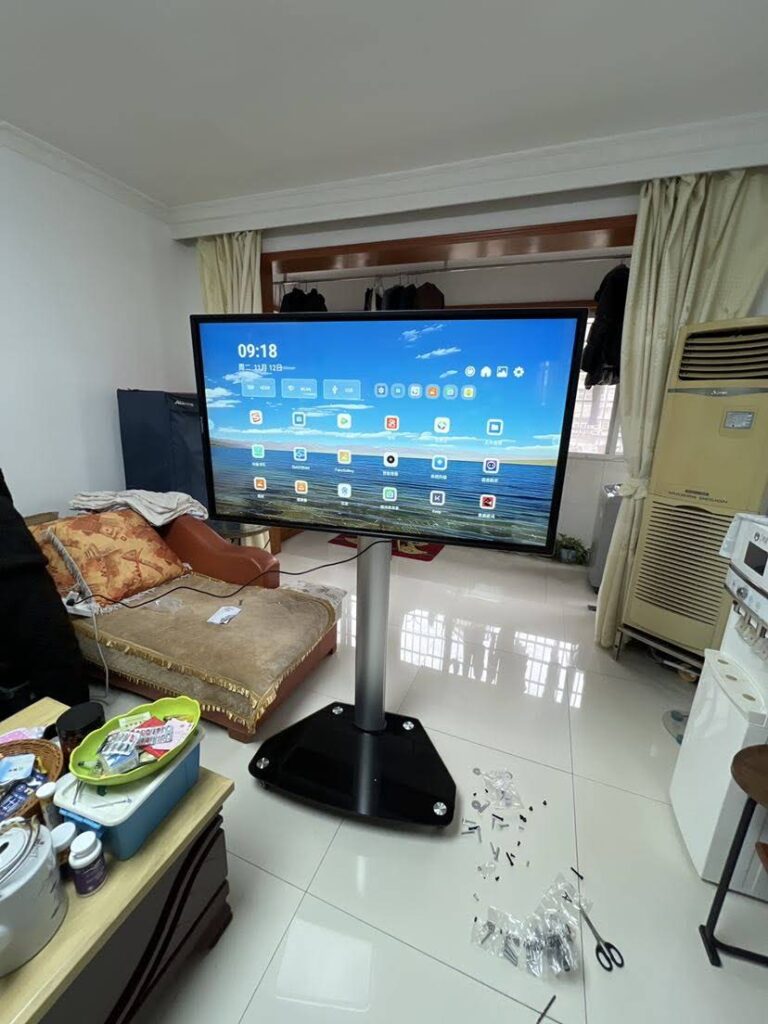
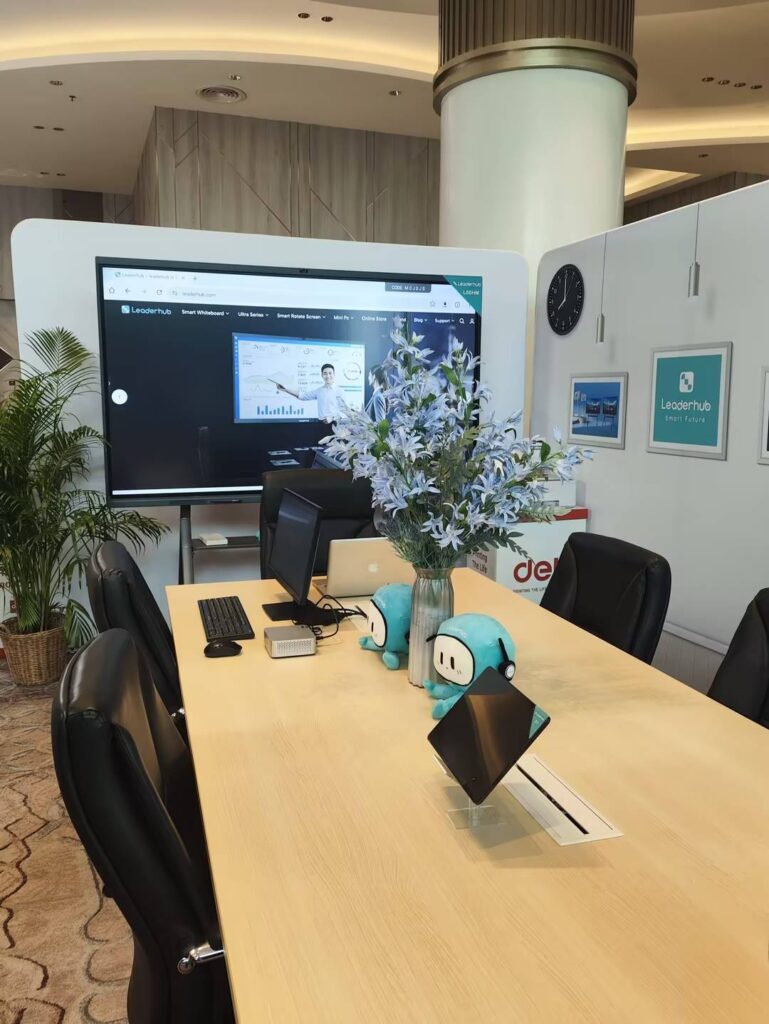
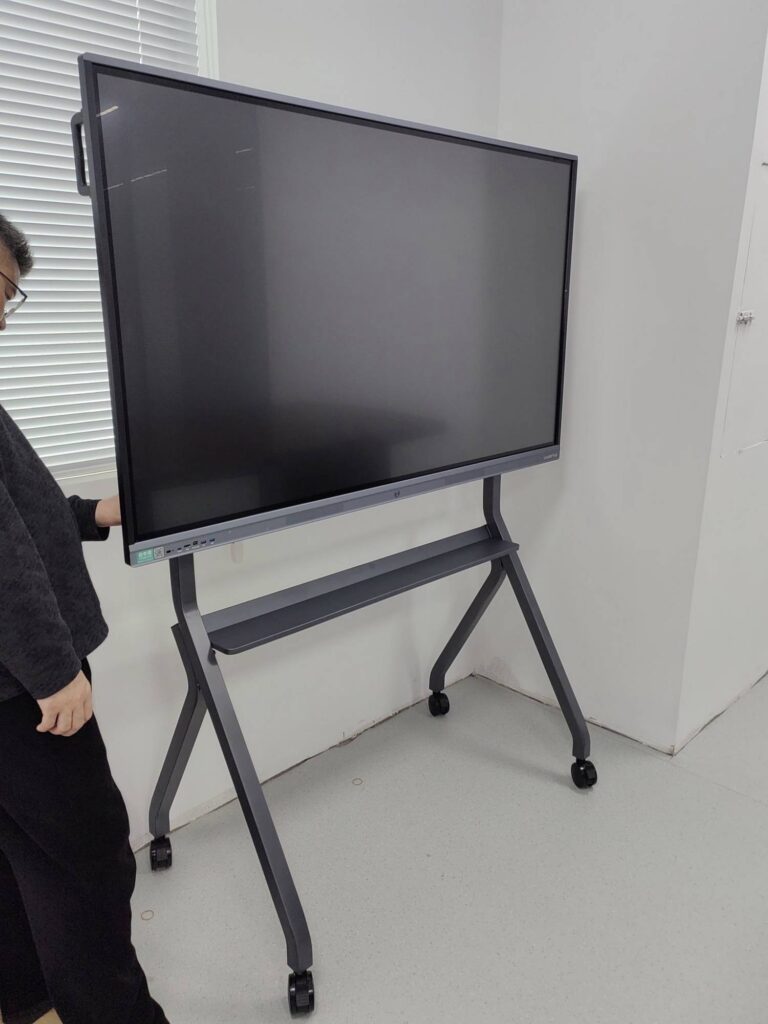
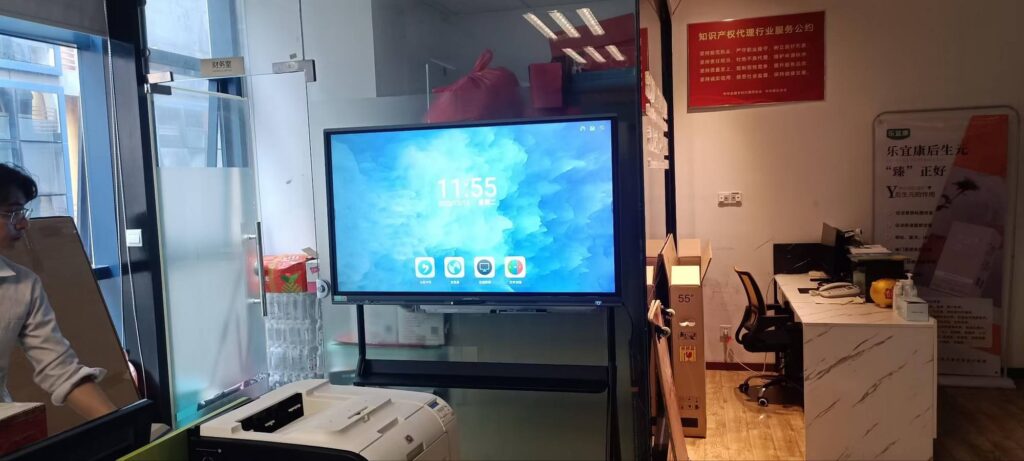
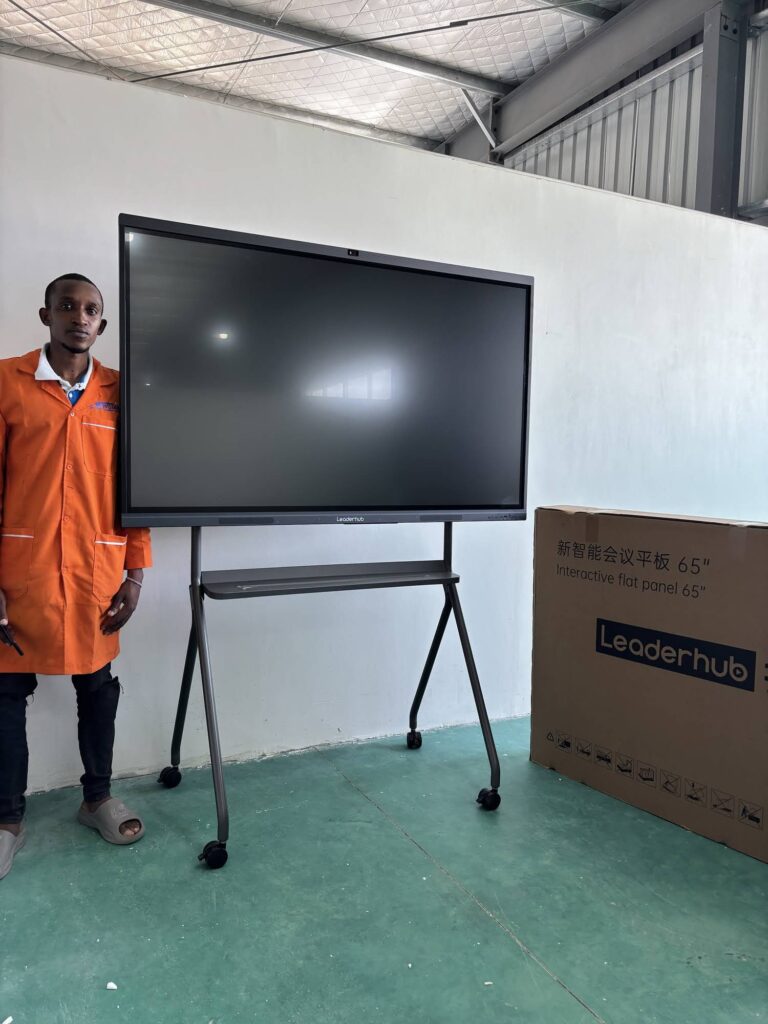
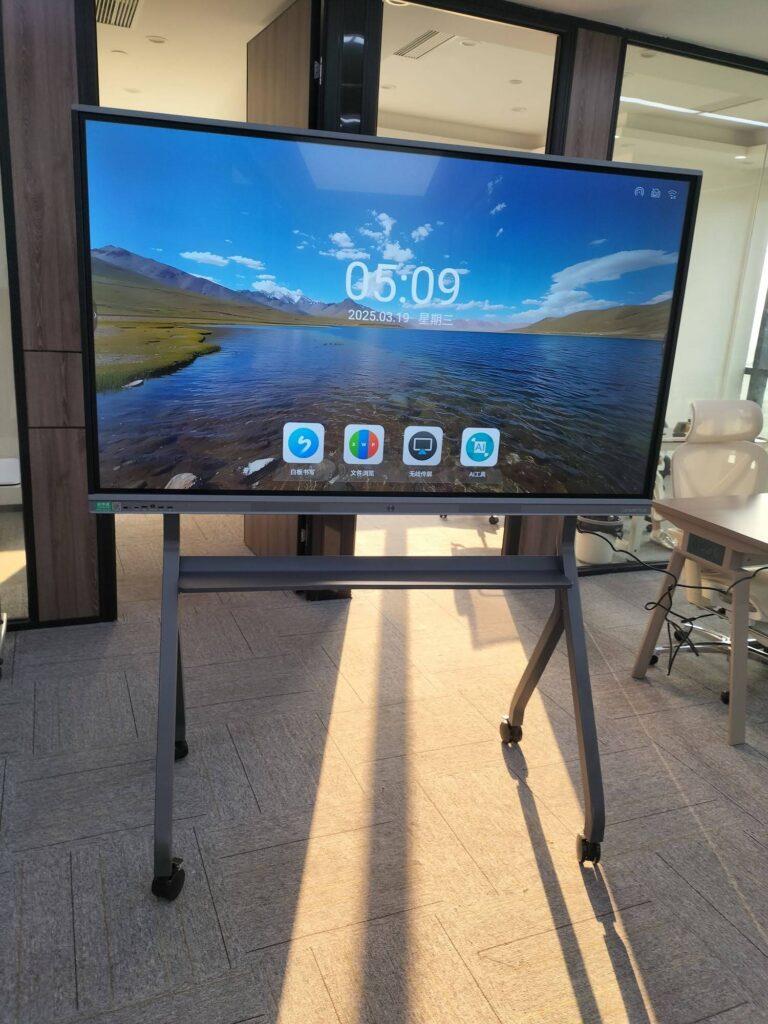
Walk into a modern classroom or boardroom and you will probably see a large touchscreen where a dusty whiteboard or flickering projector used to hang. That shift is not a passing trend. If you have ever asked why use a smart board instead of sticking with markers, flip charts, or a projector, the short answer is that a smart board turns passive presentations into active, two-way collaboration — and it does so while replacing several pieces of hardware at once.
In this guide we break down the ten most important benefits of a smart board, compare it with traditional alternatives, and explain how teachers, trainers, and business teams can choose the right size and configuration for their space.

What Is a Smart Board?
A smart board — also called an interactive whiteboard, interactive flat panel (IFP), or interactive display — is a large 4K touchscreen that combines the functions of a display, a whiteboard, a computer, a conferencing system, and a sound system in a single device. Users write with a finger or stylus, open apps directly on the panel, cast content wirelessly from laptops and phones, and save everything digitally in seconds.
Most current interactive smart whiteboards run Android for everyday whiteboarding and can be upgraded with a Windows mini PC or OPS module for full desktop software. Sizes typically range from 55 inches for huddle rooms to 110 inches for lecture halls.
10 Key Benefits of Using a Smart Board
1. Higher Engagement and Participation
The most frequently cited reason educators give for adopting a smart board is engagement. When students can walk up to the screen, drag objects, annotate a diagram, or solve a problem in front of their peers, the lesson stops being a lecture and becomes an activity. The same psychology applies in meetings — people who can touch and change the content on screen contribute more than people who just watch a slide deck.
Independent research supports this. The EEF Digital Technology Guidance notes that technology delivers the strongest learning gains when it is used to increase interaction and feedback rather than simply to present information — exactly the kind of use a touch-enabled display is built for.
2. Multi-Touch Collaboration for Groups
Traditional whiteboards allow one person to write at a time. A smart board with 20- or 40-point multi-touch lets several students or colleagues work on the screen simultaneously — splitting the canvas, sorting items, or sketching ideas side by side. For group projects, design sprints, and brainstorming sessions, this is a genuine change in how teams work rather than a cosmetic upgrade.
3. One Device Replaces Five
Ask any IT manager what they dislike about a conventional classroom or meeting room and you will hear about tangled cables, projector bulbs, separate speakers, a dedicated PC, and a webcam clipped to the wall. A smart board consolidates all of that:
- 4K display with anti-glare glass — no projector, no dimmed lights
- Built-in Android system for whiteboarding and apps
- Optional mini PC or OPS slot for Windows software
- Integrated speakers, microphone array, and often a camera
- Wireless casting receiver for laptops, tablets, and phones
Fewer devices mean fewer failure points, faster setup, and a cleaner room.
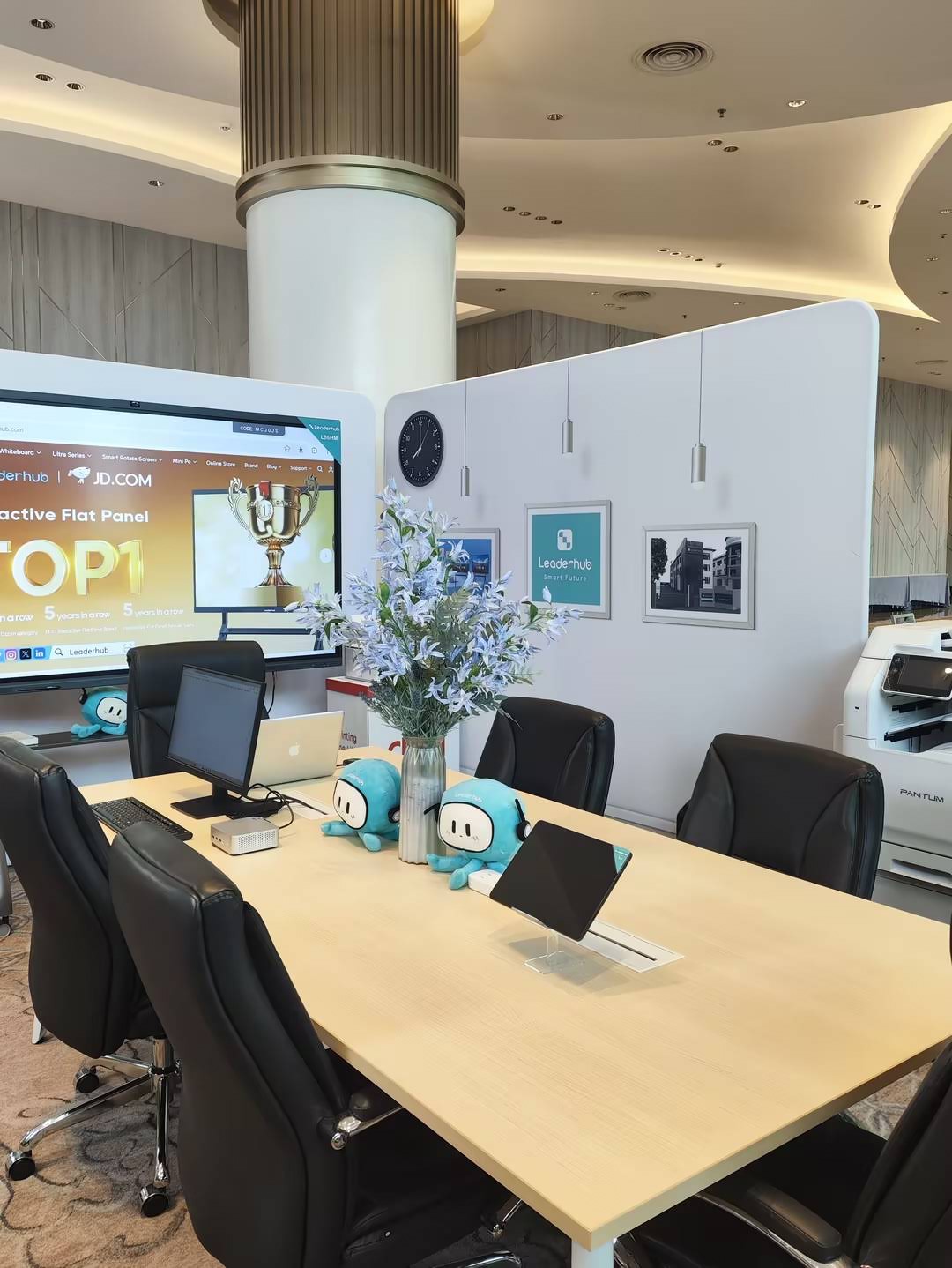
4. Save and Share Notes Instantly
Everything written on a smart board can be saved as an image or PDF, emailed, pushed to cloud storage, or shared with a QR code before anyone leaves the room. Teachers can send the full lesson to absent students; meeting hosts can distribute decisions and action items without retyping. The phrase “take a photo of the whiteboard before it gets erased” disappears from your vocabulary.
5. Wireless Screen Sharing From Any Device
Modern panels support Miracast, AirPlay, Google Cast, and dedicated casting apps, so a presenter can mirror a Windows laptop, MacBook, iPad, or Android phone in a few taps. Many boards support four or more screens at once, which is ideal for comparing student work or reviewing multiple proposals in a meeting. Two-way touch-back lets the presenter control their laptop from the board itself.
6. Built for Hybrid Learning and Remote Meetings
Hybrid classrooms and distributed teams are now normal. A smart board with an integrated camera and microphone array runs Zoom, Microsoft Teams, or Google Meet natively, so remote participants see both the presenter and the live whiteboard. The EU Blended Learning Guidance specifically highlights the need for classroom equipment that supports both in-person and remote learners at the same time — a requirement that a single interactive display meets out of the box.
7. Multi-Sensory and Accessible Learning
Learners absorb information differently. A smart board lets a teacher switch between text, video, audio, animation, and hands-on manipulation within a single lesson. Features such as screen magnification, adjustable contrast, handwriting-to-text conversion, and text-to-speech support students with visual, motor, or reading challenges. Height-adjustable mobile stands make the screen reachable for younger children and wheelchair users.
8. Saves Preparation and Meeting Time
Lesson templates, digital rulers and protractors, timers, voting tools, and pre-loaded resources mean teachers spend less time drawing grids and more time teaching. In business settings, AI-assisted features — automatic meeting summaries, shape recognition, and smart search — cut down on the administrative work that follows every meeting. Over a school year or a fiscal year, those minutes add up to days.
9. Lower Total Cost of Ownership
The sticker price of a smart board is higher than a whiteboard, but the long-term picture is different. There are no projector lamps to replace every 2,000 hours, no markers and erasers to restock, no separate PC licenses, and no dimmed rooms that tire eyes. Panels are rated for 50,000 hours or more of operation and carry commercial warranties. When you compare the five-year cost of a projector-plus-PC-plus-audio setup with a single interactive display, the smart board usually wins.
10. Future-Proof With AI and Modular Upgrades
Because a smart board is essentially a large computer, its capabilities grow with software updates. AI note-taking, real-time translation, voice control, and intelligent content organization are being added to current-generation panels. Hardware is modular too: swapping in a more powerful mini PC gives an existing panel a new processor without replacing the screen. For schools and companies that must justify multi-year budgets, this upgrade path matters.
Smart Board vs. Traditional Whiteboard vs. Projector
The table below summarizes how the three most common front-of-room solutions compare on the factors that matter most to schools and offices.
| Feature | Smart Board | Traditional Whiteboard | Projector + Screen |
|---|---|---|---|
| Interactivity | Multi-touch, multi-user | Marker only | None (or add-on pen) |
| Image quality | 4K, bright, anti-glare | N/A | Washed out in daylight |
| Saving notes | Instant PDF / cloud / QR | Photo with phone | Not possible |
| Remote participants | Built-in camera and conferencing | Separate setup needed | Separate setup needed |
| Consumables | None | Markers, erasers, cleaner | Lamps, filters |
| Typical lifespan | 50,000+ hours | Years, but stains over time | Lamp replaced every 2,000–5,000 hours |
| Room lighting | Lights stay on | Lights stay on | Lights usually dimmed |
Why Use a Smart Board in the Classroom?
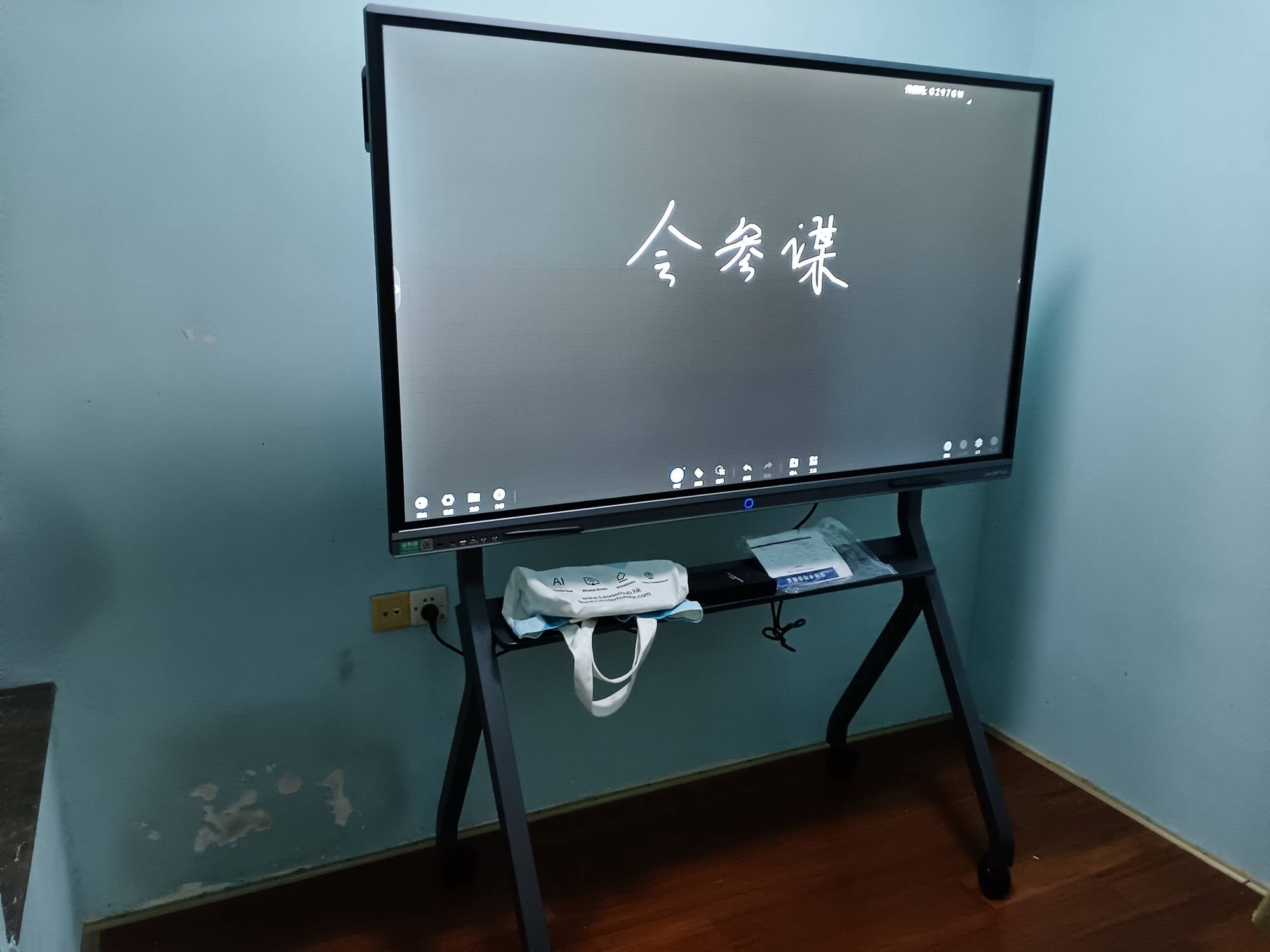
Education is where interactive displays first took hold, and for good reason. Beyond engagement, teachers report three practical advantages that make the daily job easier:
Lessons that adapt in real time
If a concept is not landing, a teacher can pull up a video, a simulation, or a worked example immediately instead of waiting for the next class. Student answers from tablets or phones can be displayed and discussed on the spot.
Continuity for absent students
Saved lessons, including handwritten annotations, can be shared automatically. A student who misses a day gets the same material the class saw, not a summary.
Support for every subject
Math teachers use geometry tools and graphing apps; language teachers use handwriting recognition and pronunciation playback; science teachers annotate over live microscope or document camera feeds. One screen serves every department.
Policy bodies increasingly expect schools to use technology with clear pedagogical intent. The UNESCO Technology in Education Report stresses that devices should be chosen for how they support teaching, not for novelty, and the OECD Digital Teaching Guidance emphasizes teacher training alongside hardware. A smart board with intuitive software and a short learning curve fits both recommendations.
Why Use a Smart Board in Meetings?
In the office, the question is less about engagement and more about speed and clarity. A smart board shortens the gap between “we discussed it” and “we decided it”.
- Walk in and start — no hunting for adapters; cast wirelessly or tap the whiteboard icon.
- Annotate live documents — mark up a contract, a spreadsheet, or a design file directly on screen and save the annotated version.
- Include remote colleagues as equals — a wide-angle camera and beamforming microphones mean remote attendees see and hear the whole room.
- Leave with a record — notes, screenshots, and AI-generated summaries are distributed before the next meeting begins.
- Reuse the room flexibly — the same panel serves as digital signage, a training display, or a video wall between meetings.
For small businesses and sales teams that move between rooms or client sites, a 55-inch mobile 4K smart display on a rolling stand delivers the same capability without a fixed installation. For truly on-the-go presentations, battery-powered portable rotating smart screens bring touch collaboration to a desk, a café table, or a trade show booth.
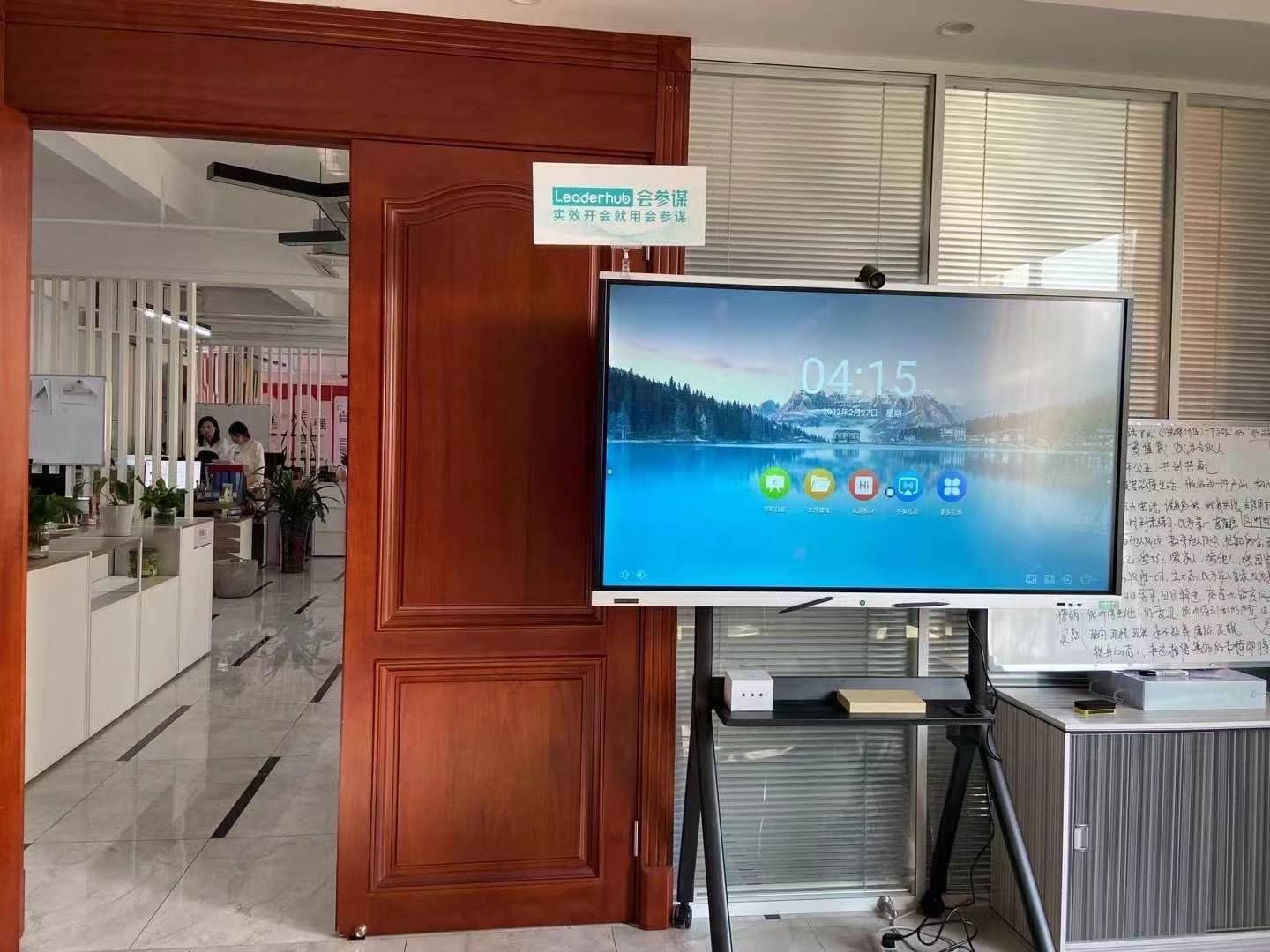
How to Choose the Right Smart Board
Once you have decided to adopt a smart board, size and configuration are the two decisions that most affect satisfaction. The rule of thumb is that the farthest viewer should be no more than roughly six times the screen height away for comfortable reading of standard text.
| Room Type | Recommended Size | Example Model | Starting Price |
|---|---|---|---|
| Huddle room / small office (2–6 people) | 55″–65″ | L65ZM 65″ 4K Smart Panel | $1,099 |
| Standard classroom / meeting room (10–25 people) | 75″ | L75HM 75″ 4K Touchscreen | $1,599 |
| Large classroom / boardroom (25–40 people) | 86″ | L86ZM 86″ 4K Smart Panel | $1,699 |
| Lecture hall / training center (40+ people) | 110″ | L110H 110″ Interactive Flat Panel | $7,999 |
| Mobile / multi-room use | 55″ on wheeled stand | U55Pro Mobile 4K Smart Display | $2,499 |
Other factors worth checking
- Operating system — Android for simplicity; add a Windows mini PC for specialist software.
- Touch technology — infrared is cost-effective and glove-friendly; capacitive gives the smoothest writing.
- Connectivity — look for HDMI, USB-C with power delivery, and front-facing ports.
- Camera and microphones — essential if the room hosts video calls.
- Warranty and support — commercial panels should carry at least a three-year warranty.
If you are specifying displays for a school district, the guide to choosing an interactive display for K-12 from EdTech Magazine offers a useful procurement checklist.
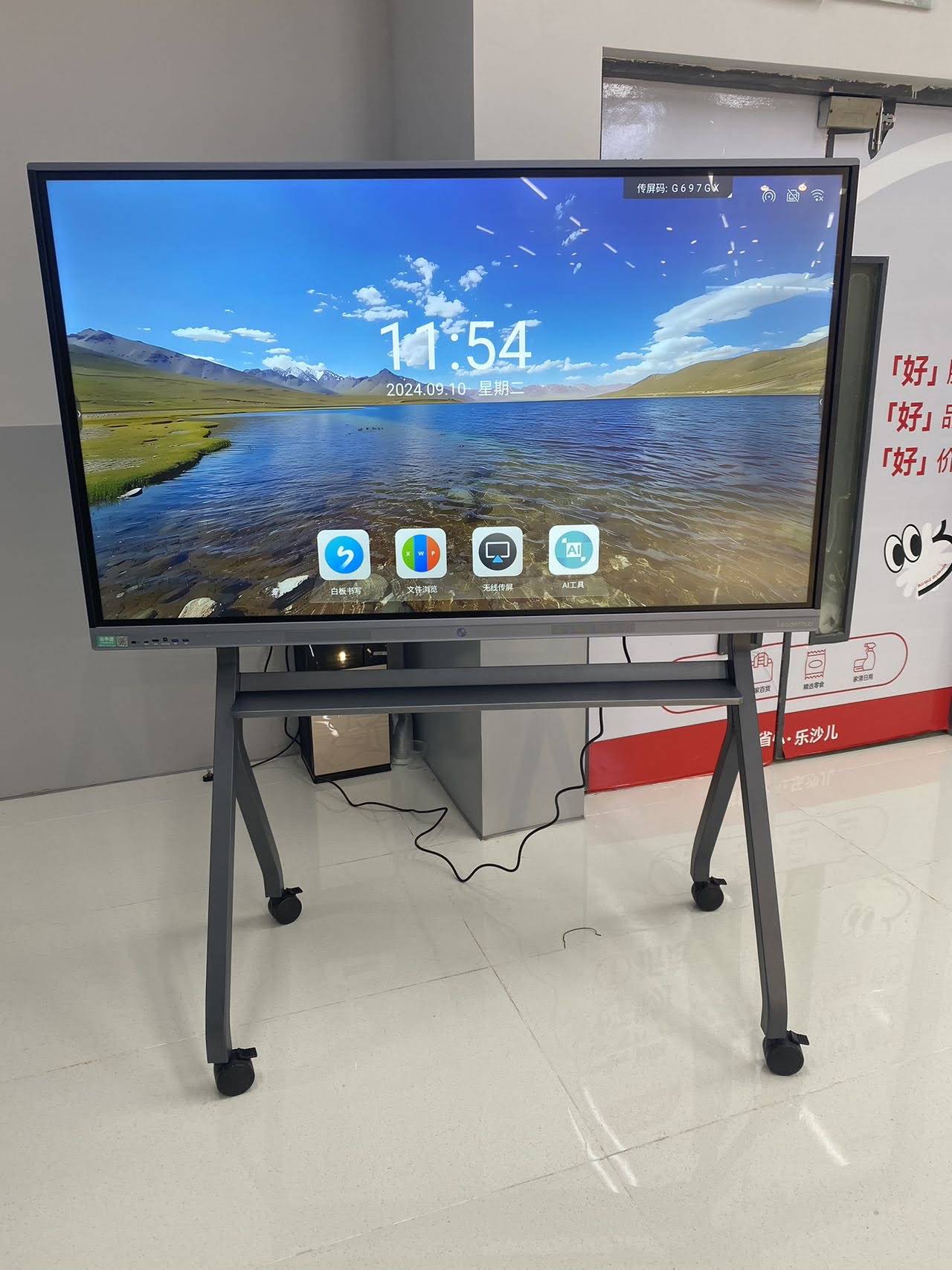
A Manufacturer’s Perspective
LeaderHub is a Shenzhen-based interactive display manufacturer with 16 years of experience and products delivered to 82 countries. The company’s lineup covers smart whiteboards from 55 to 110 inches, Windows mini PCs that slot into existing panels, and battery-powered portable smart screens, with a focus on making interactive technology affordable for schools and small and medium-sized businesses. Education providers, distributors, and system integrators can request a quote or OEM/ODM consultation for volume projects.
Frequently Asked Questions
Is a smart board worth the cost for a small school or business?
For most organizations, yes. Entry-level 65-inch 4K panels now start near $1,100, which is comparable to a quality projector, screen, and audio setup — and the smart board has no recurring lamp or consumable costs.
Do teachers need extensive training to use a smart board?
Basic whiteboarding, casting, and saving notes can be learned in under an hour. Advanced features such as lesson templates and quiz tools typically take a few sessions. Most schools designate a technology lead to support colleagues during the first term.
Can a smart board work without internet?
Yes. Whiteboarding, annotation, local file playback, and wired or wireless casting all function offline. Internet is required only for cloud saving, video conferencing, and online content.
What is the difference between a smart board and a large touchscreen TV?
A smart board is built for commercial use: anti-glare tempered glass, higher brightness, precise low-latency stylus input, multi-user touch, built-in whiteboard software, and longer-rated operating hours. Consumer touch TVs lack most of these features and are not warrantied for all-day institutional use.
How long does a smart board last?
Commercial panels are typically rated for 50,000 hours of use, which translates to roughly 10–15 years in a classroom or office environment.
Final Thoughts
So, why use a smart board? Because it does what a whiteboard, projector, PC, speakers, and camera do — in one device — while adding touch interaction, instant sharing, hybrid connectivity, and a software roadmap that keeps improving. For classrooms, the result is more engaged students and less wasted preparation time. For meetings, it is faster decisions and a clear record of what was agreed.
Whether you are outfitting a single huddle room or an entire campus, start by matching screen size to room size, decide whether you need Windows alongside Android, and explore the full range of interactive displays to find a model that fits both your space and your budget.