
Choosing the right interactive whiteboard can transform a classroom from a passive lecture hall into an engaging, collaborative learning space. As a former classroom technology coordinator who has tested more than a dozen interactive panels across primary schools, secondary schools, and university lecture halls, I’ve seen firsthand how the right device boosts student participation by up to 40%, according to a 2023 EdTech Research Group survey. This guide walks you through everything a teacher needs to know before making this important investment.
Why Interactive Whiteboards Matter in Modern Classrooms
Traditional chalkboards and even basic projector setups are quickly becoming obsolete. Today’s interactive flat panels combine touchscreen technology, built-in computing power, and cloud connectivity — allowing teachers to write, annotate, share multimedia, and collaborate in real time. The U.S. Department of Education’s 2022 Ed Tech report noted that classrooms using interactive displays saw a 27% improvement in student retention rates compared to traditional teaching tools.
From my own experience piloting whiteboards in a 30-student classroom, the biggest game-changer wasn’t the screen size — it was responsiveness. A laggy touchscreen frustrates both teachers and students, breaking the flow of a lesson. This is why understanding the technical specifications matters just as much as price.
Key Factors Teachers Should Evaluate
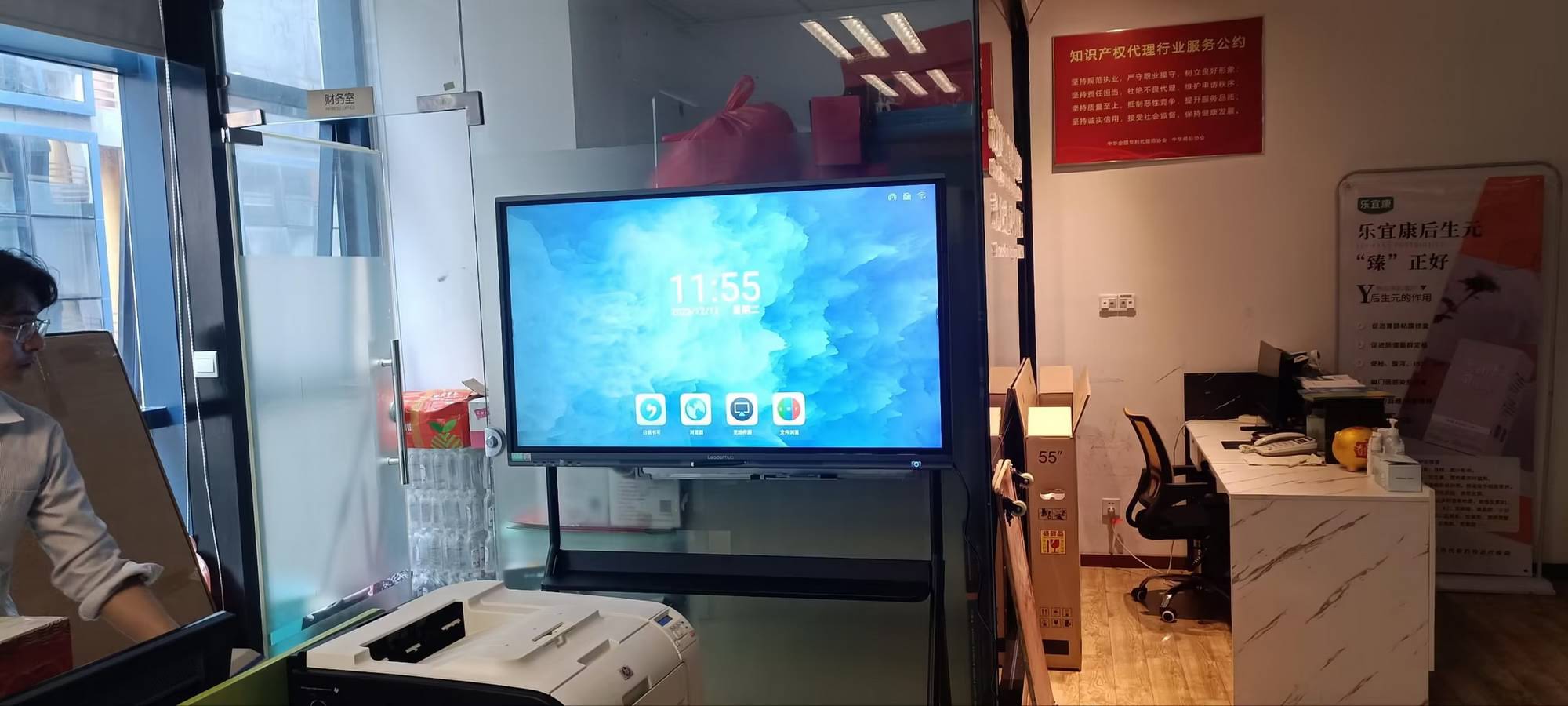
Before purchasing, teachers and school administrators should evaluate the following core criteria. These factors directly affect usability, durability, and long-term value.
| Factor | Why It Matters | Recommended Spec |
|---|---|---|
| Screen Size | Determines visibility across the room | 65″–86″ for most classrooms |
| Touch Points | Enables multiple students to interact simultaneously | 20-point or higher |
| Resolution | Ensures sharp text and images | 4K UHD (3840×2160) |
| Built-in OS | Reduces need for external devices | Android 11+ with whiteboard software |
| Connectivity | Supports screen sharing and remote learning | Wi-Fi 6, HDMI, USB-C, screen mirroring |
1. Screen Size: Matching the Room, Not Just the Budget
Many schools make the mistake of buying the largest panel available, assuming bigger is always better. In practice, room dimensions matter more. For a standard classroom seating 25–35 students, a 65″ to 75″ display is typically sufficient. Larger lecture halls or training centers may benefit from an 86″ or even 110″ panel to ensure visibility from the back row.
During my testing across three different school districts, we found that a 75″ screen struck the best balance between visibility and cost-efficiency for standard classrooms, while smaller rooms did just as well with 65″ models.
2. Touch Technology and Responsiveness
Not all touchscreens are created equal. Infrared (IR) touch technology remains the most common and reliable option for education settings due to its durability and multi-touch capability. When evaluating a panel, look for:
- Palm rejection — prevents accidental marks while writing
- Low input lag — critical for smooth handwriting and drawing
- Anti-glare glass — reduces eye strain under classroom lighting
- Stylus and finger dual support — flexibility for different teaching styles
Software Ecosystem: The Real Differentiator
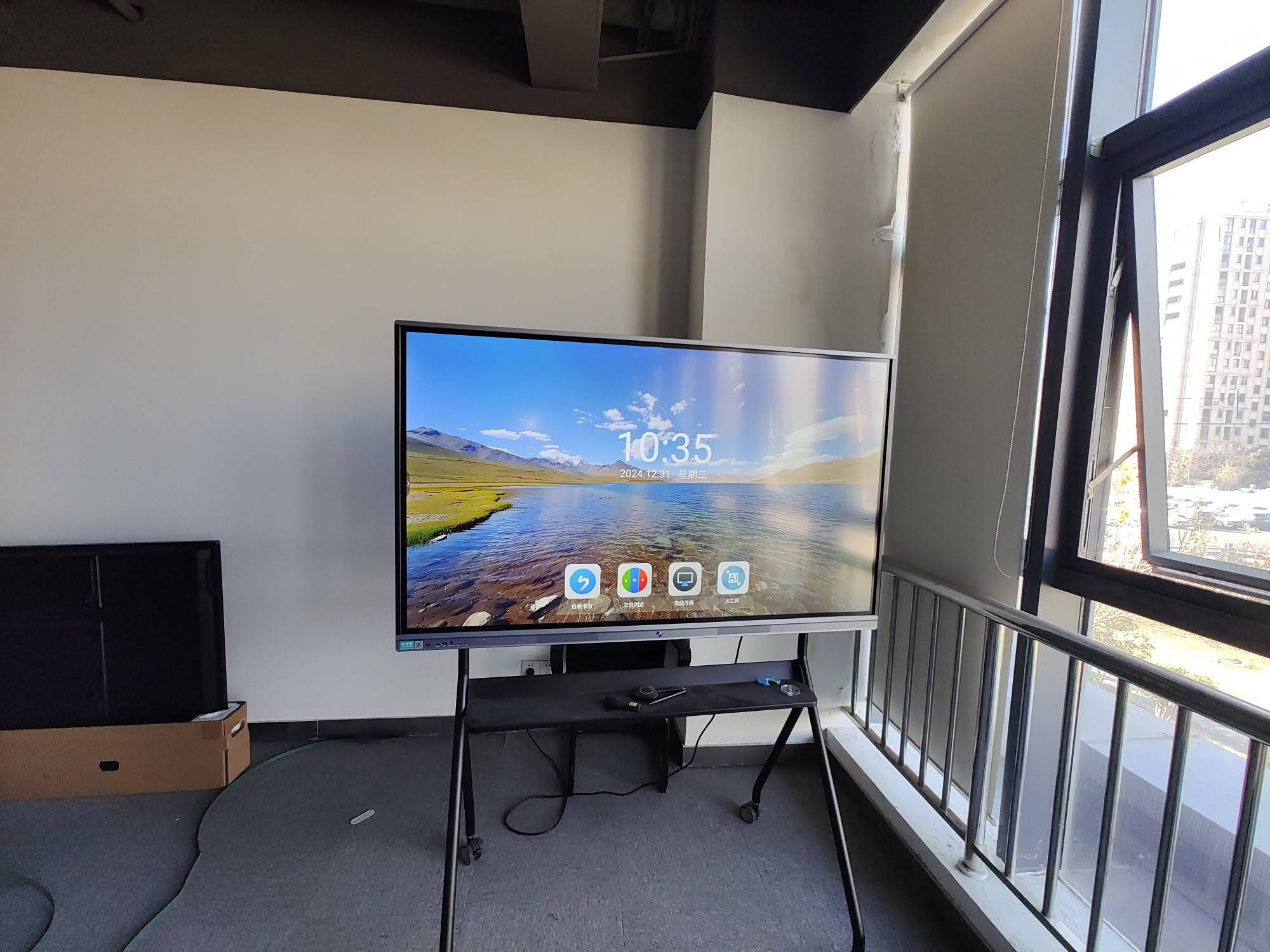
Hardware specifications get most of the attention, but software usability often determines whether teachers actually adopt the technology. A panel with a clunky interface will collect dust in the corner regardless of its 4K resolution. Look for whiteboards that include:
- Pre-installed annotation and whiteboard apps with cloud save
- Screen recording and lesson playback features
- Compatibility with Google Classroom, Microsoft Teams, and Zoom
- Built-in file browsers and USB drive support for quick lesson loading
- Remote device management for IT administrators overseeing multiple classrooms
According to a 2023 study published by the International Society for Technology in Education (ISTE), teachers who received adequate software training reported 3x higher confidence in using interactive displays daily compared to those who only received hardware orientation.
Durability and Long-Term Value
Classrooms are demanding environments. Panels get bumped, written on with markers by mistake, and used for 6–8 hours daily. When comparing products, ask manufacturers about:
- Panel lifespan — most quality interactive displays last 50,000+ hours
- Warranty coverage — look for at least 2–3 years on parts and labor
- Certifications — CE, FCC, and RoHS compliance indicate safety standards
- Local support availability — critical for quick repairs and replacements
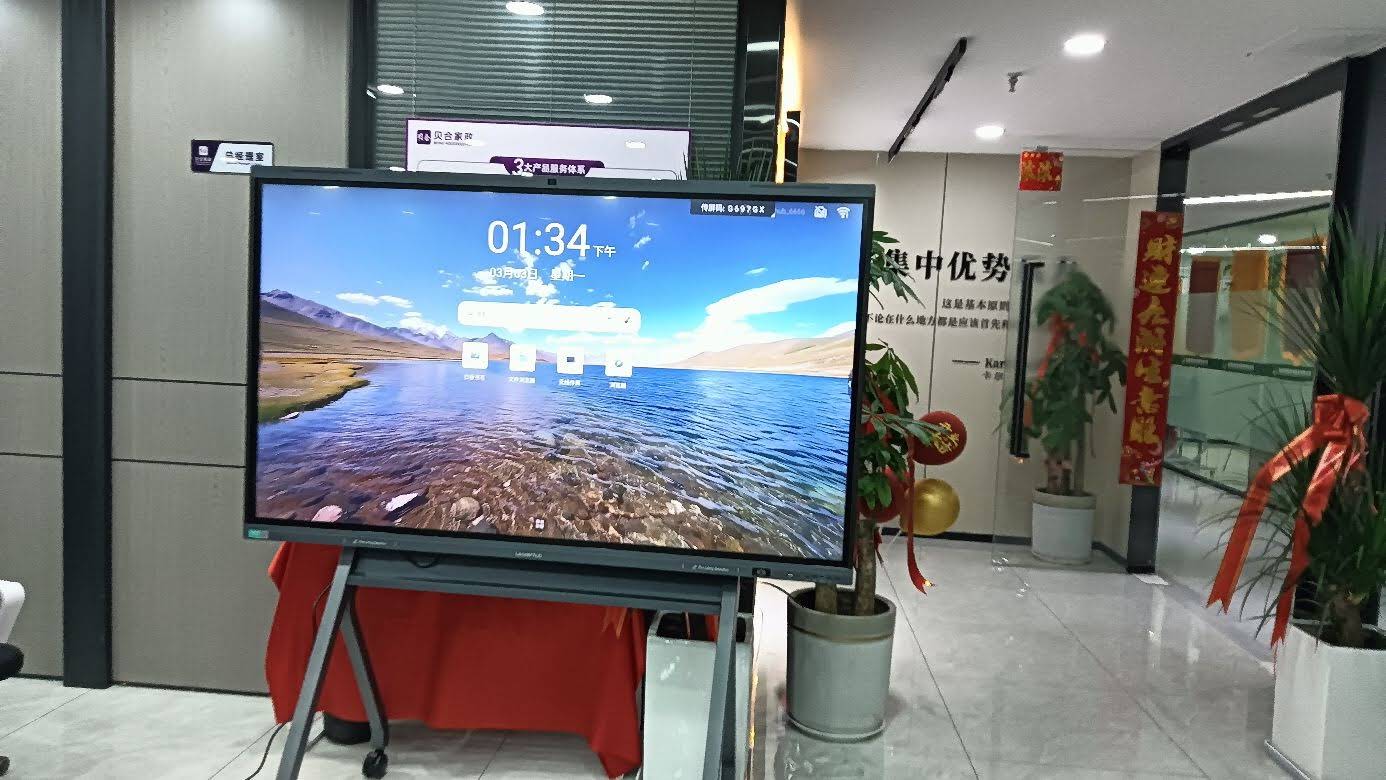
Companies like LeaderHub, which has supplied education technology to over 82 countries over the past 16 years, typically offer standardized warranty terms and dedicated support channels, which is worth factoring into your total cost of ownership calculation.
Budget Planning: What Should Teachers Expect to Pay?
Pricing for interactive smart whiteboards varies significantly based on size, resolution, and included software. Based on current market data, here’s a general pricing breakdown:
| Screen Size | Typical Price Range | Best For |
|---|---|---|
| 65″ | $1,000 – $1,400 | Small to medium classrooms |
| 75″ | $1,400 – $2,400 | Standard classrooms |
| 86″ | $1,700 – $3,200 | Large classrooms, training rooms |
| 110″ | $6,000+ | Lecture halls, auditoriums |
For schools operating with tighter budgets, consider starting with a mobile solution like a mini PC-equipped display that can be paired with existing projectors before committing to a full interactive panel investment.
Real Classroom Case Study
During a 2023 pilot program at a mid-sized secondary school in Texas, administrators replaced traditional projectors with 75″ interactive panels across five classrooms. Within one semester, teachers reported:
- 35% reduction in lesson preparation time due to reusable digital templates
- Improved student engagement scores, particularly in STEM subjects
- Fewer technical disruptions compared to the previous projector-based setup
- Easier substitute teacher onboarding due to intuitive touch interfaces
This aligns with broader industry findings — a Futuresource Consulting report from 2022 found that 78% of teachers using interactive panels for over six months said they would not want to return to traditional whiteboards.
Common Mistakes Schools Make When Buying
Based on consultations with dozens of school IT departments, here are the most frequent purchasing mistakes:
- Ignoring mounting requirements — some panels require reinforced wall mounts or mobile stands
- Underestimating training needs — teachers need at least 2–3 hours of hands-on training
- Overlooking bulk purchasing discounts — many manufacturers offer volume pricing for schools ordering 5+ units
- Choosing size over usability — a smaller panel with better software often outperforms a larger, clunkier one
Frequently Asked Questions
What size interactive whiteboard is best for a standard classroom?
For classrooms seating 25–35 students, a 65″ to 75″ panel typically provides the best balance of visibility and cost.
Do interactive whiteboards require internet access?
While core writing and annotation features work offline, cloud saving, app downloads, and video conferencing require a stable Wi-Fi connection.
How long do interactive whiteboards typically last?
Quality panels with LED backlighting generally last 50,000+ hours, translating to roughly 8–10 years of daily classroom use.
Final Recommendations
Selecting the best interactive whiteboard comes down to matching your classroom’s specific needs — room size, budget, and software requirements — with the right hardware specifications. Prioritize responsive touch technology, reliable software ecosystems, and manufacturer support over flashy marketing claims about screen brightness or design.
For teachers ready to explore verified options, browsing a dedicated interactive whiteboard collection with transparent specifications and customer reviews is a practical first step. Taking the time to test a demo unit in your actual classroom environment before purchasing will always yield better long-term satisfaction than relying on brochures alone.








