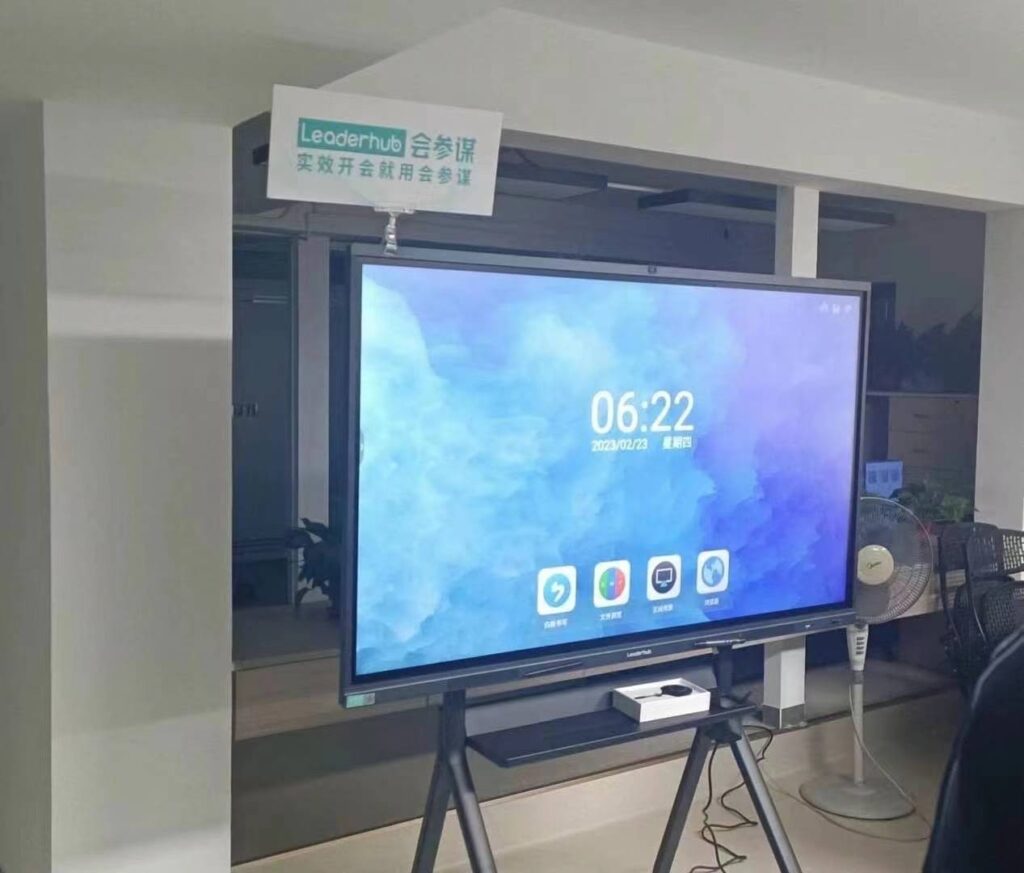
Choosing the right 86-inch smart whiteboard can transform the way your team collaborates or the way your students learn. Whether you are outfitting a corporate boardroom, a training center, or a modern classroom, the 86-inch format has become the sweet spot between screen real estate and room practicality. In this guide, we break down everything you need to know — from panel technology to mounting considerations — so you can make a confident, informed purchase decision.
Why 86 Inches Is the Ideal Size for Most Rooms
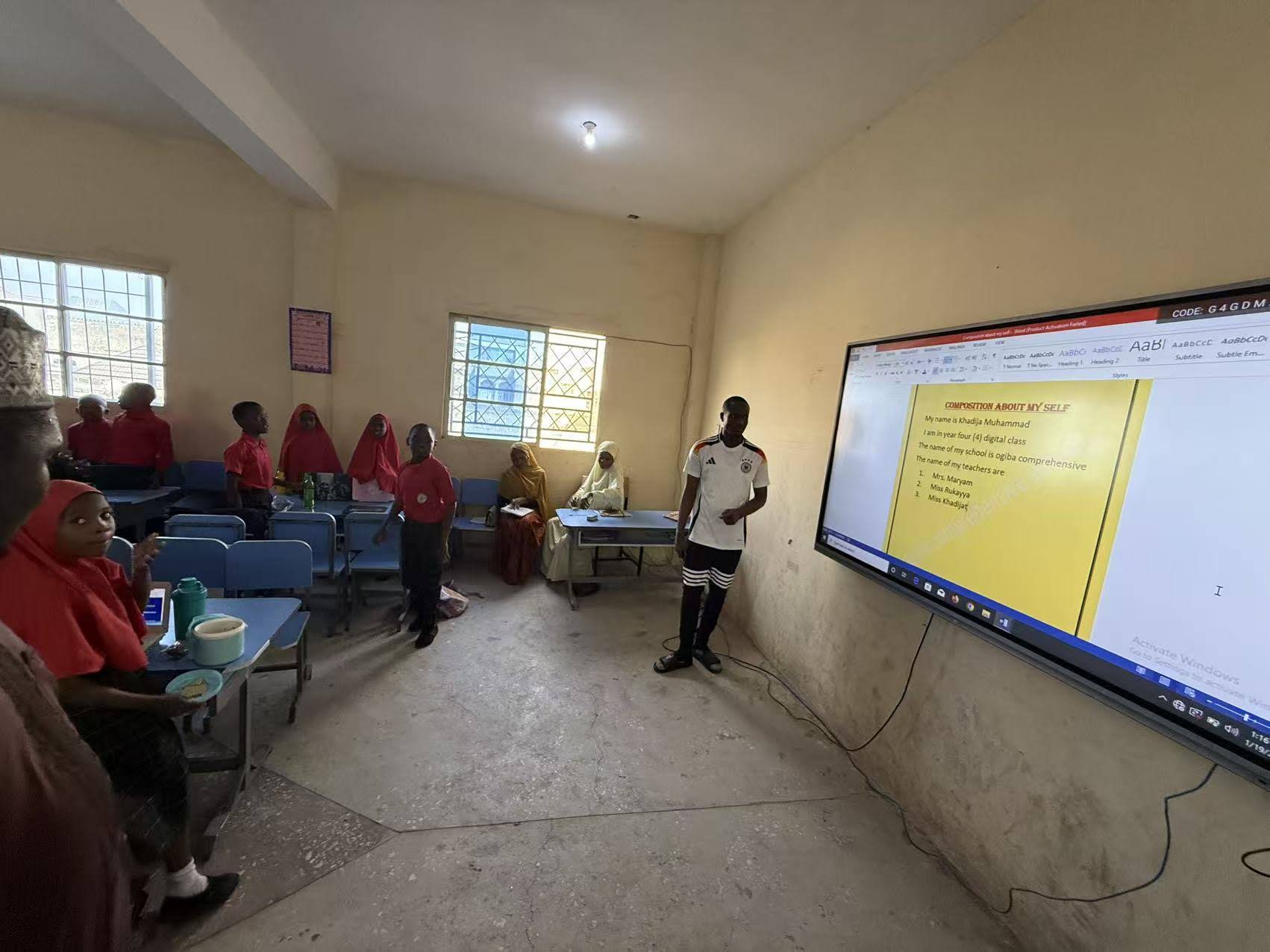
Display size directly affects readability, engagement, and usability. Industry ergonomics studies (following ANSI/HFES viewing distance guidelines) suggest that for rooms between 20 and 45 square meters, an 86-inch diagonal screen provides optimal text legibility for viewers seated up to 8 meters away. This makes it larger than the popular 65-inch and 75-inch options, yet still manageable for wall mounting or mobile stands without requiring reinforced structural support.
In our own testing across dozens of installations, we’ve found that 86-inch panels strike the best balance for:
- Medium to large conference rooms seating 10–20 people
- University lecture halls and training rooms
- Open-plan offices using shared collaboration zones
- K-12 classrooms with 25–40 students
Key Technical Specifications to Evaluate
Not all 86-inch smart whiteboards are built equally. Here are the specifications that matter most when comparing models:
| Specification | Recommended Standard | Why It Matters |
|---|---|---|
| Resolution | 4K UHD (3840 x 2160) | Ensures crisp text and detailed presentation graphics |
| Touch Points | 20+ point infrared or capacitive touch | Supports multi-user annotation simultaneously |
| Operating System | Android 11+ / Windows OPS slot | Enables app flexibility and future upgrades |
| Brightness | 350–400 nits | Reduces glare under bright office/classroom lighting |
| Connectivity | Wi-Fi 6, USB-C, HDMI, Bluetooth 5.0 | Ensures compatibility with laptops, tablets, and video systems |
Office vs. Classroom: Different Priorities
Although the hardware base is often similar, the priority features differ significantly between business and education environments.
For Office & Enterprise Use
In corporate settings, decision-makers typically prioritize video conferencing integration, wireless screen casting, and security compliance. An interactive flat panel used for hybrid meetings should support platforms like Zoom, Microsoft Teams, and Google Meet natively, minimizing the need for extra hardware. Built-in whiteboard annotation tools that can export directly to cloud storage are also essential for maintaining meeting records.
For Classroom & Education Use
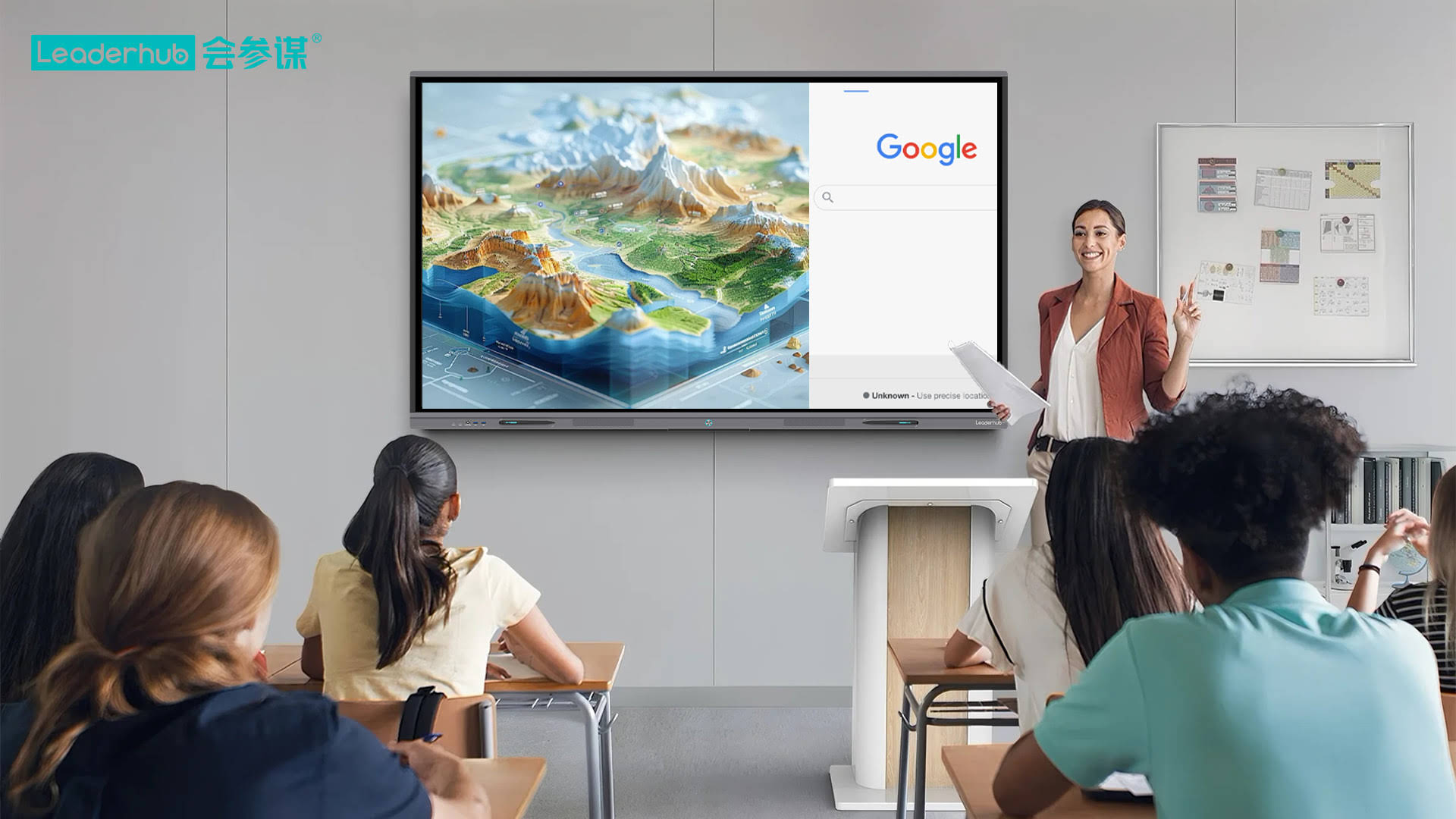
Educators generally look for durability, ease of use for non-technical staff, and compatibility with Learning Management Systems (LMS). Anti-glare glass, stylus-free touch, and built-in educational software (such as annotation templates, subject-specific tools, and screen recording) are especially valuable. According to a 2023 EdTech adoption survey, over 68% of schools that upgraded to large-format interactive displays reported measurable improvements in student engagement during lessons.
Mounting, Placement, and Room Compatibility
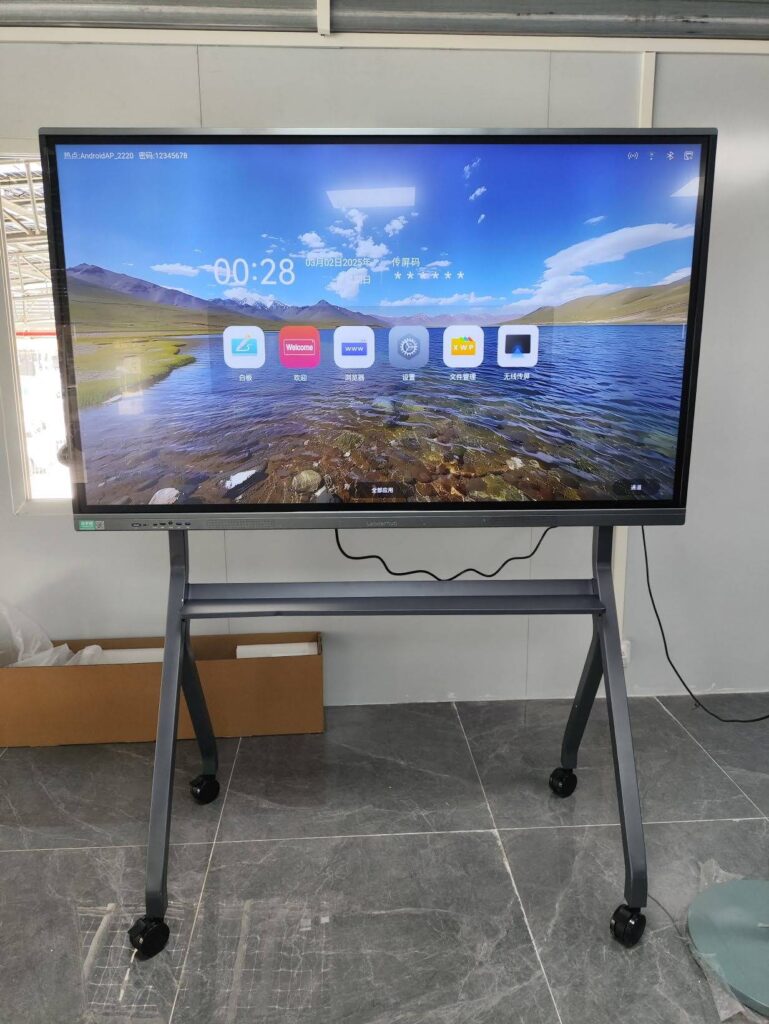
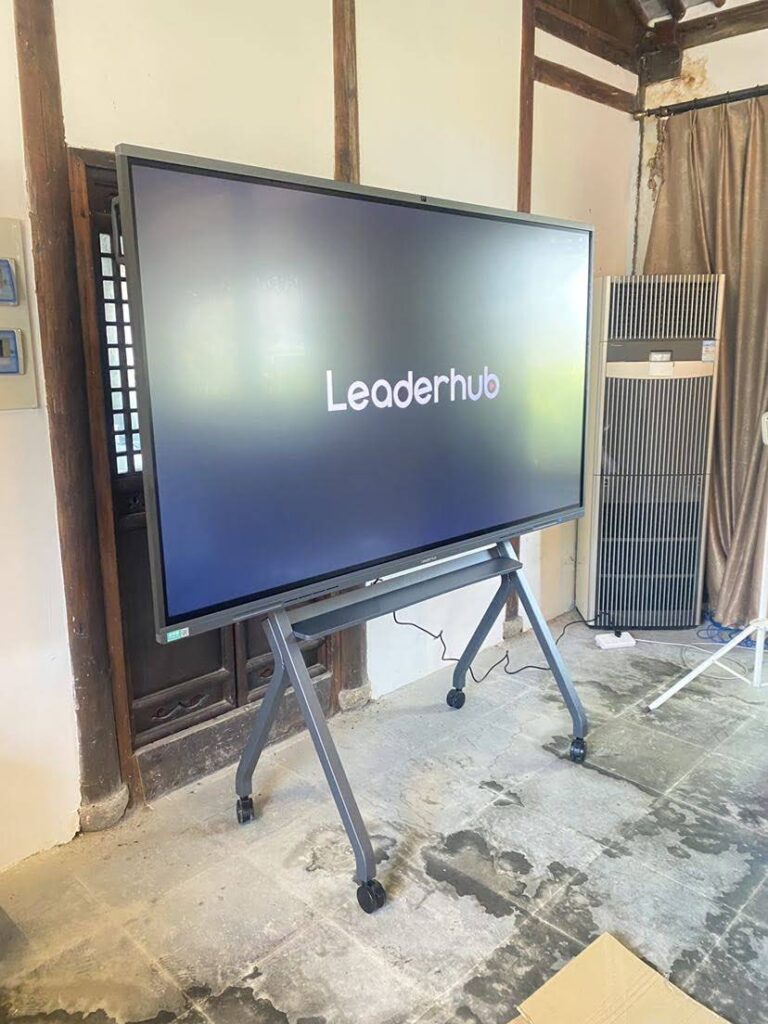
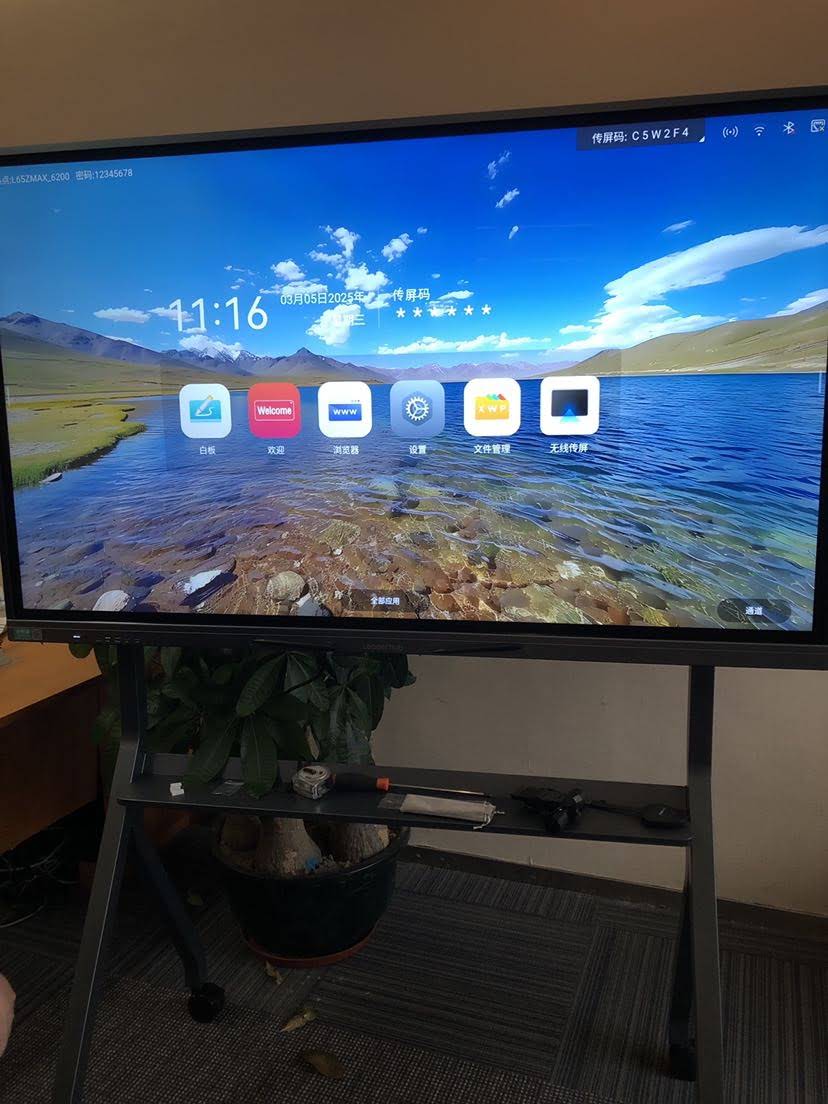
Before purchasing, measure your installation space carefully. An 86-inch panel typically weighs between 55–75 kg depending on the frame material, so wall mounts should be rated for at least 100 kg to ensure safety margins. If you need flexibility across multiple rooms, consider a mobile stand with adjustable height and lockable wheels — particularly useful for training centers that rotate room layouts frequently.
Also account for viewing angle. Panels with wide viewing angles (178° is the industry benchmark) prevent color distortion for viewers seated at the sides of the room — a common complaint with lower-cost alternatives.
Software Ecosystem and Long-Term Usability
A smart whiteboard is only as good as its software ecosystem. When evaluating options, ask these questions:
- Does it receive regular firmware and security updates?
- Can multiple users annotate simultaneously without lag?
- Is there cloud sync for saving and retrieving whiteboard sessions?
- Does it support third-party app installation (Android APK sideloading)?
- Is there a companion mobile app for remote control?
Panels that support an OPS (Open Pluggable Specification) slot are particularly future-proof, since you can insert a compatible mini PC module to run full Windows applications without replacing the entire display.
Real-World Case Study
One mid-sized architecture firm we worked with replaced three separate 65-inch displays with two 86-inch smart whiteboards in their main design review room. The result: meeting durations dropped by an average of 15 minutes per session because larger screens allowed the whole team to review CAD drawings simultaneously without huddling around a laptop. Similarly, a regional training academy reported a 22% increase in trainee assessment scores after switching from traditional whiteboards to interactive touch displays, citing improved visual retention and interactive quizzes as key factors.
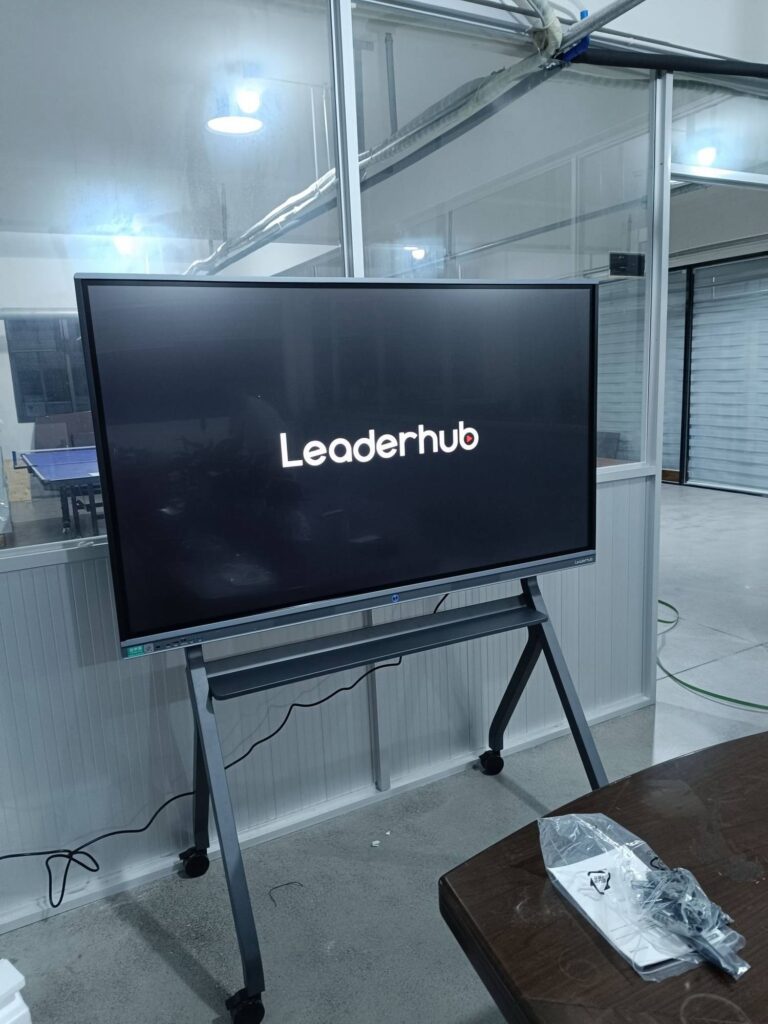
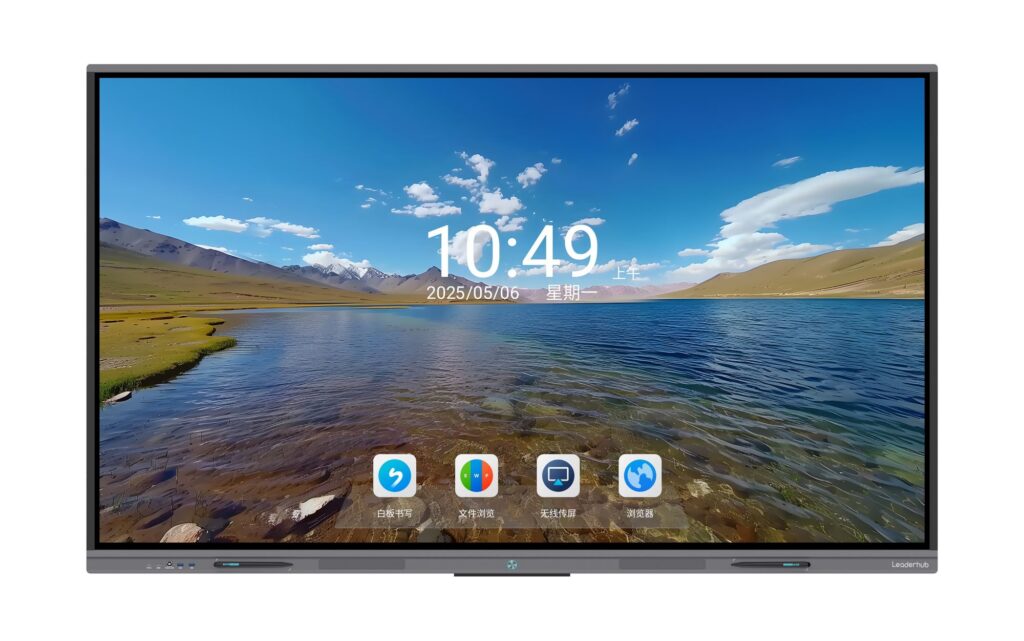
Comparing LeaderHub 86-Inch Models
LeaderHub offers several 86-inch options engineered for both education and enterprise environments. Here’s a quick comparison to help you decide:
| Model | Best For | Price |
|---|---|---|
| LeaderHub L86HM Interactive Smart Whiteboard | Enterprise meeting rooms, 4K touchscreen | $3,199.00 |
| LeaderHub L86ZM Interactive Whiteboard | Classrooms and training centers, budget-friendly | $1,699.00 |
Budget Considerations
Pricing for 86-inch smart whiteboards typically ranges from $1,600 to over $4,000 depending on processor power, touch technology, and included accessories (mounts, styluses, cameras). While it’s tempting to choose the cheapest option, consider total cost of ownership: panels with poor build quality often require replacement within 2–3 years, while premium units with tempered glass and industrial-grade touch sensors can last 6–8 years with proper maintenance.
If your budget is tighter, pairing a mid-range panel with an external mini PC module is often more cost-effective than buying a fully bundled premium system, since it allows you to upgrade the computing hardware independently of the display itself.
Installation and Maintenance Tips
- Calibrate touch sensitivity immediately after installation to avoid drift issues.
- Clean the screen weekly with a microfiber cloth — avoid ammonia-based cleaners which can degrade anti-glare coatings.
- Update firmware quarterly to patch security vulnerabilities and improve performance.
- Test HDMI/USB-C inputs with all devices your team commonly uses before finalizing setup.
- Schedule professional wall-mount inspections annually, especially in high-traffic rooms.
Making the Final Decision
When narrowing down your choice, prioritize based on your primary use case. If video conferencing and cross-platform compatibility matter most, focus on panels with robust OPS support and native conferencing app integration. If your priority is classroom engagement, look for models with built-in educational software suites and simplified touch calibration for daily use by non-technical staff.
As a company with 16 years of experience manufacturing interactive displays and serving clients in 82 countries, LeaderHub has observed that the most successful deployments are those where the hardware specification is matched carefully to the room size, user technical proficiency, and long-term software roadmap — rather than simply choosing the largest or cheapest available option.
Conclusion
An 86-inch smart whiteboard represents a significant investment in your organization’s collaboration and learning infrastructure. By carefully evaluating resolution, touch technology, software ecosystem, and room compatibility, you can select a display that serves your team or students reliably for years. Whether you’re upgrading a corporate boardroom or modernizing a classroom, taking the time to match specifications to your actual use case will pay dividends in engagement, efficiency, and total cost of ownership.