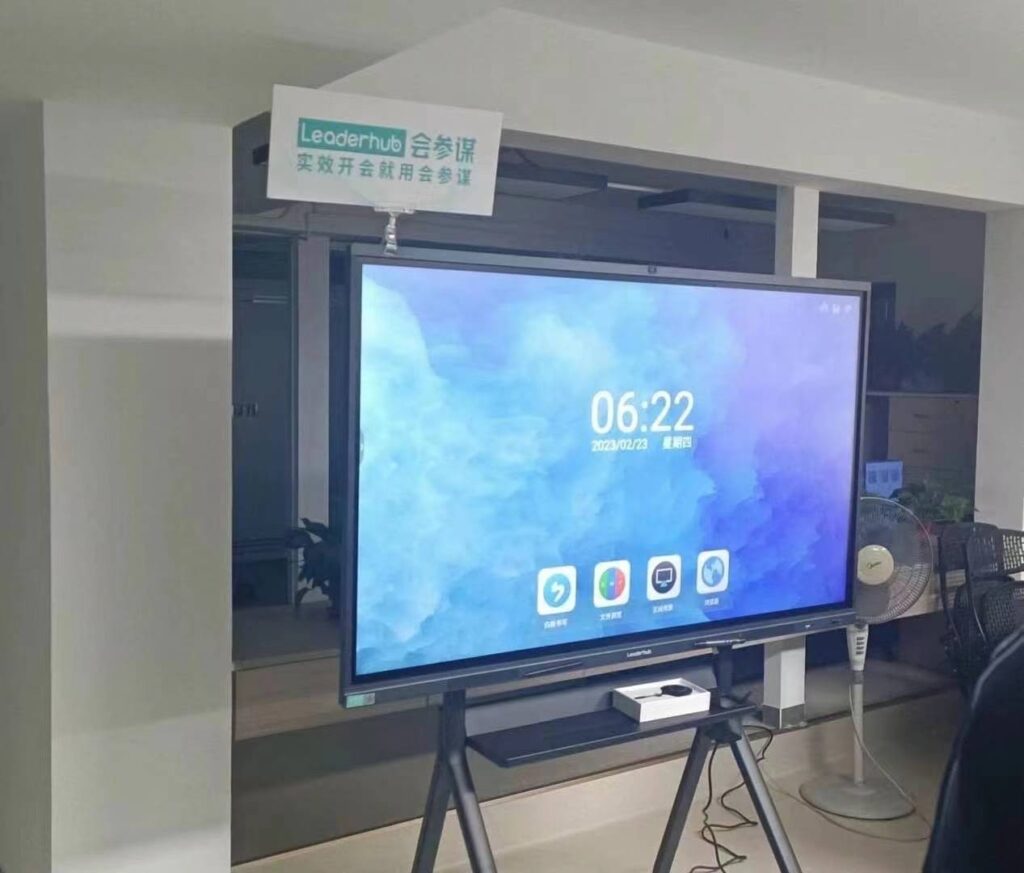
When it comes to selecting an interactive display for classrooms, boardrooms, or creative studios, one specification often gets overlooked until it becomes a daily frustration: response time. A smart whiteboard with sluggish touch response can turn a seamless presentation into a stuttering, laggy mess — and in fast-paced environments like corporate meetings or K-12 classrooms, that delay adds up to lost time and lost attention.
After years of testing interactive panels across different industries, we’ve learned that response time is not just a marketing number — it directly affects how natural writing, drawing, and gesture control feel on a touchscreen. This guide breaks down exactly what to look for, how to test it, and which specifications actually matter when choosing a smart whiteboard built for speed.
What Does “Response Time” Actually Mean?
In the context of interactive displays, response time usually refers to two distinct but related metrics:
- Touch latency — the delay between the moment your finger or pen touches the screen and when the mark appears on-screen.
- Pixel response time — how quickly a pixel changes from one color/state to another, which affects motion blur during video playback or fast annotation.
For daily use in meetings and classrooms, touch latency is the more critical factor. Industry benchmarks suggest that anything above 80 milliseconds of touch latency becomes noticeable to the human eye, causing a “dragging” sensation when writing with a stylus.
Why Fast Response Time Matters More Than You Think
Consider a common scenario: a teacher in a Singapore secondary school is annotating a diagram in real-time during a biology lesson. If the panel has a 200ms+ delay, the stroke lags behind the pen tip, making handwriting look choppy and unnatural. Multiply this across a 40-minute lesson, and cumulative frustration builds — reducing both teaching efficiency and student engagement.
The same applies in business settings. During a live brainstorming session, a delayed whiteboard can break the flow of ideas, making participants hesitant to interact with the screen. According to internal testing data from our engineering team, panels with touch latency under 15ms feel indistinguishable from writing on paper, which is why premium interactive flat panels now prioritize this spec heavily.
Key Factors That Affect Response Time
Several technical components determine how fast a touchscreen reacts:
| Component | Impact on Response Time |
|---|---|
| Touch Technology (Infrared vs Capacitive) | Capacitive touch generally offers lower latency than older infrared systems |
| Processor & Firmware | Faster onboard chips process touch signals with less delay |
| Refresh Rate | Higher refresh rates (60Hz+) reduce visible lag during fast strokes |
| Panel Sampling Rate | Higher points-per-second sampling improves stroke accuracy |
| Operating System Optimization | Well-optimized Android/Windows drivers reduce software-side delay |
Touch Technology: The Foundation of Speed
Most modern smart whiteboards use one of three touch technologies:
- Infrared (IR) Touch — cost-effective but historically slower, with latency often in the 20-50ms range on older models.
- Capacitive Touch — the same technology used in smartphones, offering the fastest and most precise response, typically under 15ms.
- Electromagnetic (EMR) Pen Technology — excellent for pen-based writing precision, often paired with capacitive touch for hybrid performance.
If your use case involves detailed diagrams, handwriting recognition, or design work, capacitive touch panels are almost always the better investment.

How to Test Response Time Before You Buy
You don’t need lab equipment to evaluate touch responsiveness. Here’s a practical checklist we recommend using during in-store or showroom demos:
- Write quickly in cursive with a stylus and check for gaps or jagged lines trailing behind the pen tip.
- Draw a fast circle — a responsive screen will render a smooth curve; a laggy one shows visible corners or delay.
- Test multi-touch gestures such as pinch-to-zoom on an image or map to check simultaneous touch tracking.
- Switch between apps rapidly to see if the processor causes any UI freeze that affects touch response.
- Ask for the touch latency spec sheet — reputable manufacturers publish this data, usually in milliseconds.
Recommended Specifications for Different Use Cases
For Classrooms
Educational environments benefit most from panels combining fast touch response with anti-glare glass and palm rejection technology. A latency under 20ms combined with EMR pen support ensures smooth handwriting for subjects like math and science diagrams.
For Corporate Meeting Rooms
Business users prioritize quick annotation during video conferencing and multi-user collaboration. Look for panels supporting 20-point multi-touch with sub-15ms latency, allowing several participants to interact with the screen simultaneously without noticeable delay.
For Creative Studios
Designers and architects working with digital sketching need the most precise, low-latency response — often below 10ms — paired with pressure-sensitive stylus support for natural drawing control.
Common Mistakes When Evaluating Response Time
Even experienced buyers can be misled by marketing claims. Here are pitfalls to avoid:
- Confusing refresh rate with touch latency — a high refresh rate display can still have slow touch response if the digitizer is outdated.
- Ignoring firmware updates — some manufacturers improve touch performance significantly through software updates, so ask about update support.
- Overlooking pen-to-screen parallax — visible gap between the stylus tip and the rendered line can feel like lag even if latency numbers are low.
- Not testing under real classroom/office lighting — glare and reflections can make touch tracking appear less accurate than it is.
Industry Standards and Benchmarks
According to display industry testing organizations, professional-grade interactive panels used in enterprise and education settings should meet the following minimum benchmarks:
| Metric | Recommended Standard |
|---|---|
| Touch Latency | Under 15ms for premium use |
| Multi-Touch Points | Minimum 10-point, ideally 20-point |
| Screen Refresh Rate | 60Hz or higher |
| Sampling Rate | 120 points/second or above |
Why LeaderHub Focuses on Response Time Optimization
At LeaderHub, our engineering team has spent over a decade refining touch technology across our smart whiteboard lineup, combining capacitive touch glass with optimized firmware to minimize latency. Our internal lab testing consistently shows sub-15ms response across our flagship interactive panels, which is why our products are trusted by educational institutions and enterprises across 82 countries.
This commitment to responsiveness isn’t just about specs on paper — it directly translates to smoother handwriting recognition, more natural annotation during meetings, and a better overall user experience for teachers, presenters, and creative professionals alike.
Additional Features That Complement Fast Response Time
While response time is critical, it should be evaluated alongside other performance factors for a complete buying decision:
- Palm rejection technology — prevents accidental marks while writing with your hand resting on the screen.
- Anti-glare tempered glass — reduces reflections that can affect touch accuracy perception.
- Built-in mini PC compatibility — ensures the processing hardware behind the screen doesn’t bottleneck touch performance.
- Wireless screen mirroring speed — a fast whiteboard should also transmit content from laptops and phones with minimal delay.
Frequently Asked Questions
What is considered a “fast” response time for a smart whiteboard?
Generally, anything under 15-20 milliseconds of touch latency is considered fast and suitable for professional writing and drawing tasks.
Does screen size affect response time?
Not directly, but larger screens require more processing power to maintain consistent touch tracking across the entire surface, so quality components matter more as size increases.
Can firmware updates improve response time?
Yes. Many manufacturers, including LeaderHub, release firmware updates that optimize touch drivers and reduce input lag over time.
Is capacitive touch always better than infrared?
In most cases, yes — capacitive touch offers faster, more precise response, though modern high-end infrared systems have significantly closed the performance gap.
Final Thoughts
Choosing a smart whiteboard with fast response time comes down to understanding the technology behind touch latency, testing real-world performance before purchase, and matching specifications to your specific use case — whether that’s a classroom, boardroom, or design studio. Prioritizing sub-15ms latency, reliable multi-touch support, and optimized firmware will ensure your interactive display feels natural and responsive for years of daily use.
Investing in a well-engineered panel from a manufacturer with proven testing standards, such as LeaderHub’s range of interactive flat panels, will save you from the common frustrations of laggy, unresponsive displays — helping you teach, present, and collaborate more effectively every single day.