When considering upgrading your classroom, conference room, or training space with modern interactive technology, one of the first questions that comes to mind is: how much does a smart board cost? The answer isn’t straightforward, as pricing varies significantly based on screen size, features, brand, and intended use. This comprehensive guide breaks down everything you need to know about smart board pricing, helping you make an informed investment decision.
Understanding Smart Board Price Ranges
Smart board prices typically range from $800 to $10,000 or more, depending on various factors. Entry-level models designed for small meeting rooms or personal use generally start around $800-$1,500, while mid-range options suitable for standard classrooms and conference rooms fall between $2,000-$5,000. Enterprise-grade solutions with advanced features and larger screens can exceed $7,000-$10,000.
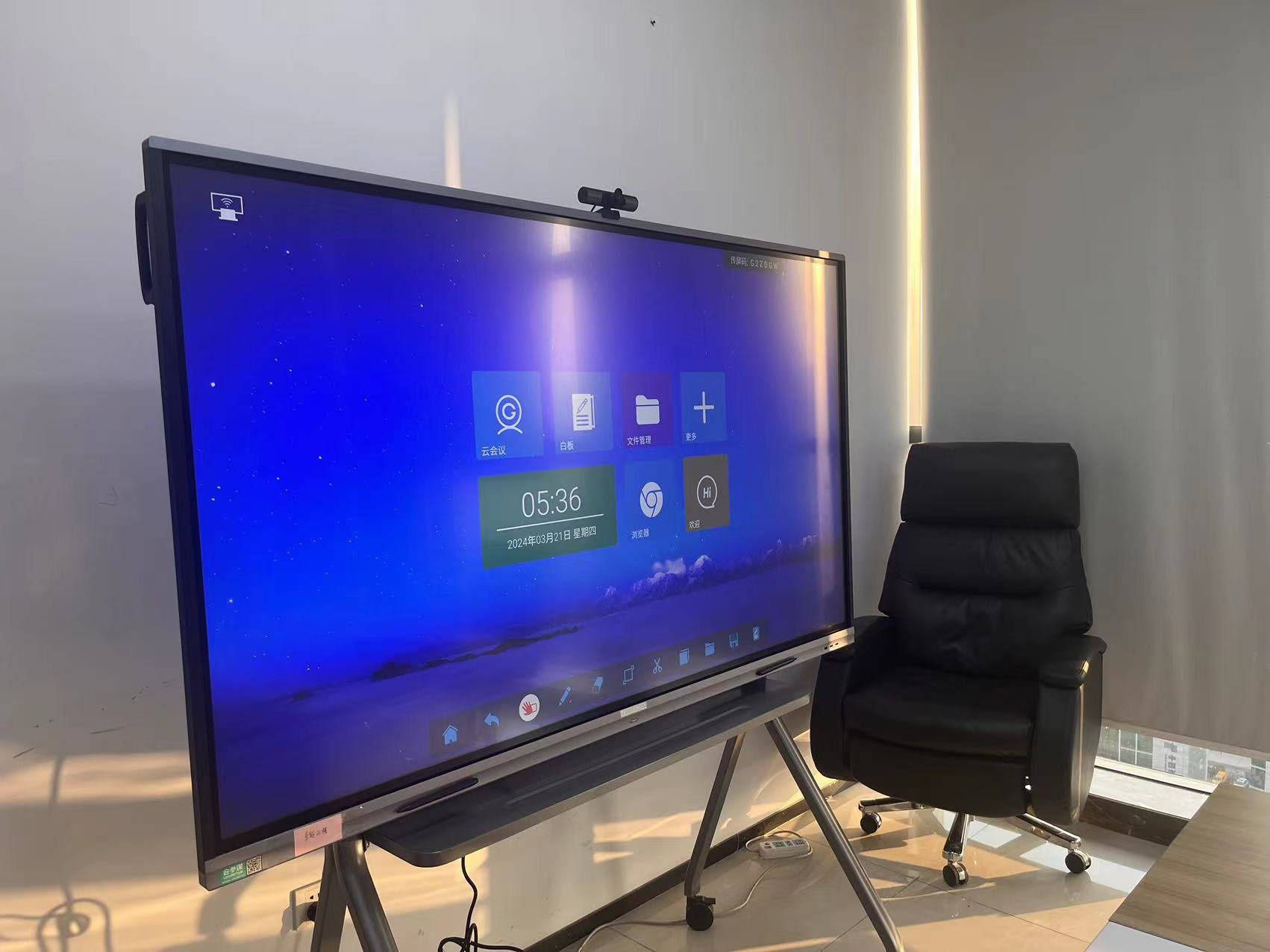
The investment extends beyond the initial purchase price. Organizations should also budget for installation costs ($200-$800), mounting hardware ($100-$500), extended warranties ($150-$600 annually), and optional accessories like wireless presentation systems or additional styluses.
Key Factors That Influence Smart Board Costs
Screen Size and Resolution
Screen size represents one of the most significant cost drivers. Smaller displays (55″-65″) designed for huddle rooms or small offices typically cost less, while larger panels (75″-98″) command premium prices due to manufacturing complexity and material costs. A 65-inch smart board might cost around $2,000-$3,000, whereas a 98-inch model can reach $8,000-$12,000.
Resolution also affects pricing. Standard 4K Ultra HD (3840¡Á2160) has become the baseline for most modern interactive flat panels, but some budget models still offer 1080p resolution at lower price points. Higher resolution displays deliver sharper text and images, making them worth the investment for detailed presentations and collaborative work.
Touch Technology
Touch technology significantly impacts both functionality and cost. Infrared touch technology, the most common type, offers reliable multi-touch performance at moderate prices. Capacitive touch provides smartphone-like responsiveness but costs more. Some advanced models support 20+ simultaneous touch points, enabling multiple users to interact simultaneously¡ªa feature that increases the price but proves invaluable in collaborative environments.
| Touch Technology | Touch Points | Price Impact | Best For |
|---|---|---|---|
| Infrared | 10-20 points | Moderate | Standard classrooms and meetings |
| Capacitive | 20+ points | Higher | Premium collaboration spaces |
| Optical | 6-10 points | Budget-friendly | Basic interactive needs |
Built-in Computing Power
Smart boards either require an external computer or include built-in computing capabilities. Models with integrated Android or Windows operating systems cost more upfront but eliminate the need for separate computing hardware, reducing cable clutter and simplifying setup. Built-in computers typically add $300-$800 to the base price, depending on processor speed, RAM, and storage capacity.
Software and Operating System
The included software ecosystem affects both functionality and total cost of ownership. Some manufacturers bundle comprehensive collaboration software at no additional charge, while others require separate software licenses ($200-$500 annually per device). Android-based systems generally cost less than Windows-powered alternatives, though Windows provides better compatibility with existing enterprise applications.
Smart Board Costs by Application Type
Education Sector Pricing
Educational institutions typically prioritize durability, ease of use, and integrated teaching tools. Smart boards designed for K-12 classrooms generally range from $2,500-$5,000 for 65″-75″ displays with education-specific software. Higher education institutions often opt for 75″-86″ panels ($4,500-$7,000) with advanced annotation tools and wireless screen sharing capabilities.
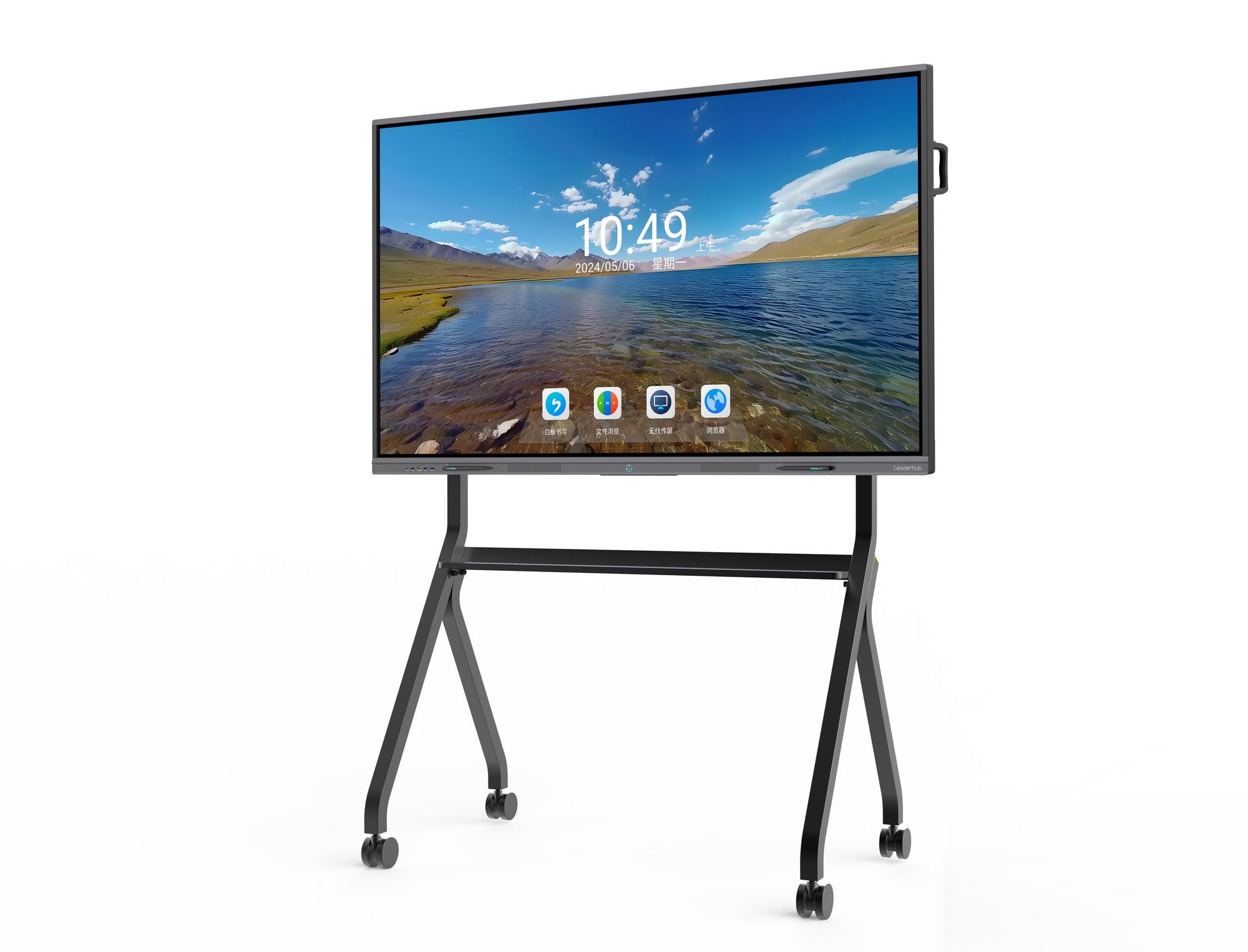
Many educational technology providers offer volume discounts for district-wide purchases, potentially reducing per-unit costs by 15-25%. Some districts implement phased deployment strategies, starting with pilot programs in select schools before expanding, which helps manage budget constraints while gathering user feedback.
Corporate and Conference Room Solutions
Business environments demand professional-grade displays with robust wireless connectivity and video conferencing integration. Corporate smart whiteboards typically cost $3,000-$6,000 for 65″-75″ models suitable for standard meeting rooms. Executive boardrooms often feature 86″-98″ displays ($7,000-$12,000) with premium audio systems and integrated cameras for hybrid meetings.
Return on investment calculations for businesses should factor in productivity improvements, reduced travel costs through enhanced remote collaboration, and faster decision-making enabled by interactive brainstorming capabilities. Studies show that interactive displays can reduce meeting times by 20-30% through improved engagement and clearer communication.
Training Centers and Hybrid Workspaces
Training facilities require versatile solutions that support various teaching methodologies and group sizes. Mid-range models ($3,500-$5,500) with screen recording capabilities, multi-device connectivity, and cloud integration work well for corporate training environments. Hybrid workspaces benefit from portable smart displays ($1,200-$2,500) that can move between rooms as needs change.
Comparing Brand Price Positions
Different manufacturers position themselves across various price tiers. Premium international brands command higher prices ($5,000-$10,000+) based on brand recognition, extensive service networks, and established enterprise relationships. Mid-tier brands offer competitive features at more accessible prices ($2,500-$5,000), often providing excellent value for budget-conscious buyers.
LeaderHub, with over 16 years of experience manufacturing interactive display solutions, serves customers in 82+ countries by focusing on reliable hardware combined with AI-powered software at competitive price points. The company’s approach balances quality with affordability, making professional interactive displays accessible to organizations of various sizes.
When evaluating brands, consider these factors beyond initial price:
- Warranty coverage duration and what’s included (parts, labor, on-site service)
- Software update frequency and long-term support commitments
- Local technical support availability and response times
- Spare parts availability and replacement costs
- User community size and available training resources
Additional Costs to Consider
Installation and Setup
Professional installation ensures proper mounting, cable management, and system configuration. Installation costs vary based on wall type, height requirements, and electrical work needed. Basic wall mounting runs $200-$400, while complex installations requiring reinforced mounting, conduit installation, or ceiling-mounted configurations can reach $800-$1,500.
Accessories and Peripherals
Essential accessories add to the total investment but enhance functionality:
- Mobile stands: $300-$800 for height-adjustable carts with wheels
- Additional styluses: $30-$80 each for backup or multi-user scenarios
- Wireless presentation systems: $200-$600 for seamless screen sharing
- Document cameras: $250-$600 for displaying physical materials
- External speakers: $150-$500 for enhanced audio in larger rooms
Maintenance and Support
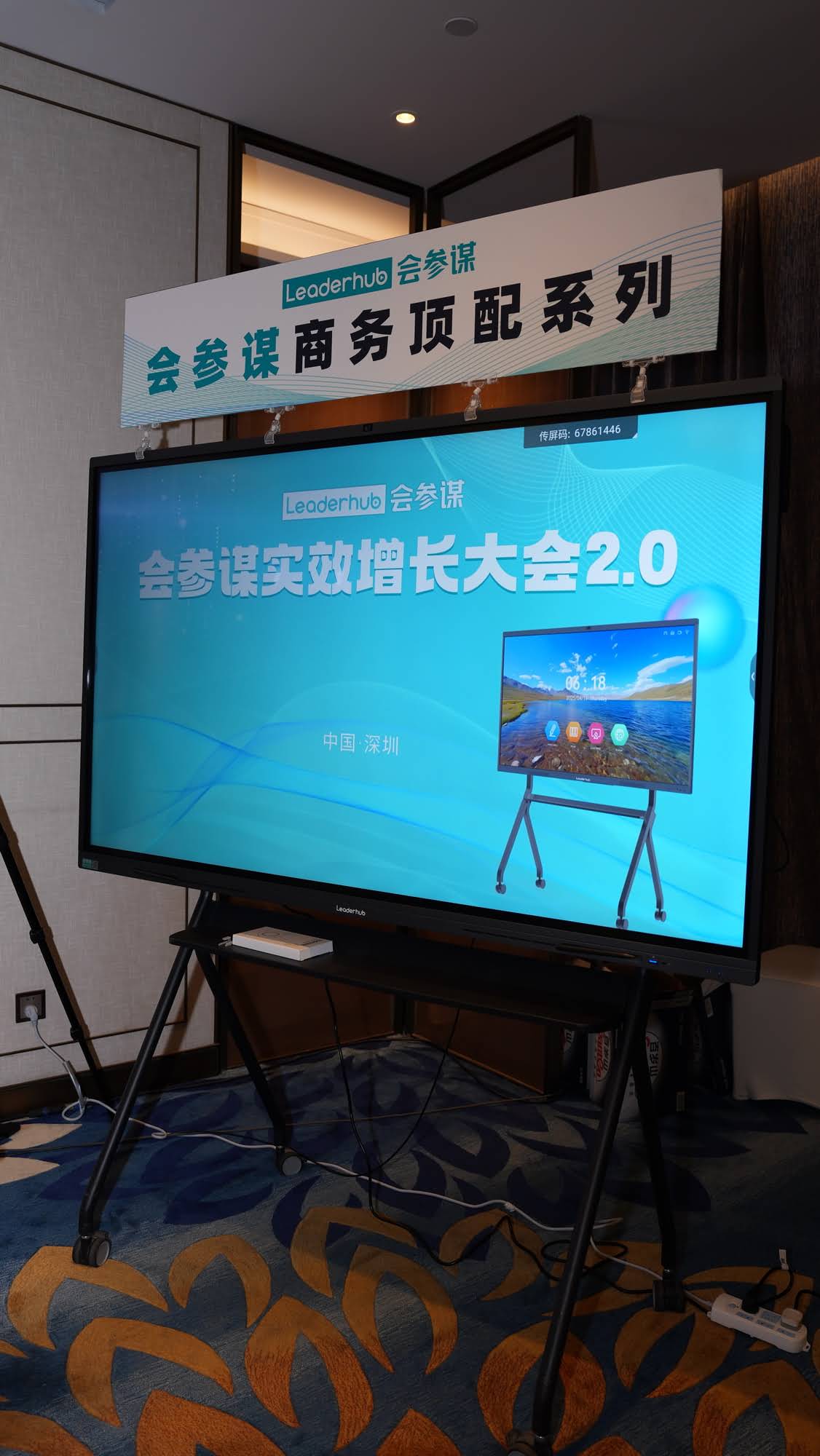
Annual maintenance costs typically represent 5-10% of the initial purchase price. Extended warranty plans ($150-$600 per year) provide peace of mind and predictable budgeting. Some organizations opt for comprehensive support contracts that include software updates, remote troubleshooting, and on-site repairs, which can cost $400-$1,000 annually depending on response time guarantees.
How to Get the Best Value for Your Investment
Determine Your Actual Requirements
Avoid overspending on features you won’t use. Small meeting rooms (10-15 people) function well with 65″ displays, while larger conference rooms (20+ people) benefit from 75″-86″ screens. Assess whether you need advanced features like 4K resolution, 20-point touch, or built-in computing, or if standard specifications meet your needs adequately.
Consider Total Cost of Ownership
A lower upfront price doesn’t always mean better value. Calculate five-year total cost of ownership including:
| Cost Category | Year 1 | Years 2-5 (Annual) | 5-Year Total |
|---|---|---|---|
| Initial Purchase | $3,500 | – | $3,500 |
| Installation | $400 | – | $400 |
| Extended Warranty | $300 | $300 | $1,500 |
| Software Licenses | $250 | $250 | $1,250 |
| Accessories | $350 | $50 | $550 |
| Total | $4,800 | $600 | $7,200 |
Explore Financing Options
Many organizations leverage financing to spread costs over time while immediately enjoying productivity benefits. Options include:
- Equipment leasing: Monthly payments typically 3-5 years, with upgrade options at term end
- Educational technology grants: Various federal and state programs support classroom technology upgrades
- Volume purchase agreements: Multi-unit purchases often qualify for 10-25% discounts
- Refresh programs: Trade in older equipment toward new purchases at select vendors
Request Demonstrations and Trials
Before committing to a purchase, request on-site demonstrations or trial periods. Hands-on experience reveals whether the interface feels intuitive, whether touch responsiveness meets expectations, and whether the display size works for your space. Many manufacturers and distributors offer 30-60 day trial programs, allowing you to test equipment in your actual environment before finalizing the purchase.
Regional Price Variations and Market Trends
Smart board pricing varies by geographic market due to import duties, local taxes, distribution costs, and competitive dynamics. North American and European markets typically see higher retail prices ($3,000-$8,000 for mid-range models) due to stricter certification requirements and higher operating costs. Asian markets often offer more competitive pricing ($2,000-$5,000 for comparable specifications) due to proximity to manufacturing centers and more intense competition.
Recent market trends show steady price compression for standard features as manufacturing efficiency improves and competition intensifies. Features that commanded premium prices three years ago¡ª4K resolution, 20-point touch, built-in computing¡ªnow appear in mid-range models. Meanwhile, new premium features like AI-powered collaboration tools, advanced video conferencing integration, and improved color accuracy maintain price differentiation at the high end.
Future-Proofing Your Investment
Technology Longevity
Quality interactive displays typically provide 5-8 years of productive service before requiring replacement. When evaluating options, consider:
- Upgradeable computing modules that extend usefulness as software requirements evolve
- Standard connectivity (USB-C, HDMI 2.0+) ensuring compatibility with future devices
- Manufacturer commitment to long-term software support and security updates
- Modular design allowing component replacement rather than full unit replacement
Scalability and Integration
Organizations planning to deploy multiple units should prioritize solutions that scale efficiently. Centralized management platforms reduce IT overhead by enabling remote monitoring, bulk configuration updates, and usage analytics across all displays. Cloud-based collaboration platforms ensure consistent user experience across devices and locations, crucial for organizations with multiple offices or campuses.
Making the Final Decision
Smart board investment decisions should balance immediate budget constraints with long-term value creation. A $2,000 difference in purchase price becomes negligible when spread over five years of daily use, especially if the higher-priced option delivers meaningfully better performance, reliability, or user experience.
Start by defining clear success criteria: What problems will this technology solve? How will you measure success? Which features directly support your core use cases? This clarity helps you distinguish essential capabilities from nice-to-have extras, ensuring you invest appropriately without overspending.
Consider conducting a pilot program with one or two units before committing to fleet-wide deployment. This approach allows you to validate the technology against your specific requirements, gather user feedback, identify any integration challenges, and refine your implementation strategy¡ªall before making a larger financial commitment.
Questions to Ask Before Purchasing
- What warranty coverage is included, and what additional protection plans are available?
- How frequently does the manufacturer release software updates?
- What is the expected panel lifespan, and what affects it?
- Are replacement parts readily available, and what do they cost?
- What training resources and ongoing support does the vendor provide?
- Can the system integrate with our existing technology infrastructure?
- What is the upgrade path if our needs expand in the future?
- Are there hidden costs like mandatory software subscriptions or proprietary accessories?
Real-World Cost Examples
To provide concrete context, here are typical investment scenarios across different organization types:
Small Business Conference Room: A consulting firm with 15 employees invested $3,200 in a 65″ interactive display with built-in Android, wireless presentation capabilities, and basic collaboration software. Including installation ($350) and a mobile stand ($450), their total investment was $4,000. Monthly use for client presentations and internal meetings justified the expense within six months through improved presentation quality and reduced meeting preparation time.
Elementary School Classroom: A school district purchasing 30 units for grade-school classrooms selected 75″ educational smart boards at $3,800 per unit. Volume pricing reduced costs to $3,400 per unit. With installation ($300 each) and three-year extended warranties ($250 annually per unit), their per-classroom five-year cost totaled approximately $5,200, or $1,040 annually¡ªcomparable to traditional projector replacement cycles but with superior functionality.
Corporate Training Center: A multinational company equipped five training rooms with 86″ premium displays ($6,500 each) featuring 4K resolution, 20-point touch, and integrated 4K cameras. Total investment including installation, ceiling mounts, and wireless presentation systems reached $42,000 for all five rooms. Annual subscription costs for enterprise collaboration software added $2,000. The investment enabled them to eliminate travel costs for regional training sessions, saving an estimated $75,000 annually.
Conclusion
Smart board costs range dramatically based on size, features, brand positioning, and intended application. While initial price comparisons matter, successful buyers evaluate total cost of ownership, feature alignment with actual needs, vendor support quality, and long-term value creation. Whether you’re equipping a single conference room or transforming an entire school district, understanding these cost factors enables informed decisions that balance budget constraints with capability requirements. The right smart board investment delivers years of productivity improvements, enhanced collaboration, and engaging interactive experiences that justify the initial expense many times over.