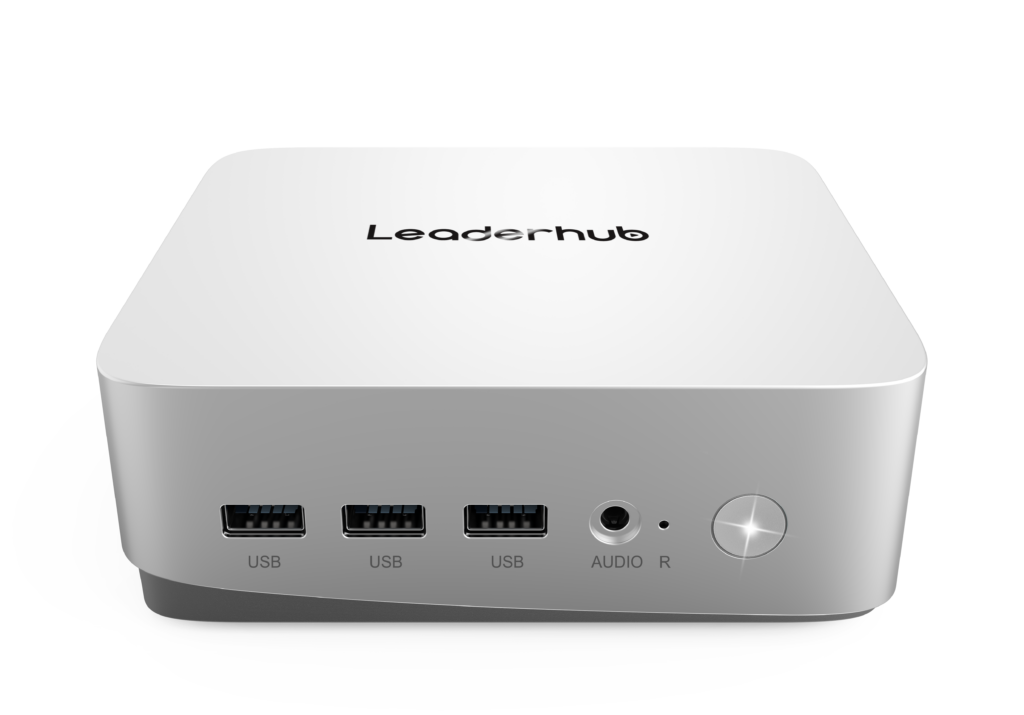
Government IT teams face a unique challenge: equipping hundreds or thousands of workstations across ministries, municipal offices, courts, public libraries, and field agencies while meeting strict security mandates and staying within taxpayer-funded budgets. Bulk mini PC procurement for government has emerged as one of the most practical answers to that challenge. Compact, energy-efficient, and increasingly powerful, mini PCs allow public-sector organizations to standardize hardware, reduce total cost of ownership, and simplify lifecycle management without sacrificing performance or compliance.
This guide walks procurement officers, IT directors, and contracting specialists through every stage of a government mini PC purchase — from defining requirements and evaluating vendors to drafting specifications, calculating long-term costs, and planning secure deployment at scale.
Why Governments Are Shifting from Tower PCs to Mini PCs
For decades, the standard government desktop was a mid-tower case with a separate monitor, a power-hungry PSU, and enough internal expansion that most of it went unused. Modern public-sector workloads — document processing, citizen service portals, video conferencing, GIS mapping, and secure database access — simply do not require that footprint. Mini PCs deliver the same productivity in a chassis roughly the size of a hardcover book.
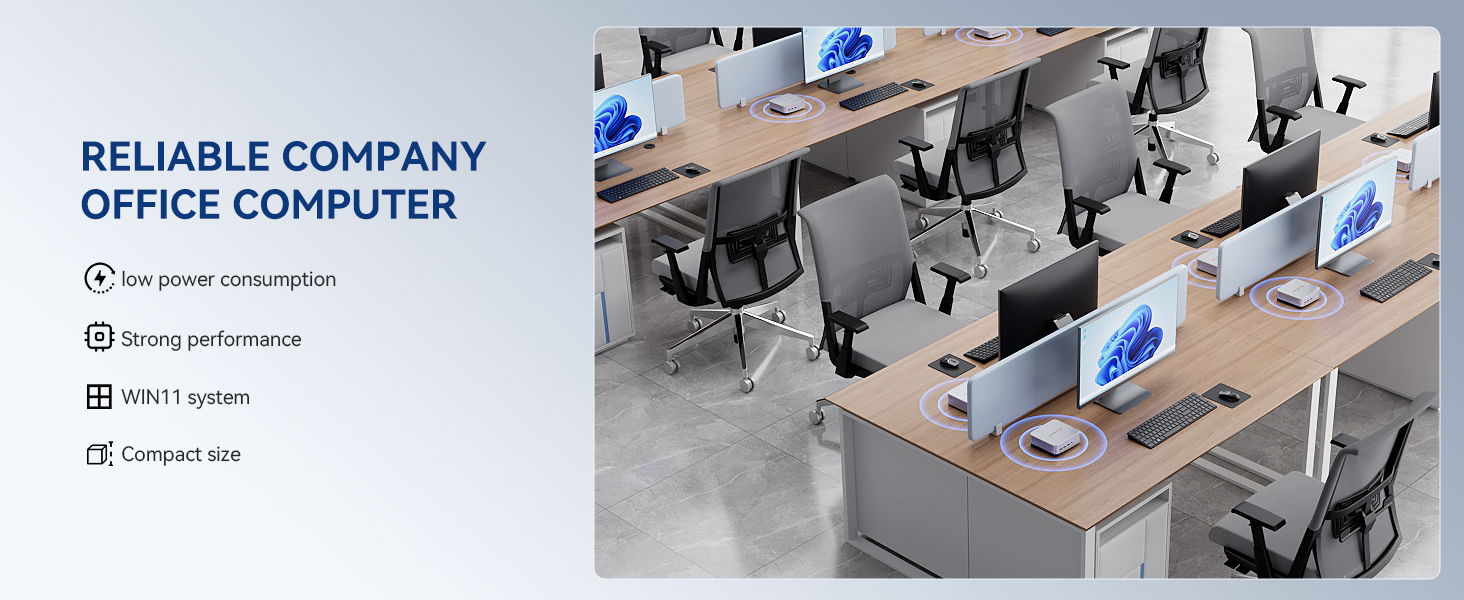
- Space efficiency: Mount behind monitors with VESA brackets, freeing desk space in crowded service counters and open-plan offices.
- Energy savings: Typical mini PCs draw 10–35 W under load versus 150–300 W for traditional towers, directly supporting public-sector sustainability targets.
- Standardization: One or two approved SKUs across an entire agency simplifies imaging, driver management, and spare-parts inventory.
- Quieter workplaces: Fanless or low-noise designs improve conditions in courtrooms, libraries, and public reception areas.
- Faster refresh cycles: Lower unit cost means agencies can replace aging hardware more frequently, closing security gaps caused by unsupported systems.
Core Requirements for Government Mini PC Procurement
Public procurement differs from corporate purchasing in three fundamental ways: transparency obligations, mandatory compliance frameworks, and extended accountability for how public funds are spent. Before drafting a tender or request for quotation, your team should define requirements across four pillars.
1. Security and Data Protection
Government endpoints handle citizen records, financial data, and often classified or sensitive internal communications. Every device in a bulk order should support hardware-level security features. Look for TPM 2.0 modules, firmware-level secure boot, BIOS password protection, and compatibility with full-disk encryption solutions. For higher-sensitivity environments, consider models that allow disabling of unused USB ports or wireless radios at the firmware level.
2. Regulatory Compliance
Depending on jurisdiction, government hardware purchases may need to satisfy certifications such as CE, FCC, RoHS, Energy Star, EPEAT, or national cybersecurity schemes. Procurement documents should list these as mandatory pass/fail criteria rather than scored preferences, and vendors should supply certificate copies with their bid.
3. Supply Chain Transparency
Many governments now require disclosure of component origin, manufacturing location, and firmware provenance. A reputable manufacturer should be able to provide a bill of materials, factory audit reports, and a clear statement on firmware update policies for the full support period.
4. Total Cost of Ownership
The purchase price is only the beginning. Energy consumption, warranty terms, failure rates, spare-parts availability, and end-of-life recycling all influence the true cost over a five-to-seven-year service window. Procurement evaluations that weigh TCO rather than unit price consistently produce better outcomes for public budgets.
Step-by-Step Government Mini PC Procurement Process
- Needs assessment: Survey departments to classify users into tiers (basic office, power user, specialized workload). Record peripheral requirements, display counts, and network constraints.
- Specification drafting: Convert user tiers into minimum technical specifications. Avoid brand-specific language; describe performance benchmarks and feature sets instead.
- Market sounding: Issue a request for information to understand current pricing, lead times, and available configurations before committing to a formal tender.
- Tender publication: Publish the RFP/RFQ through your national or regional procurement portal with clear evaluation weightings and submission deadlines.
- Sample evaluation: Require shortlisted vendors to provide pilot units for 30-day testing in real government environments.
- Contract award: Negotiate framework agreements that allow call-off orders over multiple years at locked pricing.
- Staged delivery and imaging: Coordinate phased shipments aligned with your IT team’s capacity to image, asset-tag, and deploy.
- Post-deployment review: Track failure rates, support ticket volume, and user satisfaction to inform the next procurement cycle.
Technical Specification Checklist by User Tier
The table below offers a practical baseline for structuring government tender specifications. Adjust thresholds according to the software stack your agency runs.
| Specification | Tier 1: Basic Office | Tier 2: Power User | Tier 3: Specialized |
|---|---|---|---|
| Processor | Intel N-series / 4 cores | Intel Core i5 / 8+ cores | Intel Core i7 or higher |
| Memory | 8 GB DDR4/DDR5 | 16 GB DDR5 | 32 GB DDR5 |
| Storage | 512 GB NVMe SSD | 512 GB – 1 TB NVMe SSD | 1 TB+ NVMe, dual-drive option |
| Display Outputs | 2 × 4K (HDMI/DP) | 3 × 4K | 3–4 × 4K with USB-C DP Alt |
| Networking | Gigabit LAN, Wi-Fi 6 | 2.5 GbE LAN, Wi-Fi 6E | Dual 2.5 GbE, Wi-Fi 6E/7 |
| Security | TPM 2.0, Secure Boot | TPM 2.0, Secure Boot, Kensington lock | TPM 2.0, port control, chassis intrusion |
| Mounting | VESA 75/100 | VESA 75/100 | VESA + rack/shelf options |
| Warranty | 3 years on-site | 3–5 years on-site | 5 years with advance replacement |
Security and Compliance Deep Dive
Security is the single most scrutinized element of any government hardware tender. Beyond the baseline hardware features above, procurement teams should evaluate vendors on the following operational criteria.
Firmware and BIOS Governance
- Documented firmware update schedule for the entire support lifecycle
- Signed firmware images with rollback protection
- Ability to centrally manage BIOS settings across the fleet
- Clear vulnerability disclosure and patch response process
Operating System and Management Compatibility
- Certified drivers for Windows 11 Pro / Enterprise and major Linux distributions
- Support for Intel vPro or equivalent remote management where required
- Compatibility with your endpoint management platform (Intune, SCCM, or open-source alternatives)
- Wake-on-LAN and scheduled power management for off-hours patching
Physical and Environmental Compliance
- CE, FCC, and RoHS declarations of conformity
- Energy efficiency certification supporting green procurement policies
- WEEE-compliant take-back or recycling program for end-of-life units
- Operating temperature range suitable for non-climate-controlled field offices
Total Cost of Ownership: Mini PC vs. Traditional Desktop
The following five-year TCO comparison illustrates why finance departments increasingly favor mini PCs for large public-sector rollouts. Figures are indicative per unit and will vary by region and electricity tariff.
| Cost Component (5 Years) | Traditional Tower PC | Mini PC | Savings |
|---|---|---|---|
| Hardware acquisition | $650 – $900 | $400 – $800 | 10–35% |
| Electricity (8 hrs/day) | $280 – $400 | $40 – $90 | 75–85% |
| Desk space / furniture impact | Dedicated CPU shelf | VESA-mounted, zero footprint | Significant |
| Shipping & logistics | High (volume & weight) | Low | 60–70% |
| Maintenance & failures | Moderate (PSU, fans, HDD) | Low (fewer moving parts) | 20–40% |
| End-of-life disposal | Higher material volume | Minimal e-waste | Significant |
For a 1,000-unit deployment, energy savings alone can exceed $250,000 over five years — funds that can be redirected toward cybersecurity tooling, staff training, or citizen-facing digital services.
Recommended Mini PC Configurations for Government Use Cases
Matching the right configuration to each department avoids both over-specification (wasted budget) and under-specification (frustrated staff and early replacement). Below are three representative configurations mapped to common public-sector roles.
| Model | Key Specs | Ideal Government Use Case | Reference Price |
|---|---|---|---|
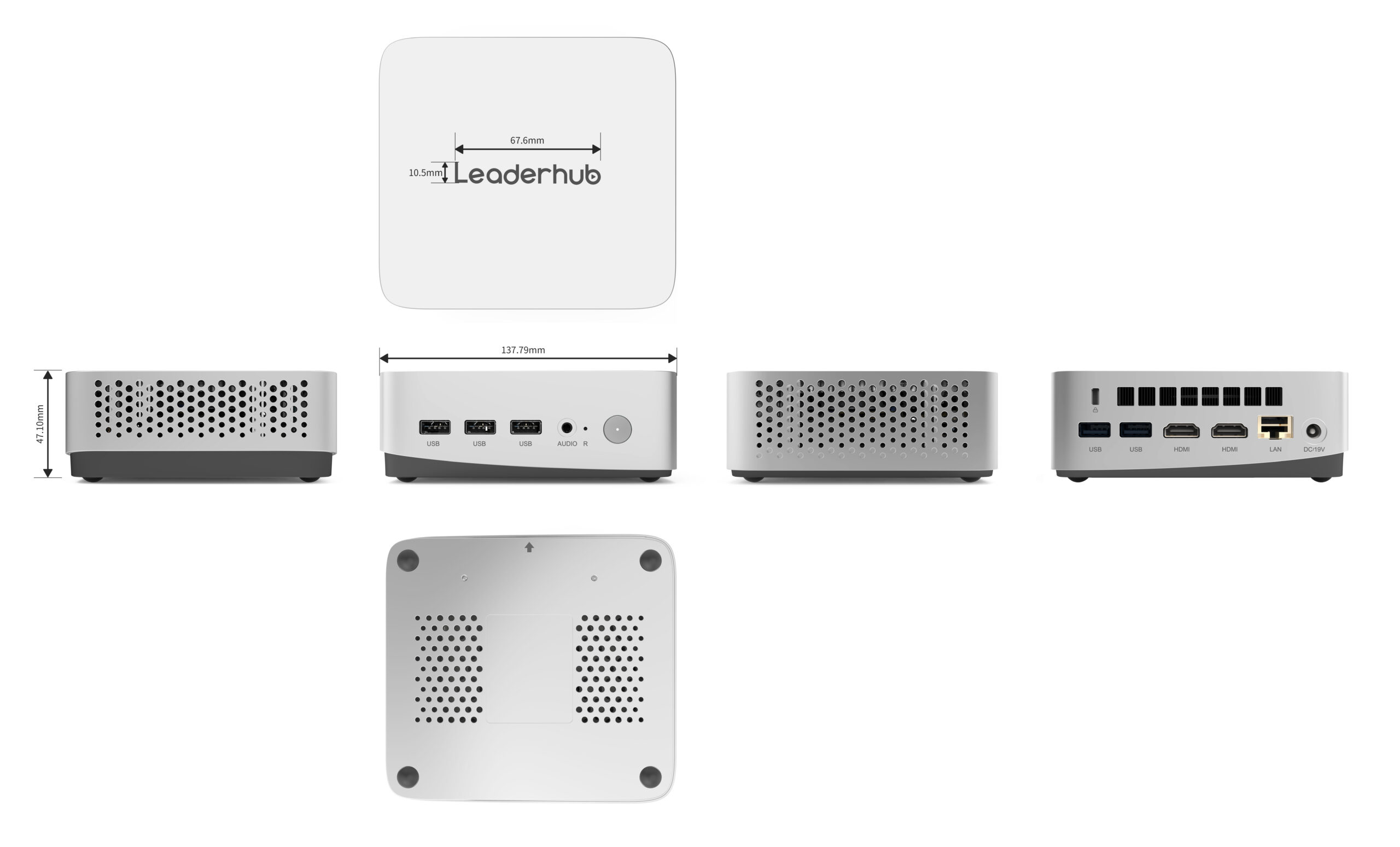
| LP1C Mini PC | Intel N100, 8 GB RAM, 512 GB SSD | Front-desk service counters, public library terminals, kiosks, digital signage, administrative clerks | $399.00 |
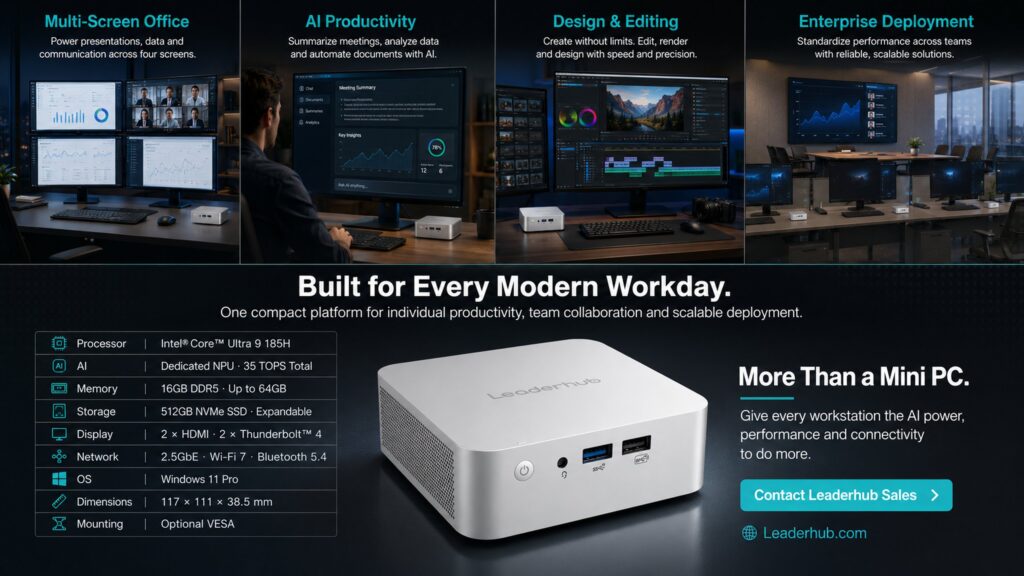
| LP5C Mini PC | Intel i5-12450HX, 16 GB RAM, 512 GB SSD | Case officers, analysts, multi-monitor workstations, video conferencing rooms, planning departments | $799.00 |
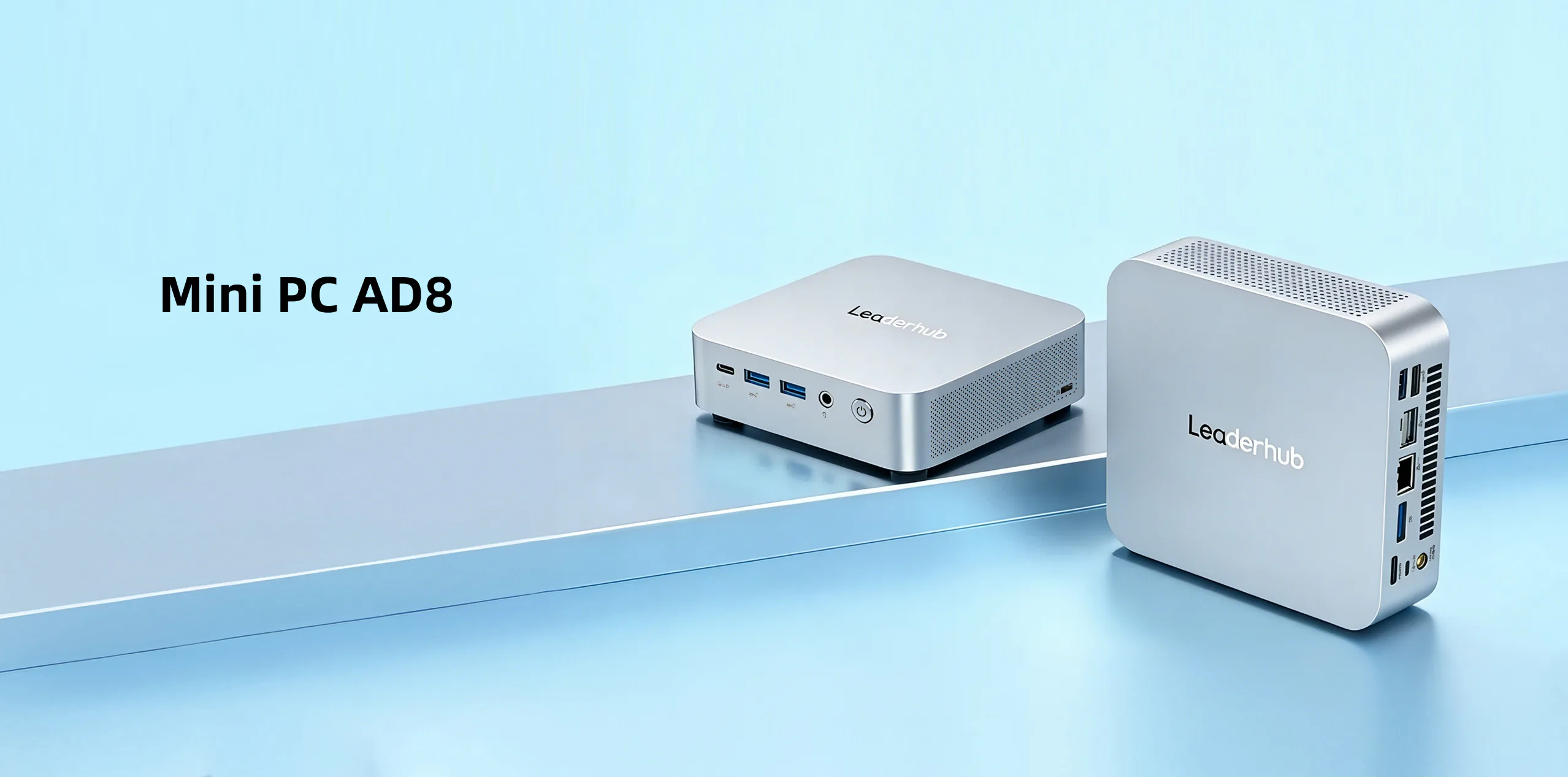
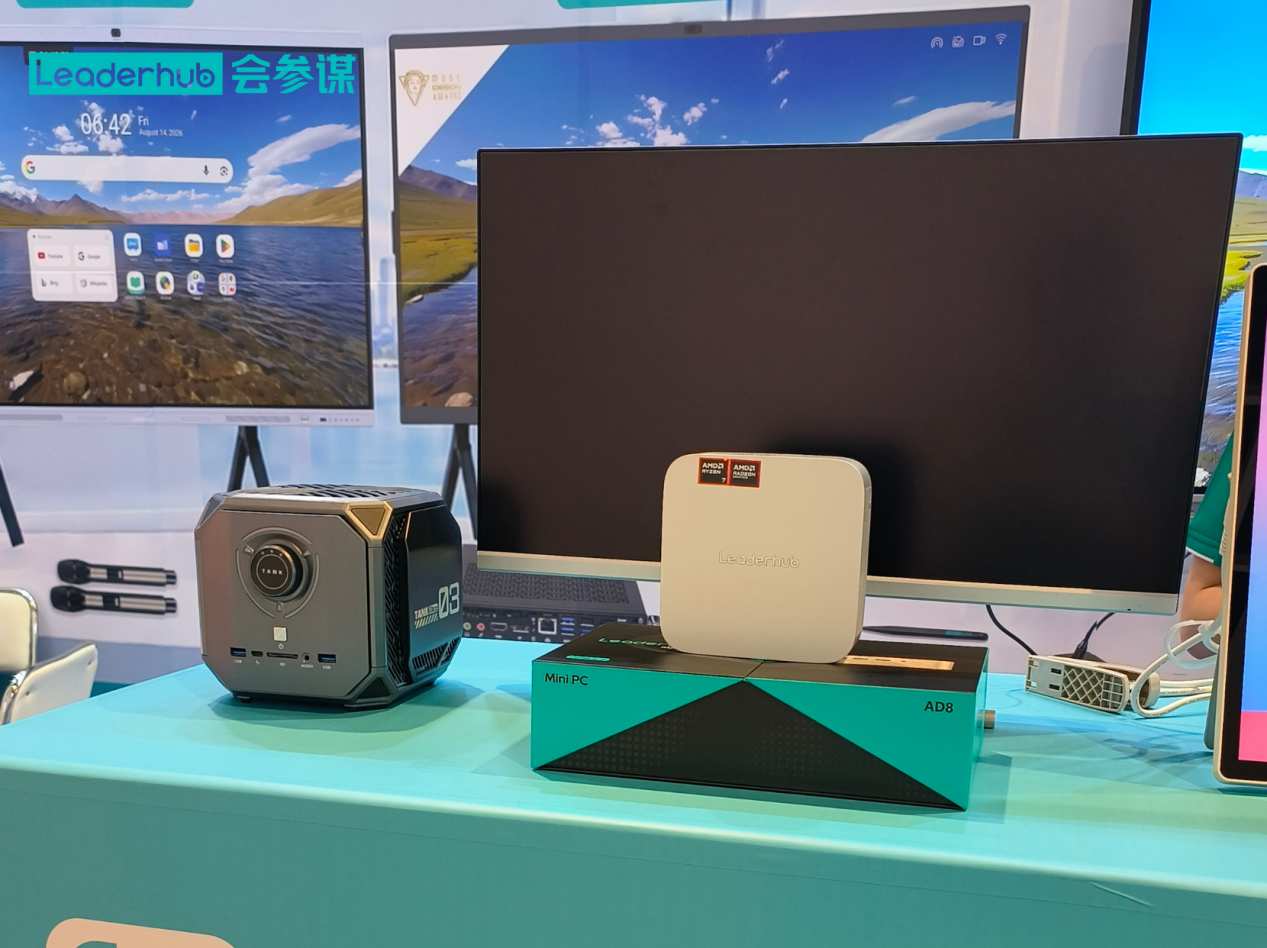
| AD8 Mini PC | High-performance configuration | GIS and mapping teams, IT administrators, media production, data-intensive agencies, control rooms | $999.00 |
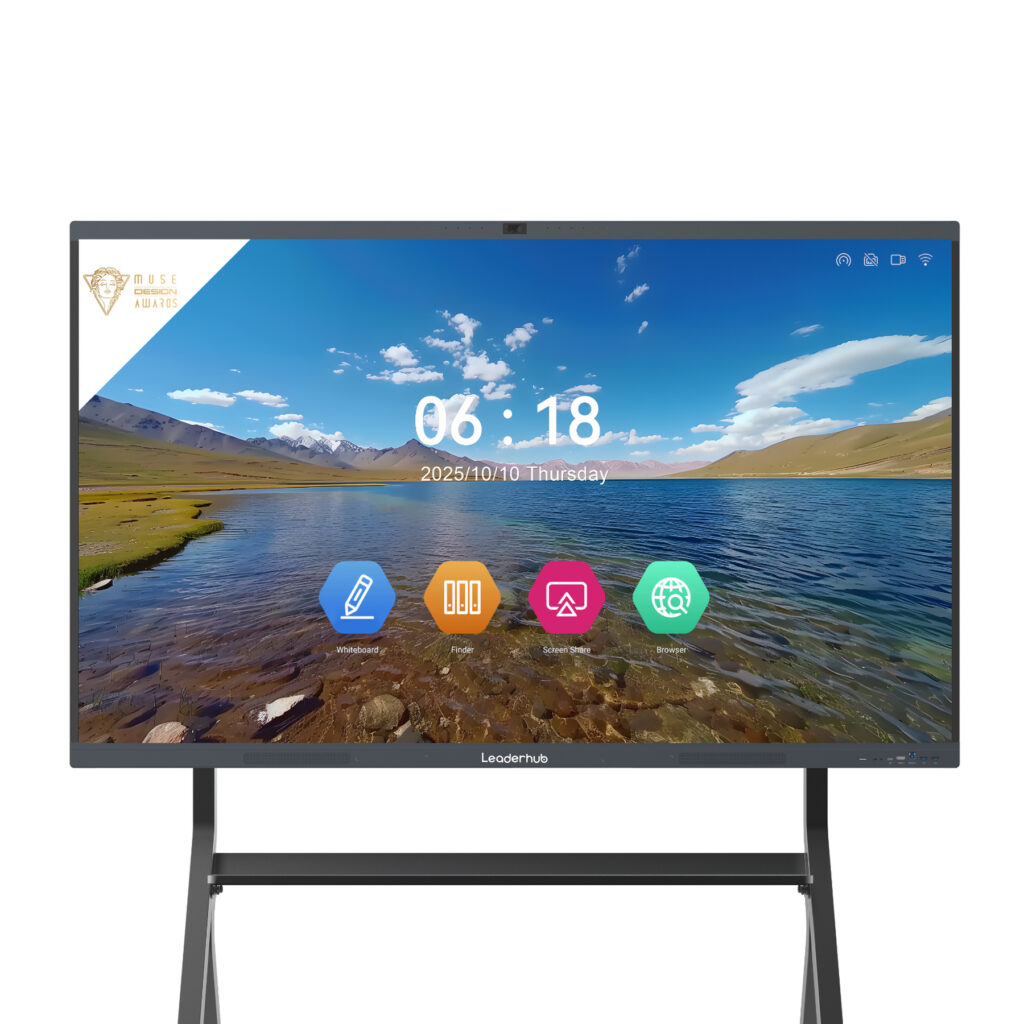
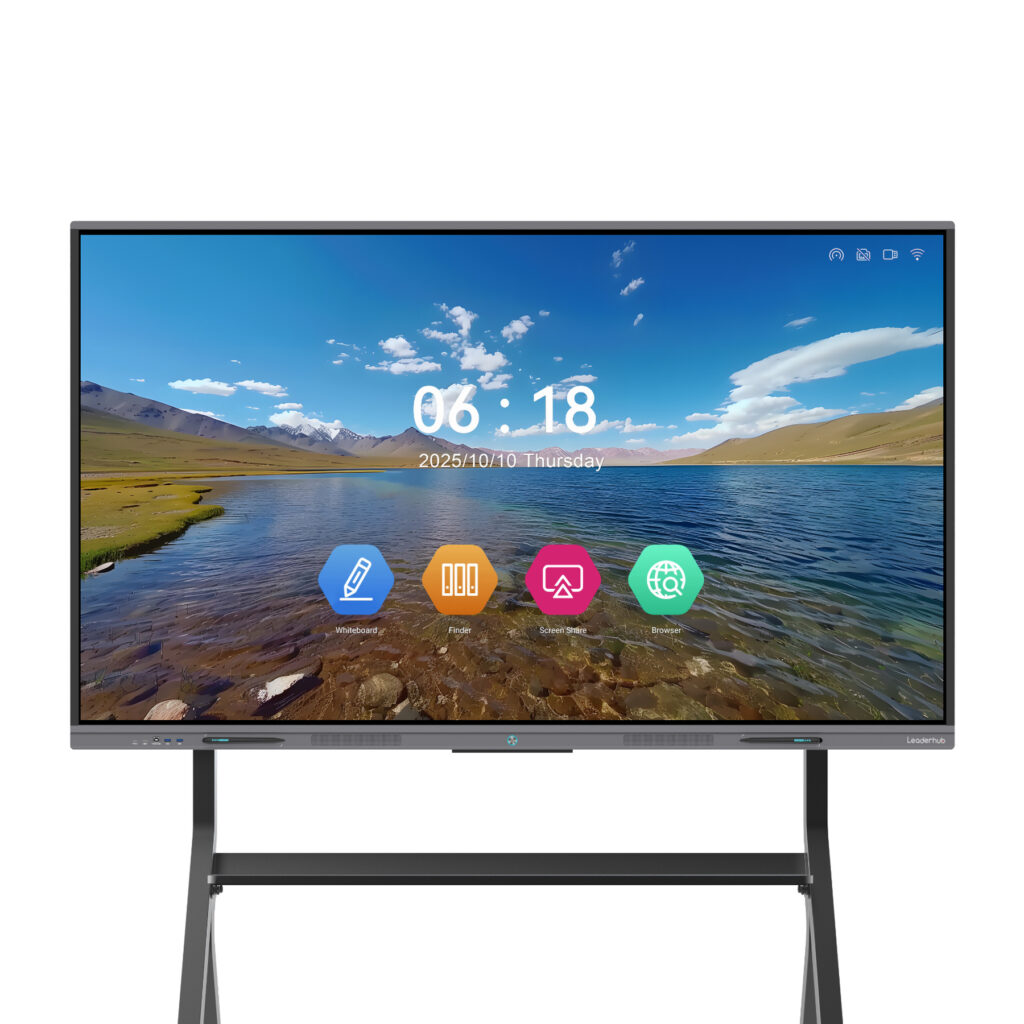
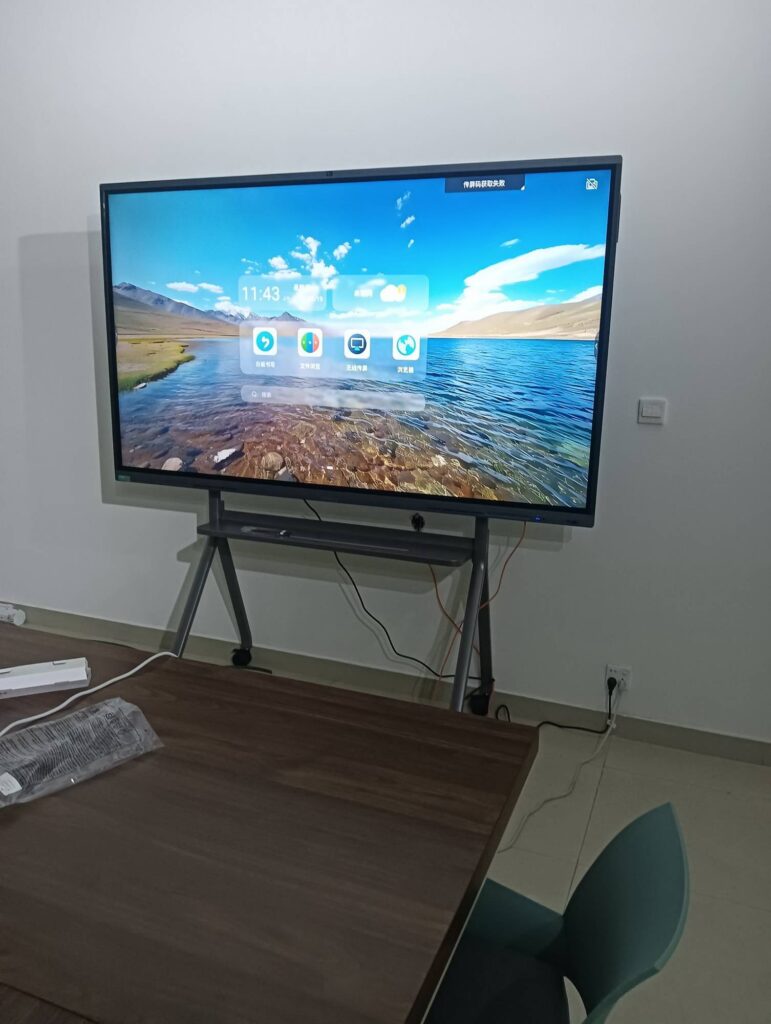
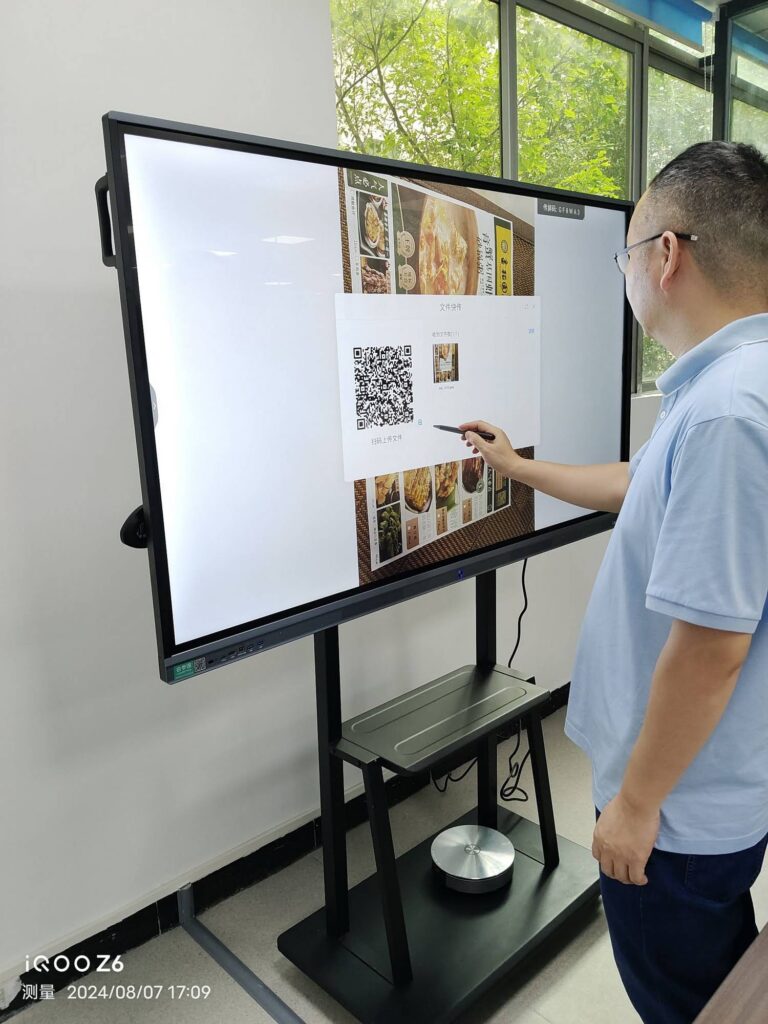
Agencies that also run meeting rooms, training centers, or public information displays frequently pair mini PCs with interactive smart whiteboards, creating a unified collaboration environment that can be procured under a single framework contract.
Vendor Evaluation Criteria for Public-Sector Buyers
A low bid from an unproven supplier can become a costly liability if units fail early or firmware support disappears. Weight your evaluation matrix to reward demonstrated reliability.
Manufacturing Capacity and Track Record
Confirm the vendor can fulfil your full order volume within the contracted timeframe and has prior experience with institutional or public-sector deployments. Request references from comparable organizations and ask about years in operation and export history.
Customization and OEM/ODM Capability
Government agencies often need custom BIOS branding, pre-loaded disk images, asset tags applied at the factory, or specific port configurations. Vendors offering OEM/ODM services reduce in-house labor during deployment.
After-Sales Support Structure
- Named account manager for the contract duration
- Defined SLA for warranty claims and advance replacement
- Regional spare-parts stock or authorized service partners
- Multilingual technical documentation and support channels
Pricing Transparency
Request itemized quotations that separate hardware, extended warranty, imaging services, and logistics. Framework agreements should include volume-tier pricing and protection against currency fluctuation where applicable.
Deployment and Lifecycle Management at Scale
Receiving 2,000 mini PCs on a loading dock is only the midpoint of a successful project. Plan the following before the first pallet arrives.
- Golden image preparation: Build and validate a standardized OS image with security baselines, agency software, and management agents pre-installed.
- Zero-touch provisioning: Use Windows Autopilot or equivalent to allow devices to self-configure on first network connection, reducing per-unit technician time to minutes.
- Asset tracking: Record serial numbers, MAC addresses, and location assignments in your CMDB during unboxing.
- Phased rollout: Deploy department by department, holding 3–5% of units as hot spares.
- Patch cadence: Schedule firmware and OS updates during off-hours using Wake-on-LAN.
- Secure decommissioning: At end of life, apply certified data wiping and route units through compliant recycling channels.
Public education authorities running similar large-scale hardware programs can draw on established frameworks such as the OECD guidance on digital transformation of schools, which addresses infrastructure planning, procurement governance, and long-term sustainability — principles that apply equally to broader government IT modernization.
Common Pitfalls in Government Mini PC Tenders
- Over-specifying every seat: Issuing a single high-end spec for all users inflates budgets by 30–50% with no productivity gain for basic roles.
- Ignoring warranty logistics: A three-year warranty is meaningless if replacement units take eight weeks to arrive from overseas.
- Skipping pilot testing: Legacy peripherals, smart-card readers, and specialized software may behave unexpectedly on new hardware.
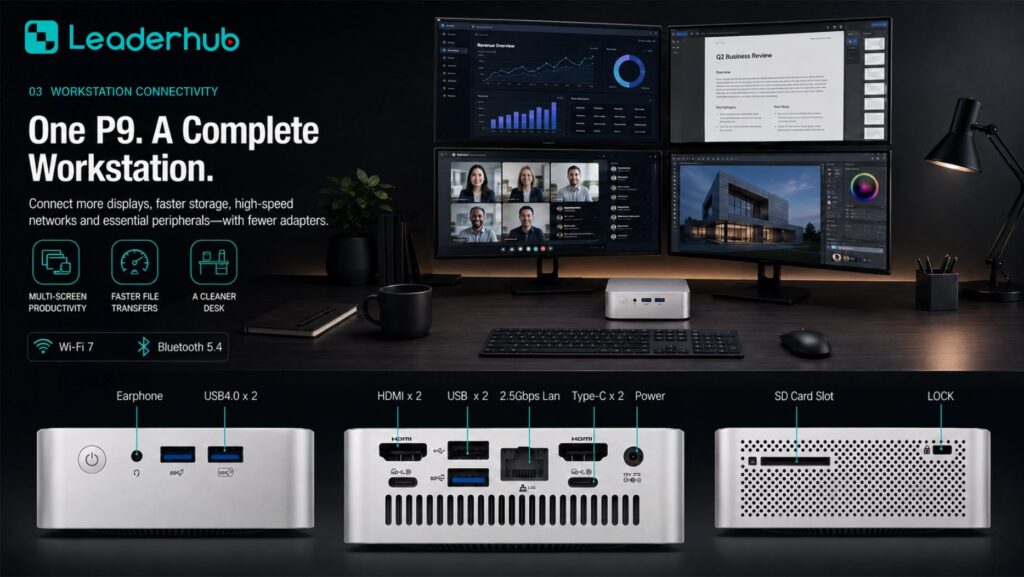
- Overlooking display outputs: Many government roles now require dual or triple monitors; confirm port count and resolution support.
- Neglecting end-of-life planning: Data sanitization and e-waste compliance should be contracted at purchase, not improvised years later.
Frequently Asked Questions
What is the typical minimum order quantity for government bulk mini PC purchases?
Most manufacturers offer tiered pricing beginning at 50–100 units, with meaningful discounts at 500, 1,000, and 5,000-unit thresholds. Framework agreements allow smaller call-off orders at the pre-negotiated bulk rate.
Can mini PCs meet government cybersecurity standards?
Yes. Modern mini PCs include TPM 2.0, secure boot, and full compatibility with enterprise encryption and endpoint management tools. The key is to specify these features as mandatory in your tender and verify them during pilot testing.
How long should a government mini PC remain in service?
A well-specified mini PC typically serves five to seven years. Pairing a five-year warranty with a planned refresh cycle keeps the fleet secure and supported throughout its life.
Are mini PCs suitable for demanding workloads like GIS or video analysis?
High-performance models with Intel Core i5/i7-class processors and 16–32 GB of RAM handle GIS mapping, multi-stream video conferencing, and data analysis comfortably. Reserve these configurations for the departments that need them.
What documentation should vendors provide with a government bid?
Expect certificates of conformity (CE, FCC, RoHS), warranty terms, firmware support policy, component origin disclosure, company registration documents, and references from comparable institutional deployments.
Final Thoughts: Building a Procurement Strategy That Lasts
Successful bulk mini PC procurement for government rests on three disciplines: defining requirements by user tier rather than by habit, evaluating vendors on lifecycle value rather than sticker price, and planning deployment and decommissioning before the contract is signed. Agencies that follow this approach consistently report lower energy bills, fewer support tickets, and faster hardware refresh cycles — all while meeting the security and transparency obligations that come with spending public funds.
LeaderHub, a Shenzhen-based technology company with 16 years of interactive-display and computing expertise serving 82 countries, works with government bodies, educational institutions, and enterprises on volume mini PC and smart display deployments, including OEM/ODM customization and framework-agreement pricing. To review the full mini PC product range or request a tender-ready quotation and pilot units, contact the procurement team to discuss your agency’s requirements.