Choosing the right mini PC for computer labs has become one of the most important technology decisions for schools, colleges, and training centers. Traditional tower desktops take up valuable desk space, consume more energy, and are increasingly difficult to maintain across dozens of workstations. Mini PCs solve these problems with compact, energy-efficient, and surprisingly powerful hardware that fits neatly behind a monitor or under a desk. This guide explains why mini PCs are ideal for lab environments, what features matter most, which models we recommend, and how to plan a successful lab deployment from budget to installation.
Why Mini PCs Are the Smart Choice for Computer Labs
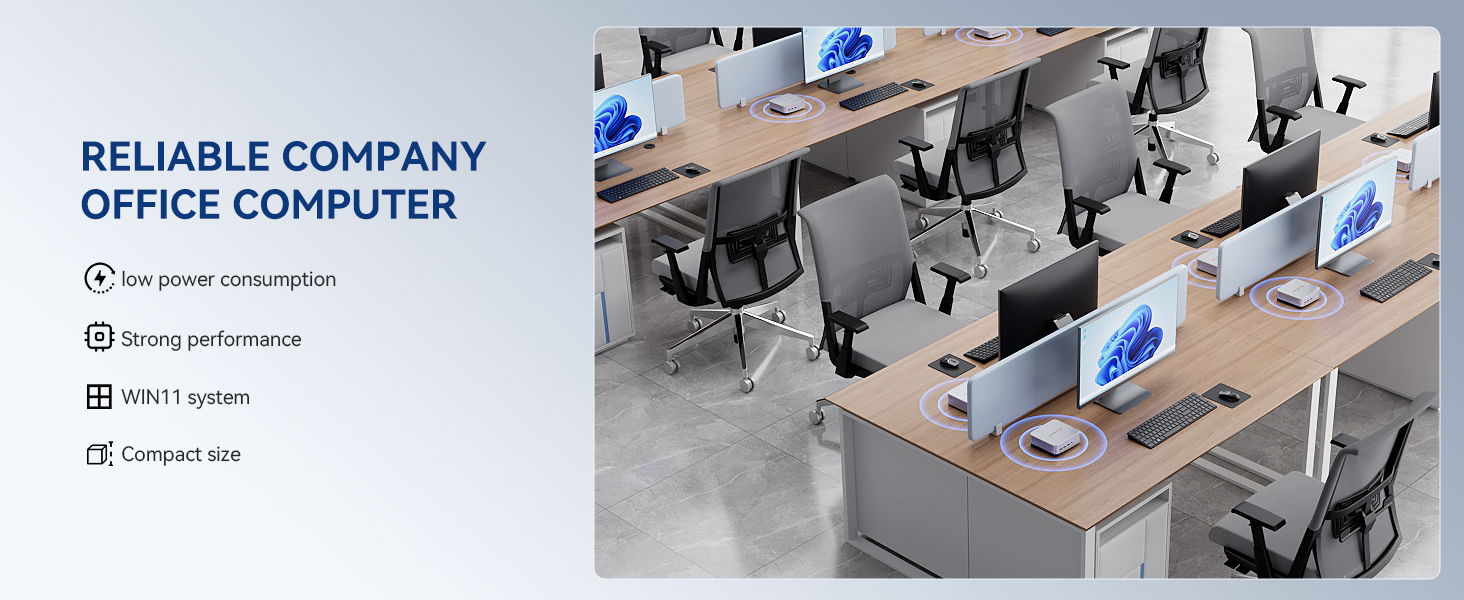
A computer lab typically houses 20 to 40 identical workstations, each used by multiple students every day. In this setting, small advantages per unit multiply into major savings and operational benefits across the whole room. Here is why educational institutions worldwide are switching from towers to mini PCs:
- Space efficiency: A mini PC occupies a fraction of the footprint of a tower, freeing desk space for textbooks, notebooks, and collaborative work.
- Lower energy consumption: Most mini PCs draw 10–35W under normal load compared with 100W or more for a conventional desktop, cutting electricity bills significantly in a 30-seat lab.
- Quiet operation: Low-noise cooling keeps the classroom calm and focused, which matters during lectures, tests, and language training.
- Easy mounting: VESA-compatible units can be attached directly behind monitors, reducing cable clutter and protecting hardware from accidental kicks or spills.
- Simplified maintenance: Identical units with standardized images are quicker to deploy, re-image, and replace.
- Better security: Small devices can be locked behind displays or inside enclosures, lowering theft and tampering risks.
Global education bodies increasingly emphasize that technology should be selected based on real pedagogical needs rather than specification hype. The Choosing Technology in Education guidance from UNESCO is a helpful starting point for lab planners who want to align hardware purchases with learning outcomes.
Key Features to Look For in a Mini PC for Computer Labs
Not every mini PC is suitable for an institutional environment. Consumer-grade models may be inexpensive but can fail under eight hours of daily use. Focus on the following criteria when evaluating options.
1. Processor Performance Matched to Lab Purpose
The CPU determines how smoothly a workstation handles everyday tasks. For general-purpose labs running office software, web browsers, and learning management systems, an efficient processor such as the Intel N100 delivers excellent value. For coding, design, data analysis, or multimedia classes, a higher-tier chip such as an Intel Core i5-12450HX provides the multi-core headroom students need.
2. Memory and Storage
8GB of RAM is the practical minimum for modern operating systems with several browser tabs open. 16GB is strongly recommended for STEM, programming, and creative labs. For storage, always choose an SSD—512GB is a comfortable size for a shared workstation with a standardized image plus room for student projects.
3. Connectivity and Ports
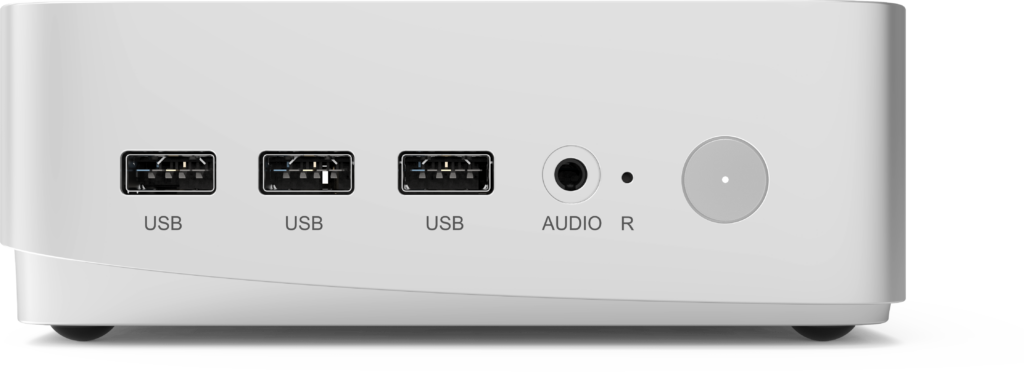
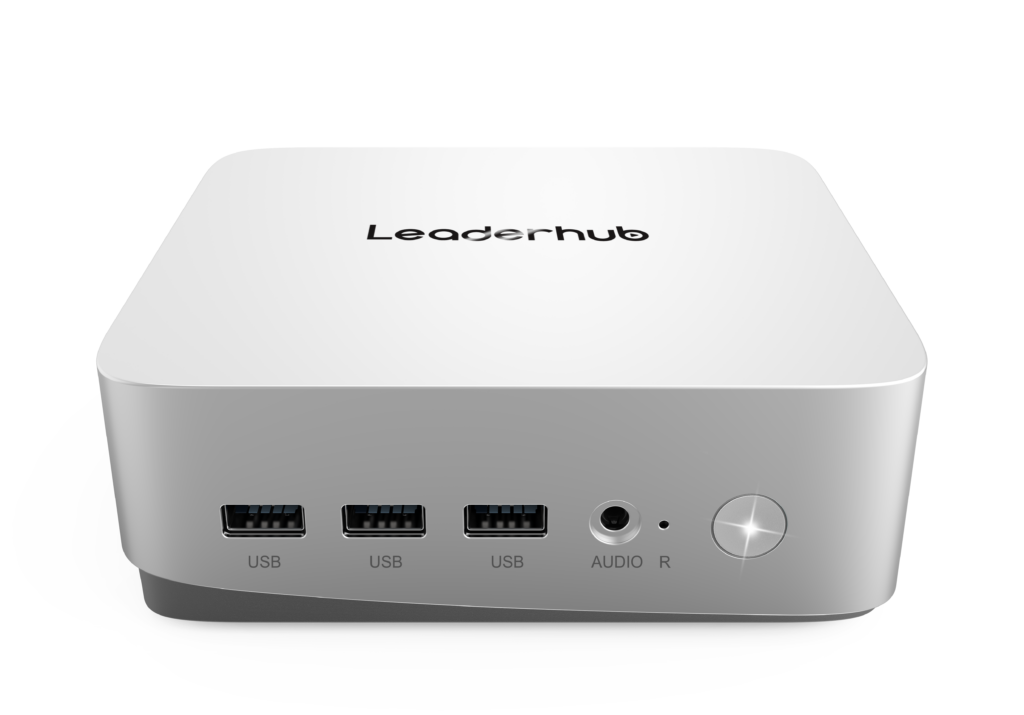
Look for multiple USB-A and USB-C ports, HDMI or DisplayPort output (ideally dual-display capable), Gigabit Ethernet for reliable wired networking, and modern Wi-Fi plus Bluetooth for peripherals. A wired LAN port is particularly important in labs where simultaneous connections can saturate wireless access points.
4. Thermal Design and Durability
Lab computers run for long hours in rooms that are not always well ventilated. Prioritize units with metal chassis, efficient heat dissipation, and dust-resistant designs. A model that stays cool under sustained load will last longer and require fewer service calls.
5. Mounting and Cable Management
VESA mounting brackets allow the mini PC to disappear behind the monitor, creating a clean and safe workspace. This is especially useful in younger learner environments and in training centers that reconfigure rooms frequently.
6. Manageability and Security
IT teams managing dozens of machines benefit from features such as Wake-on-LAN, BIOS password protection, TPM support, and compatibility with centralized deployment tools. These features reduce the administrative burden and help meet data protection requirements.
Recommended Specifications by Lab Type
| Lab Type | Typical Workloads | Minimum CPU | RAM | Storage |
|---|---|---|---|---|
| General / K-12 Lab | Office apps, web learning, typing, LMS | Intel N100 class | 8GB | 256–512GB SSD |
| Programming / IT Training | IDEs, virtual machines, databases | Intel Core i5 class | 16GB | 512GB SSD |
| Design / Multimedia | Photo and video editing, CAD, 3D modeling | High-performance CPU with strong graphics | 16–32GB | 512GB–1TB SSD |
| Language / Testing Center | Audio playback, browser-based exams | Intel N100 class | 8GB | 256GB SSD |
Top Mini PC Picks for Computer Labs
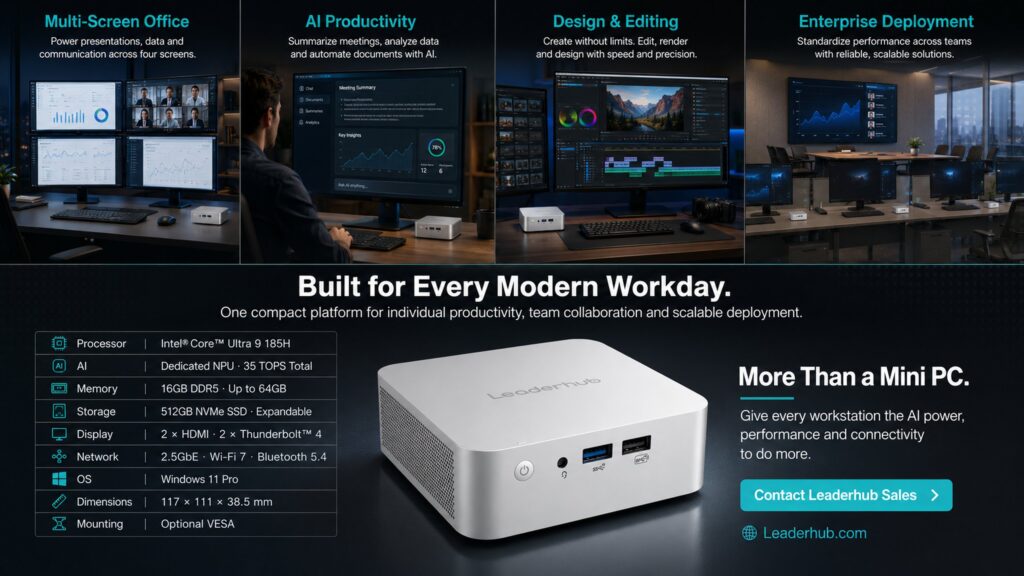
The following three models cover the full spectrum of lab requirements, from budget-friendly general-purpose seats to premium workstations for advanced training. All are available in the mini PC collection.
Best Value Pick: LP1C Mini PC — Intel N100, 8GB RAM, 512GB SSD
The LP1C Mini PC is the ideal foundation for general-purpose computer labs. The Intel N100 processor is remarkably power-efficient while handling office suites, web applications, video lessons, and online assessments without slowdown. With 8GB of RAM and a fast 512GB SSD, boot times are measured in seconds, which matters when a class of thirty students logs in simultaneously.
- Ultra-low power draw keeps a full lab’s energy costs minimal
- Silent operation suitable for libraries and exam rooms
- Compact chassis with VESA mounting for behind-monitor installation
- Priced at $399.00, allowing more seats per budget
Best Performance Pick: LP5C Mini PC — Intel i5-12450HX, 16GB RAM, 512GB SSD
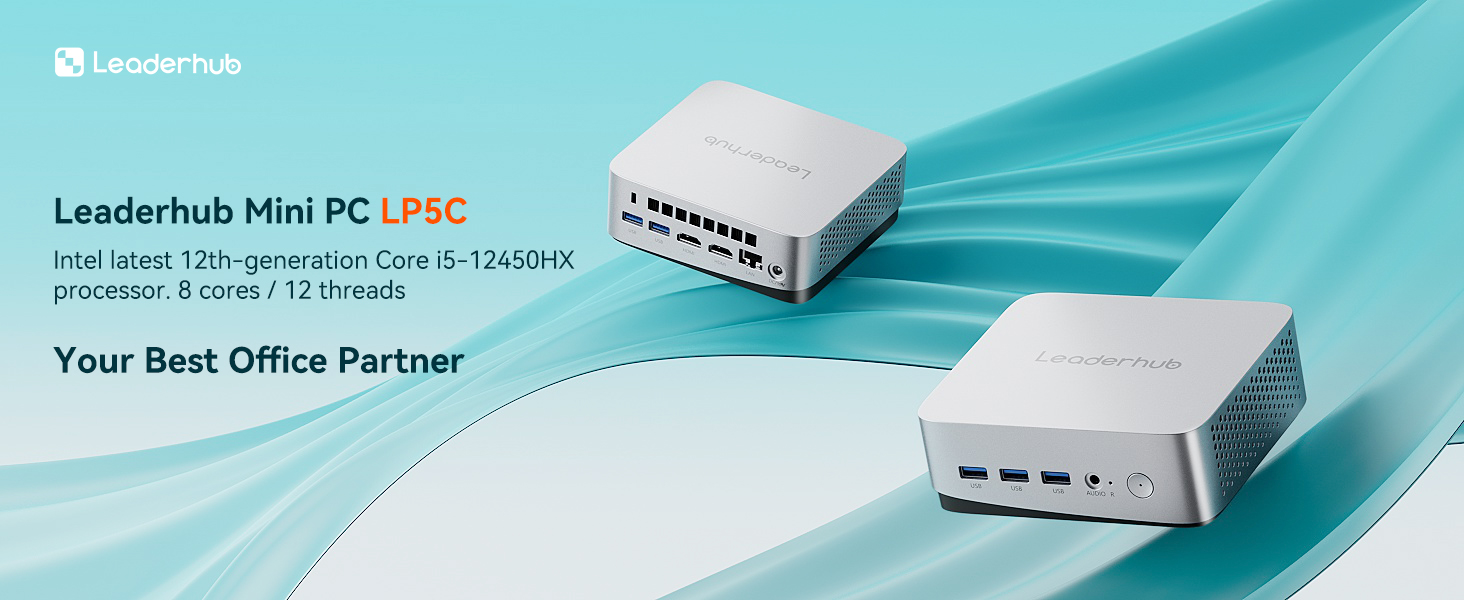
For coding bootcamps, engineering departments, and vocational IT programs, the LP5C Mini PC offers desktop-class performance in a lab-friendly form factor. The Intel Core i5-12450HX provides eight cores for compiling code, running virtual machines, and multitasking across development tools, while 16GB of RAM ensures students never hit memory limits during complex projects.
- Hybrid-core architecture handles demanding multi-threaded workloads
- 16GB RAM supports virtualization and data-science environments
- Dual-display support for split coding and documentation screens
- Priced at $799.00, balancing power and affordability
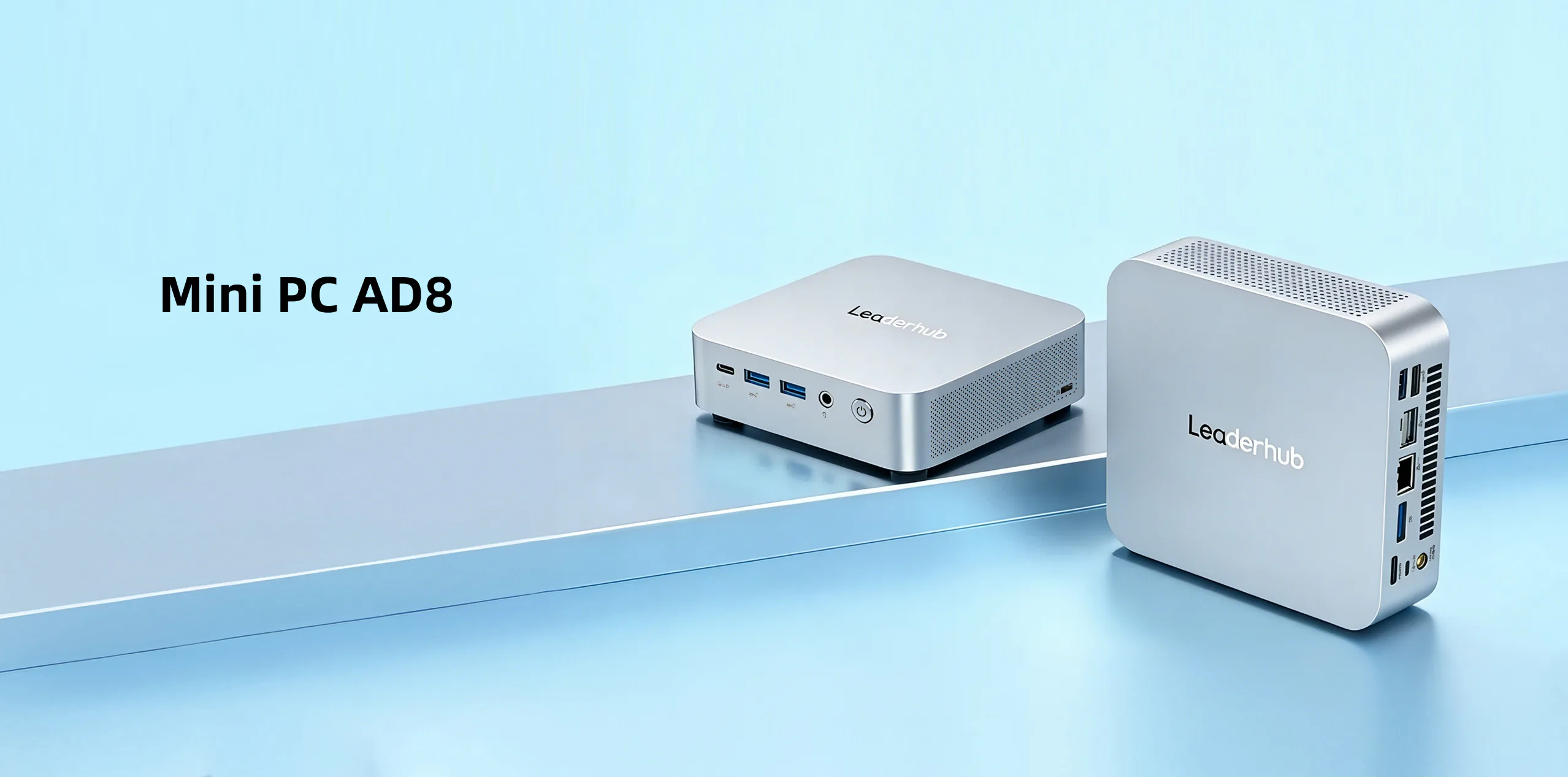
Premium Pick: AD8 Mini PC
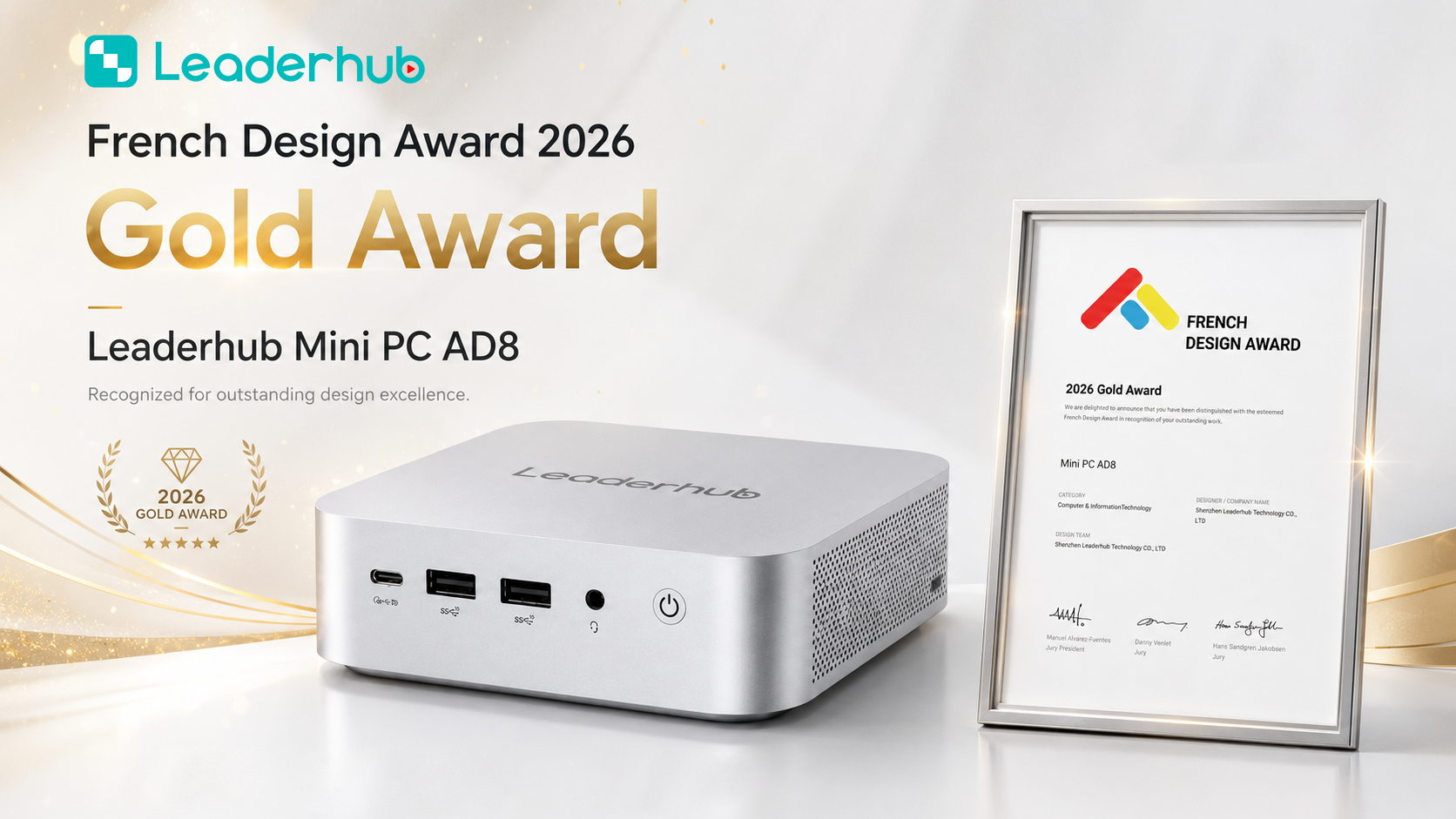
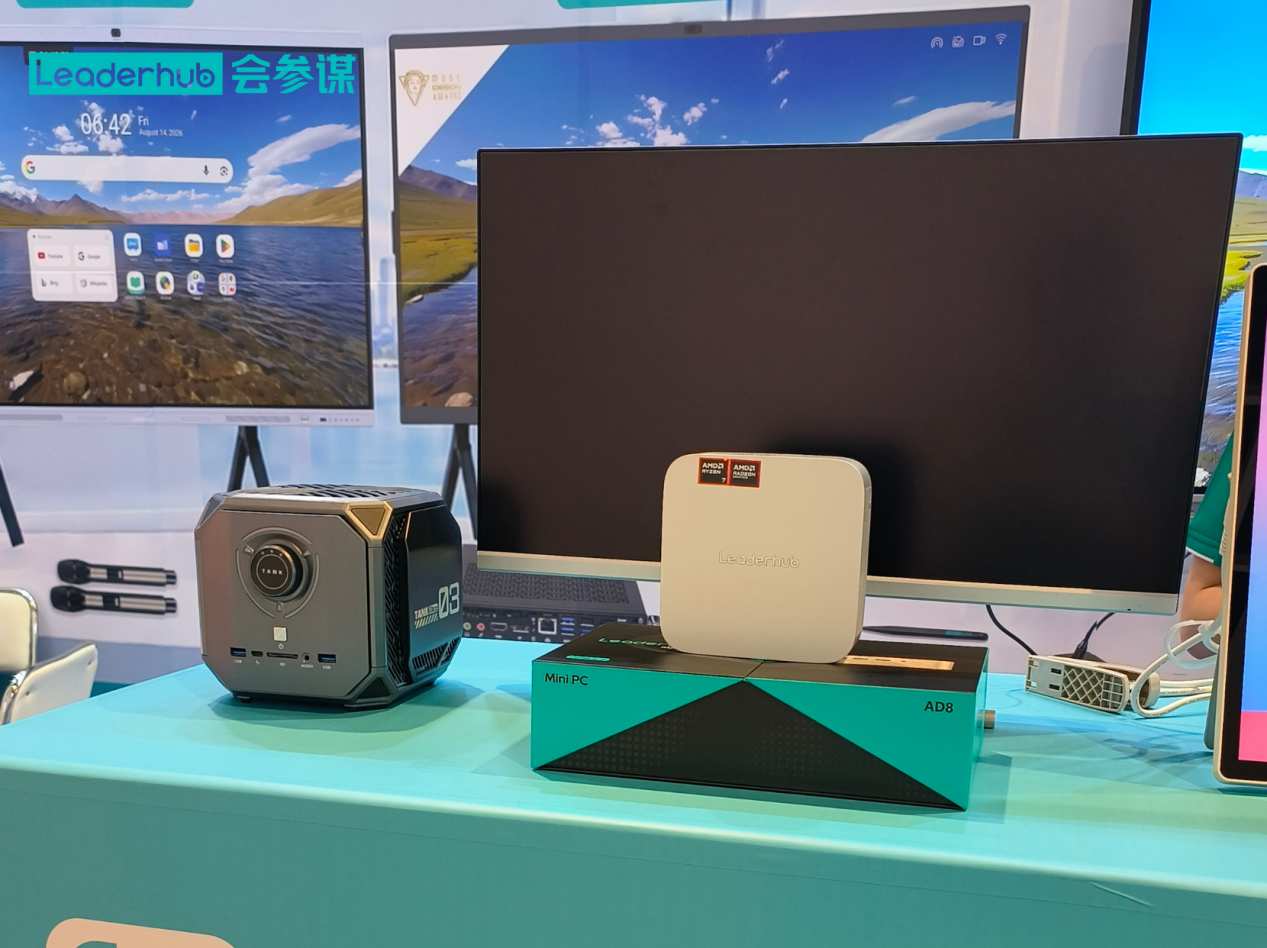
The AD8 Mini PC is the flagship choice for institutions that need maximum capability from a compact device. It is designed for creative media labs, architecture and design schools, and advanced training centers where students work with graphics-heavy applications, large datasets, or AI-assisted learning tools. Its robust thermal design keeps performance consistent through full-day sessions.
- Flagship-level processing for creative and technical curricula
- Built for sustained high workloads with efficient cooling
- Rich I/O for professional peripherals and multiple monitors
- Priced at $999.00 for future-proof lab investment
Side-by-Side Comparison
| Model | Processor | Memory / Storage | Best For | Price |
|---|---|---|---|---|
| LP1C | Intel N100 | 8GB / 512GB SSD | General labs, K-12, testing centers | $399.00 |
| LP5C | Intel Core i5-12450HX | 16GB / 512GB SSD | Programming, STEM, IT training | $799.00 |
| AD8 | Flagship high-performance | High-capacity configuration | Design, multimedia, advanced training | $999.00 |
Buying Guide: How Schools and Training Centers Should Plan a Mini PC Lab
Purchasing hardware is only one part of building an effective lab. Use the following roadmap to avoid common mistakes and get the most from your investment.
Step 1: Audit Your Curriculum and Software Requirements
List every application the lab must run, including browser-based platforms, licensed desktop software, and any virtualization or simulation tools. Check the publisher’s recommended specifications, not just the minimum. This single step prevents the most frequent error: buying underpowered machines that frustrate teachers within a year.
Step 2: Calculate Total Cost of Ownership
Purchase price is only the beginning. Factor in electricity over a five-year lifespan, cooling requirements, expected maintenance time, and replacement cycles. Mini PCs typically win on every one of these metrics compared with towers, and the savings often fund additional seats or better displays.
Sample Five-Year Cost Estimate for a 30-Seat Lab
| Cost Factor | Traditional Tower Desktop | Mini PC |
|---|---|---|
| Average power draw per unit | 100–150W | 10–35W |
| Desk space per workstation | Large tower footprint | Near zero (VESA mounted) |
| Noise level | Noticeable with 30 units | Near silent |
| Replacement and transport | Bulky, slow | Swap in minutes |
| Estimated energy savings over 5 years | Baseline | Up to 70–80% lower |
Step 3: Standardize and Image Once
Buying identical units allows your IT team to create one master image and deploy it to every seat. Standardization also simplifies spare-parts planning: keeping two or three extra units on the shelf means a failed workstation is back online before the next class begins.
Step 4: Pair Mini PCs With the Right Displays
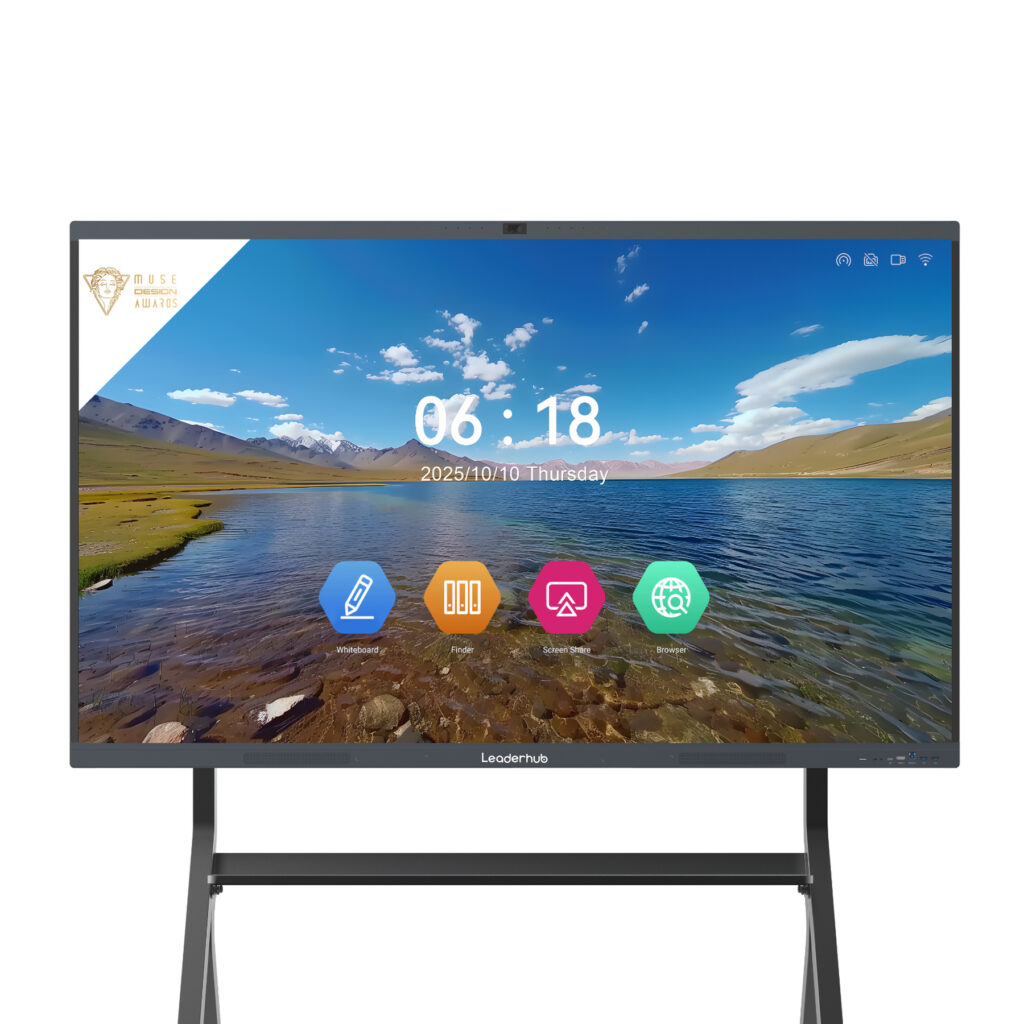
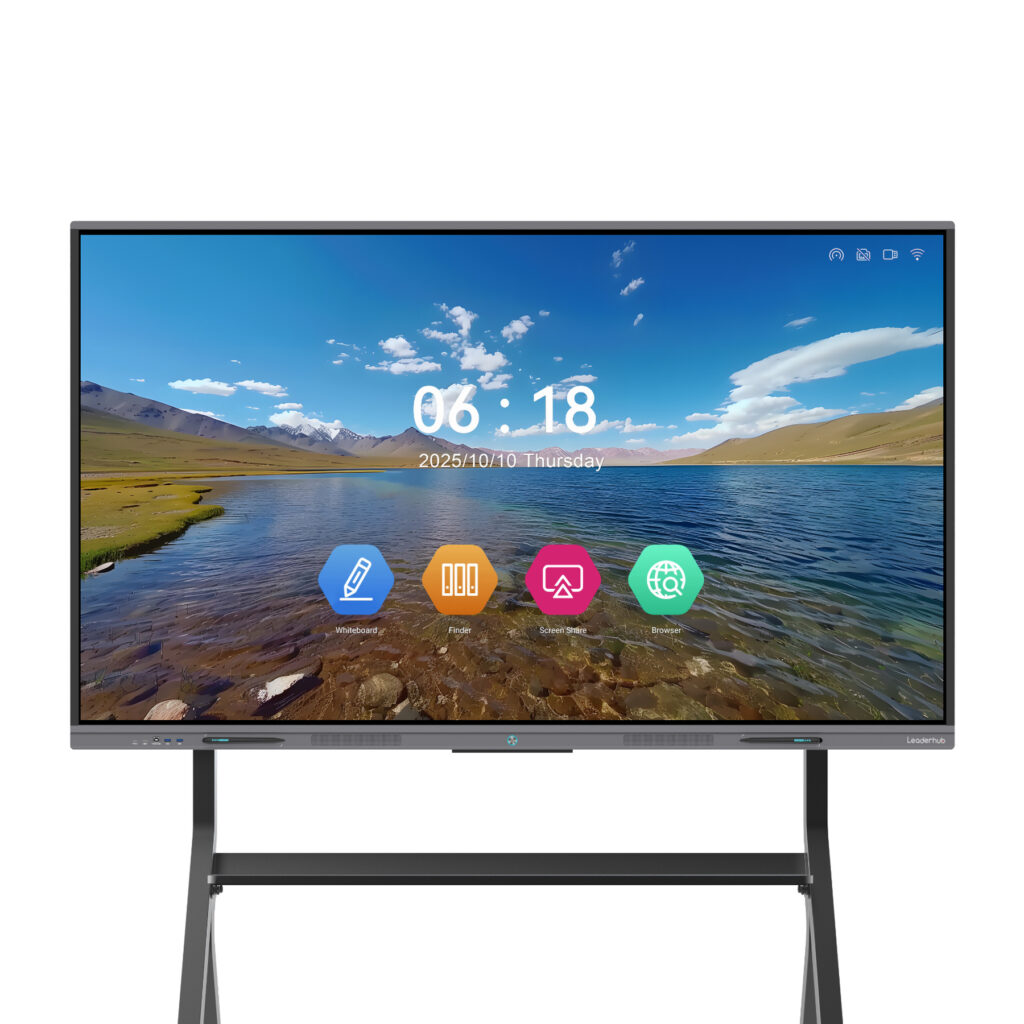
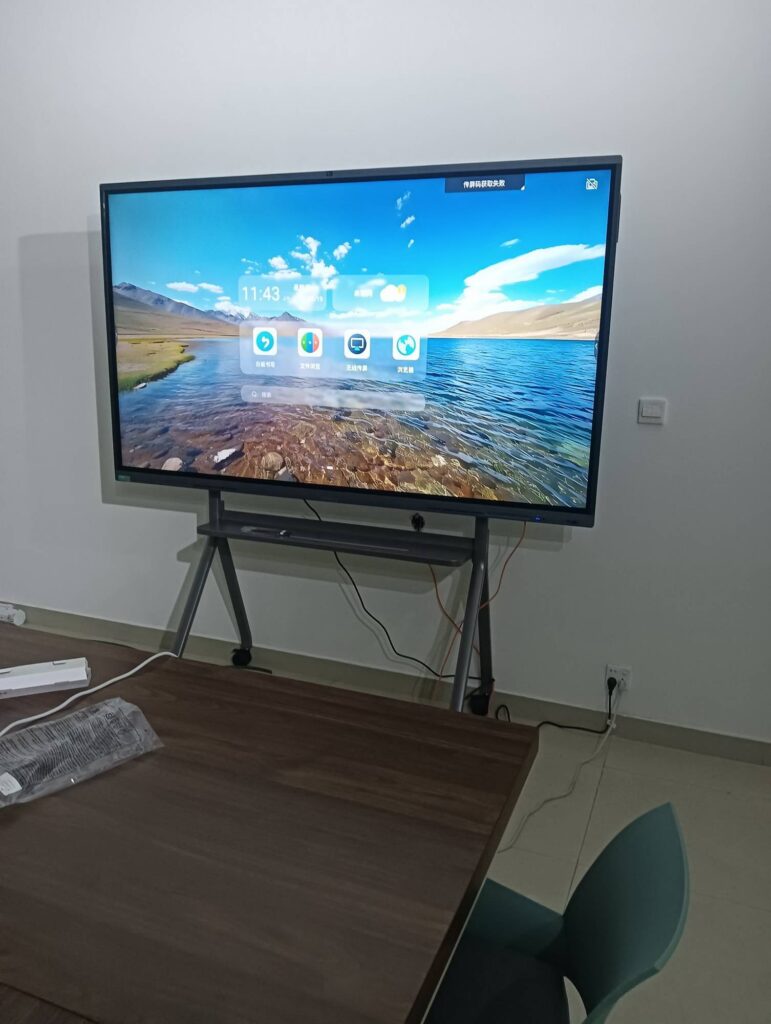
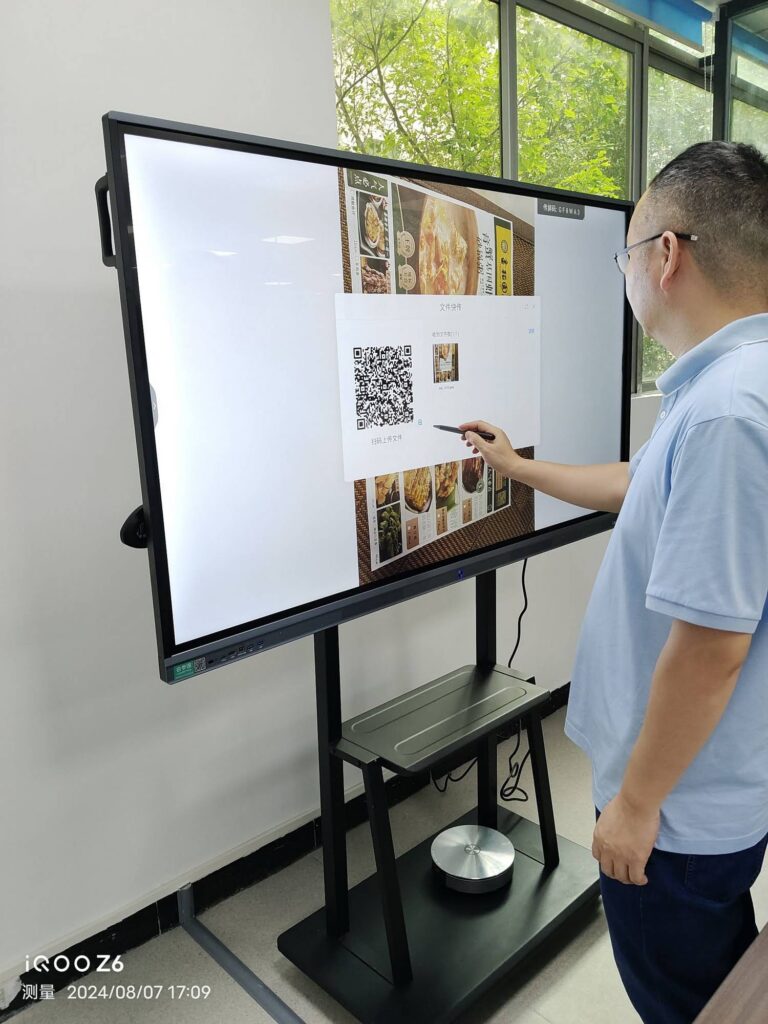
Student workstations need reliable monitors, but the instructor station deserves special attention. Connecting a mini PC to an interactive smart whiteboard at the front of the lab lets teachers demonstrate software, annotate over live screens, and share student work instantly. For flexible or hybrid classrooms, a portable rotating screen can move between lab zones as needed.
Step 5: Plan Network, Power, and Security
Confirm that your lab has enough Ethernet drops and switch capacity for every seat, plus reliable power distribution with surge protection. Use Kensington-style locks or lockable mounting brackets, enable BIOS passwords, and configure group policies to prevent unauthorized software installation. Guidance such as the Effective Technology Use in Schools framework from ISTE can help align infrastructure planning with teaching goals.
Step 6: Verify Warranty, Support, and Scalability
Institutional buyers should confirm warranty terms, availability of replacement units, and whether the supplier can support bulk orders, OEM customization, or phased rollouts across multiple campuses. A vendor experienced with education deployments will also advise on compatible peripherals and classroom display integration.
Mini PC vs Desktop vs Laptop: Which Is Best for Labs?
| Criteria | Mini PC | Tower Desktop | Laptop |
|---|---|---|---|
| Space usage | Excellent | Poor | Good |
| Durability in shared use | Excellent | Good | Fair (hinges, keyboards, batteries) |
| Energy efficiency | Excellent | Poor | Good |
| Theft risk | Low (mounted, locked) | Low | High |
| Cost per seat | Low to moderate | Moderate | Moderate to high |
| Upgrade flexibility | Good (RAM, SSD) | Excellent | Limited |
For fixed computer labs, the mini PC is the clear overall winner. Towers remain relevant only for specialized workstations requiring discrete high-end graphics cards, while laptops are better suited to mobile carts and one-to-one programs rather than permanent lab seats. Research summarized in the OECD Digital Education Outlook underlines that the value of school technology depends heavily on reliable infrastructure and thoughtful integration, both of which a well-planned mini PC lab supports.
Frequently Asked Questions
How many years should a mini PC last in a computer lab?
With an SSD, adequate RAM, and proper ventilation, a quality mini PC typically serves five to six years in an educational setting. Choosing a model with upgradeable memory and storage extends useful life further.
Can mini PCs run two monitors per student?
Yes. Models such as the LP5C and AD8 support dual-display output, which is valuable for programming and design labs where students reference documentation on one screen while working on another.
Are mini PCs powerful enough for coding bootcamps?
Absolutely. A Core i5-class mini PC with 16GB RAM comfortably runs modern IDEs, containers, local databases, and lightweight virtual machines. Only highly specialized GPU workloads may require dedicated workstations.
What is the best mini PC for a tight school budget?
The LP1C with Intel N100, 8GB RAM, and 512GB SSD delivers the strongest price-to-performance ratio for general-purpose labs, allowing schools to equip more seats without sacrificing responsiveness.
Can I order mini PCs in bulk with custom configurations?
Yes. Educational institutions and training centers can request volume pricing, custom pre-installed images, and OEM/ODM options. Visit the contact page to discuss your project requirements.
Final Thoughts
The best mini PC for computer labs is the one that matches your curriculum, fits your budget over the full ownership cycle, and integrates cleanly with your displays, network, and management tools. For most schools, the LP1C offers unbeatable value; for IT and STEM programs, the LP5C delivers serious computing power; and for creative or advanced training environments, the AD8 provides flagship performance in a compact chassis.
These solutions are developed by LeaderHub, a Shenzhen-based technology company with 16 years of interactive-display expertise, serving education, enterprise, and creative professionals in more than 82 countries with smart whiteboards, mini PCs, and portable smart screens. Whether you are outfitting a single classroom or standardizing labs across an entire district, you can explore the full product range and build a lab that is quieter, greener, and ready for the next generation of learners.