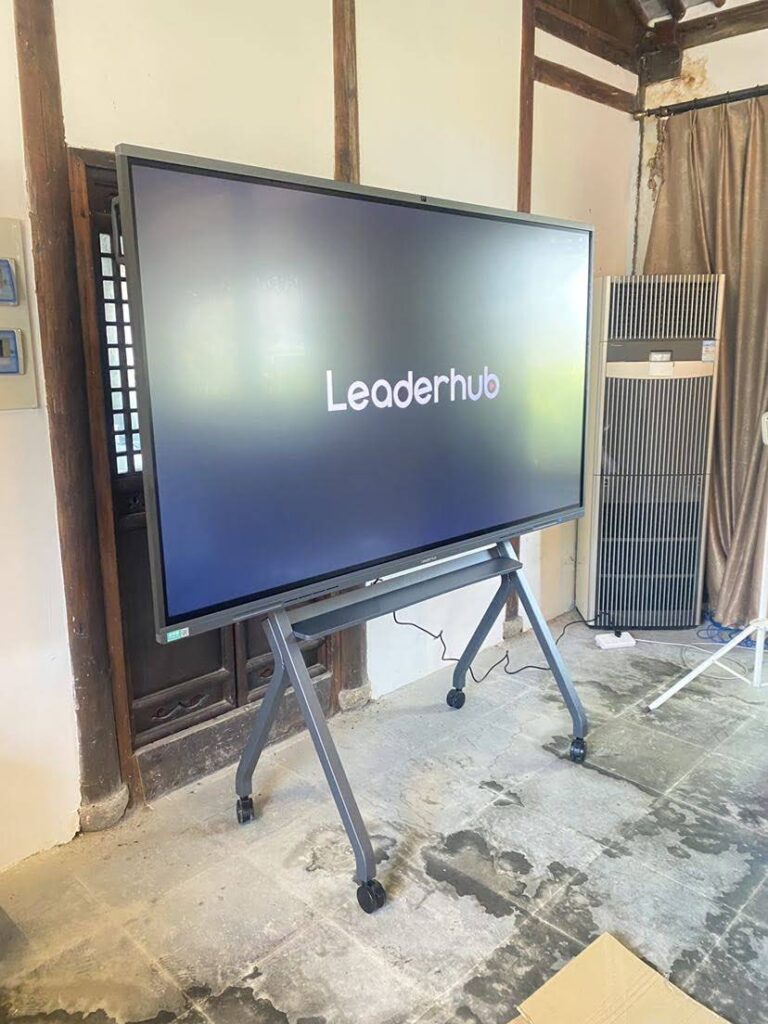
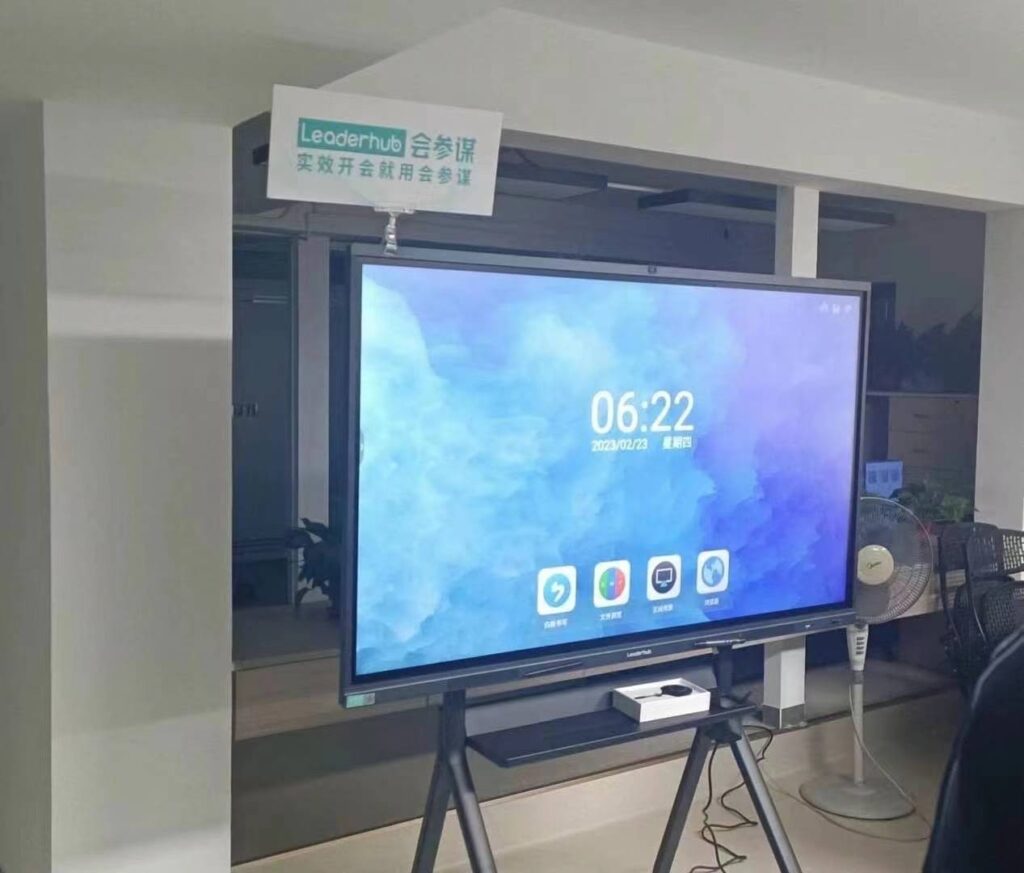
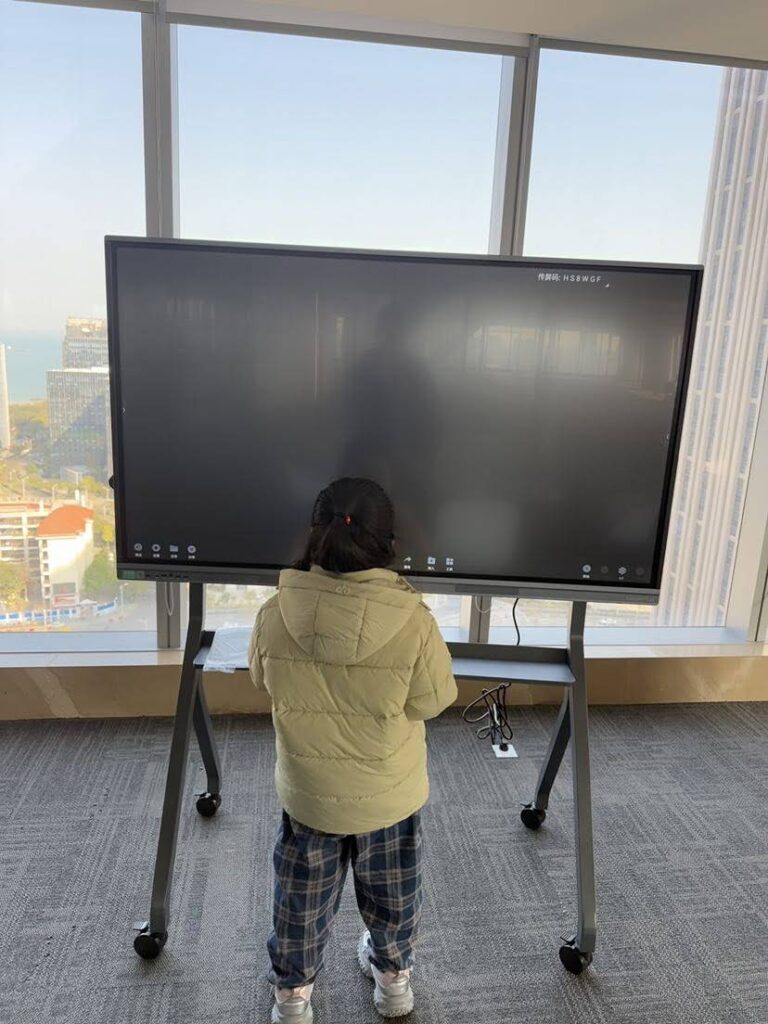
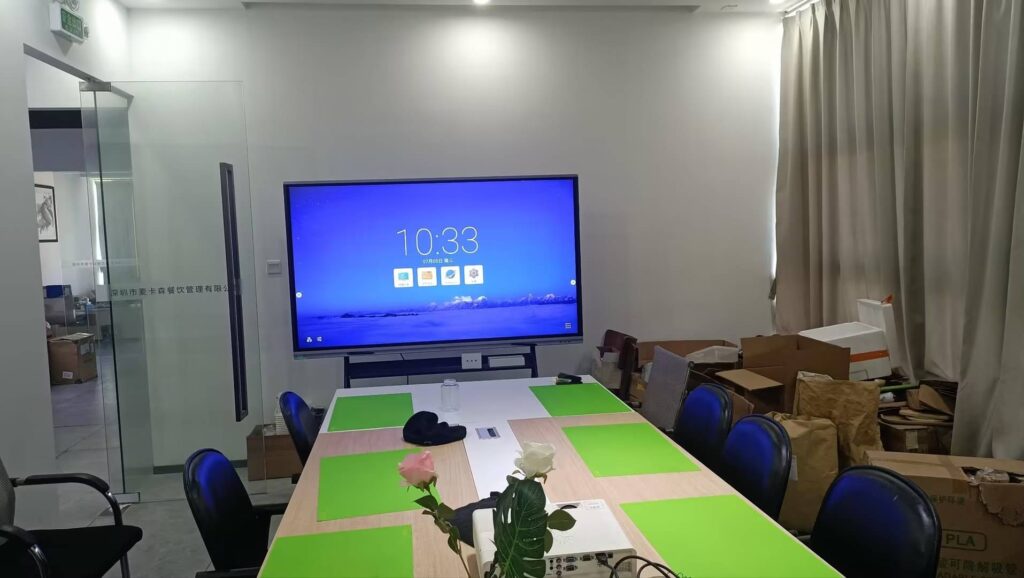
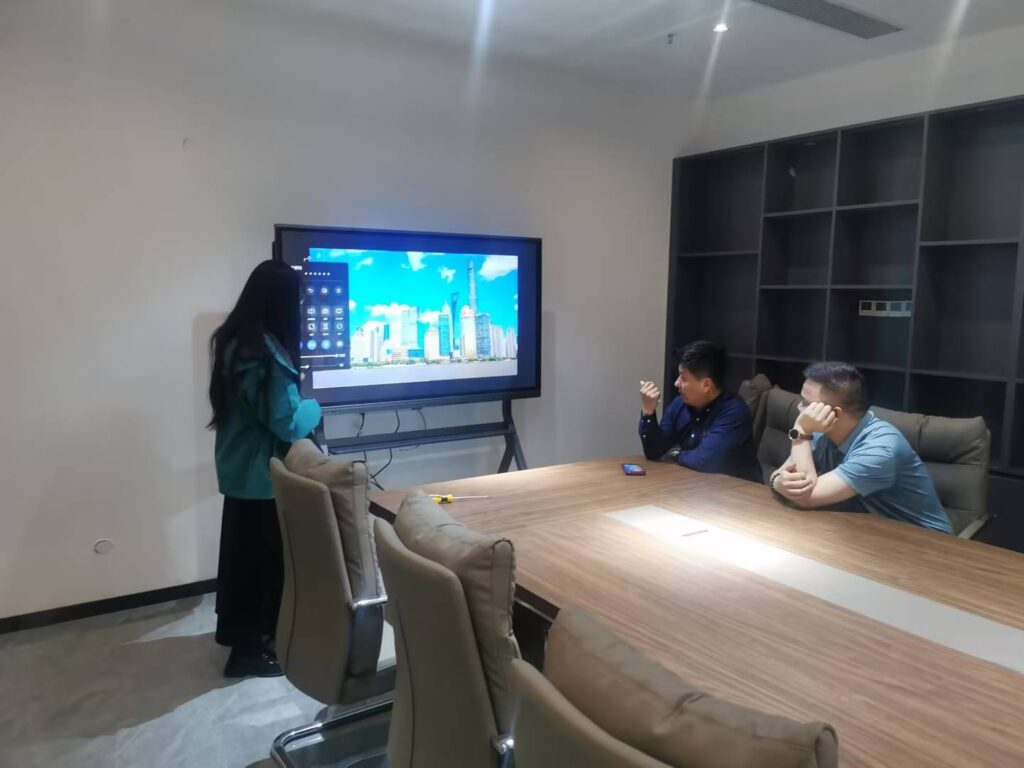
Smart boards have been a fixture in classrooms and meeting rooms for years, but as technology evolves rapidly, many organizations wonder whether these interactive displays remain relevant. The answer is a resounding yes¡ªsmart boards are not only still widely used but have evolved significantly, incorporating artificial intelligence, cloud connectivity, and advanced collaboration features that make them more valuable than ever.
According to recent market research, the global interactive display market is projected to grow at a compound annual growth rate of 8.2% through 2028, driven by increasing adoption in education, corporate training, and hybrid work environments. This growth reflects how smart boards have adapted to modern needs rather than becoming obsolete.
What Are Smart Boards and How Have They Evolved?
Smart boards, also known as interactive flat panels or interactive whiteboards, are large touchscreen displays that enable users to interact directly with digital content. Unlike traditional whiteboards, these devices integrate display, computing, and touch technology into a single unit.
Modern smart boards differ dramatically from their early predecessors:
- First Generation (2000s): Required separate projectors, calibration procedures, and limited touch accuracy
- Second Generation (2010s): Integrated displays with improved touch response and basic annotation tools
- Current Generation (2020s): AI-powered systems with 4K resolution, multi-user collaboration, cloud integration, and wireless connectivity
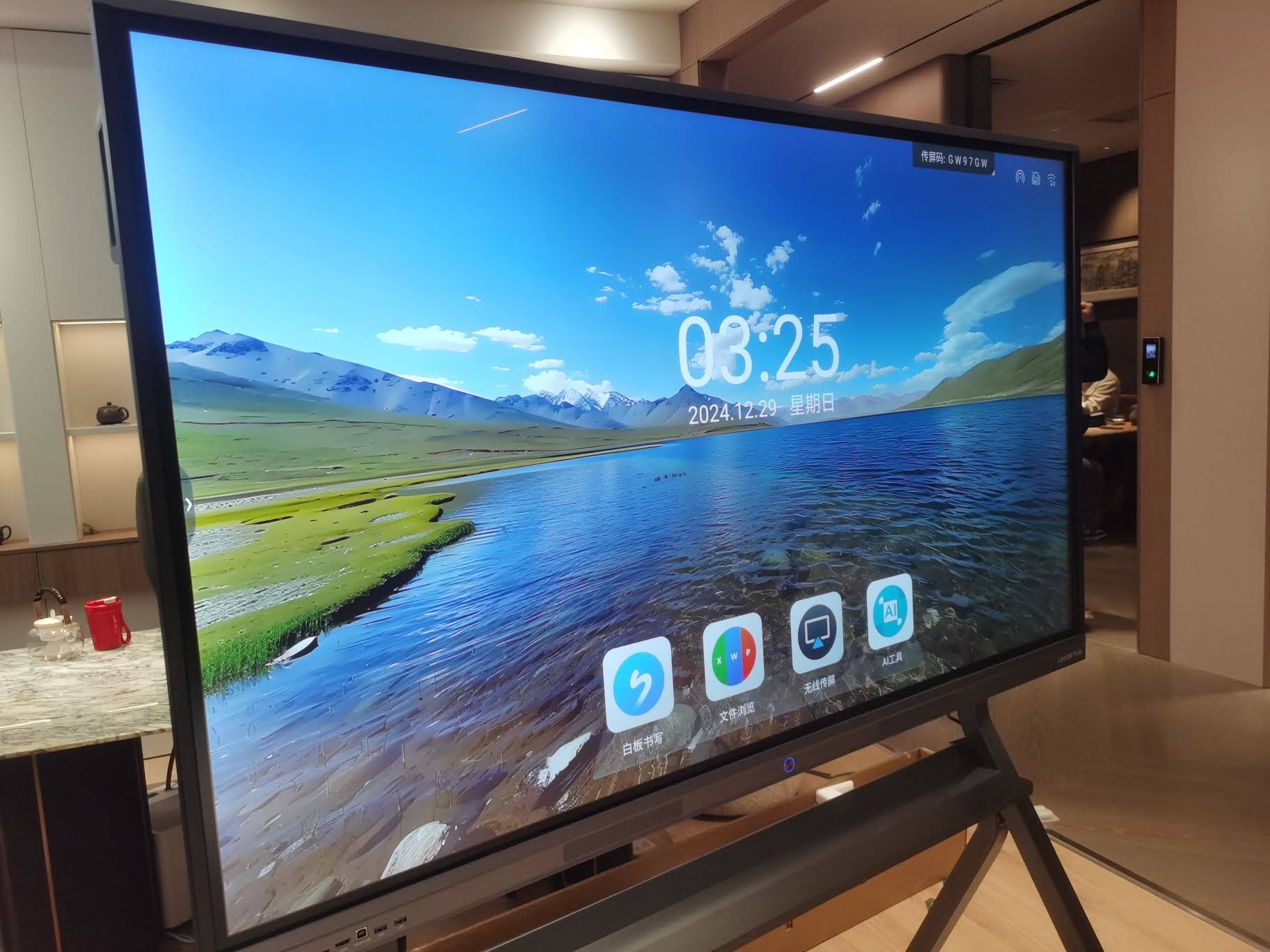
Today’s smart boards incorporate artificial intelligence to enhance handwriting recognition, automatic shape correction, and intelligent content suggestions. These advancements address the usability challenges that plagued earlier models and create genuinely intuitive user experiences.
Current Applications Across Industries
Education Sector
Smart boards remain essential in modern education, with approximately 65% of K-12 classrooms in developed countries now equipped with interactive display technology. Their continued relevance stems from measurable improvements in student engagement and learning outcomes.
Key educational applications include:
| Use Case | Impact | Technology Feature |
|---|---|---|
| Interactive Lessons | 42% increase in student participation | Multi-touch, annotation tools |
| Remote Learning | Seamless hybrid instruction | Screen sharing, cloud recording |
| Collaborative Projects | Enhanced teamwork skills | Split-screen, simultaneous input |
| Multimedia Integration | Improved content retention | Native app support, wireless casting |
Research published in the Journal of Educational Technology indicates that classrooms using interactive displays show a 28% improvement in knowledge retention compared to traditional teaching methods. This data point explains why educational institutions continue investing in this technology despite budget constraints.
Corporate and Business Environments
The transition to hybrid work models has actually increased demand for smart boards in business settings. Companies recognize that effective collaboration tools are essential when team members work across different locations.
According to a 2023 survey of Fortune 500 companies, 78% reported increased investment in interactive display technology for conference rooms and collaborative workspaces. These organizations cite improved meeting efficiency and enhanced remote participant engagement as primary benefits.
Healthcare and Medical Training
Healthcare facilities increasingly deploy smart boards for patient education, staff training, and collaborative diagnosis. The technology enables medical professionals to display imaging results, annotate anatomical diagrams, and share information across departments in real time.
Medical training programs particularly benefit from interactive displays, allowing instructors to demonstrate procedures, simulate patient scenarios, and facilitate hands-on learning experiences that traditional teaching methods cannot replicate.
Key Benefits Driving Continued Adoption
Enhanced Collaboration Capabilities
Modern smart whiteboards excel at facilitating real-time collaboration among multiple participants, whether they’re in the same room or distributed globally. Users can simultaneously annotate, edit documents, and brainstorm on a shared digital canvas.
Advanced collaboration features include:
- Multi-user touch support (up to 20 simultaneous touch points)
- Cloud-based content sharing and automatic synchronization
- Integration with video conferencing platforms (Zoom, Microsoft Teams, Google Meet)
- Real-time co-editing capabilities
- Session recording and automatic note distribution
AI-Powered Intelligence
Artificial intelligence represents the most significant advancement in smart board technology. AI features transform these devices from passive displays into intelligent assistants that actively support productivity.
Examples of AI integration include automatic meeting transcription, intelligent content summarization, handwriting-to-text conversion with 98% accuracy, and context-aware content suggestions. These capabilities reduce administrative burden and allow users to focus on substantive work rather than documentation tasks.
Cost-Effectiveness and Long-Term Value
While initial investment in smart board technology requires budget allocation, total cost of ownership analysis demonstrates significant long-term savings compared to traditional presentation equipment.
| Cost Factor | Traditional Setup | Smart Board |
|---|---|---|
| Initial Equipment | Projector + Screen + Whiteboard | All-in-one unit |
| Maintenance (5 years) | Lamp replacements, calibration | Minimal maintenance required |
| Consumables | Markers, erasers, paper | None (digital only) |
| Energy Consumption | Higher (projector heat) | LED efficiency |
Organizations also realize indirect savings through improved meeting efficiency. Data from business productivity studies shows that meetings using interactive displays conclude 23% faster on average while achieving better outcomes, translating to measurable time and cost savings.
Comparing Smart Boards to Alternative Technologies
Smart Boards vs. Traditional Whiteboards
Traditional whiteboards remain functional for basic note-taking, but lack the digital integration and collaboration features that modern work demands. Content created on traditional whiteboards cannot be saved, shared, or edited digitally, creating workflow friction in contemporary environments.
Smart boards preserve the intuitive “write-on-surface” experience while adding digital capabilities like instant sharing, cloud storage, and multimedia integration. This combination explains why organizations increasingly replace traditional whiteboards rather than supplementing them.
Smart Boards vs. Large Format Displays
Standard large-format displays serve well for presentation purposes but lack interactive capabilities. Without touch functionality, these displays require separate input devices and create barriers to spontaneous collaboration.
Interactive displays eliminate this gap by combining presentation and collaboration capabilities in a single device. Users can directly manipulate content, annotate presentations, and engage with materials intuitively, creating more dynamic and productive sessions.
Smart Boards vs. Tablets and Mobile Devices
While tablets and mobile devices excel for individual work, they cannot replace the shared, large-format experience that smart boards provide for group collaboration. Screen size fundamentally impacts how teams interact and solve problems together.
The optimal approach combines both technologies¡ªsmart boards for group collaboration and tablets for individual preparation and follow-up work. Many modern smart boards integrate seamlessly with mobile devices, allowing users to share content bidirectionally.
Modern Smart Board Solutions from LeaderHub
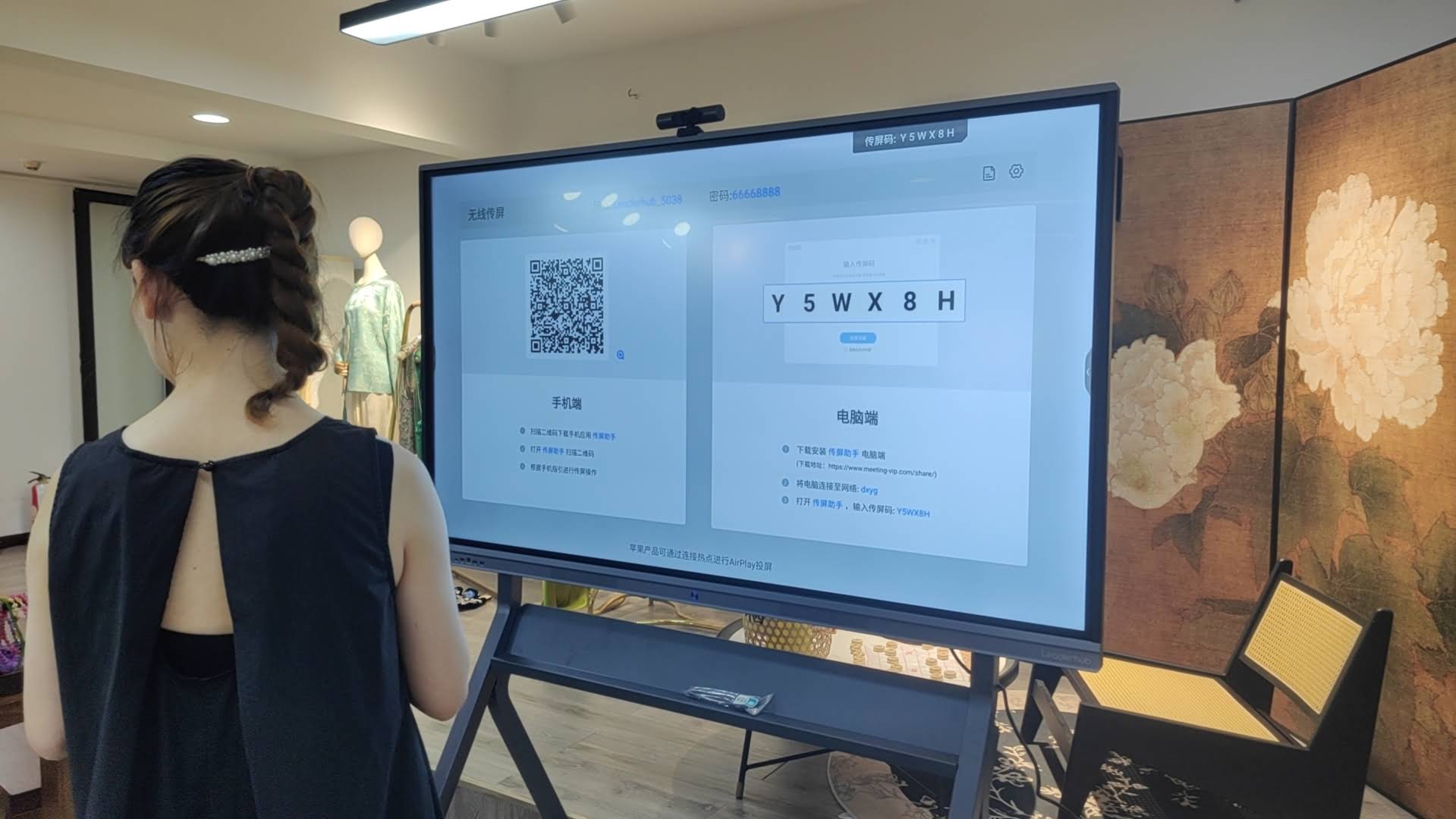
As a manufacturer with over 16 years of experience in interactive display technology, LeaderHub has developed smart board solutions that address the practical needs of education and business environments. Our products serve customers in more than 82 countries, reflecting the global demand for reliable interactive display technology.
LeaderHub’s smart boards incorporate the features that users identify as most valuable: responsive multi-touch surfaces with 4K resolution, built-in AI-powered collaboration software, compatibility with major video conferencing platforms, and flexible connectivity options including wireless screen sharing. These capabilities support the diverse ways organizations use interactive displays today.
Our approach prioritizes long-term reliability and ease of use. Rather than adding unnecessary complexity, we focus on features that directly improve collaboration efficiency and reduce technical friction. This philosophy explains why customers across education, enterprise, and government sectors continue choosing our solutions.
Emerging Trends Shaping Smart Board Technology
Artificial Intelligence Integration
AI capabilities will continue expanding beyond current applications. Future developments include real-time language translation during international meetings, automated action item tracking and assignment, intelligent content recommendations based on meeting context, and predictive scheduling based on collaboration patterns.
These AI enhancements will make smart boards increasingly proactive rather than passive tools, automatically handling routine tasks and allowing users to focus on creative and strategic work.
Hybrid Work Optimization
As hybrid work models stabilize, smart board manufacturers are prioritizing features that bridge physical and virtual participants. Enhanced camera systems with AI-powered framing, improved audio processing that isolates speakers, and better integration with digital whiteboards ensure remote participants have experiences equivalent to in-room attendees.
Sustainability Considerations
Environmental consciousness influences technology purchasing decisions across industries. Modern smart boards address sustainability through energy-efficient LED displays, reduced material waste through digital workflows, longer product lifecycles reducing replacement frequency, and recyclable components and responsible manufacturing.
Organizations increasingly evaluate technology investments through environmental impact lenses, and smart boards compare favorably by eliminating paper consumption and reducing travel needs through effective remote collaboration.
Selection Criteria for Modern Smart Boards
Essential Technical Specifications
When evaluating smart board options, prioritize specifications that impact daily usability and long-term value:
- Display Resolution: Minimum 4K (3840¡Á2160) for clarity at large sizes
- Touch Technology: Infrared or capacitive with at least 10 simultaneous touch points
- Response Time: Less than 10ms touch latency for natural writing experience
- Built-in Computing: Integrated Android or Windows system eliminates external PC requirements
- Connectivity Options: HDMI, USB-C, wireless casting, and network integration
- Audio Quality: Front-facing speakers with sufficient volume for room size
Software Ecosystem Considerations
Hardware capabilities matter less if software limitations create workflow obstacles. Evaluate whether the smart board integrates with your existing tools and platforms, supports the file formats your organization uses, provides intuitive interface requiring minimal training, enables cloud storage and cross-device access, and receives regular software updates and security patches.
Support and Warranty Factors
Interactive displays represent significant investments, making manufacturer support critical. Consider warranty duration and coverage terms, availability of local service and technical support, replacement part availability, and software update policies and duration.
Manufacturers with extensive experience in the industry typically provide more reliable long-term support, reducing total cost of ownership and ensuring consistent device performance over time.
Implementation Best Practices
Installation Considerations
Proper installation significantly impacts smart board usability and longevity. Mount at appropriate height for primary users (typically 36-42 inches from floor to center), ensure adequate ambient light control to prevent glare, verify network infrastructure supports bandwidth requirements, and provide accessible power and cable management solutions.
User Training and Adoption
Technology adoption succeeds when users understand capabilities and feel comfortable with basic operations. Effective implementation includes hands-on training sessions focused on common use cases, creation of quick-reference guides for frequent tasks, identification of technology champions within teams, and regular sharing of tips and advanced features to deepen usage.
Organizations that invest in proper training realize significantly higher return on smart board investments compared to those that simply install devices and expect intuitive adoption.
Maintenance and Care
Smart boards require minimal maintenance, but basic care extends device lifespan and maintains optimal performance. Recommended practices include regular screen cleaning with appropriate materials, periodic software updates to ensure security and features, cable and connection checks to prevent wear, and environmental monitoring to maintain proper temperature and humidity.
Real-World Success Stories
Higher Education Case Study
A major university in the United States deployed interactive panels across 150 classrooms, replacing traditional projector systems. After one academic year, the institution documented 34% increase in student engagement scores, 41% reduction in technical support requests, 67% of faculty reporting improved teaching effectiveness, and positive return on investment within 2.5 years.
Faculty particularly valued the ability to save session content and make it immediately available to students, addressing a common gap in traditional classroom technology.
Corporate Implementation Example
A multinational technology company standardized on smart boards for its global conference rooms, supporting 25,000 employees across 40 locations. The deployment results included 28 minutes average reduction in meeting duration, 52% increase in remote participant satisfaction scores, 89% of employees rating meetings as “more productive,” and elimination of $180,000 in annual projector maintenance costs.
The company attributed significant productivity gains to reduced time spent on technical setup and troubleshooting, allowing meetings to start on schedule and maintain focus on substantive content.
Addressing Common Concerns and Misconceptions
“Smart Boards Are Too Expensive”
Initial price tags may seem high, but total cost of ownership analysis reveals competitive positioning. When factoring in eliminated consumables, reduced maintenance, improved meeting efficiency, and longer device lifespan, smart boards often cost less over five years than traditional presentation setups.
Additionally, technology costs have decreased significantly. Enterprise-grade smart boards now cost 40-60% less than equivalent models from five years ago, making the technology accessible to organizations of all sizes.
“They’re Too Complicated to Use”
Early smart boards deserved this criticism, requiring calibration procedures and specialized training. Modern devices prioritize intuitive design, with interfaces familiar to anyone who has used a smartphone or tablet.
Most users become comfortable with basic functions within 15-20 minutes, and advanced features remain accessible without mandatory training. Manufacturers have learned from past mistakes and now emphasize user experience throughout design processes.
“Traditional Methods Work Fine”
While traditional whiteboards and projectors remain functional, they create workflow friction in contemporary environments. Digital content cannot easily integrate with traditional tools, remote participants cannot fully engage, and content created during sessions requires manual documentation and distribution.
Organizations maintaining traditional approaches increasingly report that these limitations create competitive disadvantages as collaboration complexity increases and hybrid work becomes standard practice.
Future Outlook and Recommendations
Smart boards have evolved far beyond their original incarnation as digital replacements for traditional whiteboards. Today’s interactive displays represent sophisticated collaboration platforms that integrate AI, cloud connectivity, and advanced communication capabilities into intuitive packages.
Rather than becoming obsolete, smart boards have become more relevant as organizations prioritize effective collaboration across distributed teams. Market growth projections, continued innovation from manufacturers, and strong user satisfaction data all indicate that interactive displays will remain central to education and business collaboration for years to come.
For organizations considering smart board adoption:
- Evaluate needs based on actual use cases rather than feature checklists
- Prioritize manufacturers with proven track records and comprehensive support
- Plan for proper installation, training, and change management
- Consider starting with pilot deployments to validate benefits before organization-wide rollout
- Select solutions that integrate with existing technology ecosystems
The question is not whether smart boards remain relevant, but rather which solutions best address your organization’s specific collaboration needs. With manufacturers like LeaderHub continuing to innovate and refine these technologies, smart boards represent increasingly valuable investments that deliver measurable improvements in collaboration effectiveness, meeting productivity, and organizational communication.
As artificial intelligence capabilities expand and hybrid work models mature, interactive displays will continue evolving to meet emerging needs. Organizations that embrace these technologies position themselves to collaborate more effectively in an increasingly digital and distributed work environment.