
In today’s digital workplace and classroom, interactive technology has transformed how we teach, present, and collaborate. Among the most powerful tools driving this change is the smart board notebook¡ªa software application that turns interactive displays into dynamic, multi-functional workspaces. Whether you’re an educator designing engaging lessons or a business professional leading remote meetings, understanding how smart board notebooks work can unlock new levels of productivity and creativity.
Understanding Smart Board Notebook Technology
A smart board notebook is specialized software designed to work with interactive flat panels and smart whiteboards, enabling users to create, annotate, save, and share digital content in real time. Unlike traditional whiteboards that erase permanently, smart board notebooks preserve every stroke, image, and note for future reference.
The technology combines touch-sensitive display hardware with intelligent software that recognizes handwriting, supports multimedia integration, and facilitates seamless collaboration. According to recent education technology studies, classrooms using interactive display systems with notebook software report up to 35% improvement in student engagement compared to traditional teaching methods.
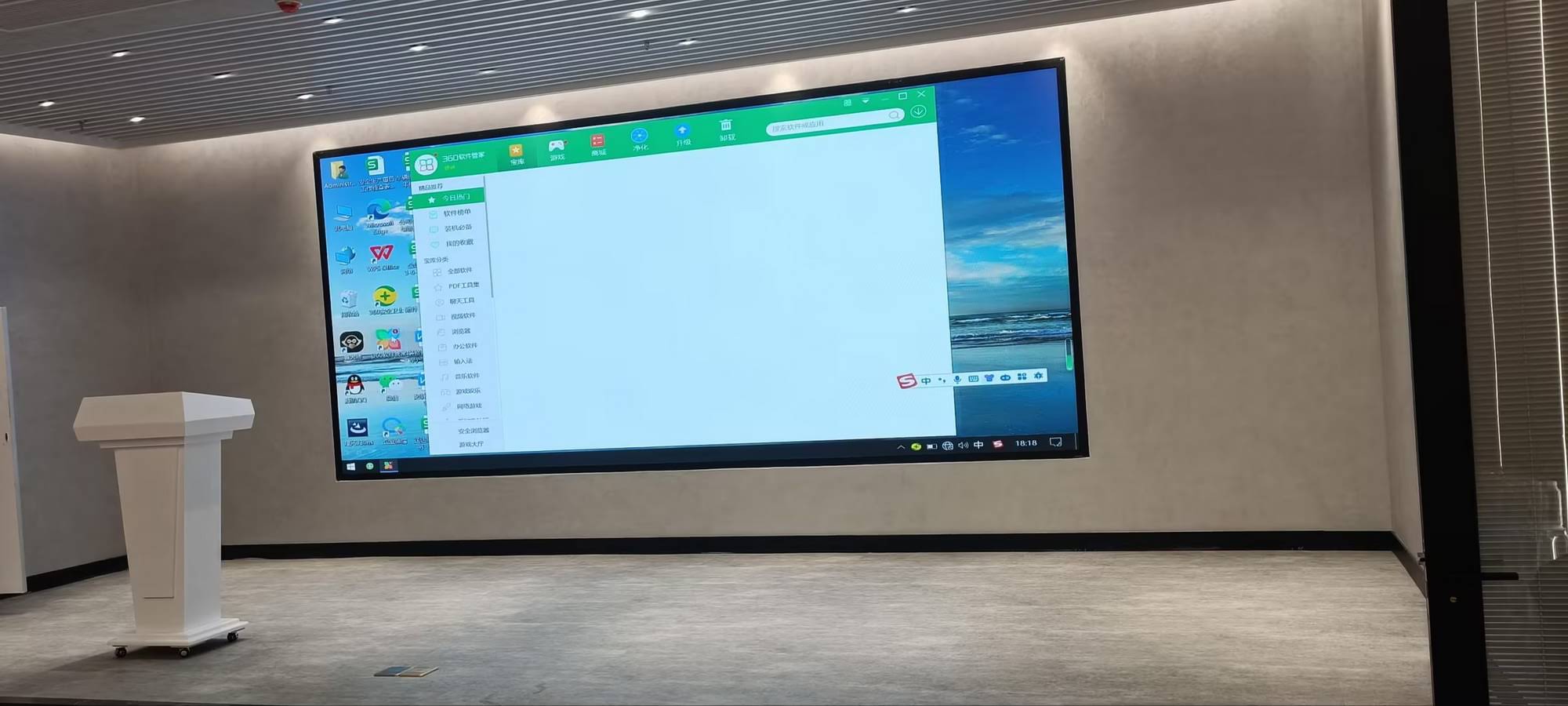
Core Components of Smart Board Notebook Systems
Hardware Foundation
The physical infrastructure consists of an interactive display panel equipped with infrared, capacitive, or electromagnetic touch technology. Modern systems from manufacturers like LeaderHub¡ªwith over 16 years of experience developing interactive display technologies¡ªintegrate 4K resolution screens, multi-touch capabilities supporting up to 20 simultaneous touch points, and built-in computing power that eliminates the need for external PCs in many scenarios.
| Component | Function | Typical Specifications |
|---|---|---|
| Touch Display | Input and visualization surface | 55″-110″ diagonal, 4K UHD resolution |
| Processing Unit | Runs notebook software and applications | Android/Windows OS, 4-8GB RAM |
| Connectivity Module | Network and device integration | WiFi 6, Bluetooth 5.0, USB-C, HDMI |
| Audio System | Sound output and voice recognition | Built-in speakers, array microphones |
Software Architecture
The notebook application layer provides the interface where users interact with content. Leading platforms offer cloud synchronization, allowing presentations created in one location to be accessed globally. Enterprise-grade systems include administrative controls for IT departments to manage deployments across multiple sites.
How Smart Board Notebooks Function in Practice
Content Creation Process
Users begin by launching the notebook application, which presents a blank canvas or pre-designed template. The software recognizes various input methods:
- Finger touch for navigation and basic drawing
- Stylus input for precise writing and detailed illustrations
- Palm rejection technology that distinguishes intentional marks from accidental contact
- Gesture controls for zooming, rotating, and manipulating objects
Professional users particularly value the handwriting recognition feature, which converts natural handwriting into typed text with accuracy rates exceeding 95% for printed characters. This bridges the gap between analog thinking and digital documentation.
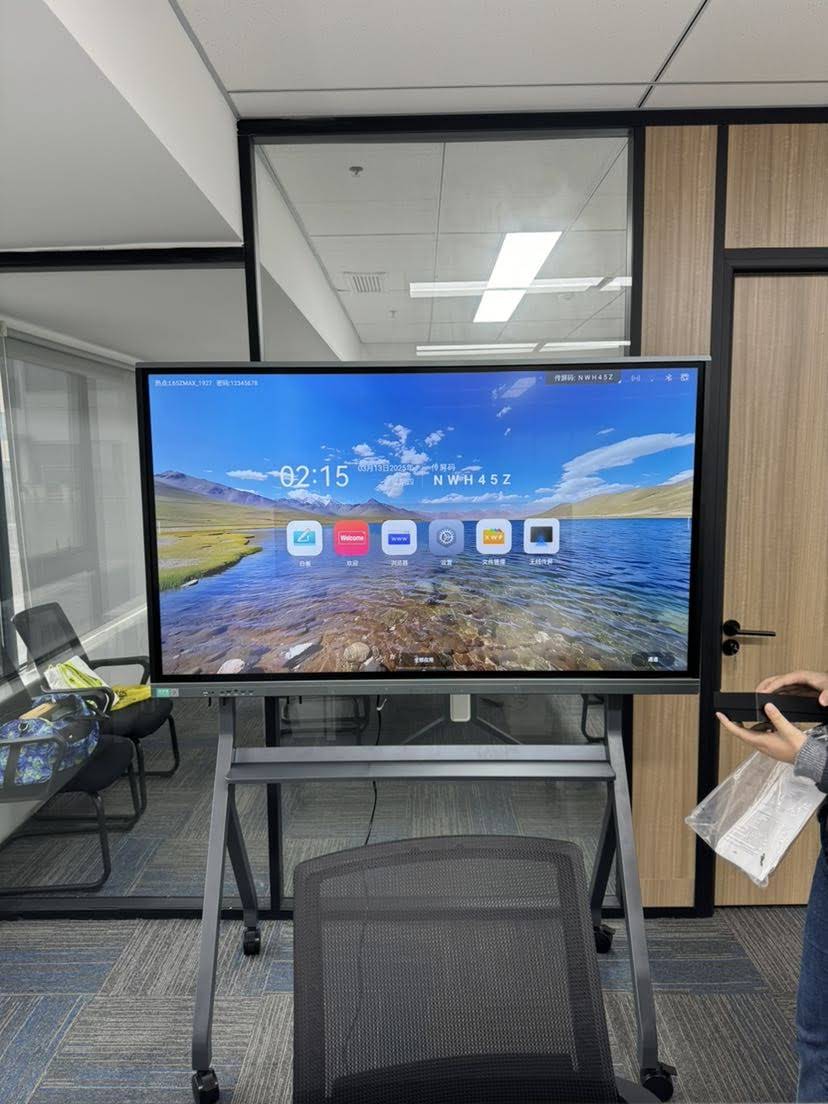
Real-Time Annotation and Collaboration
During presentations or lessons, smart board notebooks enable spontaneous annotation over any content¡ªwhether it’s a PDF document, video playback, or live web browser. Multiple participants can contribute simultaneously when using collaborative whiteboard features, with the system color-coding each contributor’s input.
A 2024 study by the International Society for Technology in Education found that classrooms utilizing collaborative smart board features showed 42% higher participation rates among previously disengaged students, demonstrating the technology’s impact on inclusive learning environments.
Key Features That Define Modern Smart Board Notebooks
Multimedia Integration Capabilities
Contemporary notebook software seamlessly incorporates diverse media types:
- Embedded video clips with playback controls
- Audio recordings for language instruction or detailed explanations
- 3D models that can be rotated and examined from multiple angles
- Interactive simulations for science and mathematics education
- Real-time web content integration without switching applications
Intelligent Recognition Systems
Advanced smart board notebooks incorporate AI-powered recognition that goes beyond basic handwriting conversion:
| Recognition Type | Functionality | Practical Application |
|---|---|---|
| Shape Recognition | Converts rough sketches into perfect geometric forms | Technical drawings, flowcharts, diagrams |
| Mathematical Expression | Interprets handwritten equations and solves them | Mathematics education, engineering calculations |
| Table Creation | Recognizes grid patterns and generates structured tables | Data organization, comparison charts |
| Language Detection | Identifies and translates multiple languages | International collaboration, language learning |
Cloud Integration and Accessibility
Modern smart board notebooks prioritize accessibility across devices and locations. Content created on an 86-inch interactive panel in a conference room can be instantly accessed on a tablet during remote work, or retrieved on a smartphone while traveling. Cloud storage platforms integrate directly with notebook software, automatically backing up work and enabling version control.
Practical Applications Across Different Sectors
Educational Environments
Teachers leverage smart board notebooks to create dynamic lesson plans that accommodate different learning styles. Visual learners benefit from color-coded diagrams and embedded videos, while kinesthetic learners engage through interactive exercises directly on the board. A science teacher can annotate a chemistry video frame-by-frame, saving each note for students to review later.
According to data from educational institutions using interactive technology, test scores in subjects utilizing smart board instruction improved by an average of 16% compared to traditional teaching methods, with the greatest gains observed in STEM subjects.
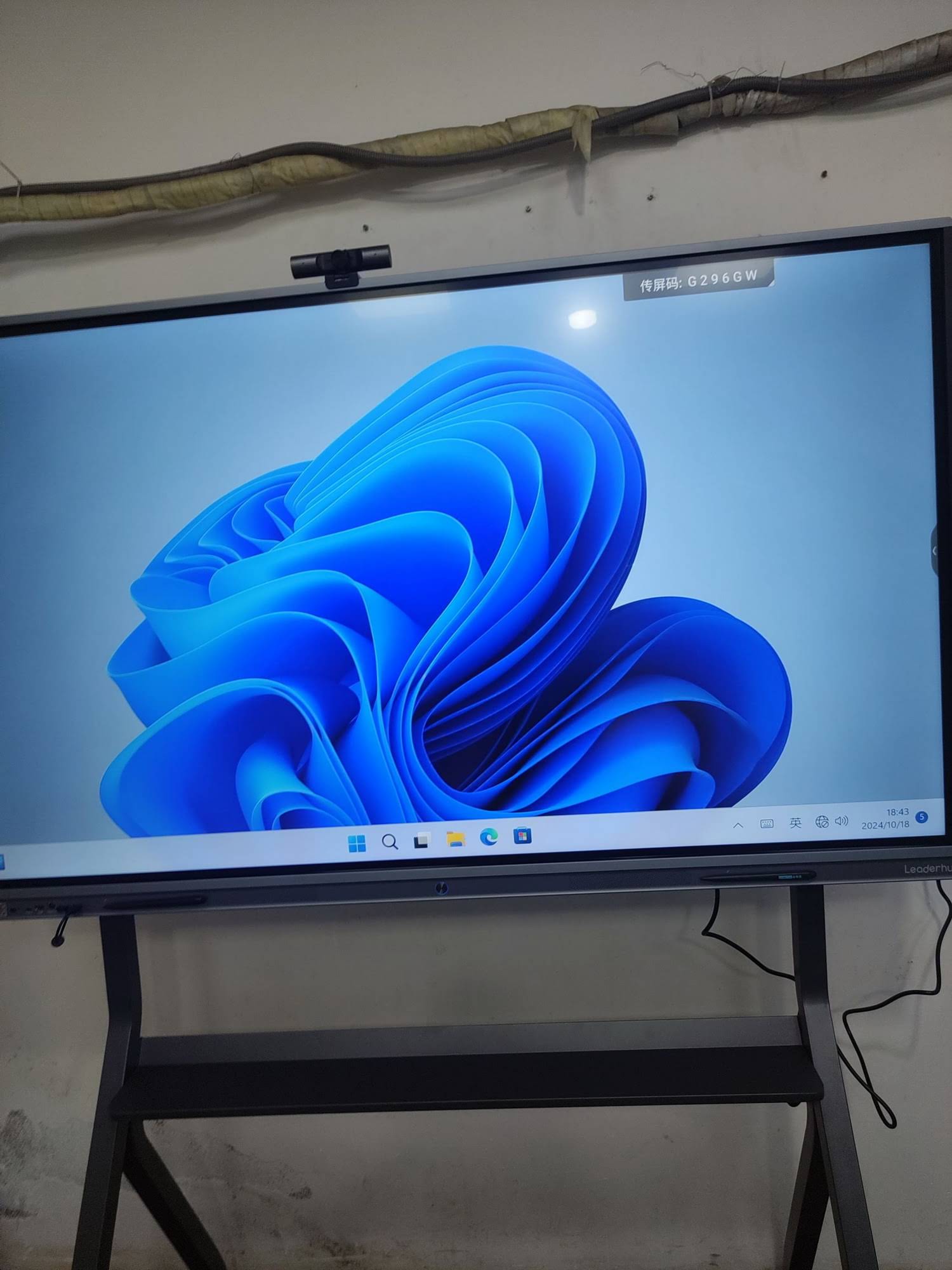
Corporate Meeting Rooms
Business professionals use smart board notebooks to facilitate more productive meetings. Marketing teams brainstorm campaigns with real-time editing, product managers sketch user interface concepts that transform into formal documentation, and project managers create dynamic timelines that automatically update connected task management systems.
A 2025 workplace productivity report revealed that organizations implementing smart board technology in conference rooms reduced average meeting duration by 23% while increasing actionable outcomes by 31%, primarily due to improved visual communication and immediate documentation.
Training and Professional Development
Corporate trainers and professional development facilitators utilize notebook software to create interactive training modules. Participants can complete exercises directly on the board, receive immediate feedback, and access training materials after sessions conclude. Healthcare organizations particularly value this for medical training, where annotated case studies and procedure demonstrations can be archived for ongoing reference.
Technical Operation Behind the Interface
Touch Detection and Processing
When a user touches the smart board surface, the system employs sophisticated algorithms to determine:
- Precise x-y coordinates with sub-millimeter accuracy
- Touch pressure to vary line thickness (on pressure-sensitive models)
- Touch duration to differentiate between taps and sustained contact
- Multi-touch patterns to recognize gestures like pinch-to-zoom
- Tool identification to apply different functions for fingers versus styluses
This data streams to the notebook application at rates exceeding 200 samples per second, ensuring smooth, responsive interaction without perceptible lag¡ªcritical for maintaining natural writing and drawing experiences.
Data Management and File Formats
Smart board notebooks typically save content in proprietary formats optimized for their software, but also export to universal formats including PDF, PowerPoint, JPEG, and interactive HTML5. This ensures compatibility across platforms and devices. Advanced systems support real-time autosave with version history, preventing data loss from power failures or system crashes.
Comparing Smart Board Notebook Platforms
The market offers several competing platforms, each with distinct strengths:
SMART Notebook
The original platform that defined the category, known for extensive lesson activity templates and strong educational focus. Particularly robust for K-12 environments with pre-built subject-specific content libraries.
Microsoft Whiteboard
Deeply integrated with Microsoft 365 ecosystem, excelling in corporate environments already using Teams and Office applications. Offers seamless collaboration but fewer specialized educational features.
Google Jamboard
Cloud-native solution ideal for Google Workspace users, emphasizing simplicity and cross-platform accessibility over advanced features. Popular in organizations prioritizing easy adoption over feature depth.
Proprietary Manufacturer Solutions
Companies like LeaderHub develop custom notebook software optimized for their hardware, often incorporating AI-powered features and specialized tools unavailable in generic platforms. These solutions benefit from tight hardware-software integration, delivering optimized performance and manufacturer-specific innovations.
Setting Up and Optimizing Your Smart Board Notebook
Initial Configuration
Proper setup begins with calibrating the touch response to ensure accuracy across the entire display surface. Users should configure:
- Touch sensitivity to match writing pressure preferences
- Default tools and colors for quick access during presentations
- Cloud storage connections for automatic backup
- User profiles if multiple people share the device
- Network settings for content sharing and remote collaboration
Performance Optimization Tips
To maintain smooth operation, experienced users recommend:
- Regularly clearing temporary files and cached content
- Limiting the number of pages in a single notebook file to prevent sluggishness
- Using vector graphics rather than high-resolution images where possible
- Scheduling software updates during off-hours to avoid disruptions
- Maintaining adequate storage space¡ªat least 20% free for optimal performance
Advanced Features for Power Users
Scripting and Automation
Professional users can enhance productivity through automation features. Many platforms support macro creation for repetitive tasks¡ªfor example, automatically formatting imported images to consistent sizes, or applying standard templates to new pages. Advanced systems allow JavaScript or Python scripting for custom functionality.
Integration with External Systems
Enterprise deployments often connect smart board notebooks with:
- Learning Management Systems (LMS) for automatic attendance tracking and assignment distribution
- Customer Relationship Management (CRM) platforms to annotate client presentations and automatically log notes
- Project management tools to convert whiteboard brainstorming into actionable tasks
- Video conferencing platforms for hybrid meeting support with shared annotation
Troubleshooting Common Issues
Touch Responsiveness Problems
If the board becomes less responsive or inaccurate, first recalibrate the touch system through the settings menu. Clean the display surface with approved materials¡ªtypically microfiber cloths with specialized screen cleaner¡ªas dust and fingerprints can interfere with touch detection. Ensure no strong light sources create reflections that confuse infrared-based systems.
Software Performance Degradation
When notebook software begins lagging, check system resource usage. Close unnecessary background applications competing for memory. If a specific notebook file performs poorly, try splitting it into smaller files¡ªdocuments exceeding 100 pages or 500MB often experience slowdowns. Verify network connectivity if using cloud-synced features, as poor connections cause delays.
Synchronization and Sharing Difficulties
Cloud synchronization problems typically stem from authentication issues or network firewall restrictions. Verify login credentials and ensure the organization’s network allows connections to the notebook platform’s servers. For file sharing, confirm recipients have compatible software versions¡ªolder versions may not support newer file format features.
Security and Privacy Considerations
Organizations handling sensitive information should implement robust security measures:
- Enable encryption for stored notebooks and cloud transmissions
- Implement user authentication and access controls
- Establish data retention policies and automated deletion schedules
- Restrict screenshot and export capabilities in high-security environments
- Conduct regular security audits of connected systems and permissions
Healthcare and financial institutions should verify their smart board systems comply with relevant regulations such as HIPAA or GDPR, as interactive displays often capture personally identifiable information during use.
Future Developments in Smart Board Notebook Technology
AI-Enhanced Capabilities
The integration of artificial intelligence promises transformative features already emerging in cutting-edge systems. AI assistants can suggest relevant content based on discussion topics, automatically generate meeting summaries from whiteboard sessions, and provide real-time fact-checking during presentations. Natural language processing enables voice commands for hands-free operation¡ªparticularly valuable during sterile medical procedures or food preparation demonstrations.
Augmented Reality Integration
Next-generation smart board notebooks will incorporate AR capabilities, projecting 3D models into physical space that participants can examine from multiple angles. Engineering teams could manipulate product prototypes at full scale, while medical students could explore anatomical structures in three dimensions, all controlled through the smart board interface.
Enhanced Remote Collaboration
As hybrid work becomes permanent, smart board notebooks are evolving to better serve distributed teams. Upcoming features include perspective correction that makes remote participants feel they’re viewing the board straight-on regardless of camera angle, and AI-powered audio zoning that isolates speakers for clearer communication in mixed local-remote meetings.
Making the Investment Decision
Cost Considerations
Smart board notebook systems represent significant investments ranging from $2,000 for basic 55-inch units to $15,000+ for 98-inch enterprise solutions with advanced features. When evaluating costs, consider:
| Cost Factor | Initial Investment | Ongoing Expenses |
|---|---|---|
| Hardware | $2,000-$15,000+ | Minimal (5-7 year lifespan) |
| Software Licenses | $0-$500 per seat | $50-$200 annual renewal |
| Installation | $200-$1,000 | N/A |
| Training | $500-$2,000 | Refresher sessions as needed |
| Support/Warranty | Often included first year | $200-$800 annually |
ROI Calculations
Organizations should evaluate return on investment through both quantitative and qualitative metrics. Productivity gains from reduced meeting times, improved collaboration, and faster decision-making typically justify costs within 18-24 months for business deployments. Educational institutions measure ROI through improved learning outcomes, increased student engagement, and reduced need for consumable materials like paper and markers.
Conclusion: Transforming How We Work and Learn
Smart board notebooks represent far more than digital replacements for traditional whiteboards¡ªthey are comprehensive collaboration platforms that fundamentally reshape how we communicate ideas, develop concepts, and work together. By combining intuitive touch interfaces with powerful software capabilities, these systems remove barriers between thinking and documenting, enabling natural workflows that enhance both individual productivity and group collaboration.
As technology continues evolving with AI integration and enhanced connectivity, smart board notebooks will become even more central to modern workplaces and educational environments. Organizations investing in these systems today position themselves at the forefront of collaboration technology, ready to adapt as new capabilities emerge.
For those considering implementation, success depends on selecting hardware and software aligned with specific organizational needs, providing adequate training to ensure adoption, and maintaining systems properly to maximize longevity. Whether transforming a classroom, modernizing meeting spaces, or enhancing training programs, smart board notebooks offer powerful tools for creating more engaging, productive, and collaborative environments.








