If you’re exploring interactive display technology for your classroom or meeting room, you’ve likely encountered the term “smart board” and wondered about its relationship with projectors. This comprehensive guide clarifies the distinction between traditional interactive whiteboards and modern smart boards, helping you make informed decisions for your educational or business environment.
Understanding the Difference: Traditional Interactive Whiteboards vs. Modern Smart Boards
The confusion around smart boards and projectors stems from the evolution of interactive display technology over the past two decades. Let’s break down what each system actually is.
Traditional Interactive Whiteboards: Projector-Dependent Systems
Traditional interactive whiteboards, popularized in the early 2000s, are essentially touch-sensitive surfaces that require an external projector to display content. These systems work by detecting touch input on a white surface while a ceiling-mounted or wall-mounted projector displays the computer screen onto that surface.
Key characteristics of traditional interactive whiteboards include:
- White touch-sensitive surface with no built-in display
- Requires separate projector installation and calibration
- Often needs periodic realignment between touch surface and projected image
- Can suffer from shadow casting when users stand in front of the board
- Projector bulb replacement costs and maintenance requirements
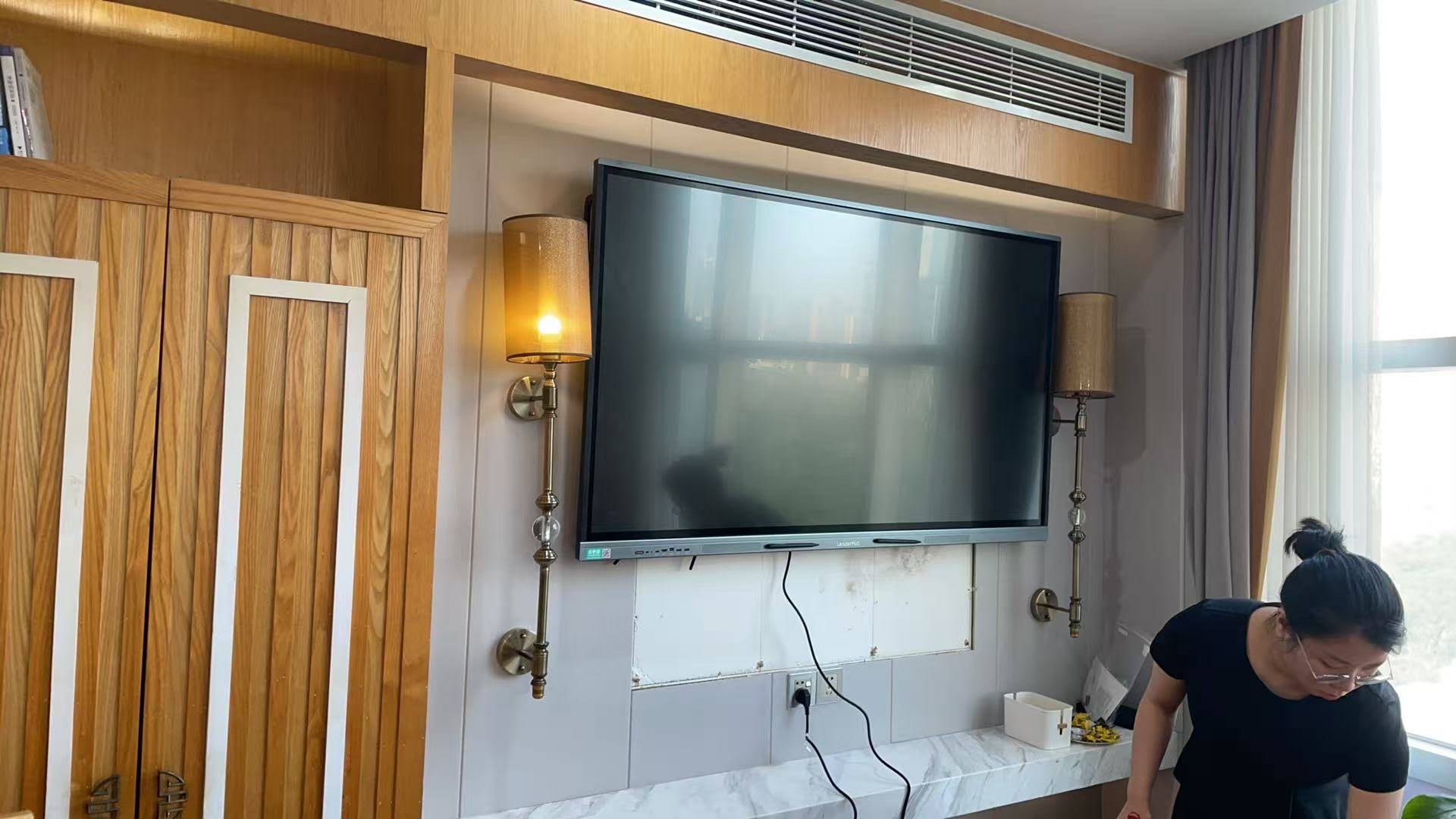
Modern Smart Boards: All-in-One Interactive Flat Panels
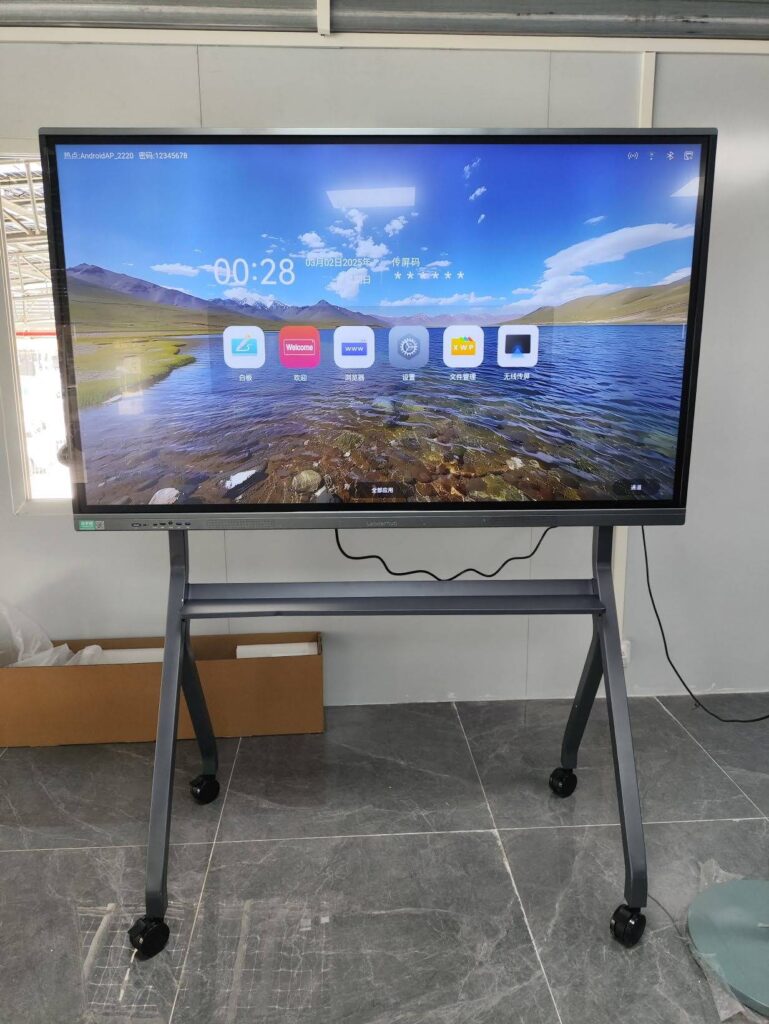
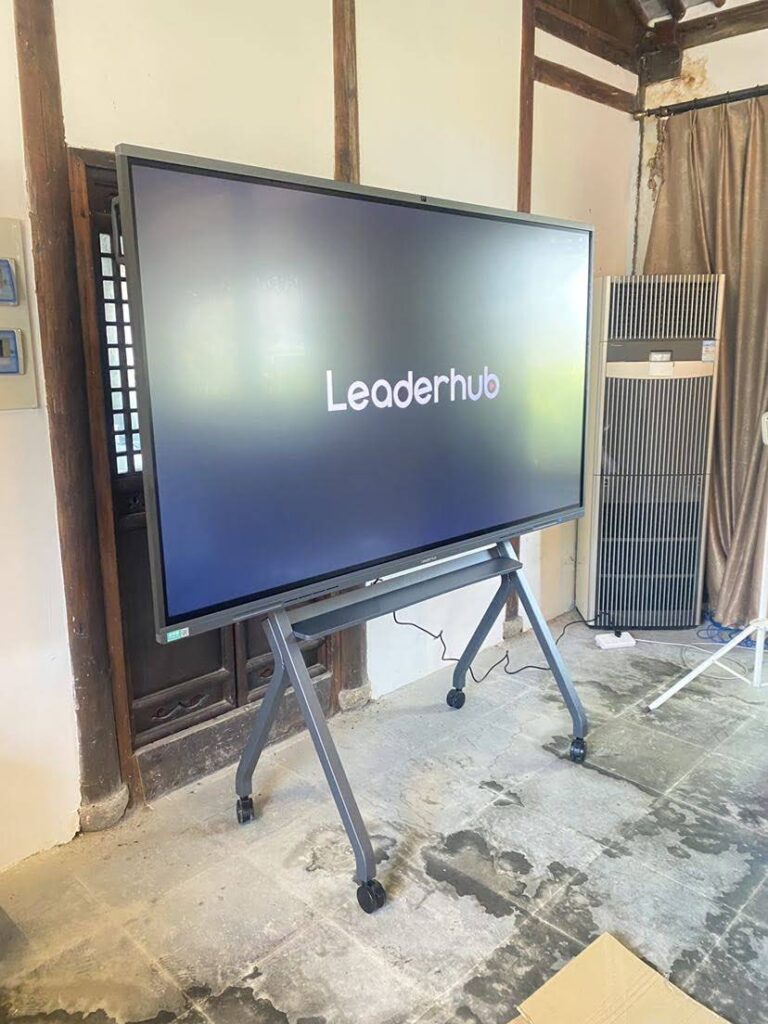
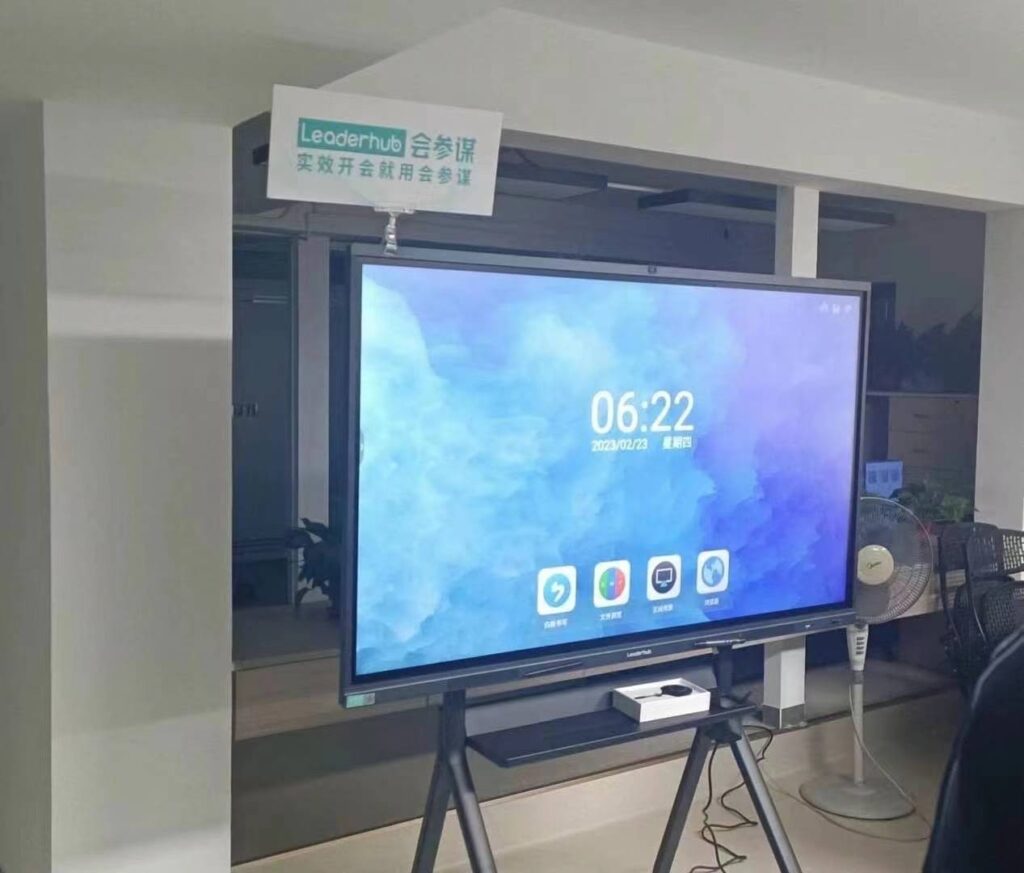
Modern smart boards, technically called interactive flat panels (IFPs), are completely self-contained units that integrate the display, touch capability, and computing power into a single device. Think of them as enormous touchscreen tablets designed for collaborative environments.
These advanced systems include:
- Built-in 4K or higher resolution LED/LCD display panels
- Multi-touch capability supporting simultaneous users
- Integrated Android or Windows operating system
- Built-in speakers and microphones for video conferencing
- No projector, no bulbs, no shadow issues
Do Modern Smart Boards Need a Projector? The Clear Answer
No, modern smart boards do not need a projector. Unlike their predecessor technology, contemporary interactive flat panels feature integrated high-resolution displays that eliminate the need for any external projection equipment. This represents a fundamental shift in interactive display design and functionality.
According to a 2023 Futuresource Consulting report, interactive flat panel shipments now account for over 85% of the interactive display market in education, with projector-based systems declining to less than 15%. This dramatic market shift reflects the superior performance, reliability, and total cost of ownership advantages that modern smart boards deliver.
Why Modern Smart Boards Eliminated the Projector Requirement
Superior Image Quality and Brightness
Modern interactive flat panels deliver consistent, vibrant images regardless of ambient lighting conditions. With brightness levels typically ranging from 350 to 450 nits, these displays remain perfectly visible even in brightly lit classrooms or meeting rooms with large windows.
In contrast, projector-based systems struggle in well-lit environments, often requiring room darkening for acceptable visibility. The LED backlighting technology in smart boards provides:
| Feature | Interactive Flat Panel | Projector-Based System |
|---|---|---|
| Brightness | 350-450 nits, consistent over lifespan | Degrades over bulb life, requires darkening |
| Resolution | Native 4K (3840¡Á2160) standard | Often 1080p or lower |
| Ambient Light Performance | Excellent in any lighting | Poor in bright environments |
| Maintenance | Minimal, no bulb replacement | Regular bulb replacement ($300-600) |
| Lifespan | 50,000+ hours without degradation | Bulb replacement every 2-4 years |
Elimination of Calibration and Alignment Issues
Anyone who has worked with projector-based interactive whiteboards knows the frustration of calibration drift. The touch-sensitive surface and projected image gradually fall out of alignment, requiring frequent recalibration that interrupts lessons and meetings.
Smart boards with integrated displays never experience this problem. The touch layer and display are permanently aligned at the factory, providing precise touch accuracy throughout the product’s lifespan without any user intervention.
No More Shadow Casting Problems
Projector systems create shadows when presenters stand between the projector and the board. This fundamental limitation forces users to work around the shadow or constantly move to avoid blocking the image. Modern smart boards completely eliminate this issue since the light comes from behind the display surface rather than projecting onto it.
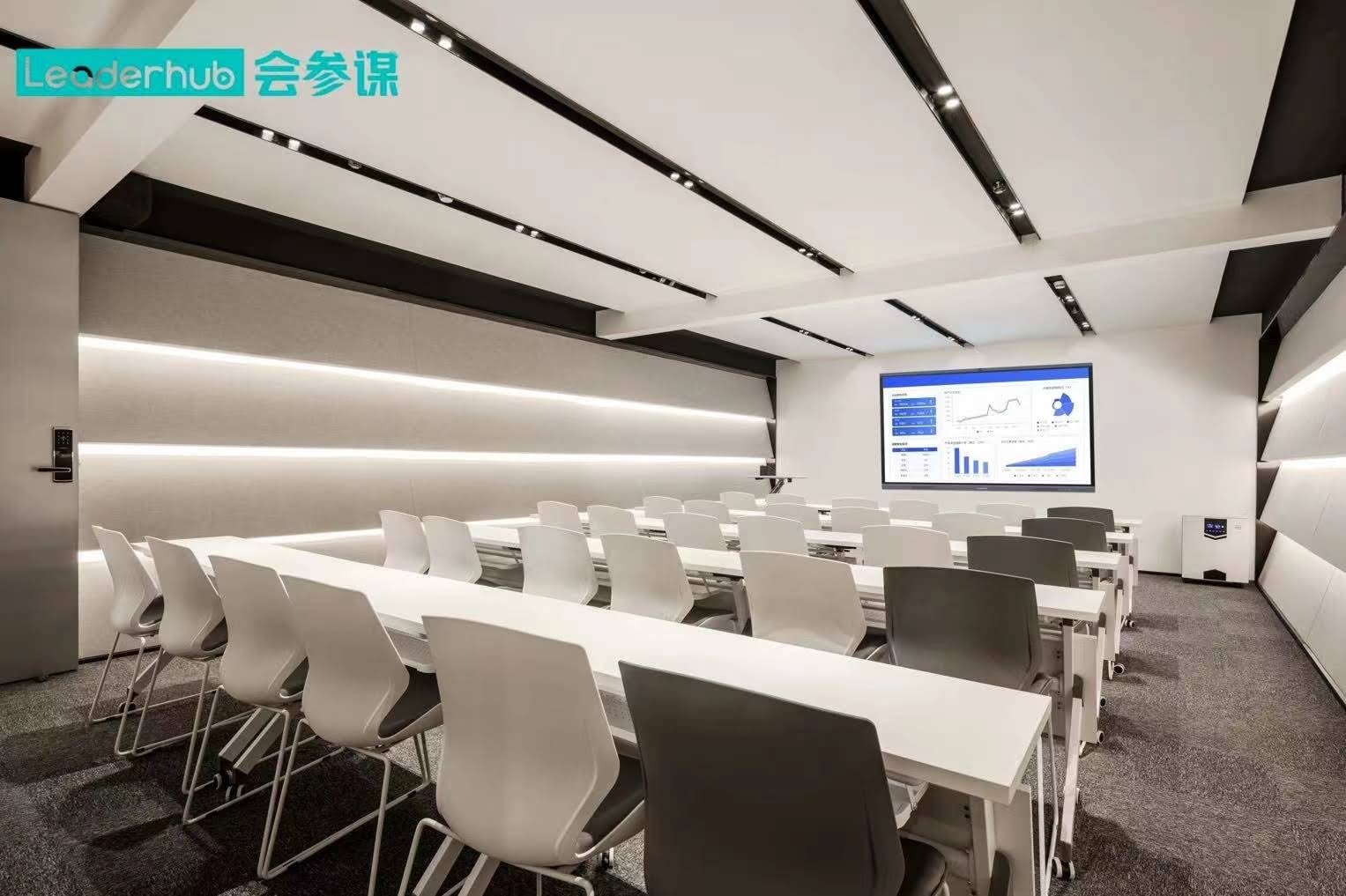
The Technology Inside Modern Smart Boards
Display Technology Components
Contemporary interactive flat panels utilize commercial-grade LED-backlit LCD panels designed for continuous operation. These displays incorporate several key technologies:
Anti-glare Surface Treatment: Specialized coatings reduce reflections and glare from windows and overhead lighting, maintaining visibility and reducing eye strain during extended use.
Wide Viewing Angles: IPS (In-Plane Switching) or similar LCD technologies ensure consistent color and brightness from any viewing position in the room, supporting collaborative viewing by multiple participants.
Touch Detection Systems: Modern smart boards employ either infrared touch frames or projected capacitive touch technology. Infrared systems use a grid of invisible light beams across the display surface, detecting touch when beams are interrupted. This approach supports any object as a stylus, including fingers, pens, or pointers. Projected capacitive systems, similar to smartphone screens, detect electrical changes from conductive objects like fingers or specialized styluses.
Integrated Computing Power
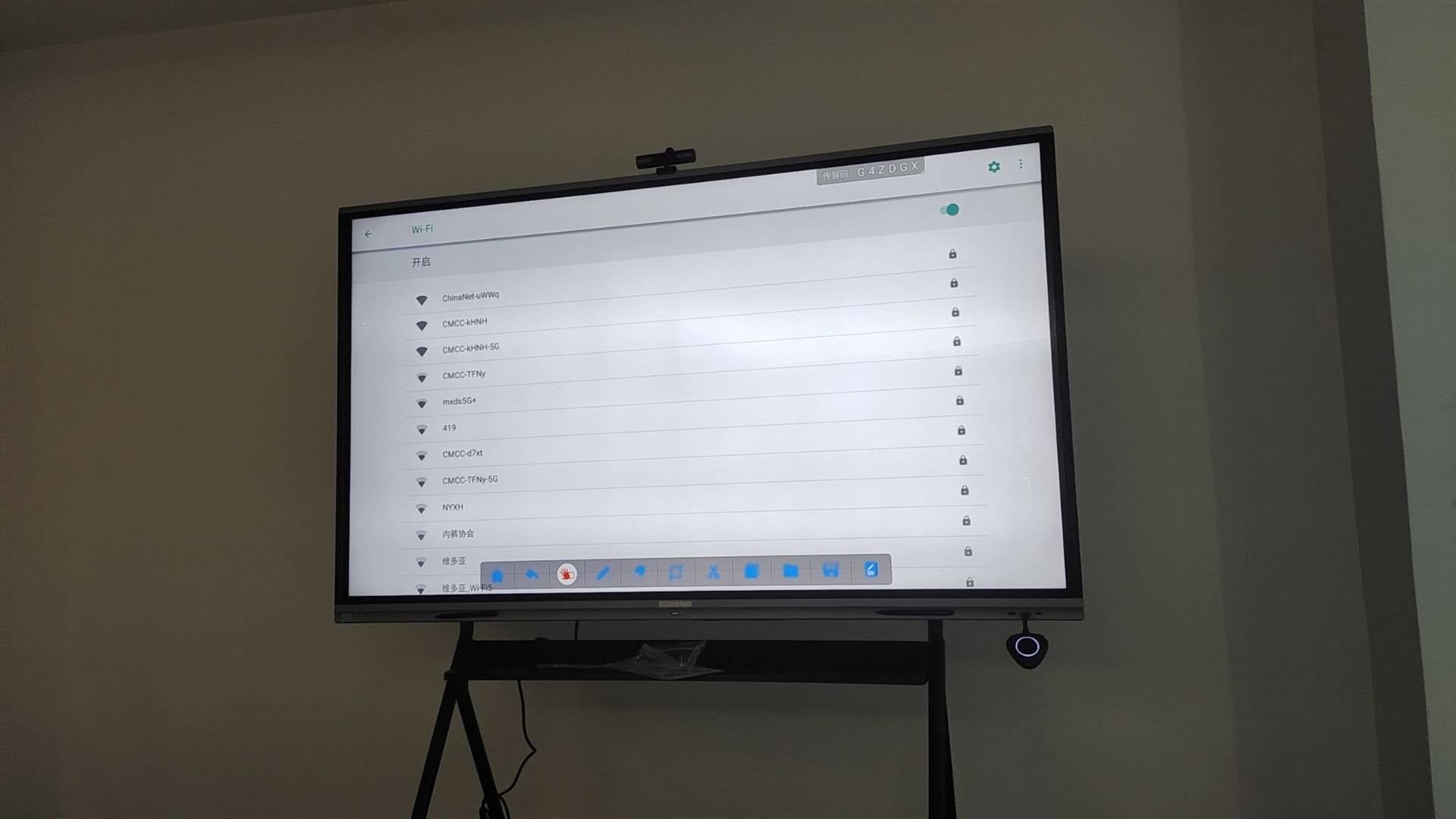
Most interactive flat panels include embedded computing systems, typically running Android or Windows operating systems. This built-in computer provides several advantages:
- Instant-on functionality without waiting for external computers to boot
- Pre-installed annotation, whiteboarding, and collaboration software
- Ability to function independently without connecting external devices
- Built-in wireless screen sharing for laptops, tablets, and smartphones
Companies like LeaderHub, with over 16 years of experience in interactive display technology, have refined these integrated systems to provide reliable, user-friendly solutions that simplify collaboration while embracing AI-powered features for enhanced productivity.
Real-World Performance Comparison: Case Studies
K-12 Education Implementation
A 2023 study conducted across 45 schools in Texas compared learning outcomes and technology satisfaction between classrooms using projector-based interactive whiteboards and those equipped with modern interactive flat panels. The results revealed significant differences:
Technology Uptime: Interactive flat panel classrooms experienced 98.7% uptime compared to 87.3% for projector-based systems. The projector classrooms lost an average of 4.2 instructional hours per semester to calibration issues, bulb failures, and technical troubleshooting.
Teacher Satisfaction: 94% of teachers with interactive flat panels rated their satisfaction as “excellent,” compared to 67% for projector systems. Teachers particularly valued the instant-on functionality, consistent performance, and elimination of calibration routines.
Student Engagement: Classrooms with interactive flat panels showed a 23% increase in voluntary student participation during interactive activities, attributed to better visibility, faster response times, and multi-touch collaboration capabilities.
Corporate Environment Deployment
A multinational technology company replaced projector-based systems with interactive flat panels across 127 meeting rooms in their North American offices. Their internal analysis documented:
Meeting Efficiency: Average meeting setup time decreased from 8.5 minutes to 2.1 minutes, eliminating delays from projector warmup, laptop connection issues, and display adjustment.
Maintenance Cost Reduction: Three-year total cost of ownership dropped by 34%, primarily due to elimination of projector bulb replacements ($450 per bulb, averaging 1.8 replacements per room over three years) and reduced IT support calls.
Remote Collaboration Enhancement: Built-in video conferencing capabilities and wireless screen sharing increased hybrid meeting satisfaction scores by 41%, supporting the company’s flexible work policies.
When You Might Still Encounter Projector Requirements
Legacy Systems and Existing Infrastructure
Some organizations continue operating projector-based interactive whiteboards installed years ago. While these systems technically remain functional, they represent older technology with higher ongoing costs and operational limitations. Replacement with modern smart boards typically pays for itself within 3-4 years through reduced maintenance costs and increased productivity.
Budget-Constrained Temporary Solutions
Occasionally, organizations with severe budget constraints might consider projector-based systems as a lower initial-cost option. However, this approach usually proves penny-wise and pound-foolish when considering:
- Ongoing bulb replacement costs ($300-600 every 2-3 years)
- Higher IT support requirements and calibration time
- Reduced functionality and collaboration capabilities
- Lower user satisfaction and adoption rates
Very Large Display Requirements
For truly massive displays exceeding 110 inches diagonal, laser projector systems might still compete on price with interactive flat panels. However, the interactive flat panel market now offers sizes up to 110 inches at competitive prices, and the gap continues narrowing as manufacturing scales improve.
Selecting the Right Smart Board: Key Considerations
Display Size and Room Dimensions
Choose display size based on room depth and audience size. Industry guidelines recommend:
| Room Depth | Recommended Display Size | Typical Application |
|---|---|---|
| 15-20 feet | 65-75 inches | Small meeting rooms, huddle spaces |
| 20-30 feet | 75-86 inches | Standard classrooms, medium conference rooms |
| 30-40 feet | 86-98 inches | Large classrooms, training rooms |
| 40+ feet | 98-110 inches | Auditoriums, large conference venues |
Touch Technology and Responsiveness
Evaluate touch response time, precision, and multi-touch point support. Professional-grade interactive flat panels should support at least 20 simultaneous touch points with response latency under 6 milliseconds. This performance level enables smooth writing, precise annotation, and genuine multi-user collaboration without lag or frustration.
Software Ecosystem and Compatibility
Assess the built-in software capabilities and compatibility with your existing systems. Quality smart boards include intuitive whiteboarding applications, annotation tools, and wireless screen sharing. They should also support standard protocols (Miracast, AirPlay, Google Cast) and integrate seamlessly with popular collaboration platforms like Microsoft Teams, Zoom, and Google Meet.
Connectivity and Input Options
Modern smart boards should provide comprehensive connectivity, including:
- Multiple HDMI inputs for laptop and device connections
- USB ports for peripheral devices and touch passthrough
- Ethernet and WiFi for network connectivity
- Audio input/output connections
- Optional OPS (Open Pluggable Specification) slots for modular PC integration
Installation and Setup Requirements for Modern Smart Boards
Physical Installation Considerations
While modern smart boards eliminate projector installation, they still require proper mounting and positioning. Professional installation typically involves:
Wall Mounting: Most interactive flat panels mount directly to walls using VESA-compatible brackets. Ensure wall structure can support the weight (typically 100-200 pounds depending on size) and provide appropriate electrical outlets positioned behind the display for clean cable management.
Mobile Stand Solutions: For flexible spaces requiring portability, motorized mobile stands allow easy repositioning and height adjustment. These stands typically include integrated cable management and optional camera shelves for video conferencing equipment.
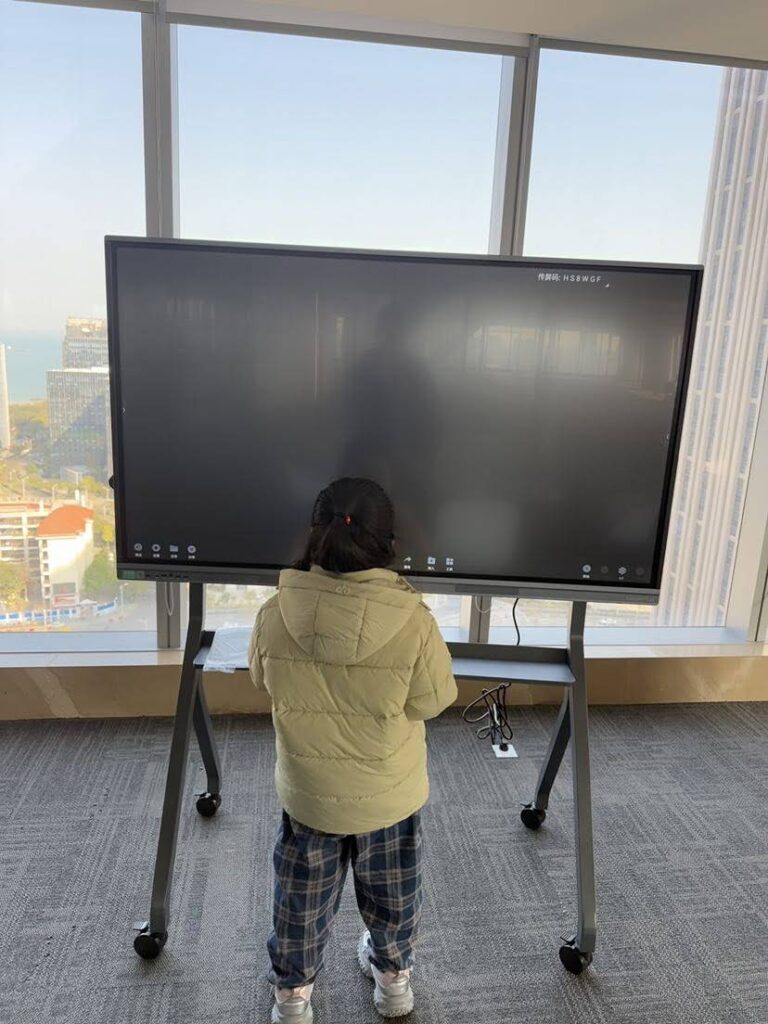
Height Positioning: Position displays with the center at approximately 48-52 inches from the floor for general use, or lower (36-42 inches) for elementary classrooms where younger students need to reach the lower portions of the screen.
Network and Power Requirements
Smart boards require standard 110-120V power (220-240V in international markets) and consume significantly less energy than projector-based systems. Typical power consumption ranges from 200-400 watts during active use, compared to 300-500 watts for projector systems.
Network connectivity (wired or wireless) enables software updates, cloud integration, and wireless screen sharing functionality. Plan network infrastructure accordingly, especially in environments deploying multiple interactive displays.
Long-Term Cost Analysis: Smart Boards vs. Projector Systems
Five-Year Total Cost of Ownership
A comprehensive cost analysis reveals the economic advantages of modern smart boards over their lifespan:
| Cost Category | Interactive Flat Panel | Projector-Based System |
|---|---|---|
| Initial Equipment | $3,500-6,000 | $2,500-4,000 |
| Installation | $300-500 | $800-1,200 |
| Bulb Replacements (5 years) | $0 | $900-1,500 |
| Maintenance & Support | $200-400 | $600-1,000 |
| Energy Costs (5 years) | $350-450 | $550-750 |
| Total 5-Year Cost | $4,350-7,350 | $5,350-8,450 |
Beyond direct costs, interactive flat panels deliver additional value through reduced downtime, higher user satisfaction, and enhanced collaboration capabilities that improve productivity and learning outcomes.
Environmental and Sustainability Advantages
Modern smart boards offer environmental benefits compared to projector systems:
- Lower Energy Consumption: LED displays consume 30-40% less power than projection systems over their lifespan
- Elimination of Hazardous Waste: No projector bulbs containing mercury requiring special disposal
- Longer Lifespan: 50,000+ hour display life vs. 3,000-5,000 hour bulb life reduces electronic waste
- Reduced Carbon Footprint: Lower power consumption and longer replacement cycles minimize environmental impact
Future-Proofing Your Investment
AI Integration and Smart Features
The latest generation of interactive flat panels incorporates artificial intelligence capabilities that enhance productivity and collaboration. These AI-powered features include:
Intelligent Handwriting Recognition: Advanced AI algorithms convert handwritten notes to typed text in real-time, supporting multiple languages and handwriting styles. This capability enables instant digitization of brainstorming sessions and meeting notes.
Smart Content Suggestions: AI analyzes meeting or lesson context and proactively suggests relevant resources, templates, and collaboration tools, streamlining workflows and reducing setup time.
Automated Meeting Summaries: Built-in AI processes meeting discussions and whiteboard content, generating structured summaries and action items distributed to participants automatically.
Voice Control Integration: Natural language voice commands enable hands-free operation, particularly valuable in laboratory, medical, or manufacturing environments where touch interaction may be impractical.
Cloud Integration and Hybrid Work Support
Modern smart boards seamlessly integrate with cloud platforms and support hybrid collaboration scenarios. Content created on interactive displays automatically syncs to cloud storage, enabling remote participants to view, annotate, and contribute in real-time regardless of physical location.
This capability has become critical in education and business environments embracing flexible attendance models. Students participating remotely can interact with classroom smart boards as if present, while remote team members collaborate on equal footing with in-office colleagues.
Common Questions and Misconceptions
Can I use a smart board without any computer?
Yes. Modern interactive flat panels include embedded computing systems that operate independently. You can access built-in apps, browse the web, play media files, and use whiteboarding tools without connecting any external computer. However, most users also connect laptops or desktop computers for access to additional applications and local files.
Do smart boards work with existing software and applications?
Absolutely. When you connect a computer to a smart board via HDMI or USB-C, the display functions as a large touchscreen monitor. Any application running on your computer becomes touch-interactive, from Microsoft Office and Google Workspace to specialized professional software. The touch capability works at the operating system level, ensuring universal compatibility.
How long do smart boards last compared to projectors?
Interactive flat panels typically provide 50,000+ hours of operation without significant brightness degradation or component failure. At 8 hours daily use, this translates to approximately 17 years of service life. Display warranties typically range from 3-5 years. In contrast, projector bulbs require replacement every 2-4 years, and projector systems themselves often need replacement after 7-10 years due to overall wear and obsolescence.
Are smart boards difficult to set up and use?
Modern smart boards emphasize user-friendly design and intuitive operation. Most systems power on instantly and present a simple interface requiring minimal training. The learning curve is significantly shorter than projector-based systems because there’s no calibration, no alignment issues, and no bulb management. Users typically become proficient within hours rather than days.
Making the Right Decision for Your Organization
When evaluating interactive display solutions, the question isn’t whether modern smart boards need projectors¡ªthey definitively don’t. The real consideration is whether your organization should continue using legacy projector-based systems or transition to contemporary interactive flat panel technology.
The evidence overwhelmingly supports modern smart boards across virtually all scenarios. They deliver superior image quality, eliminate maintenance headaches, provide better reliability, support more advanced collaboration features, and cost less over their operational lifetime. The initial price premium compared to projector systems disappears within 3-4 years when accounting for total cost of ownership.
For educational institutions seeking to enhance learning outcomes through technology, interactive flat panels provide consistent, dependable tools that teachers can rely on daily without technical frustration. For businesses focused on productivity and collaboration, smart boards eliminate meeting delays, support hybrid work environments, and integrate seamlessly with modern cloud platforms and communication tools.
Organizations ranging from schools and universities to corporations and government agencies worldwide have transitioned to interactive flat panels and consistently report higher satisfaction, better reliability, and improved collaboration compared to previous projector-based systems. The technology has matured beyond early-adopter status to become the standard solution for interactive display needs.
If you’re planning an interactive display investment, focus your evaluation on comparing different interactive flat panel models rather than debating between projector systems and modern smart boards. The technological shift has already occurred¡ªthe remaining question is which smart board best fits your specific requirements, room dimensions, and budget constraints.
By choosing a proven manufacturer with extensive experience in interactive display technology, you ensure your investment delivers long-term value, reliable performance, and the advanced features necessary for modern collaboration and learning environments. The projector-free future of interactive displays is already here, offering better experiences for presenters, teachers, students, and meeting participants alike.