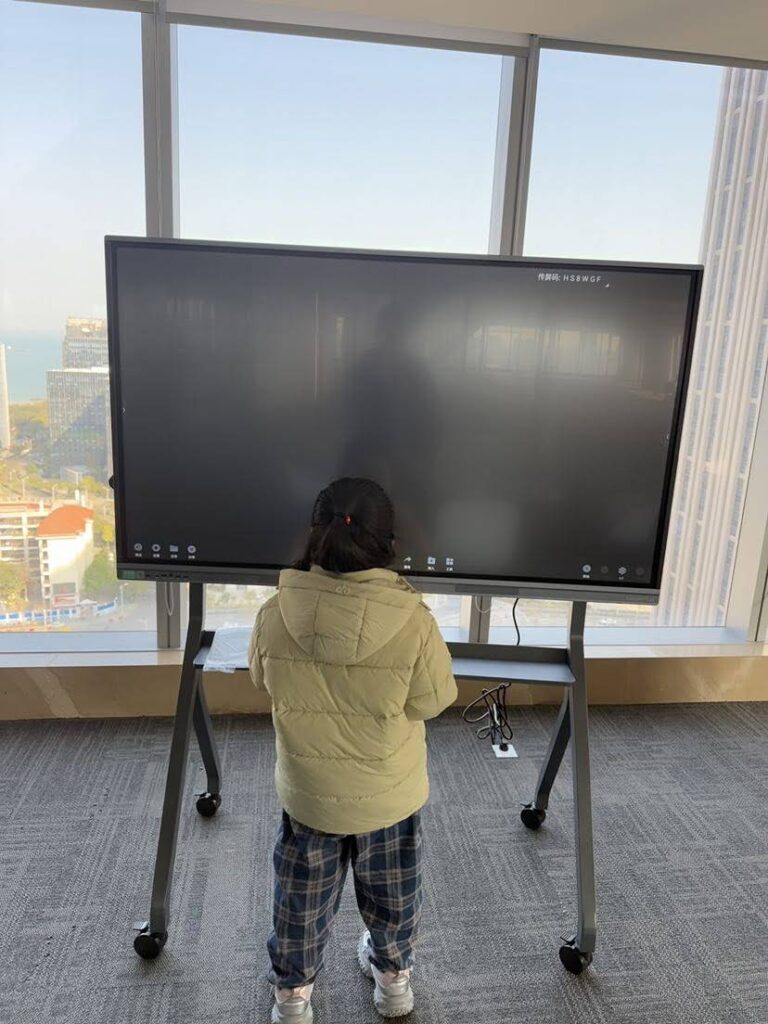
When organizations invest in interactive display technology for classrooms or meeting rooms, one question consistently appears: does a smart board need a projector? The answer depends entirely on the type of smart board you’re considering. Understanding the distinction between different interactive display technologies helps buyers make informed decisions that match their technical requirements, budget constraints, and installation environments.
Understanding Smart Board Technology Types
The term “smart board” often creates confusion because it refers to different types of interactive display technology. Traditional interactive whiteboards require an external projector to display content, while modern interactive flat panels have built-in displays and work as standalone devices without any projection equipment.
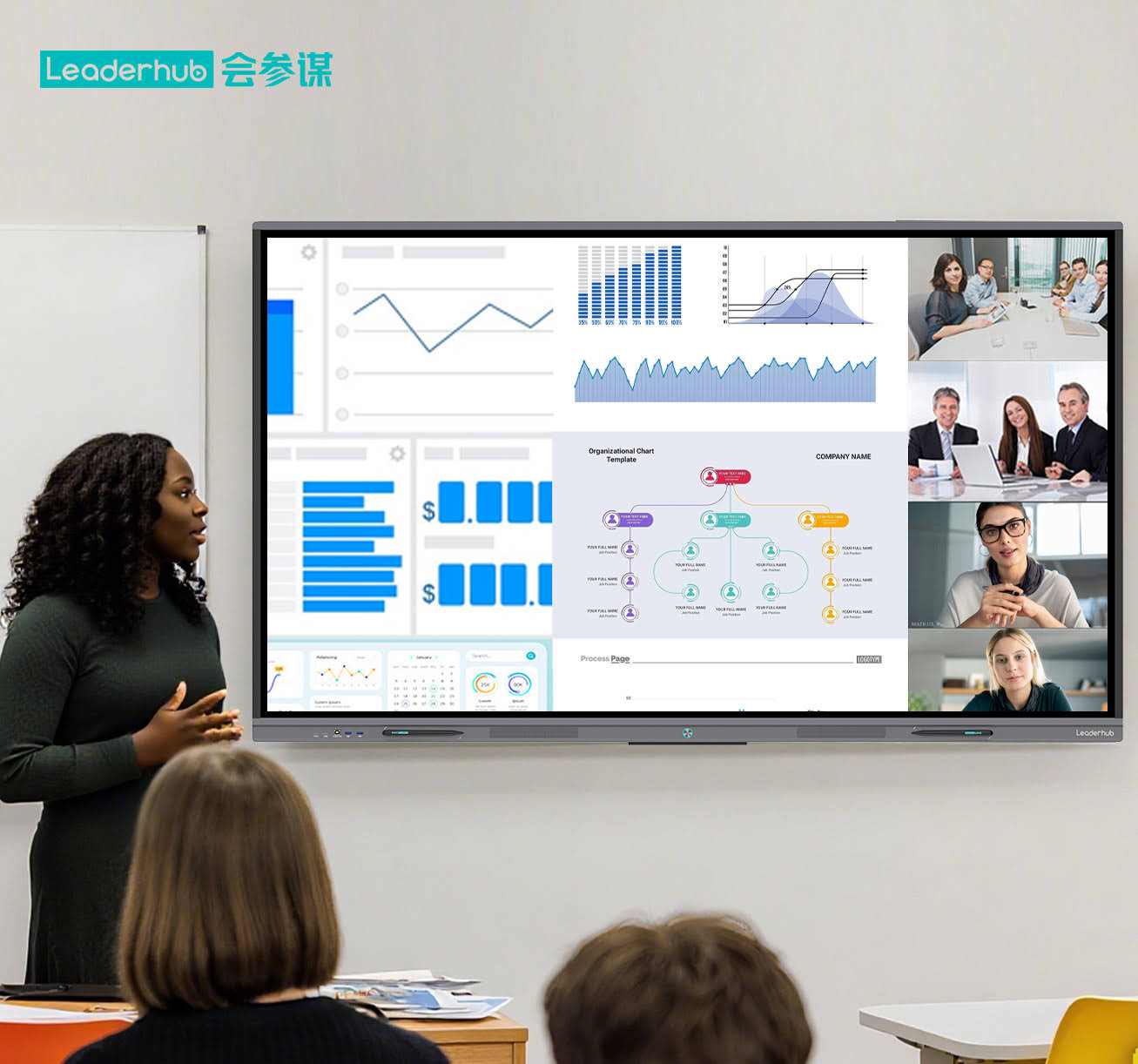
Interactive whiteboards emerged in the 1990s as touch-sensitive surfaces that required a separate projector mounted on the ceiling or wall. Users could interact with projected content using special pens or their fingers. This technology dominated educational and corporate environments for nearly two decades.
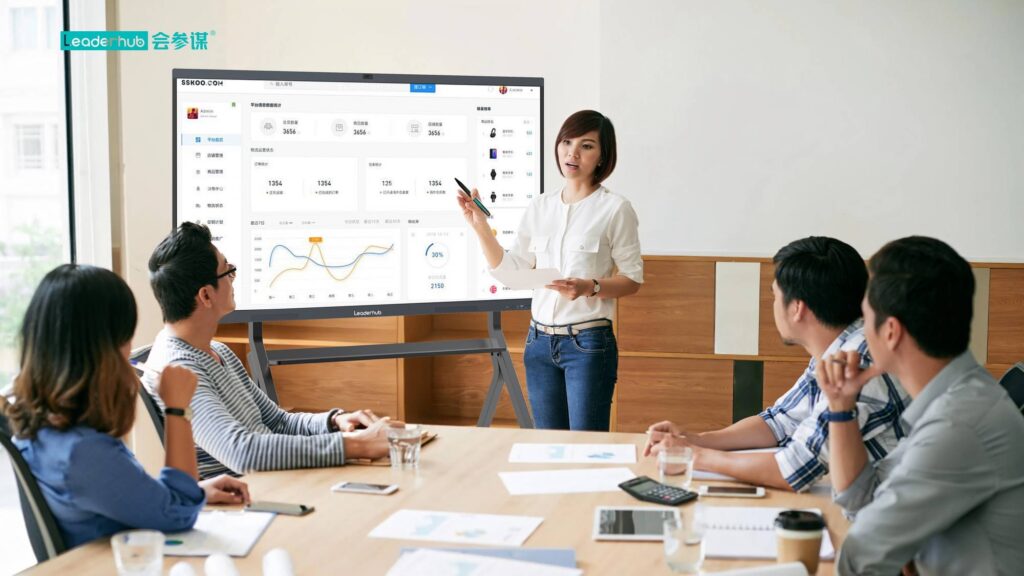
Interactive flat panels represent the evolution of this technology. These all-in-one displays integrate touchscreen capabilities, computing power, and display technology into a single unit. They function similarly to oversized tablets, eliminating the need for external projection equipment entirely.
Do Interactive Flat Panels Need Projectors?
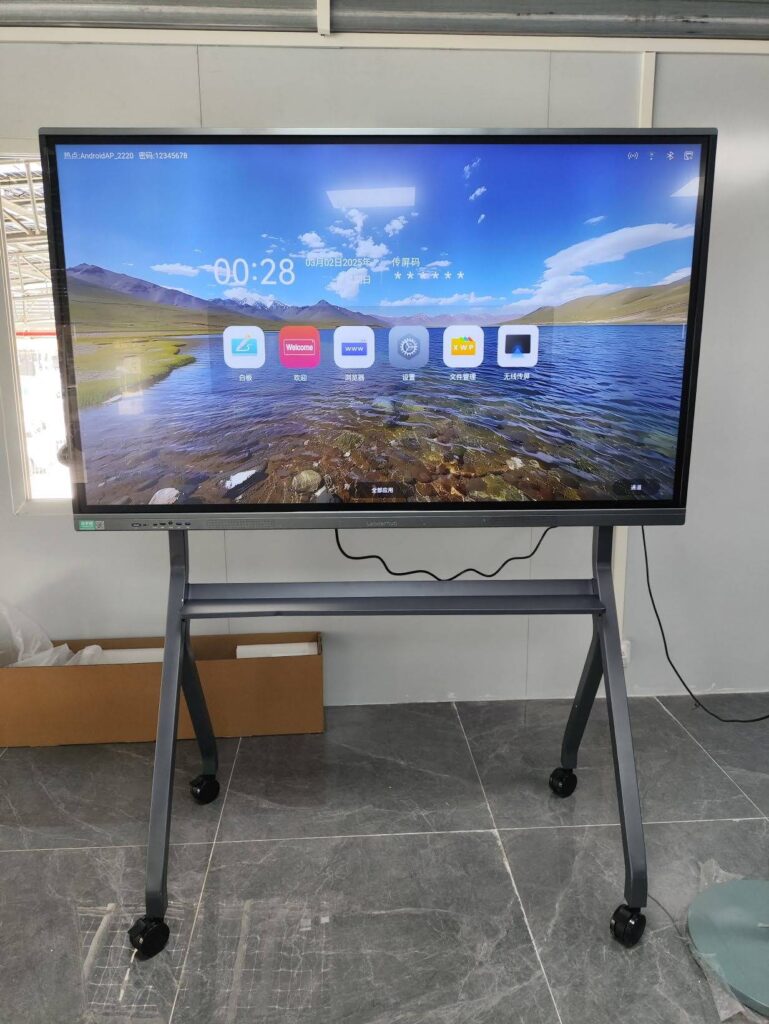
No, interactive flat panels do not need projectors. These modern displays have integrated LED or LCD screens that produce their own images. The display panel contains all necessary components: the screen, touch sensors, processing capabilities, and connectivity options.
| Feature | Interactive Flat Panel | Traditional Interactive Whiteboard |
|---|---|---|
| Projector Required | No | Yes |
| Installation Complexity | Simple wall mount | Whiteboard + projector installation |
| Image Quality | 4K resolution, consistent brightness | Varies with projector, affected by ambient light |
| Maintenance | Minimal | Regular projector lamp replacement, calibration |
| Shadow Interference | None | Yes, from presenter blocking projector |
Traditional Interactive Whiteboards: Projector Dependency
If you’re working with a traditional interactive whiteboard system, the projector is not optional¡ªit’s the core display component. The whiteboard itself is simply a touch-sensitive surface with no built-in display capability.
How Traditional Systems Work
Traditional interactive whiteboards detect touch input through various technologies: resistive sensors, infrared scanners, electromagnetic signals, or camera-based tracking. When you touch the board, these sensors determine the contact point and send that information to a connected computer. The computer processes the input and updates the display accordingly¡ªbut that display comes entirely from the projector.
The projector mounts either on the ceiling above the whiteboard or on a short-throw arm attached to the wall. It projects the computer’s screen output onto the whiteboard surface. Without the projector, users would only see a blank white surface with no visual feedback.
Projector Requirements for Interactive Whiteboards
Organizations using traditional interactive whiteboards need to consider several projector specifications:
- Brightness (Lumens): Minimum 2,500-3,000 ANSI lumens for typical classroom or meeting room lighting. Higher brightness (4,000+ lumens) works better in rooms with windows or bright lighting.
- Resolution: At least 1024¡Á768 (XGA), though 1920¡Á1080 (Full HD) provides clearer text and images.
- Throw Distance: Must match room dimensions. Short-throw projectors work from 3-8 feet away; ultra-short-throw models can project from just inches away, reducing shadows.
- Lamp Life: Standard projector lamps last 2,000-5,000 hours; LED or laser projectors can reach 20,000+ hours.
- Connectivity: HDMI, VGA, or wireless connections to link with the computer driving the interactive whiteboard.
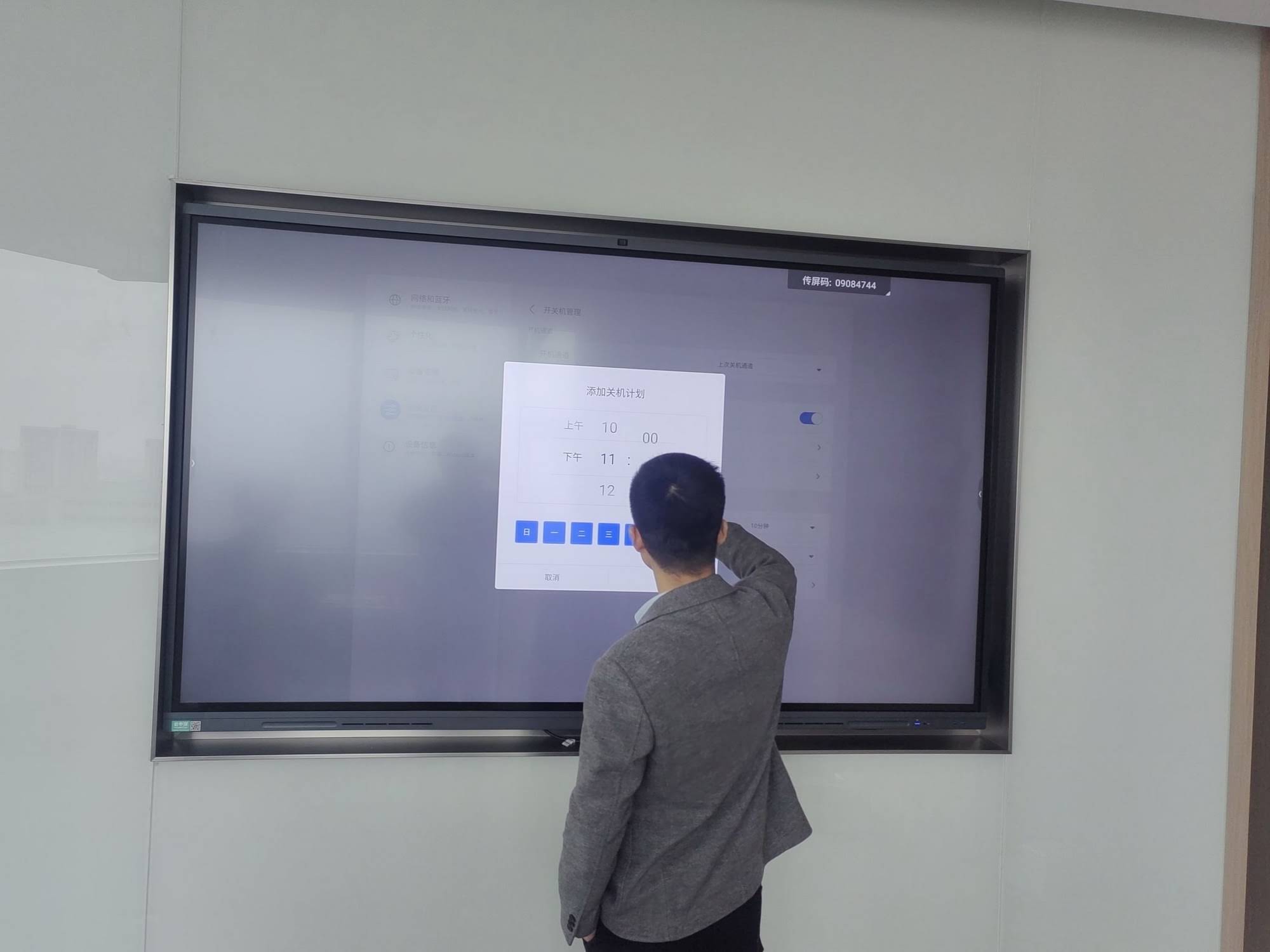
Why Modern Organizations Choose Projector-Free Solutions
Over the past decade, interactive flat panels have largely replaced projector-based systems in new installations. Market research from Futuresource Consulting shows that interactive flat panel shipments surpassed interactive whiteboards globally in 2016, and the gap has widened significantly since then.
Elimination of Shadow Problems
Anyone who has presented using a projector-based system knows the frustration of casting shadows on the screen. When the presenter stands between the projector and the board, their body blocks the light, creating dark areas that obscure content. Interactive flat panels eliminate this problem completely because they generate their own light from behind the screen surface.
Superior Image Quality
Modern interactive flat panels deliver 4K Ultra HD resolution (3840¡Á2160 pixels) as standard. This provides exceptional clarity for detailed diagrams, small text, and high-resolution images. Projector-based systems rarely match this image quality, particularly in rooms with ambient light.
Brightness consistency represents another advantage. Interactive panels maintain uniform brightness across the entire screen surface, while projector images often show brightness variations, particularly near the edges. Projector brightness also degrades over time as lamps age, requiring periodic replacement and calibration.
Reduced Total Cost of Ownership
While interactive flat panels have higher upfront costs than basic interactive whiteboards, they typically cost less over the product lifecycle. Organizations avoid expenses like:
- Projector lamp replacements ($200-$500 per lamp, needed every 2-3 years)
- Projector maintenance and repairs
- Calibration adjustments when equipment shifts
- Additional mounting hardware and cable management for separate projector
- Higher energy consumption from running projector and cooling fans
A 2023 cost analysis by education technology consultants found that over a 7-year period, interactive flat panels cost 30-40% less than equivalent projector-based systems when factoring in maintenance, consumables, and energy expenses.
Setup Requirements for Modern Interactive Flat Panels
Understanding what you actually need to deploy an interactive flat panel helps with budgeting and planning. The requirements are straightforward compared to projector-based alternatives.
Essential Components
The display itself is the primary component. Modern units from manufacturers like LeaderHub integrate everything needed for interactive collaboration: the display panel, touch sensors, built-in computing (OPS or Android), speakers, and connectivity ports.
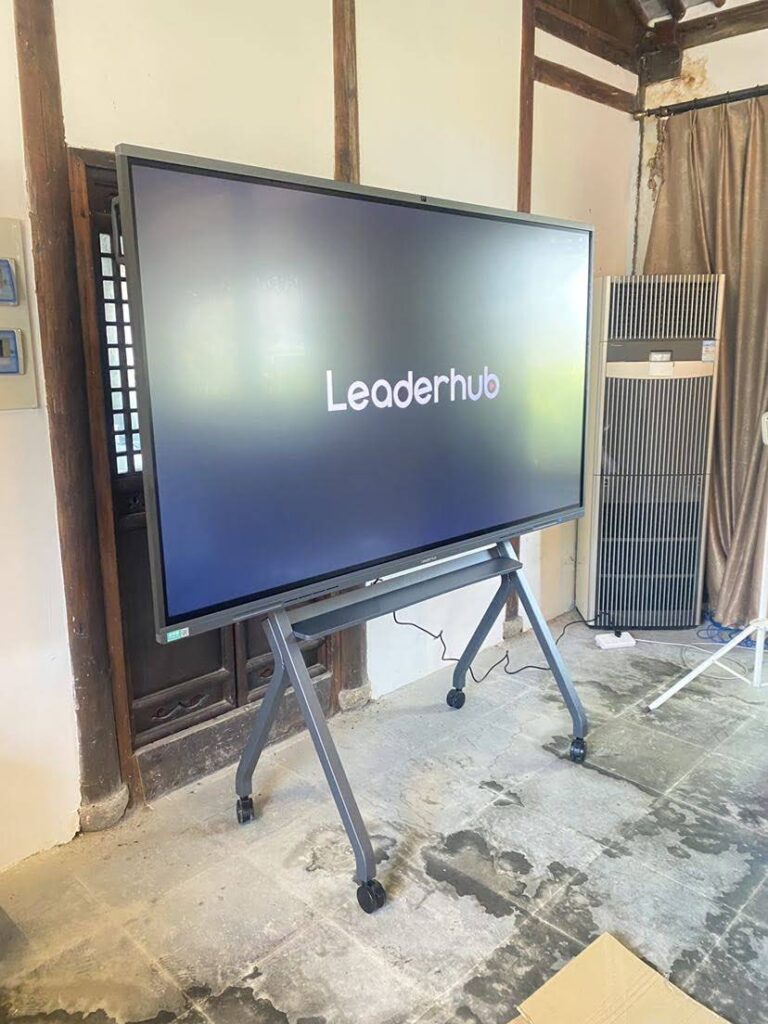
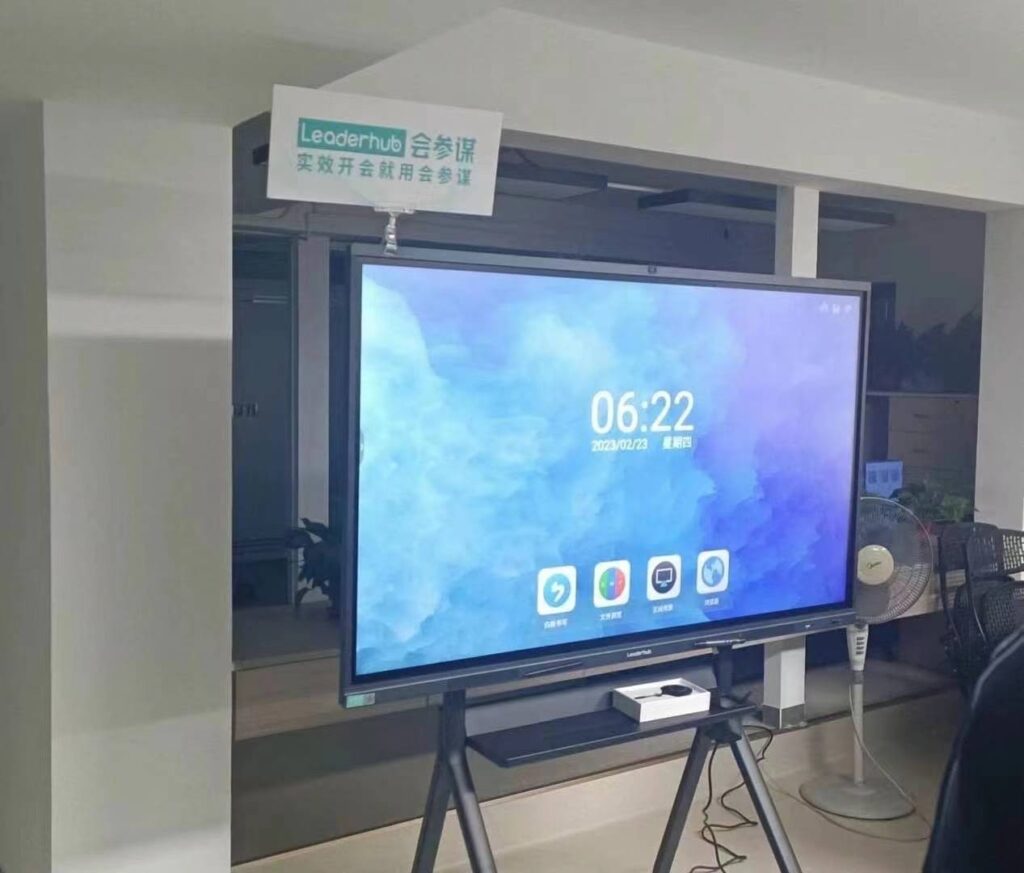
Mounting hardware secures the panel to the wall. Most interactive flat panels use VESA-standard mounting patterns. Organizations can choose fixed wall mounts for permanent installations or mobile stands with wheels for flexible room arrangements.
Power supply requires a standard electrical outlet. Interactive flat panels typically consume 200-400 watts during operation, similar to a desktop computer. Some installations add UPS (uninterruptible power supply) units to protect against power fluctuations.
Network connectivity enables content sharing, cloud integration, and remote management. Wired Ethernet provides the most reliable connection, though built-in WiFi works well for most applications.
Optional Add-Ons
While not required, these components enhance functionality for specific use cases:
- External computer: Built-in computing handles most tasks, but some users prefer connecting their own Windows or Mac computers for specific software applications.
- Wireless presentation systems: Allow users to share content from laptops, tablets, and smartphones without cables.
- Video conferencing cameras: External 4K cameras provide better video quality than built-in webcams for hybrid meetings.
- External audio systems: Built-in speakers work for small rooms, but larger spaces benefit from additional speakers or soundbars.
- Stylus pens: While most panels support finger touch, dedicated styluses offer precision for detailed annotation and drawing.
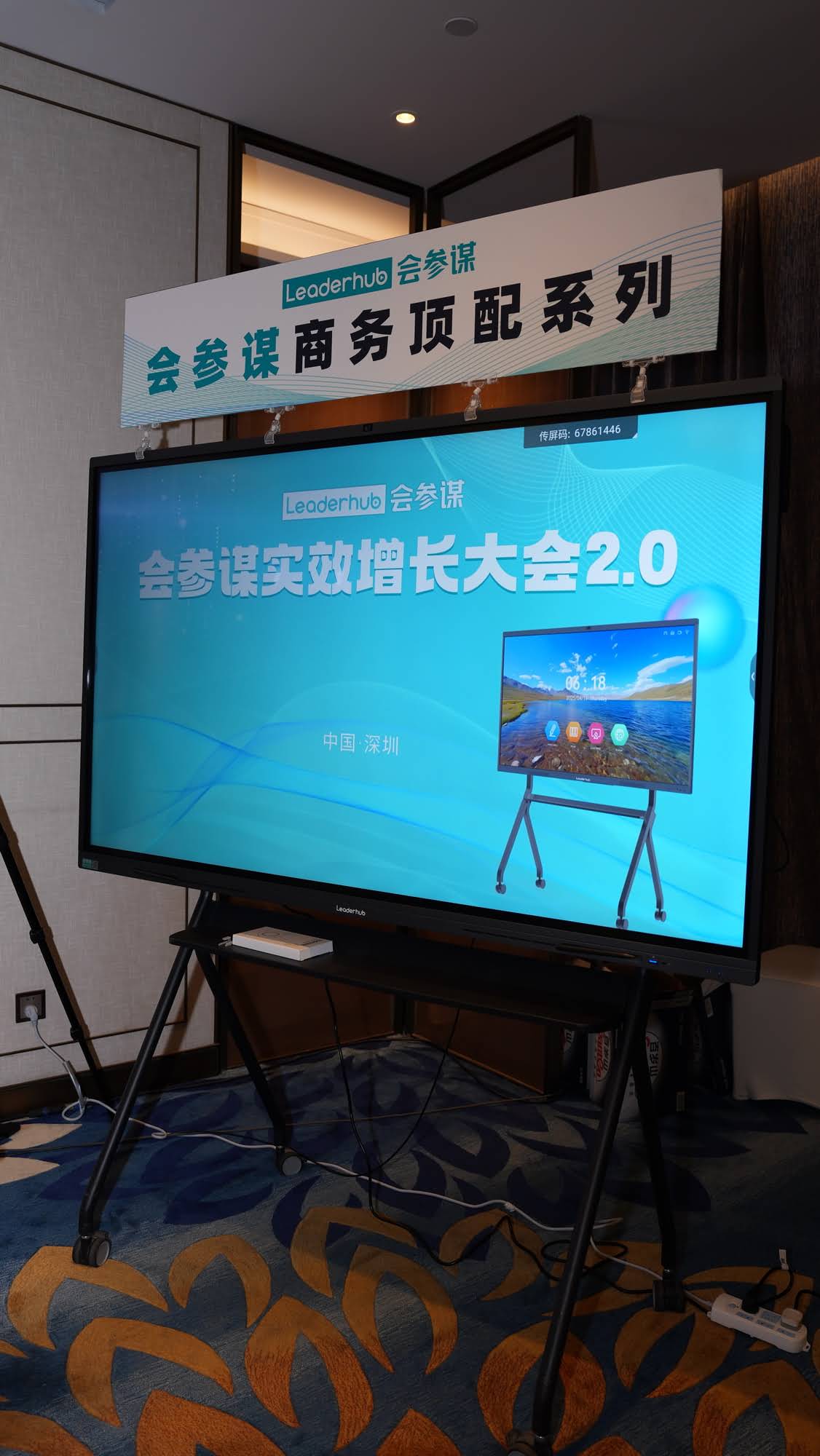
Installation Process for Projector-Free Systems
Installing an interactive flat panel is significantly simpler than setting up a projector-based system. Most installations complete in 2-4 hours, compared to a full day or more for projector systems.
Site Preparation
Before installation, verify that:
- Wall structure can support the panel weight (typically 60-120 kg depending on size)
- Electrical outlet exists within 2 meters of the installation location
- Network connection is available if using wired connectivity
- Mounting height allows comfortable viewing and interaction (center of screen typically 120-140cm from floor)
Physical Installation Steps
Professional installers follow these general steps:
- Mark mounting bracket positions on wall using provided template
- Drill mounting holes and install wall anchors appropriate for wall type
- Attach mounting bracket securely to wall
- Lift panel and hook onto mounting bracket (usually requires 2-3 people for larger panels)
- Level the panel and secure any safety locks
- Connect power cable and network cable
- Organize cables using provided cable management channels
Software Configuration
After physical installation, the initial setup wizard guides users through:
- Language and time zone selection
- Network configuration (WiFi or Ethernet)
- Touch calibration (usually automatic)
- Account setup for cloud services
- Installation of required applications
Many interactive display solutions now include remote deployment tools that allow IT administrators to configure multiple panels simultaneously from a central management console.
Comparing Operating Costs: Projector vs. Projector-Free
The economic case for projector-free interactive displays becomes clear when examining actual operating costs over time. Consider a typical corporate training room with a 75-inch display used 8 hours daily, 250 days per year.
Projector-Based System Costs (7-year period)
| Cost Category | Amount (USD) |
|---|---|
| Initial equipment (whiteboard + projector) | $2,500 |
| Installation labor | $800 |
| Projector lamp replacements (3 over 7 years) | $1,050 |
| Energy costs (300W ¡Á 2,000 hrs/year) | $588 |
| Maintenance and repairs | $450 |
| Total 7-year cost | $5,388 |
Interactive Flat Panel Costs (7-year period)
| Cost Category | Amount (USD) |
|---|---|
| Initial equipment (interactive flat panel) | $3,800 |
| Installation labor | $400 |
| Consumable replacements | $0 |
| Energy costs (250W ¡Á 2,000 hrs/year) | $490 |
| Maintenance and repairs | $150 |
| Total 7-year cost | $4,840 |
This example demonstrates a $548 savings (10% reduction) with the interactive flat panel, despite higher upfront cost. The savings increase further when factoring in productivity benefits: less downtime for maintenance, no projection shadows interfering with presentations, and better image quality that reduces eye strain during long sessions.
Environmental Considerations for Display Technology
Organizations increasingly evaluate technology purchases based on environmental impact. Interactive flat panels offer several sustainability advantages over projector-based systems.
Energy Efficiency
Modern LED-backlit interactive panels consume 30-40% less energy than equivalent projector setups. Energy Star certified models include automatic brightness adjustment based on ambient light levels and presence detection that puts the display in standby mode when the room is unoccupied.
Electronic Waste Reduction
Projector lamps contain mercury and require special disposal procedures. A typical projector system generates 3-5 spent lamps over its operational life. Interactive flat panels eliminate this recurring waste stream. When panels eventually reach end-of-life, many manufacturers including LeaderHub offer recycling programs that recover valuable materials and ensure proper disposal of electronic components.
Extended Product Lifespan
Quality interactive flat panels typically deliver 50,000+ hours of operation before brightness degrades to 50% of original levels. With typical daily use patterns, this translates to 15-20 years of service. Projector systems usually require replacement after 5-8 years as lamps become harder to source and image quality deteriorates.
Real-World Implementation: Case Studies
Examining actual deployments helps illustrate the practical differences between projector-based and projector-free interactive display systems.
Corporate Training Facility Migration
A multinational technology company with regional training centers in 15 countries replaced projector-based systems with 86-inch interactive flat panels across 120 training rooms. The IT director reported that maintenance calls decreased by 76% in the first year after migration. Training staff noted that better image quality and elimination of shadow problems improved presentation effectiveness. The company calculated a full return on investment within 4.2 years through reduced maintenance costs and fewer training session interruptions.
University Lecture Hall Modernization
A European university upgraded 45 lecture halls, choosing 98-inch interactive panels for rooms seating 80+ students. The installation team completed all 45 rooms during a single summer break¡ªa timeline that would have been impossible with projector systems requiring ceiling modifications and complex calibration. Professors reported higher student engagement due to clearer visibility from rear seats and the ability to interact directly with displayed content using touch gestures.
Making the Right Choice for Your Organization
Selecting between projector-based and projector-free interactive display technology requires evaluating several factors specific to your environment and requirements.
Room Characteristics
Consider these environmental factors:
- Ambient light: Rooms with extensive windows or bright overhead lighting favor interactive flat panels, which maintain image quality regardless of ambient light levels.
- Viewing distance: Interactive panels work well for rooms where viewers sit within 8 meters of the screen. Larger venues may still benefit from projection systems.
- Wall space: Interactive panels require solid wall mounting surfaces that can support significant weight. Projector systems may work better in rooms with complex wall configurations or temporary spaces.
Usage Patterns
How you’ll actually use the technology matters:
- Frequency: Daily use strongly favors interactive panels due to lower maintenance requirements and no warmup time.
- Interactivity level: Applications requiring frequent touch interaction work better on panels without shadow interference.
- Content type: Detailed diagrams, fine text, and high-resolution images display more clearly on interactive panels.
Budget Considerations
Evaluate total cost of ownership rather than just initial purchase price. While interactive panels cost more initially, calculate the full 7-10 year costs including installation, energy, maintenance, and consumables. Organizations with limited upfront budgets but higher ongoing maintenance capacity may still choose projector systems, while those seeking lower long-term costs typically prefer interactive panels.
Technology Trends Shaping the Future
The trajectory of interactive display technology continues moving away from projection-based systems toward integrated flat panel solutions. Several emerging trends accelerate this transition.
AI-Enhanced Collaboration Features
Modern interactive panels increasingly incorporate artificial intelligence capabilities that would be impossible with traditional projector systems. Features like automatic handwriting recognition, real-time language translation, intelligent meeting transcription, and gesture-based controls require computing power integrated directly into the display.
LeaderHub’s latest generation of interactive panels includes AI-powered features that automatically identify diagram types, convert hand-drawn sketches to clean geometric shapes, and suggest relevant content based on meeting context¡ªcapabilities that fundamentally require projector-free architectures.
Cloud Integration and Remote Collaboration
As hybrid work becomes standard, interactive displays serve as endpoints for cloud collaboration platforms. Built-in computing enables direct access to Microsoft Teams, Zoom, Google Meet, and similar services without requiring separate computers. This integration works far more smoothly with self-contained interactive panels than with projector systems dependent on external computers.
Cost Reduction Through Manufacturing Scale
As production volumes increase and display technology matures, interactive panel prices continue declining. Panels that cost $8,000-10,000 five years ago now sell for $3,000-5,000 with superior specifications. This price convergence eliminates the cost advantage that once favored projector-based systems.
Technical Specifications to Consider
When evaluating projector-free interactive displays, focus on these key specifications:
Display Technology
Most modern panels use LED-backlit LCD technology, offering excellent brightness (350-400 nits), wide viewing angles (178¡ã), and consistent color reproduction. Some premium models incorporate IPS (In-Plane Switching) panels for superior color accuracy, important for design and creative applications.
Touch Technology
Infrared touch sensing has become the standard for interactive panels, supporting simultaneous touch points from 10-40 fingers. This multi-touch capability enables collaborative work with multiple users interacting simultaneously. The technology works with fingers, gloved hands, or styluses, offering flexibility that some competing touch technologies lack.
Processing Power
Built-in computing typically uses either:
- Android systems: Lower cost, instant-on capability, suitable for basic annotation and content sharing
- OPS modules (Open Pluggable Specification): Windows-based computing, better for running desktop applications, more powerful but higher cost
Many panels support both simultaneously, allowing users to switch between Android for quick tasks and Windows for full application access.
Connectivity Options
Comprehensive connectivity ensures compatibility with various devices:
- Multiple HDMI inputs (3-4 ports standard)
- USB ports for peripherals and device charging
- Ethernet and WiFi for network connectivity
- Bluetooth for wireless peripherals
- USB-C with video, data, and power delivery
Conclusion: The Projector Question Answered
The straightforward answer to “does a smart board need a projector” is: modern interactive flat panels do not need projectors, while traditional interactive whiteboards require them. The more important question is which technology better serves your organization’s needs.
For most applications in 2024 and beyond, projector-free interactive flat panels deliver superior performance, lower total cost of ownership, reduced maintenance requirements, and better image quality. They eliminate common frustrations like shadow interference, projector warmup delays, and lamp replacement. Organizations benefit from longer product lifespans, improved energy efficiency, and access to advanced features impossible with projector-based systems.
Traditional projector-based interactive whiteboards remain viable in specific scenarios: very large venues requiring screen sizes beyond what interactive panels offer economically, temporary installations where portability matters, or situations where existing projector infrastructure makes sense to utilize. However, these represent increasingly narrow use cases as interactive panel technology advances and prices decline.
When planning your next interactive display purchase, evaluate the total implementation: initial equipment costs, installation complexity, ongoing maintenance, energy consumption, and user experience factors. Most organizations find that projector-free interactive panels deliver better value despite higher upfront investment, particularly when considering 7-10 year operating costs and productivity benefits from improved technology.
The market trajectory is clear: interactive flat panel shipments continue growing while projector-based system sales decline. Organizations making technology investments today should seriously consider whether projector-free solutions better align with current requirements and future needs.