Mini PCs have moved from a niche enthusiast product to a mainstream computing platform for offices, classrooms, digital signage, retail kiosks and home entertainment. As demand grows, so does the number of suppliers claiming to be a professional mini pc manufacturer. Choosing the right partner is not just about finding the lowest unit price — it determines product reliability, delivery stability, after-sales experience and ultimately your brand reputation. This guide walks through the key factors to evaluate, the customization options you should expect, and practical buying tips for distributors, system integrators and corporate procurement teams.
Why Choosing the Right Mini PC Manufacturer Matters
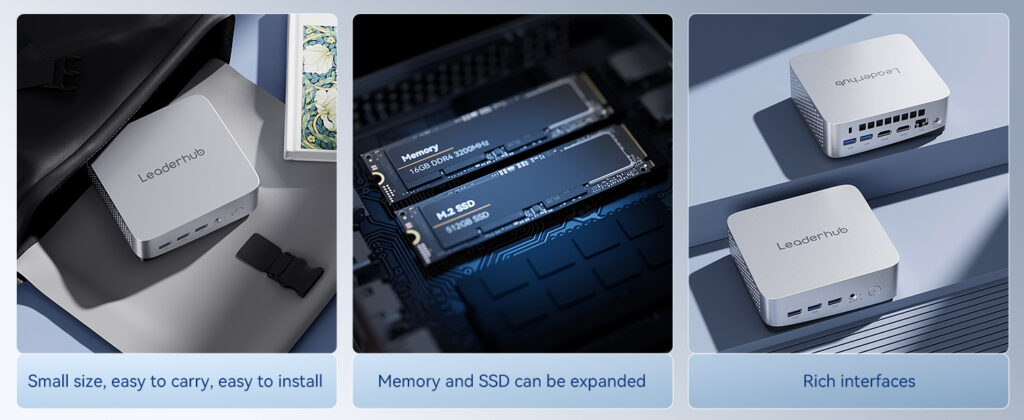
A mini PC packs a full computing system into a chassis that is often smaller than a paperback book. That compact form factor makes thermal design, component selection and quality control far more demanding than in a traditional desktop tower. A weak manufacturer may deliver units that look identical on a spec sheet but suffer from throttling, unstable Wi-Fi, premature SSD failure or inconsistent batch quality.
For B2B buyers, the cost of a poor supplier choice multiplies quickly: RMA handling, replacement shipping, downtime for end users and damaged customer trust. A reliable manufacturer, by contrast, becomes a long-term asset — offering stable supply, consistent firmware, roadmap visibility and responsive engineering support.
Key Factors When Evaluating a Mini PC Manufacturer
1. Manufacturing Experience and Track Record
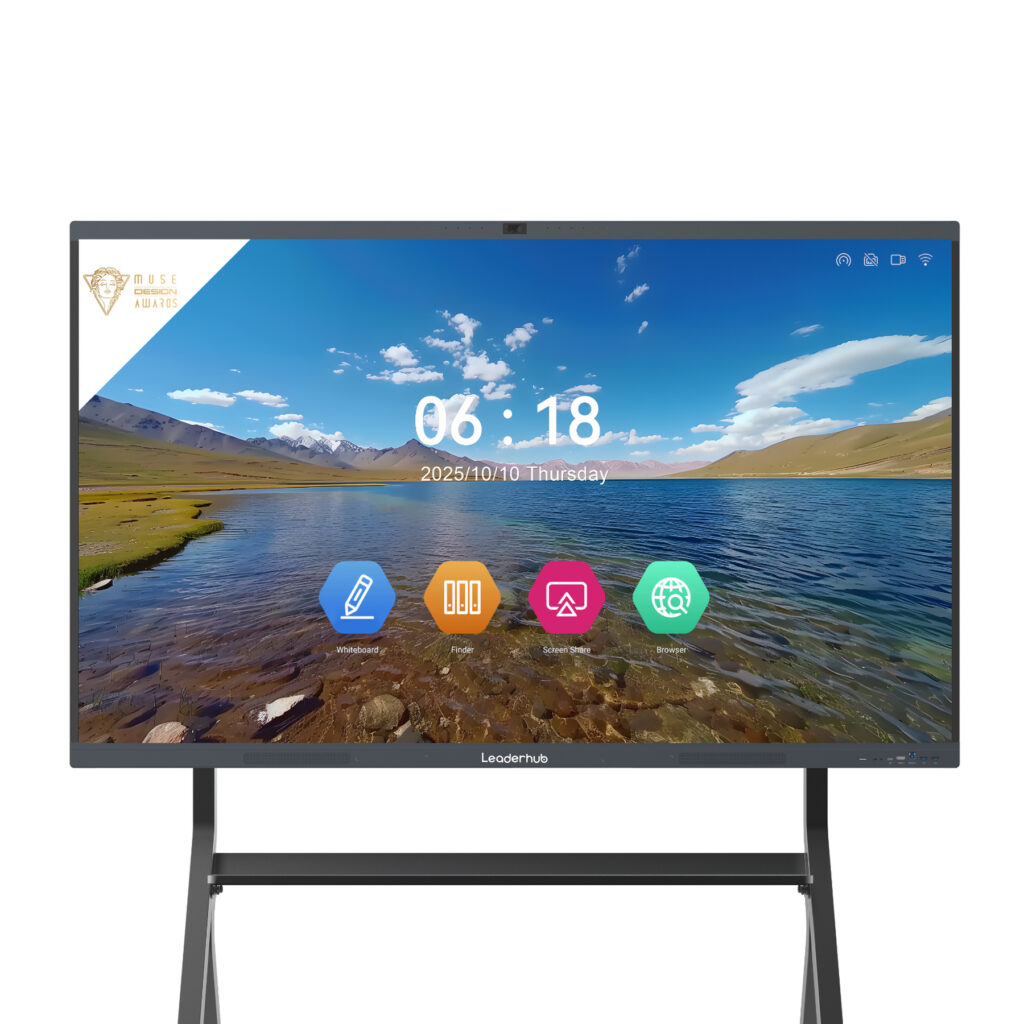
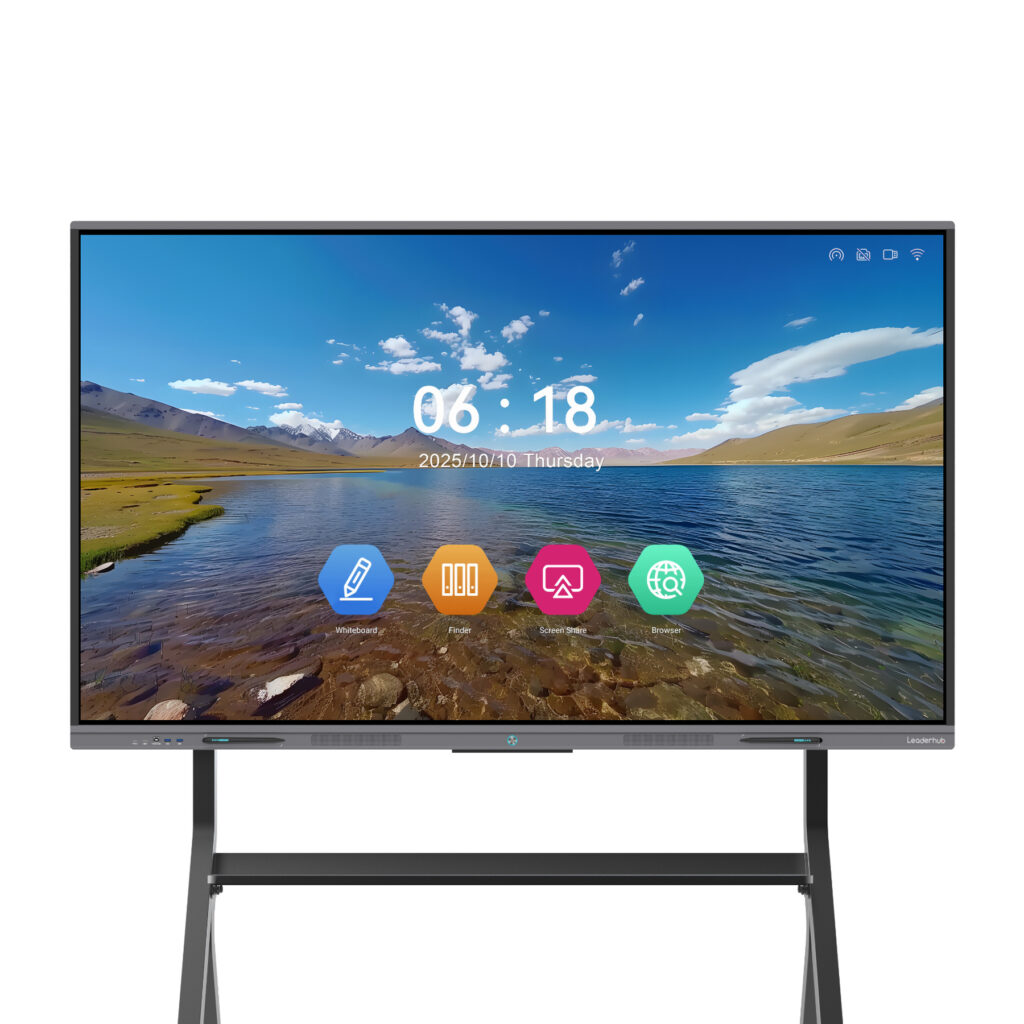
Look for a company with a documented history in computing or display hardware rather than a trading company that rebrands generic boards. Ask how many years they have been producing mini PCs, which markets they export to, and whether they can share customer references. Manufacturers that also build interactive smart whiteboards and commercial displays often bring stronger engineering discipline, because those products demand strict thermal and electrical standards.
2. Hardware Quality and Component Sourcing
The processor is only part of the story. Ask about the brand and grade of memory modules, SSD controllers, power adapters, Wi-Fi/Bluetooth modules and cooling fans. Reliable manufacturers use tier-one components with traceable supply chains and are transparent about any substitutions. Request detailed BOM information for custom projects.
3. Thermal Design and Stability Testing
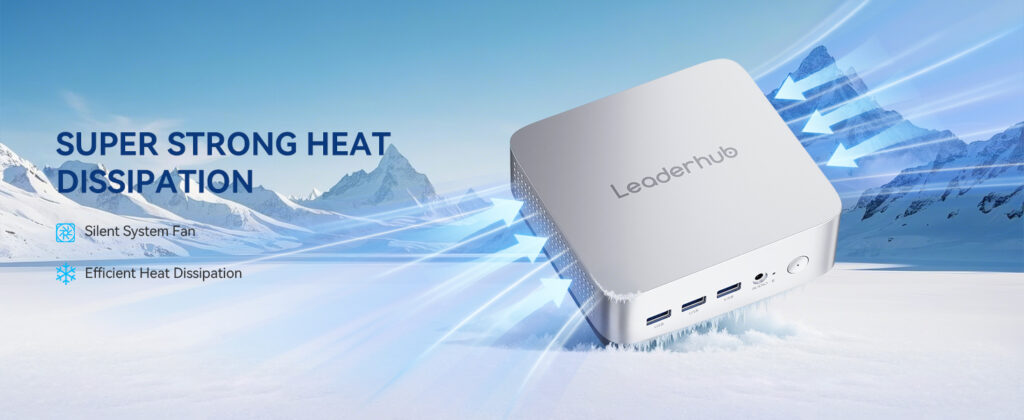
Sustained performance is where many budget mini PCs fail. A trustworthy manufacturer should be able to show you thermal test data, including CPU temperatures under prolonged full load, fan noise measurements and burn-in test durations. Ask whether every unit undergoes aging tests before shipping, not just sampled batches.
4. Certifications and Compliance
Depending on your target market, mini PCs typically require CE, FCC, RoHS, UKCA or other regional certifications. Verify that certificates are valid, issued for the exact model you intend to buy, and from recognized testing bodies. Industry organizations such as the Consumer Technology Association provide useful references on compliance expectations across global markets.
5. After-Sales Support and Warranty Terms
Check the standard warranty period, the RMA process, the availability of spare parts, and whether the manufacturer provides BIOS and driver updates over time. A manufacturer that offers technical documentation, remote diagnostics and dedicated account managers will save you significant operational cost after the sale.
| Evaluation Area | What to Ask | Good Sign |
|---|---|---|
| Experience | Years in business, export markets, references | 10+ years, multi-region clients |
| Components | Brands of RAM, SSD, Wi-Fi, PSU | Tier-one parts, traceable BOM |
| Testing | Burn-in hours, thermal reports | 100% aging test, shared data |
| Certification | CE / FCC / RoHS validity | Model-specific, verifiable certificates |
| Support | Warranty, RMA, firmware updates | Clear SLA, dedicated contact |
Customization Options to Expect From an OEM/ODM Mini PC Manufacturer
One of the main reasons to work directly with a manufacturer rather than buying off-the-shelf is customization. A capable supplier should offer flexibility at several levels, allowing you to tailor the product to your market and application.
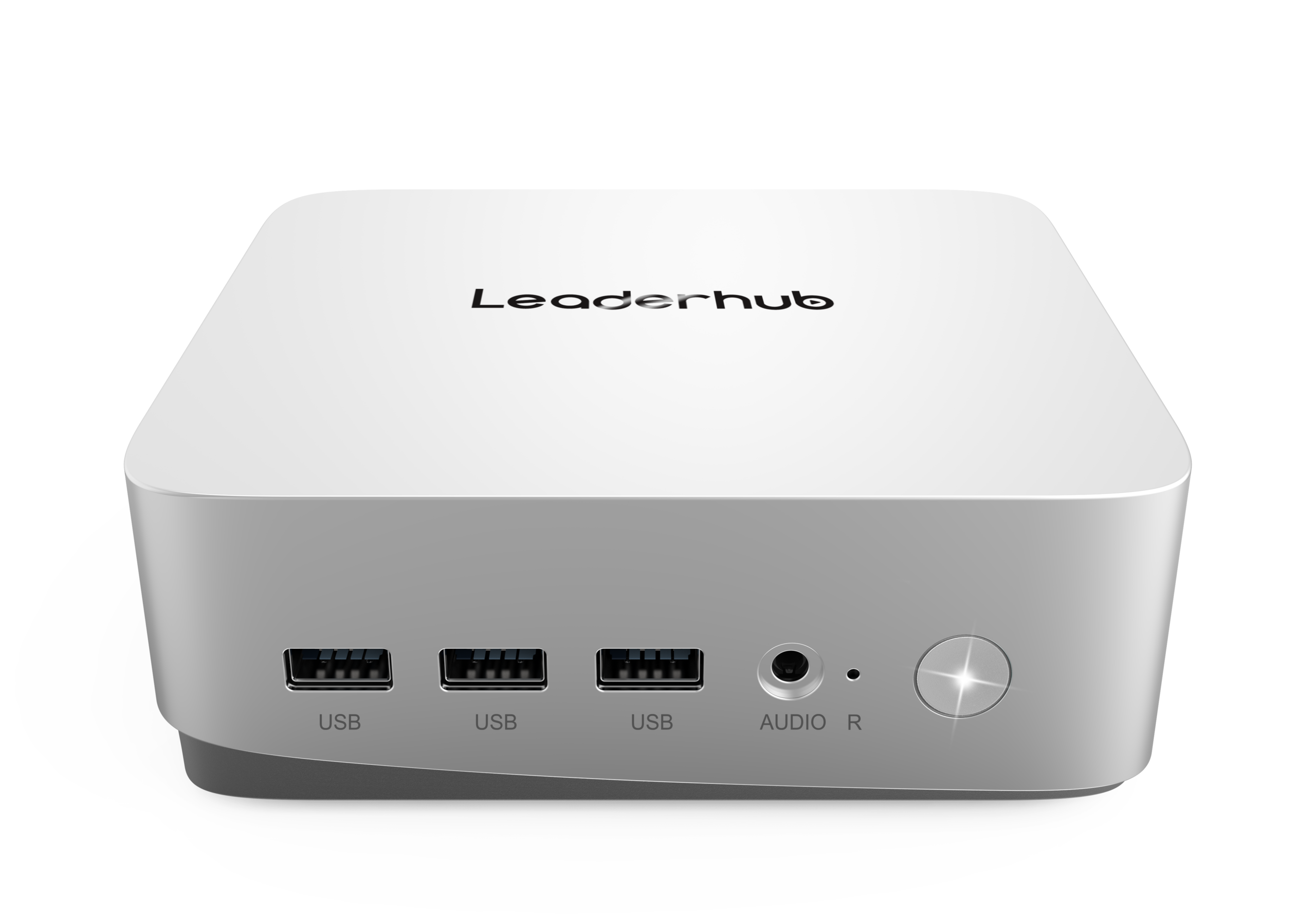
Hardware Configuration
- Processor options — from energy-efficient Intel N-series chips for signage and light office work to Core i5/i7 or Ryzen processors for demanding workloads
- Memory and storage — 8GB to 64GB RAM, NVMe SSD capacities, dual-drive configurations
- Connectivity — Wi-Fi 6/6E, Bluetooth 5.x, dual LAN, 2.5G Ethernet, optional 4G/5G modules
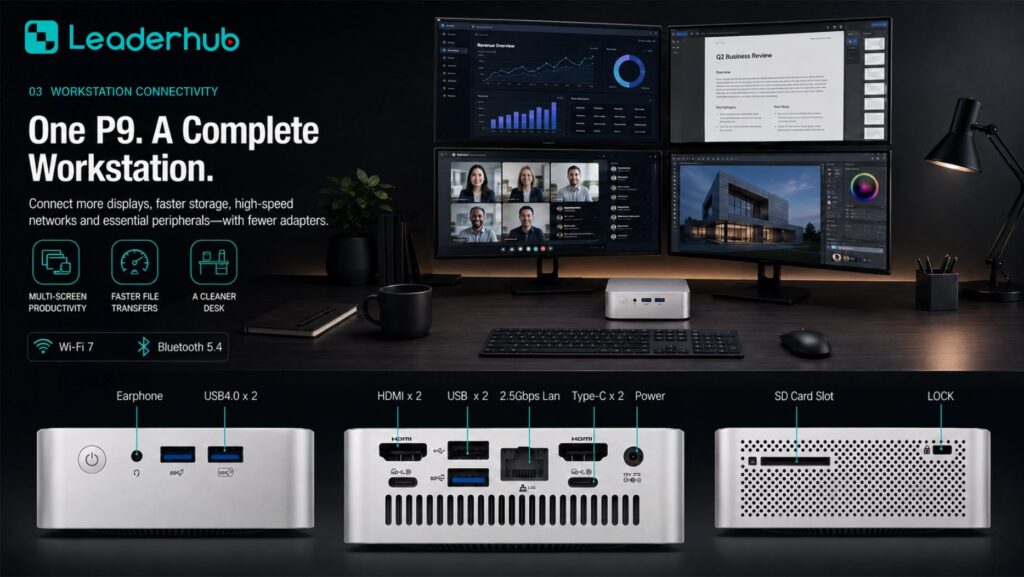
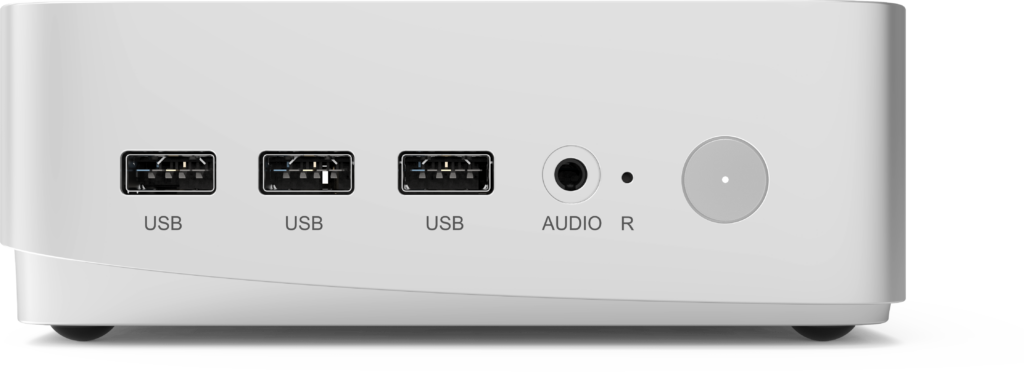
- I/O layout — HDMI/DP count, USB-C with power delivery, serial ports for industrial use
Branding and Appearance
- Custom logo printing or laser engraving on the chassis
- Enclosure color and finish options
- Branded retail packaging, manuals and accessories
- Custom BIOS splash screen and boot logo
Software and Firmware
- Pre-installed Windows, Linux or Android operating systems
- Locked-down BIOS settings for kiosk or education deployments
- Pre-loaded applications, remote management agents or digital signage players
- Auto power-on, wake-on-LAN and scheduled boot configuration
| Customization Level | Typical Scope | Typical MOQ | Lead Time |
|---|---|---|---|
| Standard | Stock model, choice of RAM/SSD | Low / sample orders | 1–2 weeks |
| OEM Branding | Logo, packaging, BIOS logo, OS preload | Moderate | 3–5 weeks |
| Full ODM | Custom board, chassis, I/O and firmware | Higher, project-based | 8–16 weeks |
Matching Mini PC Configurations to Real-World Use Cases
Before requesting quotes, define your application clearly. The right configuration for a digital signage network is very different from one for a video editing studio. The table below shows how a manufacturer’s product range typically maps to common scenarios, using three current mini PC models as examples.
| Model | Core Specification | Best For | Reference Price |
|---|---|---|---|
| LP1C Mini PC | Intel N100, 8GB RAM, 512GB SSD | Digital signage, classrooms, front desks, thin clients | $399 |
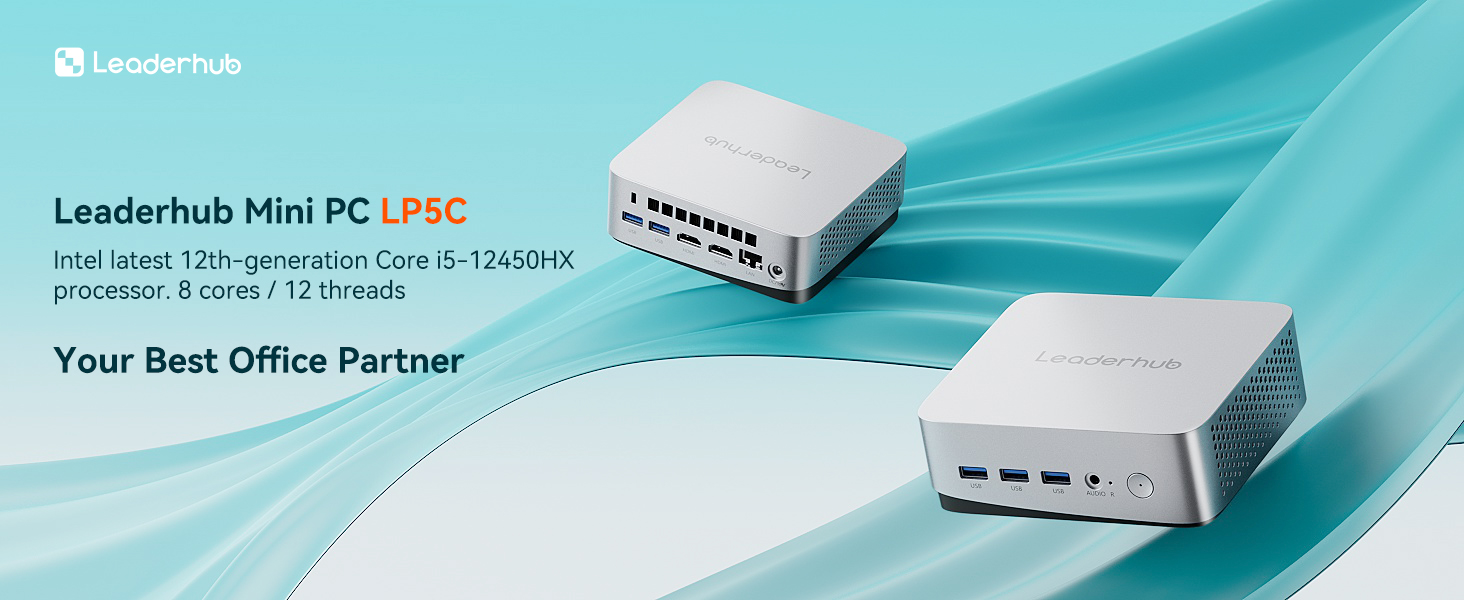
| LP5C Mini PC | Intel i5-12450HX, 16GB RAM, 512GB SSD | Office productivity, meeting rooms, multi-display setups | $799 |
| AD8 Mini PC | High-performance platform | Creative work, AI applications, demanding business software | $999 |
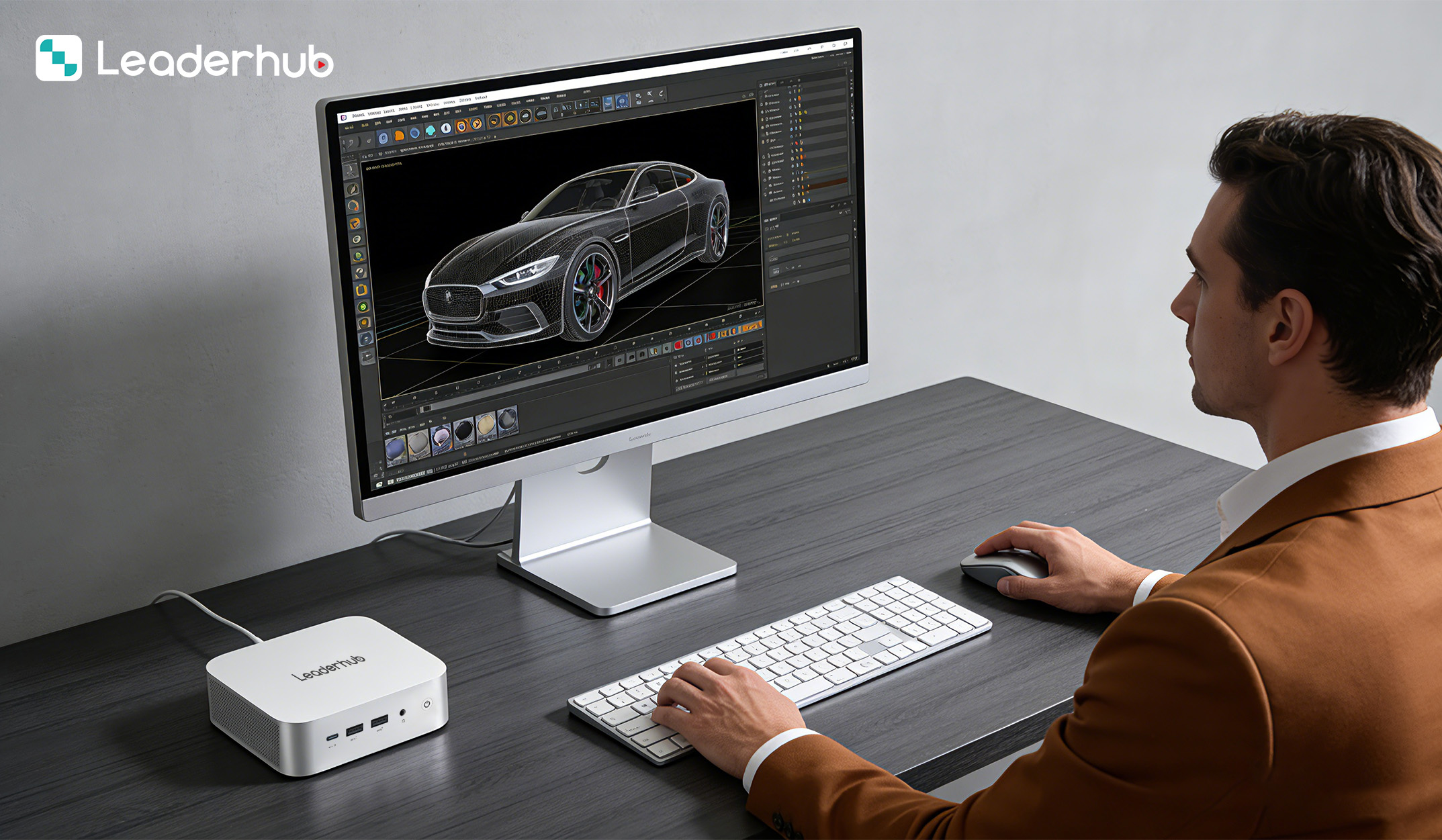
Practical Buying Tips for Distributors and Corporate Buyers
- Always order samples first. Test them under your actual workload for at least two weeks — monitor temperatures, Wi-Fi stability, sleep/wake behavior and driver compatibility.
- Request a written specification sheet that becomes part of the purchase contract, including component brands and firmware version.
- Clarify the warranty start date (shipment vs. end-user activation) and who covers return shipping for defective units.
- Ask about product lifecycle — how long the model will remain in production and whether a compatible successor is planned.
- Confirm packaging drop-test standards if you ship units individually to end customers.
- Negotiate a small percentage of spare units or spare parts with bulk orders to speed up field replacements.
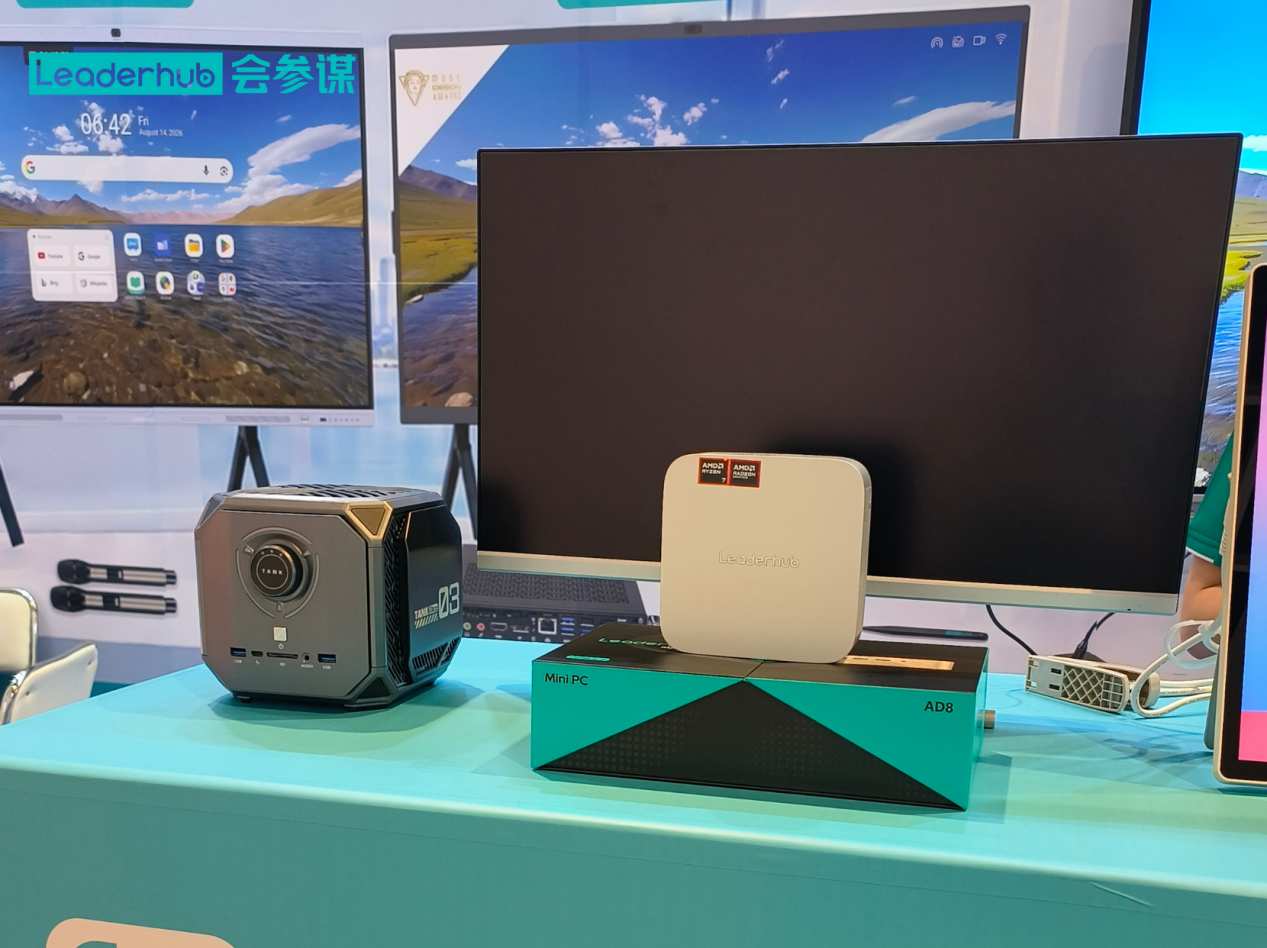
- Visit the factory or meet the team at an industry exhibition when possible; it is the fastest way to verify production capability.
Red Flags to Avoid
- Prices dramatically below market average with no clear explanation
- Refusal to provide thermal or burn-in test data
- Certificates that cannot be verified or that belong to a different model
- No physical factory address or unwillingness to arrange a video tour
- Vague answers about component brands or frequent unannounced substitutions
- No BIOS or driver update history for existing models
A Manufacturer With Display and Computing Expertise
LeaderHub is a Shenzhen-based technology company with 16 years of experience in interactive display and computing hardware, delivering smart whiteboards, mini PCs and portable smart screens to customers in 82 countries. Its mini PC range is engineered alongside its commercial display products, which means the same thermal design discipline, component standards and quality-control processes apply across the portfolio. The company offers OEM/ODM services for distributors and enterprise buyers, and regularly presents its latest hardware at global electronics exhibitions where partners can evaluate products in person. Buyers can browse the full range in the online product catalog or discuss custom requirements through the contact page.
Frequently Asked Questions
What is the difference between a mini PC manufacturer and a trading company?
A manufacturer owns or directly controls the production line, engineering team and quality-control process. A trading company sources finished goods from various factories and resells them, which usually means less control over consistency, firmware updates and long-term availability.
What MOQ should I expect for custom branding?
Logo printing and custom packaging are typically available from moderate order quantities, while full ODM projects involving custom boards or chassis require larger commitments. Many manufacturers will quote tiered pricing so you can scale gradually.
Which processor is best for business mini PCs?
For basic tasks such as signage, browsing and office documents, Intel N-series processors offer excellent efficiency. For multitasking, video conferencing and multi-monitor workstations, Intel Core i5-class or higher processors are recommended. Pairing a mini PC with an interactive flat panel is a popular configuration for modern meeting rooms.
How long does a reliable mini PC last?
With quality components and proper thermal design, a business-grade mini PC commonly operates for five years or more in continuous use. Fanless or low-TDP models often last longer in dusty or warm environments.
Final Thoughts
Selecting a reliable mini pc manufacturer is a strategic decision that affects every stage of your business — from product performance and compliance to customer satisfaction and repeat orders. Prioritize manufacturers with proven experience, transparent component sourcing, rigorous testing, valid certifications and meaningful customization options. Test samples thoroughly, document specifications in your contract, and build a relationship rather than a one-time transaction. A strong manufacturing partner will grow with you as your market and product requirements evolve.