Office space is expensive, hybrid work is here to stay, and IT budgets are under constant scrutiny. That combination explains why the mini PC for business has moved from niche gadget to mainstream workhorse. A device smaller than a hardcover book can now run accounting software, video conferencing, multi-monitor dashboards and even light 3D rendering — while consuming a fraction of the power of a traditional tower. This guide walks you through what matters when choosing a compact desktop for your office, which specifications actually affect daily productivity, and how to match the right model to each role in your company.
Why Mini PCs Are Replacing Traditional Office Desktops
For years, the standard office computer was a bulky tower hidden under the desk, collecting dust and cables. Today, most knowledge work — email, spreadsheets, CRM, browser-based tools and video calls — does not need that much hardware. A well-specified mini PC delivers the same experience in a footprint of roughly 0.5 to 1 litre, and businesses are noticing the advantages:
- Space savings: Mount it behind a monitor with a VESA bracket and reclaim the entire desk surface.
- Lower energy bills: Typical idle draw is 6–15 W compared with 60–100 W for a tower, which adds up across dozens of workstations.
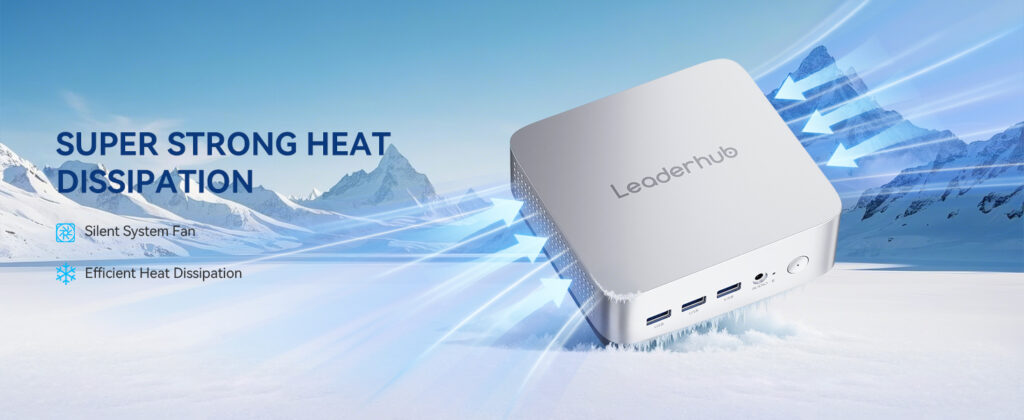
- Quiet operation: Small, efficient chips mean minimal fan noise — ideal for open-plan offices and reception areas.
- Easy standardisation: Identical, compact units are simpler to image, deploy and replace.
- Flexible placement: Reception desks, meeting rooms, retail counters, kiosks and digital signage all benefit from a hidden, cable-light computer.
Key Factors When Choosing a Mini PC for Business
Not every small computer is suitable for professional use. Consumer-grade boxes may look similar on paper but fall short on reliability, upgradeability or connectivity. Below are the areas worth evaluating before you commit to a fleet purchase.
1. Processor: Match the CPU to the Workload
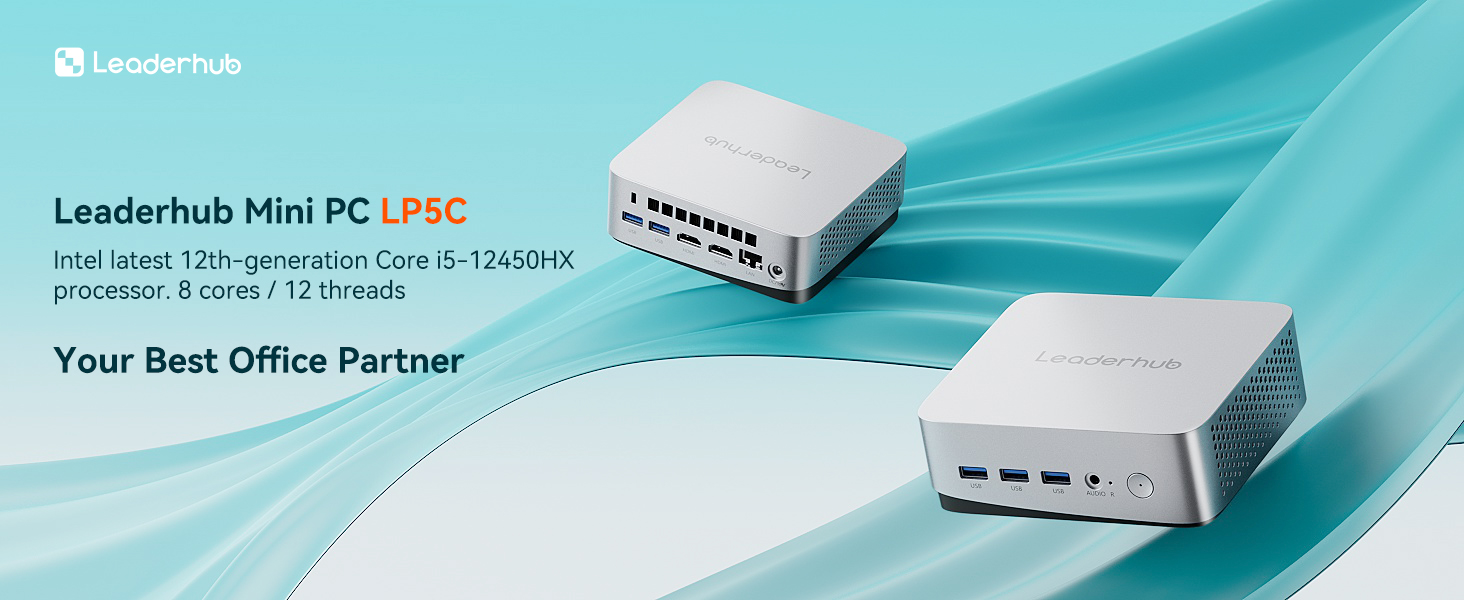
The processor is the single biggest factor in how a mini PC feels day to day. Efficiency-focused chips such as the Intel N100 handle web apps, Office suites and video calls smoothly while sipping power. Mid-range mobile processors like the Intel Core i5-12450HX add performance cores for heavy multitasking, large Excel models, data analysis and light creative work. High-performance configurations step up further for designers, developers and anyone running virtual machines.
2. Memory and Storage
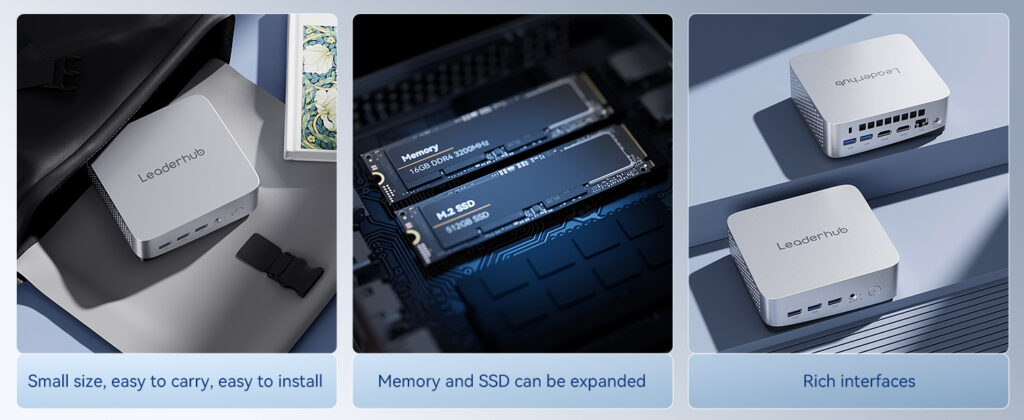
For general office tasks, 8 GB of RAM is the practical minimum and 16 GB is the comfortable sweet spot for users who keep twenty browser tabs, Teams and a CRM open at once. On the storage side, always choose an NVMe SSD — a 512 GB drive gives room for the OS, applications and local files, and many business mini PCs allow a second drive or an upgrade later.
3. Ports and Connectivity
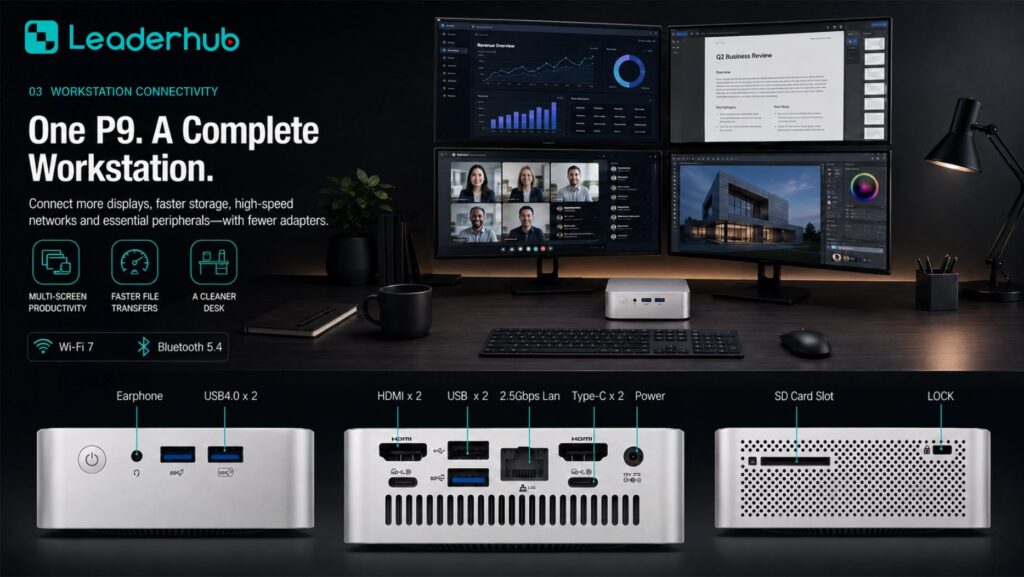
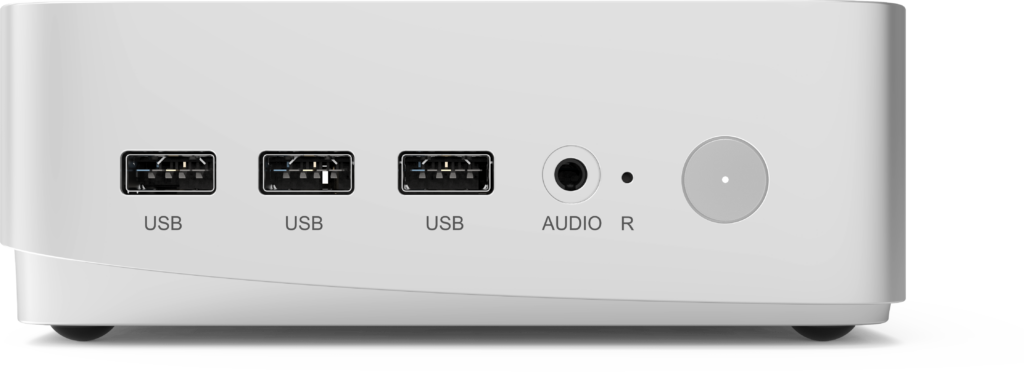
A compact chassis should never mean compromise on I/O. Look for multiple USB-A and USB-C ports, HDMI and/or DisplayPort for dual or triple monitors, Gigabit (or 2.5 G) Ethernet for stable wired networking, and Wi-Fi 6 with Bluetooth 5 for peripherals. If staff rely on webcams, headsets, card readers or label printers, count ports before you buy.
4. Display Support
Multi-monitor setups are proven to boost productivity in finance, customer service and development roles. Confirm the mini PC can drive at least two 4K displays simultaneously, and check whether the USB-C port supports DisplayPort Alt Mode for single-cable docking.
5. Security, Manageability and Warranty
Business deployments benefit from TPM 2.0 for disk encryption, BIOS-level controls, Windows Pro licensing, and a vendor who offers clear warranty terms and spare-parts availability. If you are rolling out dozens of units, ask about bulk pricing and consistent BIOS versions across the batch.
| Business Role | Recommended CPU Class | RAM / Storage | Monitors |
|---|---|---|---|
| Reception, admin, sales support | Intel N100 / efficiency class | 8 GB / 512 GB SSD | 1–2 |
| Finance, analysts, project managers | Intel Core i5 H-series | 16 GB / 512 GB SSD | 2–3 |
| Designers, developers, power users | High-performance class | 16–32 GB / 1 TB SSD | 3+ |
| Meeting rooms & digital signage | Efficiency or mid-range class | 8–16 GB / 512 GB SSD | 1 large display |
Mini PC vs Tower Desktop vs Laptop: Which Fits Your Office?
Each form factor has a place, but for fixed workstations the mini PC wins on cost of ownership, footprint and energy use. The table below summarises how the three options compare across the criteria that matter most to office managers.
| Criteria | Mini PC | Tower Desktop | Business Laptop |
|---|---|---|---|
| Desk footprint | Minimal (VESA mountable) | Large | Medium |
| Power consumption | Very low | High | Low |
| Multi-monitor support | 2–3 displays | 3+ with GPU | Often needs a dock |
| Upgradeability | RAM and SSD | Full | Limited |
| Price per workstation | Low to medium | Medium | Medium to high |
| Best for | Fixed desks, meeting rooms, signage | GPU-heavy workloads | Mobile and field staff |
Matching a Mini PC to Real Business Scenarios
Rather than buying one spec for the whole company, many IT teams now adopt a tiered approach: an entry-level unit for routine roles, a mid-range model for heavy multitaskers, and a high-performance box for creative or technical teams. Here is how the three tiers in the business mini PC range map to typical office needs.
Entry Tier: Front Desk, Admin and Shared Workstations
The LP1C Mini PC pairs an Intel N100 with 8 GB RAM and a 512 GB SSD. It is silent, draws very little power and is ideal for receptionists, shared hot-desks, point-of-sale terminals and staff who live in browser-based tools. At $399, it is also an easy way to retire ageing towers without a large capital outlay.
Performance Tier: Finance, Operations and Project Teams
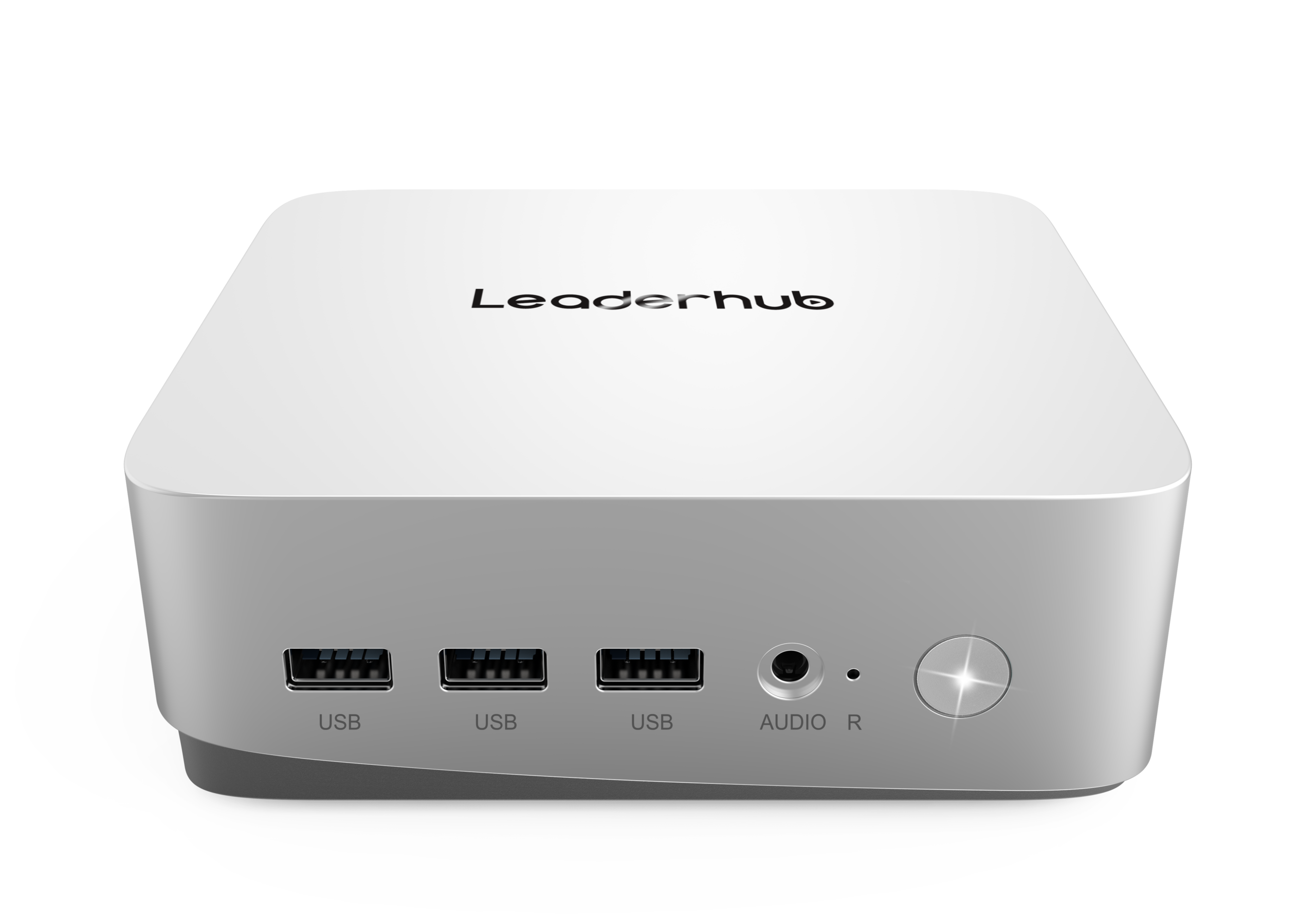
The LP5C Mini PC moves up to an Intel Core i5-12450HX with 16 GB RAM and 512 GB SSD. The extra cores make a noticeable difference when juggling large spreadsheets, BI dashboards, ERP clients and back-to-back video calls, and it comfortably drives multiple 4K monitors. Priced at $799, it is the all-round choice for most professional desks.
Premium Tier: Design, Development and Executive Offices
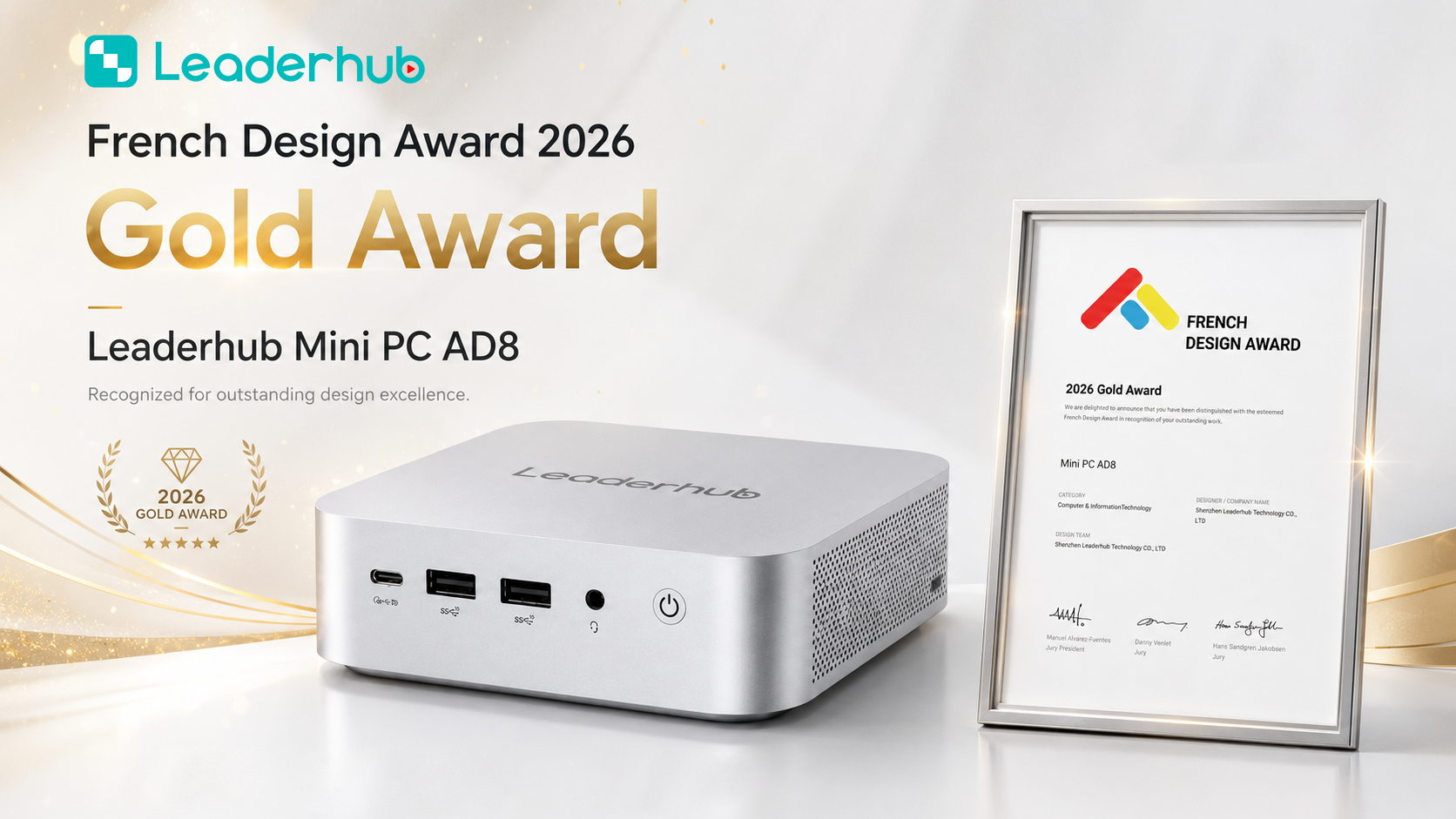
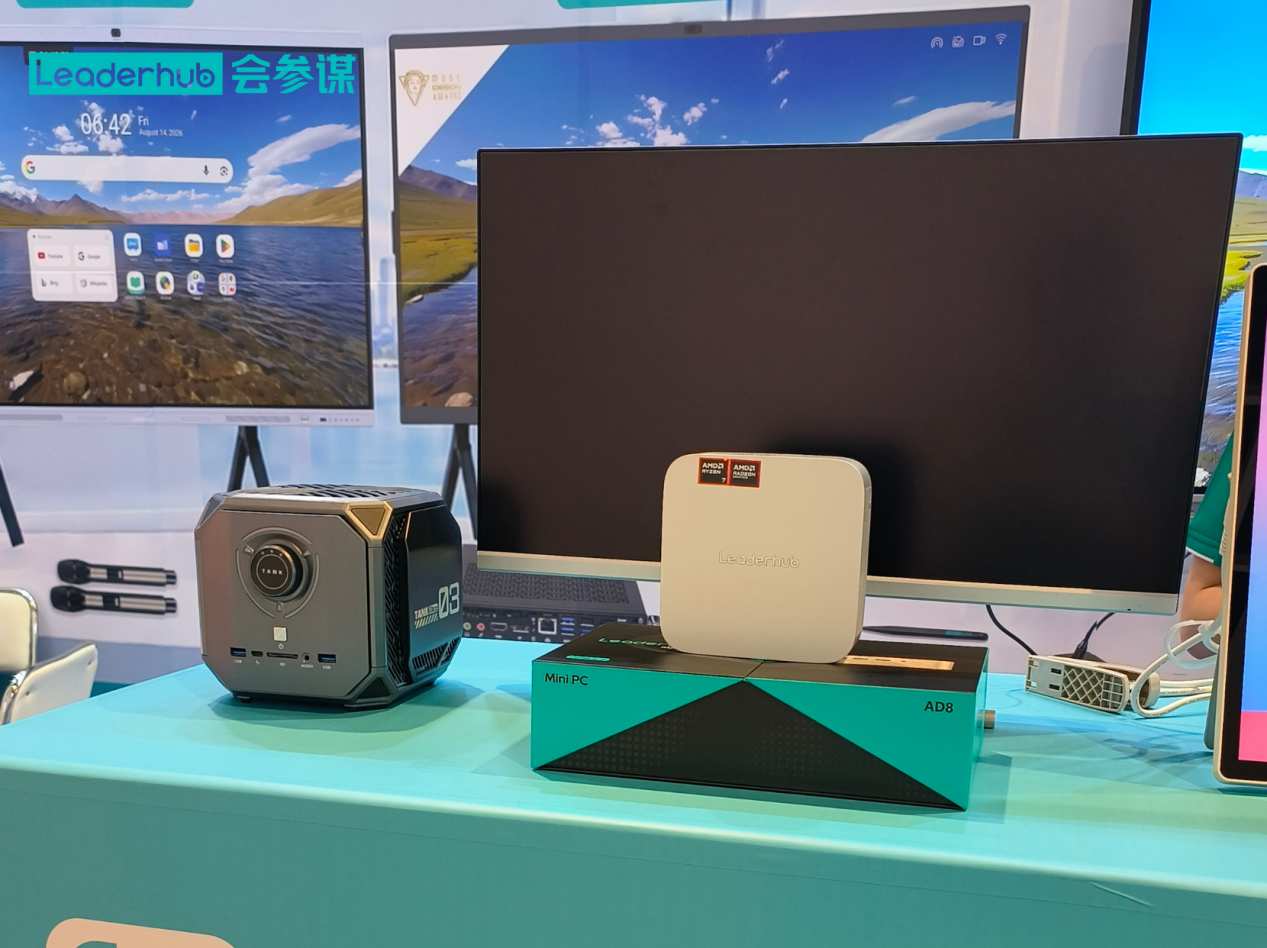
For users who need headroom for creative suites, code compilation, virtual machines or AI-assisted tools, the AD8 Mini PC at $999 delivers flagship performance in the same compact footprint, making it a strong fit for executive offices and specialist teams.
| Model | Processor | Memory / Storage | Ideal For | Price |
|---|---|---|---|---|
| LP1C | Intel N100 | 8 GB / 512 GB SSD | Reception, admin, POS, signage | $399 |
| LP5C | Intel Core i5-12450HX | 16 GB / 512 GB SSD | Finance, analysts, multitasking | $799 |
| AD8 | High-performance platform | Premium configuration | Design, development, executives | $999 |
Mini PCs in the Meeting Room
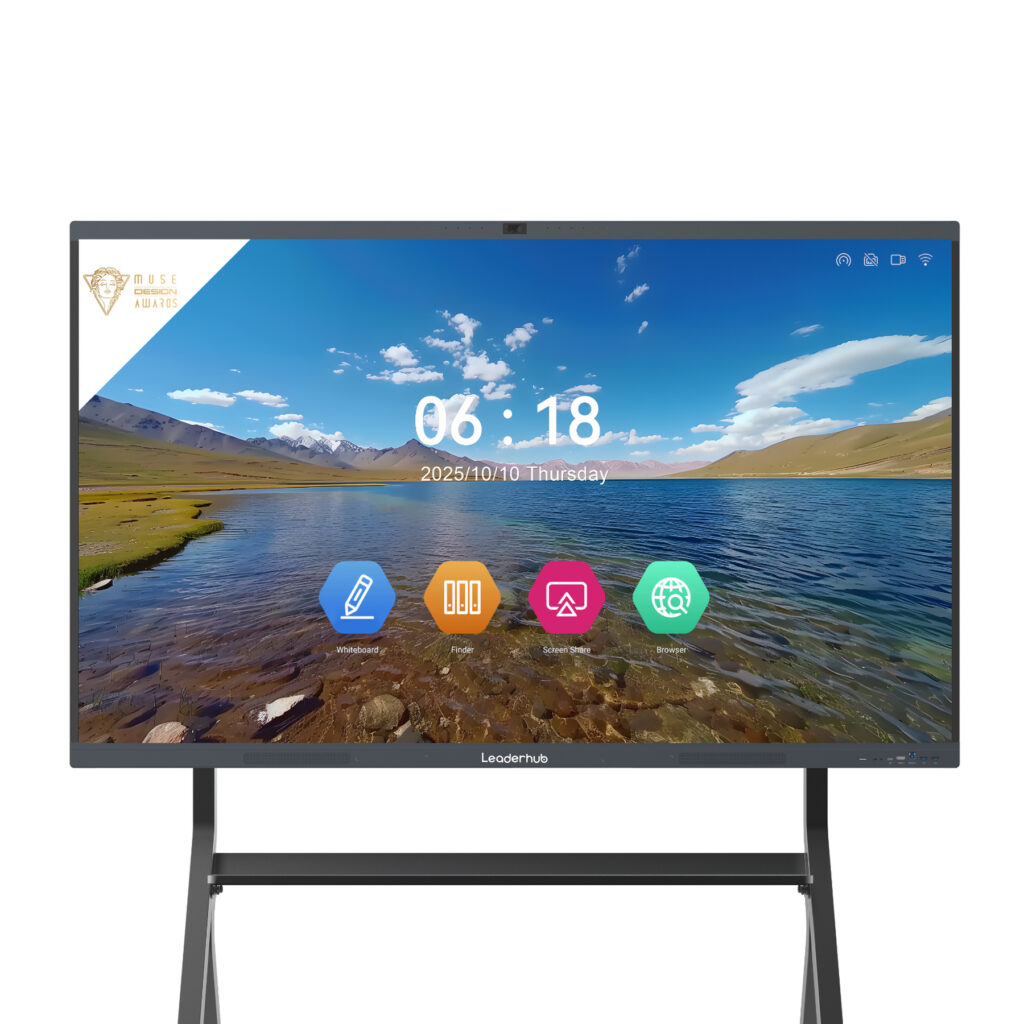
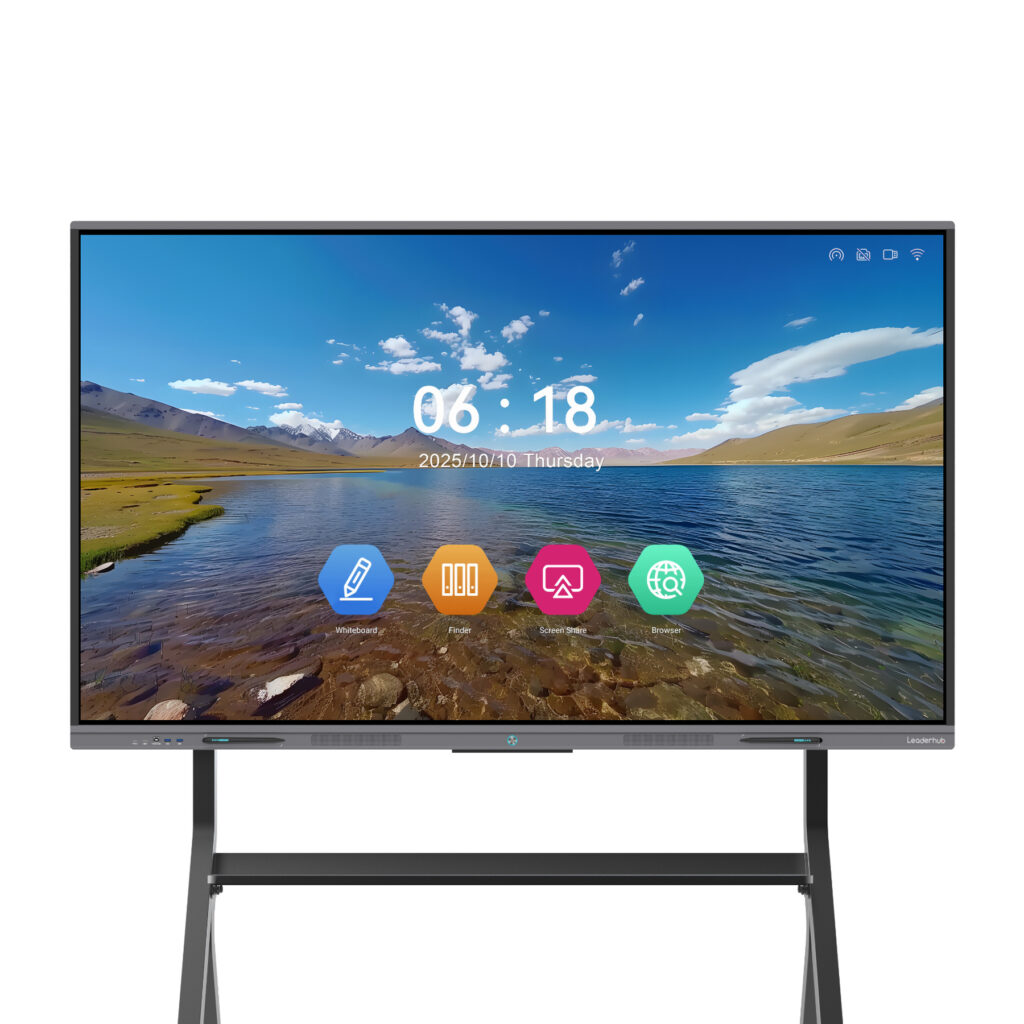
Beyond individual desks, one of the fastest-growing uses of compact desktops is powering conference rooms. A mini PC mounted behind an interactive display turns the screen into a complete collaboration hub — running Windows, Teams or Zoom Rooms, wireless presentation software and whiteboarding apps with full keyboard and mouse control. Paired with an interactive smart whiteboard, it gives hybrid teams a consistent experience in every room. Industry bodies such as AVIXA, the AV industry standards organisation, recommend standardising room computing to simplify support, which is exactly where a uniform mini PC deployment shines.
Deployment Checklist: Rolling Out Mini PCs Across Your Office
A smooth rollout depends as much on planning as on hardware. Use the following steps as a practical checklist:
- Audit current workloads. Survey which applications each team actually uses so you can assign tiers accurately instead of over-specifying every desk.
- Standardise peripherals. Pick a monitor, keyboard and headset bundle per tier; consistent accessories reduce support tickets.
- Plan mounting and cabling. VESA mounts, short HDMI leads and a USB-C dock keep desks tidy and cut setup time.
- Create a golden image. Configure one unit with your OS, security tools and apps, then clone it to the fleet.
- Enable encryption and remote management. Turn on TPM-based disk encryption and enrol devices in your MDM or domain from day one.
- Keep spares. Because mini PCs are inexpensive and identical, holding two or three spare units makes same-day replacement trivial.
Understanding Total Cost of Ownership
The sticker price is only part of the equation. When you factor in electricity, cooling, desk space and support time, compact desktops often come out well ahead. Consider a 50-seat office:
- Energy: Saving roughly 50 W per seat over an eight-hour day adds up to about 5,000 kWh per year — a meaningful reduction in both cost and carbon footprint.
- Space: Freeing under-desk tower space can allow smaller desks or denser layouts, directly lowering real-estate cost per employee.
- Support: Uniform hardware shortens troubleshooting and allows swap-and-go repairs instead of on-site diagnosis.
- Lifecycle: Modern efficiency-class chips comfortably handle office software for five or more years, extending refresh cycles.
Frequently Asked Questions
Is a mini PC powerful enough for everyday office work?
Yes. Even entry-level models with an Intel N100 handle Office 365, Google Workspace, web-based CRM and HD video conferencing without issue. Choose a Core i5 class unit if staff regularly work with very large files or many simultaneous applications.
Can a mini PC run two or three monitors?
Most business-oriented mini PCs support at least two 4K displays via HDMI and USB-C/DisplayPort, and many support three. Always confirm the exact output configuration for the model you select.
How long will a mini PC last in a business environment?
With an SSD and no moving parts other than a small fan, quality units typically serve 5–7 years. Upgradeable RAM and storage help extend that lifespan further.
Are mini PCs suitable for digital signage and kiosks?
Absolutely. Their low power draw, small size and silent operation make them a popular choice for lobby displays, menu boards and self-service kiosks, where they can run 24/7 behind the screen.
Final Thoughts: Choosing the Right Compact Desktop for Your Office
The best mini PC for business is the one that matches each role’s real workload — no more, no less. Start with an efficiency-class model for routine desks, step up to a Core i5 configuration for heavy multitaskers, and reserve premium units for creative and technical teams. Pay close attention to ports, display outputs, security features and warranty support, and plan your deployment with standardised images and peripherals.
LeaderHub, a Shenzhen-based technology company with 16 years of interactive-display expertise serving customers in 82 countries, designs its mini PCs, smart whiteboards and portable smart screens specifically to help small and medium-sized enterprises access reliable, affordable workplace technology. If you are planning an office refresh or a meeting-room upgrade, contact the team for configuration advice and volume pricing, or browse the full product range to find the right compact desktop for your business.