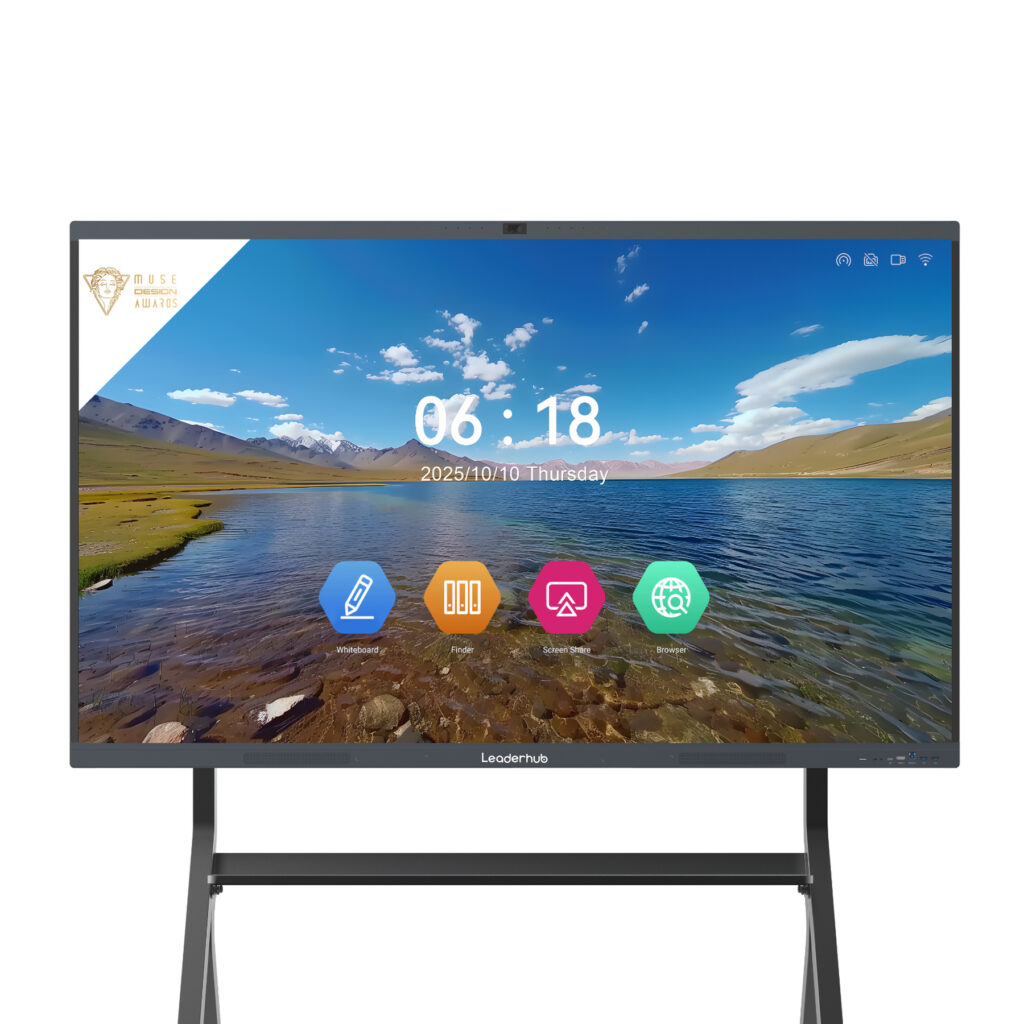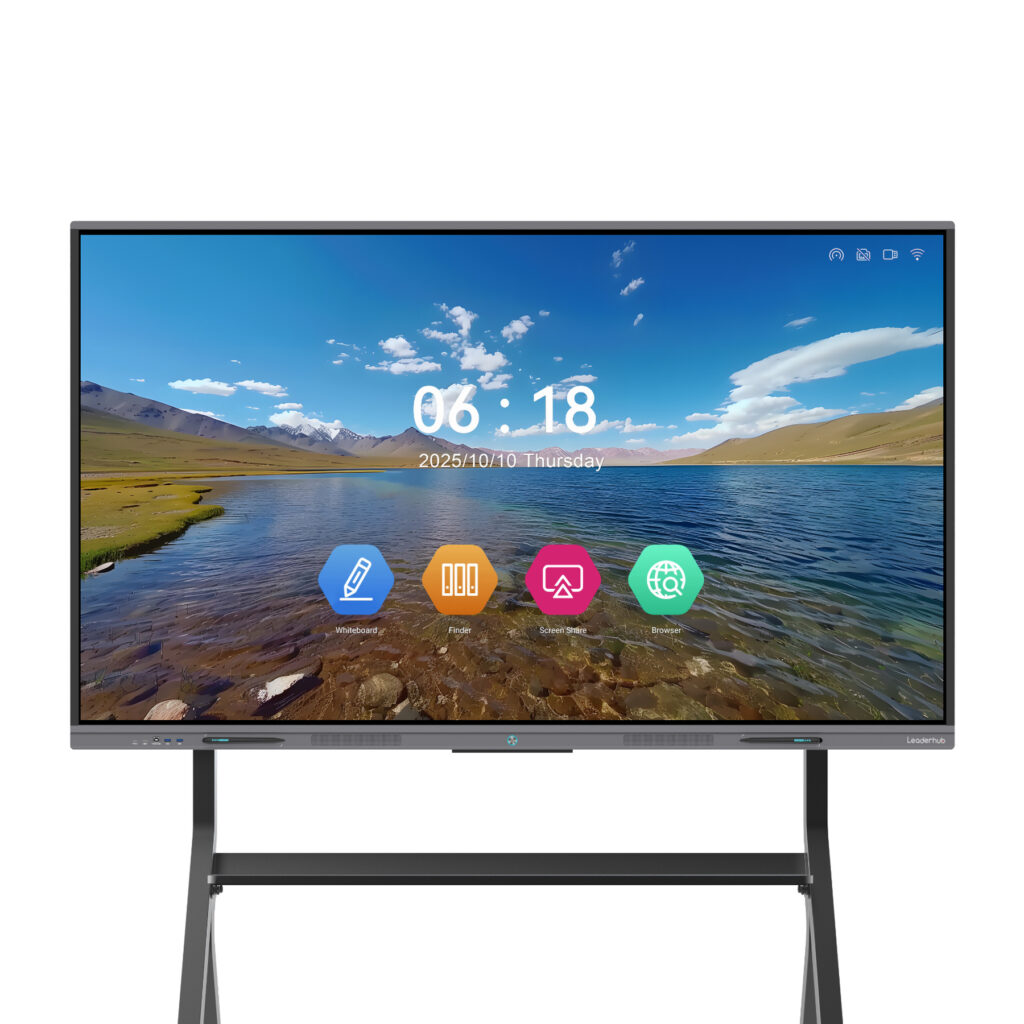
Accounting firms live and die by clarity. Whether you are walking a client through a quarterly P&L, reconciling a complex consolidation with your team, or presenting a tax-planning scenario to a business owner, the way numbers are shown matters almost as much as the numbers themselves. That is why a growing number of CPA practices, bookkeeping firms, and advisory boutiques are replacing projectors and static TVs with a smart board for accounting firms — a 4K interactive display that lets you annotate spreadsheets, share screens securely, and run hybrid client meetings from a single device.
This guide explains what makes an interactive display suitable for accounting work, which specifications actually matter for financial professionals, how to size a board for your meeting rooms, and how to compare the options available today.
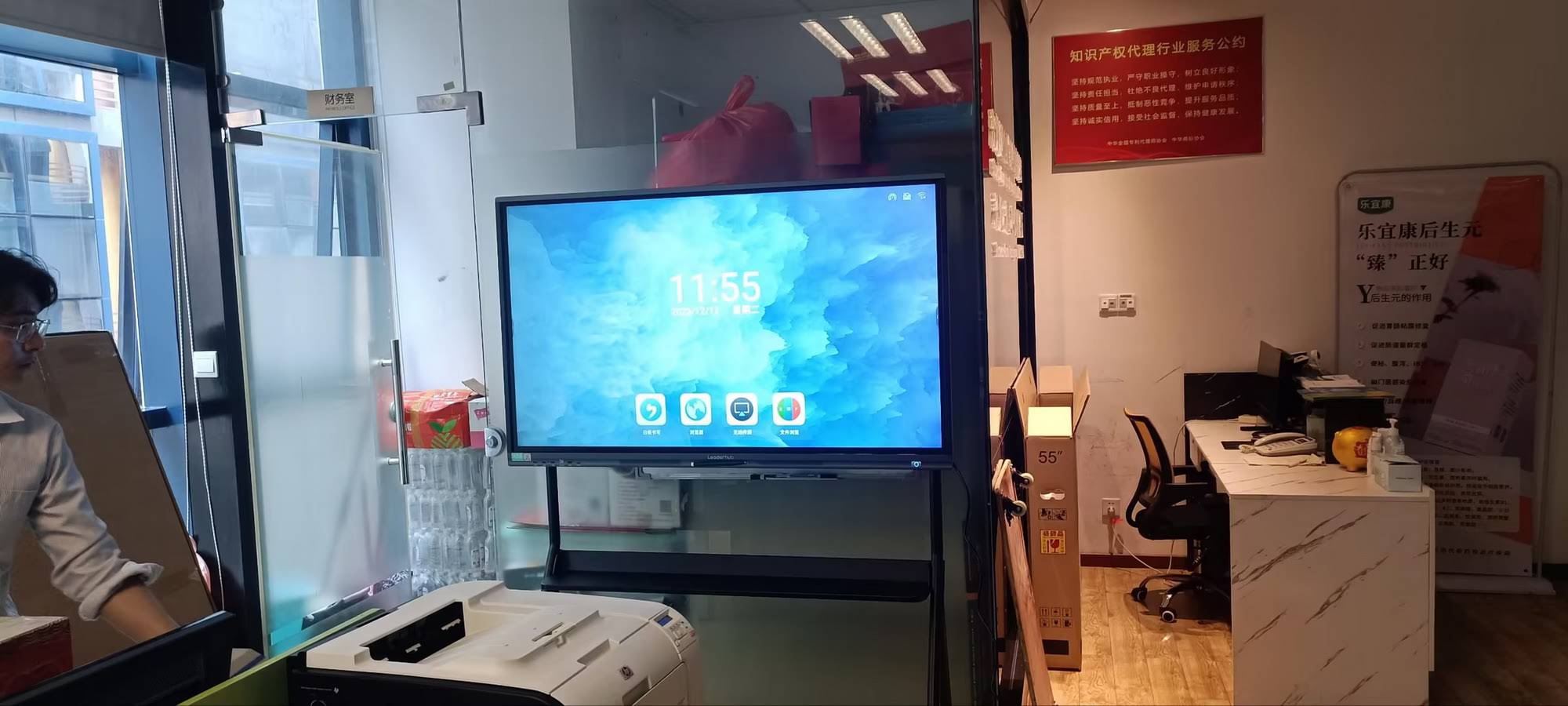
Why Accounting Firms Are Switching to Smart Boards
For decades the accounting profession relied on printed binders, laptop screens turned toward the client, and the occasional projector that never quite focused. Those tools create friction at the exact moment you need trust and understanding. An interactive display solves several long-standing problems at once:
- Numbers stay legible. A 4K panel renders a 40-column spreadsheet, a cash-flow waterfall, or a dense tax form with every digit sharp — even from the far end of the table.
- Clients participate instead of watch. Touch and pen input let you circle a variance, drag a projection, or sketch a restructuring on top of a live model while the client follows along.
- Hybrid meetings become normal. Built-in cameras, microphones, and wireless casting mean a remote partner or an out-of-state client joins with the same view as the people in the room.
- Review cycles shorten. Teams mark up working papers together, save the annotated version, and share it to the engagement file in seconds.
- The firm looks modern. First impressions influence retention. A clean, cable-free boardroom signals that your practice invests in technology — a message that resonates with younger business owners and tech-forward clients.
How Accounting Teams Actually Use Interactive Displays
Before comparing specifications, it helps to picture the real workflows a board needs to support. The following scenarios come up in almost every firm, from a two-partner practice to a regional firm with multiple offices.
Client Advisory and Year-End Meetings
Advisory revenue depends on your ability to explain what the numbers mean. With a smart board you can open the client’s financial statements, annotate directly on the balance sheet, and model “what if” changes on the spot. Clients leave with a saved PDF of exactly what was discussed — a powerful tool for engagement letters and follow-up proposals.
Tax Planning and Scenario Modeling
Entity selection, retirement contribution strategies, and estimated payment schedules are easier to grasp visually. Split the screen between the tax software and a blank whiteboard canvas, draw the decision tree, and let the client ask questions while touching the display.
Internal Review and Audit Planning
Audit teams use the board to map risk matrices, review sampling plans, and walk through trial balances line by line. Because annotations can be saved and exported, the markup becomes part of the review trail rather than an ephemeral whiteboard that gets erased.
Staff Training and Continuing Education
Interactive displays double as training stations for new standards, software updates, or internal process changes. Recorded sessions and shared notes help staff across multiple offices stay aligned.
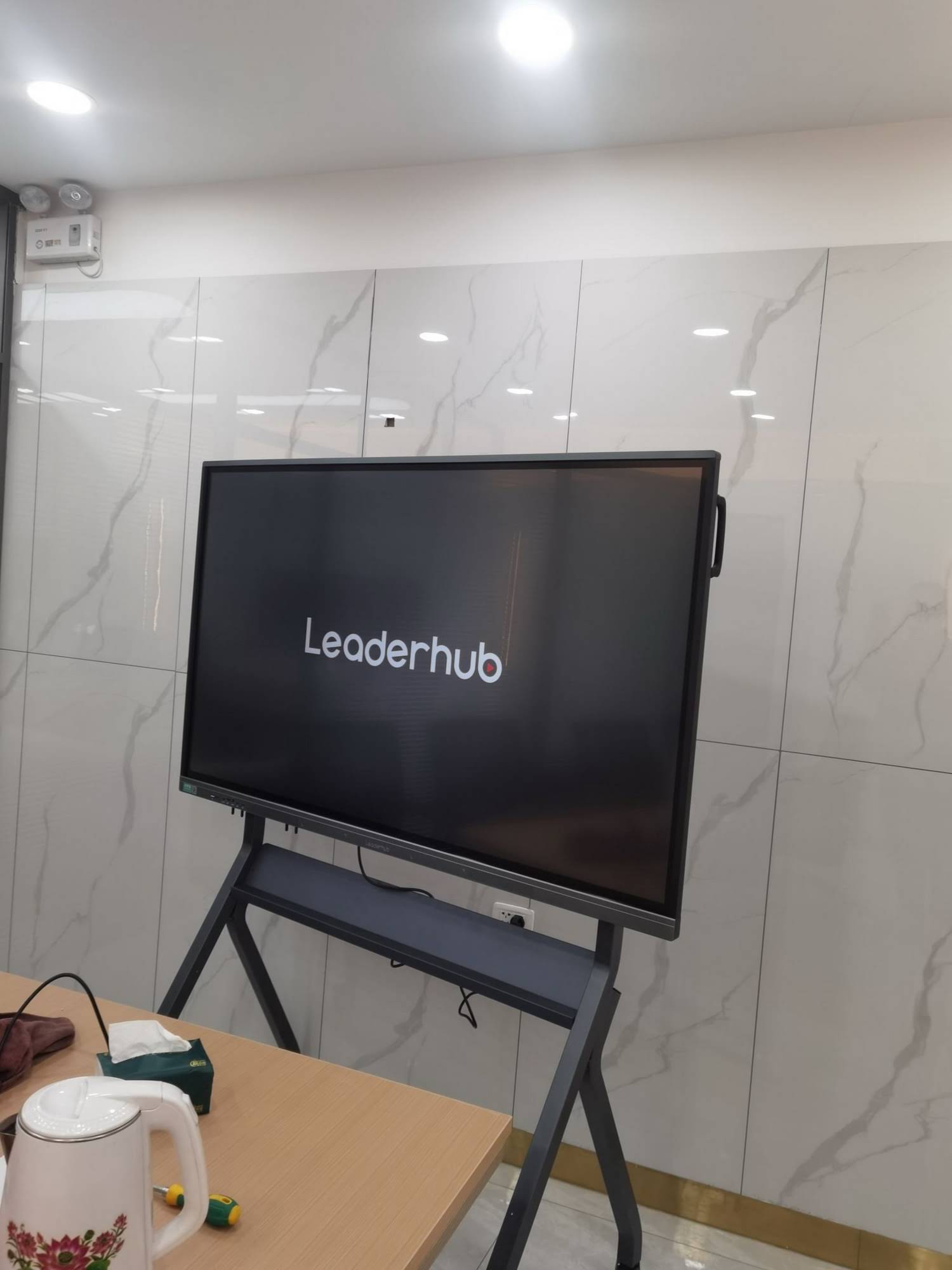
Key Features to Look for in a Smart Board for Accounting Firms
Not every interactive display is designed with financial professionals in mind. Many are optimized for classrooms or creative studios. The checklist below focuses on what matters when your content is spreadsheets, statements, and sensitive client data.
1. 4K Resolution and Anti-Glare Glass
Financial documents are text-heavy. A 4K UHD panel (3840 × 2160) is the minimum you should accept, because 1080p displays blur small fonts and gridlines at 65 inches and above. Anti-glare, low-reflection glass is equally important in offices with large windows or overhead fluorescent lighting; it keeps columns readable without closing the blinds.
2. Precise Touch and Pen Input
Look for 20-point (or higher) multi-touch with low latency and palm rejection. Accountants annotate with precision — underlining a single cell, circling a figure, writing a small note in a margin. A board that lags or registers your palm as a stroke will frustrate users quickly. Infrared or capacitive touch both work well; what counts is responsiveness and accuracy near the edges of the screen.
3. Secure Wireless Screen Sharing
Partners, staff, and clients will arrive with Windows laptops, MacBooks, iPads, and Android phones. The board should support AirPlay, Miracast, Google Cast, and a dedicated casting dongle or app, ideally with PIN-based pairing so nobody casts to the wrong room. Avoid solutions that force every device onto an open guest network without authentication.
4. Data Privacy and Session Clearing
Client confidentiality is non-negotiable. Choose a display with a one-touch “end meeting” function that wipes annotations, closes files, and logs out of cloud accounts. Local storage encryption, admin-controlled app installation, and the ability to disable USB ports are valuable for firms following strict data-handling policies. If the board runs Android and Windows side by side, make sure the Windows module can be domain-joined and managed by your IT provider.
5. Built-In Camera, Microphones, and Video Conferencing
Hybrid client meetings are now standard. An integrated 4K or 1080p camera with auto-framing and a far-field microphone array eliminates the tangle of separate webcams and speakerphones. Confirm native compatibility with Zoom, Microsoft Teams, and Google Meet — the three platforms most accounting clients use.
6. Dual Operating System or Slot-In PC
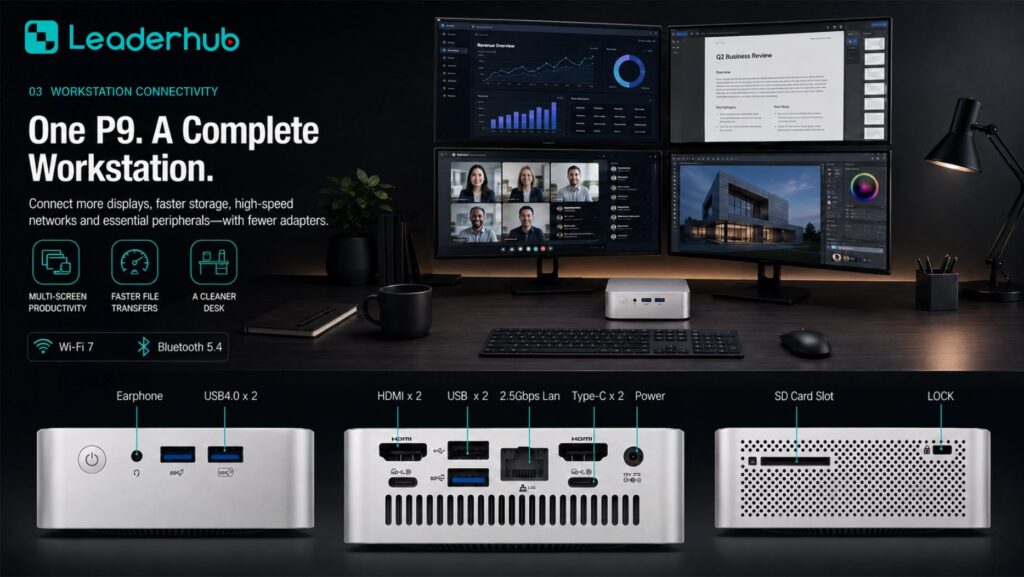
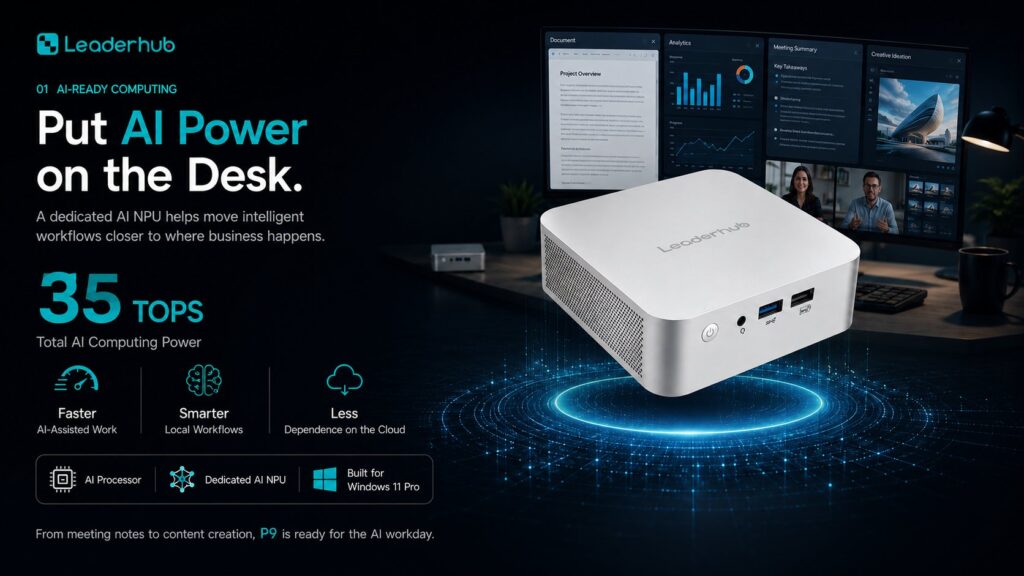
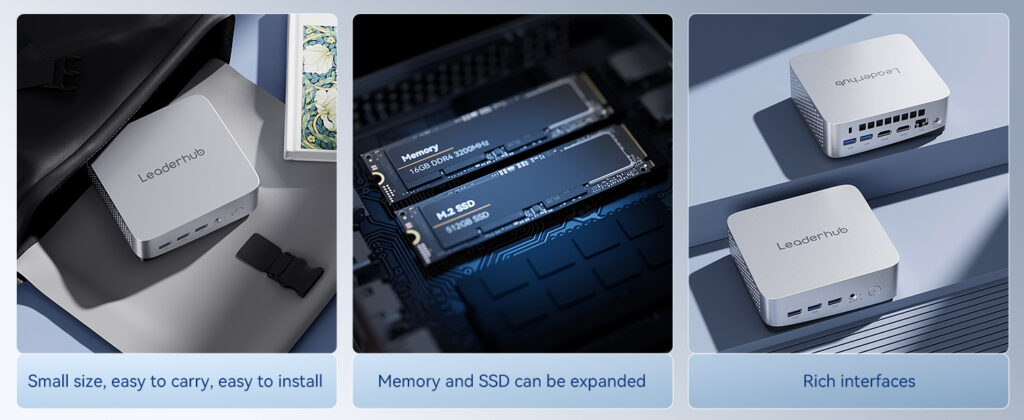
Many boards ship with Android for whiteboarding and casting. For accounting software — QuickBooks Desktop, Sage, CCH, Thomson Reuters, Excel with heavy add-ins — you will want a Windows OPS module or a connected mini PC. This lets the board run your actual tax and audit applications, not just mirror a laptop. Leaderhub’s mini PC range is designed to pair with interactive panels for exactly this purpose.
7. Mobility and Room Flexibility
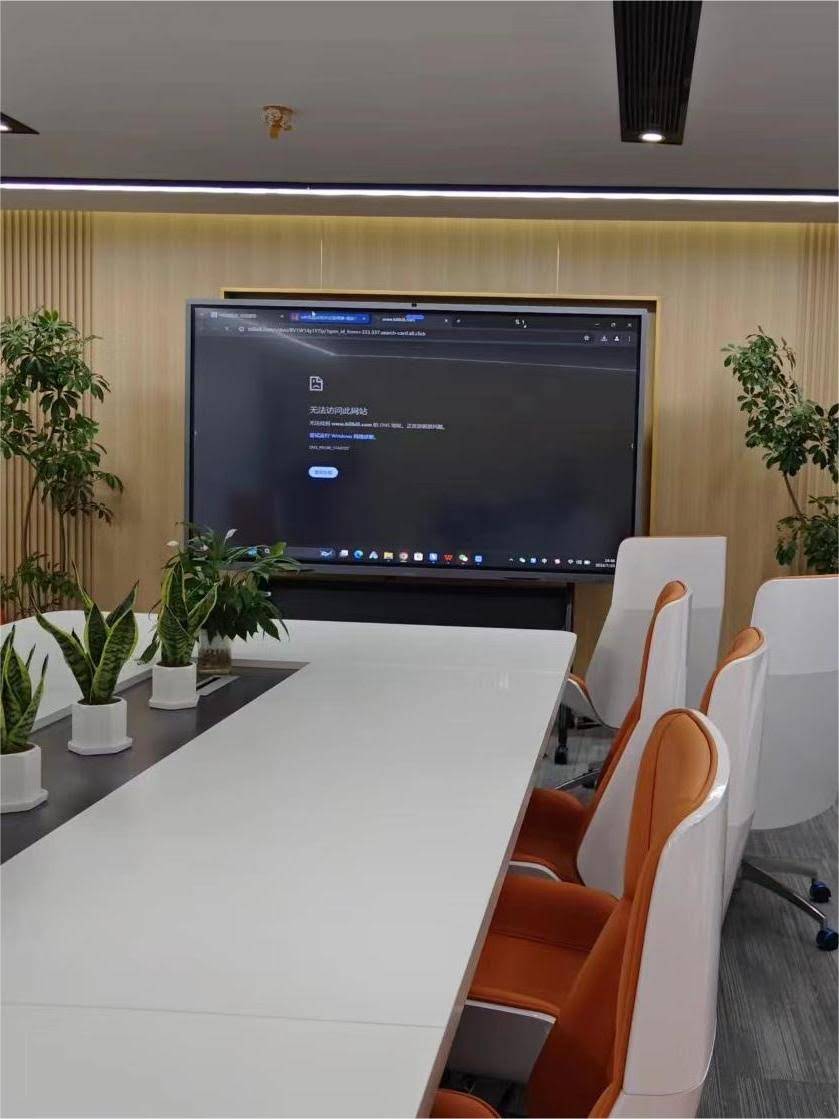
Smaller firms often share one meeting room between client consultations and internal huddles. A board on a rolling stand — or a battery-powered portable screen that moves between offices — delivers far more utilization than a fixed wall mount. Rotating displays that flip between landscape (spreadsheets) and portrait (tax forms, full-page documents) are especially practical for document review.
Choosing the Right Screen Size for Your Meeting Rooms
Screen size should follow room dimensions and viewing distance, not budget alone. The guideline below reflects the practical experience of firms that have deployed interactive displays across multiple room types.
| Room Type | Typical Seating | Viewing Distance | Recommended Size |
|---|---|---|---|
| Partner office / huddle space | 2–4 people | 1.5–2.5 m | 55″ portable or 65″ |
| Standard client meeting room | 4–8 people | 2.5–4 m | 65″–75″ |
| Boardroom / training room | 8–16 people | 4–6 m | 86″ |
| Large seminar / multi-office town hall | 16+ people | 6 m+ | 110″ |
A useful rule of thumb for spreadsheet-heavy content: the farthest viewer should sit no more than roughly four times the screen height away. For a 75-inch panel (about 93 cm tall), that means the last chair should be within approximately 3.7 meters.
Comparing Interactive Display Options for Accounting Practices
The table below outlines how several interactive display models align with common accounting-firm requirements. Prices reflect current list pricing and are useful for budgeting a single room or a multi-office rollout.
| Model | Size & Resolution | Best For | Price |
|---|---|---|---|
| L65ZM Interactive Whiteboard | 65″ 4K | Entry-level client room, solo practitioners | $1,099 |
| L65HM Smart Whiteboard | 65″ 4K | Rotatable panel for portrait document review | $1,299 |
| L75HM Smart Whiteboard | 75″ 4K | Standard client meeting room, 4–8 seats | $1,599 |
| L75H Pro Interactive Flat Panel | 75″ 4K | Premium conferencing with enhanced camera and audio | $2,399 |
| L86ZM Interactive Whiteboard | 86″ 4K | Boardrooms and staff training rooms | $1,699 |
| U55Pro Mobile Interactive Flat Panel | 55″ 4K | Firms sharing one display across offices | $2,499 |
| L110H Interactive Flat Panel | 110″ 4K | Large seminars and multi-office presentations | $7,999 |
Firms that already own a display but need a dedicated Windows engine for tax and audit software can add a compact unit such as the LP5C Mini PC with an Intel i5 processor and 16GB of RAM — enough to run Excel models, document management, and video conferencing simultaneously.
Why a Rotating Smart Board Suits Document-Heavy Work
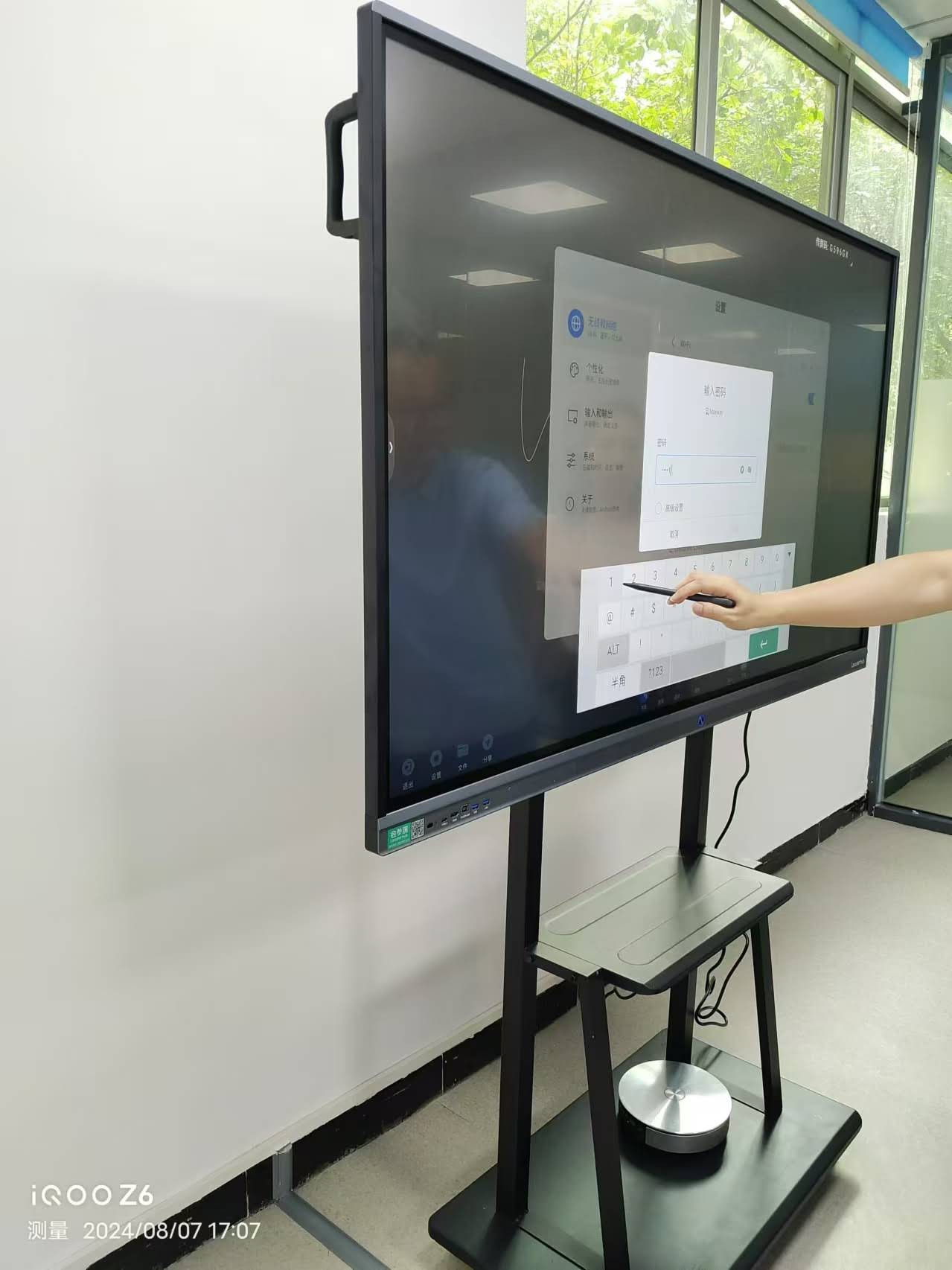
Most interactive displays are fixed in landscape orientation, which is ideal for spreadsheets but awkward for full-page documents. Tax returns, engagement letters, financial statements, and audit confirmations are all portrait-format. A rotatable display lets you flip the panel vertically to show a complete page at readable scale, then rotate back for the ledger view. The Leaderhub HM Series, recognized with a design award as a rotatable conference hub, was built around this exact use case and is a natural fit for review-intensive professional services.
Software and Integration Considerations
Hardware is only half the decision. Spend time evaluating how a board fits into the applications your firm already relies on.
Whiteboard App Export Formats
Make sure annotated sessions export to PDF and image formats that drop cleanly into your document management system or client portal. QR-code sharing is convenient for clients who want notes on their phone before leaving the room.
Cloud Account Sign-In
Boards that support Microsoft 365 and Google Workspace sign-in let staff pull files directly from OneDrive, SharePoint, or Drive. Pair this with automatic sign-out at session end to protect client data.
Remote Device Management
Multi-office firms should look for centralized management tools that push firmware updates, enforce security settings, and monitor device health without sending IT staff to each location.
Calendar Integration
A display that shows the room’s booking schedule and launches the scheduled video call with one tap removes the five-minute scramble that so often opens a client meeting.
Implementation Checklist for Accounting Firms
- Audit your meeting rooms. Measure dimensions, note window placement, and count seats to determine screen size per room.
- List your core applications. Decide whether Android whiteboarding plus casting is sufficient or whether a Windows module is needed for native accounting software.
- Define a data-handling policy. Specify session-clearing procedures, who may install apps, and how USB and network access are controlled.
- Plan the network. Place boards on a managed VLAN, enable PIN-protected casting, and confirm bandwidth for 4K video conferencing.
- Choose mounting. Fixed wall mounts suit dedicated client rooms; mobile stands or portable screens serve firms with flexible space.
- Train staff in 30 minutes. Focus on three skills: casting, annotating and saving, and starting a video call. Mastery of these covers 90% of daily use.
- Measure adoption. Track how often the board is used in client meetings after 60 days and gather feedback from both partners and clients.
Budgeting and Return on Investment
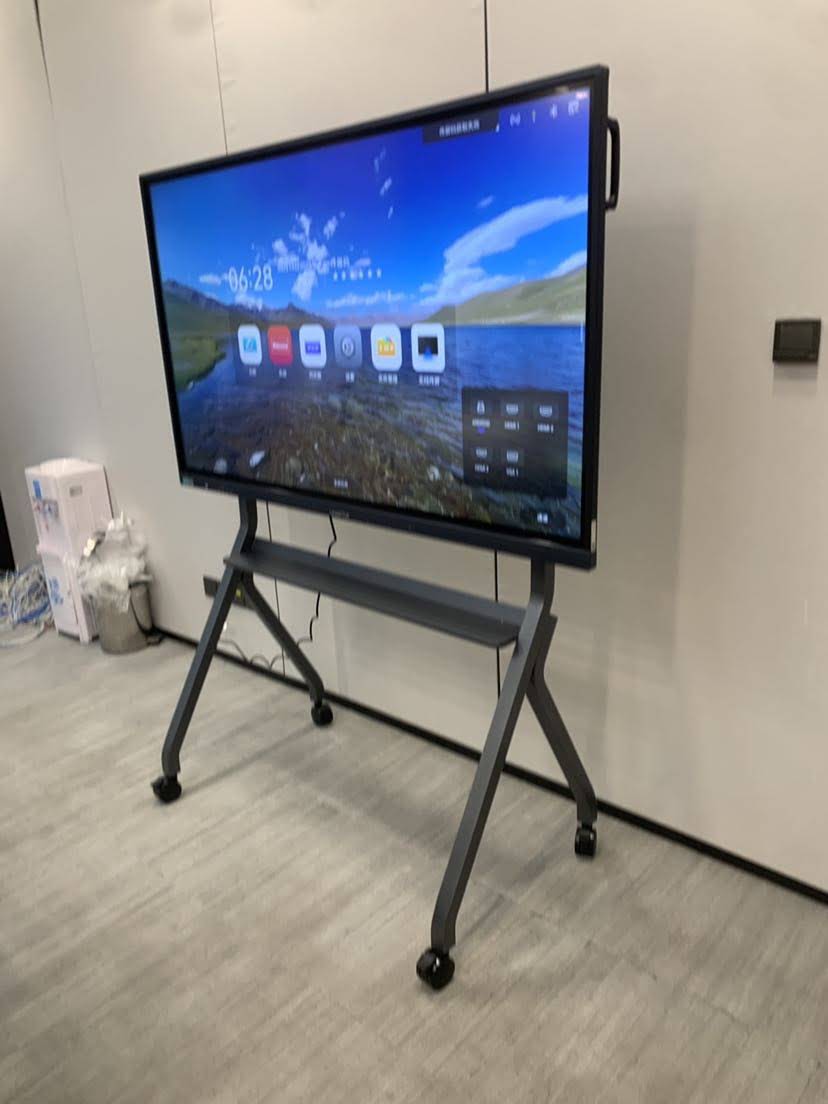
Interactive display prices have fallen significantly, and a professional-grade 65-inch 4K board now costs less than many firms spend on a single conference-room projector, screen, and speakerphone combination. When evaluating ROI, consider the following factors:
- Billable efficiency: Shorter review cycles and fewer follow-up meetings when clients understand the material the first time.
- Advisory conversion: Visual scenario modeling consistently helps firms move clients from compliance-only engagements into higher-value advisory services.
- Travel reduction: Reliable hybrid meetings reduce partner travel between offices and client sites.
- Printing costs: Annotated digital exports replace printed binders and markup copies.
- Lifespan: Commercial panels are typically rated for 50,000 hours of operation — well over a decade of normal office use.
Industry guidance on evaluating collaborative technology is widely available through organizations such as AVIXA, the trade association that publishes AV standards for meeting spaces, which can help firms set objective criteria for display brightness, viewing angles, and audio coverage.
About the Manufacturer
Leaderhub is a Shenzhen-based technology company with 16 years of interactive display expertise, delivering smart whiteboards, interactive flat panels, mini PCs, and portable smart screens to customers in 82 countries. The company holds strategic partnerships across finance, enterprise, education, and government sectors and ranks No. 1 in its JD.com interactive panel subcategory. Its mission — AI Changes Life — reflects a focus on making professional-grade collaboration technology accessible to small and medium-sized firms, including accounting practices that need reliable, secure, and affordable meeting-room displays. Explore the full smart whiteboard collection or contact the team for a room-by-room recommendation.
Frequently Asked Questions
Can a smart board run QuickBooks, Sage, or tax software directly?
Yes, provided the board includes a Windows OPS module or is connected to a Windows mini PC. The Android system built into most boards is designed for whiteboarding and casting, while Windows handles your native accounting applications.
Is client data safe on an interactive display?
It can be, with the right configuration. Use boards that offer session clearing, encrypted storage, admin-controlled apps, and PIN-protected casting. Place the device on a managed network segment and apply the same access policies you use for office workstations.
What size smart board does a small accounting firm need?
For a typical client meeting room seating four to eight people, a 65-inch or 75-inch 4K display is the most common choice. Solo practitioners and partner offices often prefer a 55-inch portable unit that can move between rooms.
Do clients actually use the touch features?
In practice, most clients begin by watching and quickly become comfortable pointing, circling, and dragging on the screen once they see the accountant do it. The ability to leave with a saved copy of the annotated discussion is consistently cited as one of the most appreciated benefits.
How long does installation take?
A wall-mounted board typically takes two to three hours including cabling and network setup. Mobile-stand and portable units can be operational within an hour of unboxing.
Choosing a smart board for your accounting firm comes down to three priorities: legibility of financial data, security of client information, and ease of use for both staff and clients. Get those right, and the display becomes more than a screen — it becomes the place where your expertise is seen, understood, and valued.