Interactive displays have become standard equipment in classrooms, boardrooms and training centers, and with growing demand comes a growing problem: counterfeit and misrepresented smart boards. Grey-market panels, relabeled consumer TVs with cheap touch frames, and “refurbished” units sold as new are increasingly common on marketplaces and through unverified resellers. This guide explains how smart board product authenticity verification works in practice, so you can protect your budget, your warranty and your users before you commit to a purchase.

Why Smart Board Authenticity Matters More Than You Think
A smart board is not a disposable gadget. Schools and companies typically expect an interactive flat panel to run six to ten years, often for 8–12 hours a day. A counterfeit or misrepresented unit undermines that investment in several ways:
- Safety risk – fake units frequently use uncertified power supplies and sub-standard wiring, creating fire and electrical hazards in rooms full of students or staff.
- No valid warranty – manufacturers cannot honour warranties on units sold outside authorized channels or with altered serial numbers.
- Hidden spec downgrades – a panel advertised as 4K with 20-point touch may actually be a 1080p display with a laggy 10-point IR frame.
- Software and security gaps – pirated or unsupported Android builds never receive security updates, which is a serious concern for institutions handling student or corporate data.
- Compliance failures – procurement audits may reject equipment lacking genuine CE, FCC, RoHS or energy certifications.
Industry bodies such as the AV Industry Standards and Resources organization AVIXA consistently emphasise that verified sourcing is a core part of any professional AV deployment, not an afterthought.
The Most Common Types of Fake Interactive Displays
“Fake” rarely means a perfect clone of a branded panel. In the interactive display market, buyers are far more likely to encounter one of these scenarios:
1. Rebranded consumer TVs with touch overlays
A standard television is fitted with an inexpensive infrared touch frame and sold as an “interactive smart board.” These units lack anti-glare glass, commercial-grade panels, proper heat dissipation and whiteboard software, and they are not rated for continuous operation.
2. Spec-inflated grey-market panels
The chassis may be genuine, but the listing exaggerates resolution, RAM, storage, touch points or brightness. These are often export-rejected or lower-tier units resold under upgraded descriptions.
3. Refurbished or used units sold as new
Returned, demo or ex-lease displays are repackaged, sometimes with replaced front glass, and sold at near-retail prices with the original warranty long expired.
4. Counterfeit accessories and modules
Fake OPS (Open Pluggable Specification) PC modules, styluses, cameras and wall mounts are common. They can damage the host panel or void its warranty.
5. Fully counterfeit branded products
Less common but most dangerous: copied logos, forged packaging and fake certification labels. These typically appear on cross-border marketplaces at prices well below the genuine product.
Step-by-Step Smart Board Authenticity Verification Checklist
Work through the following steps in order. Each one filters out a different category of fake, and together they give you a reliable picture of what you are actually buying.
Step 1: Verify the seller before verifying the product
- Buy directly from the manufacturer’s official website or from a distributor the manufacturer publicly lists.
- Ask the seller for a dealer authorization letter and check the company name against the brand’s partner directory.
- On marketplaces, check how long the storefront has existed, whether the business address is real, and whether reviews mention warranty service.
- Be cautious of sellers who only communicate via chat apps and refuse to provide a commercial invoice.
Step 2: Inspect the packaging and labels
- Genuine commercial displays ship in heavy-duty cartons with foam or moulded protection, printed model numbers and batch codes.
- Check that the model number on the carton, the rear label and the on-screen “About” menu all match.
- Look for crisp certification marks (CE, FCC, RoHS, UKCA where applicable). Blurry, misaligned or photocopied-looking logos are a major warning sign.
- Serial-number labels should be tamper-evident. Signs of peeling, re-gluing or a second label underneath indicate repackaging.
Step 3: Confirm the serial number with the manufacturer
This is the single most effective check. Email or message the manufacturer with the serial number and ask them to confirm the model, production date and warranty status. A reputable brand will respond quickly; a serial number that does not exist in their system, or that is registered to another buyer, tells you everything you need to know.
Step 4: Audit the hardware against the published spec sheet
- Resolution – open the display settings and check the native output; a true 4K panel will report 3840 × 2160.
- Touch points – place ten or more fingers on the screen simultaneously in the whiteboard app; fakes often drop to 10 or fewer points.
- Memory and storage – check in Android settings; inflated listings commonly claim 8GB RAM on a 4GB board.
- Glass – commercial panels use tempered anti-glare glass (usually 4mm). Glossy, highly reflective glass suggests a consumer TV.
- Ports – count HDMI, USB-C, OPS slot and LAN ports against the official datasheet.
Step 5: Test the software and firmware
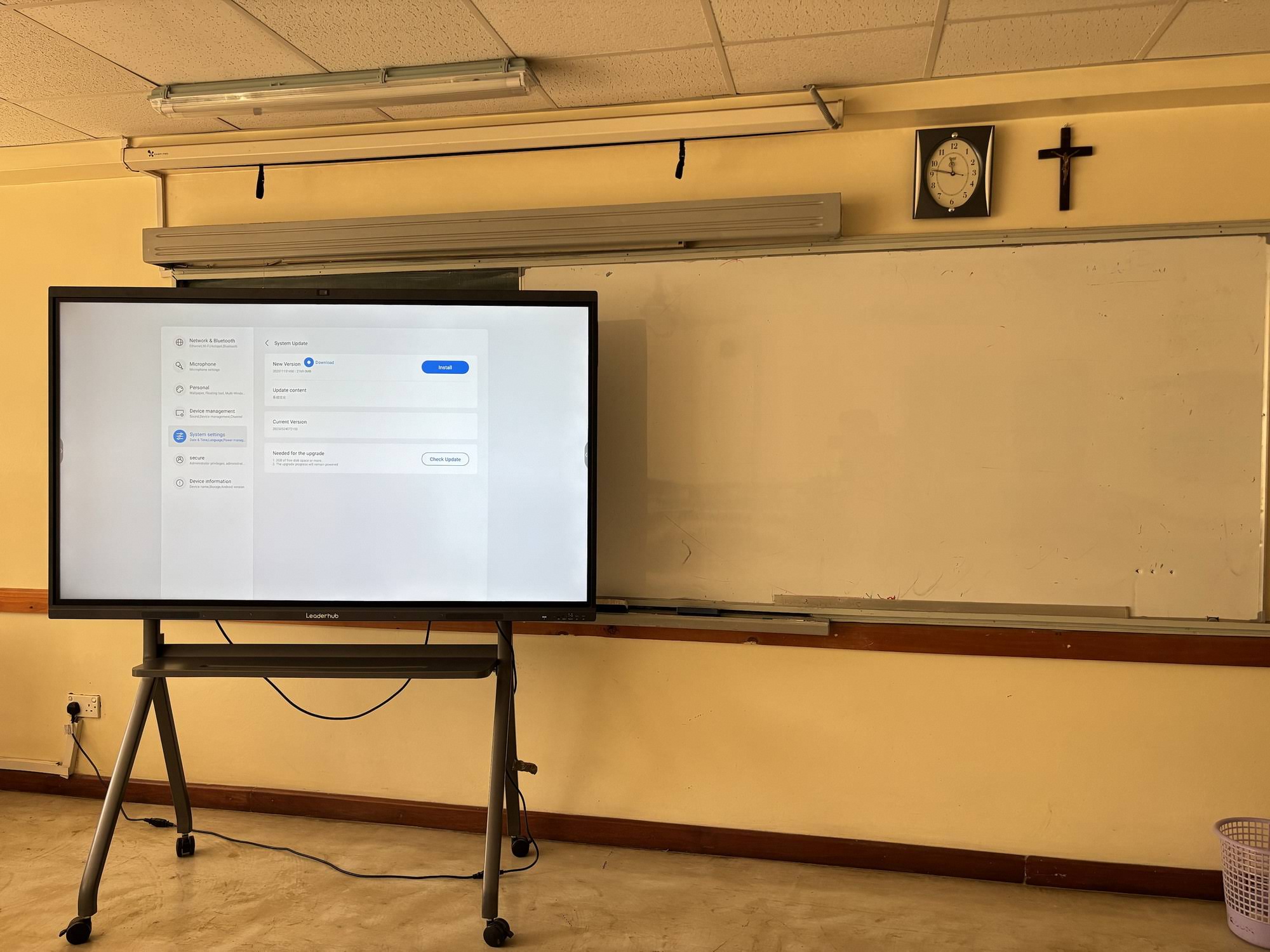
- Check the Android version and whether an official OTA update channel exists.
- Pre-installed whiteboard and screen-sharing apps should carry the brand’s own name, not generic or pirated software.
- Google Mobile Services, if advertised, should be properly certified; uncertified builds display warnings on first login.
Step 6: Review certification documents and warranty terms
Request copies of the actual test reports or declaration-of-conformity documents, not just the logo on the box. Check the warranty period and, crucially, who performs the service in your country.
Genuine vs. Fake Interactive Display: Quick Comparison
| Checkpoint | Genuine Smart Board | Counterfeit / Misrepresented Unit |
|---|---|---|
| Serial number | Verifiable with manufacturer; matches carton, label and system menu | Not in database, duplicated, or labels do not match |
| Front glass | Tempered anti-glare glass, matte finish | Glossy consumer TV glass, visible glare |
| Touch performance | 20+ simultaneous points, low latency writing | Fewer touch points, noticeable lag, dead zones at edges |
| Software | Branded whiteboard and casting apps with OTA updates | Generic or pirated apps, no update channel |
| Certifications | Documents available on request; marks printed cleanly | Logos only, no reports; blurry or misaligned marks |
| Warranty | Manufacturer-backed, service partner named | “Seller warranty” only, vague terms |
| Price | Consistent with official price list | 30–60% below market with no clear reason |
Price Red Flags: Using Official Pricing as a Benchmark
Price alone does not prove authenticity, but an unrealistically low price is the most reliable early warning you will get. Knowing what genuine products cost from the manufacturer gives you a benchmark. The table below shows current list prices for a range of authentic interactive smart whiteboards, which you can use as a sanity check when comparing offers.
| Model | Size & Resolution | Official Price | Suspicious If Offered Below |
|---|---|---|---|
| L65ZM Interactive Whiteboard | 65″ 4K | $1,099 | ~$700 |
| L65HM Smart Whiteboard | 65″ 4K | $1,299 | ~$850 |
| L75HM Smart Whiteboard | 75″ 4K | $1,599 | ~$1,050 |
| L86ZM Interactive Whiteboard | 86″ 4K | $1,699 | ~$1,100 |
| U55Pro Mobile Interactive Flat Panel | 55″ 4K, mobile | $2,499 | ~$1,600 |
If an offer for the same model is dramatically lower than the official price, ask the seller to explain why in writing. Legitimate reasons exist (volume discounts, education pricing, clearance of a previous generation), but the explanation should be specific and verifiable.

Ten Questions to Ask the Seller Before Paying
- Are you an authorized distributor, and can you provide proof from the manufacturer?
- Can you share the serial number of the specific unit I will receive before shipping?
- Is the unit new, open-box, demo or refurbished?
- Which company handles warranty service in my country, and for how long?
- Can you provide the certification test reports, not only the certificate numbers?
- Does the panel include the manufacturer’s original OPS module, stylus and wall mount, or third-party substitutes?
- What Android version is installed, and does it receive official OTA updates?
- Will I receive a commercial invoice in the manufacturer’s or authorized dealer’s name?
- What is your return policy if the hardware does not match the published specifications?
- Can I inspect the unit, or a sample unit, in person or by live video before paying the balance?
Hesitation or evasive answers to any of these questions is itself a result. Guidance for institutional buyers, such as the Choosing an Interactive Display for K-12 discussion, also recommends documenting these answers as part of the procurement record.
Verifying Accessories, OPS Modules and Mini PCs
Counterfeit accessories are frequently overlooked. An interactive panel is often paired with an OPS slot-in computer or an external mini PC, and these components carry the same risks as the display itself.
- Check that the CPU, RAM and SSD reported by the operating system match the listing; swapped or downgraded components are common in grey-market modules.
- Confirm that Windows licences are genuine and activated, not volume keys that will deactivate later.
- Prefer compute modules from the same manufacturer as the panel or from an established brand. Genuine mini PCs for interactive displays are sold with published specifications and verifiable model numbers.
- Styluses should pair reliably with the panel’s touch technology; a generic stylus on a board that advertises pressure sensitivity or passive-pen recognition is a sign the two did not ship together.
Special Considerations for Schools and Public Institutions
Educational buyers face additional scrutiny because interactive displays are used by children and purchased with public funds. International guidance such as UNESCO’s Choosing Technology in Education framework encourages institutions to evaluate suitability, equity, evidence and sustainability before adopting any device. Authenticity verification supports all four:
- Suitability – genuine commercial panels are designed for long daily use and classroom lighting.
- Equity – counterfeit units that fail early create uneven access between classrooms.
- Evidence – only verified hardware can be assessed against vendor specifications and learning outcomes.
- Sustainability – authentic products with real warranties and update channels last longer and generate less e-waste.
What to Do If You Suspect You Received a Counterfeit
Document everything immediately
Photograph the carton, all labels, the serial number, the system information screen and any defects before you set the unit up. Keep the original packaging.
Contact the manufacturer
Share the serial number and photos. Brands take counterfeit reports seriously because they protect their reputation, and they can confirm whether the unit left their factory.
Initiate a dispute with the payment provider or marketplace
Most card issuers and marketplaces offer buyer protection for items “not as described.” A manufacturer’s written confirmation that the serial is invalid is powerful evidence.
Report the seller
Report the listing to the platform and, where relevant, to consumer protection authorities. Trade organizations such as the Consumer Technology Association also track counterfeit electronics issues affecting the industry.
The Simplest Protection: Buy From the Source
Every verification step above becomes easier, or unnecessary, when you purchase directly from the manufacturer or a distributor they openly endorse. Leaderhub is a Shenzhen-based technology company with 16 years of experience in the interactive panel industry, delivering smart whiteboards, interactive flat panels, mini PCs and portable smart screens to customers in 82 countries, and recognised as the NO.1 brand in its JD.com interactive panel subcategory. Its award-winning Leaderhub HM Series is one example of a product line whose design credentials and specifications are publicly documented, making independent verification straightforward.
When you buy from the official Leaderhub online store, every unit ships with a traceable serial number, manufacturer-backed warranty and genuine firmware. If you have already received a quote from a third party and want to confirm the model or pricing, you can contact the Leaderhub team directly for verification before you commit.
Frequently Asked Questions
Can a smart board be fake if the brand logo looks correct?
Yes. The most common fakes are not full clones but genuine-looking chassis with downgraded internals, repackaged used units or relabeled consumer TVs. Always verify the serial number and audit the hardware, regardless of how the logo appears.
Is buying a smart board from a marketplace always risky?
Not always, but it requires more diligence. Check whether the storefront is the brand’s official store or a listed authorized dealer, and apply the serial-number check before the return window closes.
How can I tell a refurbished interactive display from a new one?
Look for wear on the bezel and ports, replaced or re-glued labels, a factory-reset history in the system menu, missing protective films, and a production date far earlier than the sale date. Ask the seller directly and get the answer in writing.
Do fake smart boards work at all?
Many do, at least initially. The problems typically appear as touch degradation, overheating, software that cannot be updated and complete absence of warranty support when a component fails.
What is the single most important verification step?
Confirming the serial number directly with the manufacturer. It is fast, free and catches the majority of counterfeits, grey-market units and misrepresented refurbished products.
Final Checklist Before You Buy
- Seller is the manufacturer or a verifiable authorized distributor.
- Model number matches on carton, rear label and system menu.
- Serial number confirmed by the manufacturer with warranty status.
- Hardware specs checked against the official datasheet on the actual unit.
- Certification documents received, not just logos.
- Warranty provider and service location named in writing.
- Price is consistent with official pricing or the discount is clearly explained.
Thorough smart board product authenticity verification takes less than an hour and protects an investment that will serve your classroom or meeting room for years. Taking that hour, and buying from a source you can trace, is the surest way to make sure the interactive display you unbox is exactly the one you paid for.