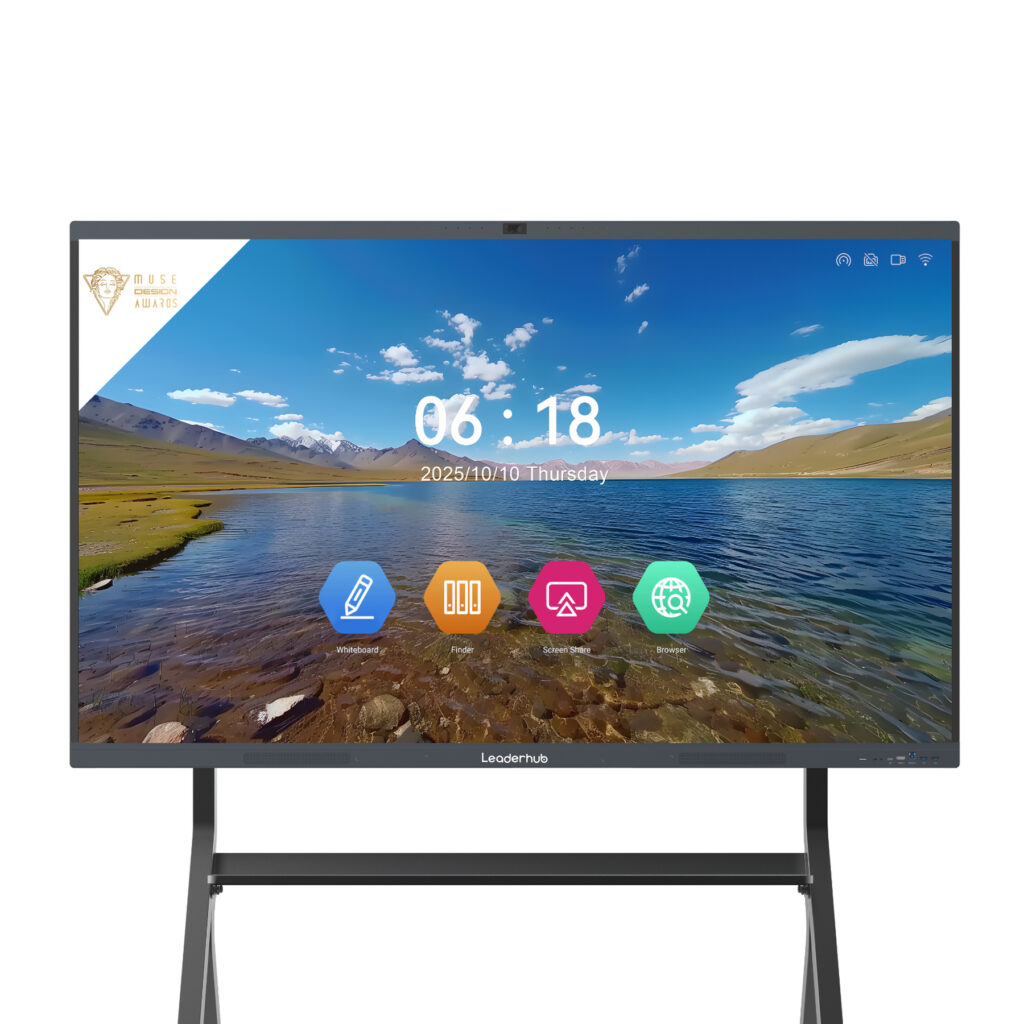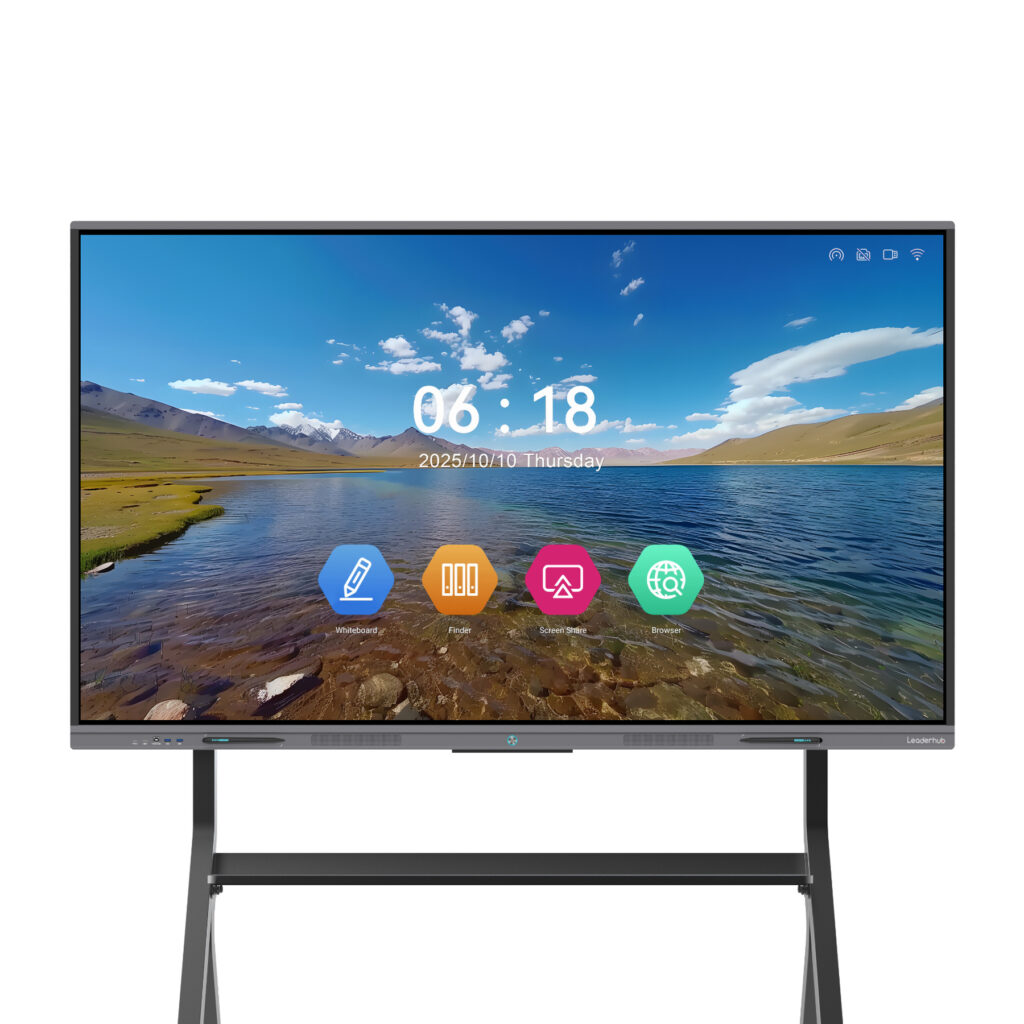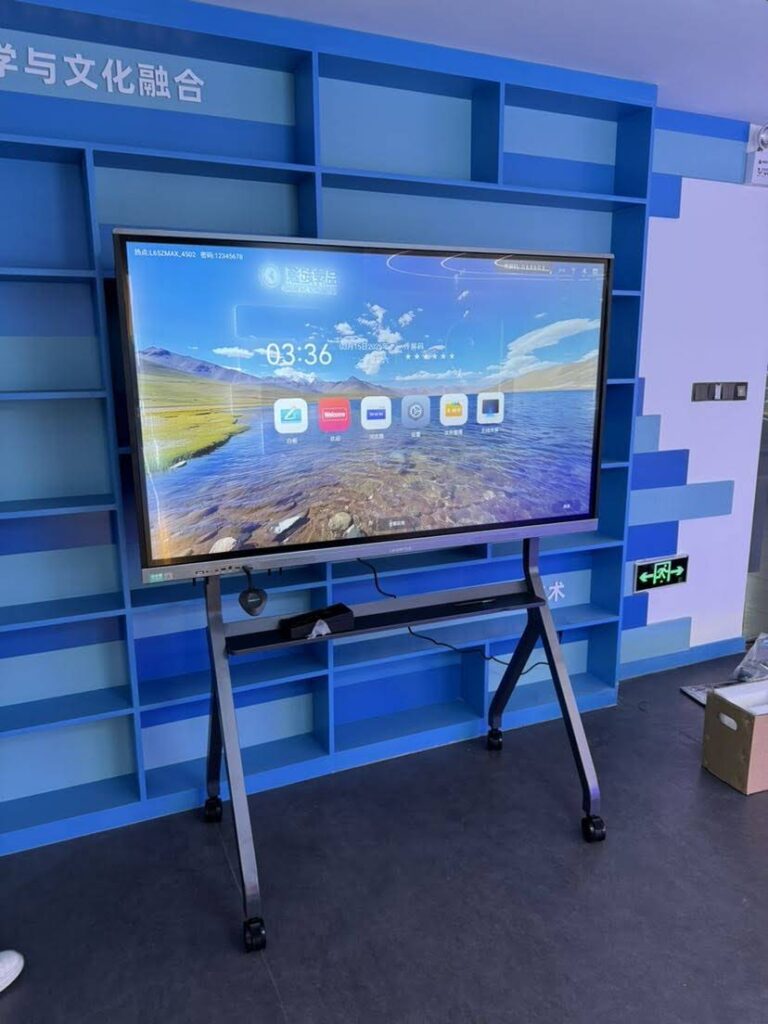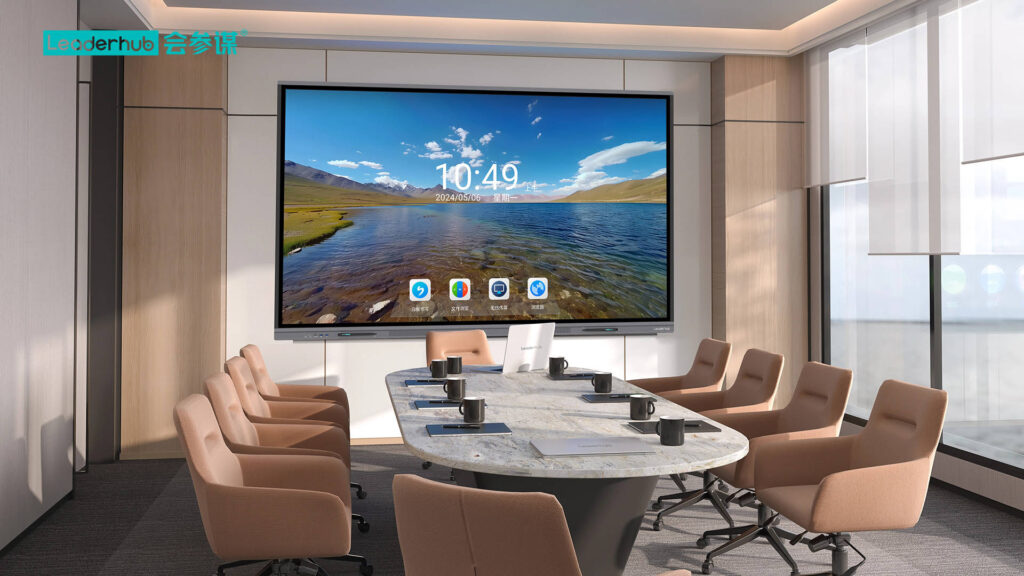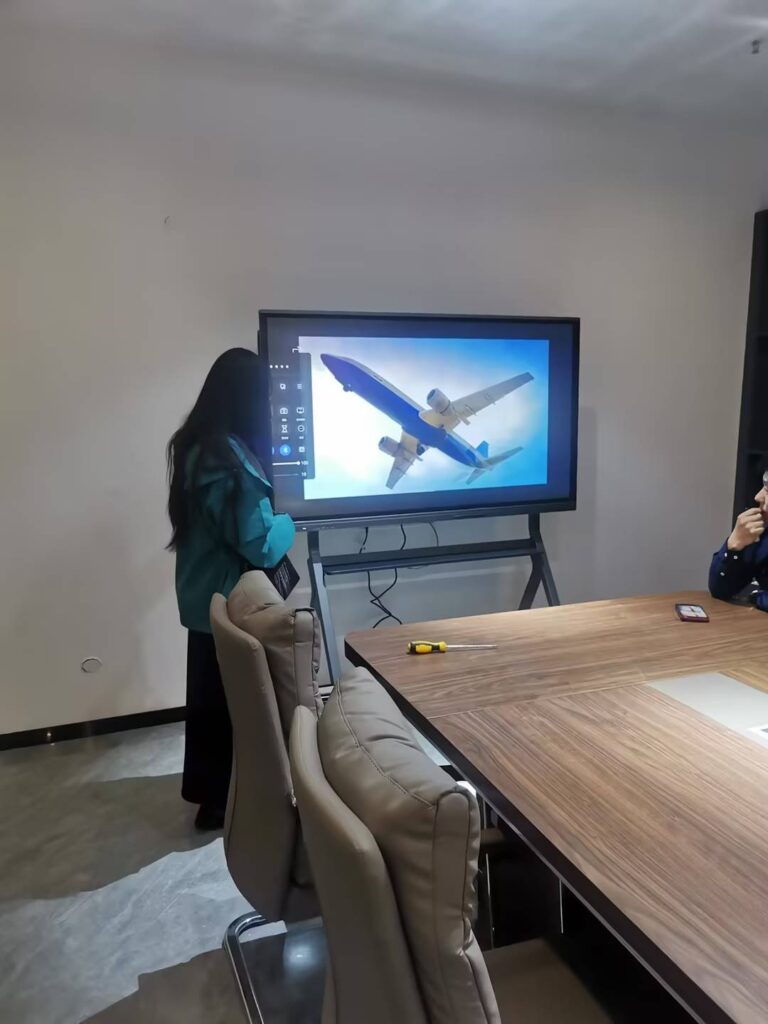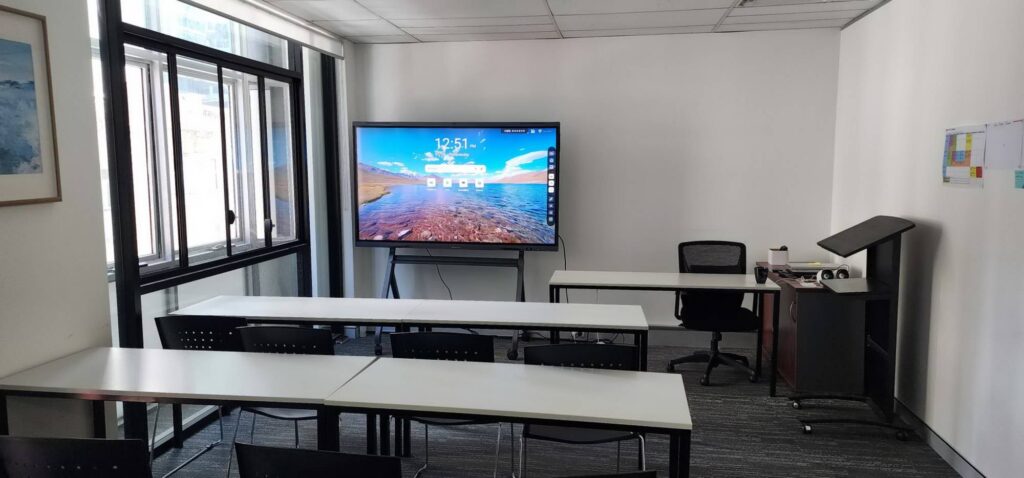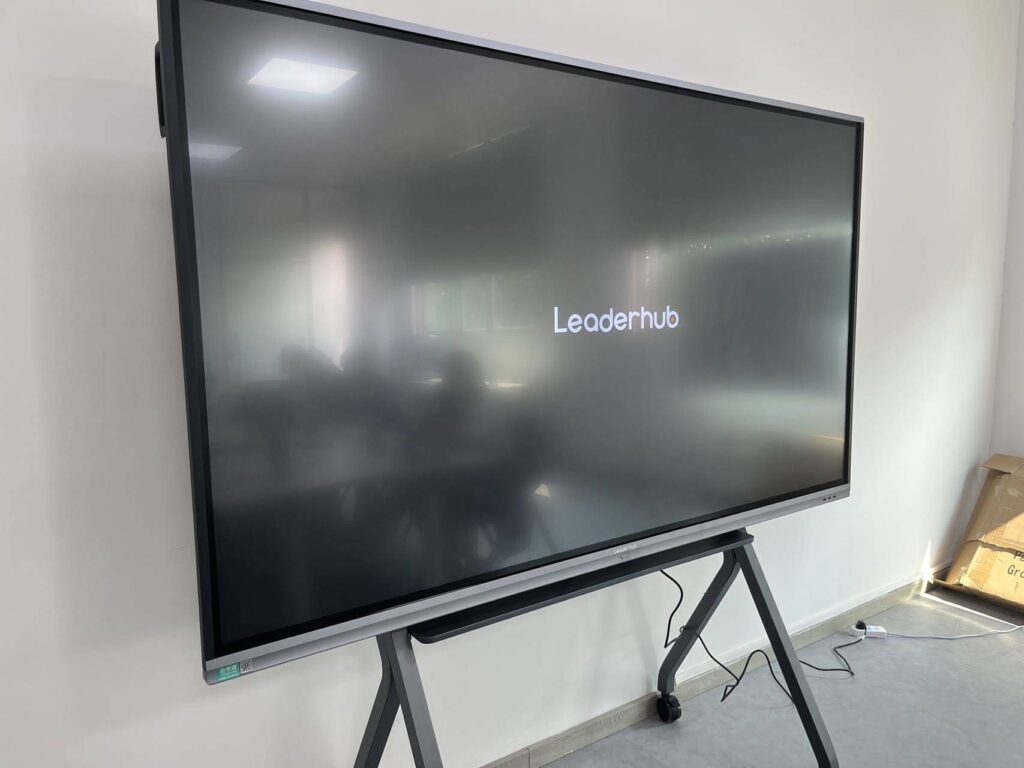
Ask a classroom of students whether a smart board is an input or output device and you will usually get a split room. Half point to the giant screen and say “output.” The other half remember writing on it with a finger or stylus and say “input.” The short answer is that both groups are right. A smart board is an input/output (I/O) device — a single piece of hardware that receives commands from the user and simultaneously displays the computer’s response. Below, we unpack exactly how this works, why it matters for exams, procurement decisions, and everyday use, and how to tell a true smart board apart from a plain display.
The Quick Answer: A Smart Board Is Both an Input and an Output Device
In computing, devices are typically grouped into three categories:
- Input devices send data or instructions into a computer (keyboard, mouse, microphone, scanner).
- Output devices present processed data from a computer to the user (monitor, printer, speakers, projector).
- Input/output (I/O) devices do both (touchscreen, modem, headset with mic, external hard drive).
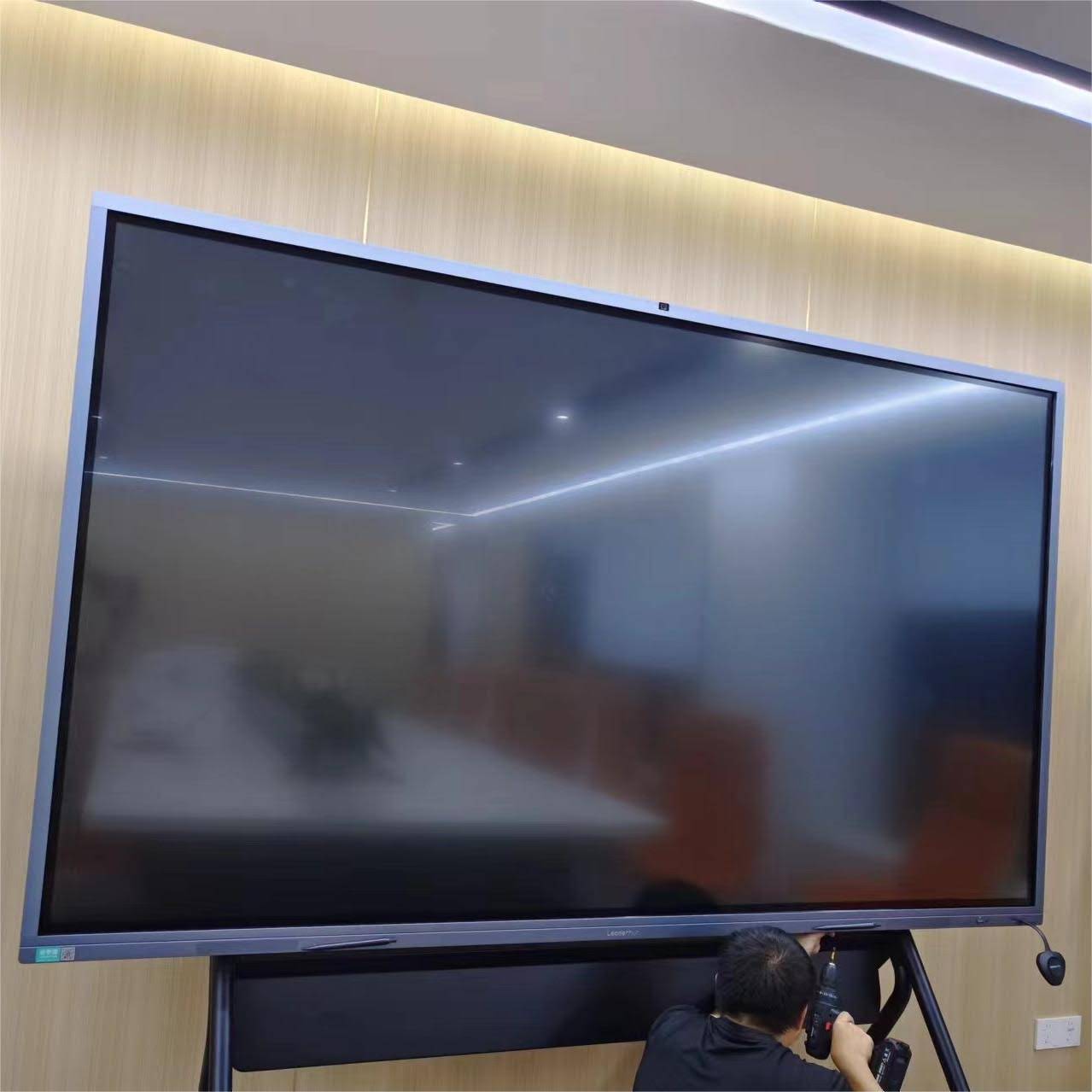
A smart board — also called an interactive whiteboard, interactive flat panel (IFP), or interactive display — sits firmly in the third category. When you tap, drag, write, or erase on its surface, it functions as an input device, translating your touch into coordinates the computer understands. At the very same time, the panel renders images, video, documents, and your digital ink on screen, which makes it an output device. Neither role can be removed without breaking the product’s core purpose.
How a Smart Board Works as an Input Device
The “input” half of a smart board is built on its touch-sensing layer. Depending on the technology, the board detects a finger, a passive stylus, or an active pen and converts that physical contact into digital signals.
Touch Technologies That Capture Input
| Touch Technology | How It Detects Input | Typical Use |
|---|---|---|
| Infrared (IR) | A grid of IR beams across the surface; touch interrupts the beams and the position is calculated | Most 65″–110″ interactive flat panels |
| Projected Capacitive (PCAP) | Electrodes under the glass sense changes in electrical field from a finger or active pen | Premium panels, smaller rotating screens, tablets |
| Electromagnetic (EMR) | A digitizer layer tracks a powered pen with pressure sensitivity | Precision writing and design work |
| Optical / Camera-based | Cameras in the corners triangulate the position of a finger or pen | Older projector-based whiteboards |
Examples of Input Actions on a Smart Board
- Writing or drawing with a finger or stylus (digital ink)
- Tapping icons to open apps, files, or web pages
- Pinch-to-zoom, two-finger rotate, and multi-user simultaneous touch (often 20–40 points)
- Palm erase and gesture shortcuts
- Handwriting-to-text and shape recognition
- Voice input via built-in microphone arrays for video calls and AI assistants
- Image capture via integrated or USB cameras
Each of these actions sends information to the processor — whether that processor is the board’s internal Android system or a connected laptop or mini PC. That is the textbook definition of input.
How a Smart Board Works as an Output Device
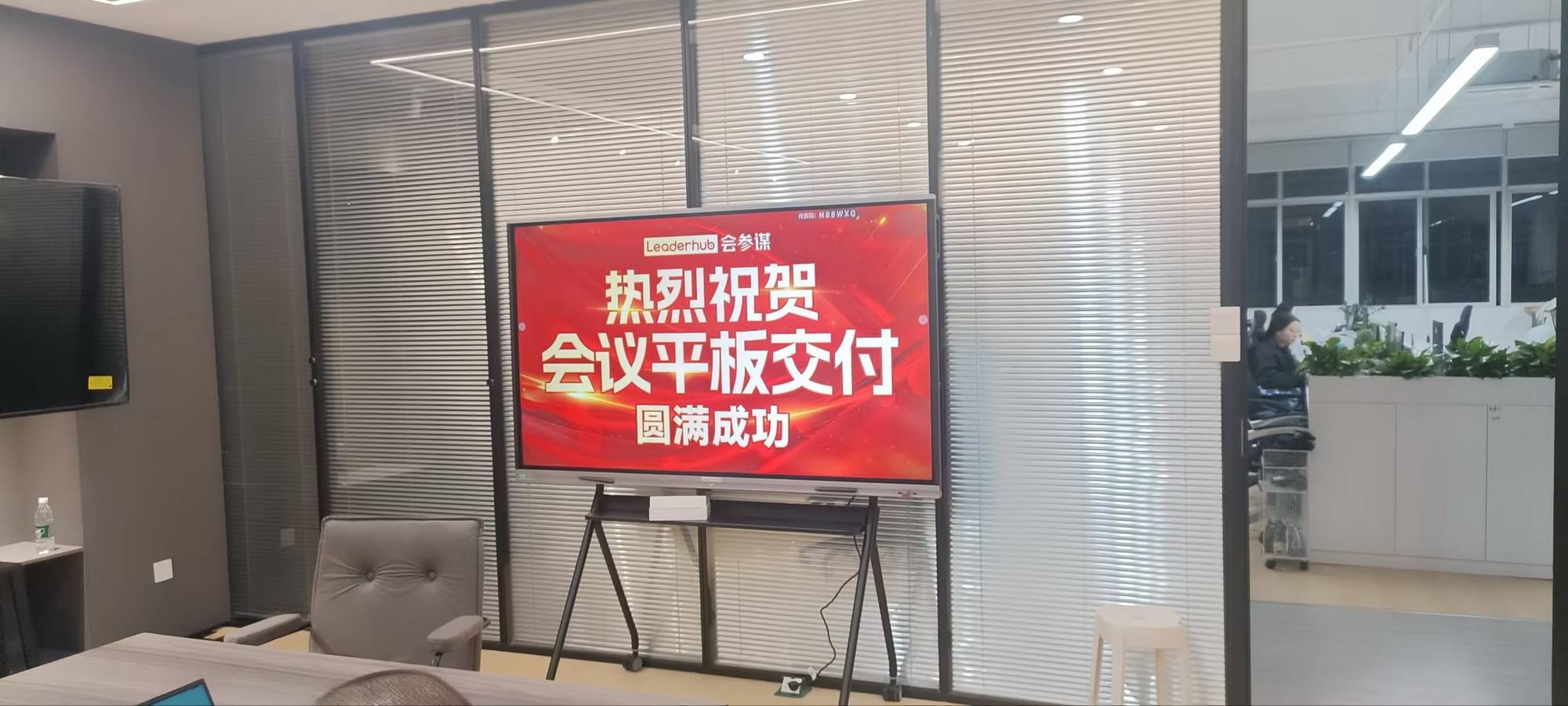
The “output” half is the part everyone sees first: the large LCD or LED panel. Modern smart boards use 4K UHD (3840 × 2160) panels with anti-glare glass, wide viewing angles, and brightness levels designed for well-lit classrooms and conference rooms.
Forms of Output a Smart Board Produces
- Visual output — slides, documents, videos, annotations, and wireless-cast content from phones and laptops
- Audio output — built-in front-facing speakers (typically 2 × 15 W or more) for lessons and conference calls
- Feedback output — real-time rendering of your ink stroke, which is why low writing latency (under 20 ms) matters so much
- Exported output — saving whiteboard sessions as PDF or image files, emailing notes, or sharing via QR code
Because the output appears on the same surface where the input occurs, the user experiences a seamless loop: touch → process → display → touch again. This closed loop is exactly what separates a smart board from a standard TV.
Smart Board vs. Monitor vs. Projector: Why the Classification Differs
Students and procurement teams often lump interactive displays together with other screens. The table below shows why the smart board is unique.
| Device | Input? | Output? | Classification |
|---|---|---|---|
| Standard monitor / TV | No | Yes | Output only |
| Projector | No | Yes | Output only |
| Keyboard / mouse | Yes | No | Input only |
| Graphics tablet (no screen) | Yes | No | Input only |
| Smart board / interactive flat panel | Yes | Yes | Input/Output (I/O) |
| Touchscreen laptop / tablet | Yes | Yes | Input/Output (I/O) |
Note the older generation of “whiteboard + projector” systems: in those setups, the projector was the output device and the touch-sensitive board was the input device — two separate pieces of hardware. Today’s all-in-one interactive smart whiteboards merge both functions into one panel, which is why the “it’s both” answer has become the standard.
A Third Role: The Smart Board as a Processing Device
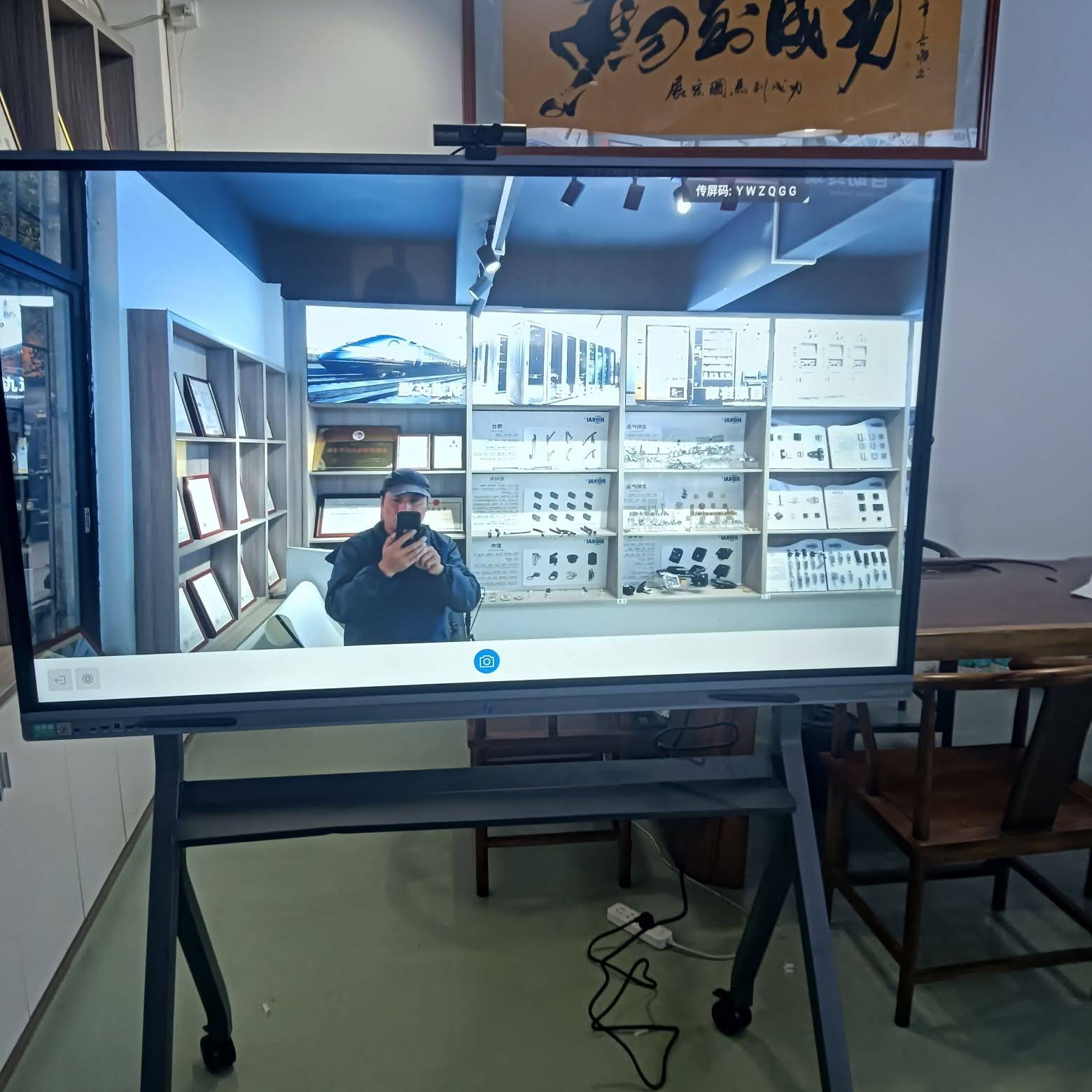
Here is a detail that often surprises people. Many modern smart boards are not just I/O peripherals — they are complete computers. A typical interactive flat panel ships with:
- An embedded Android system with its own CPU, RAM, and storage
- An optional slot-in OPS module or external mini PC running Windows
- Wi-Fi 6, Bluetooth, Ethernet, HDMI, USB-C, and Type-A ports
- Built-in cameras, microphone arrays, and speakers
When a smart board runs its own operating system, the input, processing, and output all happen inside the same enclosure. In that configuration, calling it merely an “I/O device” undersells it — it is a standalone computing system. When it is connected to an external laptop via HDMI and USB touch-back cable, it behaves as a traditional I/O peripheral for that laptop. The classification therefore depends slightly on how you use it, but in every case it performs both input and output.
Connection Modes and What They Mean
| Usage Mode | Where Processing Happens | Role of the Smart Board |
|---|---|---|
| Standalone Android mode | Inside the panel | Input + Processing + Output |
| OPS / Mini PC installed | Inside the panel (Windows module) | Input + Output, with integrated computer |
| HDMI + USB touch to laptop | On the external laptop | Pure I/O peripheral |
| Wireless screen casting | On the phone/laptop, touch-back optional | Primarily Output (Input if touch-back enabled) |
Why the Input/Output Question Matters in Real Life
For Students and Teachers
“Is a smart board an input or output device?” is a popular question in ICT, computer science, and business technology curricula. The correct exam answer is: a smart board is an input/output device because it accepts touch and pen input while displaying visual and audio output. Being able to explain the touch layer (input) and the display panel (output) separately earns full marks.
For School and Business Buyers
Understanding the dual nature helps you evaluate specs intelligently. Input quality is measured by touch points, writing latency, and pen accuracy. Output quality is measured by resolution, brightness, color gamut, and speaker power. A board that excels in one and fails in the other delivers a frustrating experience. Guidance such as the EdTech Magazine advice on choosing an interactive display for K-12 emphasizes testing both writing feel and viewing clarity before committing to a purchase, while the UNESCO Technology in Education Report reminds decision-makers that hardware should serve pedagogy rather than the other way around.
For IT Administrators
Because the board is both an input and output device, it needs two signal paths when connected to an external computer: a video path (HDMI or USB-C DisplayPort Alt Mode) for output, and a touch path (USB) for input. A single USB-C cable can carry both. Knowing this prevents the classic support ticket: “The image shows but touch doesn’t work” — almost always a missing USB touch cable.
Input and Output Specs to Compare When Buying a Smart Board
The following checklist splits key features by their input or output role so you can evaluate a panel from both angles.
Input-Side Specifications
- Touch points: 20-point is the modern baseline; 40-point supports multiple students at once.
- Writing latency: Under 20 ms feels like real ink; above 40 ms feels laggy.
- Pen support: Passive dual-tip pens vs. active pens with pressure sensitivity.
- Palm rejection and palm erase: Essential for natural writing.
- Microphone array: 4–8 far-field mics with noise cancellation for hybrid meetings.
- Camera: Built-in 4K or 48 MP with auto-framing for video conferencing.
Output-Side Specifications
- Resolution: 4K UHD is standard for 65″ and above.
- Brightness: 350–450 nits for classrooms with daylight.
- Anti-glare glass: Reduces reflections for students at wide angles.
- Speakers: Front-firing stereo, ideally with a subwoofer.
- Eye-care features: Low blue light and flicker-free certification.
- Wireless casting: Support for multiple split-screen sources.
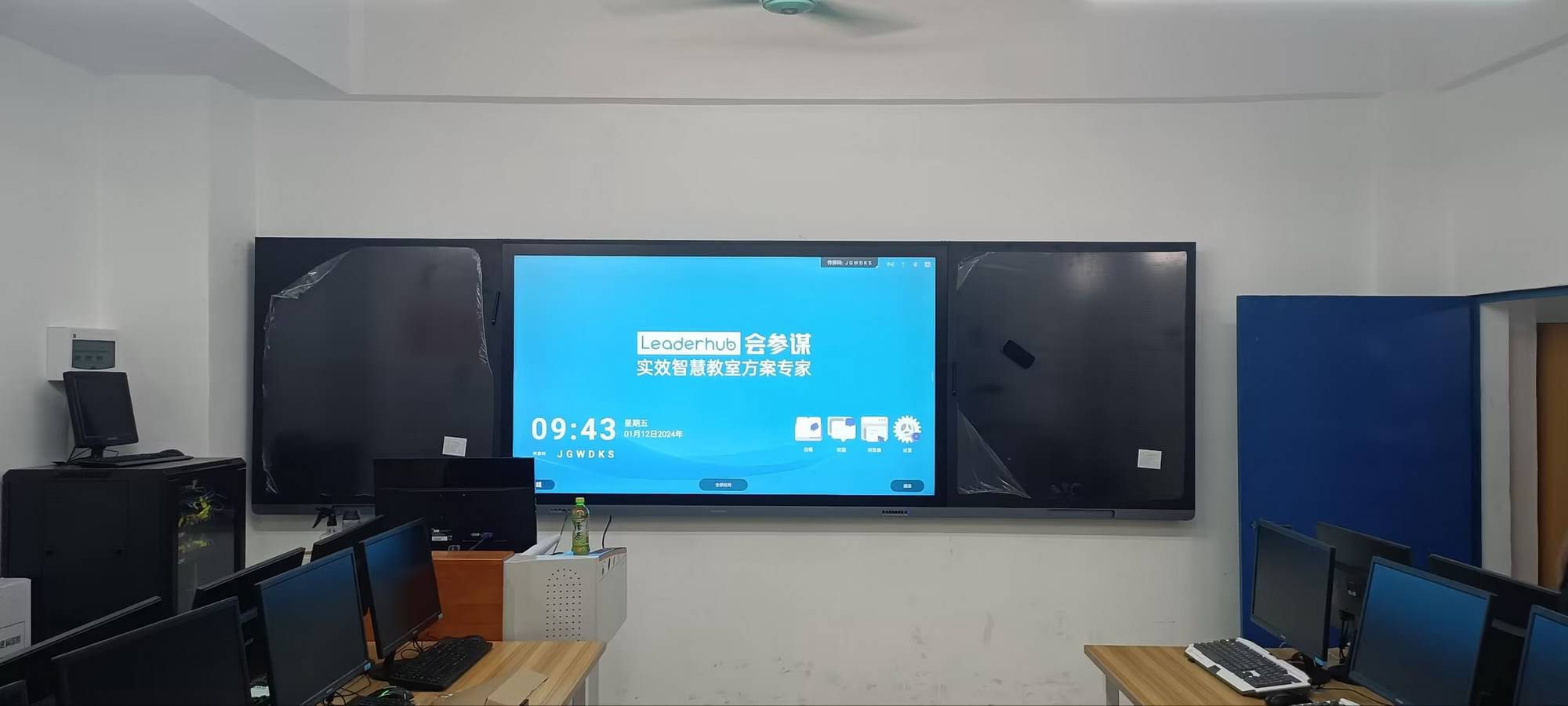
Leaderhub Smart Boards: Engineered for Balanced Input and Output
Leaderhub is a Shenzhen-based interactive display manufacturer with 16 years of industry experience, serving customers in 82 countries and ranked NO.1 in the JD.com interactive panel subcategory. Its product range is designed around the input/output balance discussed above — fast, accurate touch on one side and crisp 4K visuals with strong audio on the other.
| Model | Size & Output | Input Highlights | Price |
|---|---|---|---|
| L65ZM Interactive Whiteboard | 65″ 4K smart panel | Multi-touch, finger and stylus writing | $1,099.00 |
| L75HM Smart Whiteboard | 75″ 4K touchscreen | Rotatable conference hub, low-latency ink | $1,599.00 |
| L86ZM Interactive Whiteboard | 86″ 4K smart panel | Large-room multi-user collaboration | $1,699.00 |
| U55Pro Interactive Flat Panel | 55″ mobile 4K display | Portable touch panel for flexible spaces | $2,499.00 |
| L110H Interactive Flat Panel | 110″ 4K panel for lecture halls | Full-size touch for auditorium teaching | $7,999.00 |
For teams that want the panel to act as a full Windows workstation, pairing it with the Leaderhub LP5C Mini PC turns the board into an input-processing-output system in one footprint. Smaller battery-powered options such as the rotating smart screens offer the same touch-and-display dual function in a portable format.
Frequently Asked Questions
Is a smart board an input device?
Yes. The touch-sensitive surface captures finger and stylus movements, gestures, and handwriting, sending that data to the computer. Built-in microphones and cameras add voice and video input as well.
Is a smart board an output device?
Yes. Its display panel shows visual content and its speakers produce sound, delivering processed information from the computer to the audience.
So what is the final classification?
A smart board is an input/output (I/O) device. In standalone Android or OPS mode it also functions as a complete computer, handling processing internally.
Is an interactive whiteboard the same as a smart board?
In everyday use, yes. “SMART Board” began as a brand name, but “smart board” is now used generically for any interactive whiteboard or interactive flat panel display.
Is a projector-based interactive whiteboard also an I/O device?
As a system, yes — but the roles are split. The projector handles output and the touch-sensitive board (or interactive projector sensor) handles input. All-in-one flat panels combine both in a single unit.
Why does touch sometimes stop working while the image still shows?
Because input and output travel on separate signal paths. If the HDMI cable is connected but the USB touch cable is not, you get output without input. A single USB-C connection can carry both.
Final Takeaway
The next time someone asks whether a smart board is an input or output device, you can confidently answer: it’s both. The touch layer makes it an input device, the 4K panel and speakers make it an output device, and the embedded operating system can even make it a self-contained computer. That dual nature is exactly why interactive displays have replaced the old projector-plus-whiteboard combo in classrooms and boardrooms around the world. If you are evaluating panels for your school or business, judge the input and output sides with equal care — and feel free to contact the Leaderhub team for a tailored recommendation.