If you have ever shopped for classroom or meeting-room technology, you have probably seen the terms smart board and interactive board used almost interchangeably. Yet many buyers still ask the same question: what is the difference between smart board and interactive board, and does the difference actually matter when you are spending thousands of dollars? This guide breaks down the terminology, the underlying technology, the real-world differences in use, and a practical decision framework so you can choose the right display for your school, office, or training center.
The Quick Answer
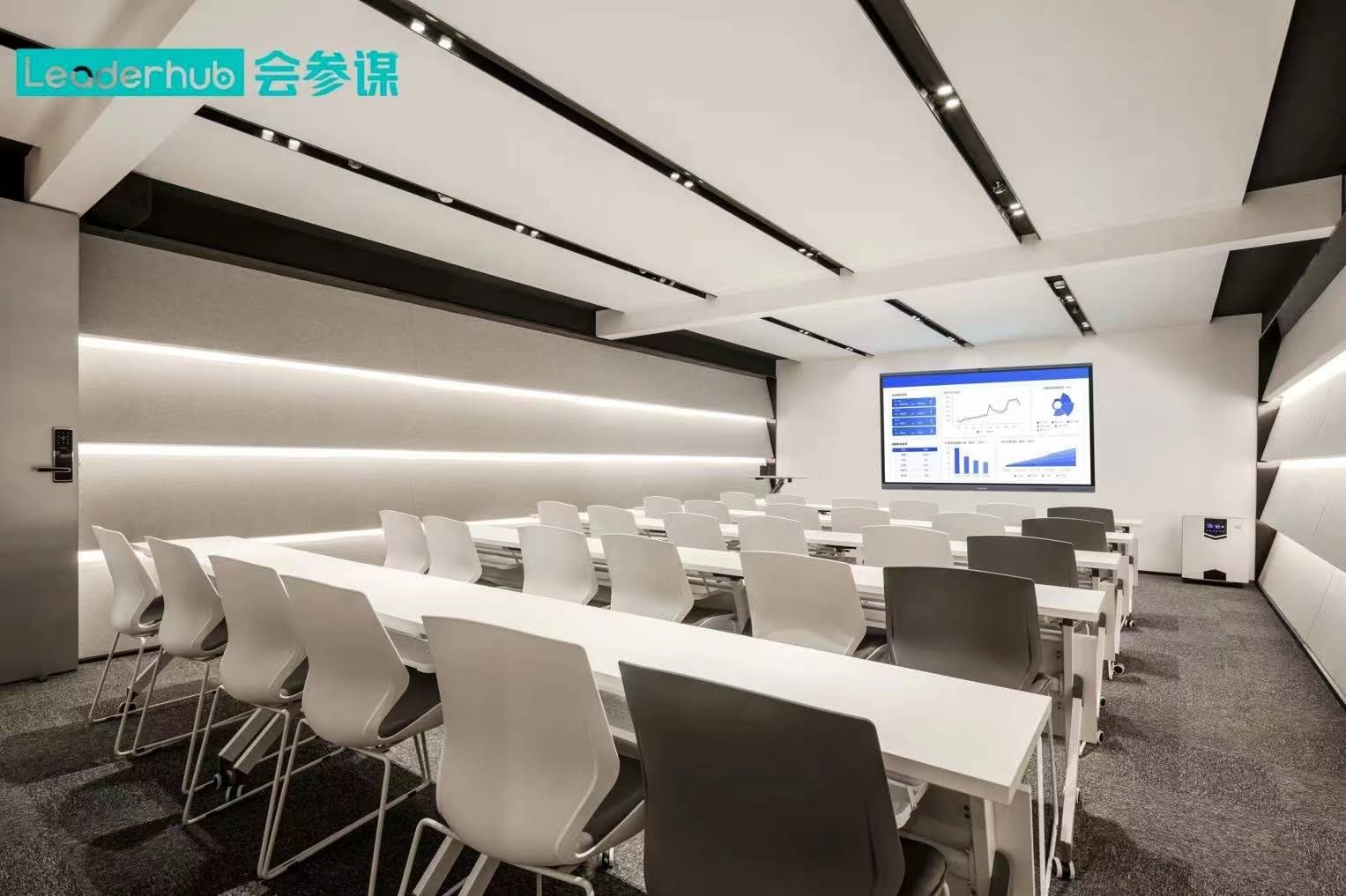
In everyday language, a smart board and an interactive board are often the same thing: a large touch-enabled display that lets you write, annotate, and control software with your finger or a stylus. The difference lies mostly in origin, scope, and technology:
- “Smart board” started as a brand name (SMART Board by SMART Technologies) and has become a generic term for any all-in-one touch display with a built-in operating system, apps, and connectivity.
- “Interactive board” is a broader umbrella category. It includes projector-based interactive whiteboards, interactive flat panels (IFPs), and touch overlays added to ordinary screens.
Put simply: every smart board is an interactive board, but not every interactive board is a smart board. The modern “smart” label usually signals an integrated computer, Android or Windows system, wireless screen sharing, and cloud or AI features, while a basic interactive board may rely entirely on an external PC and projector.
What Is a Smart Board?
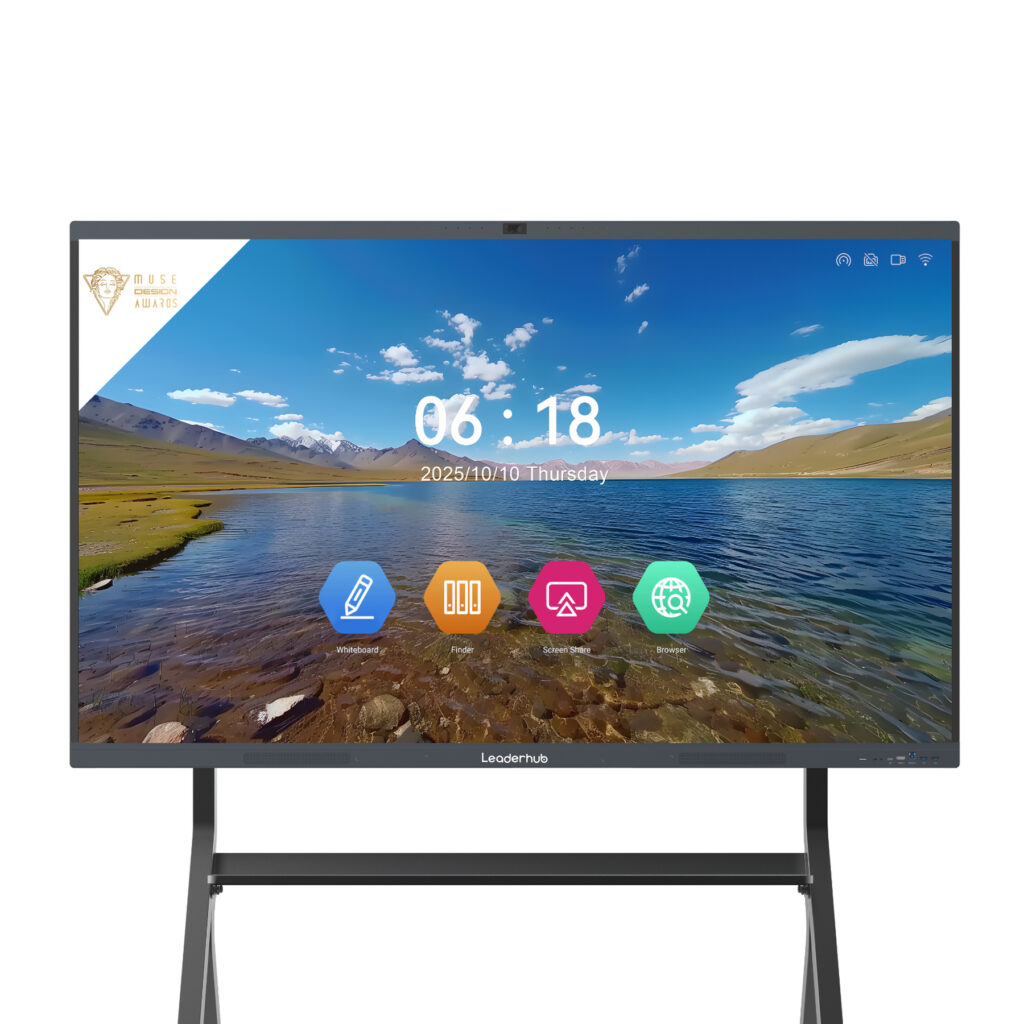
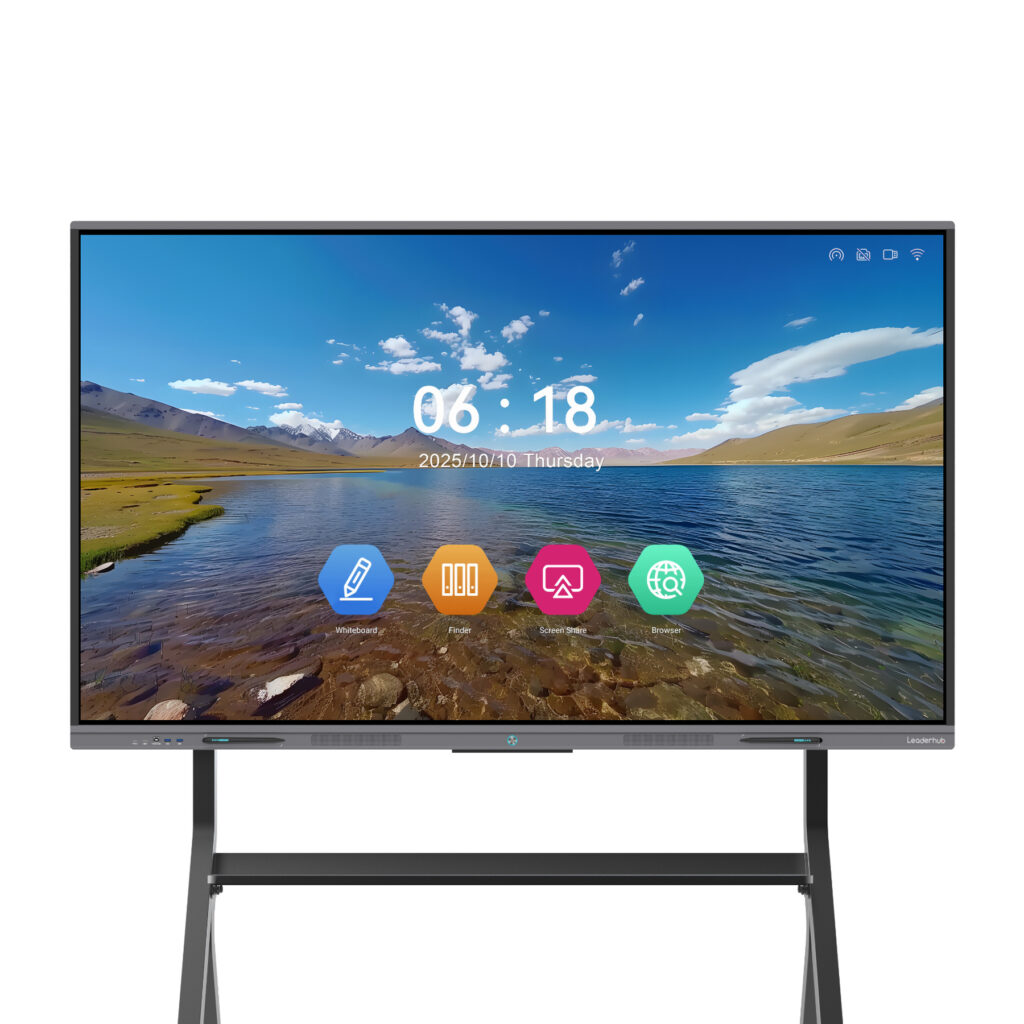
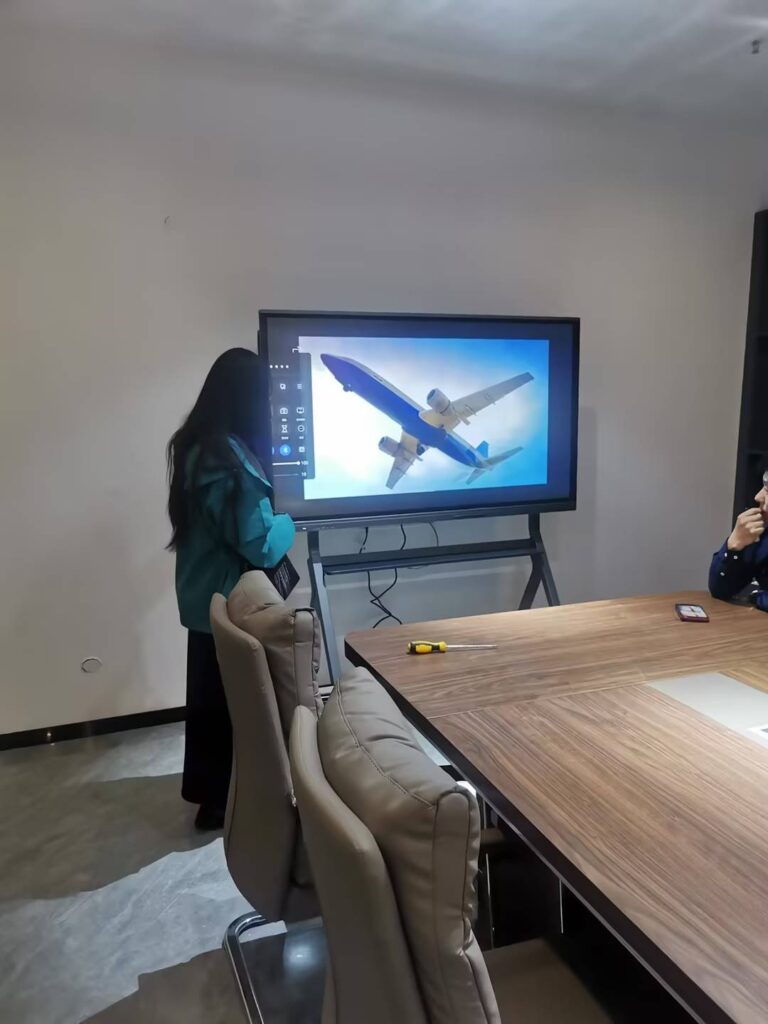
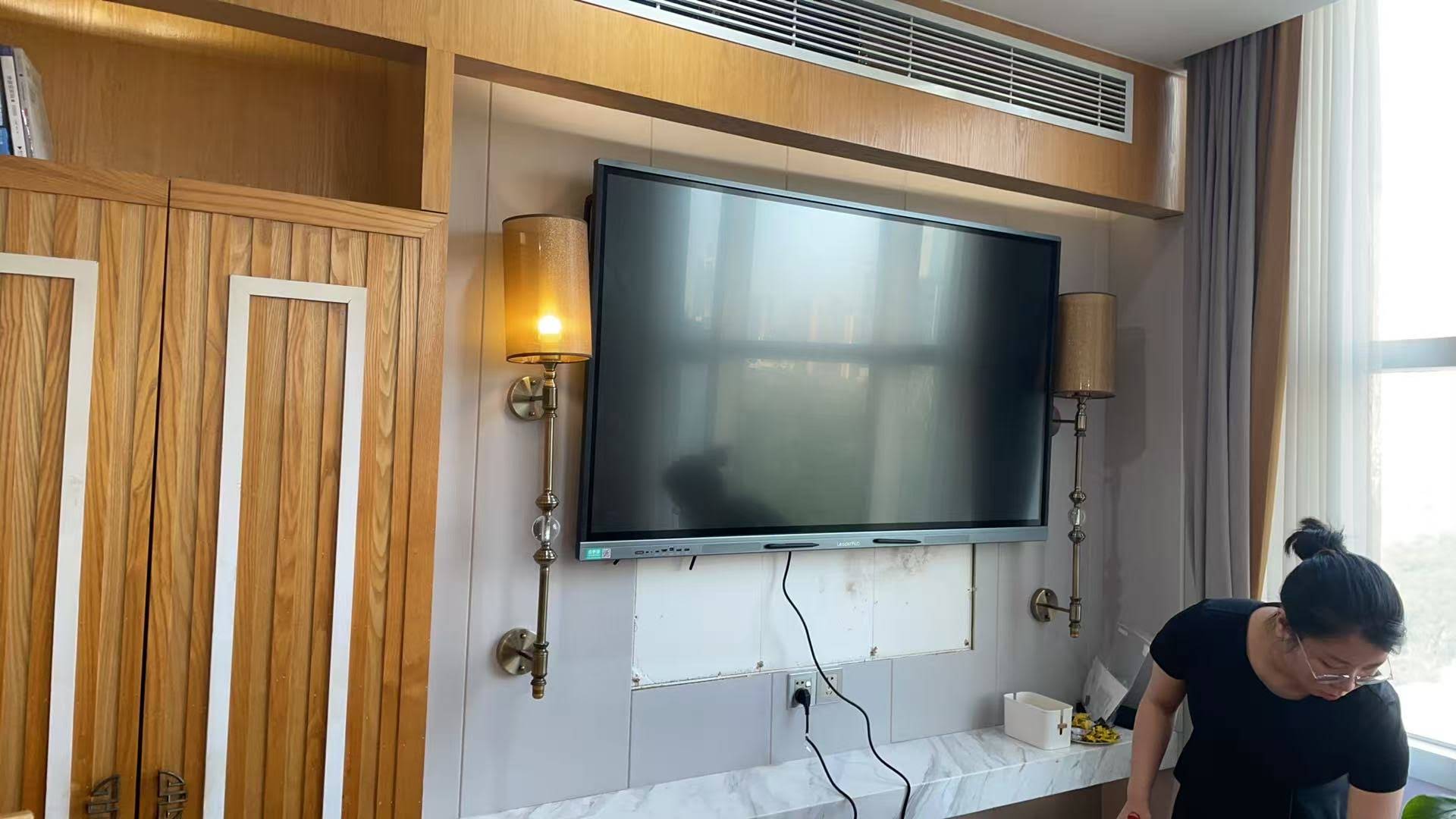
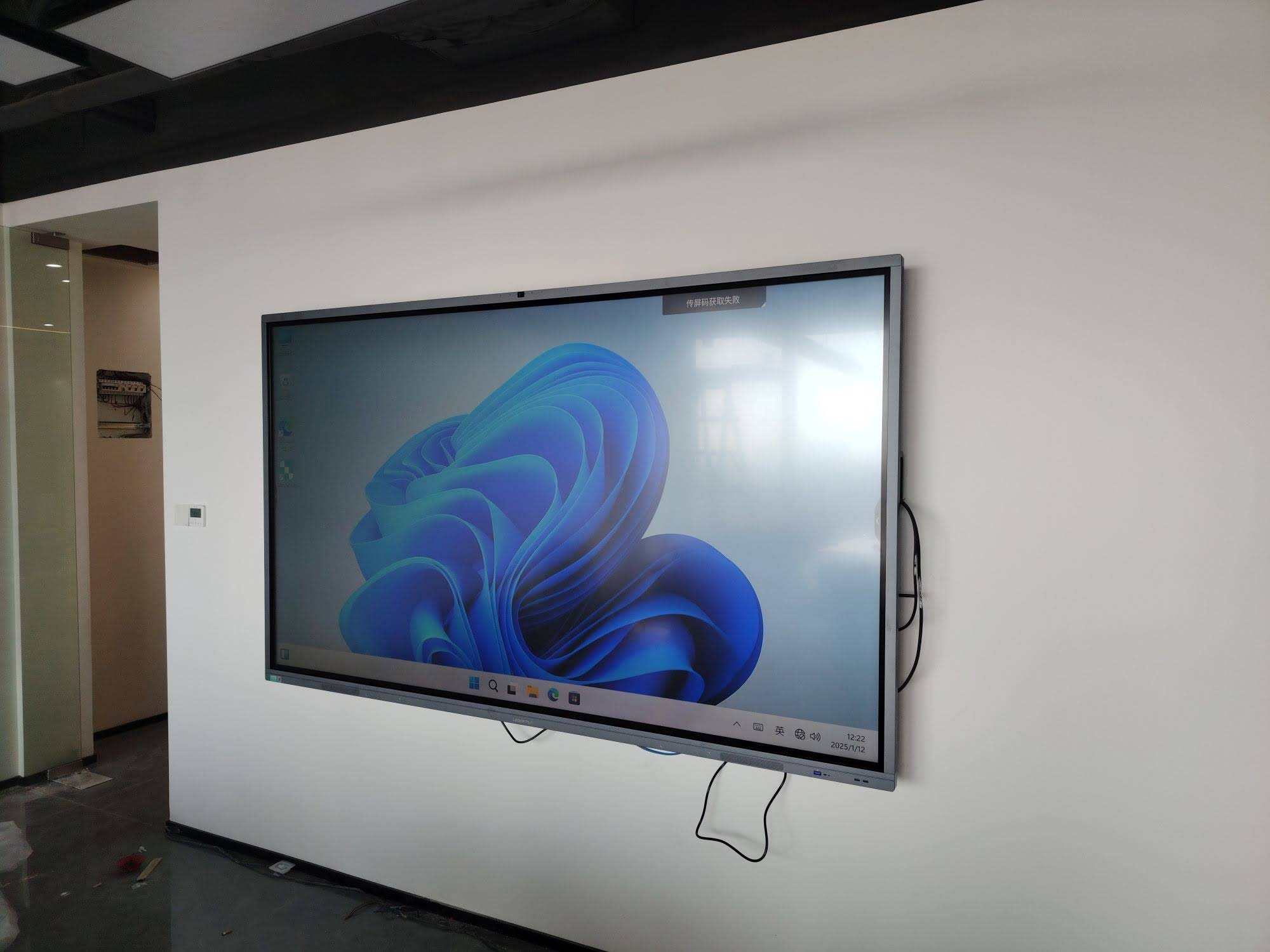
A smart board today refers to an all-in-one interactive flat panel that combines a high-resolution LCD screen, a multi-touch sensor layer, speakers, cameras or microphones, and an embedded operating system in one unit. You do not need a projector or a separate computer to start writing or presenting. Power it on, and it works like a giant tablet mounted on the wall or a mobile stand.
Core Characteristics of a Smart Board
- Built-in OS and apps: Android, Windows (via OPS slot), or dual-system operation with whiteboarding, browser, video conferencing, and file management pre-installed.
- Direct-view LCD screen: 4K UHD resolution with anti-glare glass, no shadows, no bulb replacement, and consistent brightness in daylight.
- Multi-touch and pen input: Typically 20 to 40 touch points with palm rejection and pressure or tilt-aware stylus writing.
- Wireless collaboration: Screen casting from laptops, tablets, and phones; split-screen sharing; cloud saving and QR-code export.
- AI and smart features: Handwriting recognition, shape correction, voice assistants, auto-framing cameras, and meeting transcription on newer models.
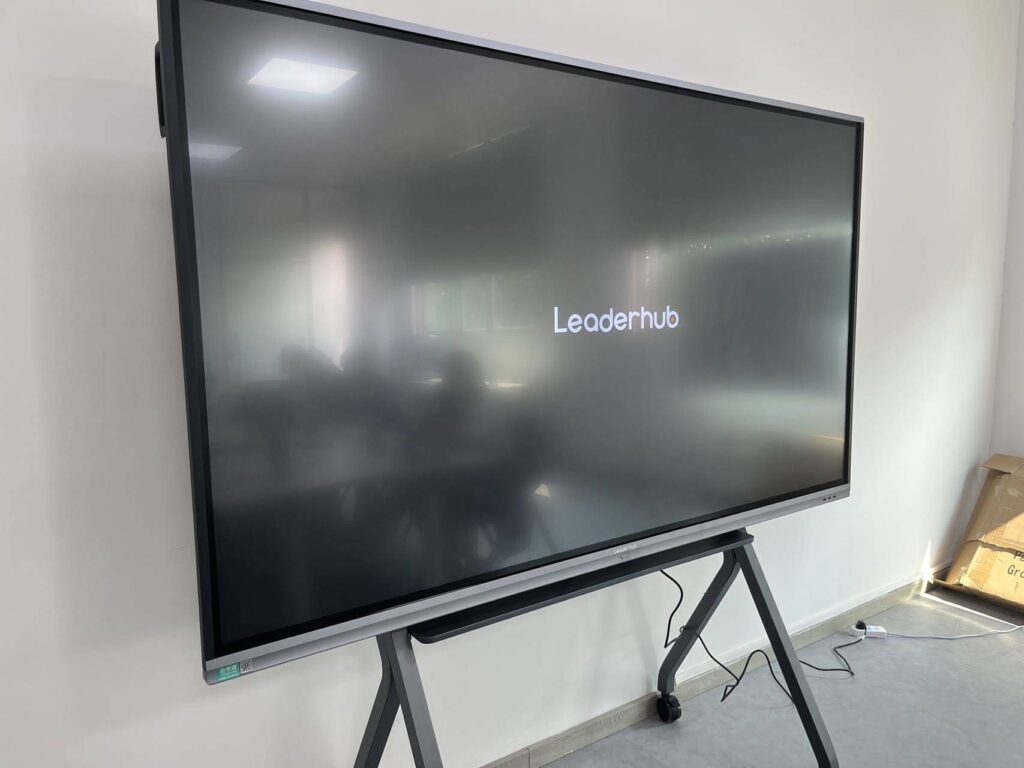
Products such as the Leaderhub L75HM 75-inch 4K smart whiteboard are typical of this category: a single device that replaces the projector, whiteboard, speakers, and meeting PC at once.
What Is an Interactive Board?
“Interactive board” (or interactive whiteboard, IWB) is the generic, technology-neutral term for any large surface that senses touch or pen input and translates it into digital commands. Historically this meant a white resistive or infrared board paired with a short-throw projector and a connected laptop. The projector displays the computer screen onto the board, and the board sends touch coordinates back to the computer.
Types of Interactive Boards
- Projector-based interactive whiteboards: A passive board plus a projector and an external PC. Low upfront hardware cost but higher maintenance and image quality limitations.
- Interactive flat panels (IFPs): LCD touch displays that may or may not include an operating system. When they do, they are commonly marketed as smart boards.
- Interactive overlays or touch frames: Infrared frames attached to an existing TV or monitor to add touch capability.
- Portable and rotating interactive screens: Smaller battery-powered touch displays for huddle spaces, mobile teaching, and creative work, such as the rotating smart screens designed for flexible layouts.
Smart Board vs Interactive Board: Side-by-Side Comparison
The table below summarizes how a modern all-in-one smart board compares with a traditional projector-based interactive board across the factors buyers care about most.
| Factor | Smart Board (All-in-One IFP) | Interactive Board (Projector-Based) |
|---|---|---|
| Display technology | 4K LCD panel, direct view | Projected image, usually 1080p or lower |
| Computer required | No, built-in Android/Windows | Yes, external laptop or desktop |
| Brightness in daylight | Excellent, 350 to 450 nits | Washed out, often needs dimmed lights |
| Shadows and glare | None | Presenter casts shadows on the board |
| Touch points | 20 to 40 simultaneous points | 2 to 10 points |
| Maintenance | Minimal, 50,000-hour panel life | Lamp replacement, filter cleaning, recalibration |
| Wireless sharing | Built in | Requires extra dongle or software |
| Upfront cost | Higher hardware price | Lower hardware price |
| 5-year total cost | Usually lower | Usually higher due to lamps and PC |
Where the Confusion Comes From
Three factors explain why the two terms blur together:
1. Brand Names Became Generic Words
Just as “Kleenex” became a word for tissues, “SMART Board” became shorthand for any interactive display. Teachers in North America and Europe often say “the smart board” regardless of which manufacturer made it.
2. The Technology Converged
Ten years ago an interactive board was almost always projector-based. Today, LCD prices have fallen so far that nearly every new installation is a flat panel with a built-in system. The “interactive board” of 2026 is, in most cases, a smart board by definition.
3. Marketing Language Varies by Region
Vendors use “interactive flat panel” for procurement documents, “smart whiteboard” for consumer-facing listings, and “interactive display” for corporate AV. The device inside the box may be identical. Research on interactive displays in education likewise groups these products together under one functional category.
Which One Should You Choose?
Rather than focusing on the label, evaluate how the device will be used, who will operate it, and what the room conditions are. Below are recommendations by scenario.
For K-12 and Higher Education Classrooms
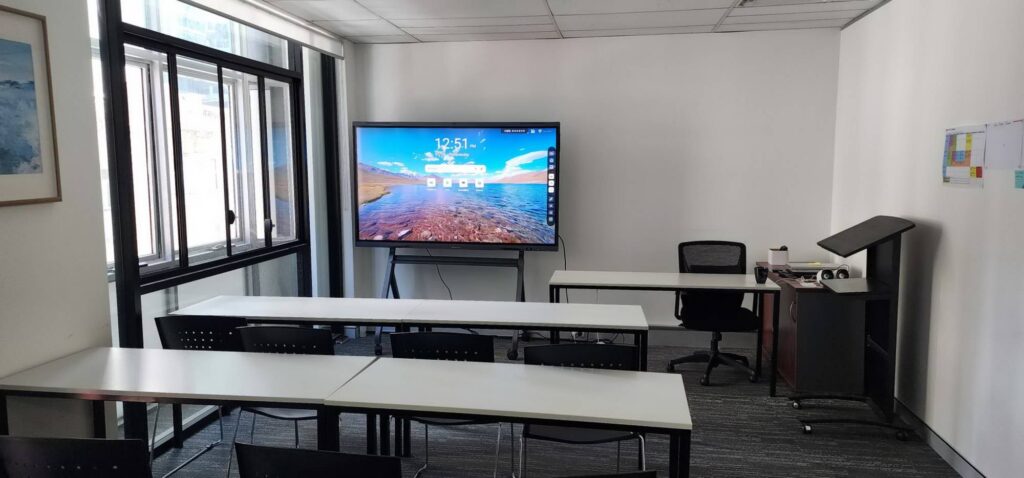
Choose an all-in-one smart board. Teachers need a device that boots in seconds, works with bright classroom lighting, and lets multiple students write at the same time. The UNESCO Technology in Education Report stresses that classroom technology should be reliable and easy to use so it supports rather than interrupts teaching, which is exactly where integrated panels outperform projector setups. For most classrooms, a 65-inch or 75-inch panel delivers readable text from the back row.
For Corporate Meeting Rooms and Boardrooms
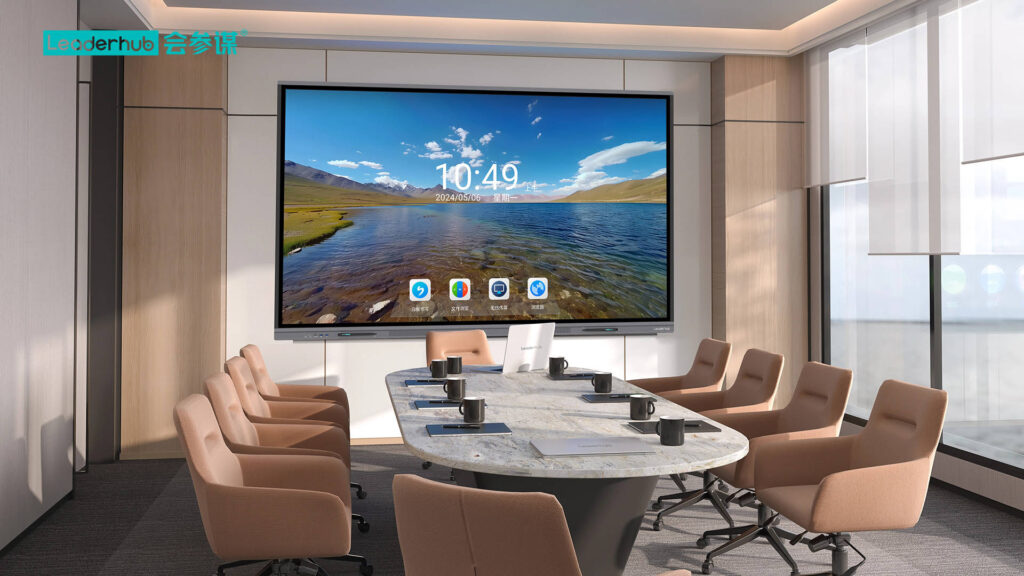
A smart board with a Windows OPS module or dual-system operation is ideal. Teams can run Microsoft Teams, Zoom, or Google Meet natively, annotate over shared documents, and save notes to the cloud. Larger rooms benefit from 86-inch panels or, for auditoriums and executive spaces, 110-inch displays like the Leaderhub L110H 110-inch interactive flat panel.
For Huddle Rooms, Hybrid Teams, and Mobile Use
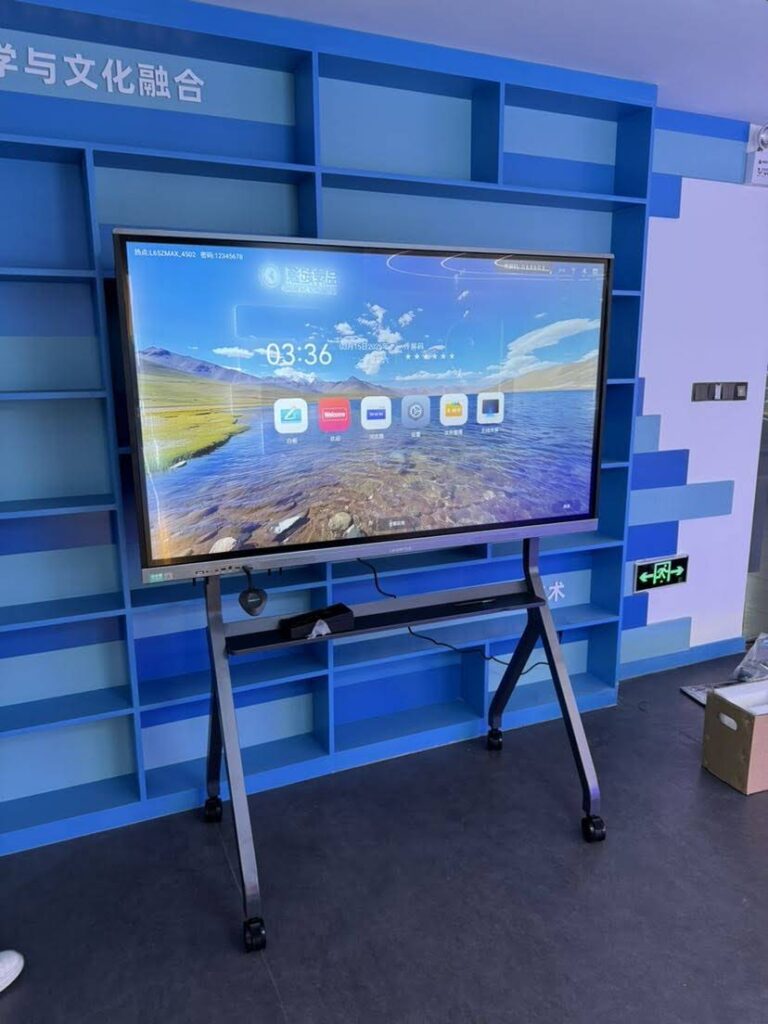
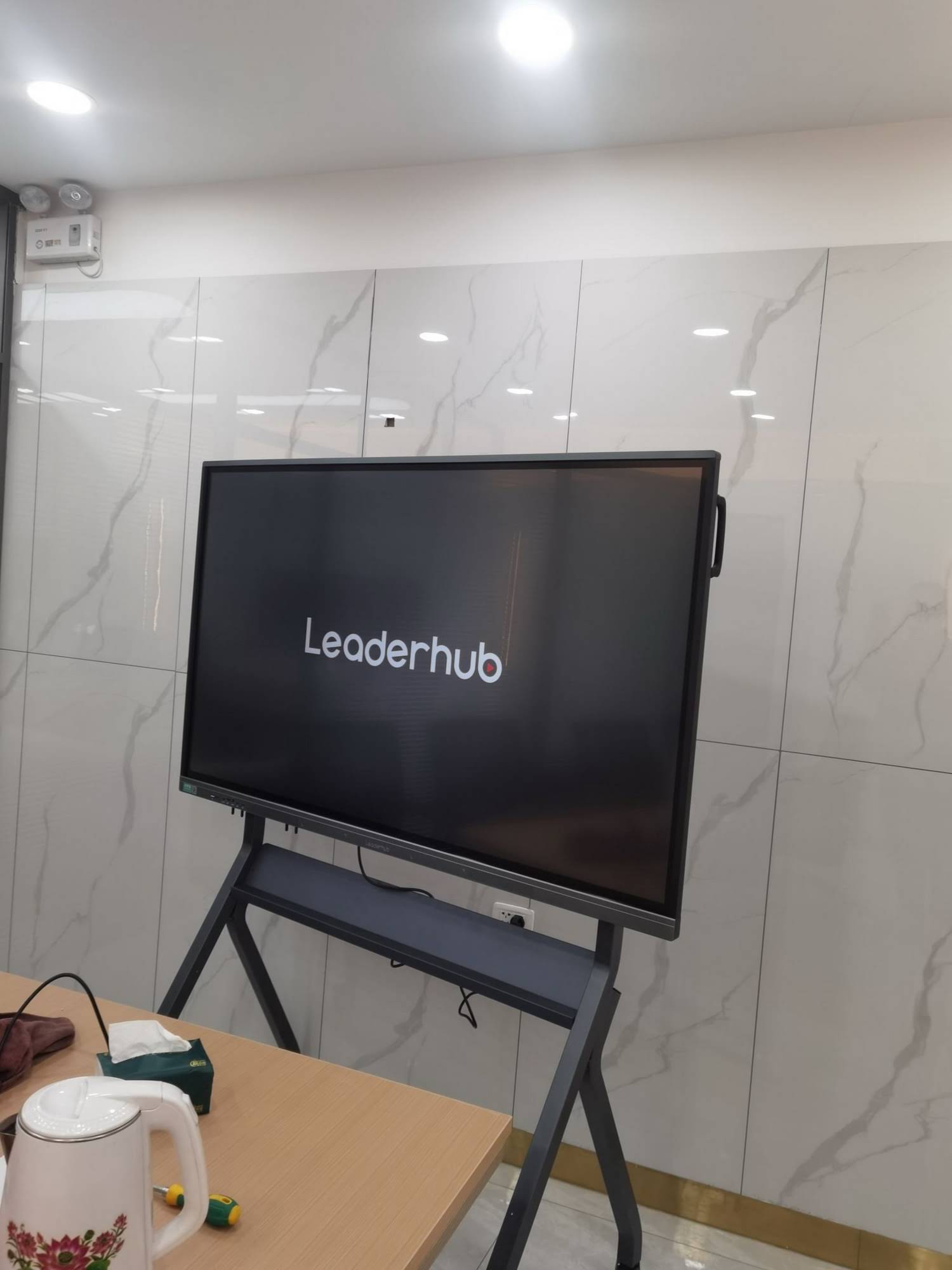
Consider a mobile or battery-powered interactive display. A 55-inch panel on a rolling stand, or a 24-to-27-inch handheld smart screen, can move between rooms, follow a trainer around a workshop floor, or sit on a desk for one-to-one tutoring.
For Very Tight Budgets or Temporary Installations
A projector-based interactive board can still make sense if you already own a projector and computers, or if the room is used only occasionally. Just budget for lamp replacement and accept lower image quality and more frequent recalibration.
Technology Checklist Before You Buy
Whether the product is called a smart board or an interactive board, verify these specifications:
- Resolution and size: 4K UHD is the standard; match screen size to viewing distance (65″ for up to 6 m, 75″ for up to 8 m, 86″ for larger rooms).
- Touch technology: Infrared with zero bonding or capacitive touch; look for at least 20 touch points and low writing latency.
- Operating system and processor: Android 13 or newer with 8GB RAM or more; optional Windows via OPS or an external mini PC.
- Connectivity: HDMI 2.0, USB-C with power delivery, Wi-Fi 6, Bluetooth 5, and wireless casting for all major platforms.
- Audio and camera: Front-facing speakers of 2 x 15W or more, far-field microphone array, and an optional 4K camera for hybrid meetings.
- Software and updates: Whiteboard app with cloud export, device management for IT teams, and a clear firmware update policy.
- Warranty and service: Three years on-site or advanced replacement is a reasonable expectation for institutional purchases.
Popular Smart Board Options by Use Case
To show how specifications translate into real products, here is a selection of interactive displays organized by typical application.
| Model | Size | Best For | Price |
|---|---|---|---|
| L65ZM Interactive Whiteboard | 65″ | Small classrooms, budget meeting rooms | $1,099 |
| L65HM Smart Whiteboard | 65″ | Hybrid meeting rooms with conferencing | $1,299 |
| L75ZM Interactive Whiteboard | 75″ | Standard classrooms, training rooms | $1,399 |
| L86ZM Interactive Whiteboard | 86″ | Lecture halls, large boardrooms | $1,699 |
| U55Pro Mobile Interactive Flat Panel | 55″ | Huddle spaces, mobile presenting | $2,499 |
| L277M Smart Rotating Screen | 27″ | Desktop collaboration, tutoring, design | $899 |
These displays come from Leaderhub, a Shenzhen-based manufacturer with 16 years of interactive-display experience, products shipped to more than 82 countries, and a No.1 ranking in the JD.com interactive panel subcategory. You can browse the full smart whiteboard collection to compare specifications in detail.
Frequently Asked Questions
Is a smart board the same as an interactive whiteboard?
Functionally yes in most modern products. “Interactive whiteboard” is the generic category name, while “smart board” began as a brand and now usually implies an all-in-one touch panel with a built-in computer. A projector-based interactive whiteboard is not typically called a smart board.
Do I need a computer for a smart board?
No. Smart boards run their own Android or Windows system, so you can write, browse, and present without a laptop. You can still connect a PC via HDMI or USB-C, or install an OPS module for a full Windows experience.
Which lasts longer, a projector-based interactive board or a smart board?
A smart board. LCD panels are rated for around 50,000 hours, roughly 17 years at 8 hours per day, with no lamps to replace. Projector lamps generally last 3,000 to 6,000 hours and the board itself needs periodic recalibration.
Are smart boards worth the higher price?
For daily use in classrooms or meeting rooms, yes. When you add the cost of a projector, a dedicated PC, lamps, speakers, and wireless sharing hardware to a traditional interactive board, the all-in-one smart board is usually cheaper over five years and delivers a far better image.
What size smart board should I buy?
Match the diagonal to the room. A 65-inch display suits rooms up to 6 meters deep, 75 inches covers up to 8 meters, 86 inches works for 10 meters, and 110 inches is intended for auditoriums and executive boardrooms.
Final Verdict
The question of what is the difference between smart board and interactive board is ultimately more about vocabulary than about two competing technologies. “Interactive board” describes the whole family of touch-enabled teaching and meeting surfaces, while “smart board” has come to mean the modern, all-in-one interactive flat panel with its own operating system, wireless sharing, and AI-assisted tools.
For nearly every new installation in 2026, the practical recommendation is clear: choose an all-in-one 4K smart board sized correctly for the room, with a robust OS, strong touch performance, and a reliable warranty. Reserve projector-based interactive boards for temporary setups or situations where existing projectors and computers can be reused. If you are unsure which configuration fits your space, reach out for a tailored recommendation before finalizing your purchase.