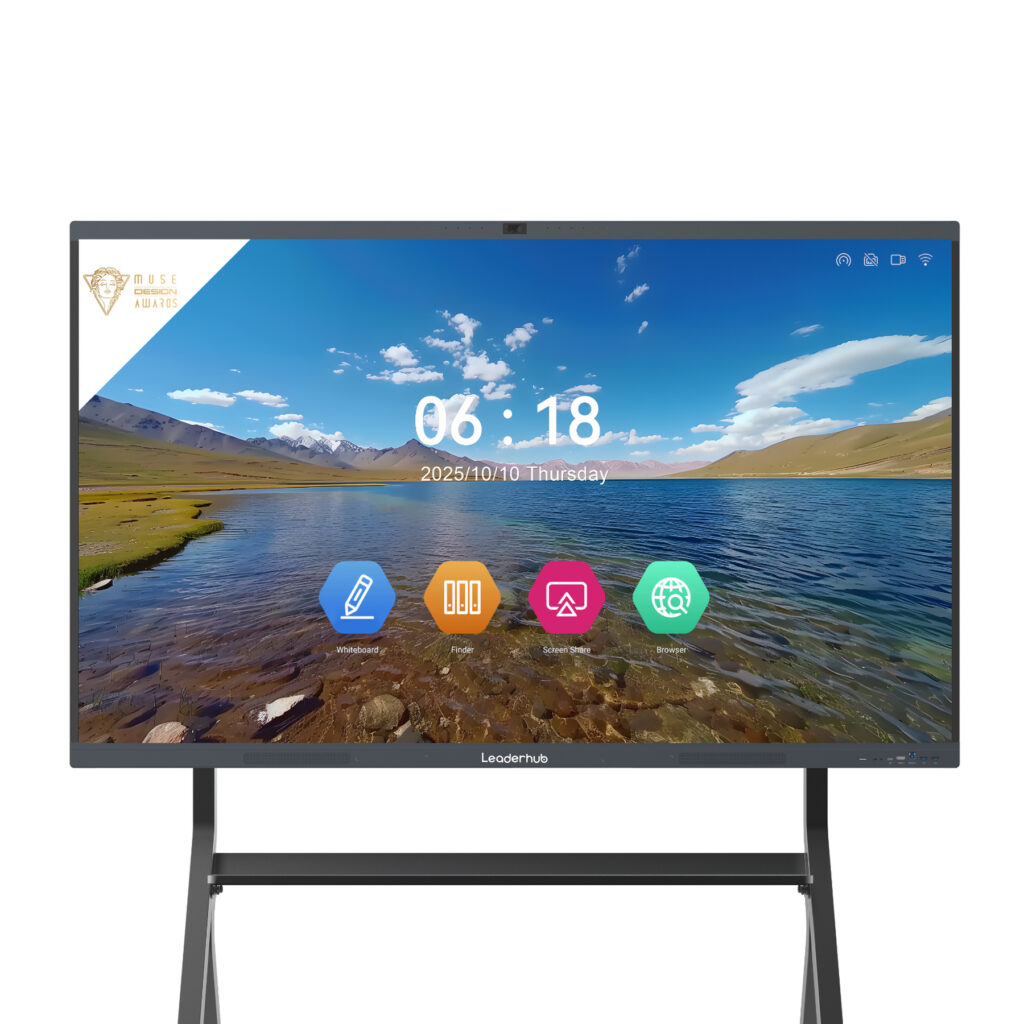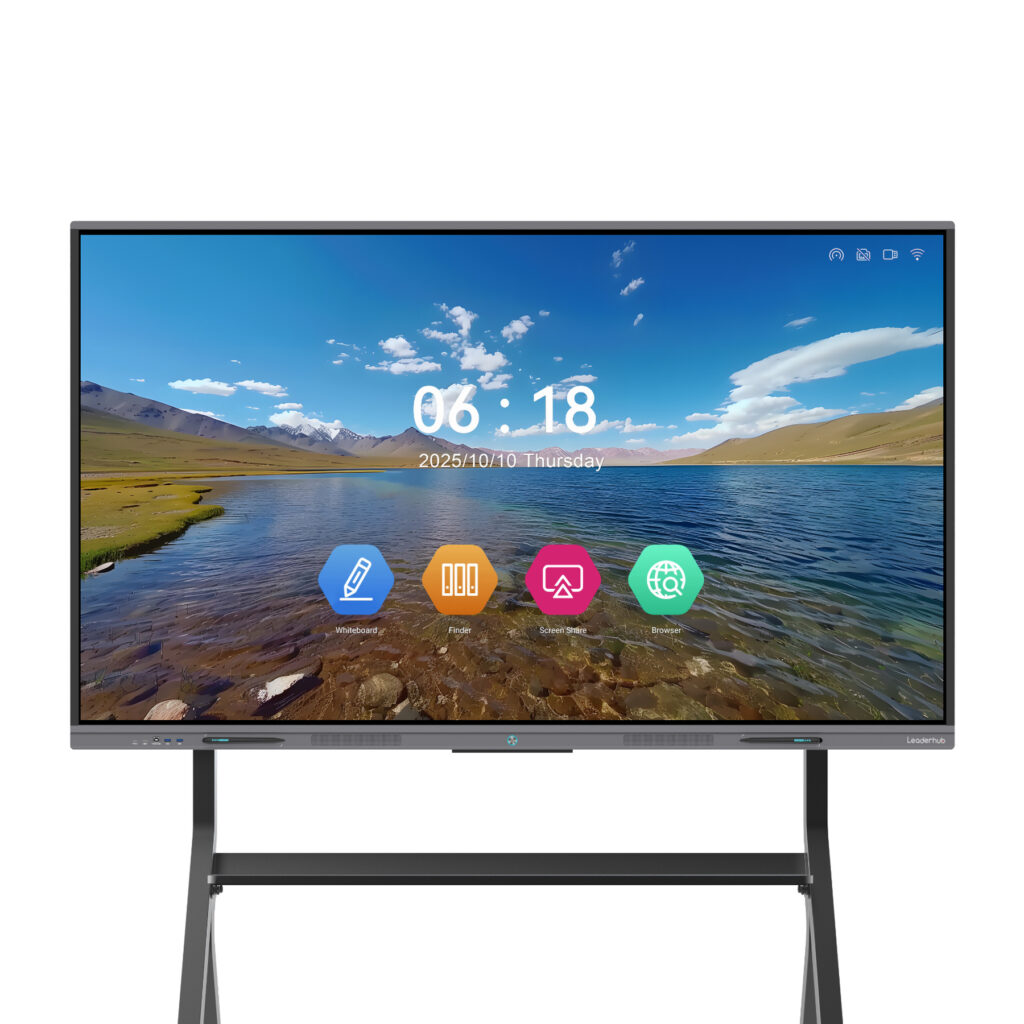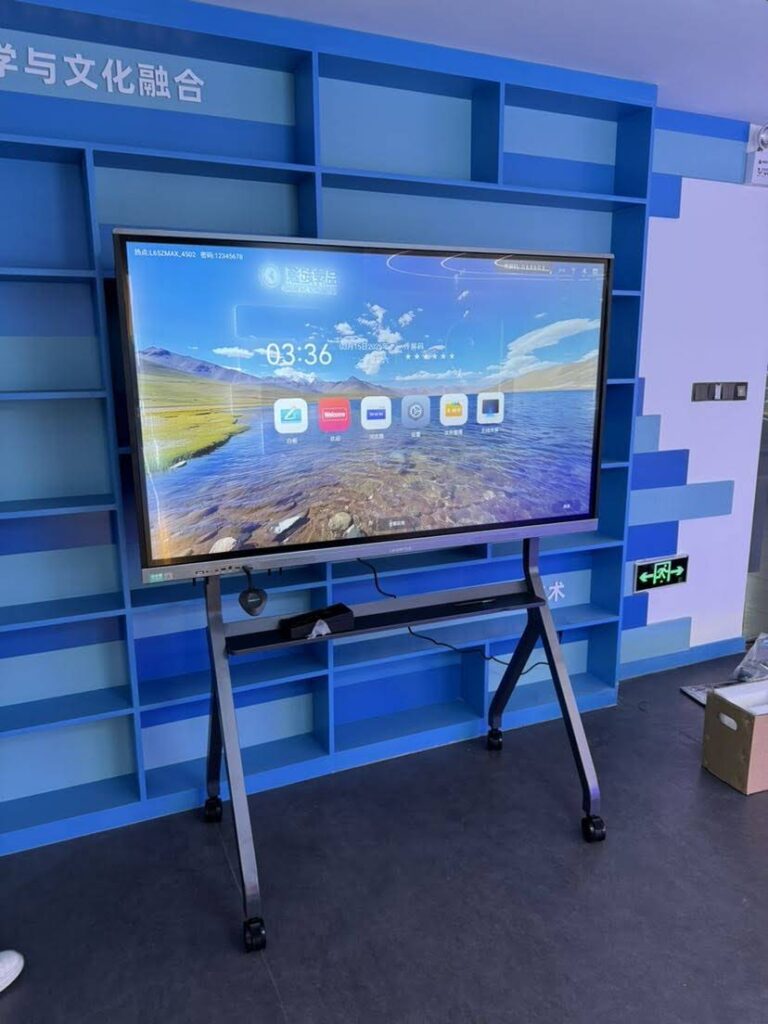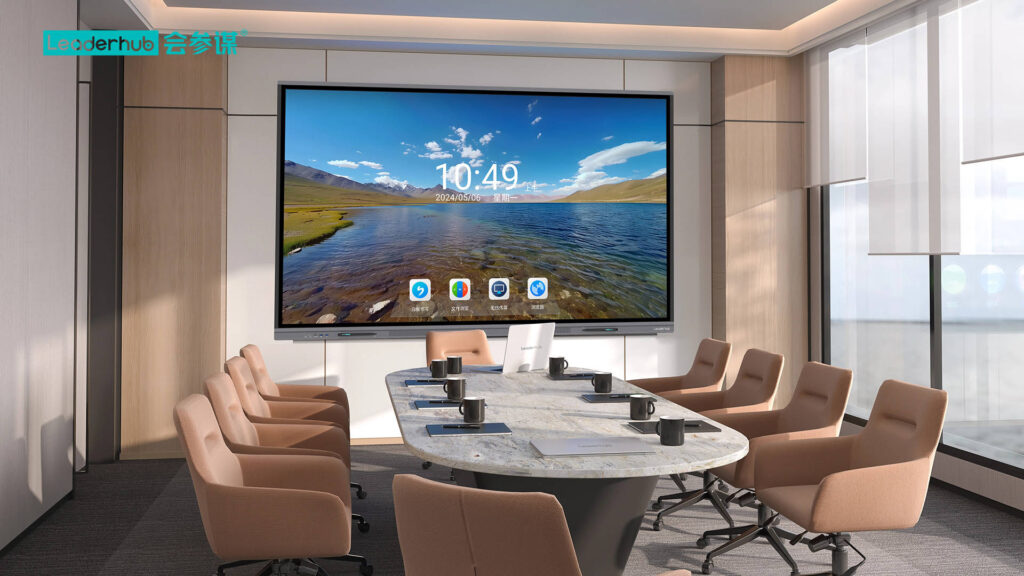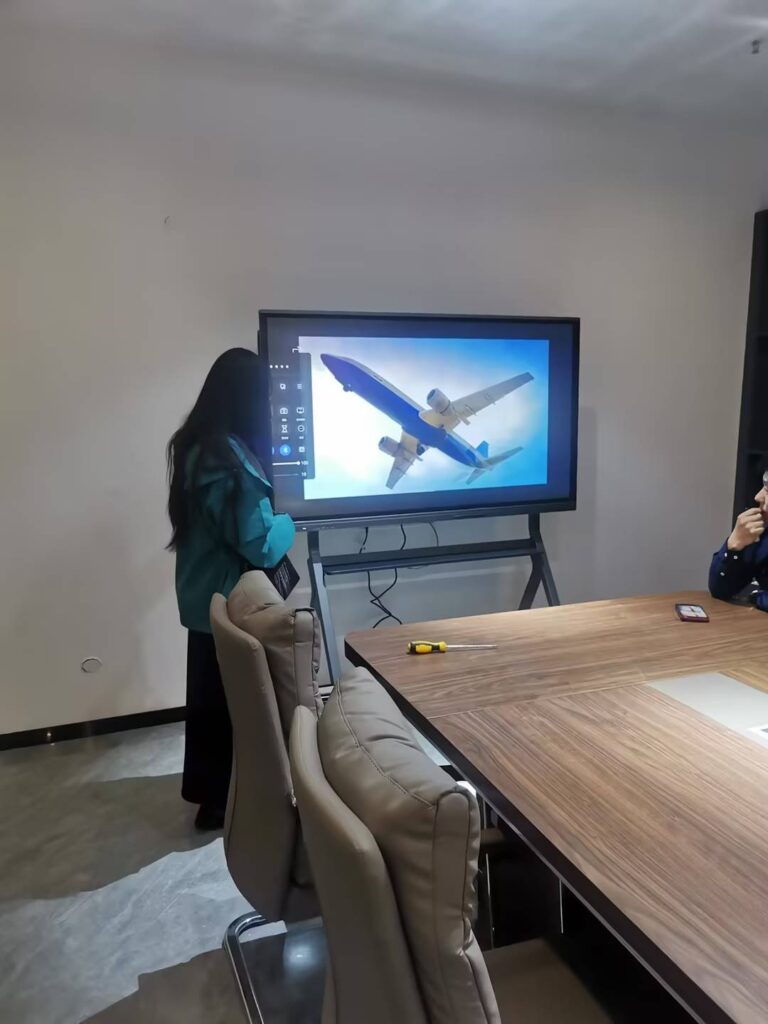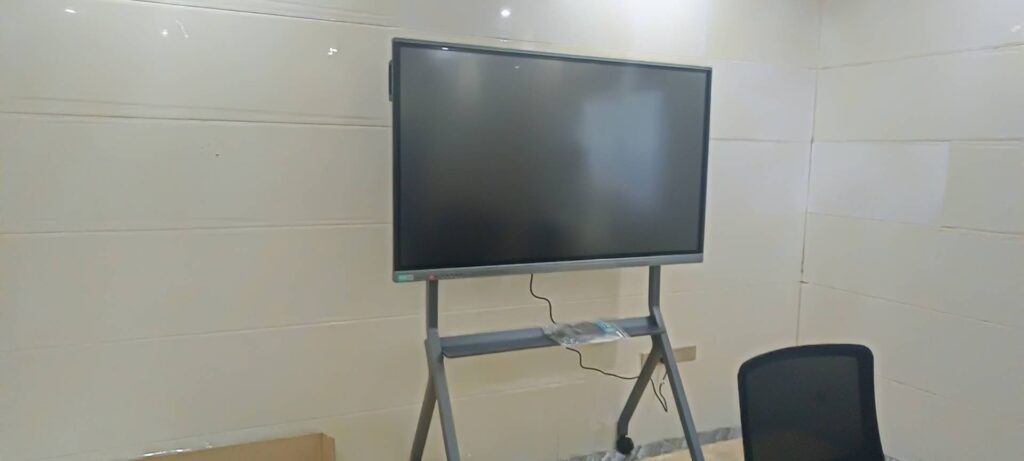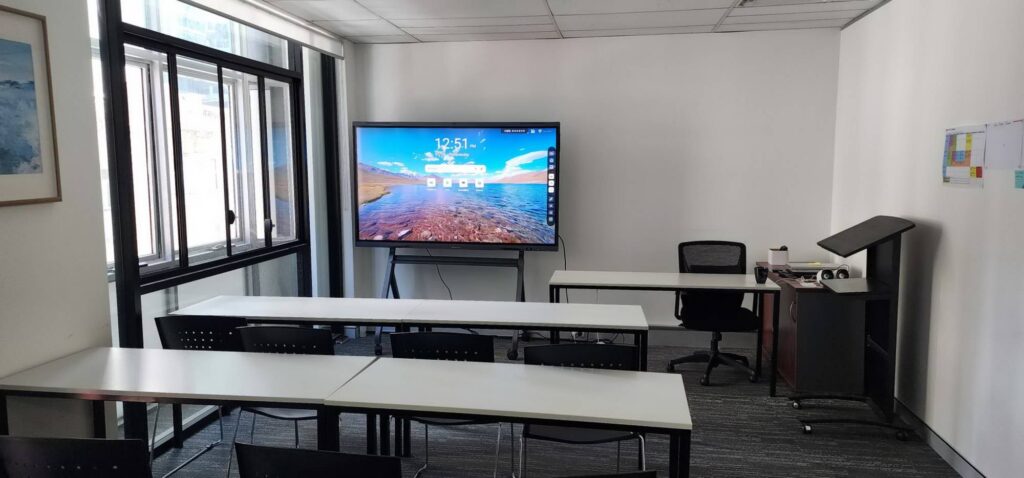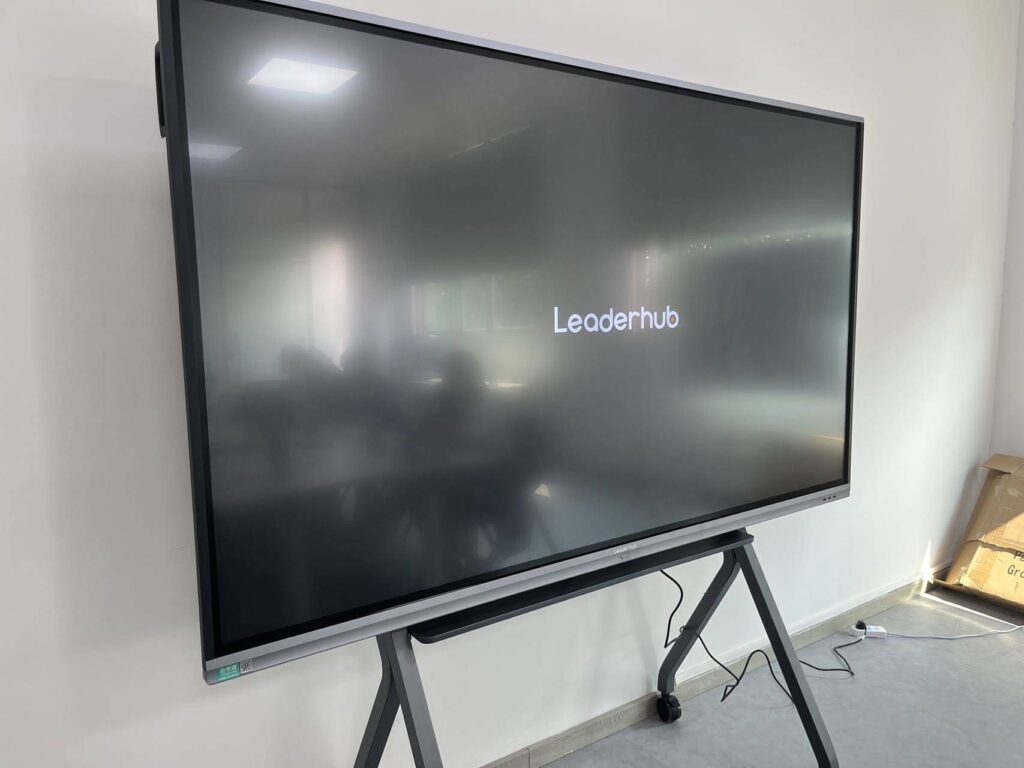
If you have typed “what is the best smart board to buy” into Google, you already know the problem: dozens of interactive whiteboards look nearly identical on paper, yet the right choice for a 30-student classroom is very different from the right choice for a six-person boardroom or a home office. This guide cuts through the noise. We compare the top interactive whiteboards by size, touch technology, software, connectivity and price, then recommend the best smart board for classrooms, offices and home use so you can buy with confidence.
The Short Answer: Which Smart Board Should You Buy?
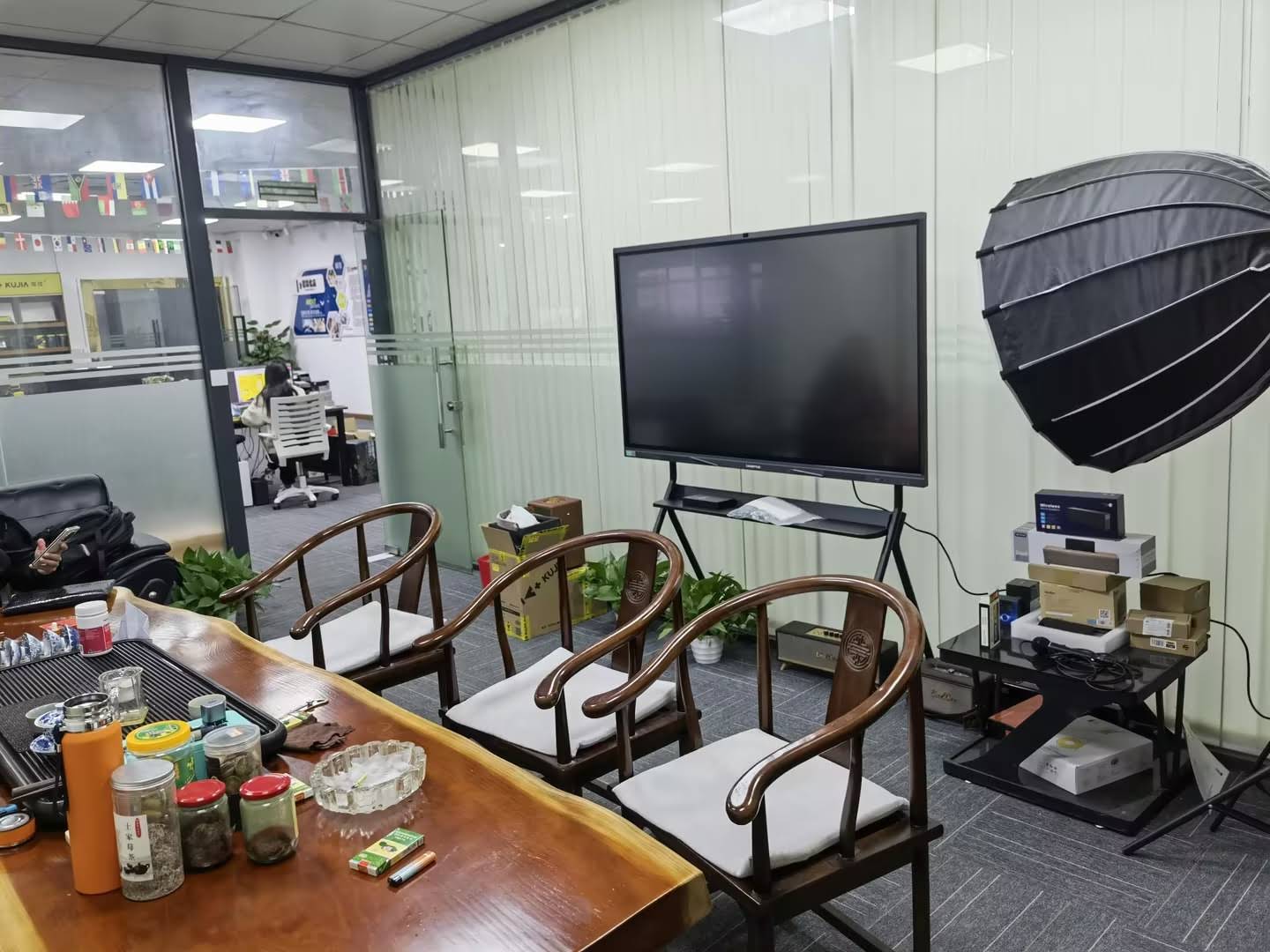
For most buyers, the best smart board is a 65″ to 86″ 4K interactive flat panel with a built-in Android system, multi-touch support and wireless screen sharing. Within that range, our top picks are:
- Best overall value: Leaderhub L75ZM 75″ 4K Smart Panel — a large, bright 4K display at a mid-range price that fits most classrooms and meeting rooms.
- Best for classrooms: Leaderhub L86ZM 86″ 4K Smart Panel — the largest viewing area for the money, ideal for rooms where students sit far from the board.
- Best for offices: Leaderhub L75HM 75″ Rotatable Smart Whiteboard — a rotating conference hub designed for video calls, brainstorming and document review.
- Best for home and small spaces: Leaderhub L65ZM 65″ 4K Smart Panel — compact, affordable and powerful enough for home learning and remote work.
- Best mobile option: Leaderhub U55Pro 55″ Mobile 4K Smart Display — moves between rooms on a stand for flexible teaching and huddle spaces.
The rest of this article explains how we reached these conclusions and how to adjust them to your own room, budget and use case.
How We Compared the Best Interactive Whiteboards
Choosing technology should start with the outcome you want, not the hardware spec sheet. The UNESCO Technology in Education Report stresses that devices only add value when they support clear teaching and collaboration goals. With that in mind, we scored each smart board on six practical factors:
- Display quality — size, 4K resolution, brightness and anti-glare treatment.
- Touch and writing experience — responsiveness, accuracy, palm rejection and multi-user support.
- Built-in software — whiteboarding tools, annotation, screen recording and app ecosystem.
- Connectivity — HDMI, USB-C, wireless casting and compatibility with Windows, macOS, iOS and Android devices.
- Installation and mobility — wall mount, mobile stand, and rotation options.
- Total cost of ownership — purchase price, consumables, software subscriptions and expected lifespan.
Key Features to Check Before You Buy a Smart Board
1. Screen Size and Resolution
Size is the single most important decision. Too small and people at the back cannot read the text; too large and the panel overwhelms a small room and inflates the budget. 4K UHD (3840 × 2160) is now the standard for 65″ and larger panels and keeps small fonts and fine diagrams sharp. Use the table below as a starting point:
| Room Type | Typical Viewing Distance | Recommended Size | Suggested Model |
|---|---|---|---|
| Home office / study room | 1.5 – 3 m | 55″ – 65″ | U55Pro, L65ZM |
| Huddle room (4–8 people) | 2 – 4 m | 65″ | L65ZM, L65HM |
| Standard classroom / meeting room | 3 – 7 m | 75″ | L75ZM, L75HM, L75H Pro |
| Large classroom / boardroom | 5 – 9 m | 86″ | L86ZM, L86HM |
| Lecture hall / training centre | 8 m + | 110″ | L110H |
2. Touch Technology and Writing Feel
Most modern smart boards use infrared (IR) touch frames that support finger, passive stylus and palm-eraser input at the same time. Look for low writing latency, accurate line rendering and palm rejection so teachers and presenters can rest a hand on the glass while writing. Multi-user support matters in classrooms where several students work on the board simultaneously.
3. Operating System and Built-in Software
An integrated Android system lets you whiteboard, browse, annotate and join video calls without any external computer. For Windows-only workflows, check whether the panel supports an OPS slot or pair it with a compact mini PC such as the LP1C or LP5C, which turns any interactive panel into a full Windows workstation.
4. Connectivity and Wireless Screen Sharing
Count the ports you actually need: HDMI inputs for laptops and document cameras, USB-C for single-cable connection and charging, USB-A for storage and peripherals, and LAN for stable network access. Wireless casting from phones, tablets and laptops is essential for BYOD classrooms and guest presenters. Audio-visual integration guidance from AV Industry Standards and Resources is a useful reference when planning a full room setup.
5. Mounting, Mobility and Rotation
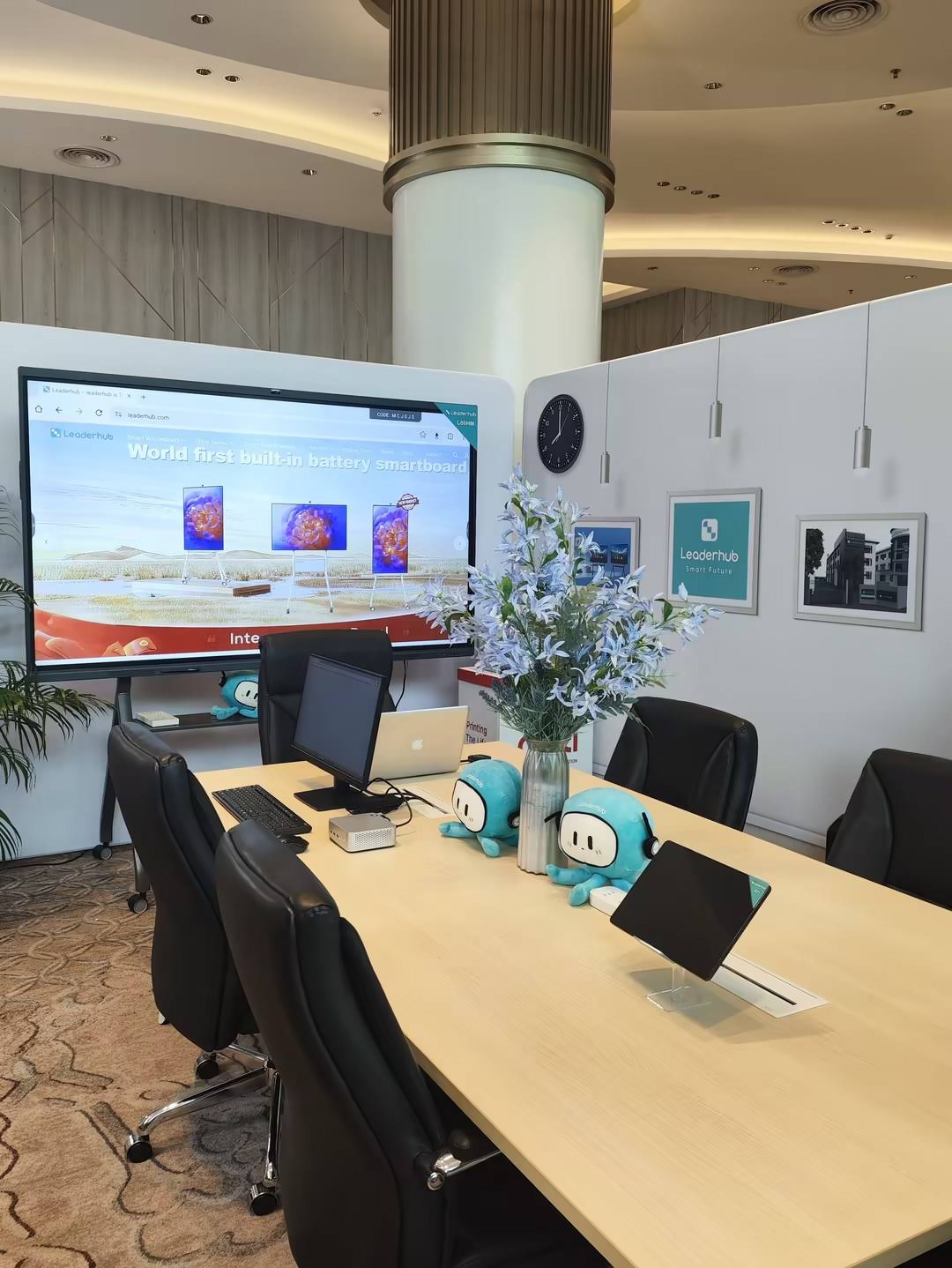
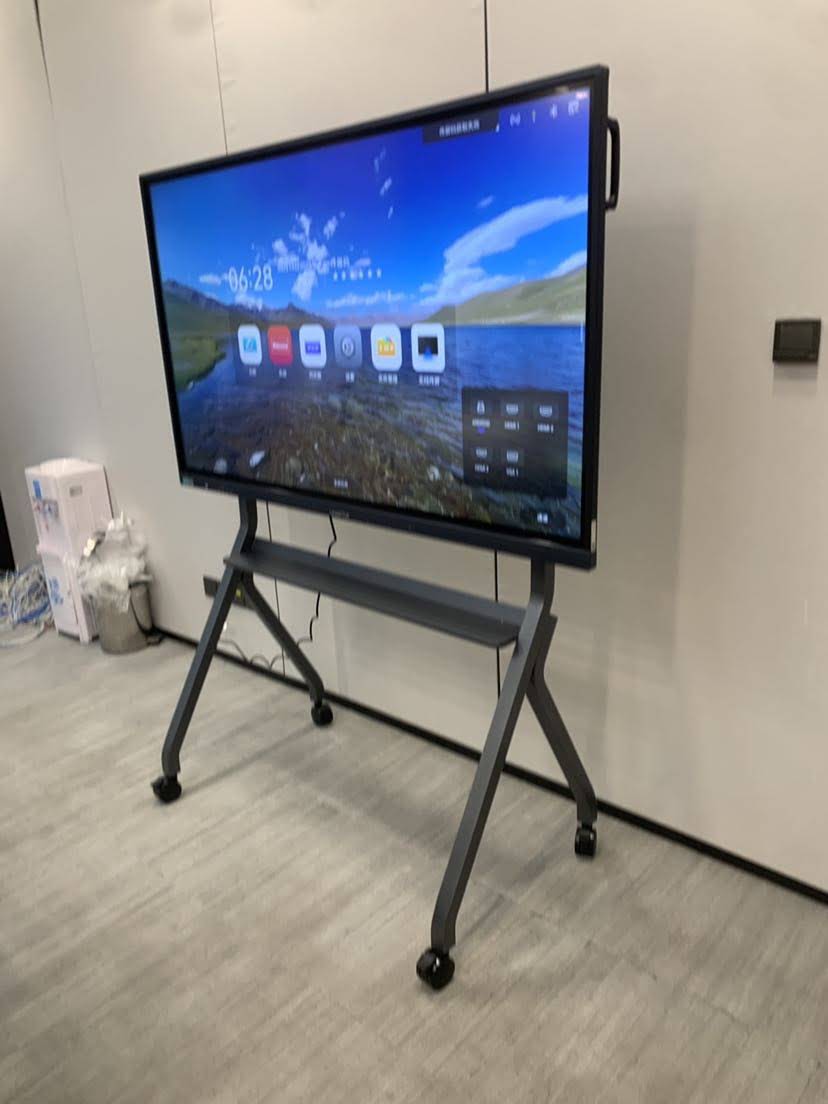
Wall mounting is the most cost-effective option for fixed rooms. Mobile stands allow one panel to serve several spaces, while rotating stands let you switch between landscape for presentations and portrait for documents, video calls and vertical content. The Leaderhub HM series, recognised as a rotatable conference hub, is a good example of this category — see the Leaderhub HM Series design award profile.
6. Price and Total Cost of Ownership
Interactive flat panels typically last 7–10 years with no bulbs, filters or marker refills, so the purchase price is only part of the equation. Factor in installation, optional software licences, warranty length and energy consumption. A slightly higher upfront investment in a larger or more durable panel is usually cheaper than replacing an undersized board in three years.
Best Smart Boards Compared: Side-by-Side Table
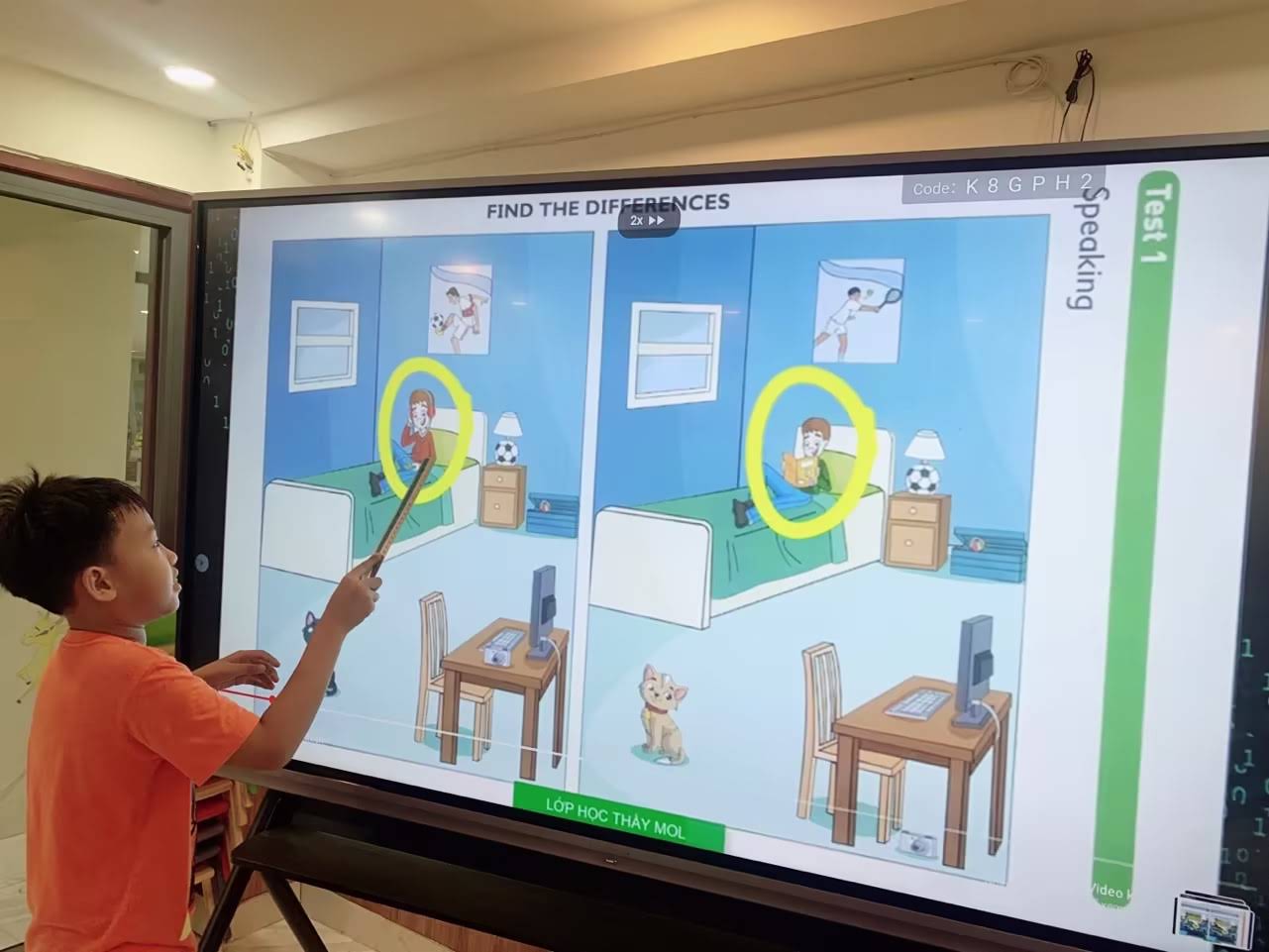
The following table summarises the smart boards and interactive flat panels we recommend most often, from budget 65″ panels to a 110″ lecture-hall display.
| Model | Size | Resolution | Best For | Price |
|---|---|---|---|---|
| L65ZM Interactive Whiteboard | 65″ | 4K UHD | Home, huddle rooms, small classes | $1,099 |
| L65HM Smart Whiteboard | 65″ | 4K UHD | Small offices, rotating video-call hub | $1,299 |
| L75ZM Interactive Whiteboard | 75″ | 4K UHD | Standard classrooms, meeting rooms | $1,399 |
| L75HM Smart Whiteboard | 75″ | 4K UHD | Conference rooms, hybrid meetings | $1,599 |
| L86ZM Interactive Whiteboard | 86″ | 4K UHD | Large classrooms, training rooms | $1,699 |
| L75H Pro Interactive Flat Panel | 75″ | 4K UHD | Premium boardrooms, executive suites | $2,399 |
| U55Pro Mobile Smart Display | 55″ | 4K UHD | Shared spaces, mobile teaching, home studios | $2,499 |
| L86HM Smart Whiteboard | 86″ | 4K UHD | Large boardrooms, collaboration hubs | $3,199 |
| L110H Interactive Flat Panel | 110″ | 4K UHD | Lecture halls, auditoriums, showrooms | $7,999 |
Prices are list prices at the time of writing and may change. Browse the full smart whiteboard collection for current availability.
Best Smart Board for Classrooms
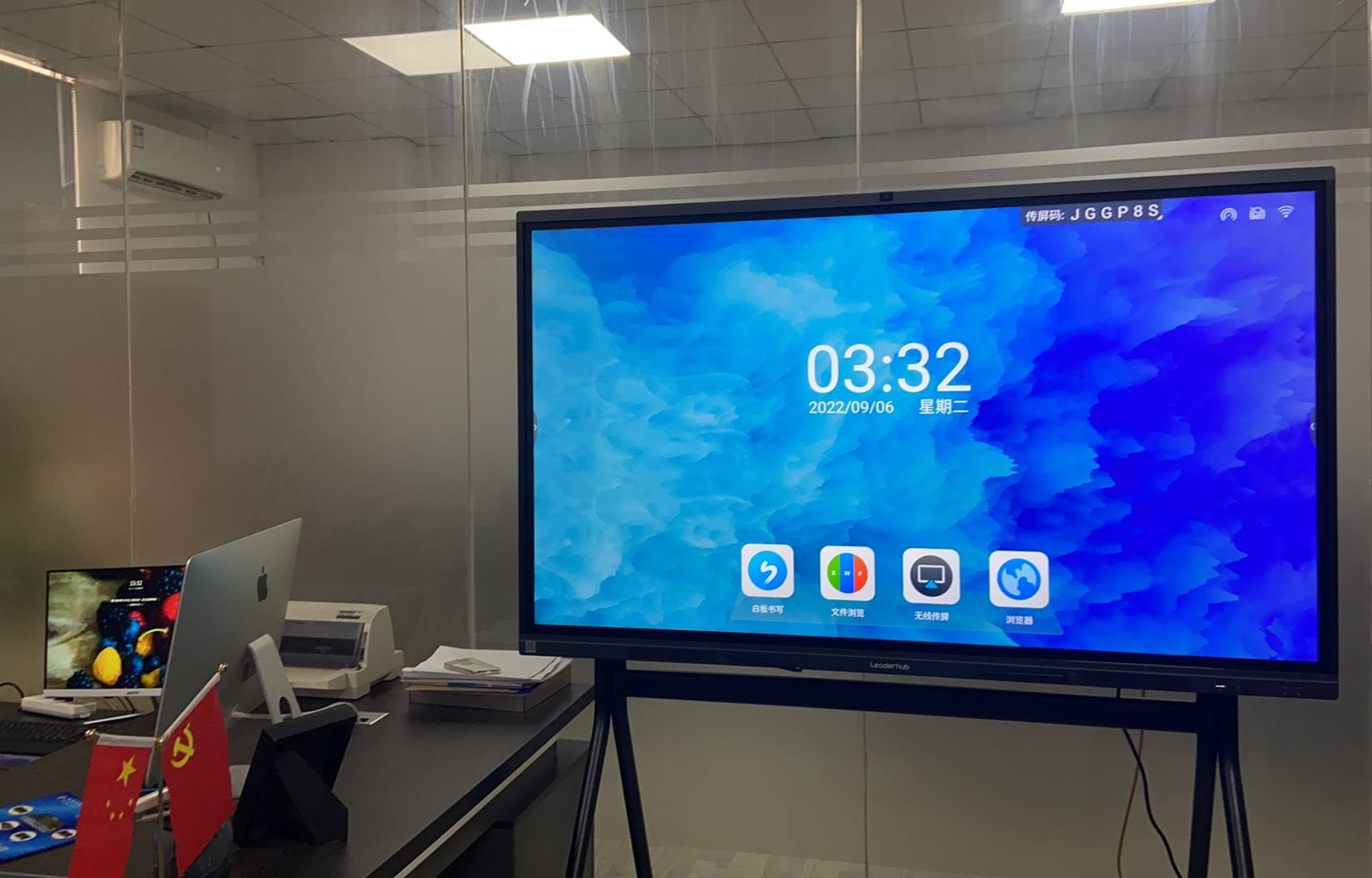
Classrooms demand durability, a large viewing area and software that teachers can learn in minutes. Research summarised by the OECD Digital Education Outlook shows that classroom technology delivers the greatest gains when it is reliable and used daily rather than occasionally — which favours robust, simple interactive panels over complex setups.
Our classroom recommendation is the 86″ L86ZM for standard and large rooms, or the 75″ L75ZM for smaller classes and tighter budgets. Both offer:
- 4K resolution so text remains legible from the back row.
- Tempered anti-glare glass that stands up to years of student use.
- Built-in whiteboarding, screen recording and lesson saving without a PC.
- Wireless mirroring so students can share work from tablets and laptops.
- A price point that allows districts to equip multiple rooms in one budget cycle.
For K-12 procurement teams, the EdTech Magazine guide on Choosing an Interactive Display for K-12 is a helpful checklist for aligning hardware with curriculum needs and IT support capacity.
Best Smart Board for Offices and Meeting Rooms
In business settings the smart board doubles as a video-conferencing hub, digital whiteboard and presentation screen. Rotation is a genuine productivity feature here: portrait mode fits full-page contracts, mobile app mock-ups and vertical video calls, while landscape suits slides and spreadsheets.
The L75HM and L86HM rotatable smart whiteboards are our picks for conference rooms. For executive suites that prioritise display finish and premium build, the L75H Pro Interactive Flat Panel is the step-up option. Teams running Windows-based collaboration platforms can add the LP5C Mini PC for a seamless desktop experience on the big screen.
Office checklist before purchase
- Confirm compatibility with your meeting platform (Teams, Zoom, Google Meet).
- Check that the room has adequate network bandwidth for 4K wireless casting.
- Decide between a fixed wall mount and a rotating or mobile stand.
- Plan cable management for a clean, professional installation.
Best Smart Board for Home and Hybrid Work
Home buyers want a board that fits a spare room, supports remote lessons or online meetings, and does not require an IT department to set up. The 65″ L65ZM hits that balance: it is small enough for a home office wall, large enough for family learning sessions, and runs everything from a built-in Android system.
If wall mounting is not possible, or you want a screen that moves from the living room to the study, consider a portable option. The rotating smart screens range — including the battery-powered 24.5″ U24M and 27″ L277M — delivers touch interaction and video calling in a far smaller footprint, making them a popular alternative to a full-size smart board for tutoring, creative work and home-based businesses.
Smart Board vs Interactive Projector vs Standard TV
Before committing to an interactive flat panel, it is worth comparing it with the two main alternatives.
| Factor | Interactive Flat Panel | Interactive Projector | Standard TV + Laptop |
|---|---|---|---|
| Image quality in bright rooms | Excellent | Washed out | Good |
| Touch and writing | Precise multi-touch | Shadows and calibration drift | None |
| Maintenance | Minimal | Lamp and filter replacement | Minimal |
| Built-in software | Yes | Requires PC | Requires PC |
| Typical lifespan | 7–10 years | 3–5 years | 5–7 years |
| Collaboration value | High | Medium | Low |
For most classrooms, offices and homes, an interactive flat panel offers the best combination of image quality, interactivity and long-term cost.
Common Mistakes When Buying a Smart Board
- Buying too small to save money. A 65″ panel in a 9-metre classroom frustrates everyone; size for the room, not the budget line.
- Ignoring the software. Hardware is only half the experience — test the whiteboard app and casting workflow before purchase.
- Forgetting training. The EEF Digital Technology Guidance highlights that staff confidence determines whether technology is actually used. Budget time for onboarding.
- Overlooking warranty and support. Check the warranty term, response times and whether local or remote support is available.
- Choosing a consumer TV with a touch overlay. These lack the durability, anti-glare glass and integrated software of a true interactive panel.
Why Buy From an Experienced Smart Board Manufacturer?
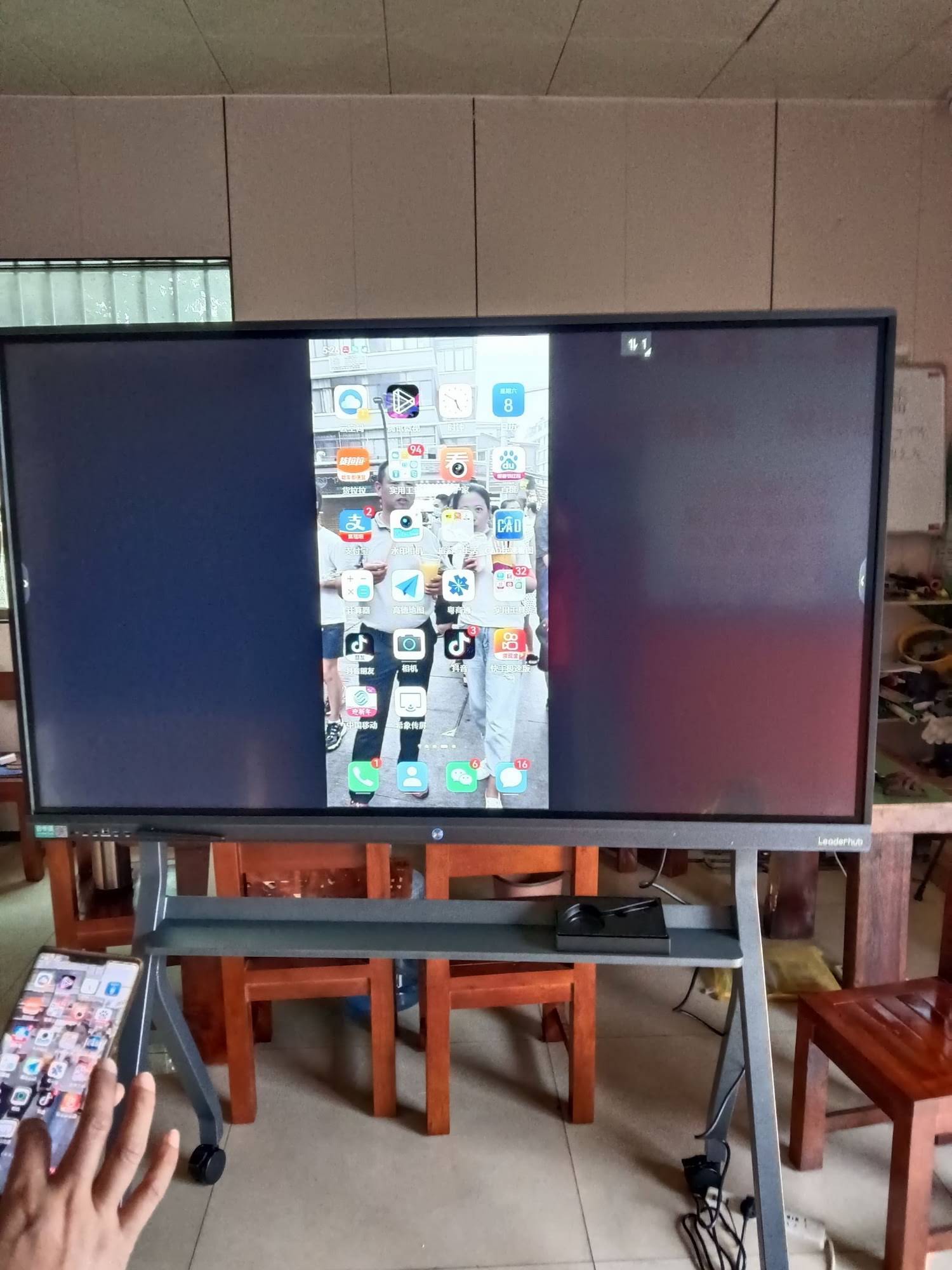
Brand longevity matters when a product is expected to work daily for the better part of a decade. Leaderhub is a Shenzhen-based interactive display manufacturer with 16 years in the industry, products delivered to 82 countries, and the No.1 position in the JD.com interactive panel subcategory. Its range spans smart whiteboards, interactive flat panels, mini PCs and portable smart screens, backed by OEM/ODM capability for distributors and institutions that need customised solutions.
Frequently Asked Questions
What size smart board is best for a classroom?
For a standard classroom of 25–35 students, a 75″ panel is the minimum we recommend, and 86″ is ideal where the budget allows. Smaller rooms and seminar spaces work well with 65″.
Do I need a computer to use a smart board?
No. Modern interactive flat panels run an integrated Android system with whiteboarding, browsing and video-call apps. A PC or mini PC is only needed if you require Windows-specific software.
How much should I expect to pay for a good smart board?
Quality 65″ 4K interactive panels start around $1,100, 75″ models range from roughly $1,400 to $2,400, and 86″ panels from about $1,700 to $3,200. Ultra-large 110″ displays are priced for institutional budgets.
Is a rotating smart board worth it?
If your team frequently reviews documents, runs video calls or works with vertical content, rotation is a daily convenience. For pure slide presentation or lecturing, a fixed landscape panel is sufficient.
Can one smart board be shared between rooms?
Yes. Mount the panel on a mobile stand or choose a mobile-ready model such as the 55″ U55Pro. For very flexible needs, battery-powered portable smart screens are even easier to move.
Final Verdict: The Best Smart Board to Buy
So, what is the best smart board to buy? For the widest range of buyers, the Leaderhub L75ZM 75″ 4K Smart Panel is our overall recommendation thanks to its balance of size, image quality and price. Choose the L86ZM for large classrooms, the L75HM or L86HM for offices that value rotation and hybrid-meeting flexibility, the L65ZM for home and small-room use, and the U55Pro when mobility is a priority.
Whichever model you select, match the screen size to your room, confirm the software suits your workflow, and plan for training and support. Ready to compare models in detail? Explore the full product range or contact the team for a tailored recommendation and volume pricing for schools and businesses.