
Choosing a smart whiteboard for your classroom, office, or training center is a decision that pays off for years — but only if the device is easy to maintain over its lifespan. Many organizations focus purely on screen resolution or touch accuracy when purchasing, only to discover months later that firmware updates are clunky, replacement parts are hard to source, or cleaning the panel damages the anti-glare coating. Based on 16 years of manufacturing experience serving 82 countries, this guide breaks down the maintenance-related features that actually matter when selecting an interactive smart whiteboard for long-term use.
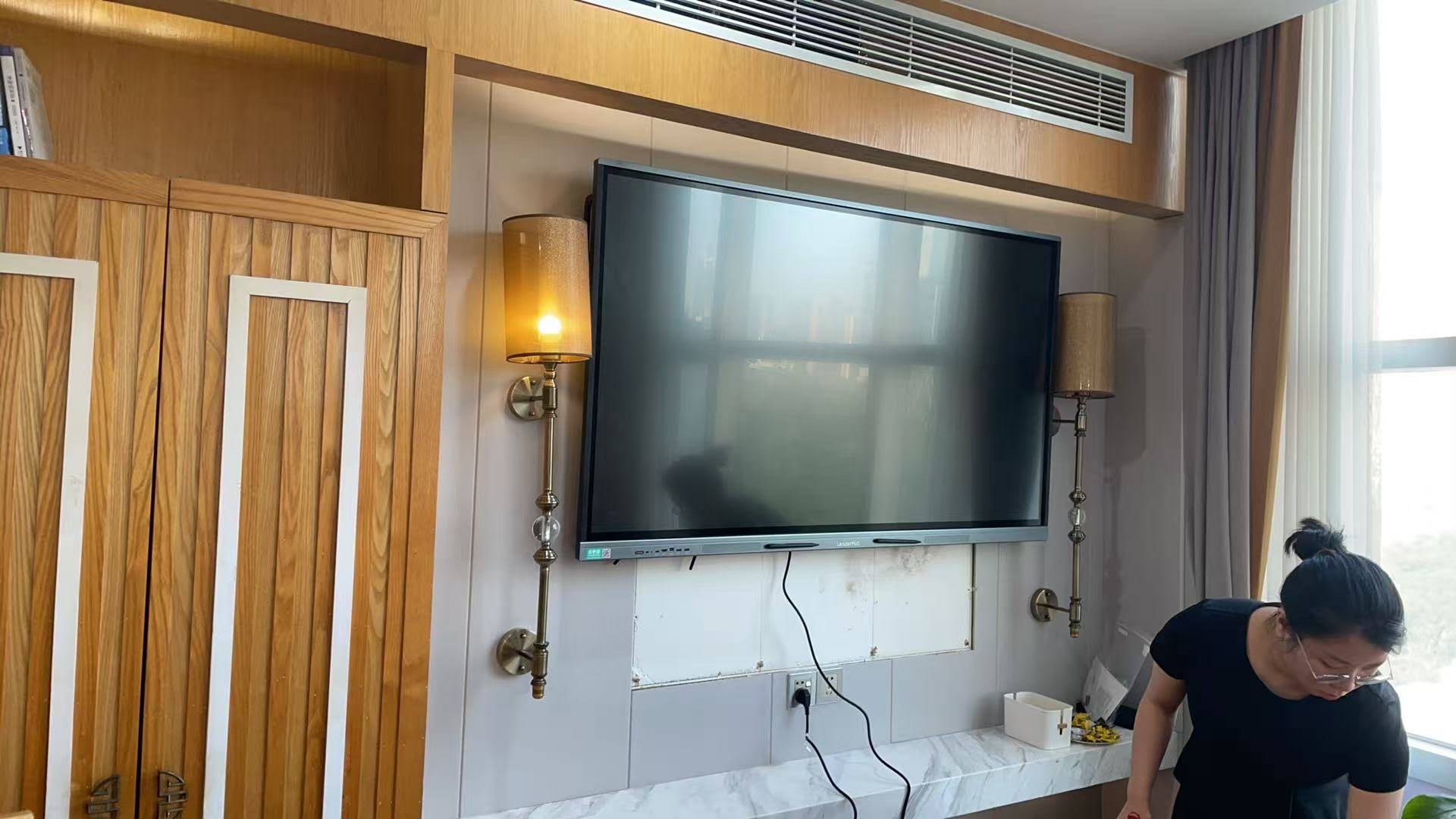
Why Maintenance Matters More Than Most Buyers Realize
A smart whiteboard is not a one-time purchase like a projector screen. It runs an operating system, hosts a touch-sensing layer, manages connected peripherals, and is used daily by dozens or hundreds of people. According to internal service data collected from schools and corporate clients using LeaderHub panels, over 60% of support tickets in the first year relate to software updates, calibration drift, or surface cleaning issues — not hardware failure. This means the features that reduce day-to-day friction are often more valuable than raw specifications.
For IT administrators managing multiple rooms, or teachers who don’t have technical support on standby, an easy-to-maintain board translates directly into less downtime and lower total cost of ownership.
1. Modular, Field-Replaceable Components
One of the clearest signs of a maintenance-friendly design is modularity. Look for whiteboards where the touch module, speakers, and OPS (Open Pluggable Specification) computing module can be swapped without sending the entire unit back to a service center. This is especially important for organizations in remote regions where shipping a 75″ or 86″ panel for repair can take weeks and cost more than the repair itself.
- Removable OPS slot for computer module upgrades or replacement
- Tool-free access panels for speakers and control boards
- Standardized mounting brackets compatible with VESA standards
2. Durable, Easy-to-Clean Surface Coating
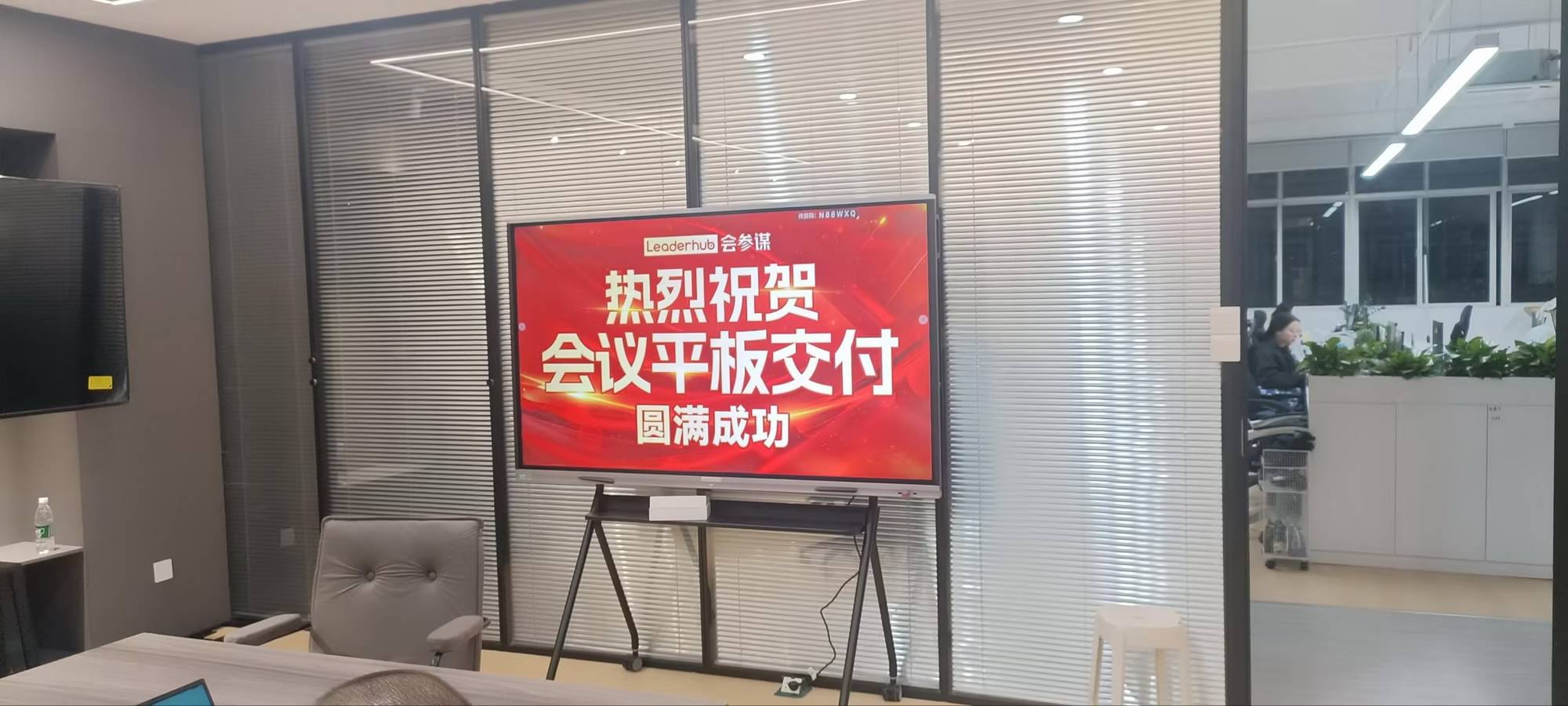
The display surface takes the most physical abuse — fingers, styluses, dry-erase-style pens, and even accidental impacts. A high-quality anti-glare tempered glass with a hardness rating of 7H or above resists scratches from daily writing and is far easier to sanitize with standard alcohol-based wipes, which matters significantly in schools and healthcare training environments post-2020.
Surface Quality Checklist
| Feature | Why It Matters |
|---|---|
| 7H Tempered Glass | Resists scratches from pens, styluses, and daily wear |
| Anti-Glare Coating | Reduces fingerprint visibility, simplifies cleaning |
| Sealed Bezel Edges | Prevents dust and liquid infiltration during cleaning |
| Palm Rejection Technology | Reduces false touches that lead to recalibration needs |
3. Remote Device Management (RDM) Capability
For any organization deploying more than a handful of units, remote management is arguably the single most impactful maintenance feature. A smart whiteboard with built-in MDM (Mobile Device Management) or RDM software allows IT staff to push firmware updates, monitor device health, and troubleshoot issues without physically visiting each room.
- Centralized dashboard to monitor all connected panels
- Scheduled firmware updates during off-hours to avoid classroom disruption
- Remote screen mirroring for diagnosing user-reported issues
- Usage analytics to identify which units need preventive servicing
Educational networks using RDM-enabled panels report up to 40% reduction in on-site IT visits compared to boards without remote management, based on deployment feedback across multiple K-12 districts.
4. Simple, Intuitive Operating System
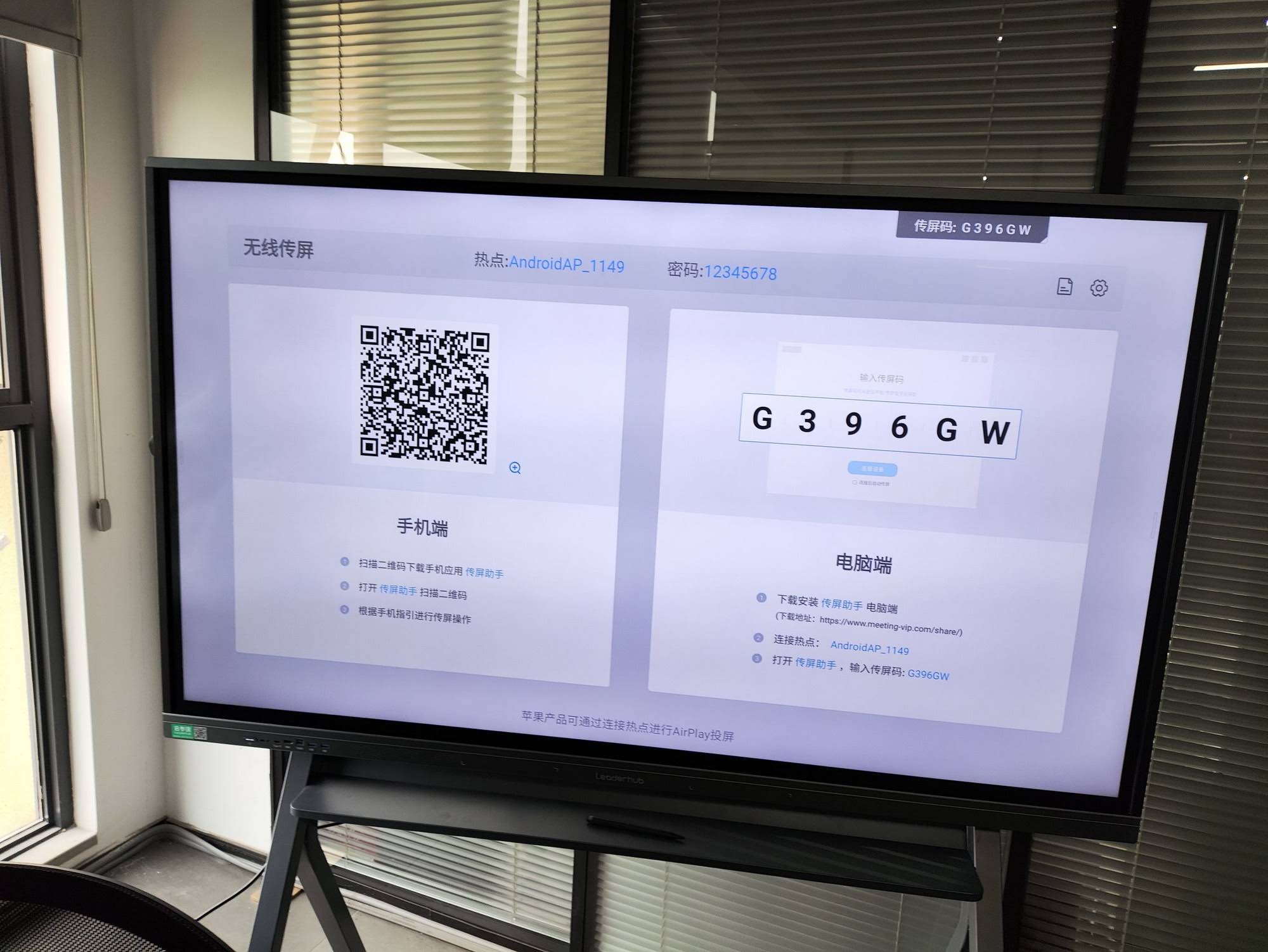
A whiteboard running a stripped-down, purpose-built Android or Windows environment is easier to maintain than one built on a heavily customized OS with layers of proprietary software. Fewer software layers mean fewer points of failure, faster boot times, and simpler troubleshooting for non-technical staff.
Signs of a Maintenance-Friendly OS
- Clear, uncluttered settings menu accessible without admin passwords for basic tasks
- Automatic OTA (over-the-air) updates with rollback options
- Built-in diagnostic tools for touch calibration and network testing
- Compatibility with common file formats and cloud storage without third-party apps
5. Long-Term Firmware and Software Support
Before purchasing, ask the manufacturer directly: how many years of firmware updates and technical support are guaranteed? Devices abandoned by their manufacturer after one or two years become security risks and compatibility bottlenecks as connected apps evolve. Reputable suppliers typically commit to 3-5 years of active software support and publish clear warranty terms covering both hardware and software issues.
6. Dust and Ventilation Design
Overheating is a leading cause of premature component failure in interactive panels, particularly in dusty classroom or warehouse-adjacent office environments. Boards with passive ventilation channels and dust-filtered intake vents require far less internal cleaning and last longer without professional servicing.
7. Warranty Terms and Local Service Network
Even the best-designed hardware occasionally needs professional service. When evaluating suppliers, check whether they maintain regional service centers or authorized partners in your country, rather than requiring international shipping for repairs. Companies with an established global distribution network — such as manufacturers exhibiting regularly at international electronics trade shows — tend to offer faster turnaround on parts and support.
Questions to Ask Before Buying
| Question | Why It Matters |
|---|---|
| Is there a local service center? | Reduces repair turnaround time significantly |
| What does the warranty cover? | Clarifies who pays for touch module or panel defects |
| How often is firmware updated? | Indicates long-term software reliability |
| Are spare parts available separately? | Enables self-repair for minor issues |
Real-World Example: Reducing Downtime in Multi-Room Deployments
A training center operating 12 interactive panels across different rooms previously relied on a single IT technician to manually check each device weekly. After switching to boards with remote diagnostics and modular OPS slots, the same technician could resolve most issues remotely, cutting on-site visits by more than half within the first semester. This kind of practical improvement is exactly what buyers should look for beyond spec sheets.
How LeaderHub Approaches Maintainability
With 16 years of experience in the interactive display industry and products used across education, enterprise, and government sectors in 82 countries, LeaderHub designs its smart whiteboard lines — including the L65HM, L75ZM, and L86HM series — with field-replaceable OPS modules, 7H tempered glass surfaces, and centralized remote management support, aligning directly with the maintenance priorities outlined above.
Final Checklist Before You Buy
- Confirm modular hardware design for touch modules and OPS PCs
- Verify surface hardness rating and anti-glare coating quality
- Ask about remote device management software availability
- Check firmware update history and support commitment length
- Review warranty terms and regional service center locations
- Test the operating system for simplicity during a live demo
Selecting an easy-to-maintain smart whiteboard is ultimately about reducing hidden long-term costs — fewer service calls, less downtime, and a smoother experience for everyone using the device daily. By prioritizing modularity, remote management, durable surfaces, and transparent warranty support, schools and businesses can make a purchase decision that holds up well beyond the first year of use. For organizations exploring mini PC integration or portable smart screen options as part of a broader collaboration setup, applying these same maintenance criteria will help ensure a consistent, reliable technology ecosystem across every room.








