
Training centers face a unique challenge when it comes to classroom technology: they need equipment that performs reliably across dozens of sessions per week, supports multiple trainers with different teaching styles, and delivers a return on investment that traditional whiteboards or projectors simply cannot match. Choosing the right smart whiteboard for training centers is no longer a luxury — it’s a core operational decision that affects student engagement, trainer efficiency, and long-term costs.
Having worked with dozens of training institutions across corporate learning, language schools, and technical bootcamps, we’ve seen firsthand how the right interactive display transforms a room from a static lecture space into a dynamic, collaborative learning environment. This guide walks through the practical criteria that matter most, based on real deployment experience and current market data.
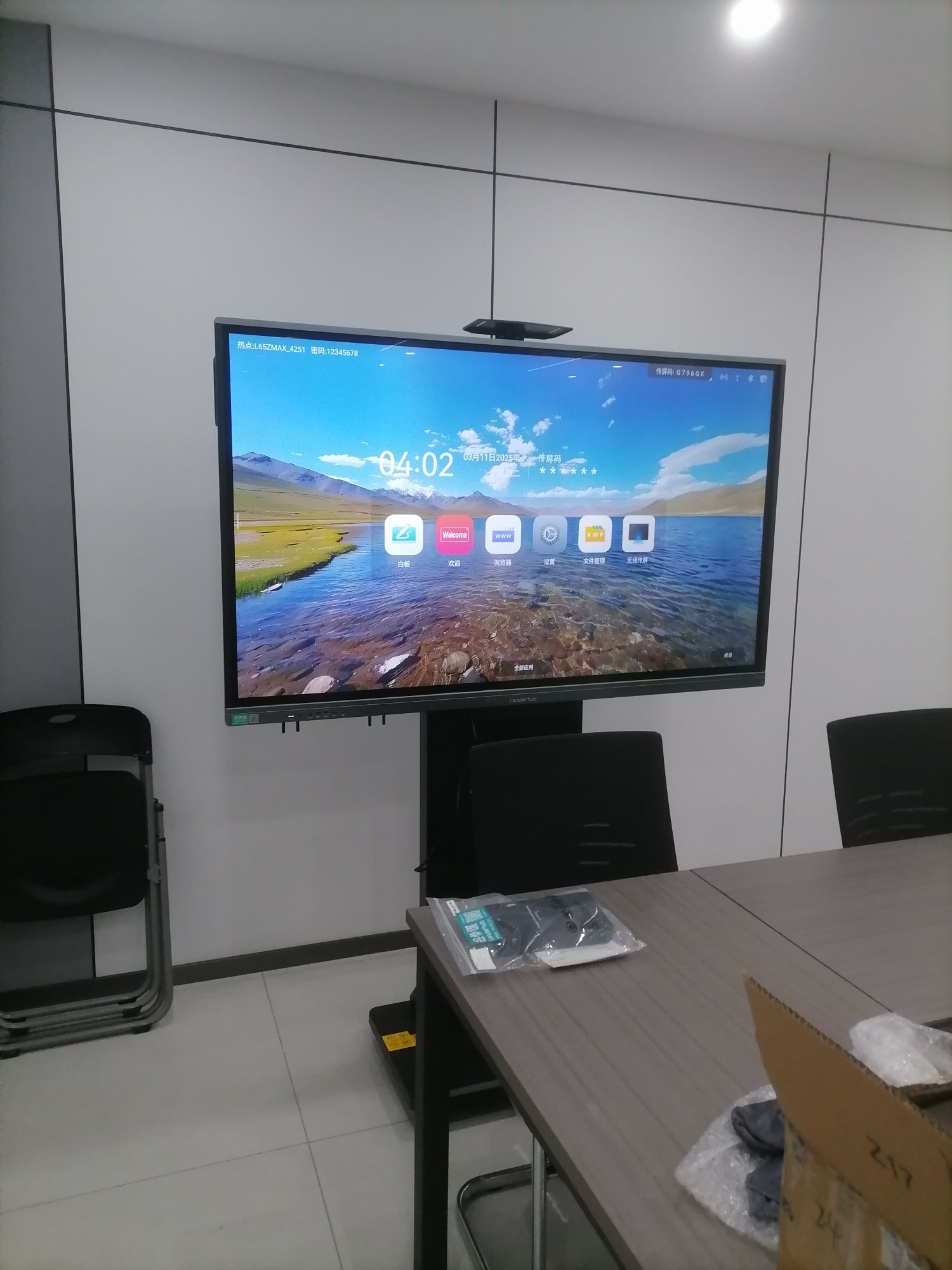
Why Training Centers Need More Than a Basic Interactive Display
Unlike a single-classroom school, training centers typically run back-to-back sessions with varying group sizes, subject matter, and trainer preferences. A basic touchscreen panel designed for occasional use often can’t keep up with 8-10 hours of daily operation. According to industry data from interactive display manufacturers, panels used in high-frequency training environments experience up to three times the wear of standard office units, making durability and component quality critical purchasing factors.
Beyond hardware longevity, training centers also require software flexibility. Trainers moving between rooms need a consistent interface, cloud-saved annotations, and the ability to quickly switch between whiteboard mode, screen sharing, and video conferencing — often within the same 90-minute session.
Key Factors to Evaluate Before Buying
When evaluating options, it helps to break the decision into concrete categories rather than comparing brands on price alone. Below is a practical framework we recommend to training center directors during procurement consultations.
| Factor | Why It Matters | What to Look For |
|---|---|---|
| Screen Size | Room capacity and visibility | 65″-86″ for most rooms; 100″+ for large halls |
| Touch Technology | Writing accuracy and responsiveness | Infrared or capacitive multi-touch, 20+ touch points |
| Operating System | Software compatibility | Android built-in plus Windows OPS module support |
| Durability | Daily heavy use across sessions | Tempered glass, anti-glare coating, rated for 8+ hrs/day |
| Connectivity | Multi-device presenting | HDMI, USB-C, wireless casting, dual-system switching |
| Support & Warranty | Minimizing downtime | On-site service, 2-3 year warranty, spare parts availability |
1. Screen Size: Matching Display to Room Layout
Room dimensions dictate screen size more than personal preference. For a standard 20-30 person training room, a 65″-75″ panel typically provides adequate visibility from the back row without dominating the front wall. Larger auditoriums or hybrid-learning halls benefit from 86″ or even 110″ displays. Options like the 86″ 4K interactive whiteboard strike a good balance between visibility and cost for mid-sized training rooms.
2. Touch Technology and Writing Experience
Trainers rely heavily on handwriting, diagrams, and annotation during sessions. Poor touch latency or inaccurate palm rejection frustrates instructors and disrupts lesson flow. Infrared touch technology with 20-point or higher multi-touch support tends to perform well in group settings where multiple participants may interact with the board simultaneously — a common scenario in workshop-style training.
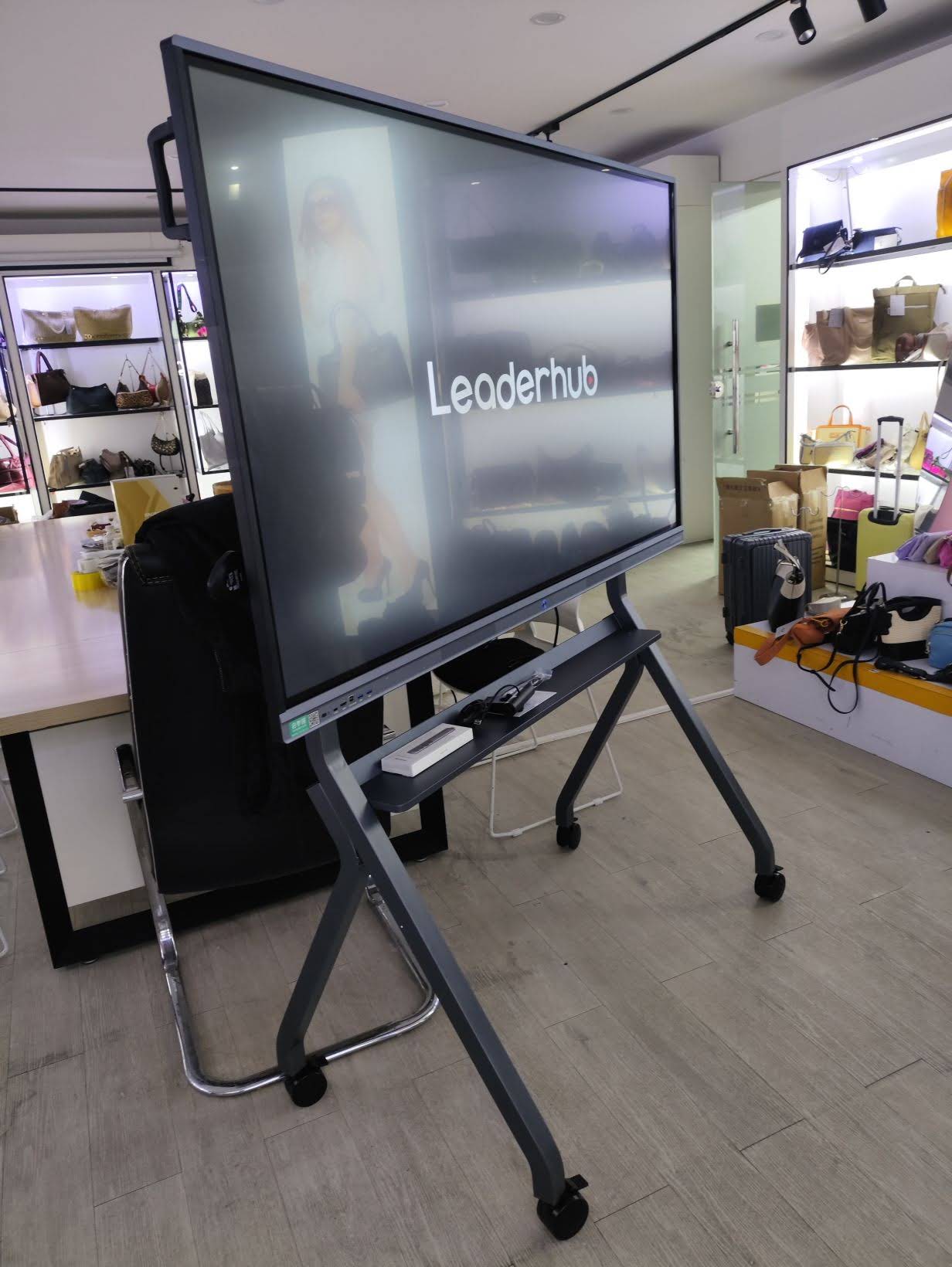
3. Operating System and Software Flexibility
Many training centers run a mix of proprietary learning software, video conferencing tools, and cloud-based presentation platforms. A dual-system setup — built-in Android for quick annotation and app access, paired with an optional Windows module — gives trainers the flexibility to run enterprise software without needing a separate PC. Pairing a smart whiteboard with a dedicated mini PC is a common approach that extends processing power for resource-heavy applications like CAD software or specialized training simulations.
4. Build Quality and Daily Durability
This is where many budget-focused purchases go wrong. A panel priced attractively upfront but built with lower-grade touch sensors or glass often requires replacement within 18-24 months under heavy training center usage. Look for tempered glass surfaces rated for continuous multi-hour operation and anti-glare coatings that reduce eye strain during long sessions — a frequently overlooked comfort factor that affects trainer performance over an 8-hour teaching day.
Comparing Popular Smart Whiteboard Options for Training Environments
Below is a quick comparison of commonly deployed models suited to different training center sizes and budgets.
| Model | Screen Size | Best For | Approx. Price |
|---|---|---|---|
| L65ZM Interactive Whiteboard | 65″ | Small training rooms, 1-on-1 coaching | $1,099 |
| L75HM Smart Whiteboard | 75″ | Standard classrooms, 20-30 participants | $1,599 |
| L86HM Smart Whiteboard | 86″ | Large training halls, hybrid sessions | $3,199 |
| L110H Interactive Flat Panel | 110″ | Auditoriums, large-scale seminars | $7,999 |
Real-World Deployment Insights
A mid-sized IT skills training center in Southeast Asia recently upgraded six classrooms from projector-based setups to interactive flat panels. Within the first quarter, instructors reported a measurable increase in student participation during exercises, largely attributed to the immediate annotation capability and ability to save session notes digitally for later review. Administrative staff also noted reduced maintenance overhead, since panels eliminated recurring projector bulb replacement costs — a hidden expense that adds up quickly across multiple rooms over several years.
This aligns with broader findings from EdTech adoption studies: interactive displays consistently reduce total cost of ownership over a 5-year period compared to projector-screen combinations, primarily due to lower maintenance and energy consumption.
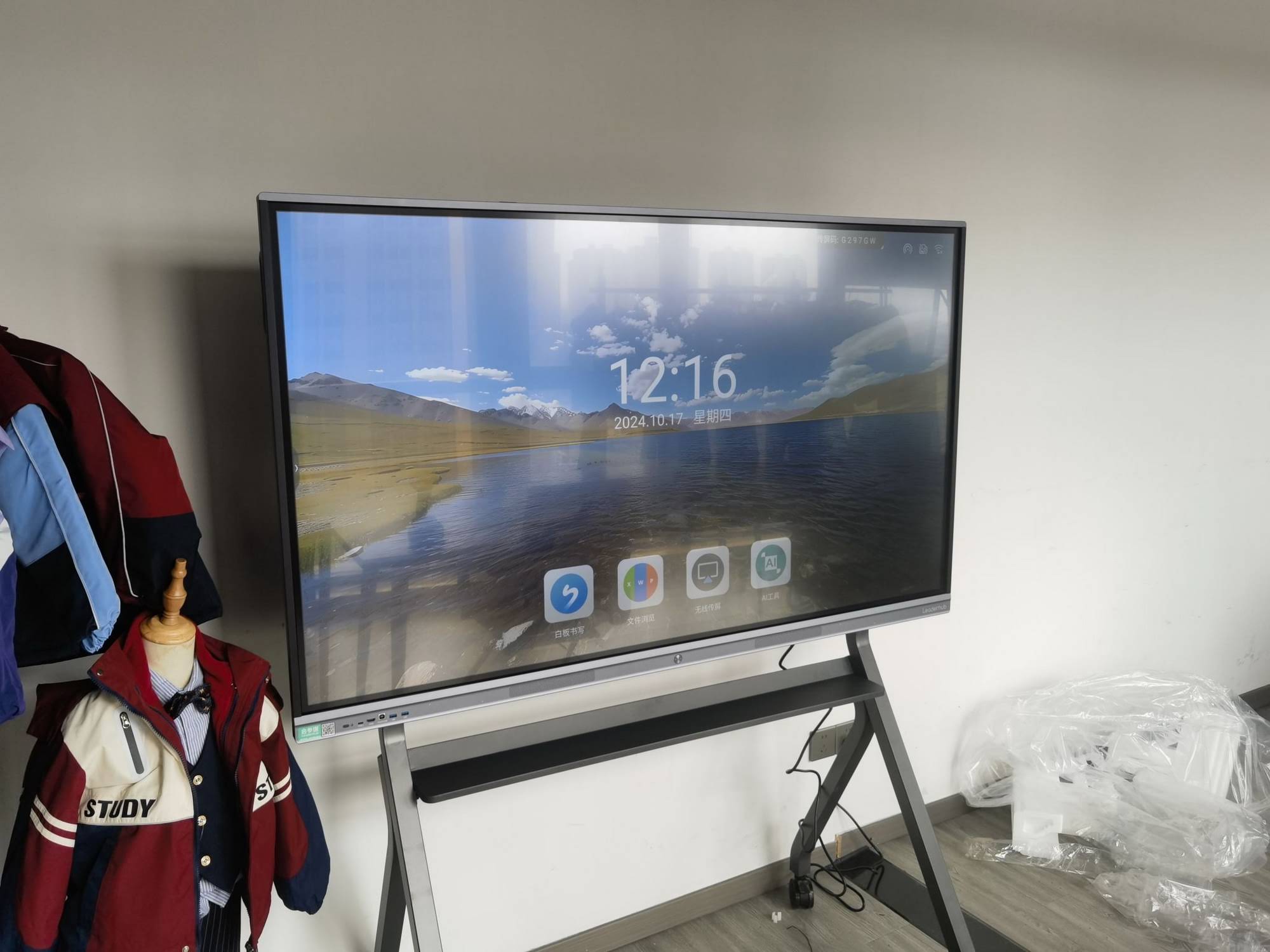
5. Portability for Multi-Room or Multi-Location Centers
Training centers with rotating room assignments or satellite locations often benefit from mobile-stand configurations or portable smart screens that can be wheeled between spaces. A compact option like a 24″ handheld smart display works well for smaller breakout sessions or one-on-one mentoring, complementing a larger fixed panel in the main classroom.
6. Vendor Support and Long-Term Reliability
Equipment downtime directly impacts revenue for training centers that operate on tight scheduling. Before purchasing, confirm the vendor’s warranty terms, availability of local service technicians, and typical turnaround time for repairs. Manufacturers with global distribution networks and established track records tend to offer more consistent post-sale support than smaller, regional suppliers.
As a company with 16 years of experience in the interactive display industry, LeaderHub has supplied smart whiteboards and flat panels to training providers across 82 countries, giving us direct insight into the durability requirements and support expectations that high-usage environments demand.
A Practical Checklist Before You Buy
- Confirm the screen size matches your largest typical room capacity
- Test touch responsiveness and palm rejection with actual handwriting
- Verify software compatibility with your existing LMS or conferencing tools
- Ask about warranty length and availability of local technical support
- Compare total cost of ownership, not just upfront purchase price
- Check energy consumption ratings for centers running panels 8+ hours daily
Final Thoughts
Selecting the right smart whiteboard for a training center comes down to matching technical specifications with real operational demands — room size, session frequency, software needs, and long-term support availability all play a role. Rather than choosing based on price alone, training center administrators should weigh durability and vendor reliability as heavily as screen resolution or touch accuracy.
For centers ready to compare options in detail, browsing a full range of interactive smart whiteboards alongside complementary hardware like mini PCs and portable displays can help identify the right combination for both current classrooms and future expansion.








