
Choosing the right smart whiteboard for a university lecture hall, seminar room, or hybrid classroom is no longer just a matter of picking a big touchscreen. As higher education institutions shift toward hybrid learning, active-learning classrooms, and AI-assisted teaching, the interactive display you select directly impacts student engagement, faculty adoption, and long-term IT costs. This guide walks through the technical, pedagogical, and budgetary factors that matter most when evaluating smart whiteboards for higher education.
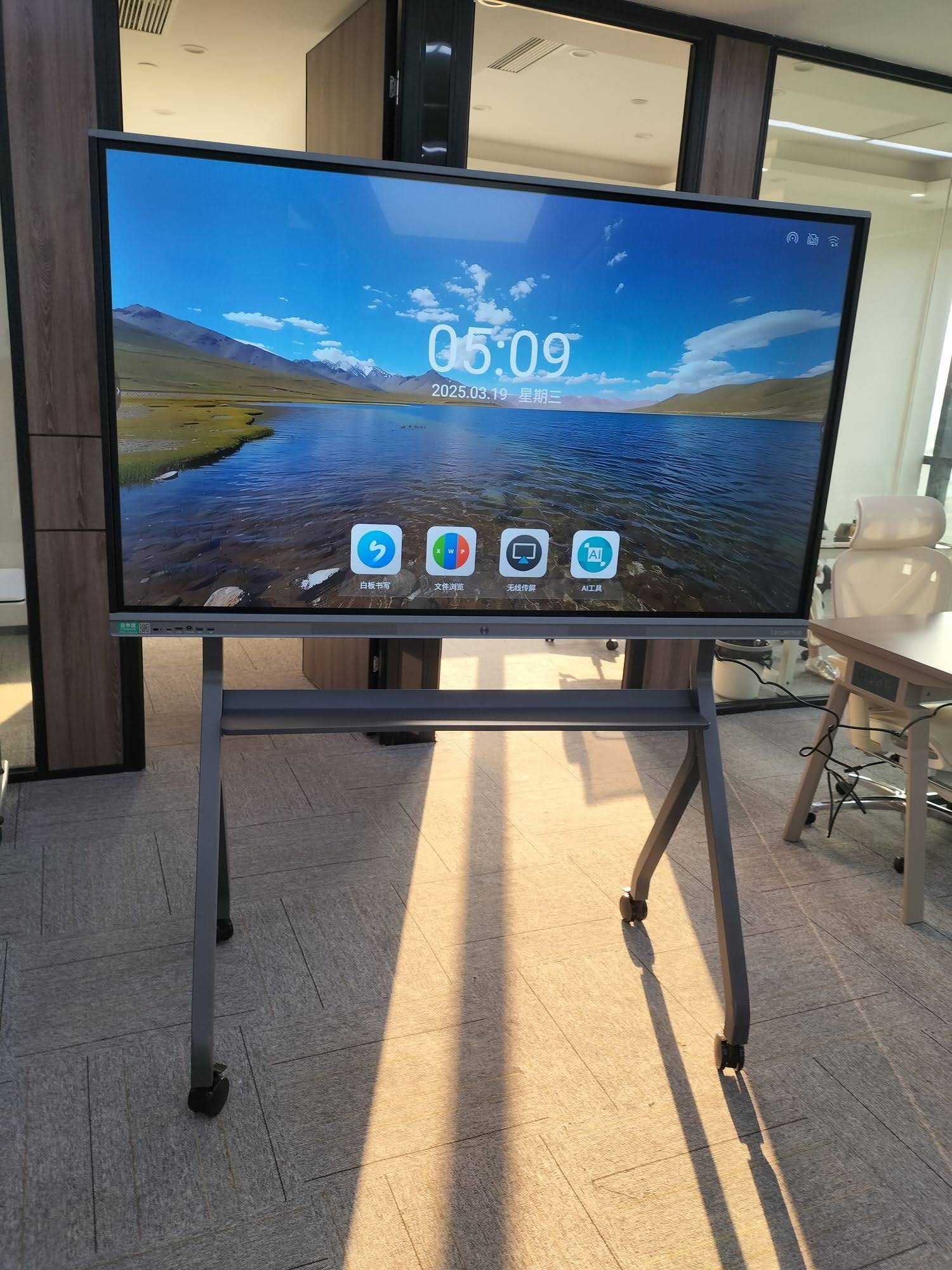
Why Smart Whiteboards Matter in Modern Higher Education
According to a 2023 EDUCAUSE survey, over 70% of higher education institutions in North America and Europe have increased investment in classroom technology to support hybrid and flipped-classroom models. Interactive displays are no longer a “nice to have” — they’re becoming baseline infrastructure for lecture halls, seminar rooms, and collaborative learning spaces. A well-chosen smart whiteboard can reduce lecture prep time, improve remote-student engagement, and give instructors real-time annotation tools that a traditional projector simply cannot match.
Having worked with universities and training centers across 82 countries, we’ve seen firsthand that the “best” smart whiteboard is rarely the one with the most features — it’s the one that matches the room size, teaching style, and IT infrastructure already in place.
1. Screen Size and Classroom Layout
Screen size should be driven by room depth, not budget alone. As a general rule:
| Room Type | Recommended Size | Typical Distance |
|---|---|---|
| Small seminar room | 55″ – 65″ | 2–4 meters |
| Standard classroom | 75″ – 86″ | 4–7 meters |
| Large lecture hall | 98″ – 110″ | 7–12 meters |
For most university classrooms seating 30–50 students, a 75-inch or 86-inch interactive smart whiteboard strikes the right balance between visibility and cost-per-square-inch.
2. Display Resolution and Touch Technology
4K UHD resolution has become the standard for academic environments, particularly for STEM subjects where fine diagrams, equations, and code need to remain legible from the back row. Equally important is touch accuracy — infrared and capacitive multi-touch panels supporting 20+ simultaneous touch points allow multiple students to collaborate on the board during group activities, which is increasingly common in active-learning pedagogy.
3. Built-In Operating System vs. External Computer
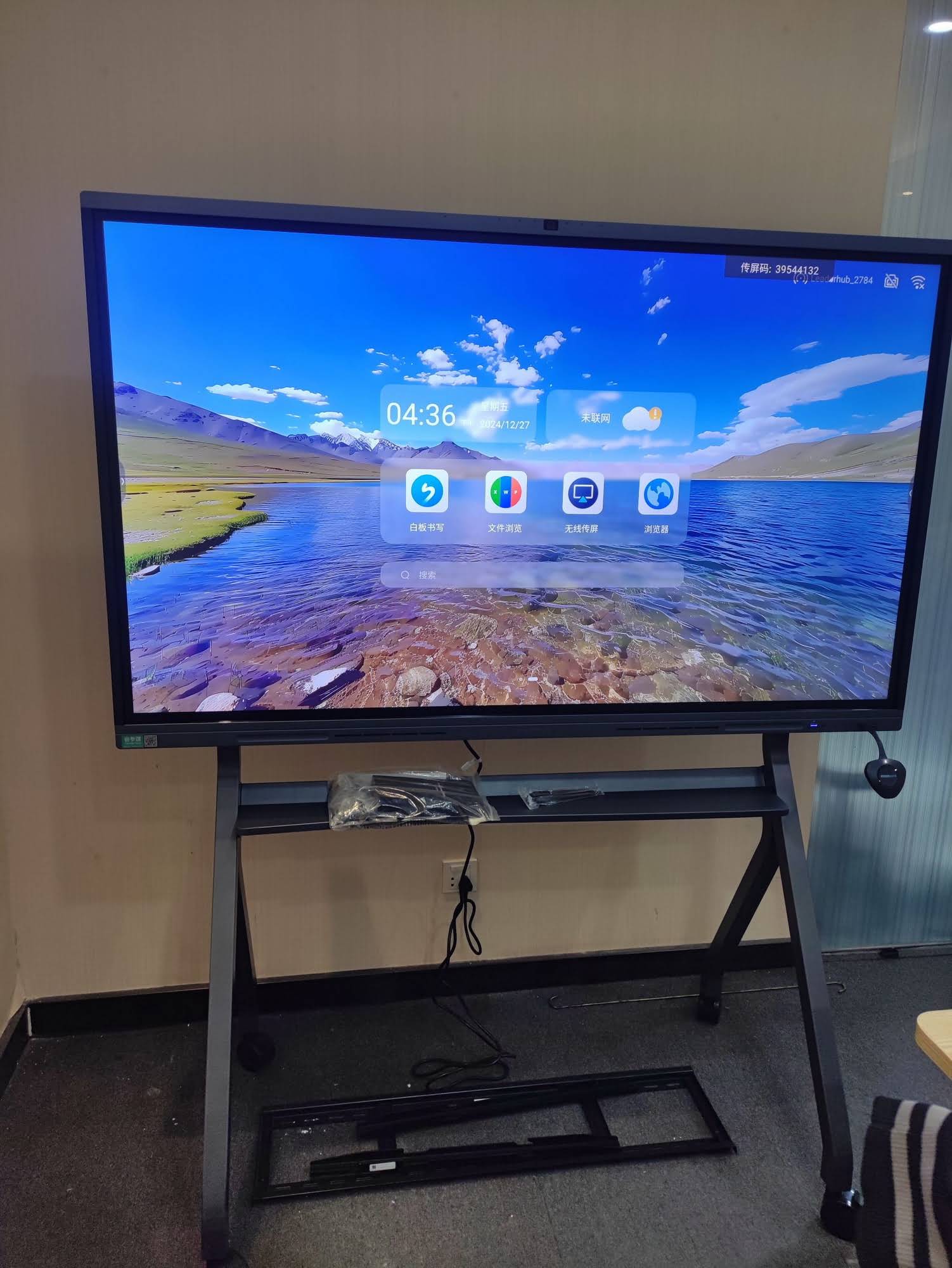
Higher education IT departments generally prefer smart whiteboards with a built-in Android or Windows OS, since this reduces the number of connected peripherals and simplifies device management across dozens of classrooms. Look for whiteboards that support:
- Native annotation and whiteboard software with cloud sync
- Wireless screen casting from student laptops and phones
- Remote device management (RMM) for IT teams overseeing multiple buildings
- Compatibility with LMS platforms like Canvas, Moodle, and Blackboard
Some institutions pair their displays with a dedicated mini PC module, which slots directly into the whiteboard and allows IT staff to upgrade processing power without replacing the entire display — a cost-saving approach we’ve recommended to several vocational training centers.
4. Durability and Total Cost of Ownership
Classrooms see heavy daily use — often 8+ hours a day across multiple class sessions. When evaluating durability, ask suppliers about:
- Panel hardness rating (tempered glass rated 7H or higher resists scratches from styluses and fingernails)
- Anti-glare coating for rooms with large windows or overhead lighting
- Warranty length — 3 years is now considered standard for education-grade panels
- Spare parts availability and average repair turnaround time
Total cost of ownership matters more than upfront price. A cheaper whiteboard with a 1-year warranty and no local service support can end up costing more in downtime and replacement parts over a 5-year lifecycle.
5. Software Ecosystem and AI Features
The most valuable smart whiteboards for education now include AI-assisted features such as handwriting-to-text conversion, automatic lecture recording with transcription, and real-time translation for international student cohorts. These features directly support accessibility compliance (ADA/Section 508 in the U.S., and equivalent standards in the EU and UK) — an increasingly important procurement requirement for public universities.
6. Comparing Popular Smart Whiteboard Models for Education
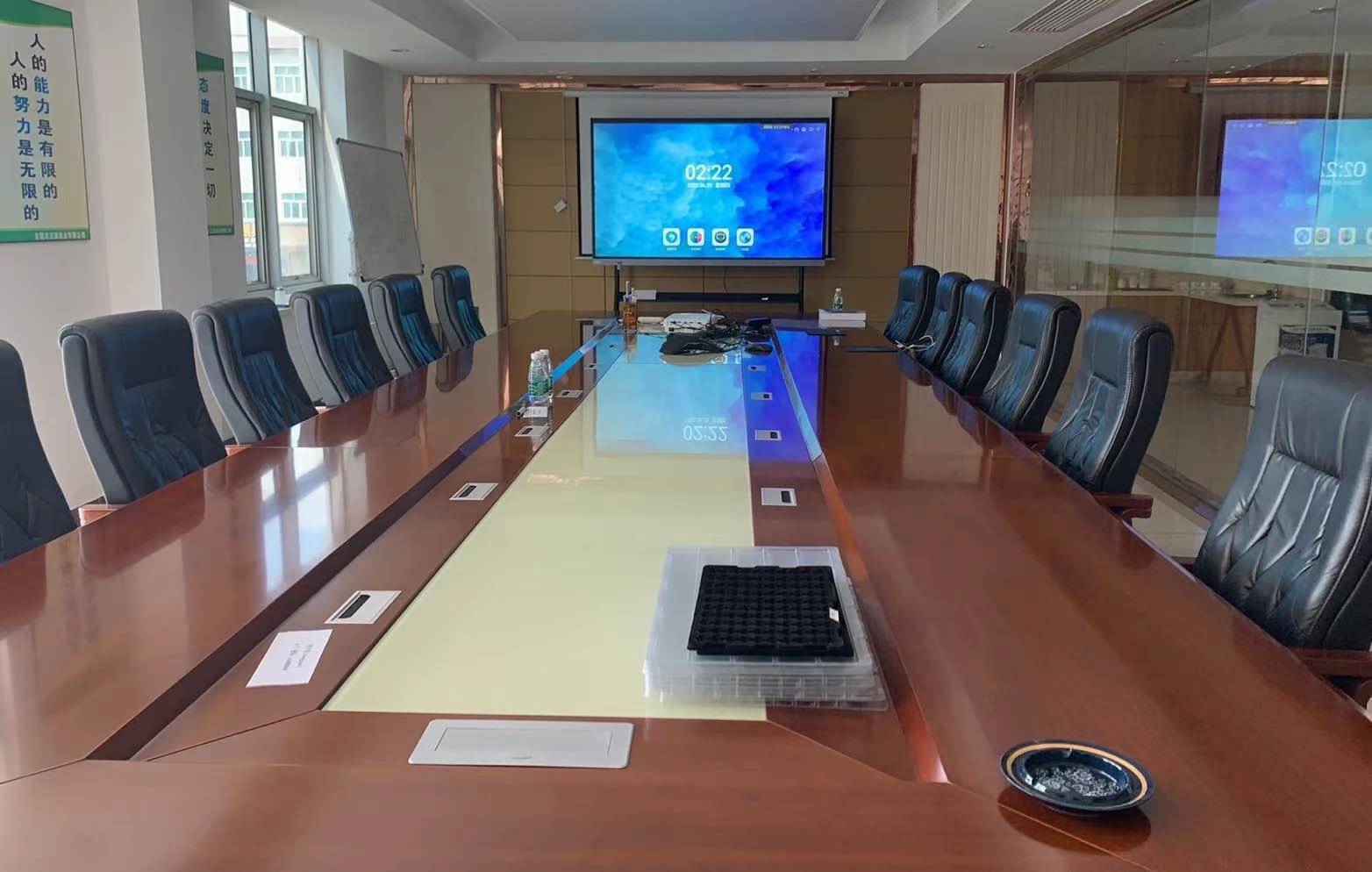
Below is a quick comparison of models commonly deployed in higher education settings, based on screen size, resolution, and typical classroom fit:
| Model | Size | Best For |
|---|---|---|
| L65HM Interactive Smart Whiteboard | 65″ 4K | Small seminar rooms |
| L75HM Interactive Smart Whiteboard | 75″ 4K | Standard classrooms |
| L86HM Interactive Smart Whiteboard | 86″ 4K | Large lecture halls |
| L110H Interactive Flat Panel | 110″ 4K | Auditoriums & amphitheaters |
7. Mounting, Mobility, and Multi-Room Flexibility
Many universities now favor mobile or rotating smart screens for smaller breakout rooms and flipped-classroom setups, since these units can be wheeled between spaces without a fixed installation. A rotating smart screen that switches between landscape and portrait orientation is particularly useful for language labs and design studios where content orientation varies by activity.
8. Procurement Checklist for IT and Facilities Teams
- Confirm compatibility with existing AV control systems (Crestron, Extron, etc.)
- Request a pilot unit for a semester-long trial in one classroom before bulk purchase
- Verify VESA mount compatibility if replacing existing projector setups
- Check regional certification (CE, FCC, RoHS) required for campus procurement approval
- Ask about volume-pricing and multi-year maintenance contracts
Real-World Insight from Deployment Experience
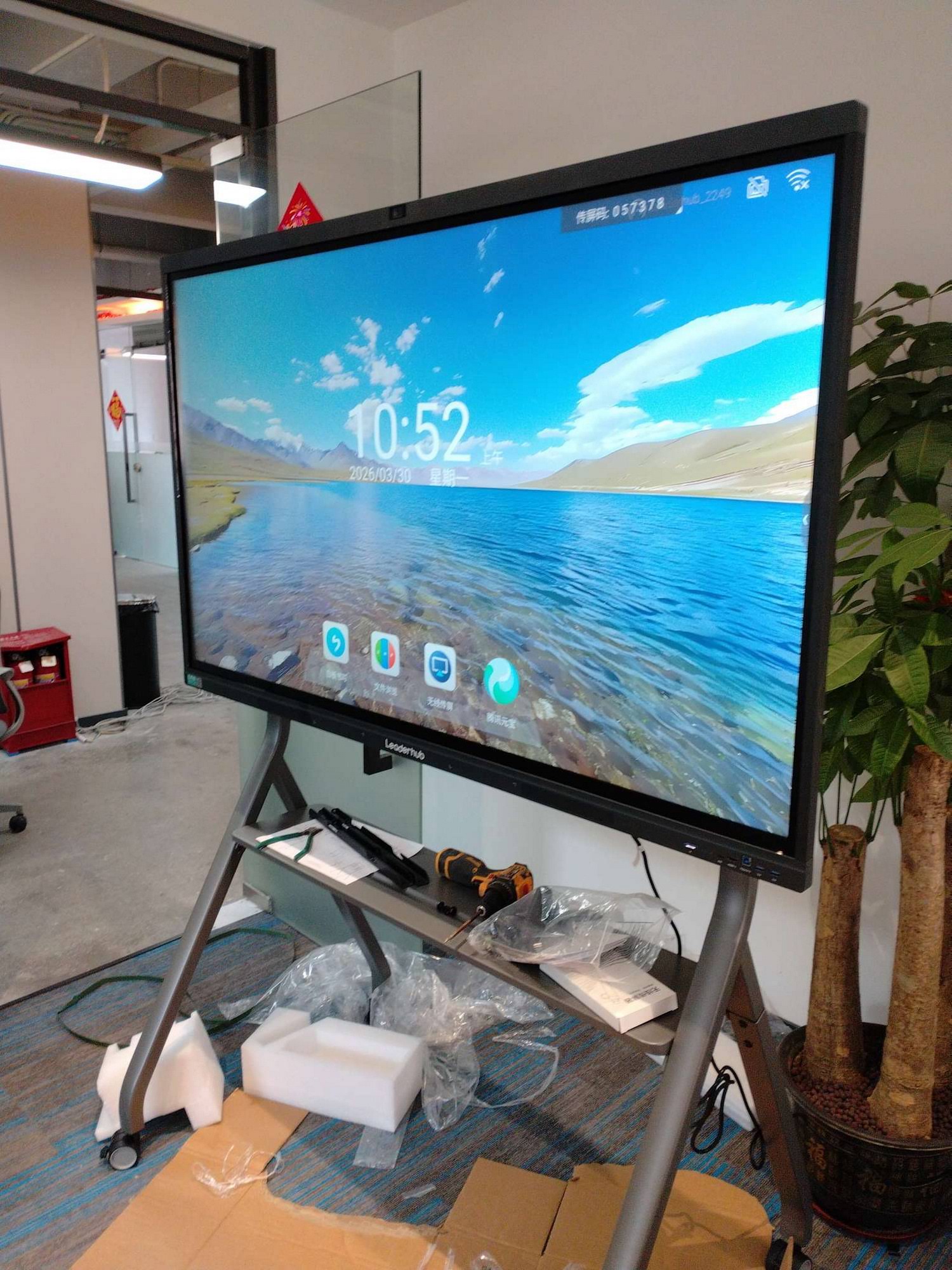
Having supported technology rollouts across education, training, and enterprise sectors in more than 80 countries, one pattern consistently holds true: institutions that pilot a single classroom before committing to a campus-wide rollout report significantly higher faculty satisfaction and fewer support tickets in the first semester. Faculty training — not hardware specs — is often the deciding factor in whether a smart whiteboard gets used to its full potential or ends up functioning as an oversized monitor.
LeaderHub, a Shenzhen-based interactive display manufacturer with 16 years of industry experience, has worked with education providers worldwide to supply smart whiteboards, interactive flat panels, and companion mini PCs tailored to classroom-scale deployments, offering both standard configurations and OEM/ODM customization for institutional buyers.
Final Recommendation
For most higher education institutions, a 75″–86″ 4K interactive smart whiteboard with a built-in Android OS, 20-point multi-touch, and a modular mini PC upgrade path offers the best balance of performance, durability, and total cost of ownership. Smaller seminar rooms can be well served by 65″ models, while lecture halls seating 100+ students should consider 98″ or larger interactive flat panels.
Before finalizing a purchase, request a classroom demo, confirm warranty and local support terms, and involve both faculty and IT stakeholders in the evaluation process — the right smart whiteboard should serve the institution reliably for 5+ years of daily classroom use.








