
Choosing the right smart whiteboard with gesture control can transform the way teams meet, teach, and create. As hybrid work and digital classrooms become the norm, gesture-based interaction has moved from a novelty feature to a genuine productivity driver. This guide walks through everything you need to evaluate before making a purchase decision, based on real deployment experience across corporate, educational, and creative environments.
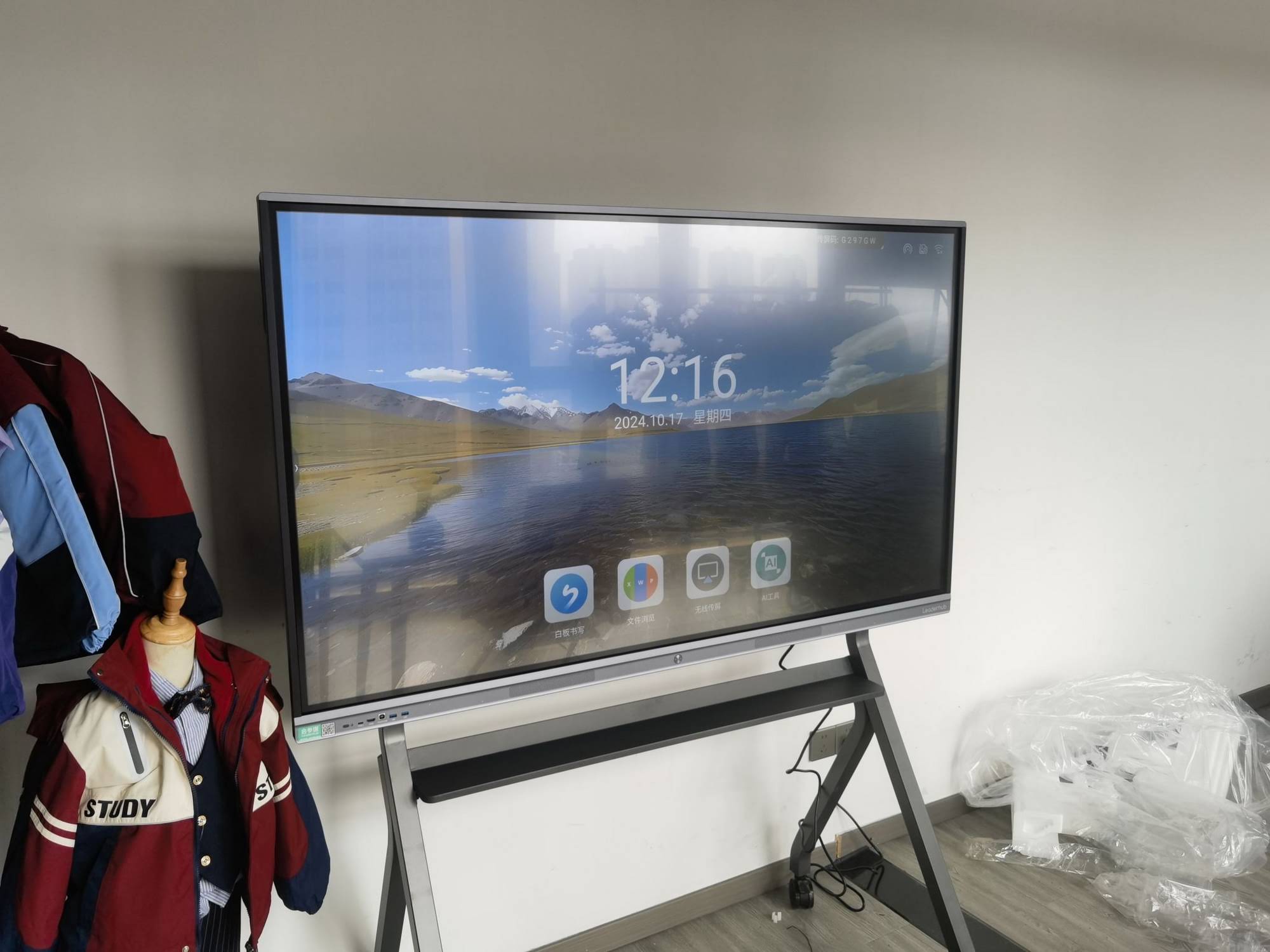
Why Gesture Control Matters for Collaboration
Traditional touch panels require direct contact, which can slow down fast-paced brainstorming sessions or large classroom demonstrations. Gesture control allows presenters to swipe, zoom, annotate, or switch slides from a distance — without touching the screen at all. This is particularly useful in:
- Large conference rooms where presenters move around while speaking
- Hybrid meetings where remote participants need clear, natural interactions
- Classrooms where teachers need to maintain eye contact with students while controlling content
- Creative studios where designers sketch and manipulate visuals in real time
According to industry research from the Interactive Technology Council, teams using gesture-enabled displays report up to 27% faster meeting completion times compared to standard touchscreens, largely due to reduced friction in navigation and annotation.
Key Features to Evaluate Before Buying
Not all gesture-control systems are built the same. Here is a breakdown of the core features that separate a reliable smart whiteboard from an underperforming one.
| Feature | Why It Matters | Recommended Standard |
|---|---|---|
| Gesture recognition accuracy | Reduces false triggers during presentations | ≥95% recognition rate |
| Touch points supported | Enables multi-user collaboration simultaneously | 20+ touch points |
| Display resolution | Clarity for detailed diagrams and documents | 4K UHD minimum |
| Response latency | Prevents lag between gesture and screen action | Under 15ms |
| Software compatibility | Integration with Zoom, Teams, Google Workspace | Cross-platform support |
Types of Gesture Control Technology
There are three primary technologies used in modern smart whiteboards today:
1. Infrared Sensor-Based Gesture Detection
Uses infrared beams around the display edge to detect hand movement. It is cost-effective and works well for basic swipe and zoom gestures, though precision can drop with rapid movements.
2. Camera-Based Motion Tracking
Utilizes built-in cameras and AI algorithms to interpret hand and body gestures with higher accuracy. This is the technology used in most premium interactive flat panels today, offering smoother multi-gesture recognition.
3. Capacitive Touch with Proximity Sensing
Combines traditional touch capability with near-surface gesture detection, allowing users to switch seamlessly between touch and gesture without recalibrating the device.
Matching the Right Panel to Your Use Case
Different environments demand different specifications. Below is a practical breakdown based on real deployment scenarios.
For Corporate Meeting Rooms
Prioritize screen size (65″–86″), fast response latency, and video conferencing integration. Panels like the LeaderHub L75HM Interactive Smart Whiteboard are well suited for mid-to-large meeting rooms, offering 4K clarity with reliable multi-touch gesture support.
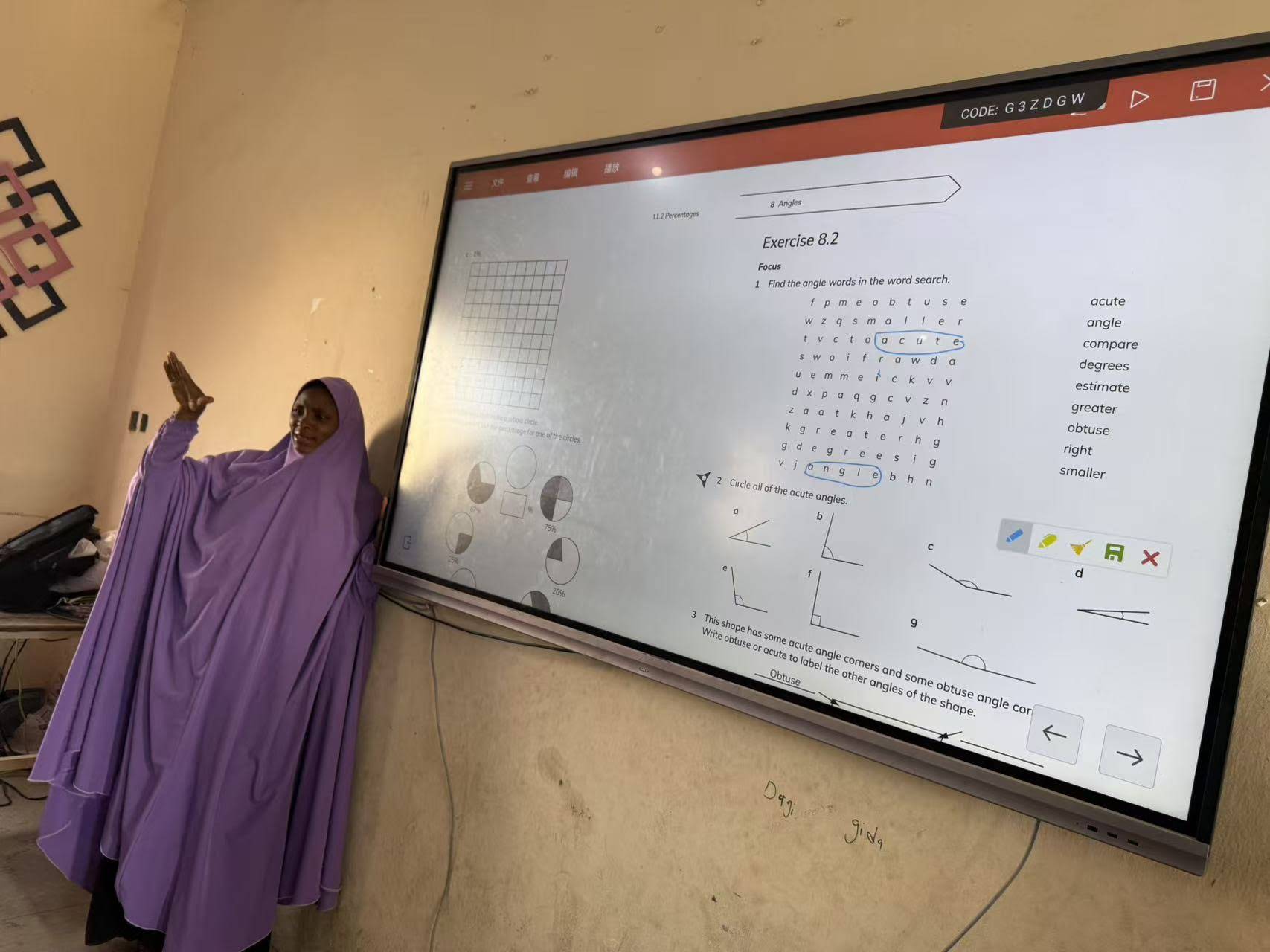
For Classrooms and Training Centers
Durability and simplicity matter most. Teachers benefit from panels with intuitive annotation tools and gesture-based navigation that doesn’t interrupt lesson flow. The LeaderHub L65ZM Interactive Whiteboard is a popular entry point for education budgets.
For Creative Studios and Design Teams
High-resolution rendering and precise gesture tracking are essential for sketching and 3D visualization work. Larger formats such as the LeaderHub L110H 110-Inch Interactive Flat Panel provide the canvas space creative teams need.
Quick Reference Checklist
- Does the panel support at least 20-point multi-touch?
- Is gesture latency under 15 milliseconds?
- Does it integrate with your existing video conferencing tools?
- Is the display bright enough for your room’s lighting conditions?
- Does the manufacturer offer regional warranty and support?
Real-World Performance: What Users Report
Field feedback from IT administrators managing multiple meeting rooms consistently highlights three factors that separate a good gesture-enabled whiteboard from a mediocre one: consistent tracking accuracy in varied lighting, low false-positive gesture triggers, and stable software updates. Devices that fail on any of these fronts tend to frustrate users within the first few weeks of deployment, regardless of how advanced the marketing claims may be.
Organizations deploying panels at scale — such as universities equipping 50+ classrooms — often prioritize vendors offering centralized device management and remote firmware updates, since manual maintenance across dozens of units is impractical.
Comparing Popular Smart Whiteboard Options
| Model | Screen Size | Best For | Price |
|---|---|---|---|
| L65HM Smart Whiteboard | 65″ | Small meeting rooms | $1,299.00 |
| L86HM Smart Whiteboard | 86″ | Large conference halls | $3,199.00 |
| U55Pro Interactive Flat Panel | 55″ Mobile | Flexible team spaces | $2,499.00 |
| L110H Interactive Flat Panel | 110″ | Auditoriums, design studios | $7,999.00 |
Common Mistakes to Avoid
- Ignoring room lighting conditions — camera-based gesture systems can underperform in rooms with strong backlighting or glare.
- Overlooking software updates — outdated firmware often causes gesture lag and compatibility issues with new conferencing apps.
- Choosing screen size based on room size alone — viewing distance and seating arrangement matter just as much as square footage.
- Underestimating installation requirements — mounting height and cable management affect long-term usability.
How Mini PCs and Rotating Screens Complement Gesture-Enabled Whiteboards
Many organizations pair their main display with supporting devices to extend functionality. A compact mini PC can power the whiteboard’s operating system independently, allowing IT teams to upgrade processing power without replacing the entire display. Meanwhile, portable rotating screens are useful for satellite meeting areas or quick huddle sessions where a full-size panel isn’t necessary.
This modular approach is increasingly common in enterprise deployments, where budget planning favors scalable hardware over one-size-fits-all installations.
Industry Insight and Manufacturer Reliability
LeaderHub, a Shenzhen-based technology company with 16 years of experience in the interactive panel industry, has shipped smart whiteboards and display solutions to over 82 countries, serving education, enterprise, and creative sectors. This kind of long-term manufacturing track record is worth considering when evaluating build quality and after-sales support, since gesture-control hardware relies heavily on consistent firmware maintenance and component durability over years of daily use.
Final Recommendations
When selecting a smart whiteboard with gesture control, focus less on flashy marketing claims and more on measurable specifications: touch point count, latency, resolution, and software compatibility. Test the device in your actual room lighting whenever possible, and confirm the vendor offers regional technical support before committing to a bulk purchase.
A well-chosen gesture-enabled whiteboard doesn’t just look impressive in a showroom — it should measurably reduce friction in daily meetings, lessons, or creative sessions. Prioritizing that practical outcome over feature checklists will lead to a far better long-term investment.








