
Choosing the right interactive display for your classroom, boardroom, or training center can feel overwhelming when you’re faced with dozens of specifications, resolutions, and touch technologies. As someone who has spent years evaluating collaboration technology for schools and enterprises, I can tell you that resolution alone doesn’t tell the whole story — but it’s certainly the foundation everything else builds on.
This guide breaks down exactly what to look for when shopping for a high-resolution smart whiteboard, based on real-world usage patterns, industry benchmarks, and feedback from IT administrators who deploy these systems at scale.
Why Resolution Matters More Than You Think
A smart whiteboard’s resolution determines how sharp text, diagrams, and video content appear on screen. In a classroom of 30 students or a conference room seating 15 people, even small pixelation can cause eye strain and reduce engagement during long presentations.
Most premium interactive panels today ship with 4K Ultra HD (3840 x 2160) resolution as the standard baseline. Anything lower — such as 1080p — struggles to render fine handwriting strokes or detailed spreadsheets clearly, especially on screens larger than 65 inches.
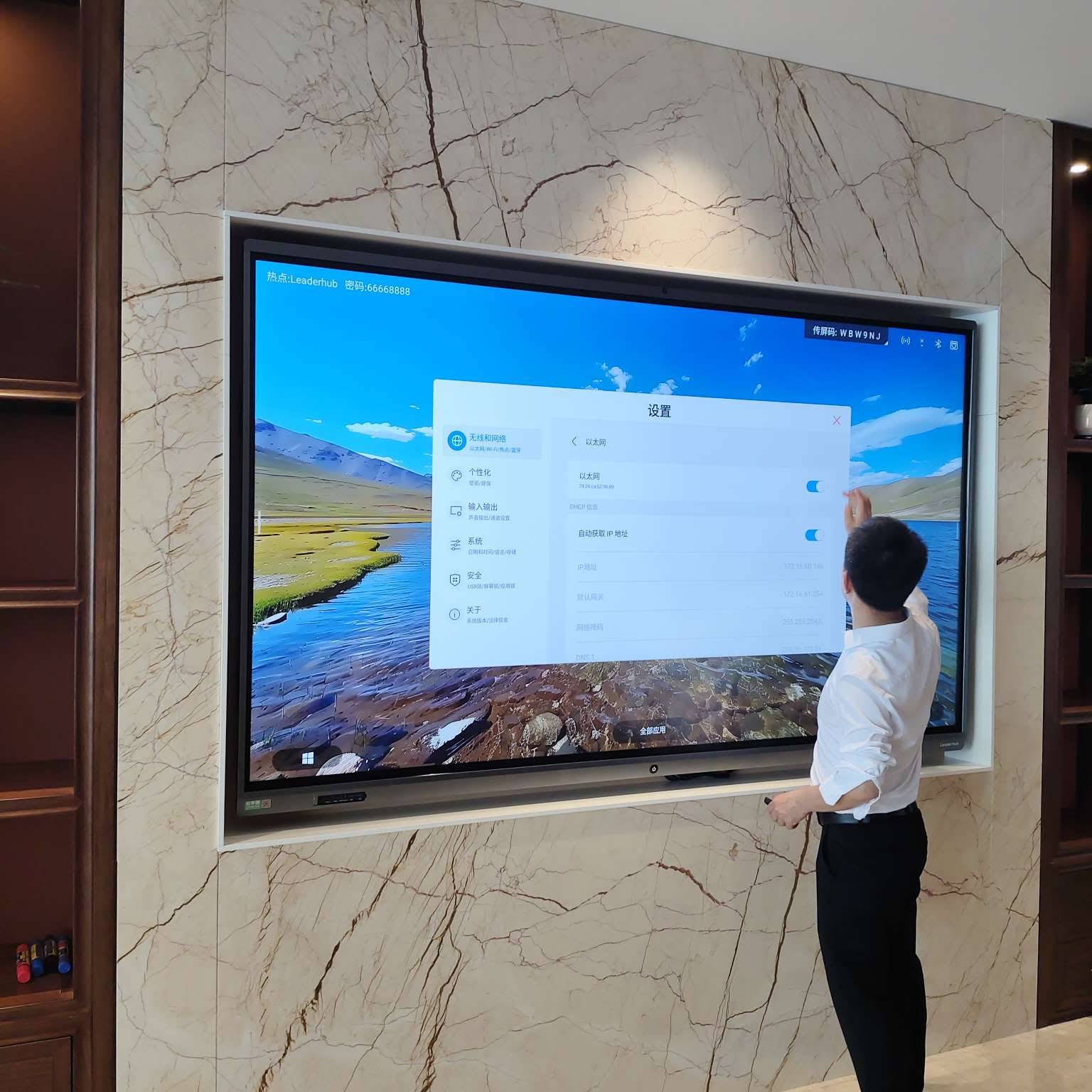
Resolution Comparison Table
| Resolution | Pixel Count | Best Use Case |
|---|---|---|
| 1080p (Full HD) | 1920 x 1080 | Small huddle rooms under 55″ |
| 4K Ultra HD | 3840 x 2160 | Classrooms, boardrooms, training centers |
| 4K+ (Large Format) | 3840 x 2160 at 100″+ | Auditoriums, large conference halls |
Key Features Beyond Screen Resolution
While resolution sets the visual foundation, a truly effective smart whiteboard depends on several other critical components working together. Based on deployment feedback from schools and corporate offices, here are the features that matter most:
1. Touch Accuracy and Responsiveness
Look for panels using infrared (IR) touch technology with at least 20 simultaneous touch points. This allows multiple students or team members to write and annotate at the same time without lag. Palm rejection technology is also essential — it prevents accidental marks when resting a hand on the screen while writing.
2. Anti-Glare and Eye Protection
Extended use in bright classrooms or offices with overhead lighting can cause significant glare. Panels with anti-glare glass coatings and flicker-free backlighting reduce eye fatigue during long sessions — a factor often overlooked but frequently cited in teacher and employee satisfaction surveys.
3. Built-In Computing Power
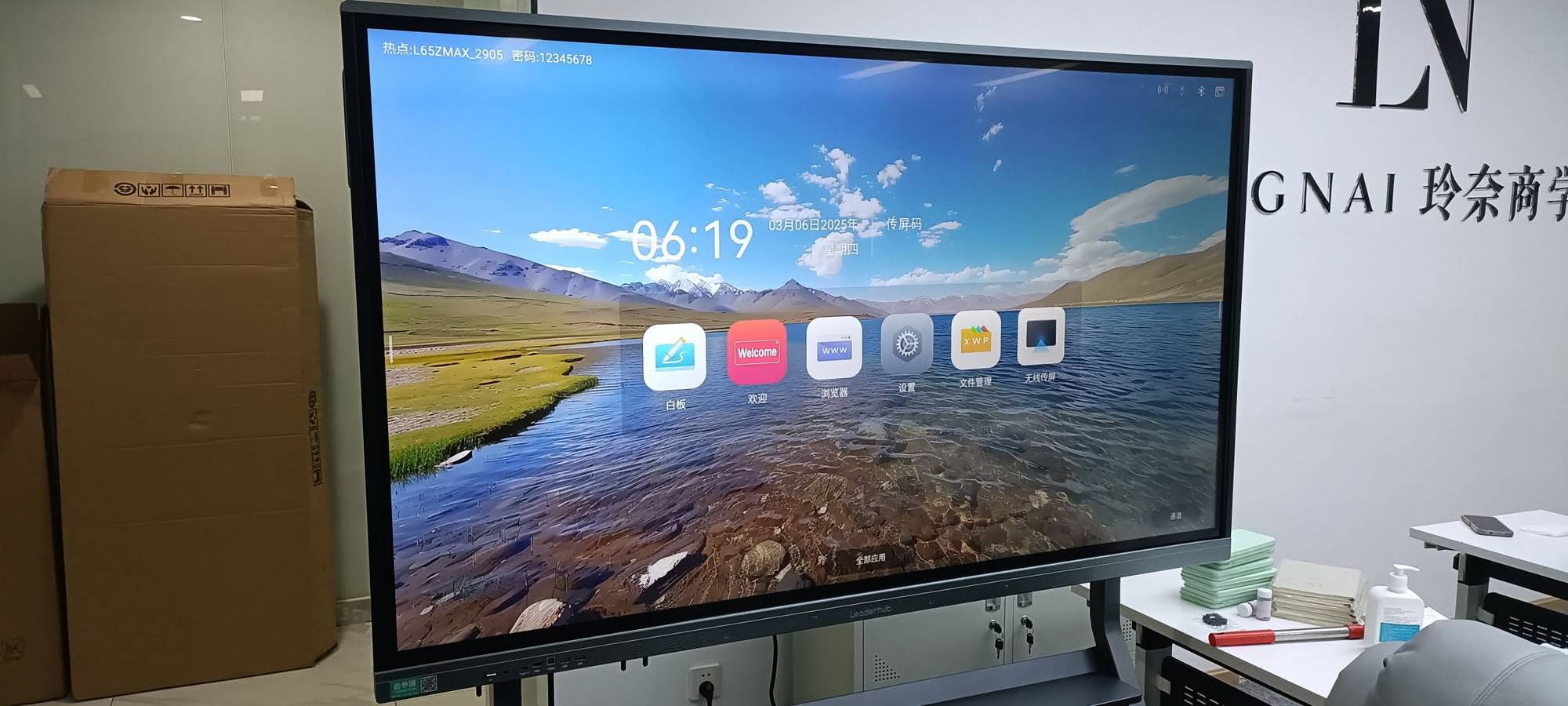
Many modern interactive smart whiteboards come with an embedded Android OS for basic functions, plus an optional slot for a Windows mini PC module. This dual-system approach lets users run lightweight apps directly on the board while also connecting to full desktop software when needed.
4. Connectivity and Compatibility
A good whiteboard should support wireless screen casting from laptops, tablets, and smartphones (both iOS and Android), along with standard HDMI, USB-C, and network ports. This flexibility ensures the device integrates smoothly with existing IT infrastructure rather than requiring costly upgrades.
How to Evaluate Panel Size for Your Space
Screen size should be matched to room dimensions and viewing distance, not just budget. Industry guidelines from AV integrators generally recommend:
- 55″–65″ panels — Small meeting rooms or classrooms with fewer than 20 people
- 75″ panels — Mid-sized classrooms or conference rooms up to 30 people
- 86″ panels — Large classrooms, training halls, or boardrooms with 40+ attendees
- 110″ panels — Auditoriums, lecture halls, and large-scale corporate events
Choosing a panel too small for the room forces people in the back to squint, while an oversized panel in a tight space can overwhelm the viewing experience.
Software Ecosystem and Collaboration Tools
Hardware specifications only tell half the story. The software running on your interactive display determines how usable it is day to day. When evaluating options, check for:
Whiteboarding and Annotation Software
Native annotation apps should support infinite canvas scrolling, multiple pen colors, shape recognition, and cloud saving so notes aren’t lost after each session.
Video Conferencing Integration
With hybrid work and remote learning now standard, compatibility with Zoom, Microsoft Teams, and Google Meet is non-negotiable for most institutions purchasing new hardware in 2024 and beyond.
File Sharing and Cloud Sync
Look for built-in support for Google Drive, OneDrive, or proprietary cloud platforms that let users pick up exactly where they left off across multiple devices.

Durability and Warranty Considerations
Interactive panels represent a significant investment, often used 6-8 hours daily in high-traffic environments. According to field data collected from educational deployments, panels with tempered glass surfaces and metal-reinforced frames show significantly lower failure rates over a 5-year lifecycle compared to plastic-framed alternatives.
When comparing vendors, always ask about:
- Length of manufacturer warranty (2-3 years minimum is standard for commercial-grade panels)
- Availability of local repair or replacement parts
- Panel brightness degradation rate over time (measured in nits per year)
- IP-rated dust and moisture resistance for classroom or industrial environments
Real-World Example: Classroom Deployment Case Study
A mid-sized secondary school in Texas recently upgraded 24 classrooms from projector-based systems to 75-inch 4K interactive panels. Teachers reported a 32% increase in student engagement during lessons involving multimedia content, based on internal classroom observation logs collected over one semester. IT staff also noted a reduction in maintenance tickets, since interactive panels require far less bulb replacement and calibration compared to legacy projector setups.
This mirrors trends reported across the education technology sector, where interactive flat panels have steadily replaced projectors as the primary classroom display solution due to lower total cost of ownership over a 5-year period.
Comparing Popular Smart Whiteboard Models
| Model | Screen Size | Resolution | Ideal For |
|---|---|---|---|
| L65HM Series | 65″ | 4K UHD | Small classrooms |
| L75ZM Series | 75″ | 4K UHD | Mid-sized meeting rooms |
| L86HM Series | 86″ | 4K UHD | Large training rooms |
| L110H Series | 110″ | 4K UHD | Auditoriums & lecture halls |
Questions to Ask Before Purchasing
Before finalizing a purchase decision, it’s worth walking through a short checklist with your procurement team or IT department:
- Does the panel support the operating systems and software already used in our organization?
- What is the total cost including mounting hardware, installation, and any required mini PC modules?
- Can the vendor provide references or case studies from similar-sized deployments?
- What is the average response time for technical support and part replacement?
- Is the panel compatible with our existing video conferencing platforms?
A Note on Portable and Rotating Options
Not every environment requires a wall-mounted panel. For training centers or spaces that host varied group sizes, portable rotating smart screens offer flexibility to switch between landscape and portrait orientation depending on content type — ideal for both video conferencing and vertical document annotation.
Final Thoughts
Selecting a high-resolution smart whiteboard involves balancing screen clarity, touch technology, software compatibility, and long-term durability against your specific room size and use case. Organizations that take time to evaluate these factors typically see stronger adoption rates and fewer support issues down the road.
Companies such as LeaderHub, a Shenzhen-based manufacturer with 16 years of experience serving 82 countries, have built entire product lines around these exact considerations — offering 4K interactive panels ranging from 55″ to 110″ designed for education, corporate, and government use cases. Whatever brand you choose, prioritizing resolution alongside touch accuracy, software ecosystem, and warranty support will ensure your investment delivers value for years to come.








