
Choosing the right multi-touch smart whiteboard can feel overwhelming when you’re staring at dozens of specifications, screen sizes, and brand claims. Whether you’re outfitting a corporate boardroom, a training center, or a modern classroom, the wrong choice can lead to frustrating lag, poor image quality, or a device that simply doesn’t grow with your team’s needs. After spending years working alongside educators, IT administrators, and business leaders who deploy interactive displays daily, we’ve distilled the real-world criteria that actually matter — beyond the marketing brochures.
This guide walks through the technical and practical features you should evaluate before making a purchase decision, based on hands-on testing, customer feedback, and industry benchmarks from over a decade of manufacturing experience.
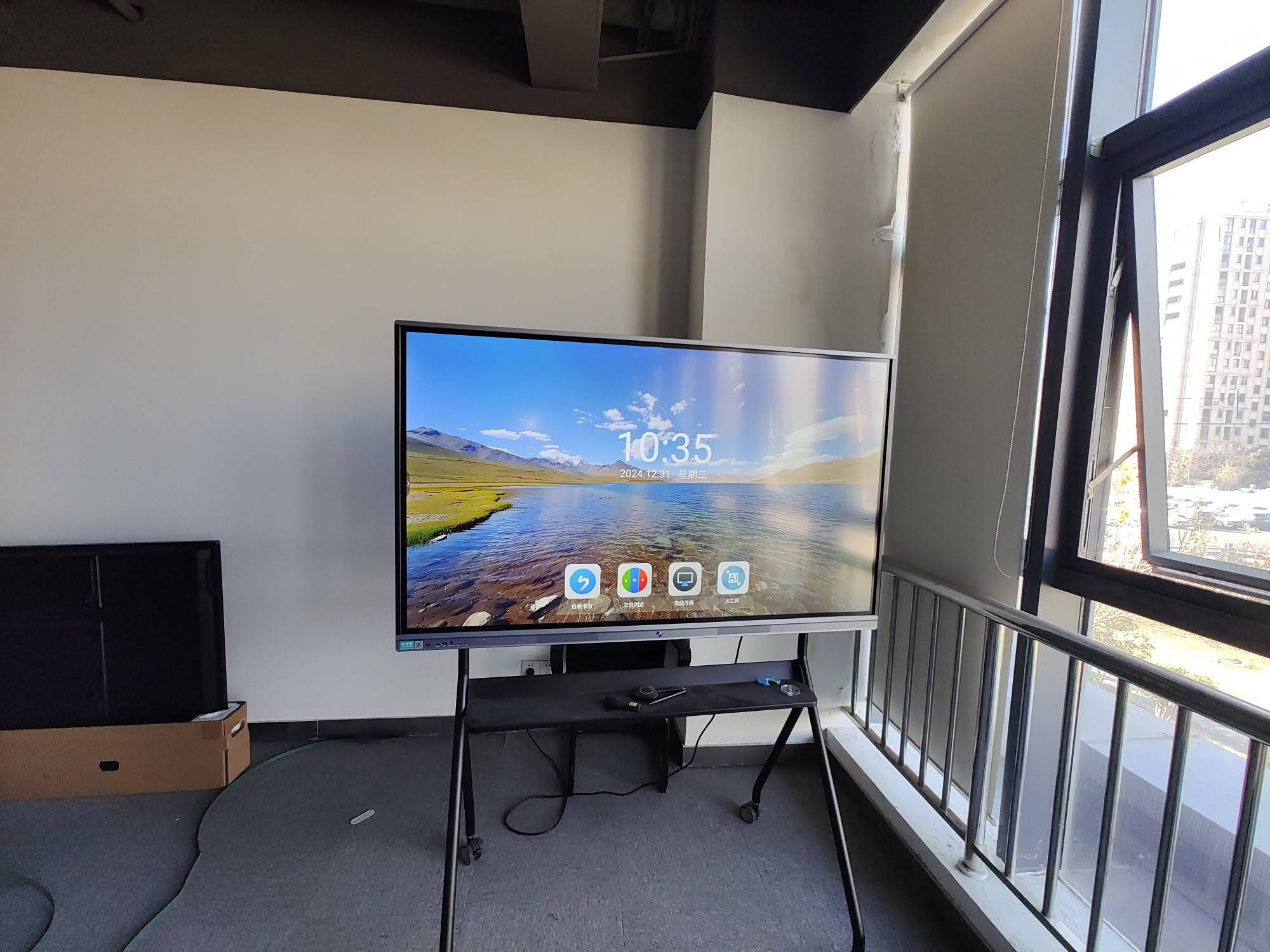
1. Touch Technology: The Foundation of Interactivity
Not all “touch” is created equal. The underlying touch technology determines how responsive, accurate, and durable your whiteboard will be over years of daily use.
- Infrared (IR) Touch: Common in budget and mid-range panels. Offers reliable multi-touch (typically 10–20 points) but can be sensitive to strong ambient light.
- Capacitive Touch: Found in premium panels, delivering smartphone-like responsiveness with palm rejection and pressure sensitivity, ideal for handwriting and fine annotation.
- Infrared + Optical Bonding: Combines durability with a glass-to-glass bonded display, reducing glare and improving touch precision, especially useful in bright classrooms or glass-walled offices.
For most business and education environments, a panel supporting at least 20-point simultaneous touch is recommended, allowing multiple users to write, draw, and gesture at once without input conflicts.
2. Display Resolution and Panel Quality
A true 4K UHD resolution (3840 x 2160) is now considered the baseline for professional interactive displays. Lower resolutions may result in blurry text, especially when annotating documents or sharing detailed spreadsheets.
| Feature | Recommended Standard | Why It Matters |
|---|---|---|
| Resolution | 4K UHD (3840×2160) | Sharp text and image clarity for presentations |
| Brightness | 350–400 nits | Readable in well-lit rooms without glare |
| Touch Points | 20+ points | Supports multi-user collaboration |
| Response Time | ≤ 8ms | Smooth writing without visible lag |
| Viewing Angle | 178° | Consistent color from any seat in the room |
3. Processing Power and Built-In Operating System
A smart whiteboard is only as good as the computing hardware behind it. Many buyers overlook this and end up with a panel that stutters when running video conferencing apps alongside a browser and a whiteboard app simultaneously.
Look for panels equipped with at least an octa-core processor, 4GB RAM (8GB preferred), and 32GB+ storage. Devices running Android 11 or later, or supporting Windows OPS modules, tend to offer better app compatibility and longer software support cycles. If your organization plans to integrate a dedicated mini PC module, confirm the whiteboard has a compatible slot for seamless OS switching between Android and Windows environments.
4. Connectivity and Integration Options
Modern meeting rooms rarely rely on a single device. Your smart whiteboard should integrate smoothly with laptops, mobile devices, video conferencing systems, and cloud storage platforms.
- Wireless screen casting for both iOS, Android, Windows, and macOS devices
- Multiple HDMI and USB-C inputs with at least one USB-C port supporting power delivery and single-cable video/data transfer
- Built-in camera and microphone array or compatibility with external conferencing cameras
- Cloud file access integrated directly into the whiteboard software for Google Drive, OneDrive, or Dropbox
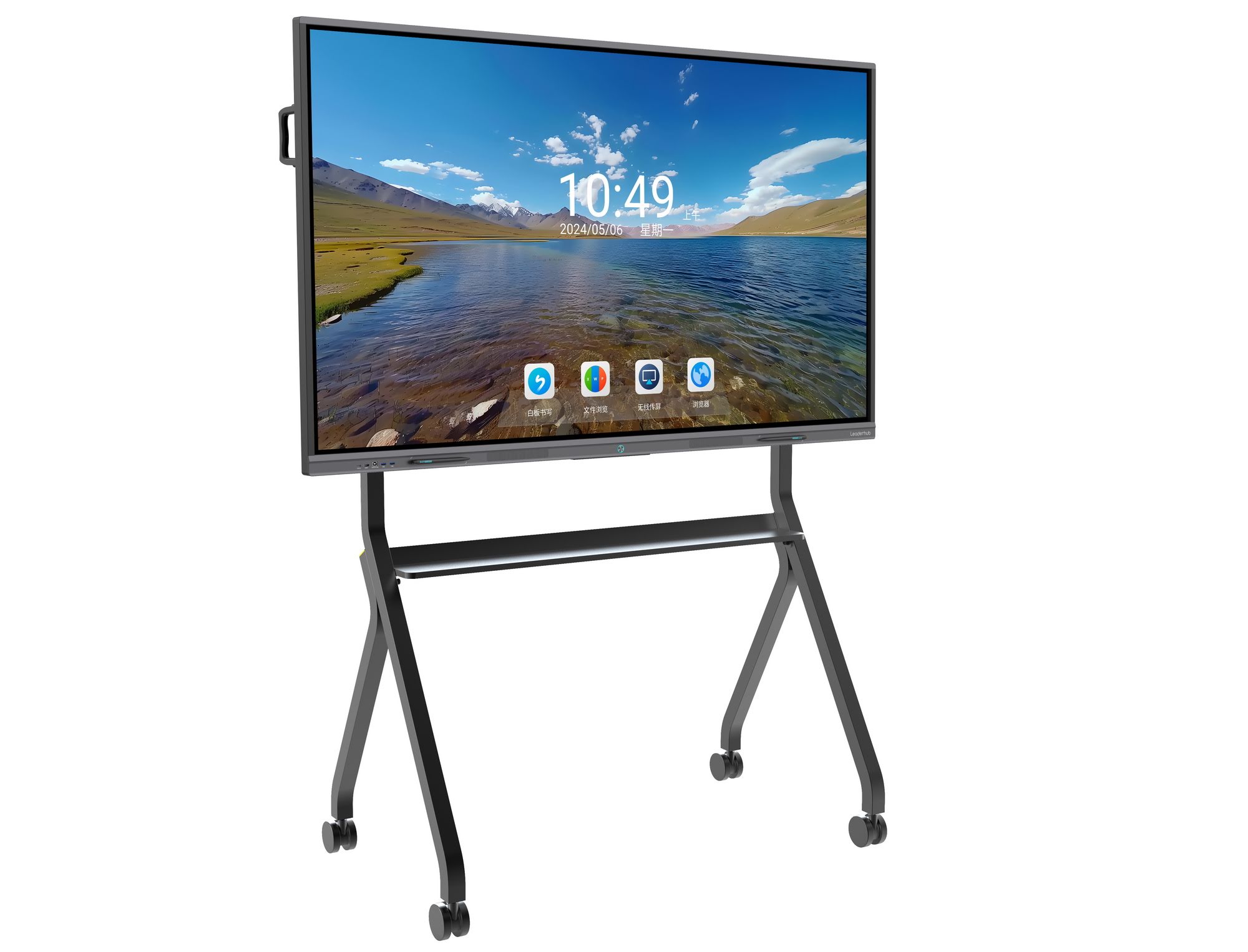
5. Software Ecosystem and Annotation Tools
Hardware specifications matter, but the software experience determines daily usability. A strong interactive flat panel should ship with an intuitive whiteboard application offering:
- Infinite canvas with smooth zoom and pan
- Handwriting-to-text conversion in multiple languages
- Real-time collaborative editing with cloud sync across devices
- Pre-built templates for brainstorming, project planning, and lesson delivery
- Export options to PDF, image, or editable document formats
According to a 2023 EdTech survey by the International Society for Technology in Education (ISTE), classrooms using interactive displays with robust annotation software reported a 27% increase in student engagement compared to traditional projector setups. Similar engagement improvements have been observed in corporate settings, where teams using collaborative whiteboard software reduced meeting follow-up time by nearly 20%.
6. Durability, Warranty, and After-Sales Support
Interactive whiteboards are long-term investments, often expected to serve five to eight years in high-traffic environments. Before purchasing, verify:
- Panel hardness rating — tempered glass with anti-scratch coating (7H hardness or higher) is ideal for classrooms and shared spaces
- Warranty coverage — a minimum 3-year warranty on the panel and touch module is standard among reputable manufacturers
- Local support availability — check whether the manufacturer or distributor offers regional technical support and spare parts
- Certifications — CE, FCC, and RoHS certifications indicate compliance with international safety and environmental standards
7. Mounting Flexibility and Room Fit
Screen size should match room dimensions and typical viewing distance. A common rule of thumb used by AV integrators is that the diagonal screen size (in inches) should be roughly one-sixth of the maximum viewing distance (in inches) for comfortable readability.
| Room Size | Recommended Screen Size |
|---|---|
| Small huddle room (up to 6 people) | 55″ – 65″ |
| Mid-size conference room (6–12 people) | 75″ – 86″ |
| Large classroom or auditorium | 86″ – 110″ |
Also consider whether the unit supports mobile stands with height adjustment, which is particularly valuable for shared spaces or schools that rotate equipment between rooms.
8. Real-World Use Case: Corporate Deployment Example
A mid-sized logistics company recently upgraded twelve meeting rooms from projectors to 75-inch smart whiteboards with built-in wireless casting and cloud annotation. Within three months, internal surveys showed a 35% reduction in meeting setup time and a noticeable drop in IT support tickets related to display connectivity — largely attributed to the plug-and-play wireless casting feature and simplified touch interface. This kind of measurable outcome illustrates why investing in the right feature set upfront pays dividends in daily operational efficiency.
9. Budget Considerations Without Sacrificing Quality
Pricing for multi-touch smart whiteboards typically ranges from around $1,000 for a 65-inch entry-level model to over $7,000 for large-format 110-inch professional units. When comparing quotes, factor in:
- Total cost of ownership, including mounting hardware and installation
- Software licensing — some vendors charge recurring fees for premium annotation features
- Bundled accessories such as styluses, wall mounts, or OPS computing modules
Buying a slightly larger panel now often costs less than upgrading in two years as room usage grows, so it’s worth planning for future needs rather than purchasing the bare minimum.
10. Choosing a Trustworthy Manufacturer
Beyond specifications, the manufacturer’s track record matters. Look for companies with established manufacturing history, verifiable customer reviews, and international certifications. LeaderHub, a Shenzhen-based technology company with 16 years of experience in the interactive panel industry, has delivered smart whiteboards, mini PCs, and portable smart screens to over 82 countries, reflecting the kind of sustained industry presence that gives buyers confidence in long-term product support and spare parts availability.
Final Checklist Before You Buy
- ✔ Confirm touch technology and point count match your collaboration needs
- ✔ Verify 4K resolution and adequate brightness for your room lighting
- ✔ Check processor, RAM, and storage for smooth multitasking
- ✔ Ensure wireless casting and multi-device compatibility
- ✔ Review annotation software features and export options
- ✔ Confirm warranty length and local support availability
- ✔ Match screen size to room dimensions and viewing distance
Selecting a multi-touch smart whiteboard ultimately comes down to matching technical capabilities with how your team actually works. By prioritizing touch responsiveness, display quality, software usability, and manufacturer reliability, you can invest in a solution that enhances collaboration for years rather than becoming outdated within a single budget cycle. Taking time to test a demo unit in your actual meeting space, whenever possible, remains the single most reliable way to confirm a panel meets your expectations before committing to a purchase.








