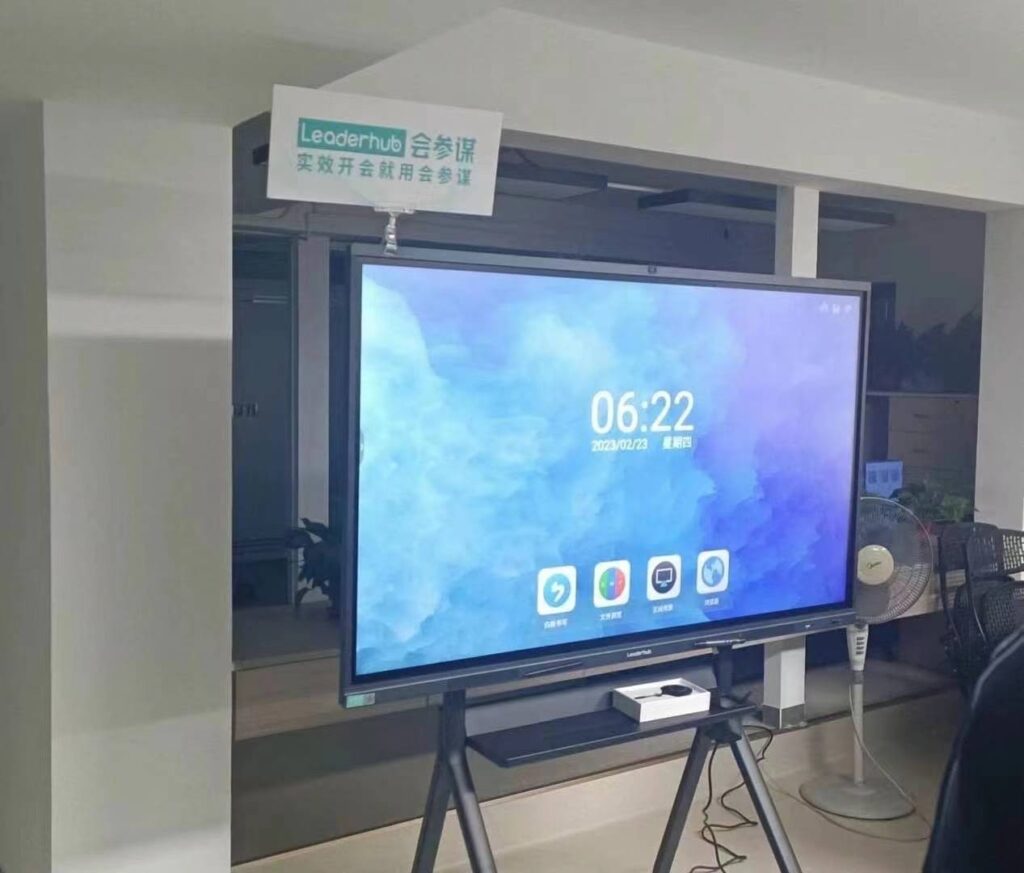
Choosing the right smart whiteboard for your classroom, meeting room, or training center can feel overwhelming. With dozens of screen sizes, resolutions, operating systems, and price points on the market, buyers often struggle to compare options apples-to-apples. This guide walks you through every factor that matters — from panel technology to hidden costs like mounts, warranties, and software licenses — so you can make a confident, budget-smart decision.
Whether you’re outfitting a single classroom or rolling out interactive displays across an entire district or corporate campus, understanding the total cost of ownership is just as important as picking the right specs. We’ll break down real pricing examples, compare features side-by-side, and share practical tips drawn from hands-on deployment experience.
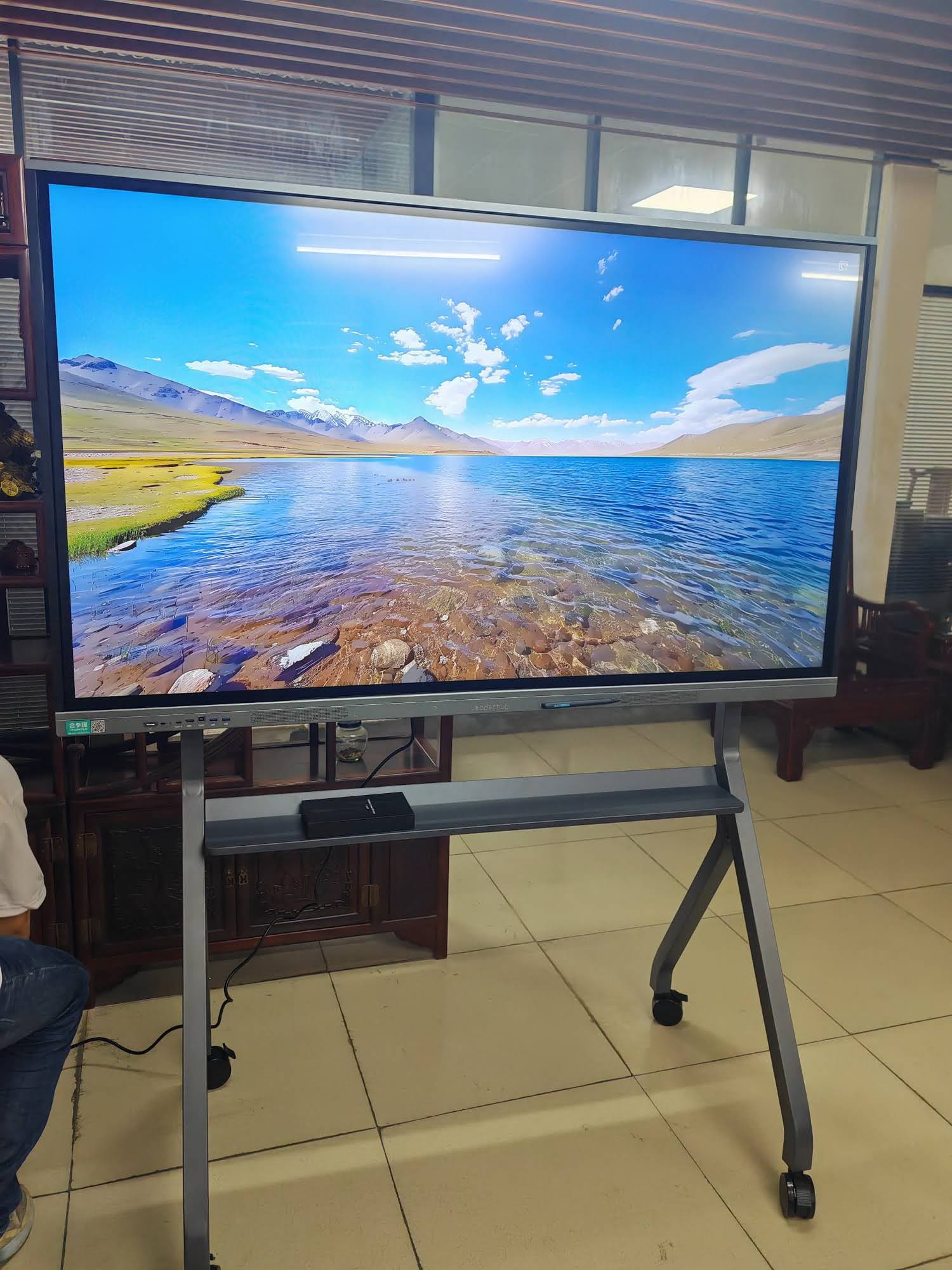
Why Choosing the Right Smart Whiteboard Matters
A smart whiteboard is a long-term investment — most institutions expect their display to last 5 to 7 years. Picking the wrong size, resolution, or operating system early on can lead to compatibility issues, poor user adoption, and costly replacements down the road. In our experience working with schools and enterprise clients, the boards that get used the most consistently share three traits: fast, responsive touch, intuitive software, and reliable after-sales support.
According to industry data from EdTech research groups, over 70% of teachers who abandon interactive displays within the first year cite lag, poor annotation accuracy, or confusing software as the main reasons. This makes the buying decision far more important than simply comparing price tags.
Key Factors to Consider When Choosing a Smart Whiteboard
1. Screen Size
Screen size should match the size of your room, not just your budget. As a general rule:
- 55″–65″ — Best for small meeting rooms, huddle spaces, or classrooms under 30 students.
- 75″–86″ — Ideal for standard classrooms, training rooms, and mid-size conference rooms.
- 98″–110″ — Suited for lecture halls, auditoriums, and large boardrooms where visibility from the back row matters.
2. Display Resolution
4K UHD resolution (3840 x 2160) has become the industry standard for smart whiteboards used in professional and educational settings. Anything lower can appear blurry when displaying text, spreadsheets, or fine diagrams — especially on larger 75″+ panels.
3. Touch Technology & Writing Precision
Infrared (IR) touch technology remains the most common and cost-effective option, typically supporting 20-point multi-touch. Higher-end capacitive touch panels offer smoother palm rejection and finer stylus precision, which is important for design, engineering, or detailed annotation work.
4. Operating System & Software Ecosystem
Most modern smart whiteboards run on Android for built-in apps (whiteboarding, screen mirroring, cloud storage) while also supporting an OPS module for full Windows functionality. Look for boards that support:
- Wireless screen casting from phones and laptops
- Cloud whiteboard saving and sharing
- Multi-user simultaneous writing
- Built-in annotation and PDF markup tools
5. Connectivity & Ports
Check for HDMI in/out, USB-C with power delivery, RS232 control, and built-in Wi-Fi/Bluetooth. A lack of ports is one of the most common — and most preventable — buyer complaints.
Smart Whiteboard Size & Price Comparison
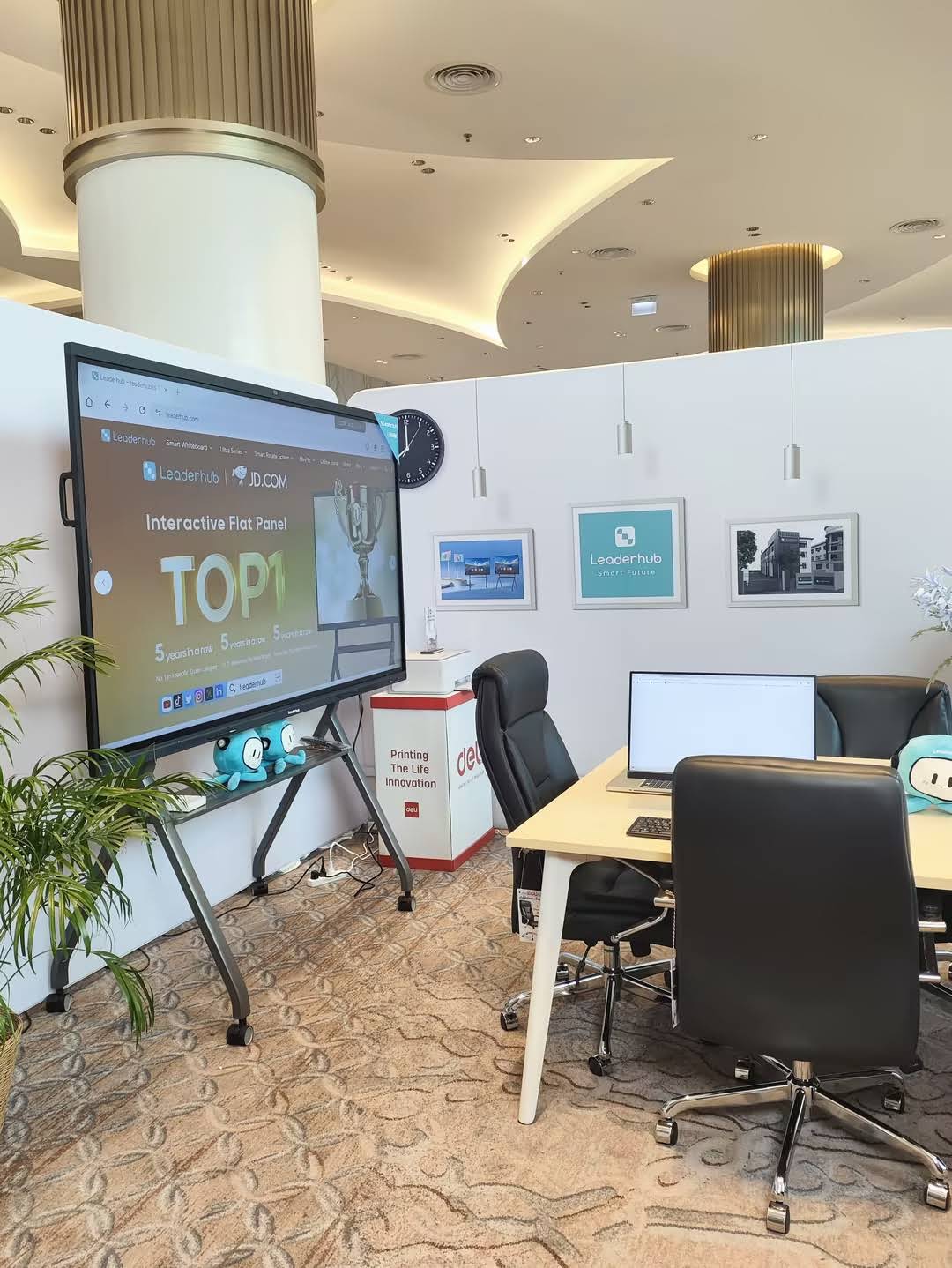
Below is a real-world pricing comparison across common screen sizes, based on current market offerings. Use this as a benchmark when requesting quotes from vendors.
| Screen Size | Best For | Typical Price Range | Example Model |
|---|---|---|---|
| 65″ | Small classrooms & huddle rooms | $1,000 – $1,300 | L65HM Interactive Whiteboard |
| 75″ | Standard classrooms & meeting rooms | $1,300 – $2,400 | L75HM Interactive Whiteboard |
| 86″ | Large conference rooms & training centers | $1,600 – $3,200 | L86HM Interactive Whiteboard |
| 110″ | Lecture halls & auditoriums | $6,500 – $8,500 | L110H Interactive Flat Panel |
How to Calculate Total Cost of Ownership
Sticker price is only part of the equation. To accurately budget for a smart whiteboard deployment, factor in the following recurring and one-time costs:
| Cost Category | Estimated Range | Notes |
|---|---|---|
| Panel Unit Price | $1,000 – $8,000 | Varies by size, resolution, brand |
| Wall Mount / Mobile Stand | $80 – $400 | Mobile stands cost more but add flexibility |
| Installation Labor | $100 – $500 | Depends on wall type and wiring needs |
| Mini PC / OPS Module | $400 – $1,000 | Needed for full Windows functionality |
| Extended Warranty | $50 – $300/year | Recommended for panels used 6+ hours daily |
| Software Licenses | $0 – $200/year | Many boards include free built-in whiteboarding apps |
For a typical 75″ classroom deployment, total first-year cost (including installation and a mini PC) usually lands between $1,800 and $3,600. Multiply that across a school district or corporate rollout, and the difference between a well-researched purchase and an impulsive one can add up to tens of thousands of dollars.
Real-World Example: Comparing Two Deployment Scenarios
In a recent classroom technology upgrade for a mid-size training institute, administrators compared two paths:
- Scenario A: Purchasing a 65″ entry-level panel without a mini PC, requiring staff to bring personal laptops for every session — resulting in frequent connectivity delays and reduced class time.
- Scenario B: Investing in a 75″ panel bundled with a dedicated mini PC, enabling instant power-on and built-in software access.
While Scenario B cost roughly 35% more upfront, staff reported saving an average of 8–10 minutes per class session on setup — translating into measurable productivity gains over a school year. This is the kind of practical trade-off that a total-cost-of-ownership mindset helps reveal.
Portable vs. Fixed Installations
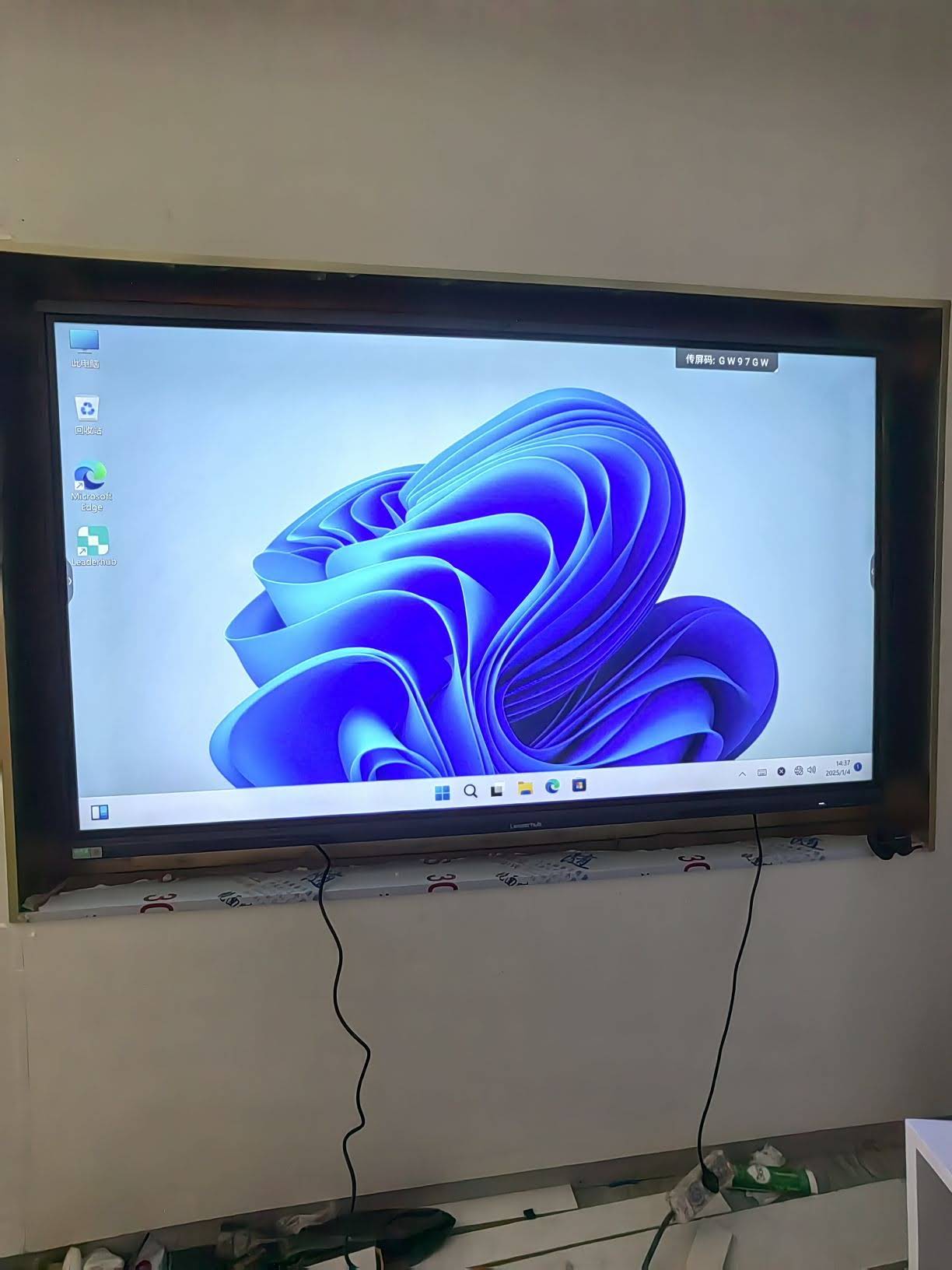
Not every space needs a permanently mounted panel. For teams that share rooms or need to move displays between locations, a rotating smart screen or handheld unit like the U24M Handheld Smart Screen offers battery-powered flexibility without sacrificing touch performance. These portable options are increasingly popular among consultants, mobile trainers, and small businesses that need interactive capability without a permanent wall installation.
Checklist Before You Buy
- Confirm the panel supports at least 20-point multi-touch for group collaboration
- Verify warranty length and whether on-site repair service is included
- Check compatibility with your existing video conferencing software
- Ask about firmware update frequency and long-term software support
- Request a live demo or trial unit before committing to a bulk order
Frequently Asked Questions
How long does a smart whiteboard typically last?
With proper care, most commercial-grade panels last 5–7 years, though heavy daily use in schools may shorten this to 4–5 years without a maintenance plan.
Do I need a separate computer, or does the whiteboard work standalone?
Most modern smart whiteboards run Android natively, supporting apps, browsing, and whiteboarding without an external PC. However, for full Microsoft Office or specialized software, a plug-in mini PC module is recommended.
Is a larger screen always better?
Not necessarily. Oversized panels in small rooms can strain viewing comfort and waste budget. Match screen size to room dimensions and average viewing distance for best results.
Final Thoughts
Selecting the right smart whiteboard comes down to balancing room size, technical requirements, and long-term budget realities. By evaluating touch technology, resolution, software ecosystem, and hidden costs like mounts and warranties, buyers can avoid costly mistakes and choose a display that genuinely improves collaboration and learning outcomes.
Companies like LeaderHub, a Shenzhen-based manufacturer with 16 years of experience serving 82 countries, have built full product lines — from compact 55″ panels to 110″ lecture displays — specifically to help schools and businesses find the right fit without overspending. Whatever your space and budget, taking a structured, cost-aware approach to your purchase will pay off for years to come.