
Classrooms around the world are shifting away from chalk and static projectors toward interactive touch technology that keeps students engaged and helps teachers deliver lessons more efficiently. A smart board for classroom use is no longer a luxury reserved for tech-forward schools — it has become a practical tool that supports hybrid learning, multimedia lessons, and real-time collaboration.
In this guide, we break down what a smart board actually does, the benefits it brings to teachers and students, the features that matter most when comparing models, and a step-by-step approach to choosing the right one for your school or training center.
What Is a Smart Board and How Does It Work?
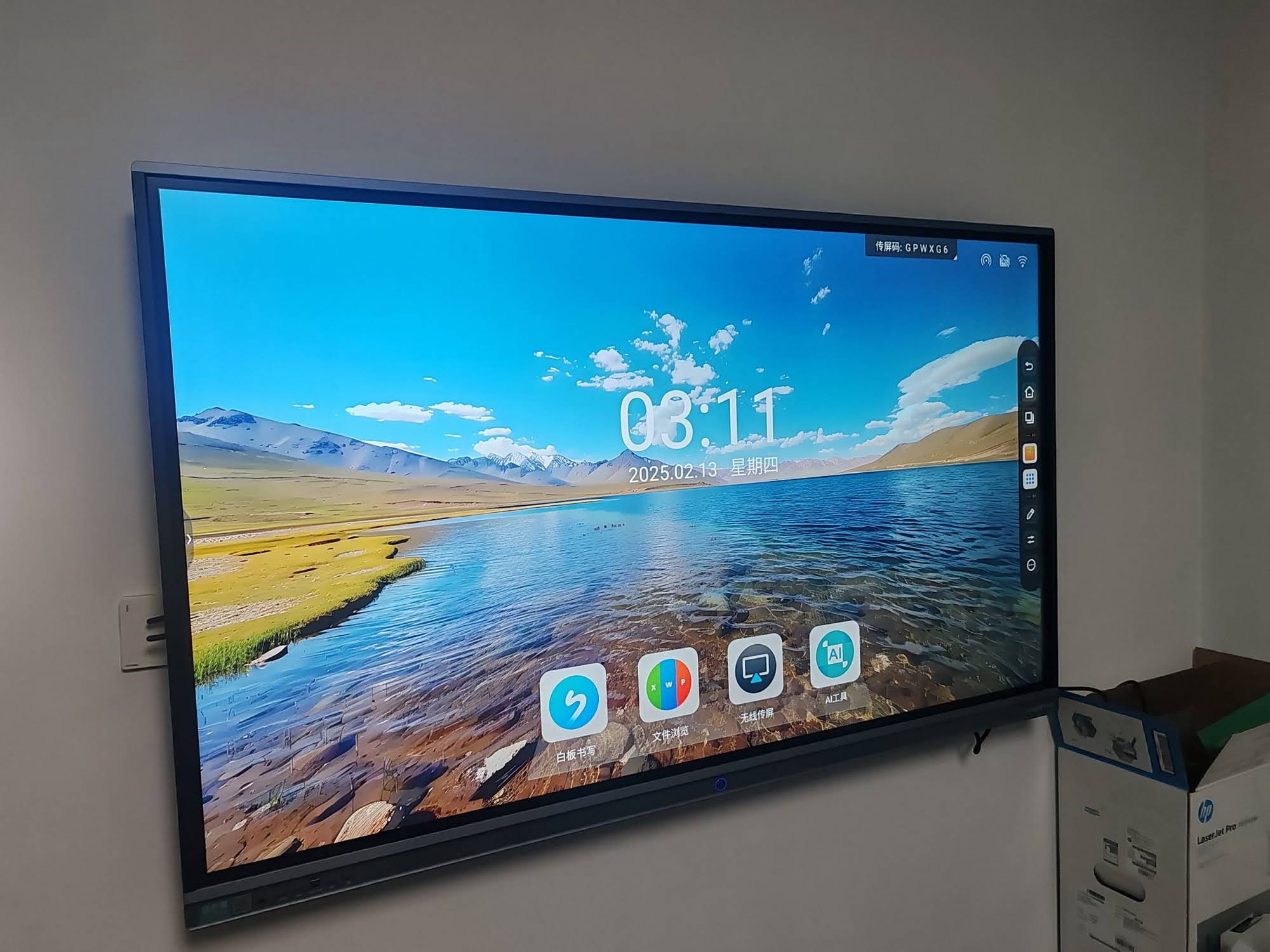
A smart board (also called an interactive flat panel or interactive whiteboard) combines a large touch-sensitive display with built-in computing, annotation software, and connectivity tools. Teachers can write, draw, share files, and run applications directly on the screen — similar to using a giant tablet in front of the class.
Most modern units use infrared or capacitive touch sensors capable of detecting 20+ simultaneous touch points, allowing multiple students to interact with the board at once during group activities. Many devices also include an embedded Android or Windows operating system, meaning teachers can run lesson software without connecting an external computer.
Key Benefits of Using a Smart Board in the Classroom
Schools that have adopted interactive panels report measurable improvements in both engagement and lesson delivery. Below are the most commonly cited advantages based on classroom feedback and industry studies.
- Higher student engagement — touch interaction and multimedia content keep students focused longer than static slides or textbooks.
- Faster lesson preparation — teachers can reuse annotated slides, save notes automatically, and share files instantly with students.
- Supports different learning styles — visual, auditory, and kinesthetic learners all benefit from combined video, audio, and touch-based activities.
- Hybrid and remote learning ready — built-in cameras and video conferencing apps make it easy to include remote students in real time.
- Reduced long-term costs — no recurring costs for markers, projector bulbs, or paper handouts.
Essential Features to Look For
Not all smart boards are built the same. When comparing options, focus on the specifications that directly affect classroom performance and daily reliability.
1. Display Resolution and Screen Size
A minimum of 4K resolution is recommended for clear text and diagrams, especially in larger classrooms. Screen size should match room dimensions — a 65″ panel suits smaller rooms, while 75″ to 86″ panels work better for lecture halls. Institutions upgrading multiple rooms often standardize on a single smart whiteboards lineup to simplify training and maintenance across campus.
2. Touch Accuracy and Multi-Point Support
Look for panels supporting at least 20-point simultaneous touch with low input lag. This matters most in group work settings where multiple students write on the board together.
3. Built-in Computing Power
An embedded Android system with adequate RAM (4GB+) ensures smooth app performance. For schools needing full desktop-level software such as Microsoft Office or specialized education tools, pairing the panel with dedicated mini PC modules gives Windows-level flexibility without replacing the entire display.
4. Connectivity Options
Check for HDMI, USB-C, wireless screen mirroring, and network ports. Wireless casting from student devices significantly speeds up presentations and peer collaboration.
5. Software and Annotation Tools
Pre-installed whiteboard software, cloud file sync, and screen recording are valuable for lesson archiving and remote access. Some schools also value compatibility with existing LMS platforms.
Comparing Smart Board Sizes for Different Classroom Types
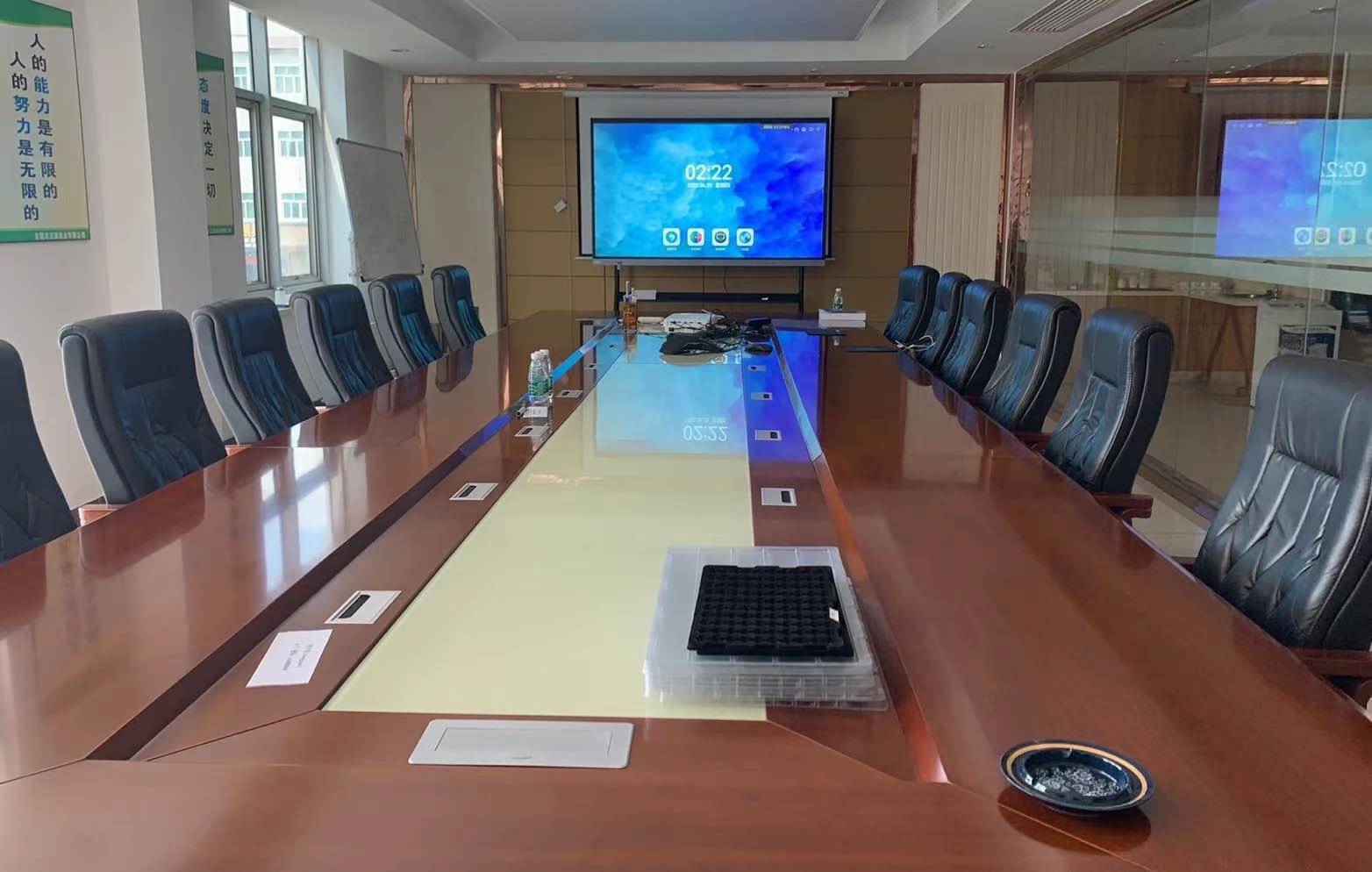
| Room Type | Recommended Size | Typical Use Case |
|---|---|---|
| Small Classroom (up to 20 students) | 65″ | Primary lessons, small group work |
| Standard Classroom (20–35 students) | 75″ | Secondary school, training rooms |
| Large Hall / Lecture Room | 86″ – 110″ | University lectures, auditoriums |
| Mobile / Multi-Room Use | 55″ Portable | Shared spaces, tutoring centers |
How to Choose the Right Smart Board for Your School
Selecting the right device involves more than comparing specs on paper. Here is a practical framework based on real deployment experience across education and training institutions.
Step 1: Define the Primary Use Case
Will the board be used mainly for lectures, group collaboration, or hybrid video sessions? A 75-inch panel with a rotating stand, such as the 75-inch interactive whiteboard, works well for classrooms that alternate between lecture mode and small-group breakout sessions.
Step 2: Set a Realistic Budget
Smart boards typically range from $1,000 to $8,000 depending on size and specification. Factor in installation, mounting hardware, and staff training costs — not just the unit price.
Step 3: Check Durability and Warranty
Classroom equipment faces heavy daily use. Look for tempered anti-glare glass, IK08-rated impact resistance, and a minimum 2-year warranty. Ask suppliers for documented mean-time-between-failure (MTBF) data if available.
Step 4: Evaluate After-Sales Support
Reliable technical support and spare-parts availability matter more once the board is in daily use. Institutions should confirm response times for on-site repairs before purchasing at scale.
Step 5: Pilot Before Full Rollout
Testing one or two units in real classrooms for a semester helps surface usability issues early, from software glitches to glare under classroom lighting, before committing to a district-wide purchase.
Common Mistakes When Buying a Smart Board
- Choosing size based on budget alone instead of room dimensions, resulting in text that is too small to read from the back row.
- Ignoring touch latency, which frustrates teachers during live annotation and drawing.
- Overlooking software licensing costs that appear after the initial purchase.
- Skipping staff training, which leads to low adoption even after installation.
Real-World Impact: What the Data Shows
Independent classroom studies have found that interactive display adoption correlates with improved lesson pacing and reduced administrative time for teachers, since digital notes and recordings eliminate the need to manually rewrite board content each period. Training centers using portable panels — such as the portable interactive flat panel — have also reported easier equipment sharing across multiple rooms without permanent installation costs.
Companies specializing in this category continue to refine hardware based on classroom feedback. LeaderHub, a Shenzhen-based manufacturer with 16 years of experience producing interactive panels for education and enterprise use across 82 countries, has focused product development on touch accuracy, anti-glare screen coatings, and simplified software interfaces specifically to reduce the learning curve for teaching staff.
Frequently Asked Questions
Are smart boards worth the investment for small schools?
Yes, particularly for schools running hybrid or multimedia-heavy lessons. Even a single shared unit across departments can reduce printing costs and improve lesson consistency over a school year.
Do smart boards require a separate computer?
Most modern panels include a built-in Android system sufficient for browsing, video playback, and annotation apps. For full desktop software compatibility, a mini PC module can be added later without replacing the display.
How long do classroom smart boards typically last?
With proper maintenance, quality panels typically operate reliably for 5–7 years under daily classroom use, assuming the display uses commercial-grade components rather than consumer television panels.
Final Thoughts
Choosing the right smart board for classroom use comes down to matching screen size, touch performance, and software flexibility to your specific teaching environment — not simply picking the largest or cheapest option available. A well-planned pilot program, combined with realistic budgeting for training and support, gives schools the best chance of long-term adoption and return on investment.
For institutions ready to compare specific models, contact our team to discuss classroom size, budget, and software requirements before making a final decision.








