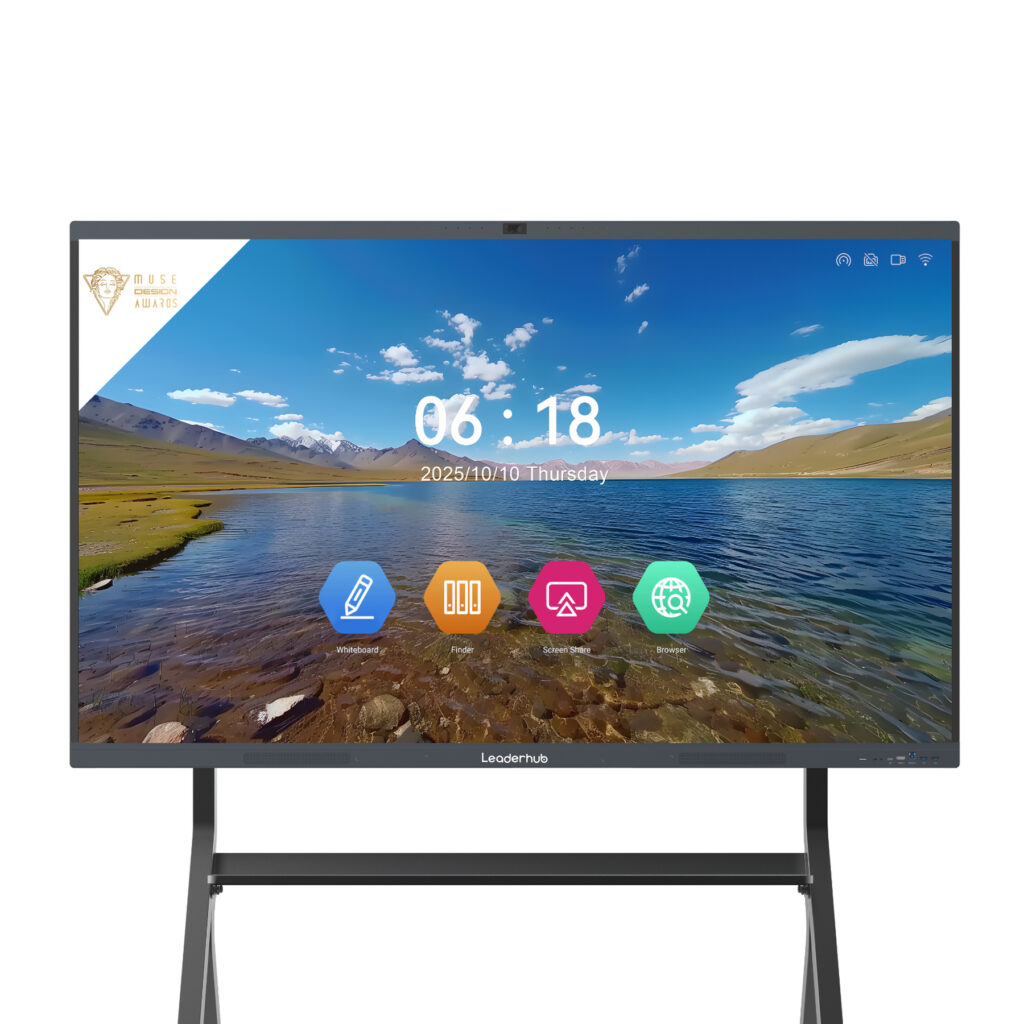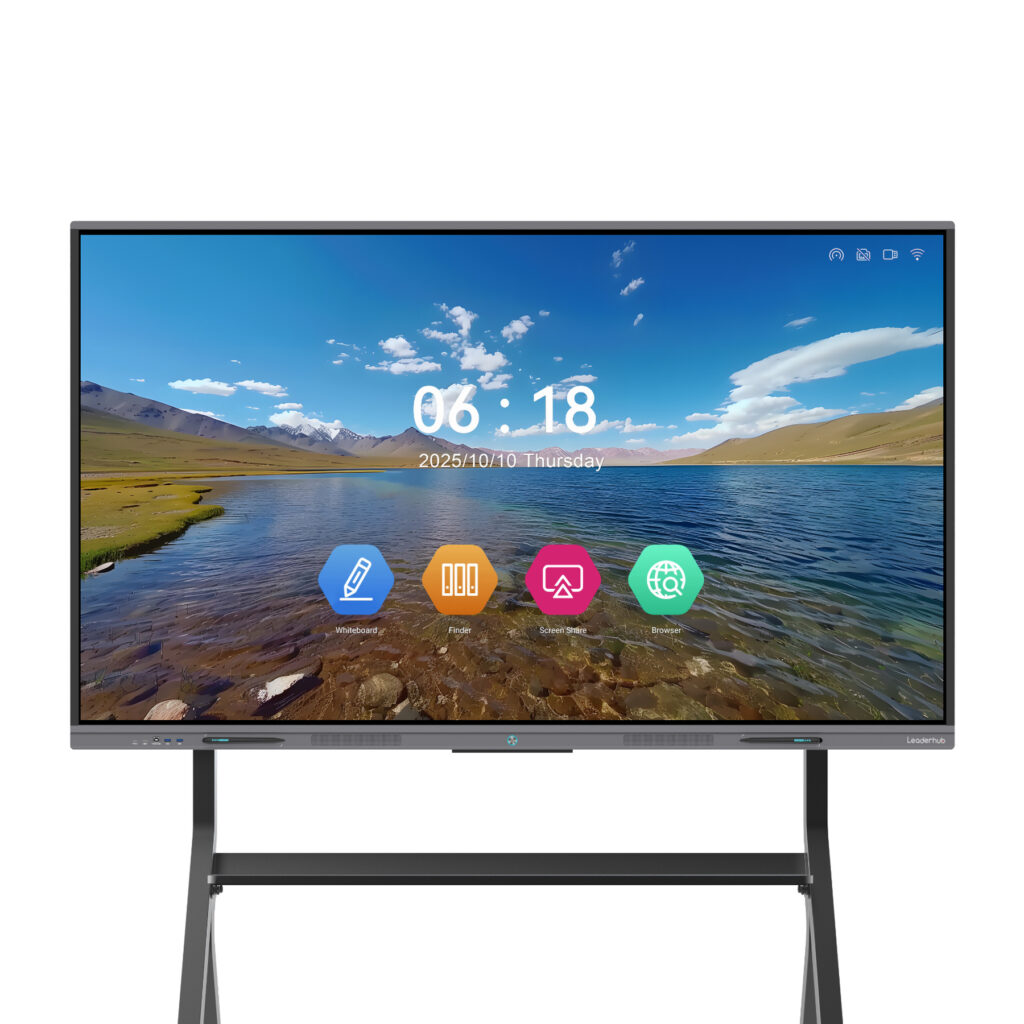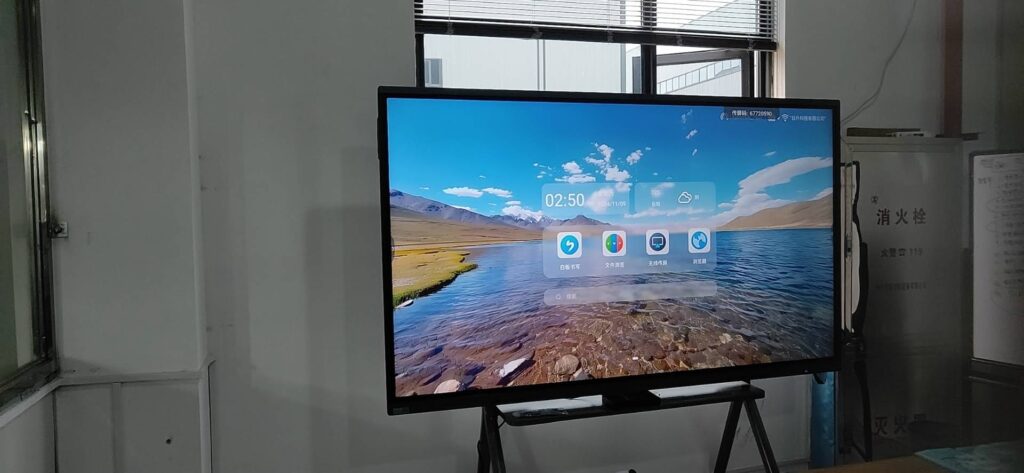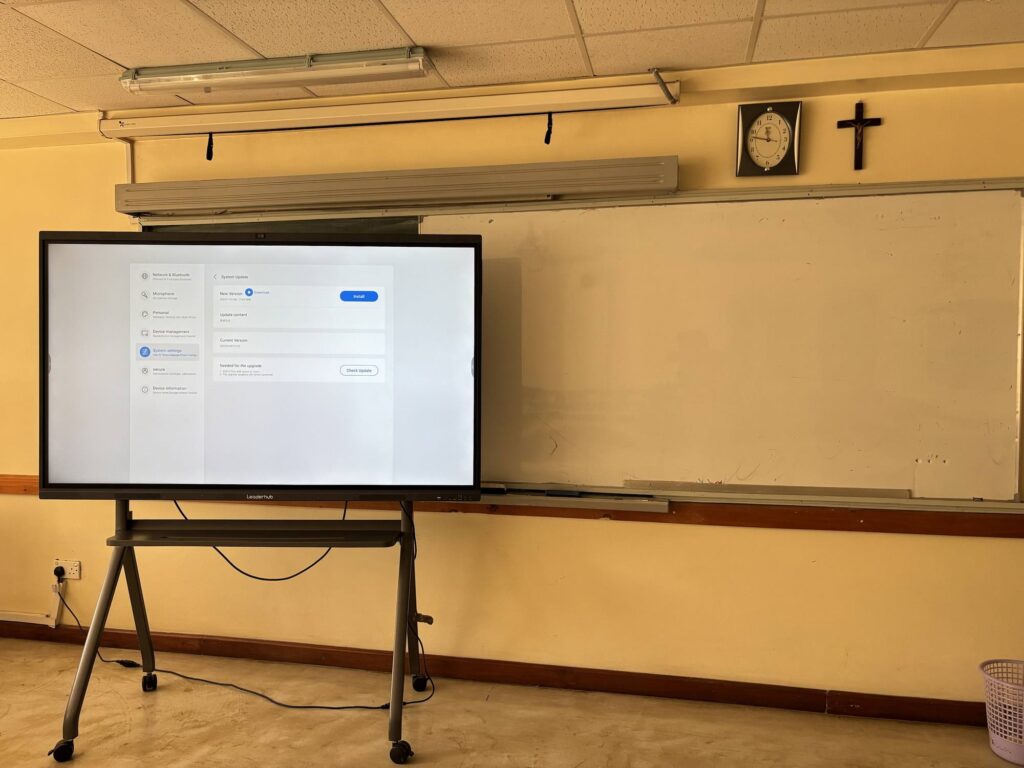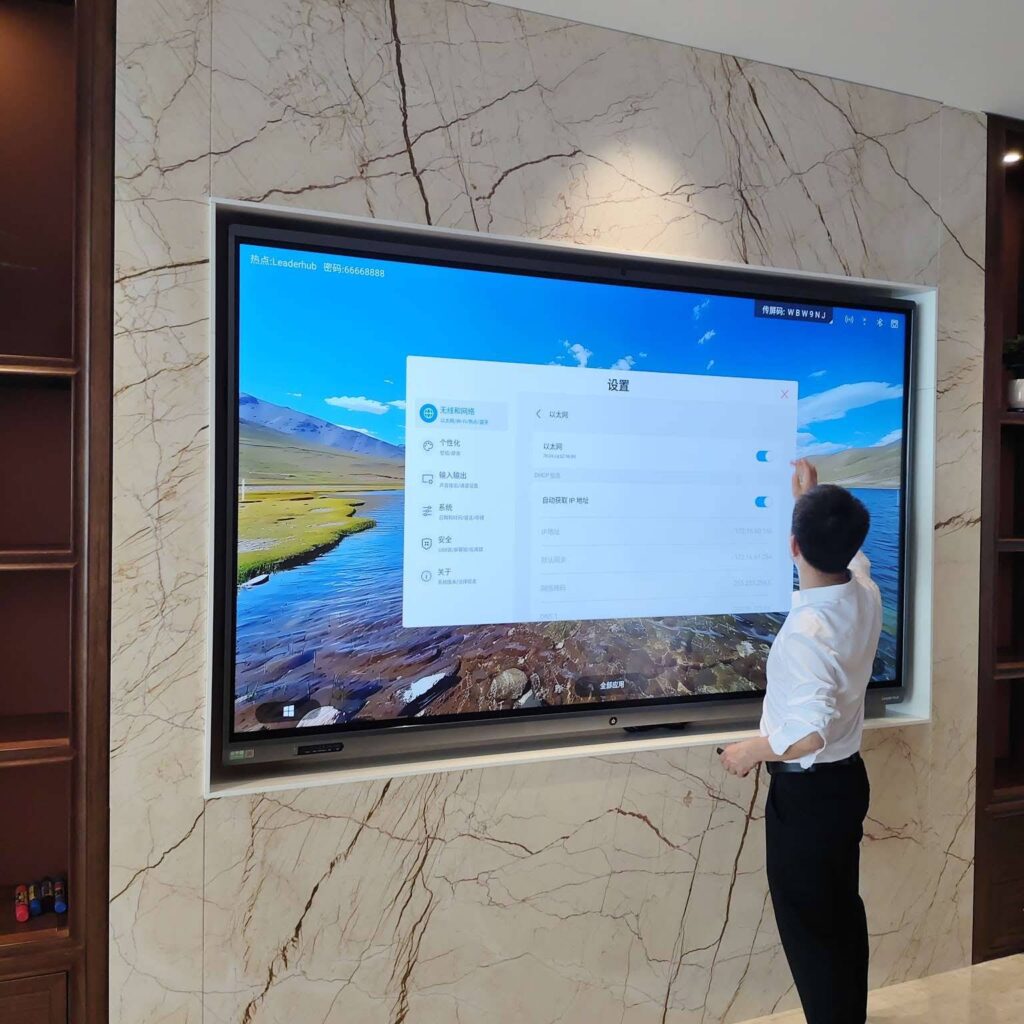
Walk into almost any modern classroom and you will see a large touchscreen panel at the front of the room where a dusty chalkboard used to hang. That panel is a smart board, and it has quietly become one of the most important pieces of educational technology of the past decade. But what is smart board technology, exactly? How does a sheet of glass recognize a finger, a pen and a palm at the same time? And why do schools, universities and training centers keep investing in it?
This guide answers those questions in plain language. You will learn how smart boards work from the inside out, which features actually matter when comparing models, and what measurable benefits teachers and students gain when the technology is used well. Whether you are a school administrator planning a budget, a teacher curious about the device in your room, or a buyer evaluating an interactive smart whiteboard for the first time, this article will give you a clear foundation.
What Is Smart Board Technology? A Simple Definition
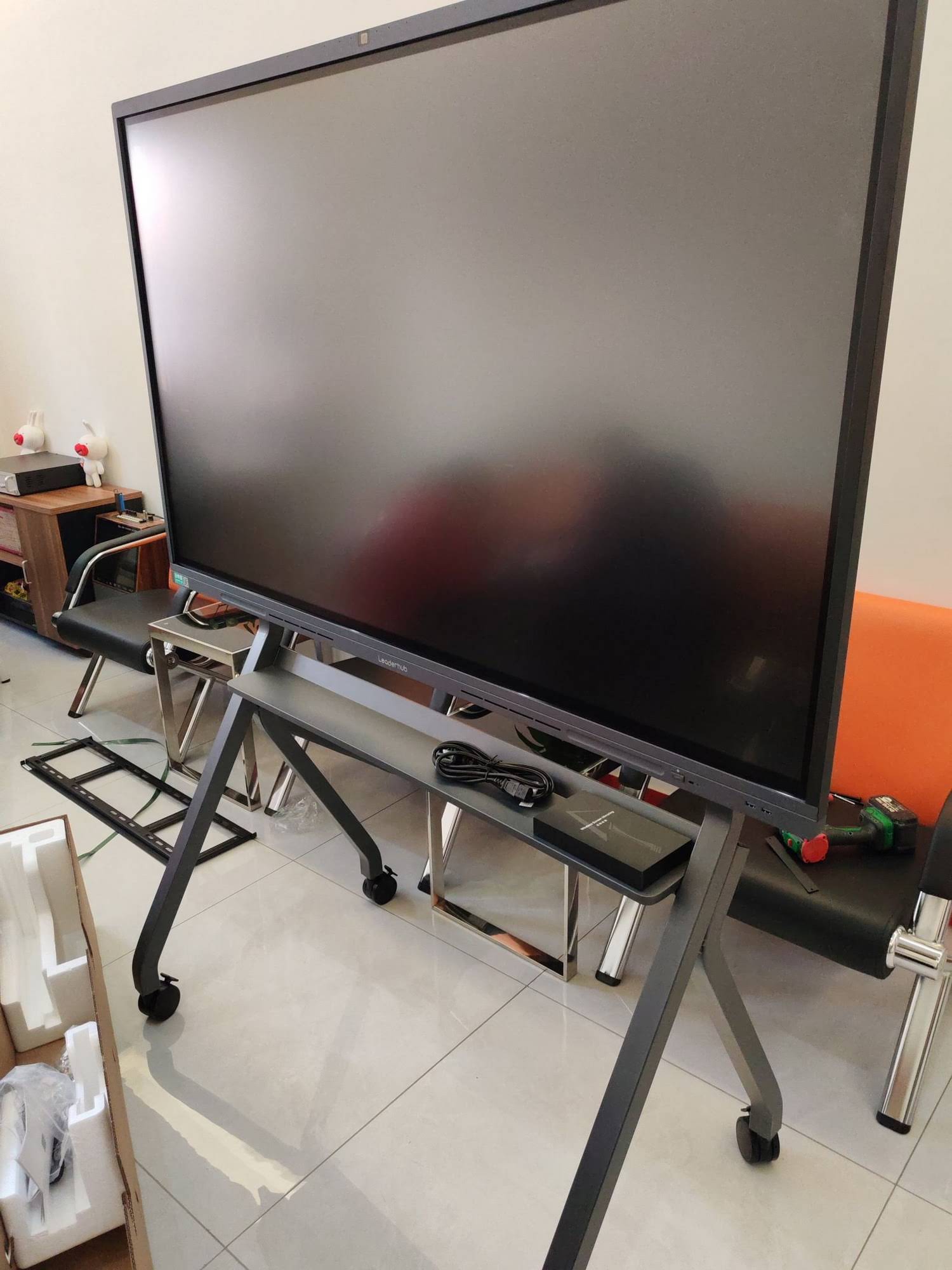
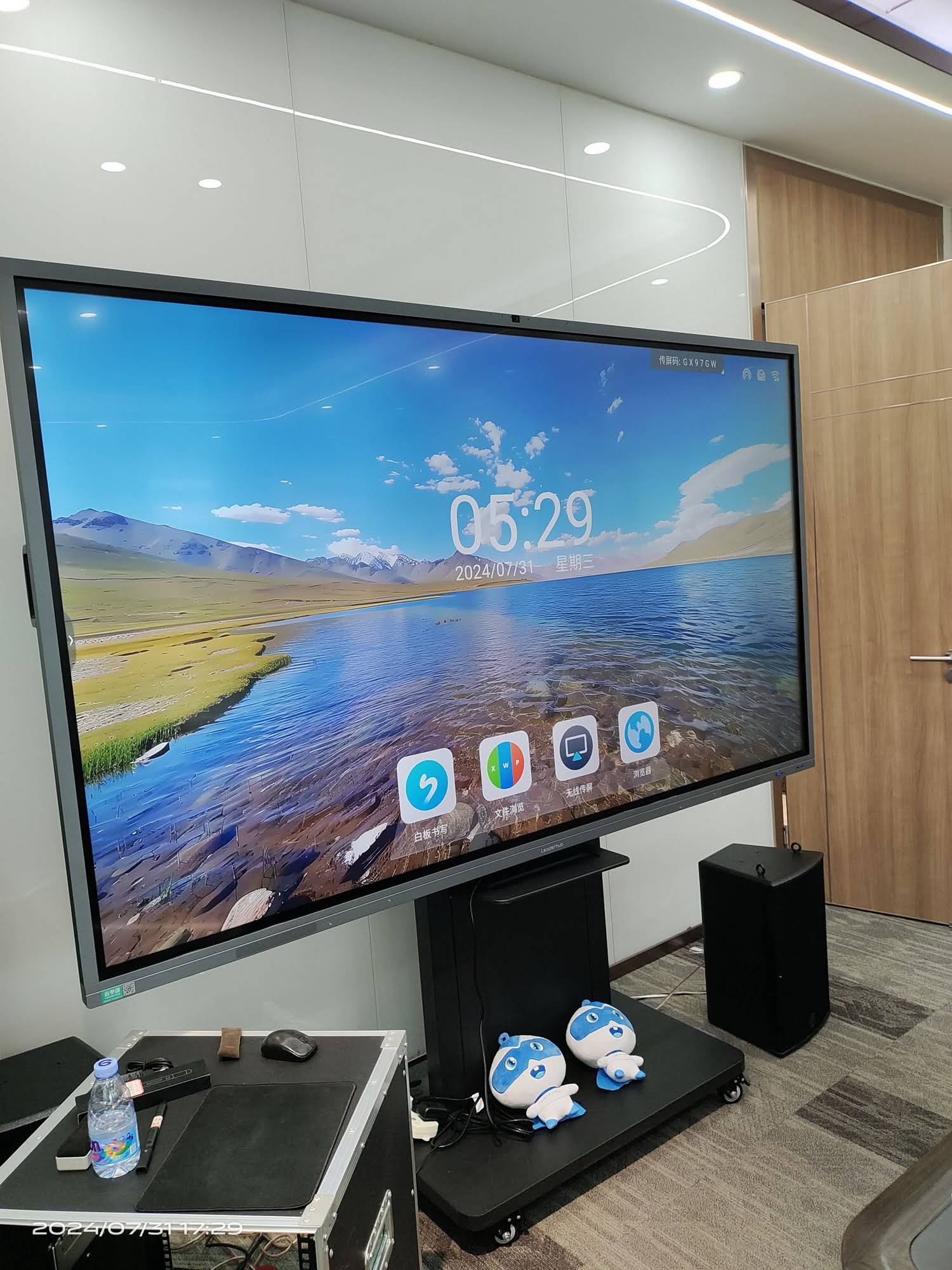
Smart board technology refers to a large-format interactive display that combines a high-resolution screen, a multi-touch sensing layer, a built-in computer and collaboration software into a single device. Instead of projecting an image onto a passive surface, a smart board is the surface, the display and the computer all at once. Users can write on it with a stylus or finger, open apps, browse the web, annotate over documents, run video calls and share content wirelessly from phones and laptops.
The term “smart board” originally came from the SMART Board brand, but today it is used generically, much like “Kleenex” or “Xerox.” You will also see the technology described as an interactive flat panel (IFP), interactive whiteboard (IWB), digital whiteboard or interactive display. These terms overlap heavily, though there is one important distinction worth understanding.
Smart Boards vs. Projector-Based Interactive Whiteboards
Early interactive whiteboards from the 2000s used a projector mounted on the ceiling and a touch-sensitive board on the wall. Modern smart boards eliminate the projector entirely with a direct-view LED/LCD panel. The differences are significant:
| Factor | Traditional Whiteboard | Projector-Based IWB | Modern Smart Board (IFP) |
|---|---|---|---|
| Image quality | None (markers only) | Washed out in daylight, shadows | 4K UHD, bright, no shadows |
| Touch input | None | 1–2 points, needs calibration | 20–40 simultaneous points |
| Maintenance | Markers, erasers | Lamp replacement, filters, alignment | Virtually none; 50,000-hour panel life |
| Computing | None | Requires external PC | Built-in Android + optional Windows OPS |
| Content saving | Photo of the board | Via connected PC | One-tap save, QR share, cloud sync |
How Does Smart Board Technology Work?
A smart board looks like a giant tablet, and in many ways it behaves like one. Under the glass, however, five distinct systems are working together every time someone touches the screen.
1. The Display Panel
The visual layer is a commercial-grade LCD panel with LED backlighting, typically available in 55″, 65″, 75″, 86″ and increasingly 98″ or 110″ sizes. Classroom-focused models now ship with 4K UHD resolution (3840 × 2160) so that small text remains legible from the back row. Anti-glare tempered glass, usually rated at Mohs hardness 7, protects the panel from scratches and reduces reflections from windows and overhead lighting. Many panels also include low-blue-light and flicker-free certification to reduce eye strain over a full school day.
2. The Touch Sensing Layer
This is the part that makes a smart board “smart.” Three main touch technologies are used in the industry, each with trade-offs:
| Touch Technology | How It Works | Strengths | Best For |
|---|---|---|---|
| Infrared (IR) | A frame of IR LEDs and sensors around the bezel detects where light beams are interrupted | Works with any object, cost-effective at large sizes, very durable | Most K-12 and university classrooms |
| Projected Capacitive (PCAP) | A grid of electrodes senses changes in electrical charge from a finger or conductive pen | Smartphone-like responsiveness, zero-bezel designs, no parallax | Premium meeting rooms and design studios |
| Electromagnetic (EMR) | A sensor board detects a battery-free pen with pressure levels; often combined with IR or PCAP | Pressure-sensitive, pen-like writing, precise hover detection | Art, mathematics and handwriting-heavy teaching |
Regardless of the method, the controller chip translates the physical touch into coordinates and sends them to the operating system dozens of times per second. Modern panels achieve response times under 8 milliseconds, which is why ink appears to flow directly from the pen tip rather than lagging behind it. Advanced controllers also perform palm rejection (ignoring a resting hand), object recognition (fingertip writes, palm erases, pen writes thin lines) and support for 20 or more simultaneous touch points so several students can work on the board at once.
3. The Embedded Computer
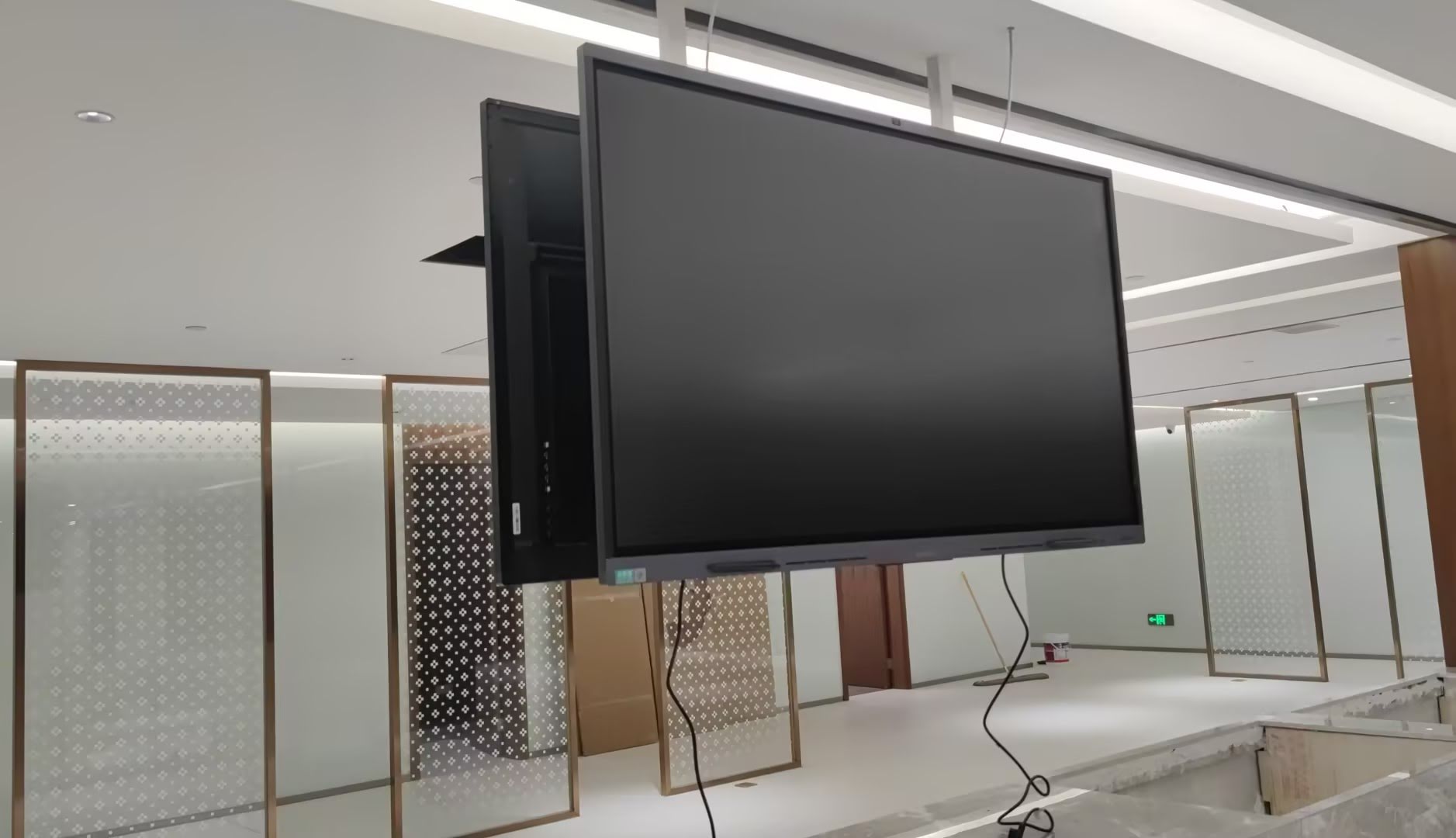
Every modern smart board contains a system-on-chip running Android (typically Android 11 to 14) with 4–8 GB of RAM and 32–128 GB of storage. This handles the whiteboarding app, screen sharing, browser and media playback without any external device. For schools standardized on Windows, most boards include an OPS slot — a standardized bay into which a pluggable Windows PC module slides. Alternatively, a compact external unit such as a mini PC for interactive displays can be mounted behind the panel and connected via HDMI and USB-Touch, giving teachers a full Windows desktop with touch control.
4. Connectivity and Wireless Screen Sharing
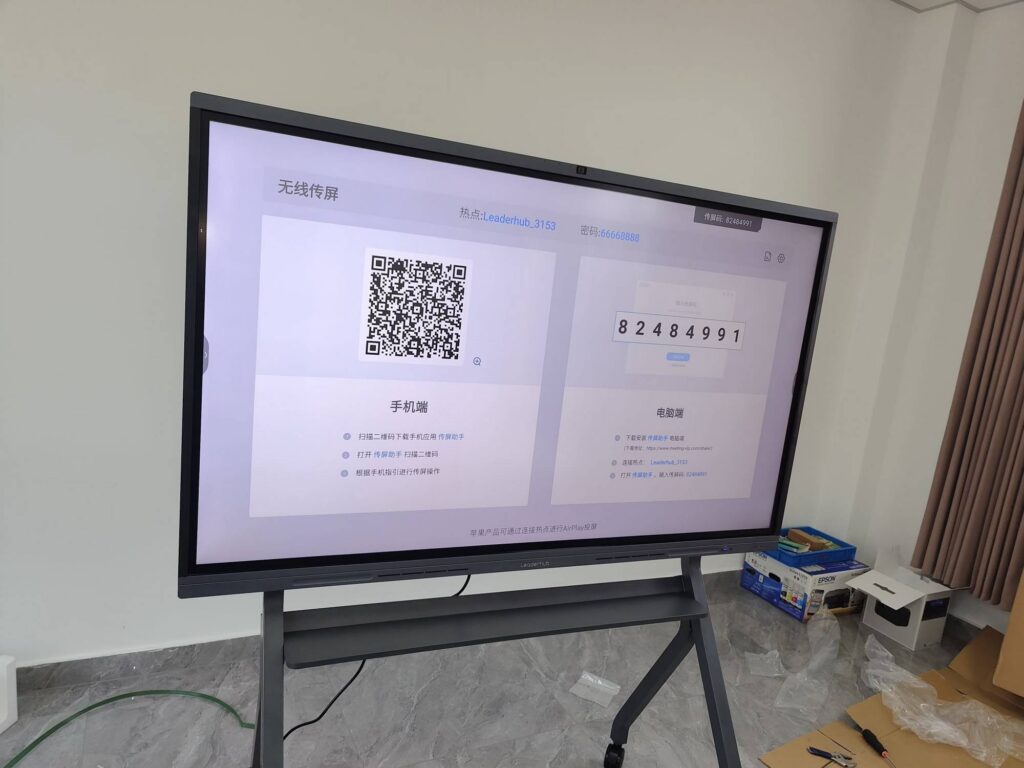
Smart boards are communication hubs, so connectivity is extensive. A typical panel includes multiple HDMI inputs, USB-C with power delivery, USB-A ports on the front for flash drives, Ethernet, dual-band Wi-Fi 6 and Bluetooth. The headline feature for classrooms is wireless casting: students and teachers mirror a phone, tablet or laptop screen using Miracast, AirPlay, Google Cast or a dedicated app, often with four devices displayed side by side for comparison. Built-in 4K cameras and array microphones on many models also turn the board into a hybrid-learning endpoint for Zoom, Teams or Google Meet.
5. The Software Layer
Hardware is only half the story. The whiteboarding software determines whether the board feels like a chalkboard replacement or a genuine teaching tool. Key capabilities include infinite canvas, handwriting-to-text conversion, shape recognition, built-in geometry tools and rulers, a document camera mode, screen recording, and the ability to annotate over any source — a PDF, a website, a video or a connected laptop. Lessons can be saved as PDF or image files and shared instantly through a QR code that students scan with their phones, eliminating the “copy this down before I erase it” moment forever.
Key Features That Define a Good Smart Board
With dozens of manufacturers now in the market, feature lists can blur together. These are the specifications that actually affect daily teaching:
- Screen size matched to the room: 65″ suits rooms up to 20 students; 75″ is the sweet spot for standard classrooms; 86″ and above serve lecture halls and large labs.
- 4K resolution and 350–450 nits brightness for readability under fluorescent lighting and sunlight.
- Zero-bonding or optical bonding between glass and panel to remove the gap that causes visual parallax when writing.
- Low writing latency (under 8 ms) and fine-tip stylus support with at least 2 mm accuracy.
- Palm rejection and multi-user writing with distinct colors for group activities.
- Android 13/14 with Google Play or a managed app store, plus an OPS slot for Windows.
- Wireless casting for at least four simultaneous devices with touch-back control.
- Front-facing ports, front speakers (2 × 15 W or better) and a built-in microphone array.
- Remote device management (MDM) so IT staff can push updates and lock settings across every classroom.
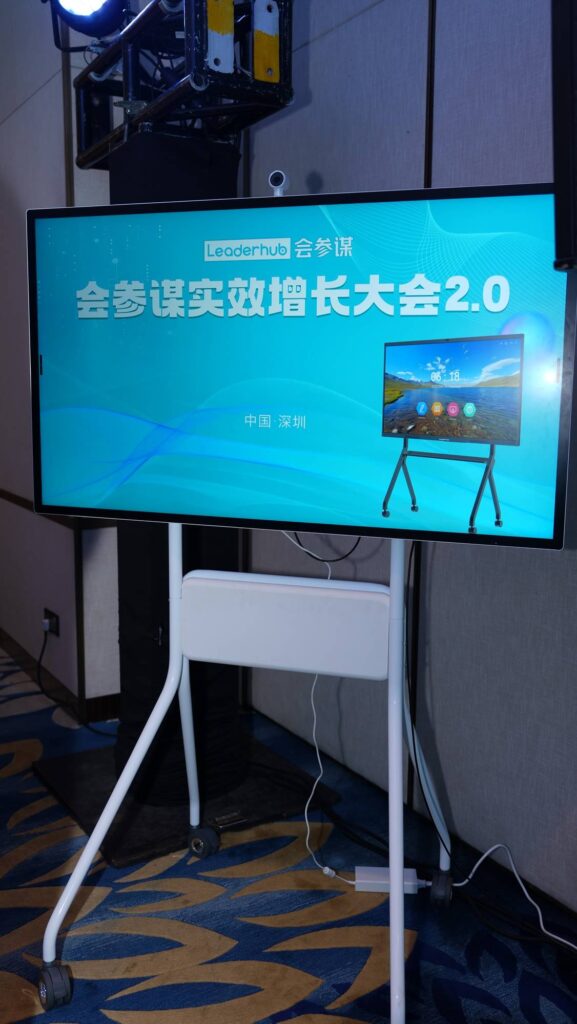
- A rotatable or mobile stand for rooms that switch between landscape presentations and portrait document review, or that need to share one board across multiple spaces.

Classroom Benefits of Smart Board Technology
Technology in schools should be judged on learning outcomes, not novelty. The UNESCO Technology in Education Report makes this point strongly: digital tools deliver value when they are integrated into sound pedagogy and teacher practice, not when they are simply installed. With that caveat in mind, smart boards offer several well-documented classroom benefits.
Higher Student Engagement and Participation
Multi-touch boards invite students to the front of the room. A math teacher can have three students solve the same equation side by side; a language teacher can run a drag-and-drop vocabulary game; a science class can manipulate a 3D molecule with their hands. The EEF Digital Technology Guidance notes that technology is most effective when it increases the quantity and quality of student practice and feedback — exactly what interactive manipulation on a shared screen enables.
Support for Multiple Learning Styles
A single lesson on a smart board can combine text, diagrams, video, audio and physical interaction. Visual learners see annotated diagrams; auditory learners hear embedded clips; kinesthetic learners come to the board and move objects. Teachers can also enlarge text, change contrast or switch to high-visibility pen colors in seconds to support students with visual impairments or dyslexia.
Time Savings and Lesson Continuity
- Lessons are prepared once and reused or adapted year after year.
- Every annotated page is saved automatically; absent students receive the exact board content via a shared link.
- Instant-on panels remove the five-minute projector warm-up and the hunt for working markers.
- Screen recording lets teachers create flipped-classroom videos directly from the lesson they just taught.
Hybrid and Remote Learning Readiness
Since 2020, the ability to teach simultaneously to students in the room and at home has moved from “nice to have” to essential. A smart board with an integrated camera and microphone array lets remote students see both the teacher and the board content in a single video stream, while cloud whiteboarding allows them to write on the same canvas. The OECD Digital Education Outlook highlights this kind of blended infrastructure as a core pillar of resilient education systems.
Lower Total Cost of Ownership
Projector lamps cost $150–$400 and last 2,000–5,000 hours; an interactive panel is rated for 50,000 hours with no consumables. Over a seven-year lifecycle, a 75″ smart board frequently costs less than a projector-and-whiteboard combination once lamps, filters, markers and technician visits are counted. Energy use is also lower, and because the board does not require a dark room, lighting and blinds can stay in their normal position.
Beyond the Classroom: Where Else Smart Board Technology Is Used
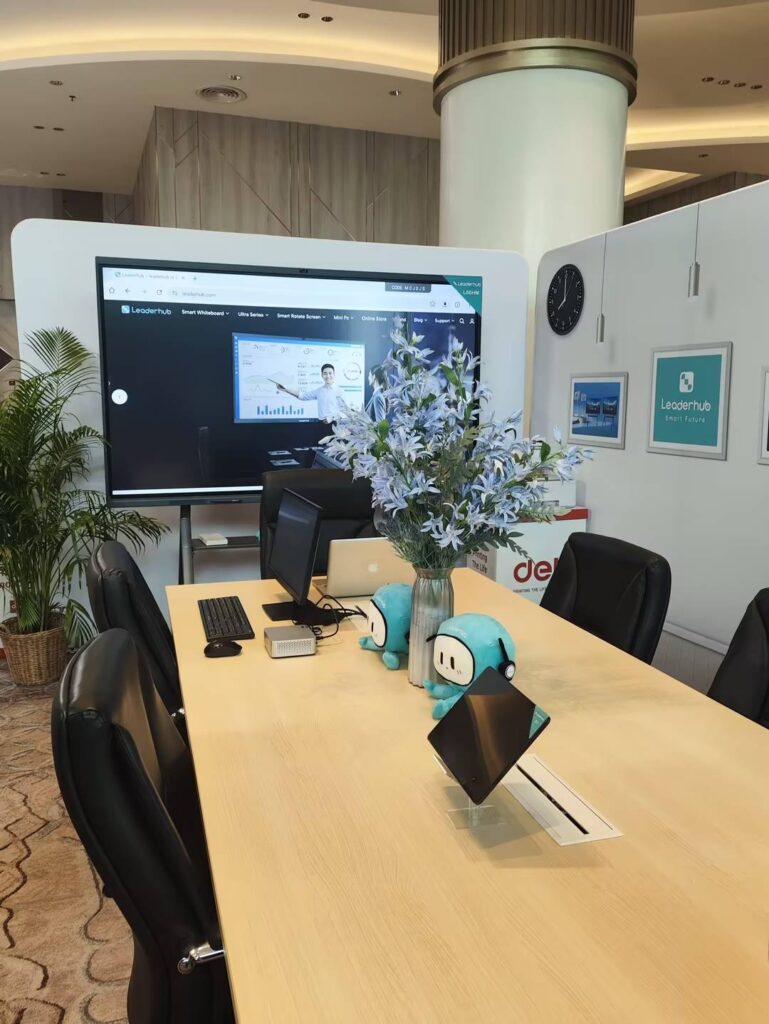
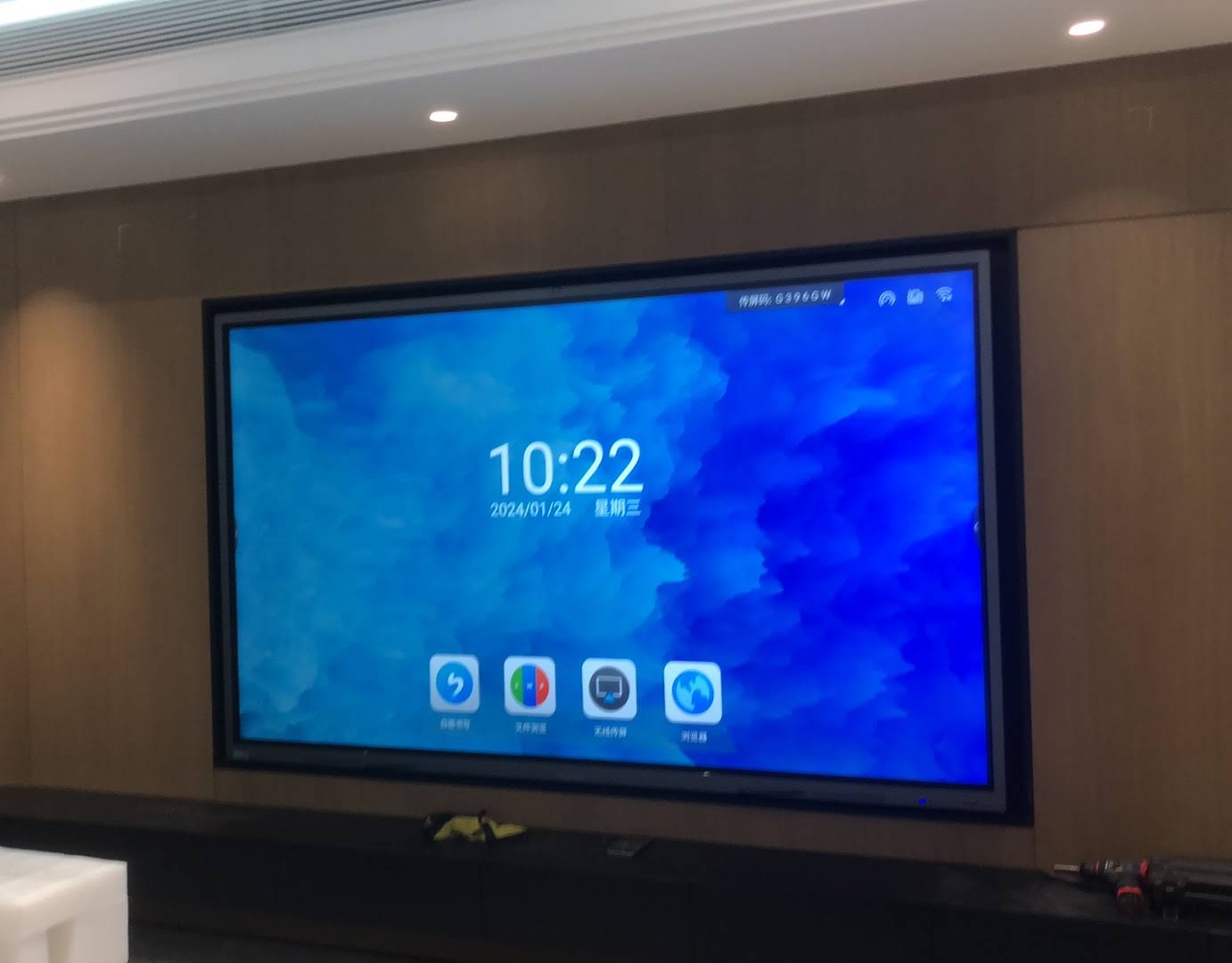
Although education drove early adoption, the same technology now anchors corporate meeting rooms, hospitals, design agencies and training centers. In business settings, smart boards replace flip charts and projectors with a single device for video conferencing, brainstorming and document review. Mobile and battery-powered models such as the U55Pro 55″ mobile interactive flat panel can be wheeled between huddle spaces, open-plan areas and client rooms, while rotating-screen designs flip between landscape and portrait for reviewing long documents or vertical video content.
How to Choose the Right Smart Board for Your School
Before comparing specifications, answer three practical questions: How large is the room? Which operating system does your staff already use? And how will the board be shared or moved? The table below maps common classroom scenarios to suitable panel sizes and configurations, with representative models and price points to help with budgeting.
| Scenario | Recommended Size | Example Model | Price |
|---|---|---|---|
| Small classroom, tutoring room, up to 20 seats | 65″ | L65ZM 65″ 4K Interactive Whiteboard | $1,099 |
| Standard K-12 classroom, 25–35 seats | 75″ | L75HM 75″ 4K Smart Whiteboard | $1,599 |
| Large classroom, lab or lecture room | 86″ | L86ZM 86″ 4K Smart Panel | $1,699 |
| Auditorium or multi-purpose hall | 110″ | L110H 110-Inch Interactive Flat Panel | $7,999 |
| Shared board moved between rooms | 55″ mobile | U55Pro 55″ Mobile 4K Smart Display | $2,499 |
For a structured procurement checklist, the guide to choosing an interactive display for K-12 from EdTech Magazine is a useful companion. Also plan for teacher training from day one — the ISTE Standards for Educators provide a practical framework for building the digital teaching skills that turn hardware into better lessons.
Frequently Asked Questions About Smart Board Technology
Does a smart board need a separate computer?
No. Modern panels run Android natively and can whiteboard, browse, cast and video-call on their own. A Windows OPS module or external mini PC is optional for schools that rely on Windows-only software.
Can students write on the board with their fingers?
Yes. Infrared and capacitive boards accept finger, stylus and even an eraser or ruler. Most boards distinguish between a fingertip (write), a palm (erase) and a pen (fine line) automatically.
How long does a smart board last?
Commercial panels are rated for roughly 50,000 hours of use, which equals 15–20 years at typical classroom usage. Touch frames and glass are designed to withstand daily contact from hundreds of students.
Is 4K necessary for a classroom?
For panels 65″ and larger, yes. At 1080p, individual pixels are visible from the front rows and small text becomes soft. 4K also future-proofs the board for high-resolution content and split-screen casting.
What is the difference between a smart board and a smart TV?
A smart TV displays content; a smart board lets you touch, write on and control it. Smart boards also use commercial-grade panels designed for 16-hour daily operation, tempered anti-glare glass, and software built for teaching and collaboration rather than streaming.
Final Thoughts
So, what is smart board technology? It is the convergence of a 4K display, precise multi-touch sensing, embedded computing and collaboration software into one device that replaces the chalkboard, projector, DVD player, document camera and conference phone that used to clutter the front of a classroom. When paired with thoughtful teacher training, it raises engagement, saves preparation time, supports diverse learners and reduces long-term costs.
If you are evaluating interactive displays for a school, training center or office, Leaderhub — a Shenzhen-based manufacturer with 16 years of interactive-display expertise serving customers in 82 countries — offers smart whiteboards from 55″ to 110″ alongside mini PCs and portable smart screens, with OEM/ODM options for education and enterprise buyers. You can browse the full range of interactive displays or contact the team for a classroom-specific recommendation and volume pricing.