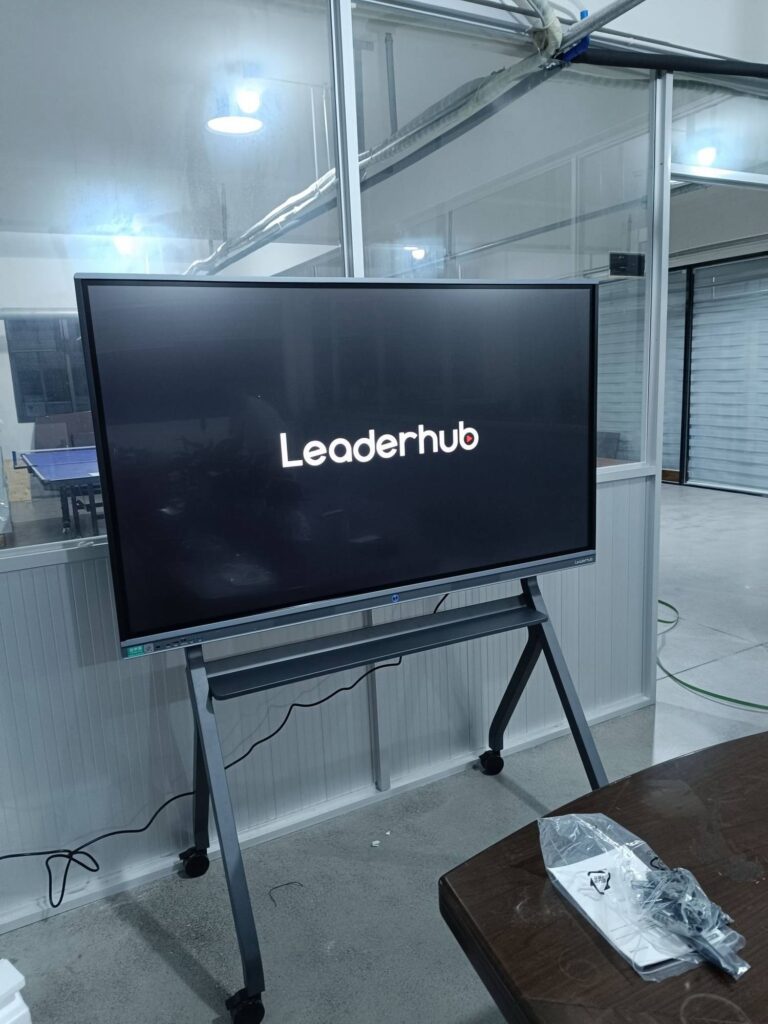
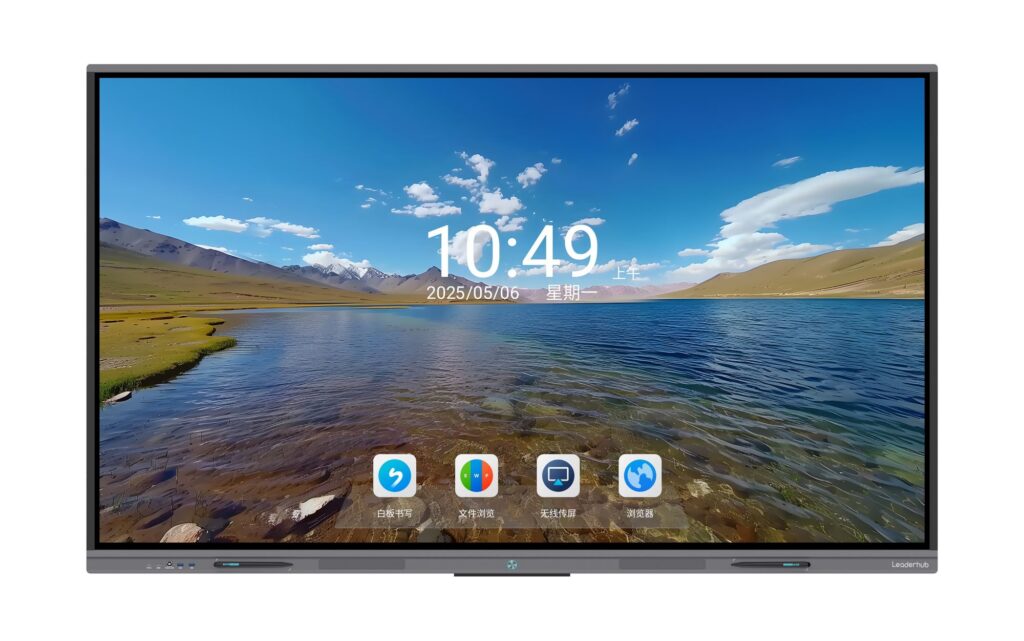
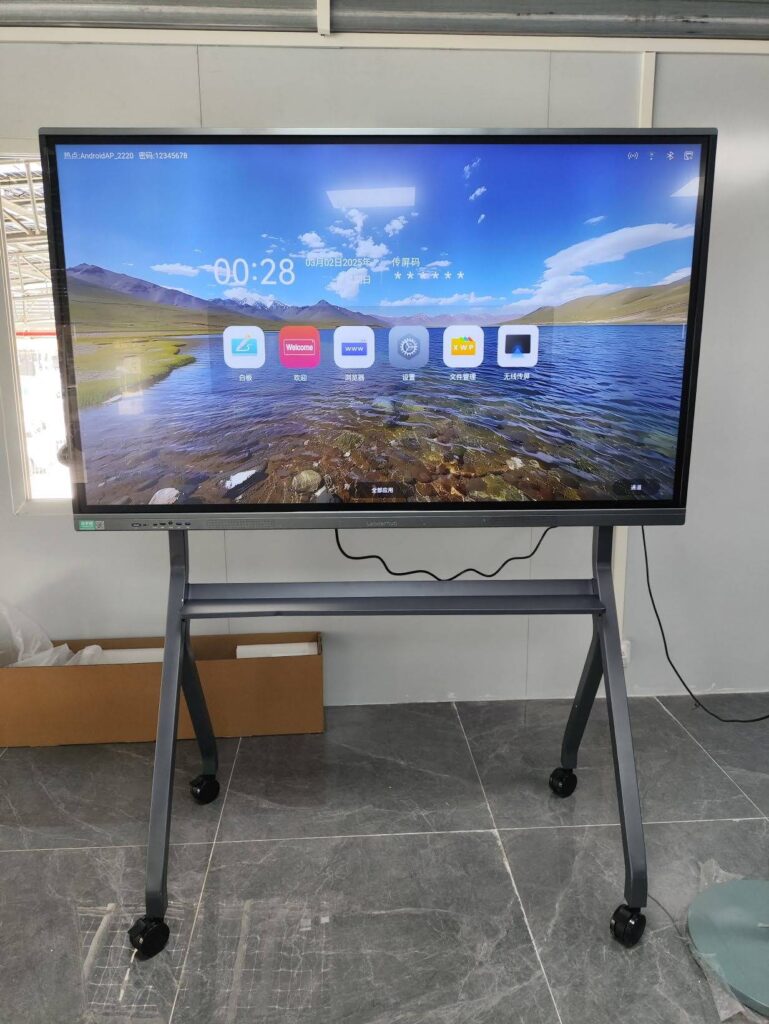
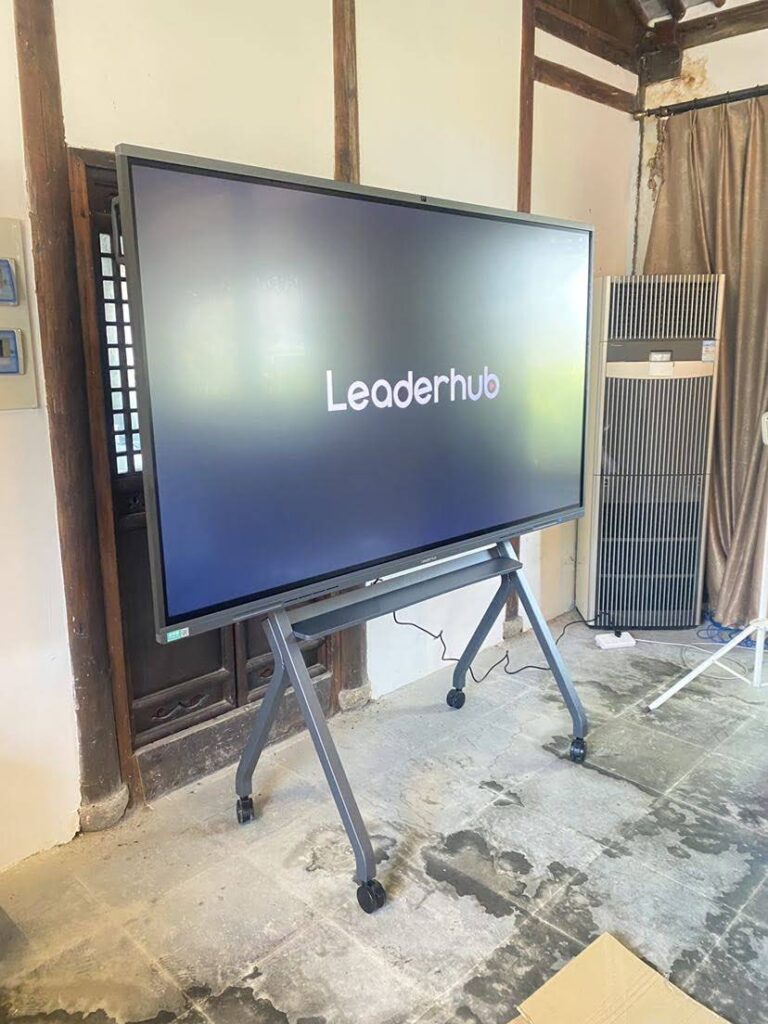
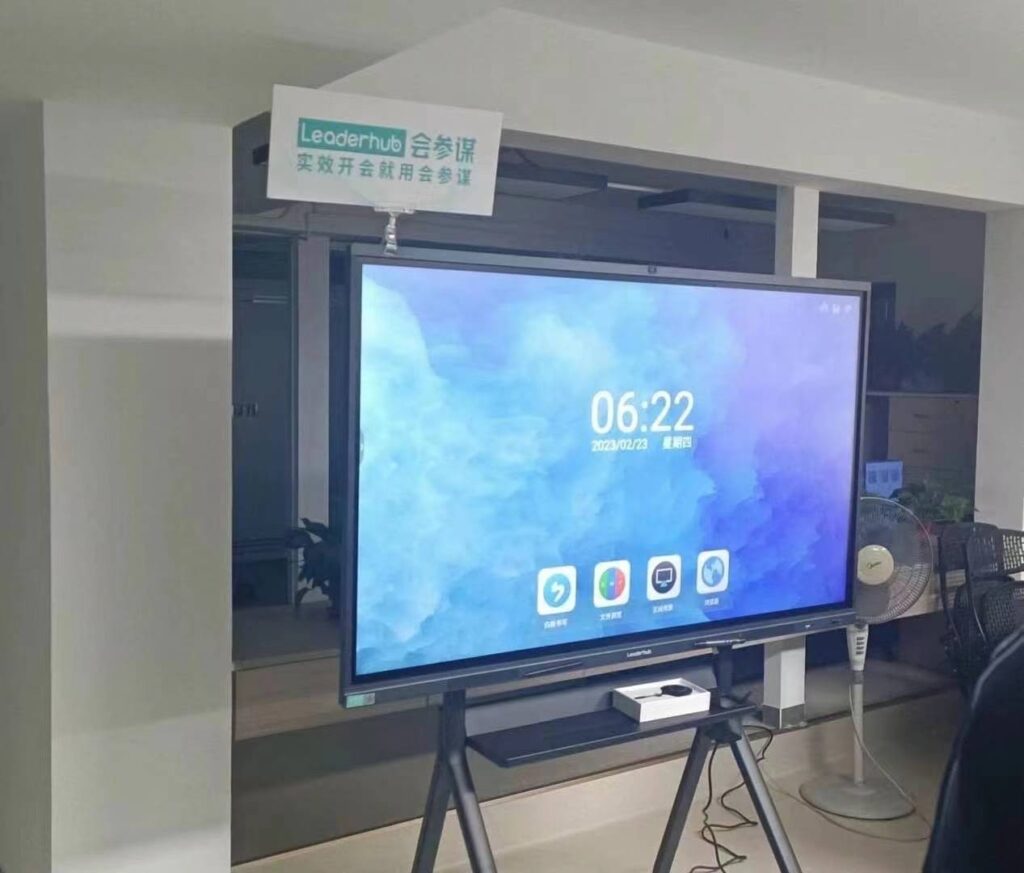
In modern classrooms, traditional chalkboards and projectors are being replaced by advanced interactive technology that transforms how teachers teach and students learn. A smart board¡ªalso known as an interactive flat panel or interactive whiteboard¡ªhas become a cornerstone of digital education, enabling dynamic, engaging, and collaborative learning experiences.
This comprehensive guide explores what a smart board is, its key features, educational benefits, practical classroom applications, and how schools worldwide are leveraging this technology to prepare students for the future.
Understanding Smart Boards: Definition and Core Technology
A smart board is an interactive display system that combines a large touchscreen, computing capabilities, and connectivity features to create a digital learning environment. Unlike traditional whiteboards, smart boards respond to touch input, support multimedia content, and connect seamlessly with other devices and the internet.
At its core, a smart board integrates several technologies:
- Touch-sensitive display: Recognizes multiple simultaneous touch points, allowing teachers and students to interact directly with content using fingers or styluses
- Built-in computing system: Runs educational software and applications without requiring an external computer
- Connectivity options: Supports wireless screen sharing, HDMI connections, USB ports, and network integration
- Cloud integration: Enables content storage, sharing, and access from anywhere
- Collaboration tools: Facilitates real-time interaction between teachers, students, and remote participants
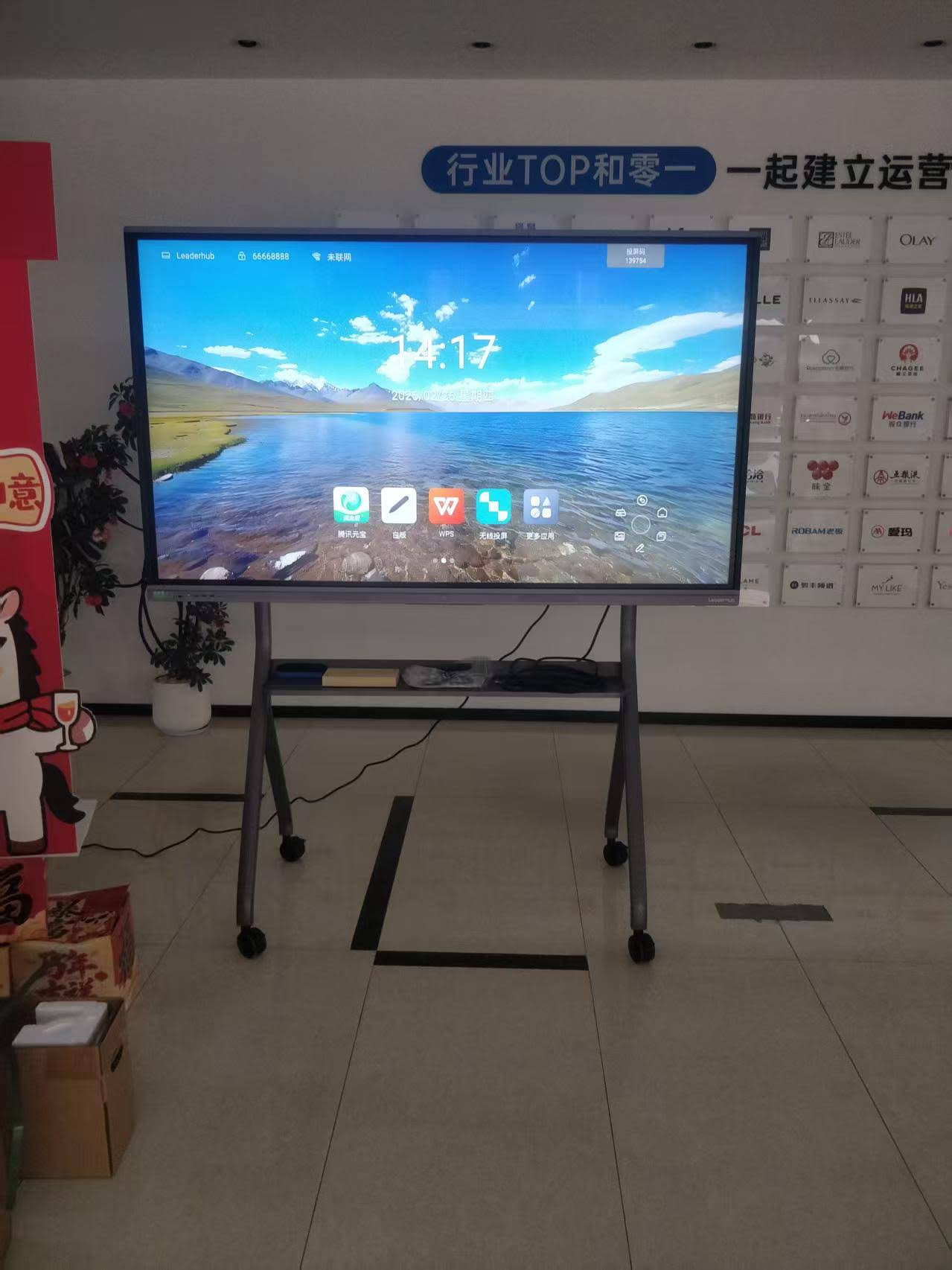
Modern smart boards have evolved significantly from early interactive whiteboards that required projectors and external computers. Today’s smart whiteboards are all-in-one systems with crisp 4K displays, powerful processors, and intuitive interfaces designed specifically for educational environments.
Key Features That Make Smart Boards Essential for Modern Education
Multi-Touch Interaction and Gesture Support
Contemporary smart boards support up to 20 simultaneous touch points, allowing multiple students to interact with content at the same time. This capability transforms passive learning into active participation, where students can manipulate objects, solve problems collaboratively, and engage with educational content directly.
Gesture recognition enables intuitive actions like pinch-to-zoom, swipe navigation, and two-finger rotation, making the technology accessible even to young learners who are already familiar with smartphone and tablet interfaces.
Integrated Educational Software and App Ecosystem
Smart boards come preloaded with specialized educational software that includes:
| Software Category | Key Functions | Educational Benefits |
|---|---|---|
| Interactive Whiteboarding | Digital writing, drawing, annotation | Replaces traditional whiteboard with infinite canvas and save capabilities |
| Screen Recording | Capture lessons, create tutorials | Students can review lessons at their own pace |
| Content Library | Pre-built templates, educational resources | Reduces lesson preparation time |
| Assessment Tools | Quizzes, polls, instant feedback | Real-time understanding of student comprehension |
| Collaboration Features | Split-screen, group workspaces | Promotes teamwork and peer learning |
Wireless Connectivity and Device Integration
Modern smart boards support wireless screen mirroring from laptops, tablets, and smartphones, eliminating the need for cables and allowing teachers and students to share content effortlessly. This feature is particularly valuable in BYOD (Bring Your Own Device) classrooms where students use personal devices for learning.
Many smart boards also feature built-in browsers, document viewers, and compatibility with popular educational platforms like Google Classroom, Microsoft Teams, and Zoom, creating a unified digital learning ecosystem.
AI-Powered Features and Smart Recognition
Advanced smart boards incorporate artificial intelligence to enhance teaching efficiency:
- Handwriting recognition: Converts handwritten text into typed text automatically
- Shape recognition: Transforms rough sketches into perfect geometric shapes
- Object recognition: Identifies and categorizes drawn objects for science and math lessons
- Smart assistants: Provide instant access to information and educational resources
- Auto-save and cloud sync: Ensures no work is lost and enables seamless transition between devices
Educational Benefits: How Smart Boards Transform Learning Outcomes
Enhanced Student Engagement and Participation
Research consistently shows that interactive technology increases student engagement. A study by the University of Texas found that classrooms using interactive displays saw a 16% increase in student participation and a 12% improvement in test scores compared to traditional teaching methods.
Smart boards make learning more engaging by:
- Presenting information through multiple formats: text, images, videos, and interactive simulations
- Allowing students to physically interact with learning materials
- Incorporating game-based learning and educational apps
- Providing immediate visual feedback
- Accommodating different learning styles (visual, auditory, kinesthetic)
Support for Diverse Learning Styles and Special Needs
Smart boards excel at differentiated instruction, allowing teachers to adapt content and presentation methods to meet individual student needs:
- Visual learners benefit from colorful graphics, videos, and animations
- Auditory learners engage with integrated audio, text-to-speech, and video content
- Kinesthetic learners interact directly with content through touch and manipulation
- Students with disabilities access assistive technologies like screen readers, adjustable text sizes, and high-contrast modes
For students with learning disabilities, smart boards provide critical support through features like adjustable display settings, closed captioning, visual timers, and multisensory content presentation.
Improved Collaboration and Communication Skills
Smart boards naturally promote collaborative learning. Students work together at the board to solve problems, create presentations, and complete group projects. This hands-on collaboration develops essential 21st-century skills:
- Teamwork and cooperation
- Communication and presentation skills
- Critical thinking and problem-solving
- Digital literacy and technological competence
- Peer teaching and learning from others
Increased Teaching Efficiency and Resource Management
Teachers report significant time savings when using smart boards. Digital lesson planning eliminates the need to recreate materials for each class, while cloud storage enables teachers to access and modify lessons from anywhere. According to education technology surveys, teachers using interactive whiteboards save an average of 3-5 hours per week on lesson preparation.
Additional efficiency benefits include:
- Instant access to online resources and educational databases
- Reusable and easily modifiable lesson templates
- Reduced printing costs and paper waste
- Streamlined assessment and grading processes
- Better organization of teaching materials
Practical Classroom Applications Across Different Subjects
Mathematics and Science Education
Smart boards revolutionize STEM education by making abstract concepts tangible and interactive:
- Mathematics: Students manipulate geometric shapes, visualize functions and graphs, solve equations collaboratively, and explore mathematical concepts through interactive simulations
- Science: Teachers demonstrate complex processes through animations, conduct virtual lab experiments, zoom into microscopic structures, and explore 3D models of molecules, cells, and planetary systems
- Engineering: Students design and test structures, program robotics interfaces, and visualize engineering principles in real-time
For example, a biology teacher can display a beating heart animation, allow students to label parts directly on the screen, then transition to a video of actual heart surgery¡ªall without changing devices or disrupting the lesson flow.
Language Arts and Literature
Language teachers leverage smart boards to create immersive learning experiences:
- Annotate texts collaboratively during close reading exercises
- Display multimedia content related to literary works
- Practice vocabulary through interactive word games
- Record and playback student presentations for self-assessment
- Connect with native speakers via video conferencing
- Create digital storytelling projects combining text, images, and audio
Social Studies and Geography
History and geography lessons become dynamic explorations:
- Navigate interactive maps and explore geographical features in detail
- Watch historical footage and primary source documents
- Create timelines collaboratively
- Compare historical maps with current geography
- Connect with classrooms in other countries for cultural exchange
- Participate in virtual field trips to museums and historical sites
Arts and Music Education
Creative subjects benefit from the multimedia capabilities of smart boards:
- Digital art creation with various brushes, colors, and effects
- Display and analyze famous artworks in high resolution
- Compose music using virtual instruments
- Learn music theory through interactive exercises
- Create multimedia presentations combining visual art, music, and text
- Practice performance skills with recording and playback features
Implementation Best Practices for Maximum Classroom Impact
Teacher Training and Professional Development
Successful smart board implementation begins with comprehensive teacher training. Schools that invest in professional development see significantly higher adoption rates and better educational outcomes. Effective training programs include:
- Initial technical training covering basic operations and troubleshooting
- Pedagogical training on integrating technology into lesson plans
- Subject-specific workshops demonstrating applications for different disciplines
- Ongoing support through peer mentoring and online resources
- Advanced workshops for experienced users exploring new features and techniques
Companies like LeaderHub, with over 16 years of experience in interactive display technology, provide comprehensive training programs and technical support to help schools maximize their investment in smart board technology.
Lesson Planning and Content Integration
Effective smart board use requires thoughtful lesson design:
- Start simple: Begin with basic features before incorporating advanced functionality
- Focus on pedagogy: Technology should enhance learning objectives, not replace good teaching
- Balance interaction: Mix teacher-led instruction with student interaction and independent work
- Prepare backup plans: Have alternative activities ready in case of technical difficulties
- Share resources: Collaborate with colleagues to build a library of interactive lessons
Classroom Management and Student Guidelines
Establishing clear protocols ensures productive smart board use:
- Define turn-taking procedures for student interaction
- Teach proper touch technique to prevent accidental inputs
- Create backup routines for technical issues
- Establish rules for appropriate content and behavior
- Develop systems for saving and organizing student work
Technical Considerations and Selection Criteria
Size and Display Quality
Smart boards range from 55 inches to 98 inches diagonal. Selection depends on classroom size and viewing distance:
| Screen Size | Recommended Classroom Size | Typical Applications |
|---|---|---|
| 55″-65″ | Small classrooms (15-20 students) | Elementary education, small group instruction |
| 75″-86″ | Standard classrooms (20-35 students) | Most K-12 classrooms, university seminar rooms |
| 98″ | Large classrooms and lecture halls (35+ students) | University lectures, auditoriums, multi-purpose rooms |
Display resolution should be at least 4K (3840 x 2160) for sharp text clarity and detailed image reproduction. Anti-glare screens reduce reflection in brightly lit classrooms.
Touch Technology and Responsiveness
Modern smart boards use infrared or capacitive touch technology. Key factors include:
- Touch points: Minimum 20-point multi-touch for group activities
- Response time: Less than 8ms for natural writing experience
- Palm rejection: Allows resting hands on screen while writing
- Object recognition: Differentiates between fingers, styluses, and erasers
Built-in Computing vs. External Connections
Smart boards come in two configurations:
- Integrated systems: Built-in Android or Windows computer, simplifies setup and reduces cable clutter
- Display-only models: Require external computer, offer more processing power and upgrade flexibility
Most educational institutions prefer integrated systems for ease of use and lower total cost of ownership.
Software Ecosystem and Compatibility
Evaluate the available software and ensure compatibility with existing educational technology:
- Native education apps and content library
- Compatibility with learning management systems
- Support for third-party educational software
- Operating system (Android, Windows, or hybrid)
- Cloud integration and storage options
- Regular software updates and support lifecycle
Real-World Success Stories and Measurable Outcomes
Case Study: Elementary School Math Achievement
A public elementary school in California implemented smart boards in all math classrooms and tracked student performance over two years. Results showed:
- 18% increase in standardized math test scores
- Significant improvement in student engagement (teacher surveys)
- Reduction in classroom behavioral issues
- Higher rates of homework completion
- Increased parent satisfaction with technology integration
Teachers attributed improvements to the ability to visualize abstract concepts, provide immediate feedback, and accommodate different learning styles within a single lesson.
Case Study: High School Special Education Program
A high school special education department integrated smart boards into resource rooms serving students with learning disabilities. Over 18 months, the school documented:
- 23% improvement in reading comprehension scores
- Better attendance and reduced early departures
- Increased student confidence and willingness to participate
- More effective individualized education plan (IEP) implementation
- Improved collaboration between special education and general education teachers
The multisensory approach enabled by smart boards proved particularly effective for students with dyslexia, ADHD, and autism spectrum disorders.
Global Adoption Trends
Smart board adoption continues accelerating worldwide. According to education technology market research:
- The global interactive display market is projected to reach $12.8 billion by 2028
- Asia-Pacific region leads in adoption rate, driven by government digitization initiatives
- North American and European schools focus on replacing aging projector-based systems
- Emerging markets prioritize cost-effective solutions with comprehensive training support
Addressing Common Concerns and Challenges
Cost and Budget Considerations
Smart board costs vary widely based on size, features, and brand. While initial investment can be significant, schools should consider:
- Total cost of ownership: Smart boards eliminate projector bulb replacement (typically $300-500 annually) and reduce consumable costs
- Longevity: Quality smart boards last 10+ years with minimal maintenance
- Grant opportunities: Many governments and foundations offer education technology grants
- Phased implementation: Start with pilot classrooms before full deployment
- Leasing options: Some vendors offer flexible financing
Technical Support and Maintenance
Reliable technical support is crucial for successful implementation:
- Choose vendors with established support infrastructure
- Ensure warranty coverage includes on-site service
- Develop internal technical capacity through IT staff training
- Create maintenance schedules for cleaning and software updates
- Establish backup equipment availability for critical classrooms
Manufacturers like LeaderHub, operating in over 82 countries with 16+ years of experience, provide global technical support networks to ensure minimal disruption to classroom activities.
Screen Time and Digital Balance
Educators should maintain healthy screen time balance:
- Use smart boards as one tool among many teaching methods
- Incorporate movement breaks and non-digital activities
- Focus on active learning rather than passive content consumption
- Teach digital citizenship and responsible technology use
- Monitor and adjust based on student response and well-being
Future Trends: AI Integration and Beyond
Artificial Intelligence in Smart Boards
Next-generation smart boards incorporate AI to enhance learning:
- Adaptive learning: AI adjusts content difficulty based on student performance
- Real-time translation: Supports multilingual classrooms and ESL students
- Intelligent tutoring: Provides personalized feedback and guidance
- Predictive analytics: Identifies students who may need additional support
- Voice control: Enables hands-free operation and accessibility features
Virtual and Augmented Reality Integration
Emerging smart boards support VR and AR content:
- Visualize complex 3D structures and spatial relationships
- Take virtual field trips to historical sites and natural environments
- Conduct virtual science experiments with realistic simulations
- Explore anatomical models and astronomical phenomena
- Practice skills in safe, controlled virtual environments
Enhanced Hybrid Learning Capabilities
Post-pandemic, smart boards increasingly support hybrid and remote learning:
- Integrated cameras and microphones for video conferencing
- Simultaneous in-person and remote student participation
- Cloud-based lesson sharing and collaboration
- Synchronous and asynchronous learning options
- Seamless transition between physical and virtual classrooms
Making the Right Choice for Your Classroom
When selecting a smart board, consider these essential factors:
- Educational objectives: What specific learning outcomes do you want to achieve?
- Classroom environment: Room size, lighting conditions, and existing infrastructure
- User needs: Age of students, subject areas, and accessibility requirements
- Technical capabilities: Required features, software compatibility, and connectivity options
- Budget constraints: Initial cost, maintenance expenses, and total cost of ownership
- Vendor support: Training, technical support, and warranty coverage
- Future scalability: Upgrade path and long-term viability
Request demonstrations from multiple vendors, involve teachers in the selection process, and start with pilot programs before full deployment. Successful implementation requires not just the right technology, but also committed leadership, adequate training, and ongoing support.
Conclusion: Investing in Educational Excellence
Smart boards represent more than technological advancement¡ªthey embody a fundamental shift in educational philosophy toward active, collaborative, and personalized learning. By making abstract concepts tangible, enabling real-time collaboration, and accommodating diverse learning styles, smart boards help prepare students for a technology-driven future while making teaching more efficient and effective.
Schools and educational institutions worldwide have demonstrated that when implemented thoughtfully with proper training and support, smart boards deliver measurable improvements in student engagement, achievement, and 21st-century skill development.
As educational technology continues evolving, manufacturers like LeaderHub remain committed to developing innovative interactive display solutions that help educators communicate more effectively and students learn more successfully. With over 16 years of experience serving schools in more than 82 countries, LeaderHub combines reliable hardware with AI-powered features to deliver smart boards that truly transform classroom experiences.
Whether you’re a teacher exploring interactive technology for the first time, an administrator planning a district-wide implementation, or an education decision-maker evaluating investment options, understanding what smart boards offer and how they function in real classroom environments is the first step toward making informed choices that benefit students for years to come.
The future of education is interactive, collaborative, and increasingly intelligent¡ªand smart boards are at the center of that transformation.