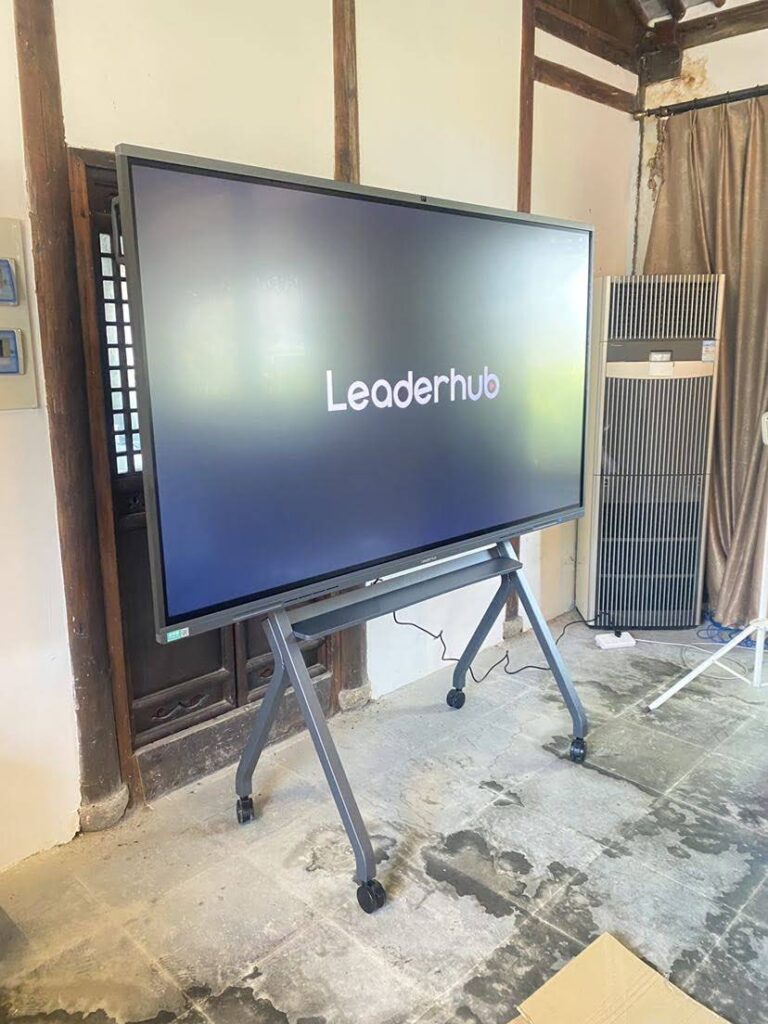
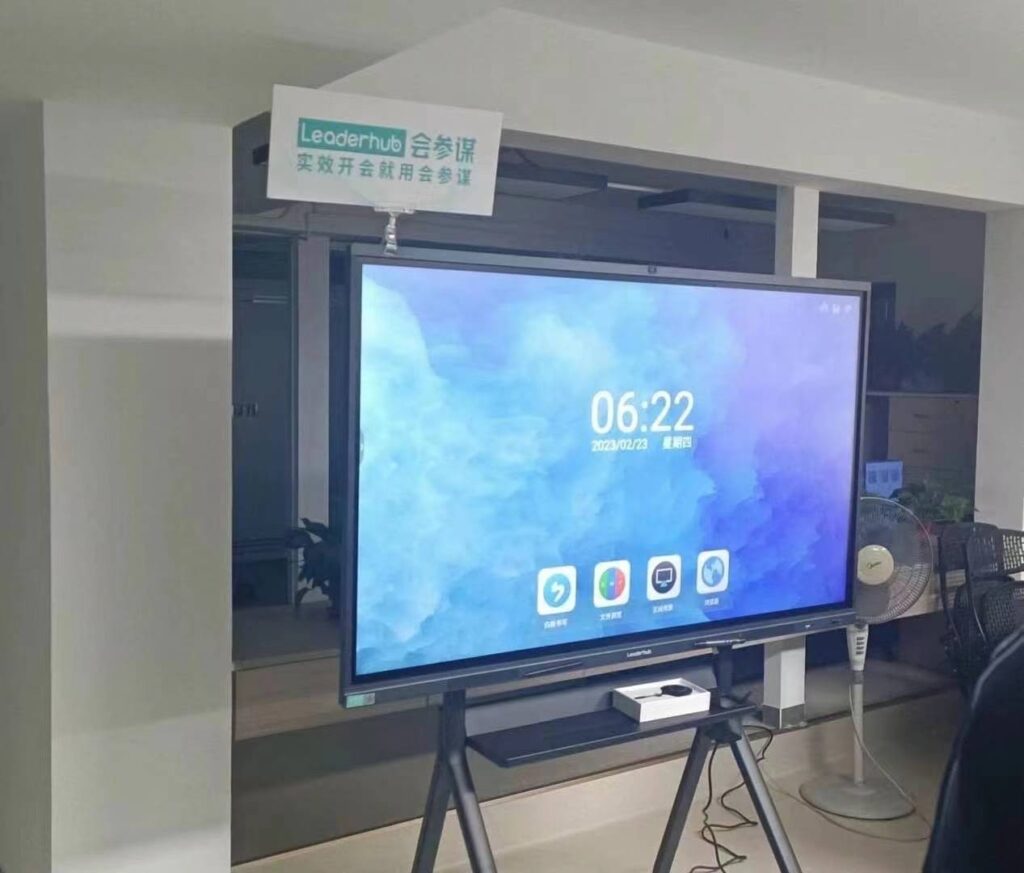
A smart board has quickly become one of the most transformative tools in modern classrooms, boardrooms, and creative studios. Whether you are a school administrator planning next year’s technology budget, an IT manager sourcing equipment for a corporate office, or a trainer looking to make workshops more engaging, understanding how these interactive displays work — and what they can actually do for you — is essential before making a purchase decision.
In this guide, we break down the core features, real-world benefits, practical use cases, and the underlying technology of smart boards, drawing on over 16 years of hands-on experience in the interactive display industry.
What Is a Smart Board?
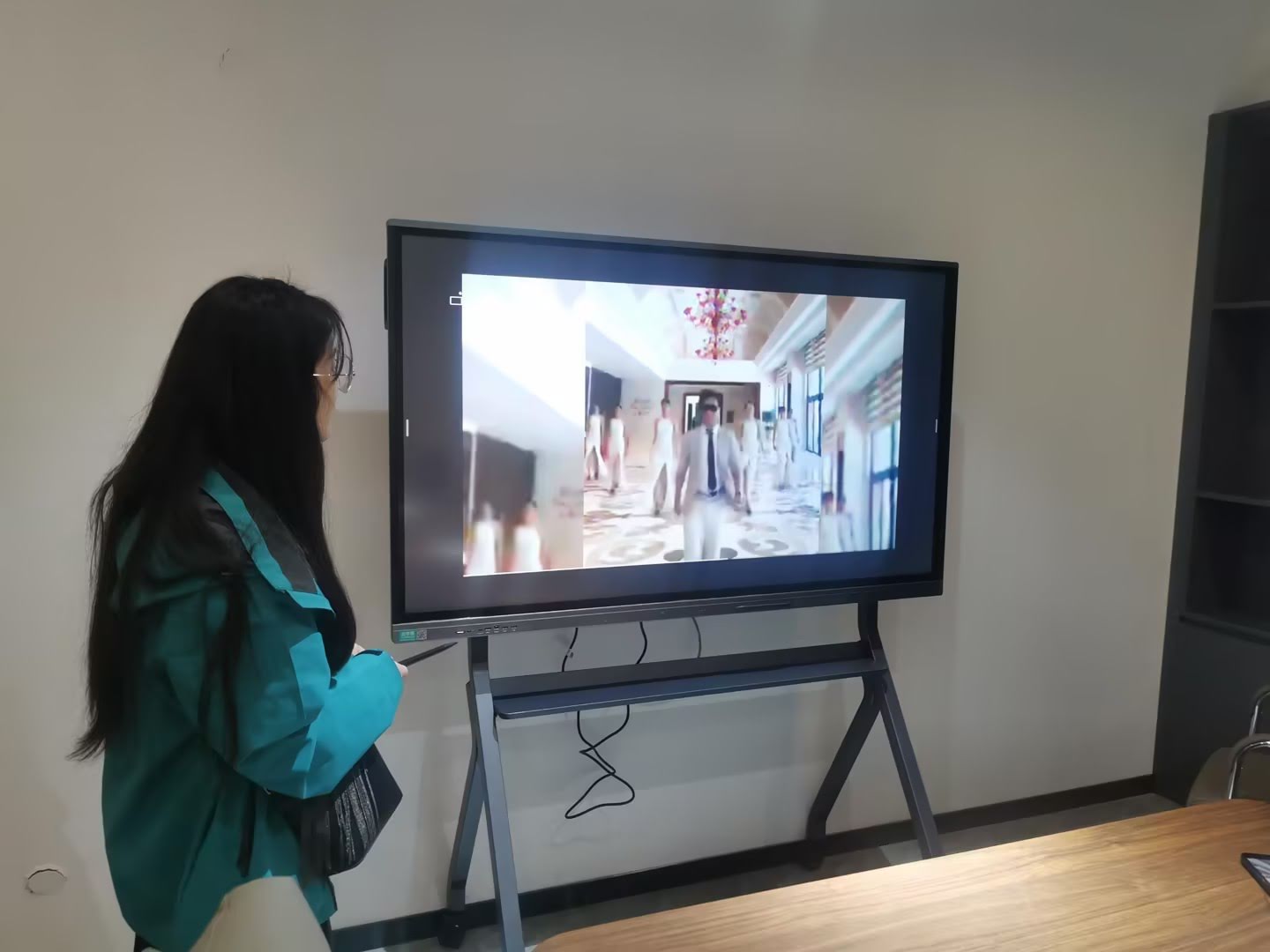
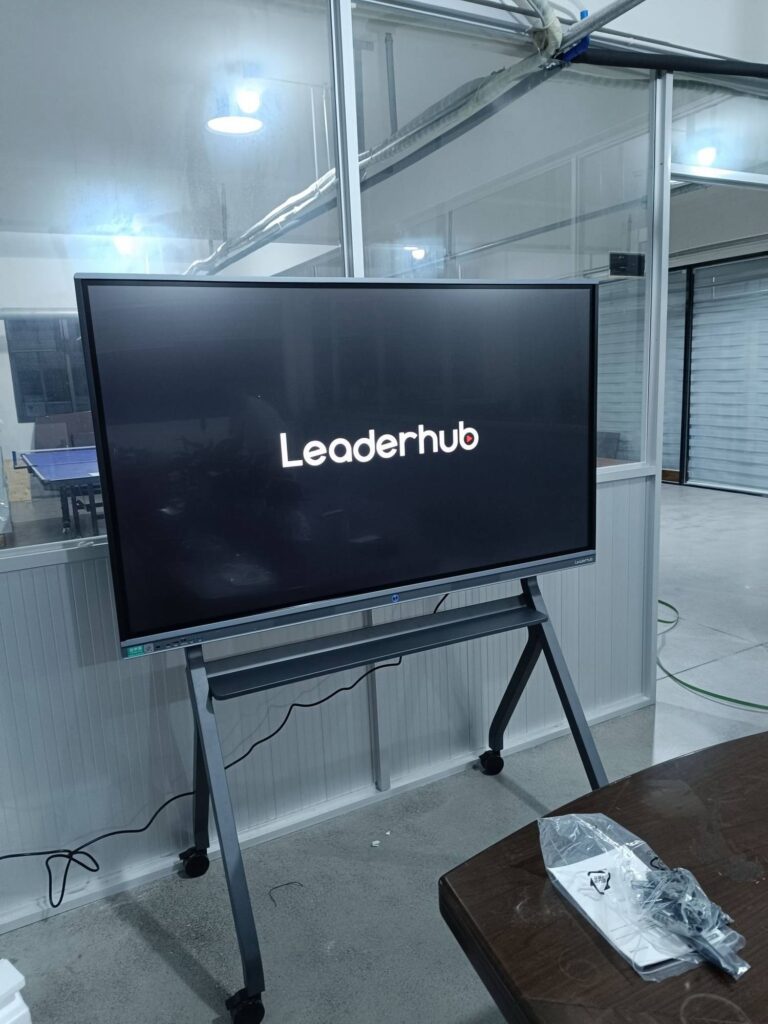
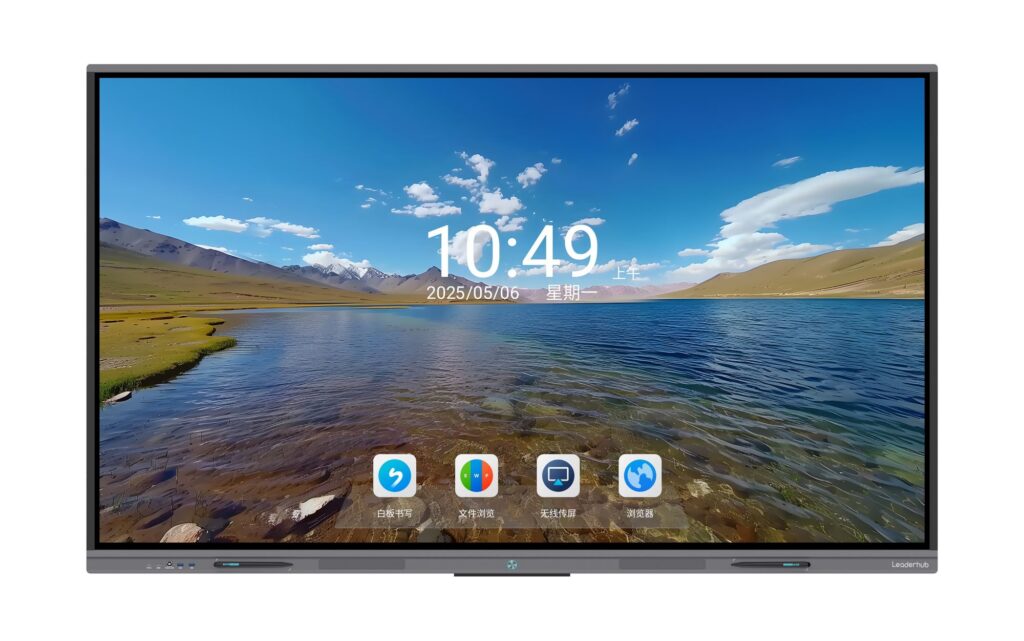
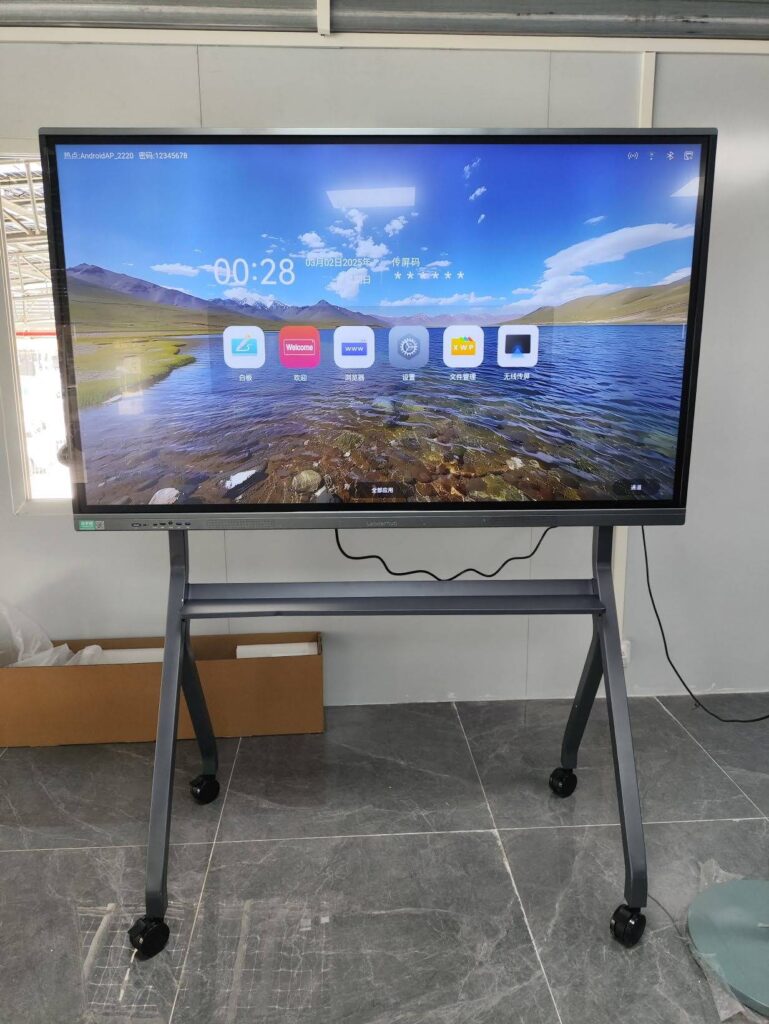
A smart board, also known as an interactive whiteboard or interactive flat panel display (IFPD), is a large touchscreen device that combines the functions of a traditional whiteboard, a computer, and a projector into a single unit. Users can write, draw, annotate documents, browse the internet, run video conferences, and share content wirelessly — all directly on the screen.
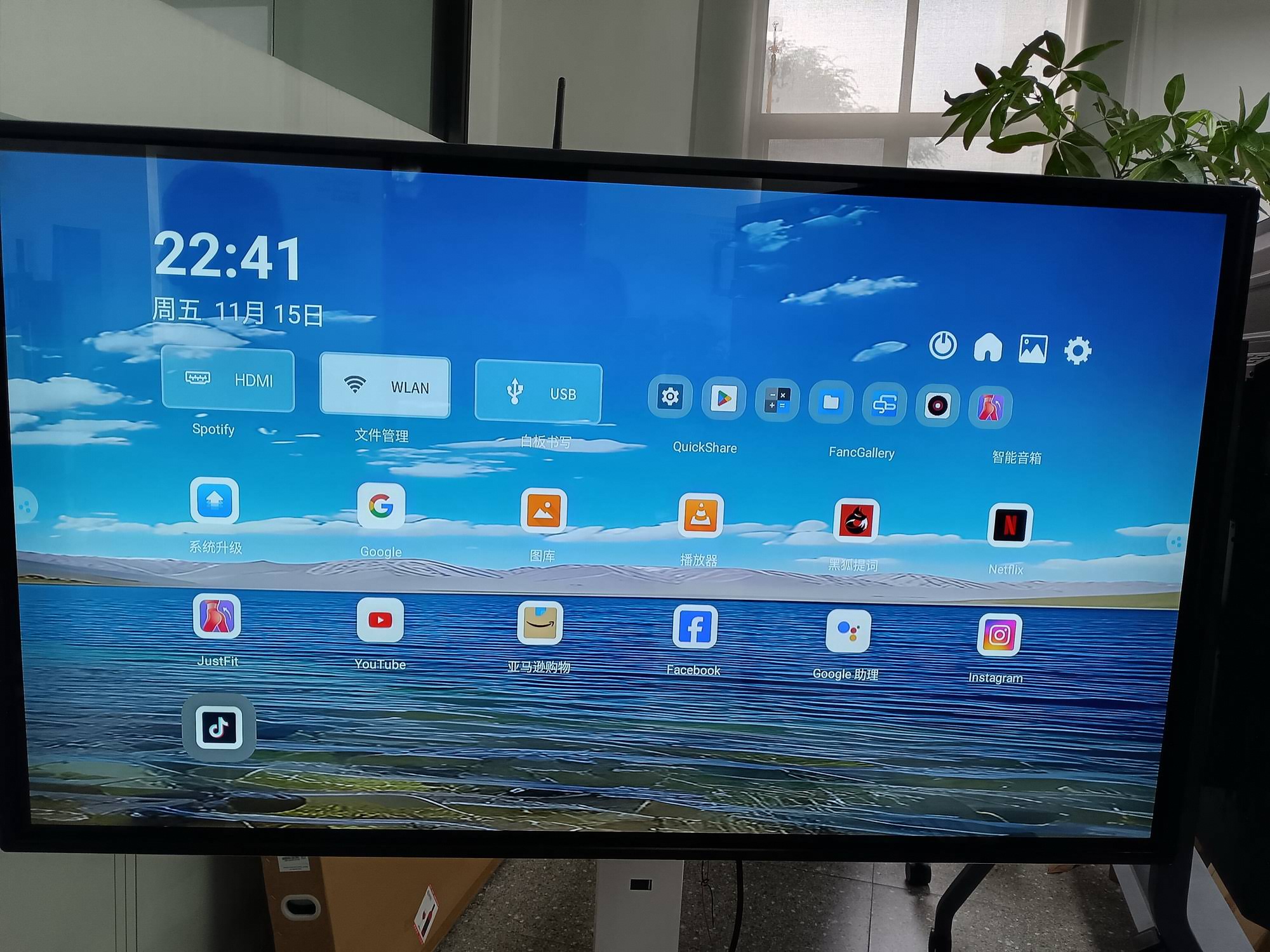
Unlike older projector-based whiteboards, today’s smart boards use capacitive or infrared touch technology paired with 4K UHD display panels, built-in Android or Windows operating systems, and embedded microphones and cameras for hybrid collaboration.
Key Features of Modern Smart Boards
Not all interactive panels are created equal. When evaluating a smart board, here are the features that make the biggest difference in day-to-day usability:
| Feature | Why It Matters |
|---|---|
| 4K UHD Touch Display | Crisp visuals for presentations, videos, and fine annotation work |
| Multi-Touch Support (20+ points) | Enables multiple users to write and interact simultaneously |
| Built-in Android/Windows OS | No external PC required for basic apps and browsing |
| Wireless Screen Sharing | Mirror phones, tablets, and laptops instantly without cables |
| Built-in Camera & Microphone | Supports video conferencing without extra hardware |
| Anti-Glare Glass | Reduces eye strain and improves visibility under bright lighting |
How Smart Boards Actually Work
At the hardware level, most smart boards rely on infrared (IR) touch frames or capacitive touch sensors embedded beneath the glass surface. When a finger, stylus, or marker touches the screen, sensors detect the exact coordinates and relay this information to the onboard processor, which translates the touch into digital ink, gestures, or app commands.
Internally, the board runs an operating system — typically Android for standalone use, with the option to connect an external mini PC for full Windows functionality. This dual-system approach, often called “OPS” (Open Pluggable Specification), lets users switch between lightweight annotation apps and full desktop software like PowerPoint, Zoom, or CAD tools.
Benefits of Using a Smart Board
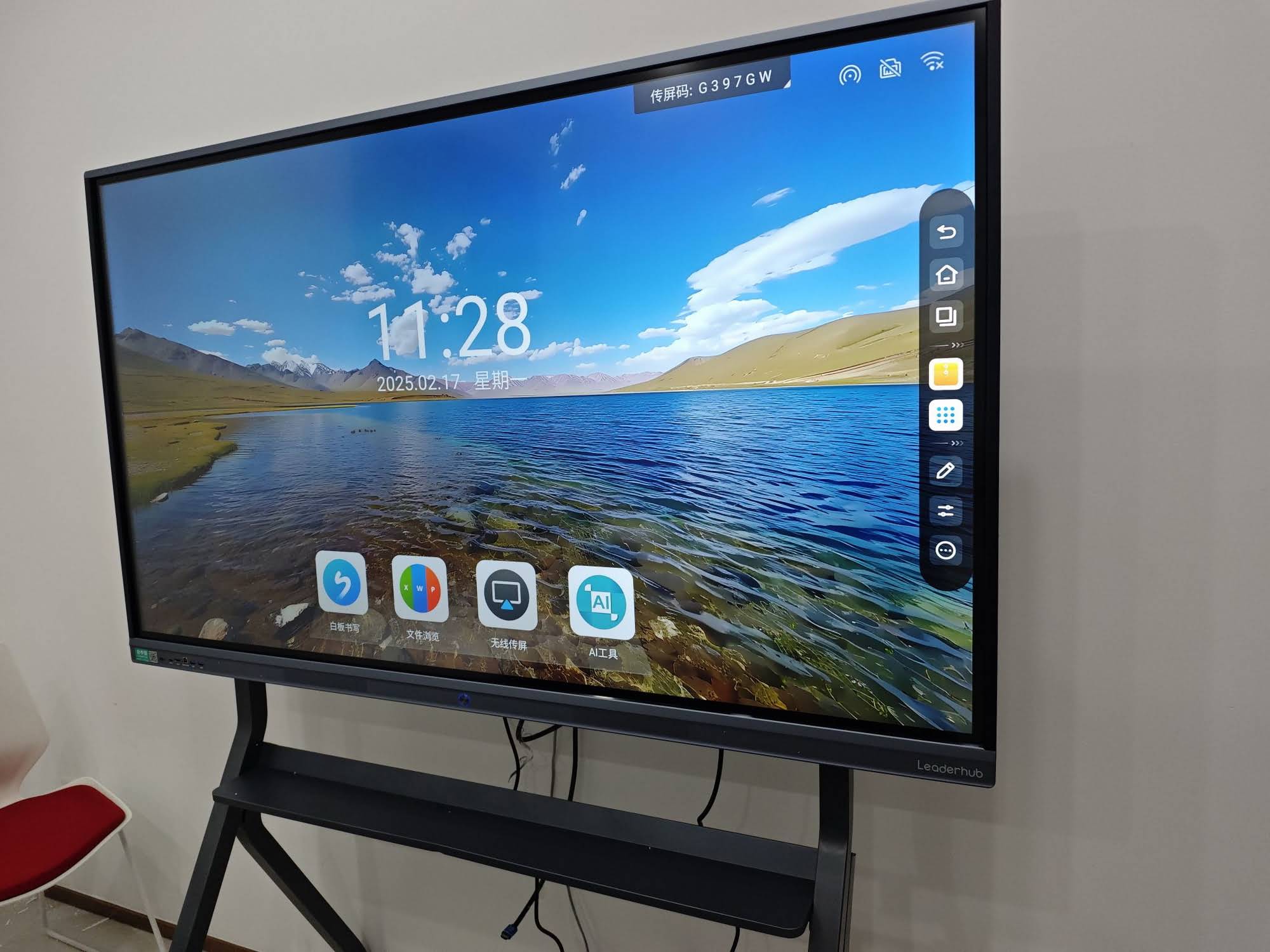
Based on feedback from thousands of installations across education and enterprise sectors, the benefits of adopting a smart board typically fall into four categories:
- Increased Engagement — Interactive content keeps students and meeting participants actively involved rather than passively watching a static screen.
- Improved Collaboration — Multiple users can annotate, brainstorm, and edit documents together in real time, whether in-person or via hybrid conferencing.
- Time Savings — Notes, diagrams, and whiteboard sessions can be saved and shared instantly, eliminating the need to manually transcribe content.
- Reduced Equipment Costs — A single interactive flat panel replaces a projector, screen, whiteboard, and audio system, lowering long-term equipment expenses.
A 2023 industry survey by the Interactive Technology Council found that classrooms using interactive displays reported a 34% increase in student participation compared to traditional whiteboard setups — a statistic that aligns closely with what we consistently observe among our education partners globally.
Common Use Cases
1. Education
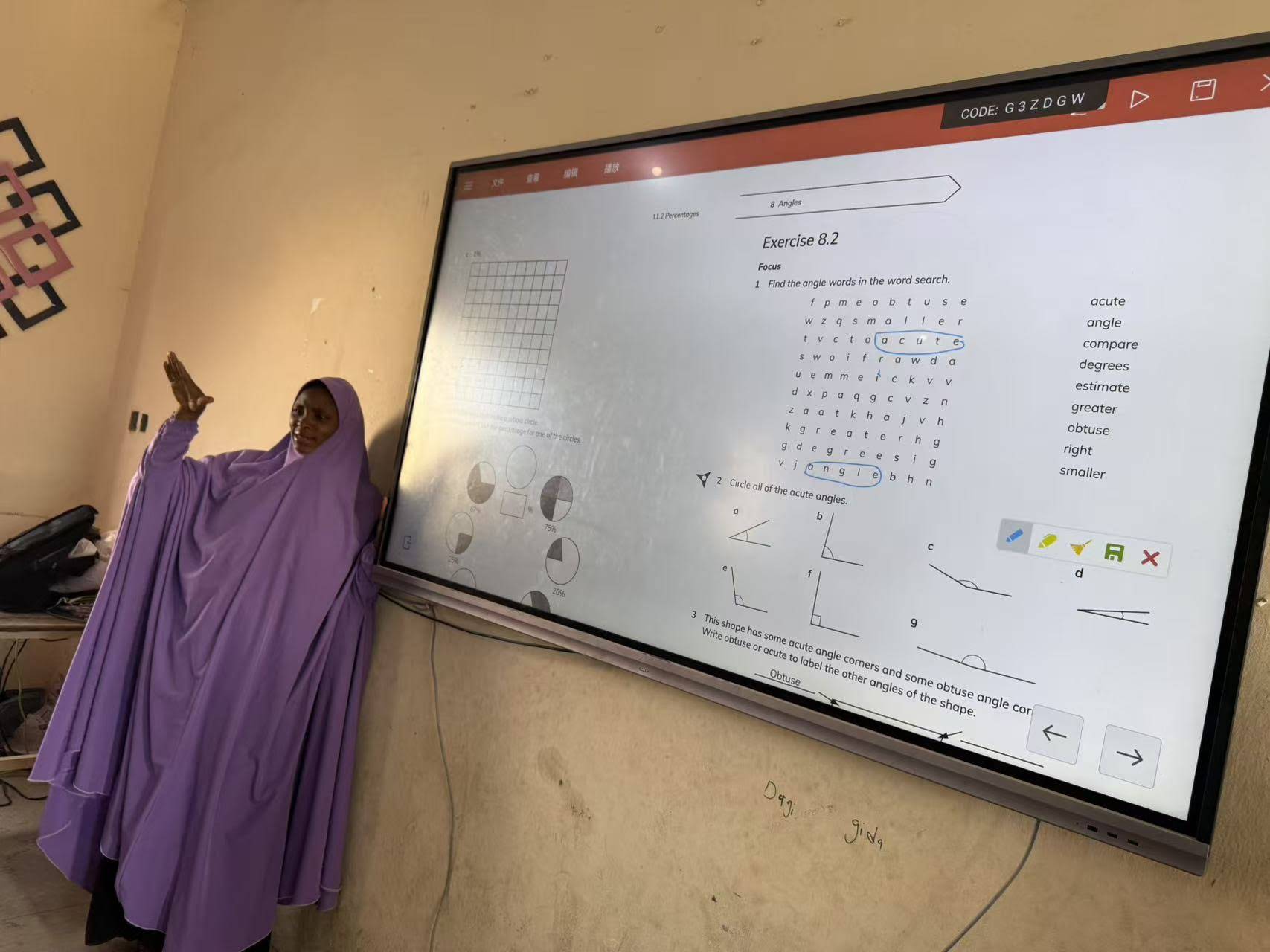
Teachers use smart boards to deliver multimedia lessons, run interactive quizzes, and annotate digital textbooks. Many schools pair a 65″ or 75″ panel with cloud-based lesson software, allowing content to sync across devices for remote learners.
2. Corporate Meetings
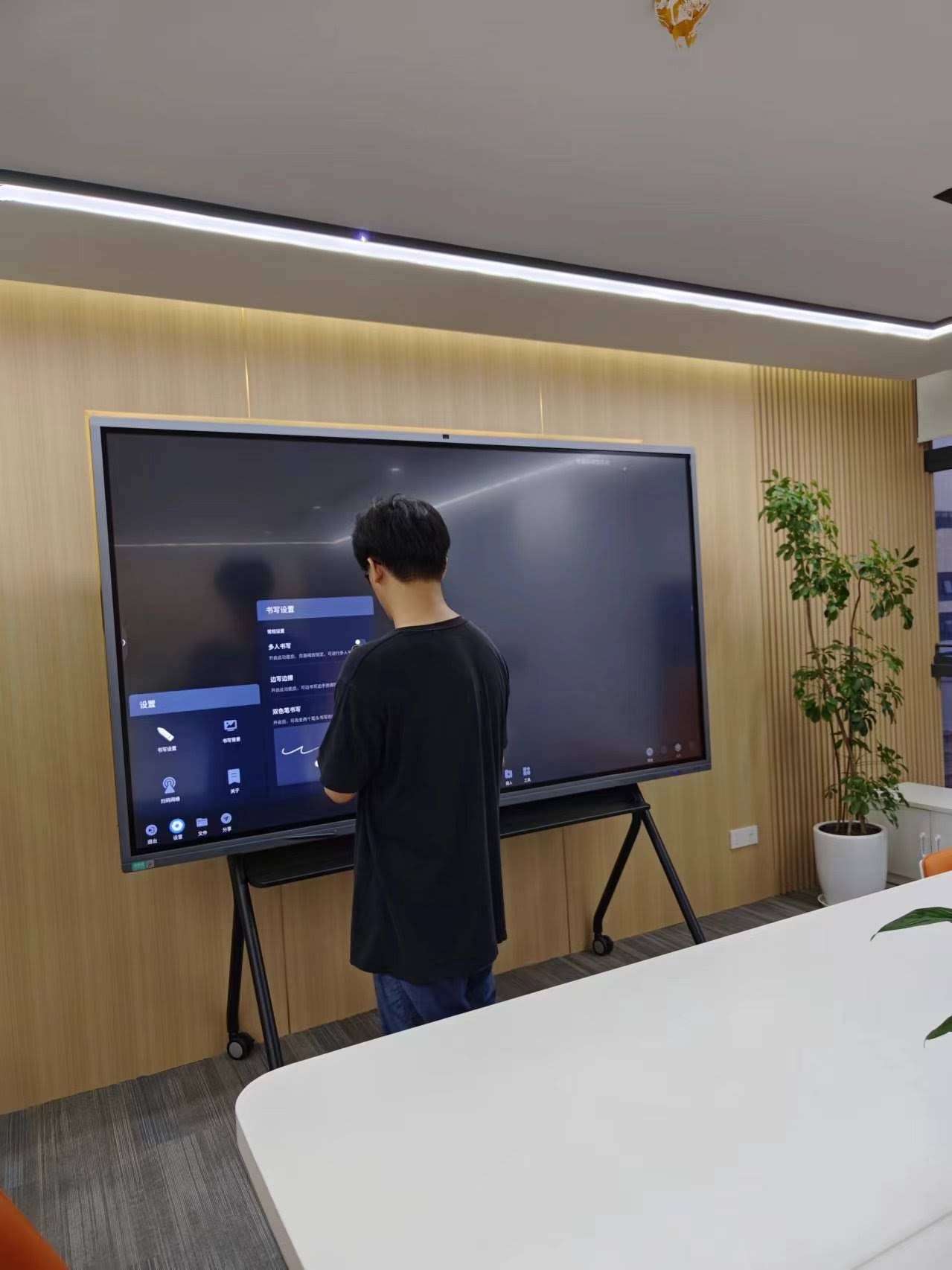
In business settings, smart boards function as command centers for hybrid meetings — combining video conferencing, real-time document editing, and digital whiteboarding. Sales teams often use portable models like a rotating smart screen to move presentations between meeting rooms without reinstalling equipment.
3. Creative Studios & Design Work
Designers and architects use high-precision touch panels for sketching, reviewing CAD drawings, and collaborating with clients on-screen in real time.
4. Training & Workshops
Corporate trainers rely on interactive displays to run hands-on workshops, annotate slides live, and record sessions for future reference.
What to Look for When Buying a Smart Board
Choosing the right smart board depends heavily on your intended use case, room size, and budget. Here are the factors we recommend evaluating first:
- Screen Size — 55″ to 65″ panels suit small meeting rooms; 75″ to 86″ work best for classrooms and larger conference spaces; 110″ panels are ideal for auditoriums.
- Touch Accuracy — Look for infrared or capacitive touch with low latency, especially for handwriting recognition.
- Operating System Flexibility — Panels supporting both Android apps and Windows OPS modules offer the widest software compatibility.
- Connectivity — HDMI, USB-C, wireless casting, and network ports are essential for seamless device integration.
- After-Sales Support — Warranty length and access to technical support significantly affect long-term reliability.
Smart Boards vs. Traditional Whiteboards
| Aspect | Traditional Whiteboard | Smart Board |
|---|---|---|
| Content Sharing | Requires photographing or manual copying | Instant digital export and sharing |
| Multimedia Support | None | Video, audio, apps, internet browsing |
| Remote Collaboration | Not possible | Built-in video conferencing support |
| Long-Term Cost | Low upfront, higher supply costs (markers, erasers) | Higher upfront, lower ongoing costs |
Real-World Case Example
A mid-sized training academy in Southeast Asia replaced six traditional whiteboards with 75-inch interactive panels across their classrooms. Within the first semester, instructors reported a noticeable drop in lesson preparation time, as digital lesson templates could be reused and edited on the spot rather than rewritten each session. Student feedback surveys also showed improved retention of visual material, particularly in technical subjects requiring diagrams and step-by-step annotations.
This mirrors patterns we’ve seen consistently across education deployments: the shift from static to interactive content directly correlates with higher engagement and better knowledge retention.
Maintenance and Longevity Tips
To get the most out of your investment, consider these best practices:
- Clean the touchscreen with a microfiber cloth and manufacturer-approved cleaning solution — avoid ammonia-based products.
- Keep firmware updated to ensure compatibility with new apps and security patches.
- Position the panel away from direct sunlight to preserve display brightness and reduce glare-related touch calibration issues.
- Schedule periodic touch-calibration checks, especially in high-traffic classrooms or shared meeting rooms.
Frequently Asked Questions
Do smart boards require internet access to function?
No. Basic writing, annotation, and local file access work offline. However, features like cloud sync, video conferencing, and app downloads require an internet connection.
Can I connect a laptop to a smart board?
Yes. Most panels support HDMI, USB-C, and wireless casting, allowing laptops, tablets, and smartphones to mirror or extend their display onto the board.
How long do smart boards typically last?
With proper care, commercial-grade interactive panels typically last 5 to 8 years of daily use, though touch sensors and display panels are often rated for over 30,000 hours of operation.
Final Thoughts
Smart boards have moved far beyond being a “nice-to-have” gadget — they are now core infrastructure for education, corporate collaboration, and creative work. As AI-powered features like handwriting-to-text conversion and automated meeting transcription become standard, the gap between traditional whiteboards and interactive displays will only widen.
With 16 years of experience designing and manufacturing interactive panels for over 82 countries, LeaderHub has helped schools, businesses, and training centers worldwide upgrade the way they teach, present, and collaborate. Whether you need a compact 55-inch panel for a small meeting room or a large 110-inch display for a lecture hall, choosing the right smart board comes down to matching features to your actual workflow — not just chasing the biggest screen or the longest spec sheet.