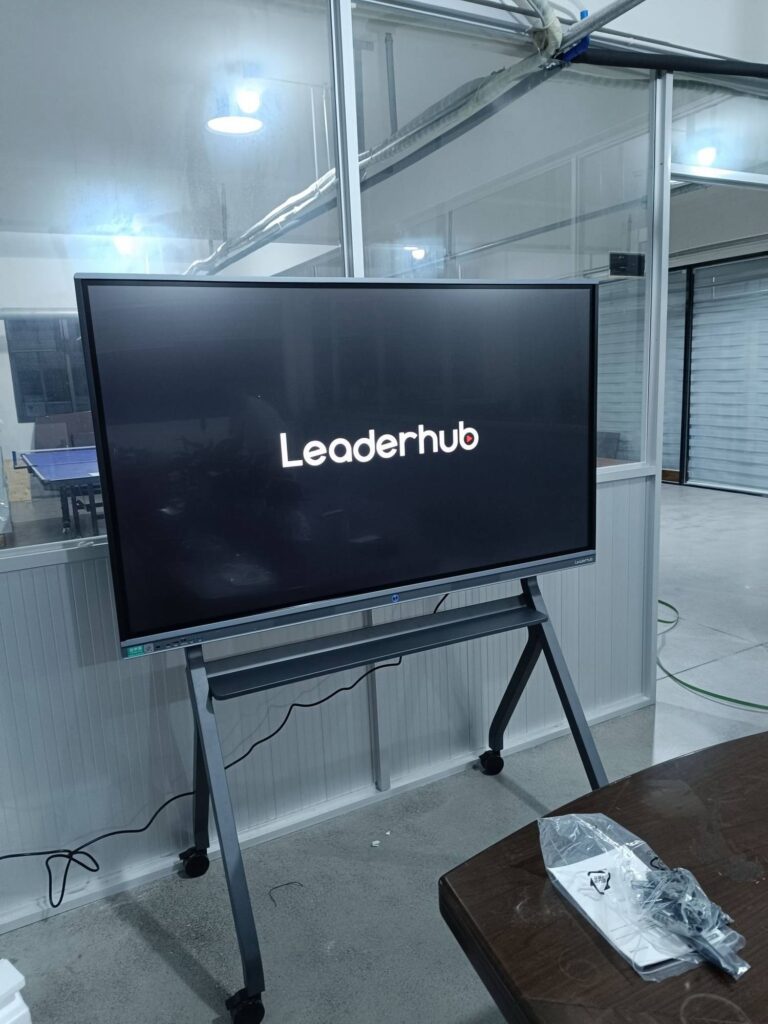
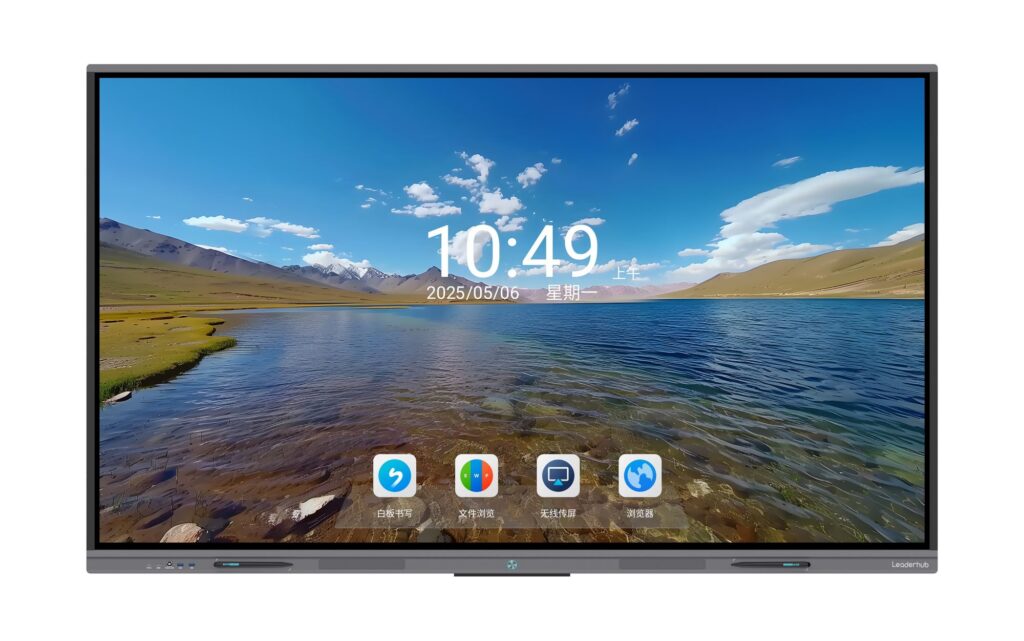
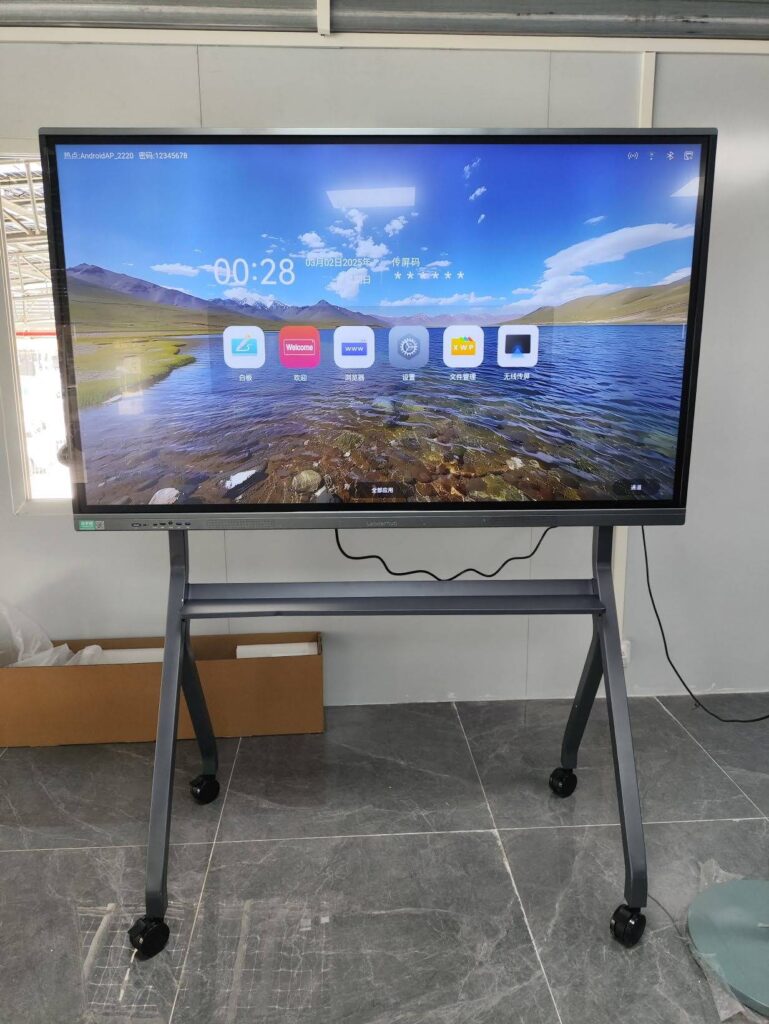
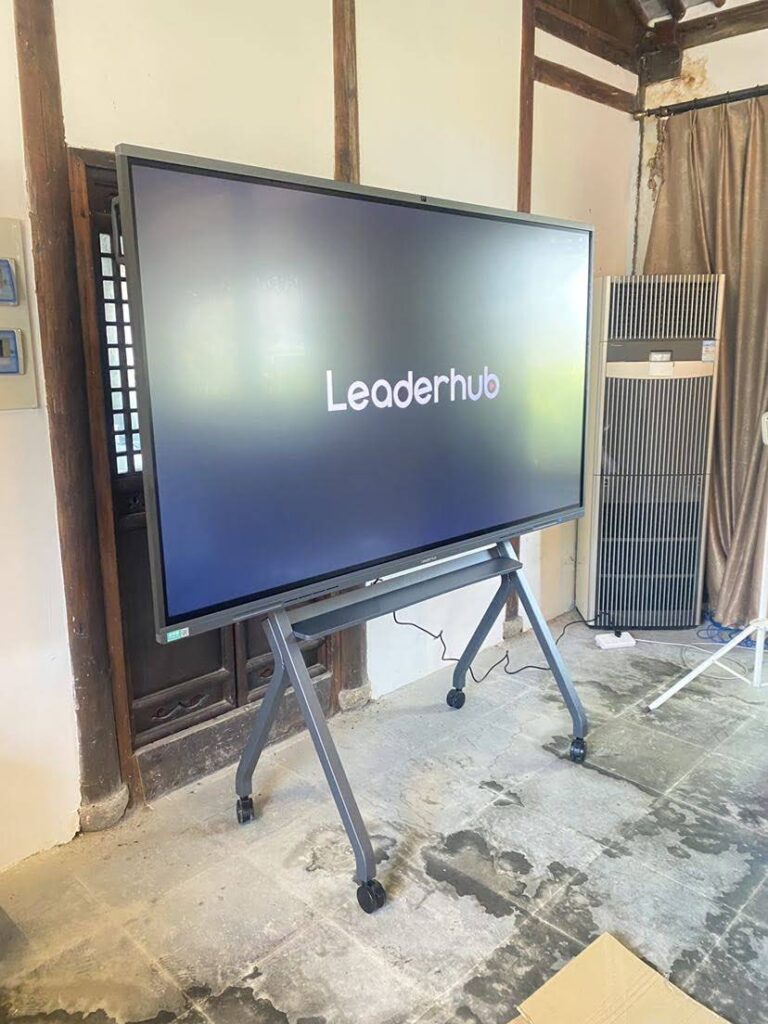
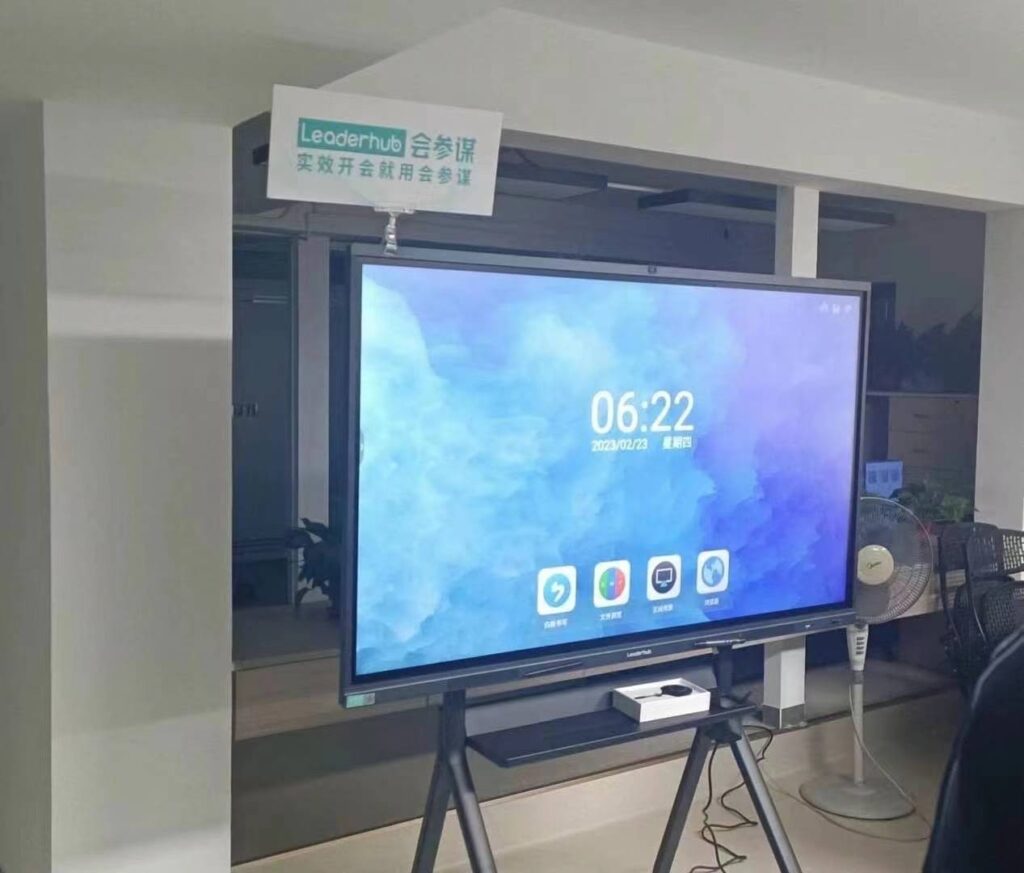
Choosing the right smart board size is one of the most important decisions you’ll make when upgrading a classroom, meeting room, or training center. A screen that’s too small forces people to squint from the back row, while an oversized panel can overwhelm a compact huddle space and blow your budget unnecessarily. This guide breaks down exactly how to match smart board dimensions to your room, audience, and use case — based on real-world installation experience across classrooms, corporate offices, and training facilities in dozens of countries.
Why Smart Board Size Actually Matters
Interactive flat panels are not just bigger televisions. They are collaboration tools that rely on touch accuracy, readability, and viewing angle to be effective. If the display is undersized for the room, viewers at the back lose the ability to read text or diagrams clearly, and engagement drops. If it’s oversized for a small room, users standing close to the panel can no longer reach the top corners for annotation, which defeats the purpose of an interactive display.
Industry data from AV integrators consistently shows that display sizing errors are among the top three reasons organizations request equipment swaps within the first year — right behind poor mounting height and inadequate resolution. Getting the size right the first time saves money and frustration.
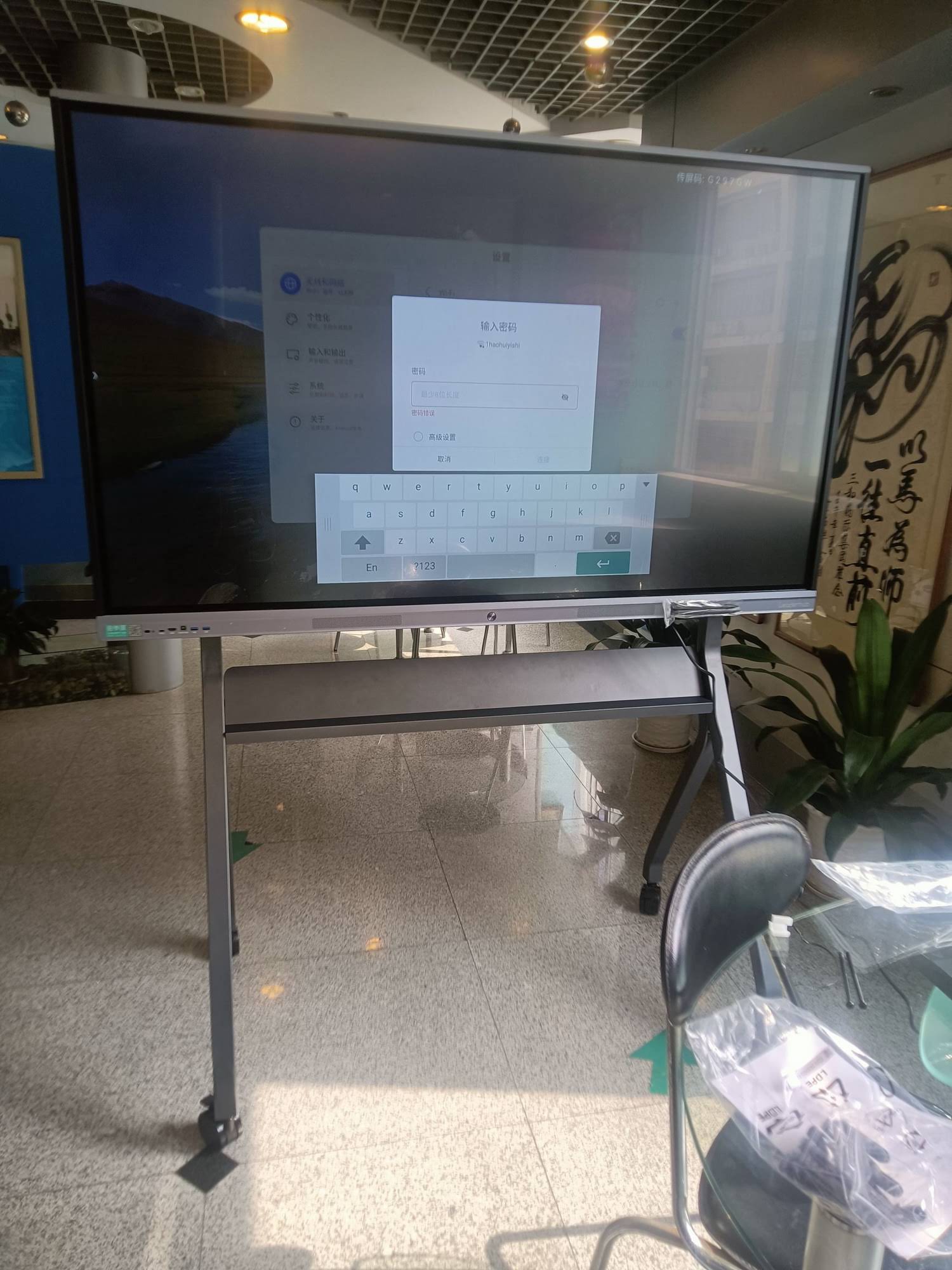
Step 1: Measure Your Room and Viewing Distance
The single biggest factor in choosing a smart board size is the farthest viewing distance — the distance from the display to the last row of seats or the back wall of the room. As a general rule of thumb used by AV professionals:
- Divide the farthest viewing distance (in inches) by 1.5 to 2 to estimate the minimum diagonal screen size needed for comfortable reading.
- For rooms with detailed content (spreadsheets, CAD drawings, fine text), use the lower ratio of 1.5 for a larger, more legible display.
- For general presentations and video content, a ratio of 2 is usually sufficient.
Example: if your farthest viewer sits 15 feet (180 inches) away, dividing by 1.5 suggests a screen around 120 inches diagonal for detailed work, while dividing by 2 suggests 90 inches for general use. This is why boardrooms with detailed financial dashboards often need larger panels than classrooms doing group discussion.
Step 2: Match Size to Room Type
Beyond raw measurements, the purpose of the room strongly influences the ideal size. Below is a practical sizing table based on hundreds of real installations we’ve supported through LeaderHub‘s global distribution network.
| Room Type | Room Size | Recommended Size | Typical Audience |
|---|---|---|---|
| Small Huddle Room | Up to 120 sq ft | 55″ – 65″ | 2 – 6 people |
| Standard Classroom | 300 – 600 sq ft | 65″ – 75″ | 15 – 35 students |
| Corporate Boardroom | 300 – 500 sq ft | 75″ – 86″ | 8 – 20 people |
| Training Hall / Lecture Room | 600+ sq ft | 86″ – 110″ | 40+ attendees |
| Mobile / Multi-purpose Space | Varies | 24″ – 27″ portable | 2 – 8 people, on-the-go use |
Step 3: Consider Resolution Alongside Size
Size and resolution go hand in hand. A larger panel with low resolution will look pixelated up close, while a smaller panel with 4K resolution offers crisp detail even for fine text and diagrams. Most modern smart whiteboards now ship with native 4K UHD resolution as standard, which is a meaningful upgrade from the 1080p panels common a decade ago.
When comparing panels, check the pixel density (measured in PPI, pixels per inch) rather than resolution alone. A 65″ panel and an 86″ panel can both be labeled “4K,” but the 65″ version will have noticeably sharper text because the same number of pixels is packed into a smaller surface area.
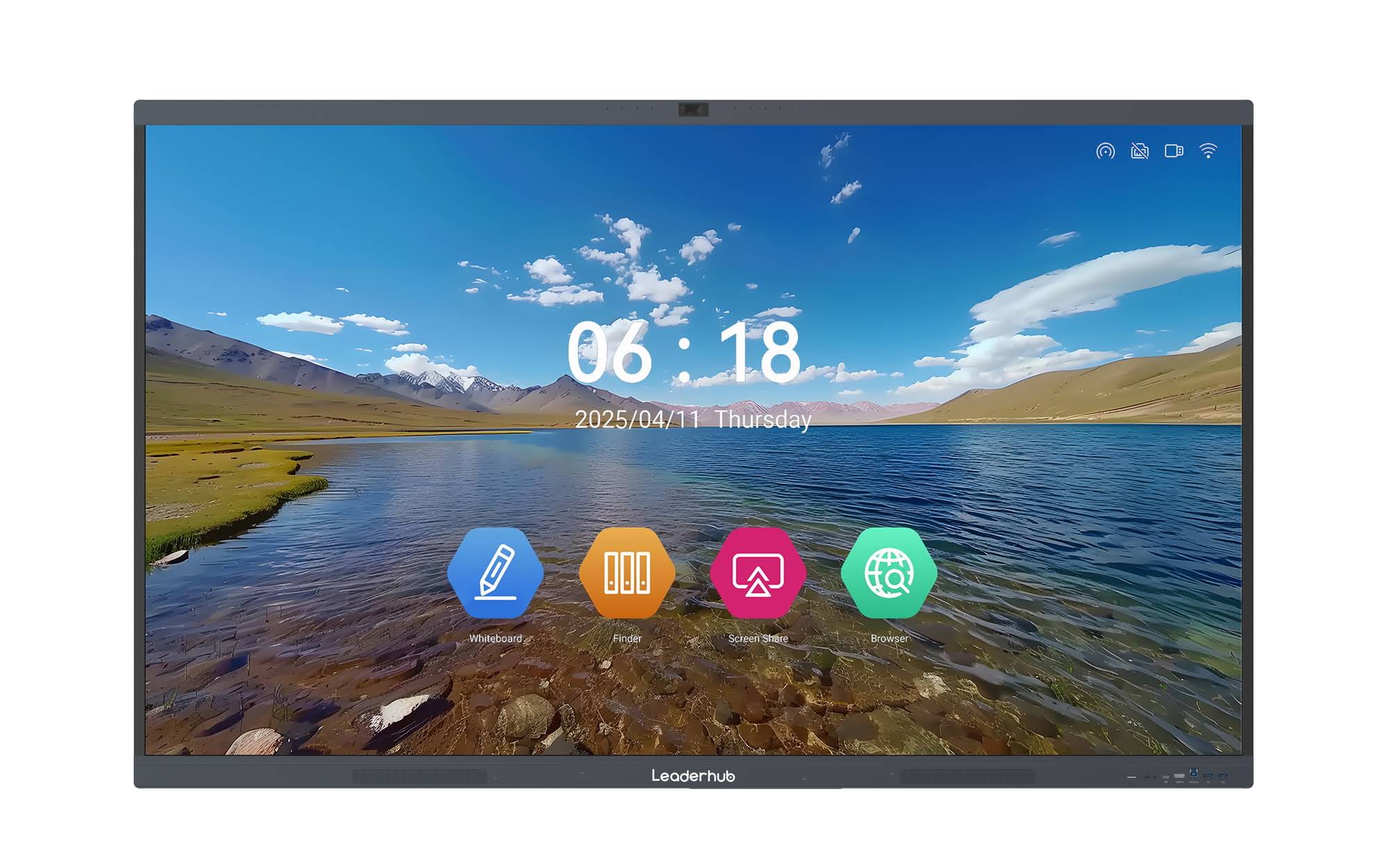
Popular Smart Board Sizes: Pros and Cons
65-inch Smart Boards
The 65-inch class, such as the LeaderHub L65HM Interactive Smart Whiteboard, is the most popular starting point for small-to-medium classrooms and meeting rooms. It offers a good balance of price, portability, and screen real estate without requiring a specially reinforced wall mount.
75-inch Smart Boards
A 75-inch display, like the LeaderHub L75HM, is often the sweet spot for standard classrooms and mid-sized boardrooms. It’s large enough to be visible from 20+ feet away while still fitting through standard doorways during installation.
86-inch and Larger
For lecture halls, large training centers, or executive boardrooms, panels in the 86″ to 110″ range — such as the LeaderHub L86HM or the flagship L110H 110-Inch Interactive Flat Panel — deliver the visibility needed for large audiences. These larger models require professional mounting and careful wall load assessment.
Portable and Compact Screens
Not every use case needs a wall-mounted giant. Portable options like the LeaderHub U24M Handheld Smart Screen or the rotating smart screens line are ideal for small huddle rooms, mobile sales presentations, or shared spaces where a fixed installation isn’t practical.
Real-World Example: Sizing a Mixed-Use Training Center
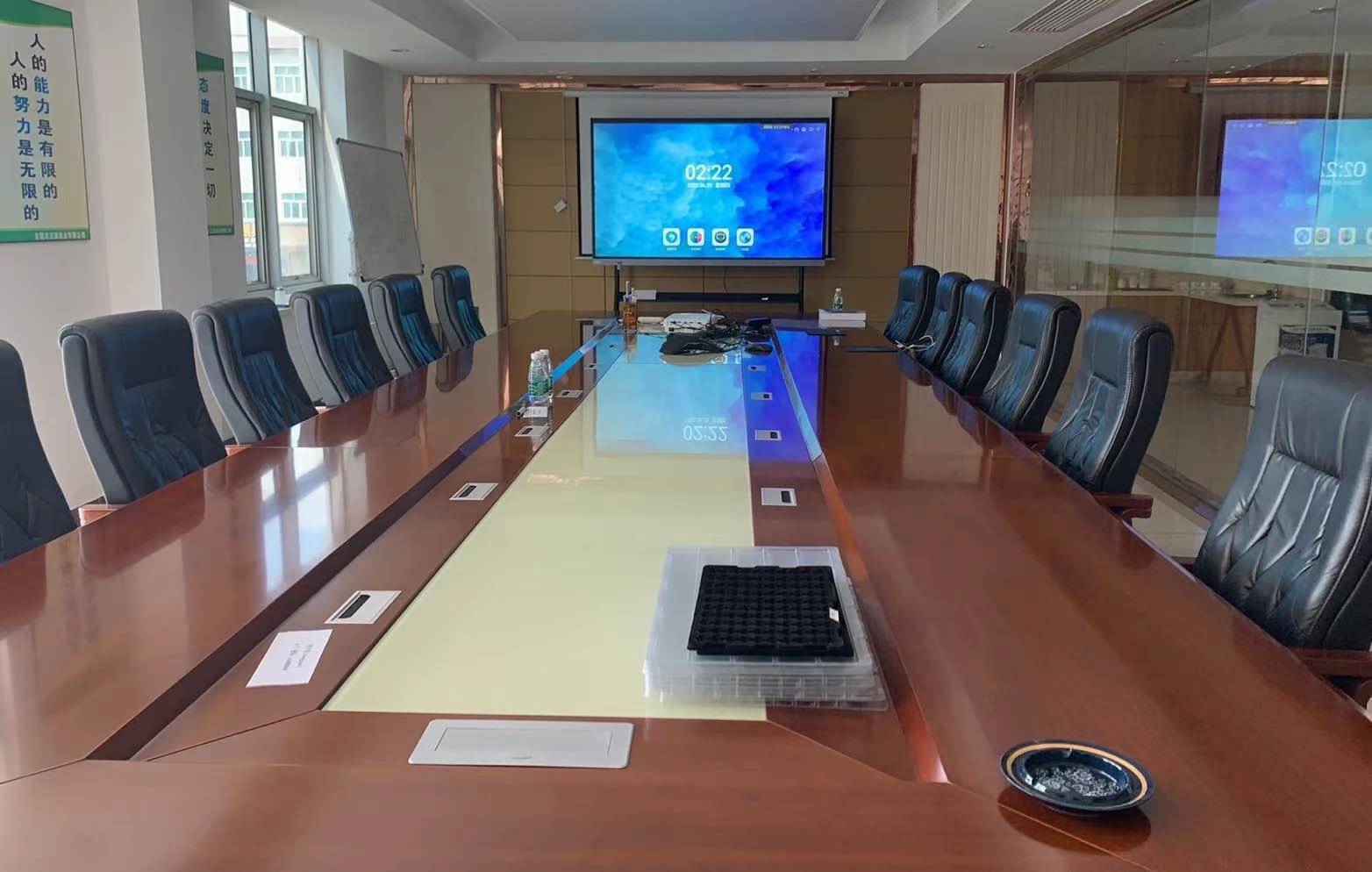
In one deployment we supported for a corporate training center handling both 12-person workshops and 50-person seminars, the client initially planned to install a single 75″ panel across all rooms. After measuring actual viewing distances, we recommended a mixed approach: 65″ panels for the smaller workshop rooms and an 86″ panel for the large seminar hall, supplemented by a portable rotating screen for overflow sessions. This hybrid strategy reduced costs by roughly 18% compared to standardizing on the larger size everywhere, while improving readability scores in post-training feedback surveys.
Budget Planning: Size vs Price
Price scales significantly with screen size, and it’s worth budgeting realistically before committing to a size that exceeds actual room requirements. Here’s a general reference based on current market offerings:
| Size | Typical Price Range | Best For |
|---|---|---|
| 55″ Mobile Panel | ~$2,499 | Flexible, movable setups |
| 65″ Panel | $1,099 – $1,299 | Small classrooms, huddle rooms |
| 75″ Panel | $1,399 – $2,399 | Standard classrooms, boardrooms |
| 86″ Panel | $1,699 – $3,199 | Large meeting rooms, lecture spaces |
| 110″ Panel | ~$7,999 | Auditoriums, large training halls |
Additional Factors Beyond Size
Mounting Height and Wall Space
Even the right diagonal size can feel wrong if mounted too high or too low. The recommended center height for the touch-active area is generally between 40 and 48 inches from the floor for adult users, adjusted lower for elementary classrooms.
Aspect Ratio and Content Type
Most interactive flat panels use a 16:9 aspect ratio, which works well for video and standard presentation software. If your primary content is vertical documents or portrait-style dashboards, consider panels with rotation support, such as the LeaderHub L277M Smart Rotating Screen.
Room Lighting
Anti-glare coatings and brightness levels matter more in larger rooms with natural light. Larger panels tend to be more forgiving in bright environments because ambient light is distributed across a bigger surface area, reducing perceived glare hotspots.
Quick Decision Checklist
- Measure your farthest viewing distance before shopping.
- Match the size to your room type using the sizing table above.
- Verify resolution and pixel density, not just screen size.
- Check wall load capacity or opt for a mobile stand for larger panels.
- Budget realistically — bigger isn’t always better for smaller rooms.
Final Thoughts
There is no single “correct” smart board size — the right choice depends entirely on your room dimensions, audience size, and content type. As a company with 16 years of interactive-display experience serving education, enterprise, and creative professionals across 82 countries, we’ve seen firsthand how proper sizing directly improves engagement, reduces eye strain, and increases the return on investment for any interactive display deployment. Take the time to measure your space, review the sizing guidelines above, and choose a panel that fits your actual usage rather than simply the largest option available.