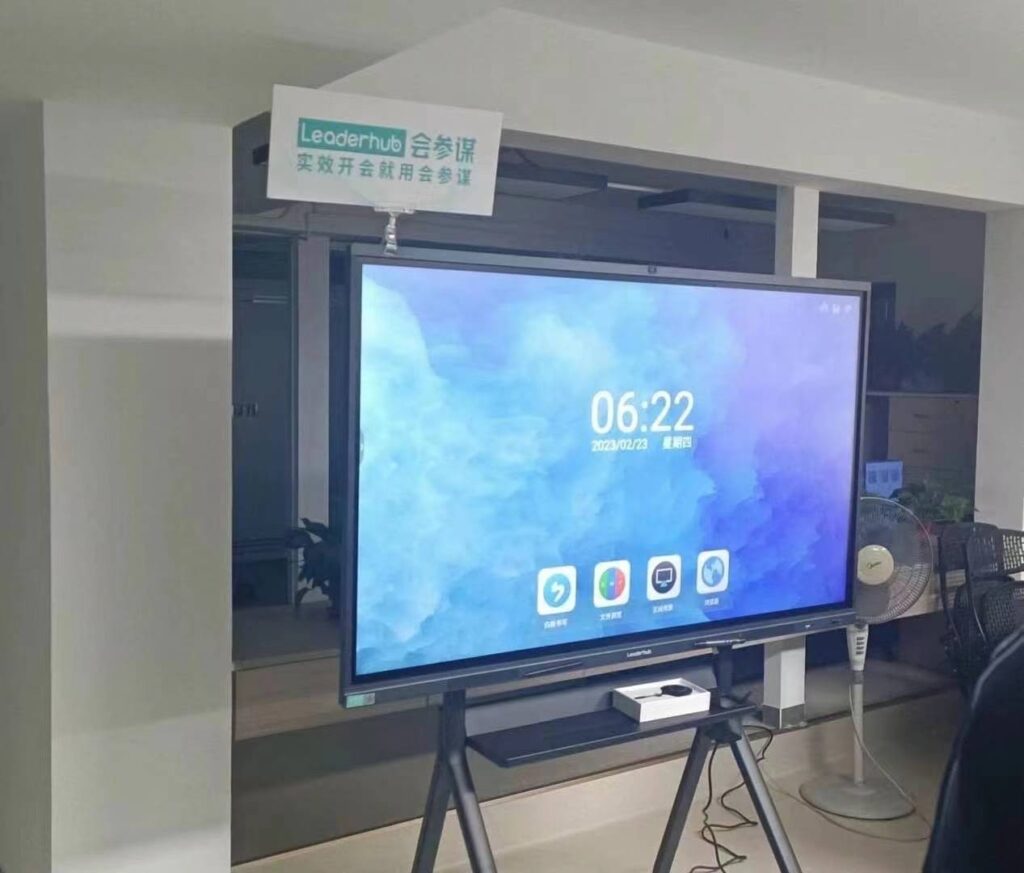
Choosing the right smart whiteboard for STEM classrooms is no longer just a matter of picking a large touchscreen. STEM teaching — Science, Technology, Engineering, and Mathematics — demands specific interactive capabilities: precise multi-touch input for diagramming, robust software for simulations, reliable connectivity for coding exercises, and durability for daily heavy use by students of all ages. This guide walks through the technical and pedagogical criteria that matter most, based on real classroom deployments and product evaluations across schools in North America, Europe, and Asia.
Why STEM Classrooms Need a Different Kind of Interactive Display
Traditional whiteboards and even basic interactive panels often fall short in STEM environments. A geometry lesson requires accurate pen input for drawing shapes; a coding class needs smooth split-screen multitasking; a physics simulation demands fast refresh rates and responsive touch. According to a 2023 EdTech survey by the International Society for Technology in Education (ISTE), 78% of STEM teachers reported that touch lag and poor annotation accuracy were the top complaints with older interactive boards. This is why the selection criteria below focus heavily on responsiveness, software ecosystem, and long-term reliability rather than screen size alone.
1. Touch Accuracy and Multi-User Support
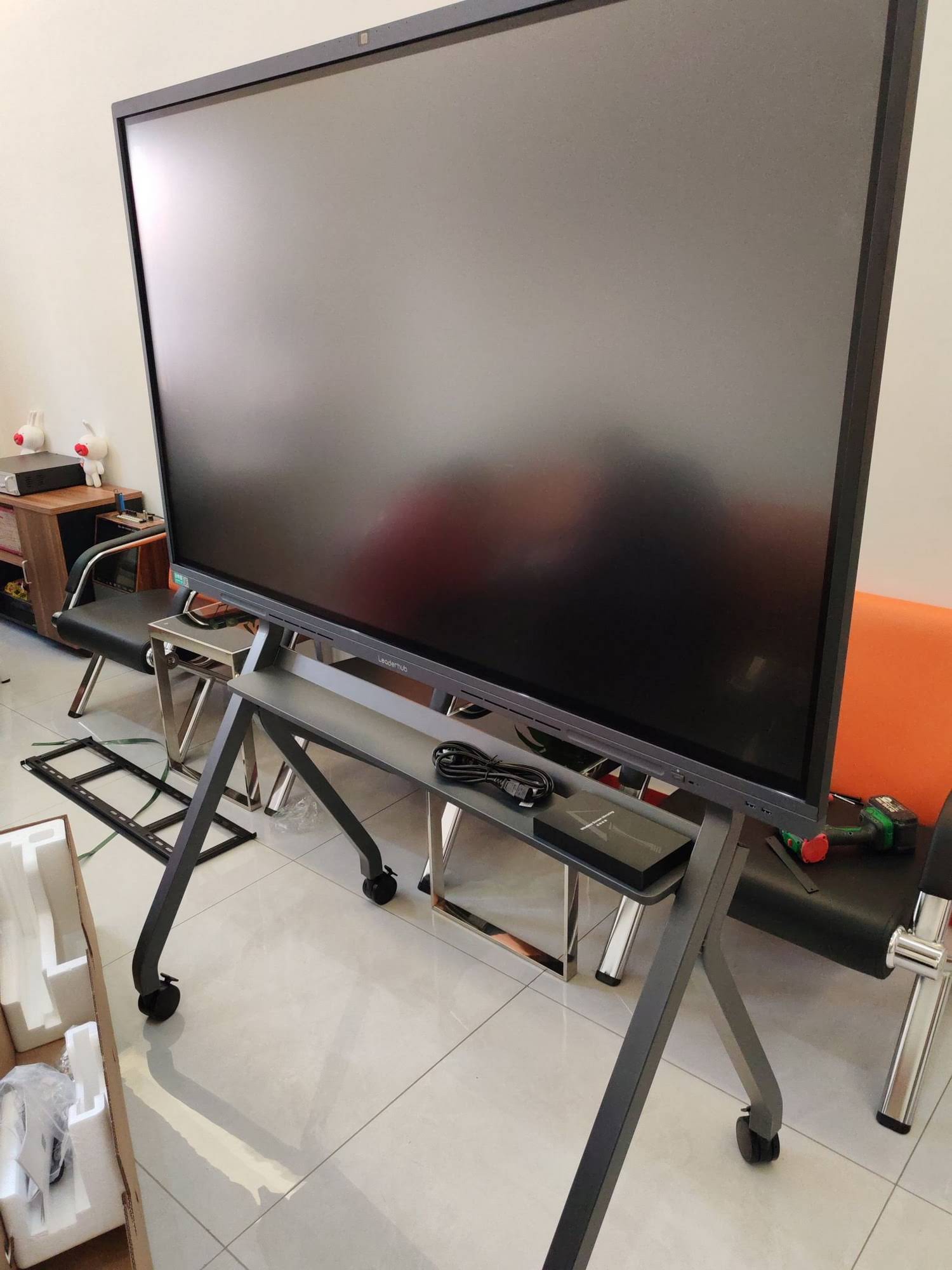
STEM subjects rely heavily on precise diagrams — circuit schematics, molecular structures, graphs, and geometric proofs. A board with low-latency infrared or capacitive touch technology, supporting at least 20-point simultaneous touch, allows multiple students to collaborate on a shared canvas without input errors. When evaluating a smart whiteboard for group STEM activities, test the pen-to-screen latency in person if possible; anything above 15 milliseconds becomes noticeable during freehand drawing.
2. Display Resolution and Color Accuracy
4K UHD resolution has become the practical standard for classroom displays larger than 65 inches. For subjects like biology or chemistry where diagrams contain fine detail (cell structures, periodic table color coding), lower resolution panels cause legibility issues from the back rows. Anti-glare glass and wide viewing angles (178 degrees) also matter in rooms with large windows or overhead lighting, which is common in most school buildings.
3. Built-in Computing Power and Software Ecosystem
STEM lessons frequently require running simulation software, CAD tools, or coding environments like Scratch and Python IDEs directly on the board. A whiteboard with an integrated Android or Windows operating system, at least 4GB RAM, and a dedicated mini PC slot-in module gives teachers flexibility to switch between lightweight annotation apps and heavier engineering software without needing a separate laptop connection every time.
4. Connectivity and Wireless Screen Sharing
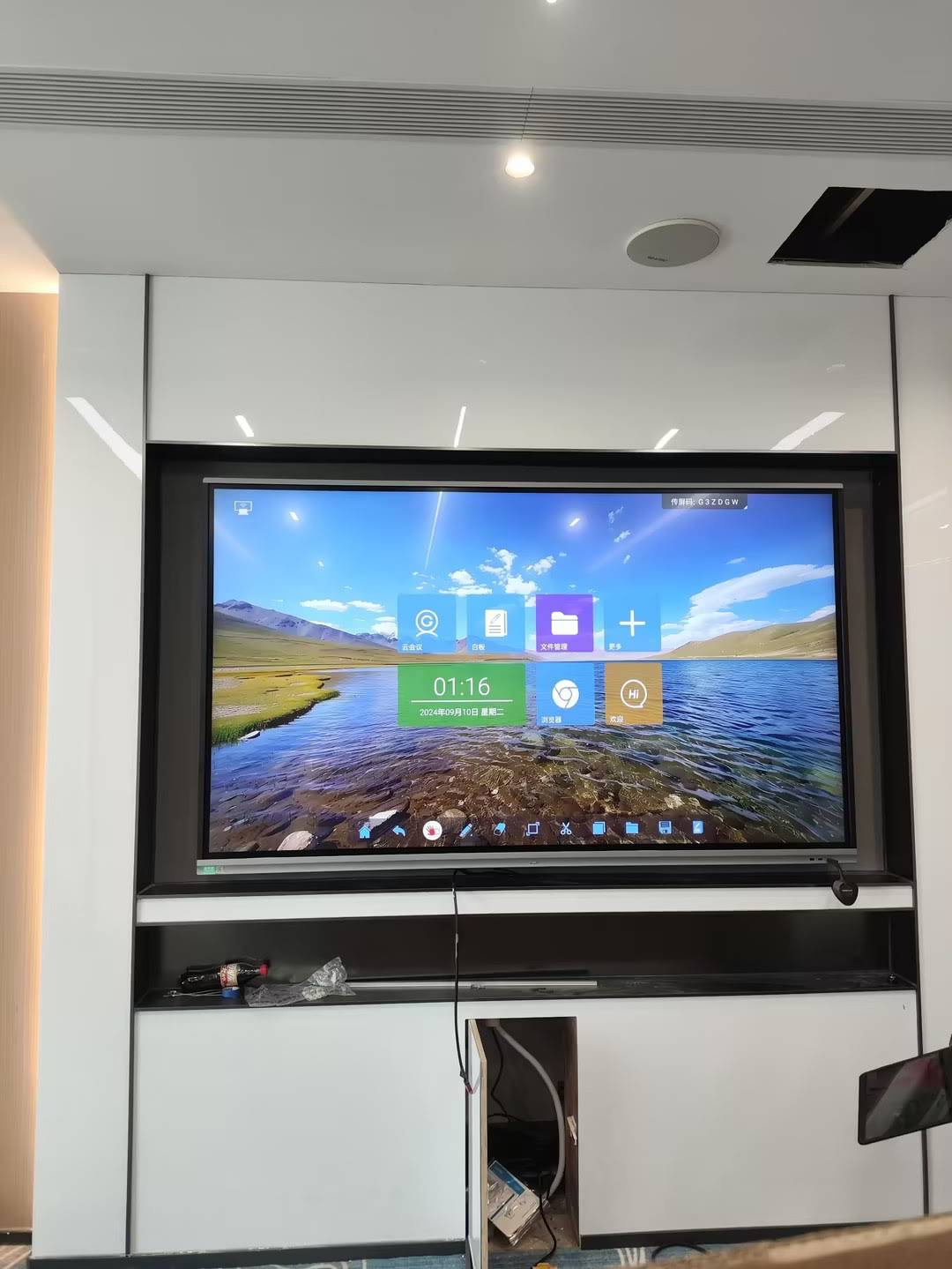
Modern STEM classrooms often involve students sharing work from personal tablets or laptops to the main display. Look for boards supporting Wi-Fi 6, Bluetooth 5.0, and wireless casting protocols (AirPlay, Miracast, or dedicated apps) alongside standard HDMI and USB-C inputs. This reduces setup friction during robotics or coding demonstrations where multiple devices need to connect quickly.
5. Durability and Warranty Coverage
STEM classrooms see intensive daily use — sometimes six to eight hours of continuous touch interaction. Panels rated for at least 30,000 hours of backlight life and tempered glass with anti-scratch coating (Mohs hardness 7 or above) tend to hold up better over a 5-year deployment cycle. A minimum 3-year manufacturer warranty is generally considered the industry baseline for institutional purchases.
Feature Comparison Table for STEM-Ready Smart Whiteboards
| Feature | Minimum Recommended | Ideal for Advanced STEM |
|---|---|---|
| Touch Points | 10-point | 20-point or more |
| Resolution | 1080p | 4K UHD |
| RAM | 2GB | 4GB or higher |
| Wireless Casting | Basic Miracast | Multi-protocol (AirPlay + Miracast + App) |
| Warranty | 2 years | 3-5 years |
Case Example: Upgrading a Middle School Robotics Lab
A mid-sized school district in Texas replaced its projector-based setup with 75-inch interactive flat panels across five STEM classrooms in 2023. Teachers reported that lesson preparation time dropped by roughly 30% because annotation tools and pre-loaded simulation software eliminated the need to switch between a projector and a separate computer. Student engagement scores, measured through classroom observation rubrics, also improved noticeably during coding and robotics units, largely attributed to faster touch response and multi-user drawing support during group problem-solving.
Checklist: What to Ask Before Purchasing
- Does the panel support at least 20-point multi-touch for group collaboration?
- Is the operating system compatible with common STEM software (CAD, coding IDEs, simulation tools)?
- What is the touch latency, and can you test it in person or via a demo unit?
- Does the manufacturer offer at least a 3-year warranty and accessible technical support?
- Can the board integrate with existing classroom devices via wireless casting?
- Is there an option to upgrade computing power later, such as a swappable mini PC module?
Screen Size Guidelines by Classroom Layout
Screen size should match room dimensions rather than simply choosing the largest available option. A commonly cited rule from AV integrators is that the diagonal screen size should be roughly one-sixth of the distance from the display to the farthest seat.
| Room Depth | Recommended Screen Size |
|---|---|
| Up to 20 feet | 65 inches |
| 20-30 feet | 75-86 inches |
| 30+ feet (lecture halls) | 98-110 inches |
Software Compatibility Matters More Than Hardware Alone
Even the most advanced touchscreen becomes limited without proper software support. Look for boards with pre-installed annotation suites, screen recording, and compatibility with popular educational platforms like Google Classroom or Microsoft Teams for Education. Some interactive whiteboards also include built-in AI-assisted handwriting recognition, which converts freehand notes into editable text — a feature increasingly valued in math and engineering classes where formulas need to be shared digitally after class.
Budget Considerations for Schools and Districts
Pricing for STEM-ready interactive panels typically ranges from around $1,000 for a 65-inch entry-level model to over $7,000 for a 110-inch professional-grade unit with advanced computing modules. Many districts find that mid-range 75-inch panels with 4K resolution and a dedicated mini PC slot offer the best balance between cost and functional longevity, especially when planning for a 5-7 year hardware refresh cycle.
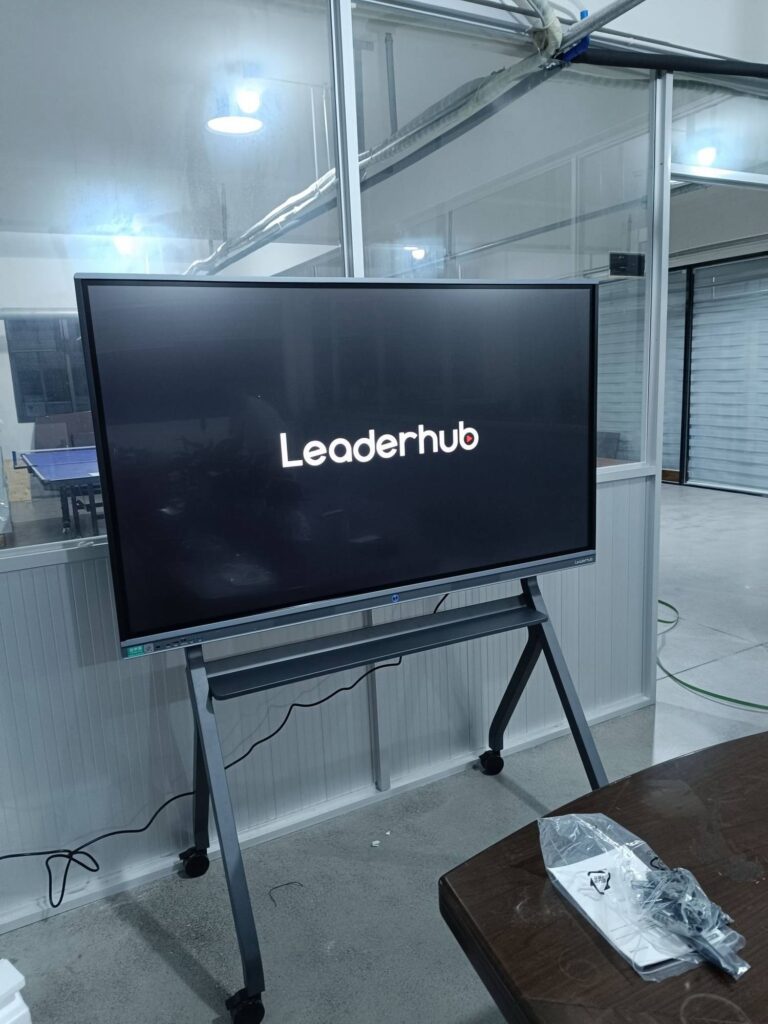
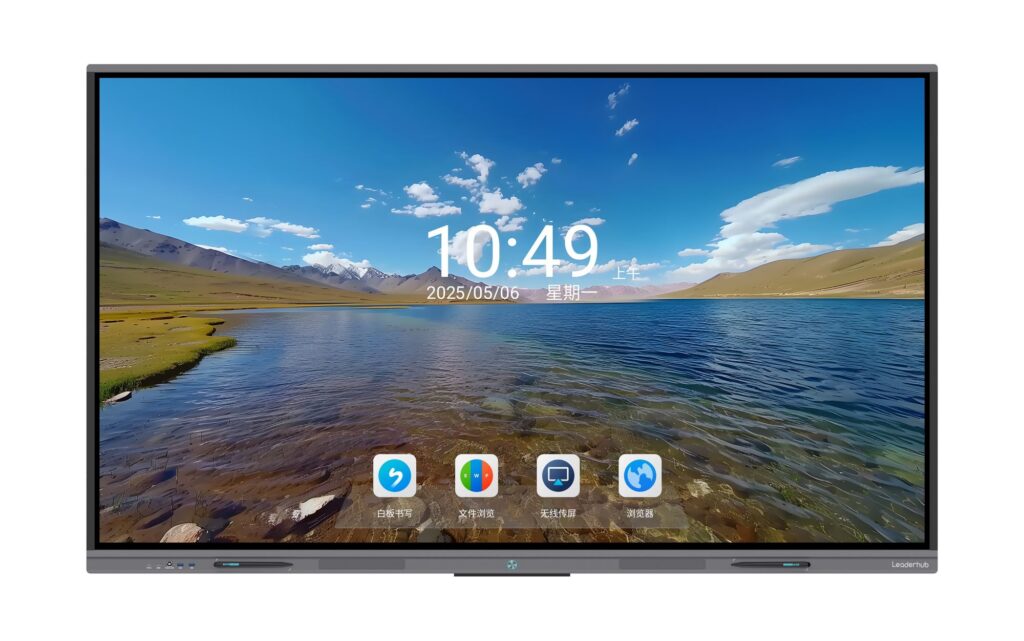
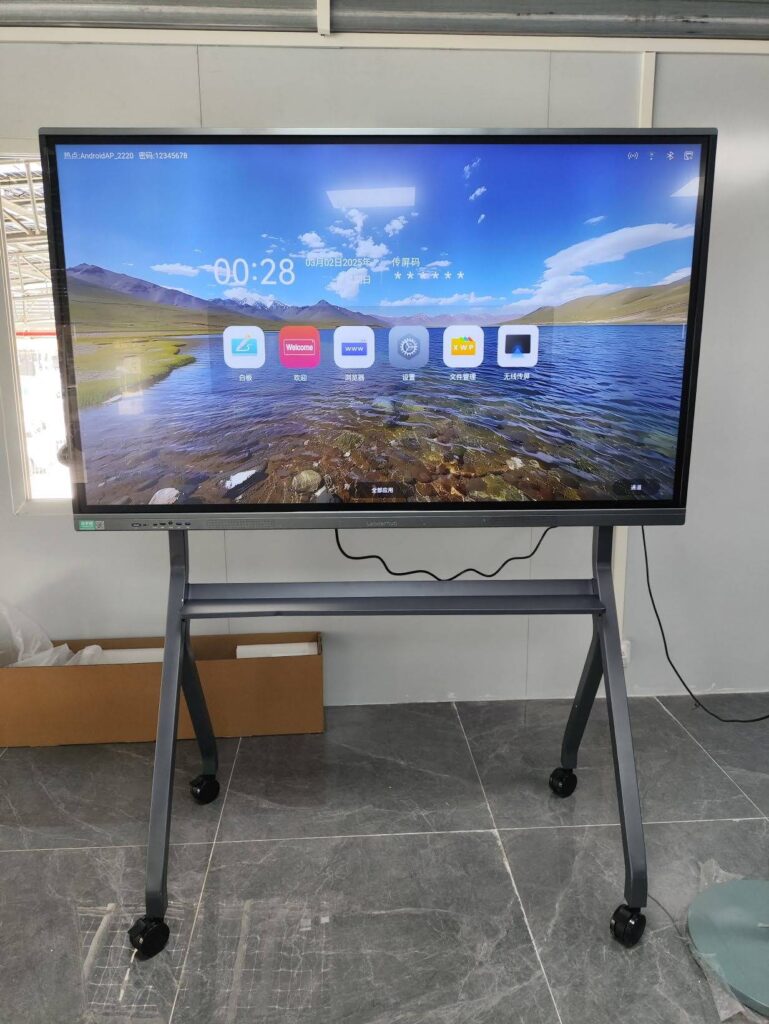
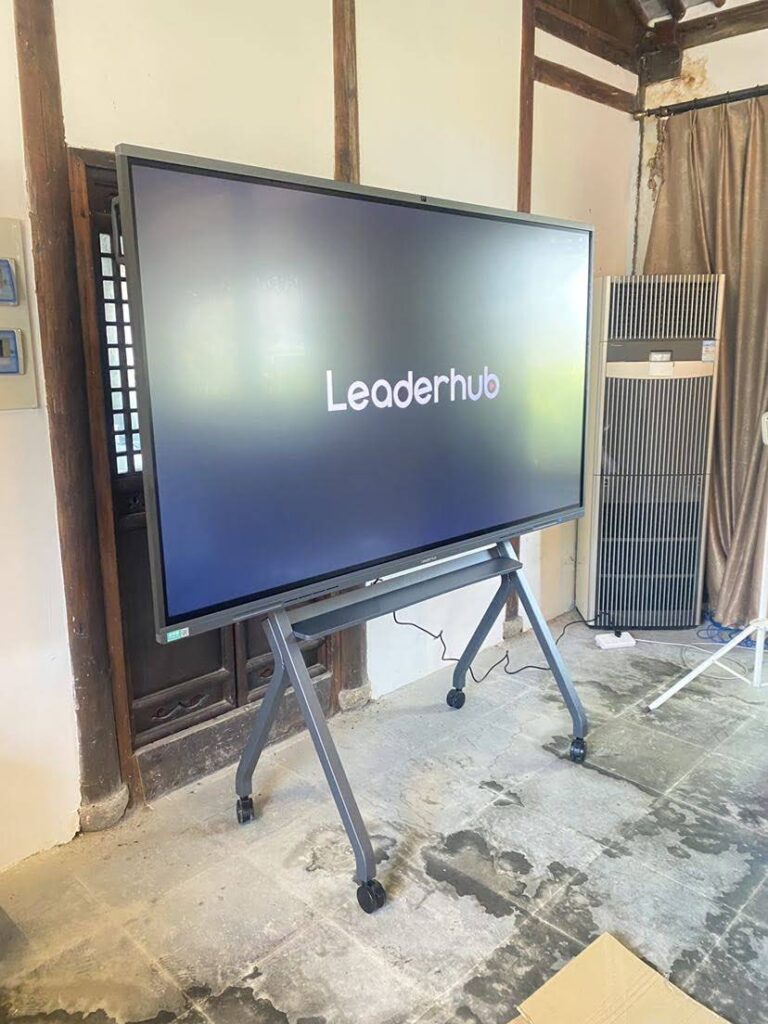
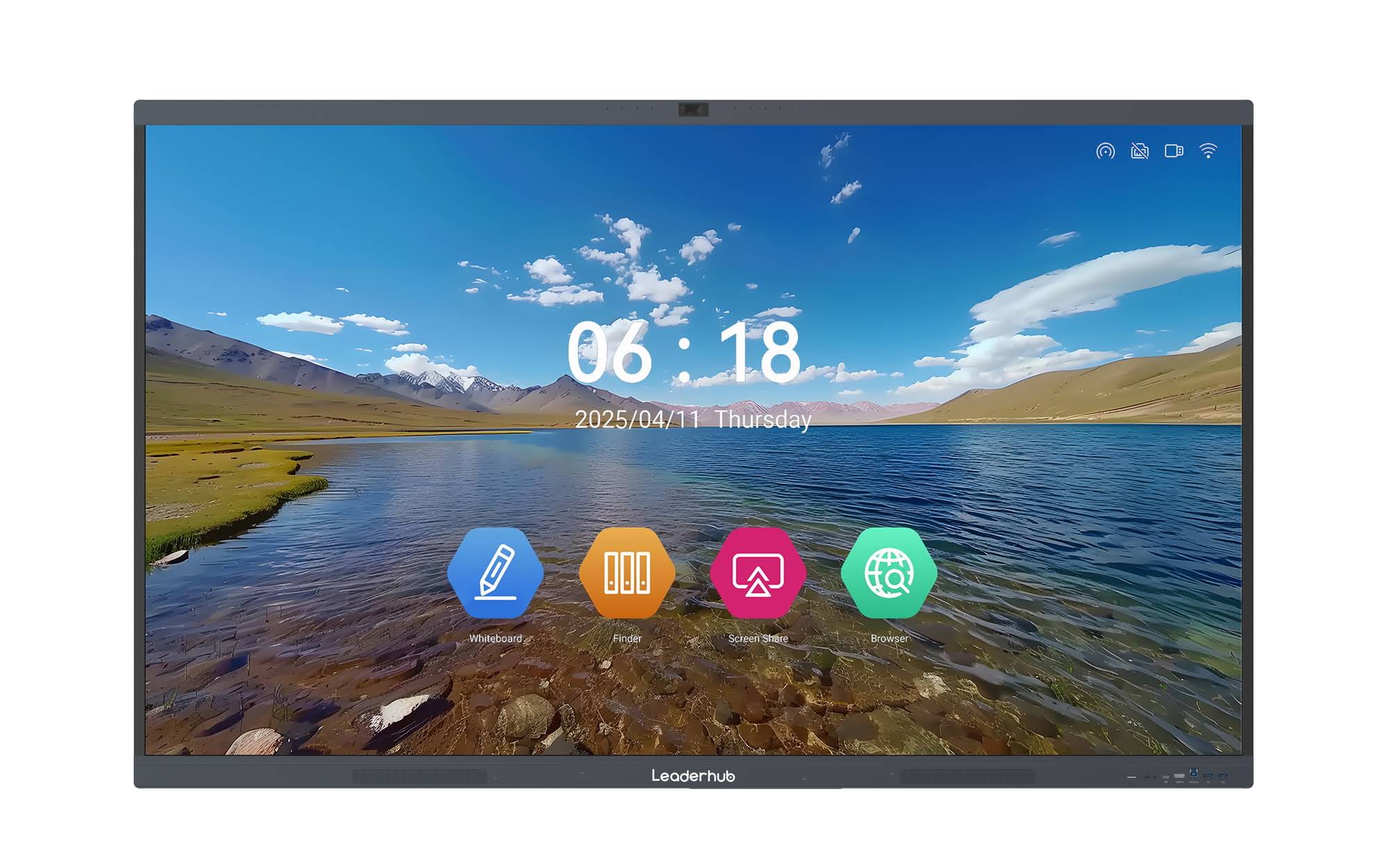
LeaderHub, a Shenzhen-based interactive display manufacturer with 16 years of industry experience serving 82 countries, designs its smart whiteboard lineup specifically with education and STEM use cases in mind, offering configurable RAM, multiple touch-point options, and modular mini PC compatibility for classrooms that need to scale their computing power over time.
Final Recommendations
When selecting a smart whiteboard for STEM teaching, prioritize touch accuracy, software flexibility, and long-term durability over marketing claims about screen size alone. Request an in-person demonstration whenever possible, involve teachers in the evaluation process, and confirm warranty terms before committing to a district-wide purchase. A well-chosen interactive display can meaningfully improve engagement in science, technology, engineering, and mathematics instruction — but only if the underlying hardware and software genuinely support the way STEM lessons are taught.