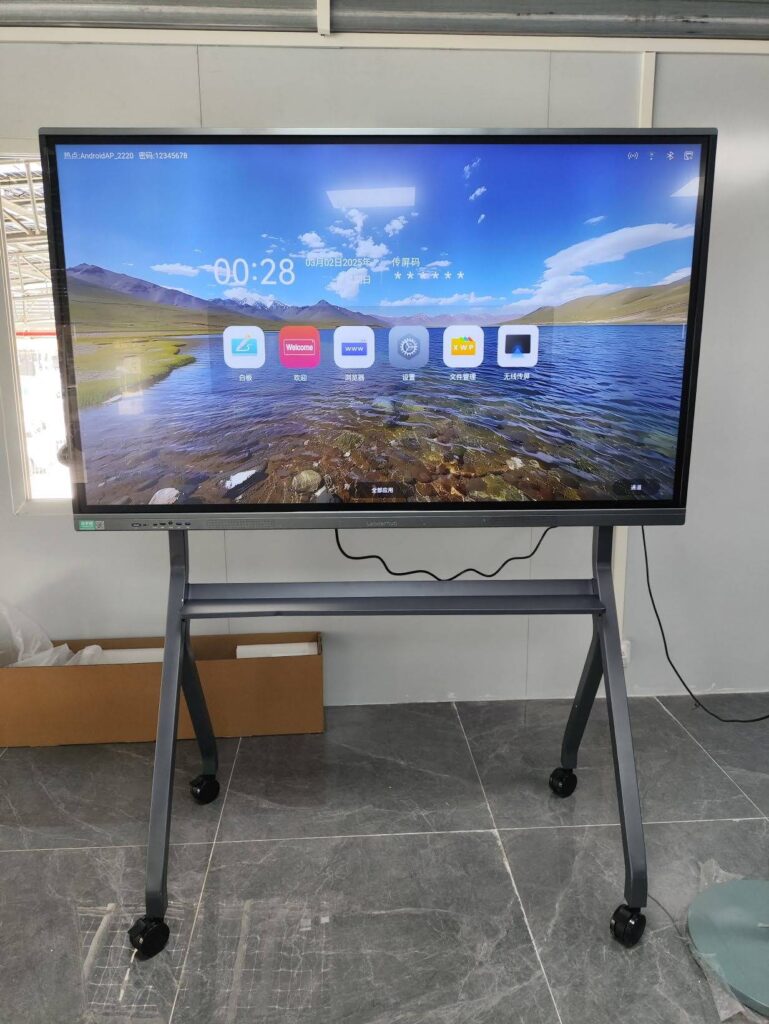
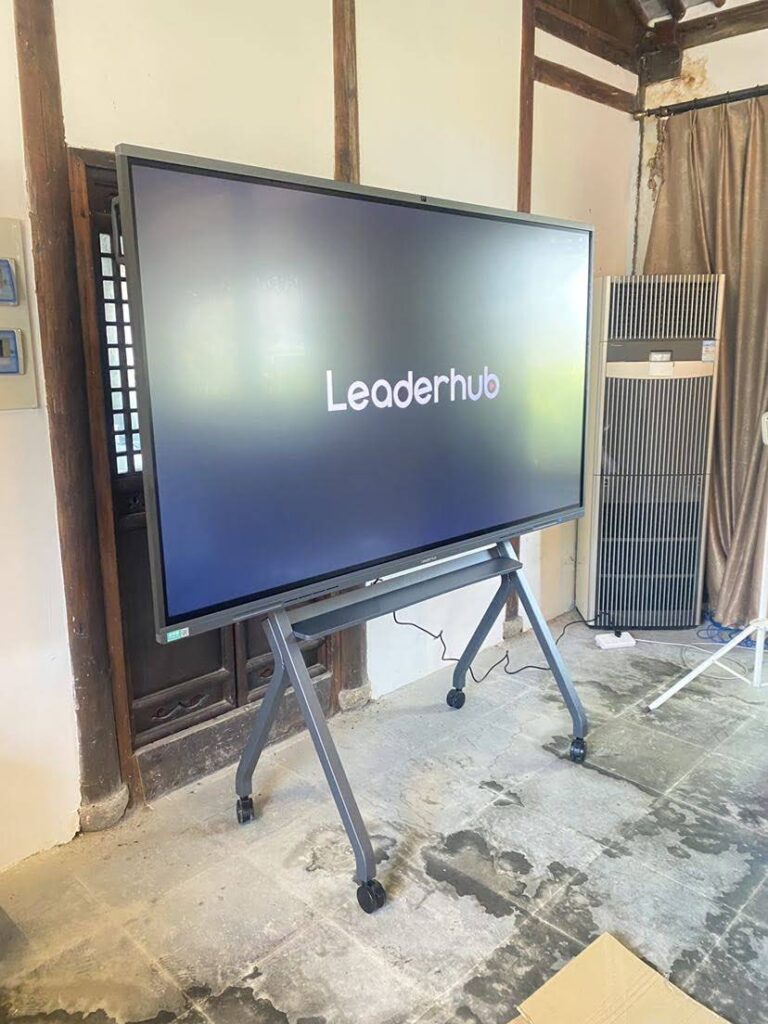
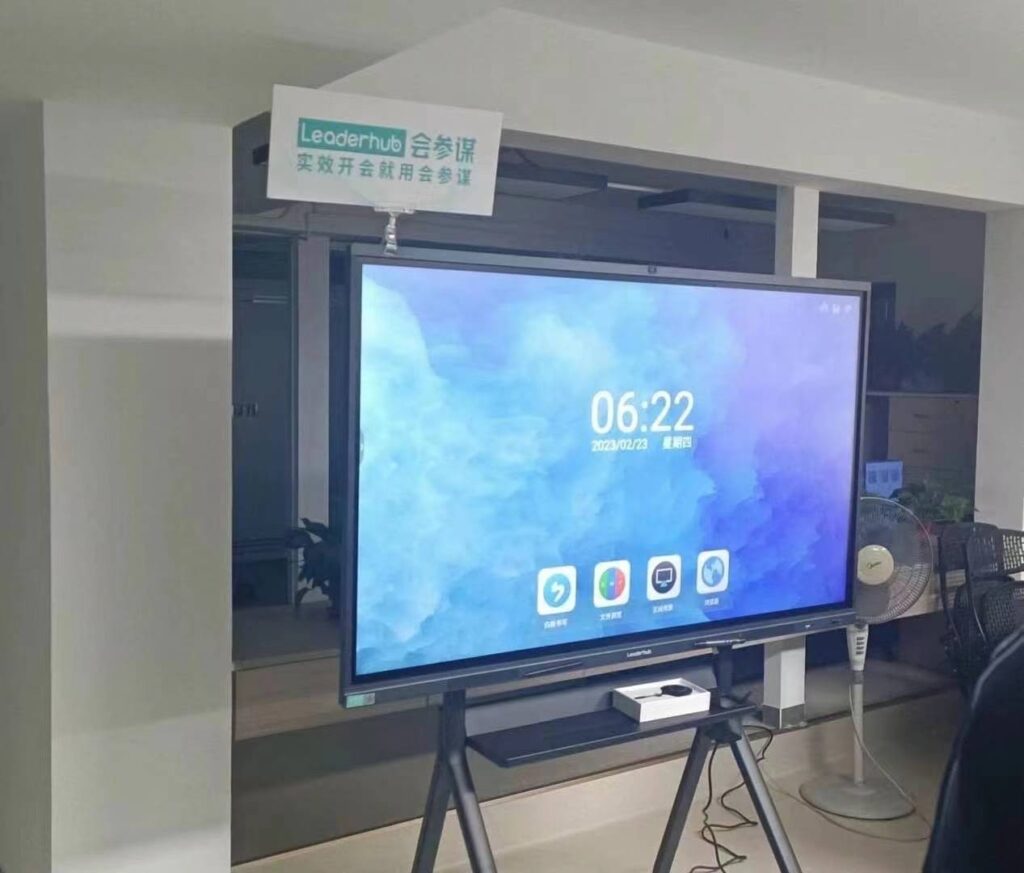
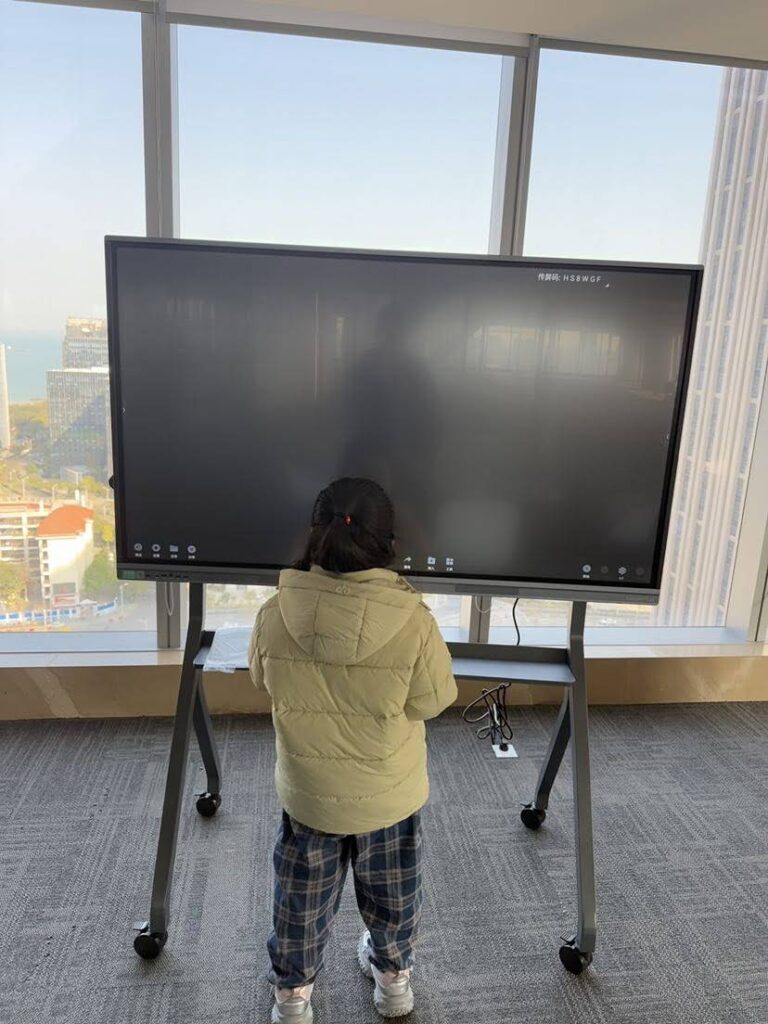
Smart boards have transformed the way we teach, present, and collaborate in modern workspaces and classrooms. These interactive display technologies combine the functionality of traditional whiteboards with advanced digital capabilities, creating dynamic environments where ideas flow seamlessly and engagement reaches new heights. Whether you’re an educator looking to energize your classroom or a business professional seeking to enhance meeting productivity, understanding how smart boards work is essential in today’s digital landscape.
Understanding Smart Board Technology
A smart board, also known as an interactive flat panel or interactive whiteboard, is a large touchscreen display that connects to a computer and projector or operates as a standalone system. Unlike passive displays, smart boards respond to touch input, stylus interaction, and gestures, allowing users to manipulate digital content directly on the screen surface.
The technology behind smart boards has evolved significantly over the past two decades. Early models relied on resistive touch technology and required projectors, while modern interactive displays feature infrared sensors, capacitive touch technology, and built-in computing systems that eliminate the need for external devices.
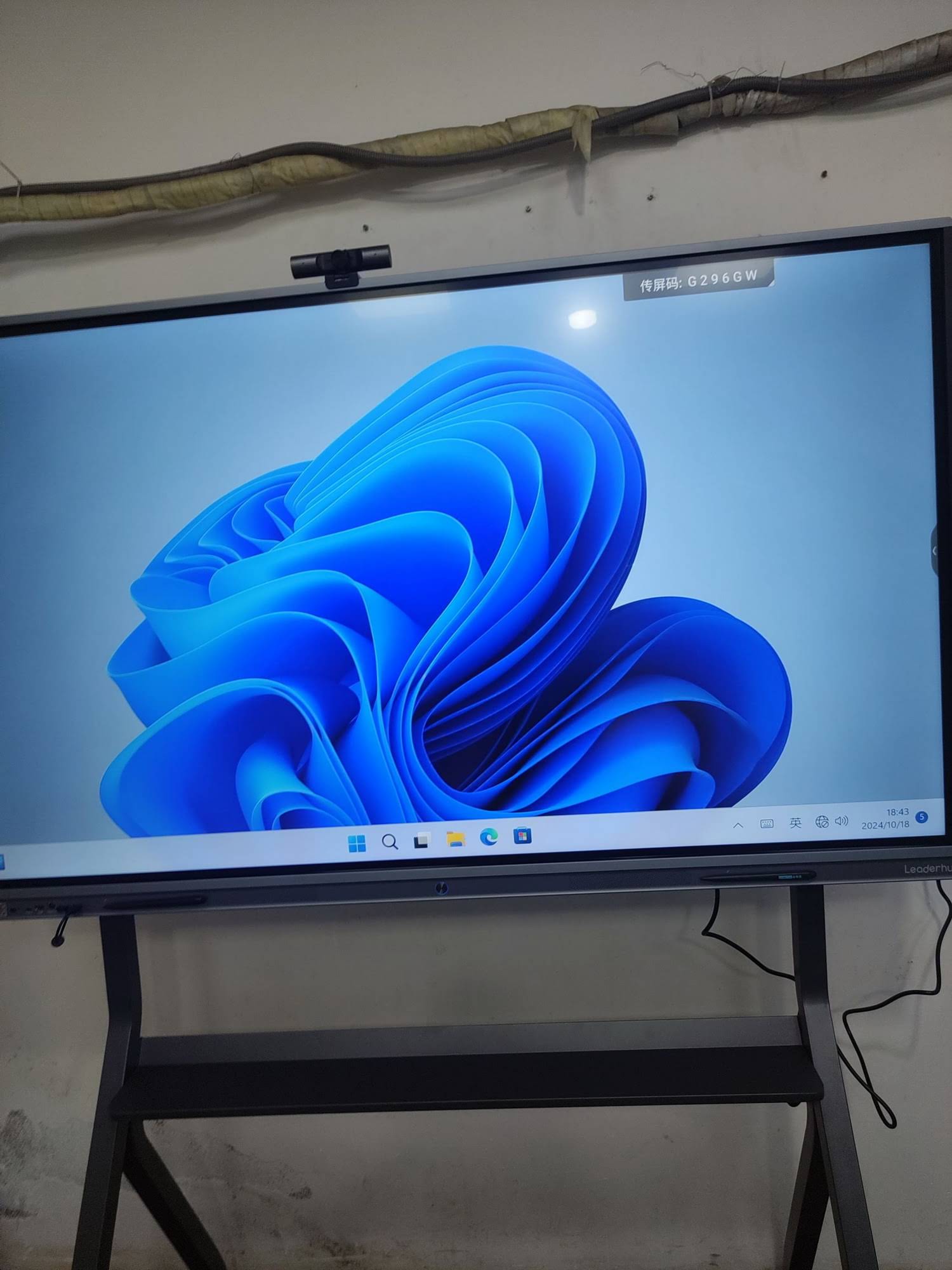
Core Components of Smart Board Systems
To understand how smart boards work, it’s important to recognize their essential components and how they integrate to create an interactive experience.
Touch-Sensitive Display Panel
The display panel serves as the primary interface between users and digital content. Modern smart boards typically use one of three touch detection technologies:
- Infrared Technology: Invisible infrared light beams create a grid across the screen surface. When you touch the board, you interrupt these beams, and sensors calculate the exact touch position with remarkable precision.
- Capacitive Touch: Similar to smartphone screens, capacitive smart boards detect the electrical properties of your finger. This technology supports multi-touch gestures and provides smooth, responsive interaction.
- Electromagnetic Technology: Special styluses with electromagnetic signals communicate with sensors embedded in the board, offering pressure-sensitive writing and drawing capabilities.
Processing Unit and Operating System
Contemporary smart boards integrate powerful computing systems directly into the display. These built-in computers run dedicated operating systems¡ªtypically Android or Windows¡ªenabling the board to function independently without external PC connections. This architecture simplifies setup, reduces cable clutter, and improves reliability.
Connectivity Interfaces
Smart boards feature comprehensive connectivity options that support diverse usage scenarios:
| Connection Type | Purpose | Common Uses |
|---|---|---|
| HDMI | Video and audio input | Connecting laptops, media players, document cameras |
| USB | Touch functionality and data transfer | Touch control, file sharing, peripheral devices |
| Wi-Fi | Wireless networking | Screen sharing, internet access, cloud integration |
| Bluetooth | Wireless peripherals | Keyboards, mice, audio devices |
| Ethernet | Wired network connection | Stable network access, system management |
How Smart Boards Detect and Process Touch Input
The magic of smart board interaction lies in sophisticated sensor systems that track touch points and translate them into digital commands. When you touch the screen, a carefully orchestrated sequence of detection and processing occurs within milliseconds.
In infrared-based systems, the moment your finger breaks the invisible light grid, sensors positioned around the display’s perimeter detect the interruption pattern. The control system analyzes which beams were blocked and calculates the precise X and Y coordinates. This information flows to the processing unit, which determines the appropriate response based on what’s displayed at that location¡ªwhether it’s selecting a button, drawing a line, or dragging an object.
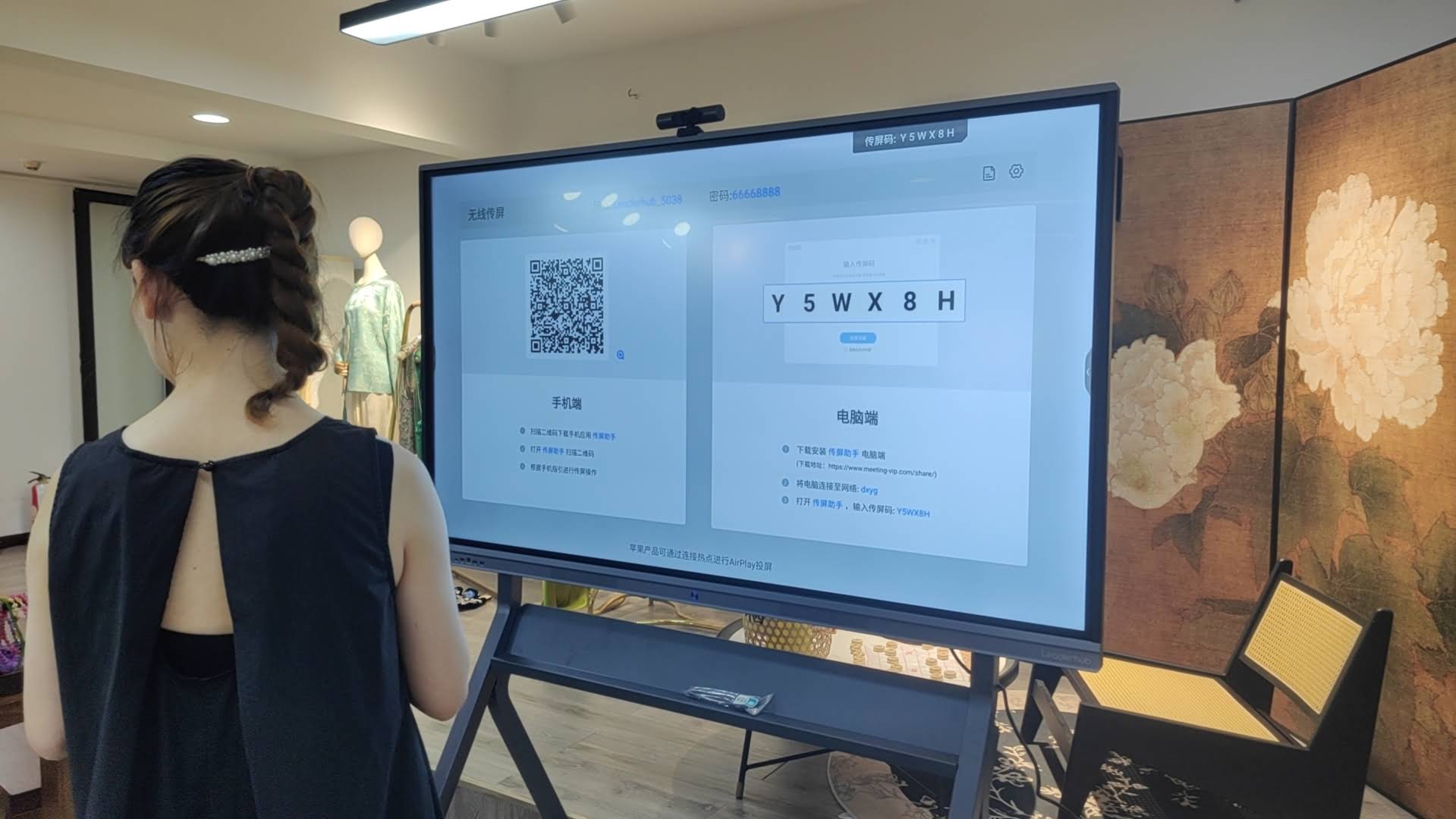
Capacitive systems work differently but achieve similar results. Your finger’s electrical properties create a measurable change in the screen’s electrostatic field. Sensors detect this disturbance and calculate its position. Modern capacitive smart boards can track up to 20 simultaneous touch points, enabling multiple users to interact with different areas of the screen concurrently¡ªa capability that revolutionizes collaborative work sessions.
Software Ecosystem and User Interface
Hardware capabilities mean little without intuitive software that harnesses that power effectively. Smart boards run specialized software platforms that transform raw touch input into productive interactions.
Whiteboarding and Annotation Tools
At the heart of every smart whiteboard lies digital whiteboarding software. These applications replicate the experience of traditional whiteboards while adding powerful digital enhancements. Users can write with their fingers or styluses, choosing from various pen types, colors, and thicknesses. Advanced recognition algorithms convert handwritten text into typed characters and transform rough shapes into perfect geometric forms.
Annotation capabilities extend beyond blank canvases. Users can import documents, images, videos, and web pages, then markup these materials directly on screen. During presentations, this feature enables speakers to emphasize key points, clarify complex diagrams, and respond to audience questions visually¡ªcreating more engaging and memorable experiences than static slides alone.
Screen Sharing and Wireless Collaboration
Modern smart boards excel at connecting multiple devices and users. Wireless screen sharing protocols allow laptops, tablets, and smartphones to display their content on the large screen without physical cables. Some systems support split-screen modes where content from several devices appears simultaneously, facilitating side-by-side comparisons and multi-source presentations.
Cloud integration takes collaboration further by enabling real-time co-editing. Team members in different locations can simultaneously contribute to the same digital whiteboard session, with changes syncing instantly across all connected devices. This capability has become particularly valuable as hybrid work models blend in-person and remote participants.
Application Compatibility and Extensibility
Smart boards function as versatile computing platforms that run standard applications. Educational smart boards support learning management systems, interactive educational games, and subject-specific software. Business-oriented models integrate with video conferencing platforms, project management tools, and productivity suites. The ability to install additional applications means organizations can customize their smart boards to match specific workflow requirements.
Smart Board Applications Across Industries
The versatility of smart board technology has driven adoption across diverse professional environments, each leveraging interactive displays in ways that address sector-specific challenges.
Education and Training Environments
Educational institutions were among the earliest adopters of smart board technology, recognizing its potential to transform traditional teaching methods. Teachers use interactive displays to present multimedia lessons that combine text, images, videos, and interactive elements. Students engage more deeply when they can manipulate 3D models, solve problems collaboratively on the board, and see abstract concepts visualized dynamically.
Research consistently shows that interactive learning environments improve student retention by 25-60% compared to lecture-only approaches. Smart boards facilitate this improvement by supporting multiple learning styles simultaneously¡ªvisual learners benefit from graphics and videos, kinesthetic learners engage through touch interaction, and auditory learners absorb information through integrated audio.
Corporate training programs similarly leverage smart boards to create engaging professional development experiences. Interactive scenario simulations, group problem-solving exercises, and real-time assessment tools help trainers measure comprehension and adjust pacing to participant needs.
Corporate Meeting and Conference Rooms
Business organizations deploy smart boards to enhance meeting productivity and decision-making processes. Traditional presentations often suffer from one-way communication and limited participant engagement. Interactive displays transform these dynamics by enabling collaborative brainstorming sessions where all participants contribute ideas directly to the shared screen.
Meeting recordings capture both the displayed content and annotation layers, creating comprehensive documentation that preserves context and decision rationale. When meetings conclude, participants can export annotated materials and share them with stakeholders who couldn’t attend, ensuring information flows efficiently throughout organizations.
Healthcare and Medical Settings
Medical facilities utilize smart boards for patient education, surgical planning, and clinical training. Physicians can display medical imaging, annotate anatomical diagrams, and explain treatment procedures in ways patients understand more readily than verbal descriptions alone. Surgical teams use interactive displays to review procedures, identify potential complications, and coordinate complex operations involving multiple specialists.
Creative and Design Studios
Design professionals appreciate smart boards for their large-format display capabilities and precision input. Architects review building plans at life-size scale, making spatial relationships and proportions immediately apparent. Graphic designers sketch concepts collaboratively, iterating rapidly through variations while clients provide real-time feedback. The combination of large displays, pressure-sensitive styluses, and professional design software creates natural workflows that bridge digital and traditional creative processes.
Technical Specifications That Matter
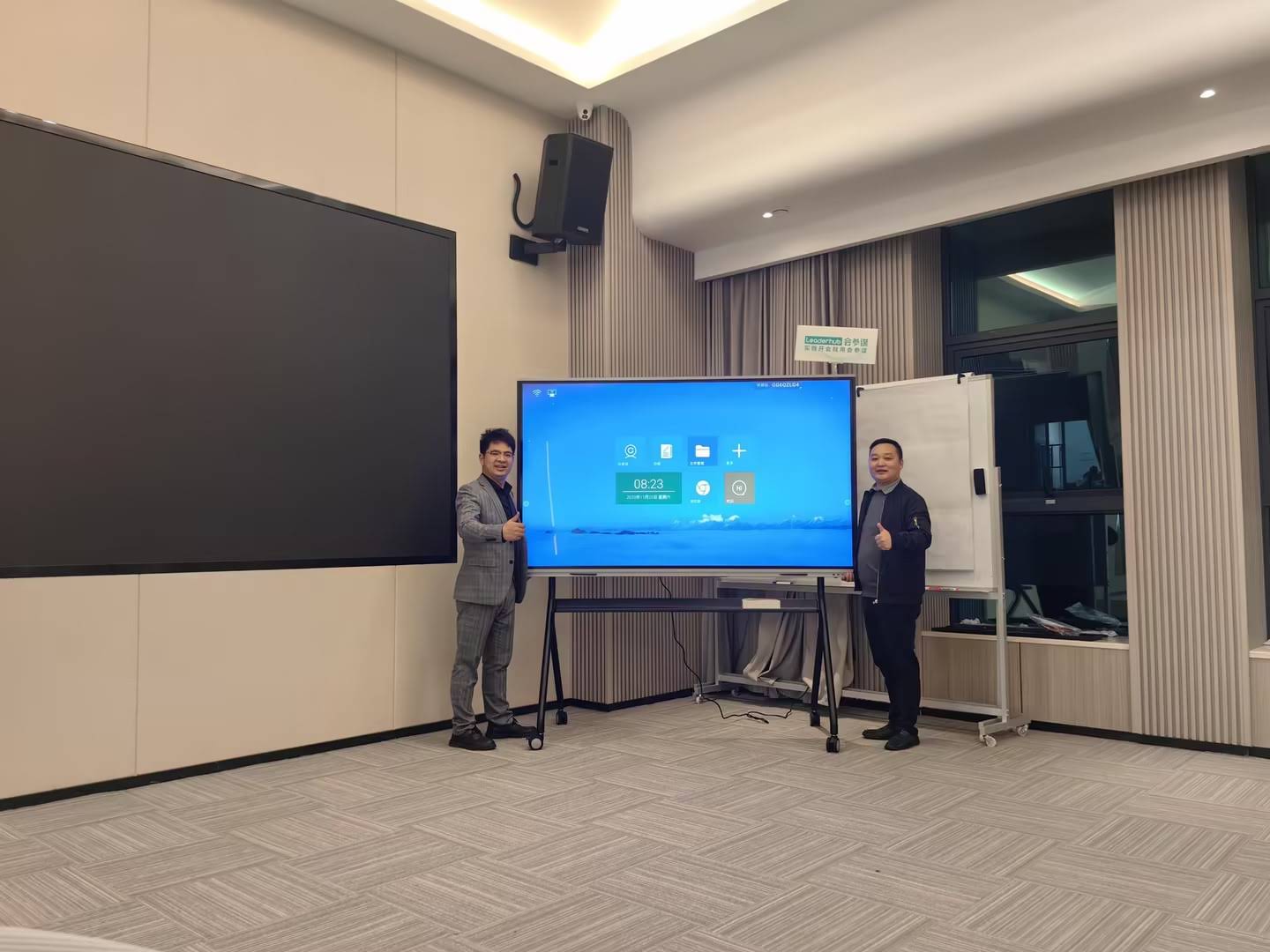
When evaluating smart boards, several technical specifications significantly impact user experience and long-term satisfaction. Understanding these parameters helps organizations select systems that match their specific requirements.
Display Resolution and Size
Screen resolution determines image clarity and how much content fits comfortably on screen. 4K Ultra HD resolution (3840 ¡Á 2160 pixels) has become the standard for professional smart boards, providing sharp text rendering and detailed image reproduction. Larger conference rooms and classrooms benefit from 65-inch to 98-inch displays, while smaller spaces work well with 55-inch to 75-inch models.
Touch Response Time and Accuracy
Touch latency¡ªthe delay between touching the screen and seeing the system respond¡ªdramatically affects user experience. Premium smart boards achieve response times under 10 milliseconds, creating a natural writing feel that matches traditional whiteboards. Touch accuracy matters equally; systems should register touch points within 1-2 millimeters of actual contact locations to support precise writing and detailed drawing.
Brightness and Anti-Glare Properties
Smart boards often operate in rooms with significant ambient light from windows or overhead fixtures. Display brightness, measured in nits or candelas per square meter, determines visibility under these conditions. Professional-grade smart boards deliver 350-400 nits of brightness, ensuring content remains clearly visible without dimming room lights. Anti-glare screen coatings further improve visibility by reducing reflections that can obscure content or create eye strain.
Processing Power and Memory
The integrated computer’s capabilities determine how smoothly applications run and how many concurrent processes the system handles effectively. Modern smart boards incorporate processors equivalent to mid-range computers, paired with 4-8 GB of RAM and 32-128 GB of storage. These specifications support multitasking scenarios where users run video conferences, display multiple documents, and operate annotation software simultaneously without performance degradation.
AI Integration and Emerging Capabilities
Artificial intelligence is reshaping smart board functionality, introducing capabilities that move beyond passive display and simple interaction toward systems that actively support and enhance human collaboration.
AI-powered handwriting recognition has improved dramatically, now converting cursive and printed handwriting into digital text with accuracy exceeding 95%. Shape recognition algorithms identify rough sketches and transform them into precise geometric forms automatically. These features reduce friction in workflows, allowing users to focus on ideas rather than technical drawing skills.
Voice control integration enables hands-free operation during presentations. Users can advance slides, adjust volume, launch applications, and control playback without approaching the display or handling remote controls. Natural language processing interprets spoken commands even when phrased informally, creating intuitive interaction paradigms.
Intelligent content suggestions represent a more sophisticated application of AI. As users brainstorm on smart boards, AI systems analyze the content and suggest relevant information¡ªresearch papers, case studies, images, or data visualizations that might enhance the discussion. Some systems monitor meeting participants and automatically generate structured notes, action items, and follow-up task assignments.
Companies like LeaderHub, with over 16 years of experience developing interactive display technologies, are integrating these AI capabilities into their smart whiteboard product lines, helping organizations in more than 82 countries communicate and collaborate more effectively through intelligent interactive displays.
Installation and Setup Considerations
Successful smart board deployment requires attention to physical installation, network integration, and user training. Proper setup ensures systems deliver their full potential while avoiding common frustration points that undermine adoption.
Physical Mounting and Positioning
Wall-mounted installations offer clean aesthetics and maximize floor space, but require proper structural support. Smart boards weigh 40-100 kg depending on size, necessitating mounting into wall studs or concrete anchors rated for the load. Screen height should position the center slightly below average eye level of standing users, typically 120-140 cm from the floor, ensuring comfortable viewing and interaction for diverse user groups.
Mobile stands provide flexibility for organizations that need to move smart boards between rooms. High-quality mobile stands include cable management systems, locking wheels for stability during use, and height adjustment mechanisms that accommodate different user preferences.
Network Integration and Security
Connecting smart boards to organizational networks requires careful security configuration. IT administrators should isolate smart boards on dedicated VLANs, implement certificate-based authentication for wireless connections, and disable unnecessary network services. Regular firmware updates address security vulnerabilities, but update schedules should avoid critical usage times like scheduled classes or important meetings.
User Training and Adoption
Technical capabilities matter little if users don’t understand how to leverage them effectively. Comprehensive training programs should cover basic operation, common applications, troubleshooting procedures, and advanced features. Hands-on practice sessions where users complete realistic tasks build confidence more effectively than presentation-style overviews.
Creating quick-reference guides and video tutorials provides ongoing support after initial training. Designating “power users” who receive advanced training and serve as internal resources helps organizations maintain momentum and address questions as they arise in daily use.
Maintenance and Longevity
Smart boards represent significant investments, and proper maintenance protects that investment while ensuring consistent performance throughout the product lifecycle.
Screen Cleaning and Care
Touch screens accumulate fingerprints, dust, and residue from markers used near the display. Regular cleaning maintains image quality and touch sensitivity. Use microfiber cloths slightly dampened with water or screen-specific cleaning solutions¡ªnever spray liquids directly on the screen, as moisture can seep into edges and damage electronics. Avoid abrasive materials or harsh chemicals that can scratch anti-glare coatings or damage touch sensors.
Software Updates and System Maintenance
Manufacturers release firmware updates that improve performance, add features, and address security vulnerabilities. Establishing regular update schedules¡ªquarterly or semi-annually¡ªkeeps systems current without disrupting daily operations. Before major updates, create system backups to preserve custom settings and configurations.
Component Lifespan and Replacement
Modern LED-backlit displays typically deliver 50,000-60,000 hours of operation, equivalent to roughly 15-20 years of standard 8-hour daily use. Touch sensors and other electronic components often outlast display panels. When hardware eventually fails, professional repair services can replace individual components rather than entire systems, extending practical lifespan and reducing replacement costs.
Comparing Smart Boards to Alternative Technologies
Organizations evaluating collaboration technology often consider multiple options. Understanding how smart boards compare to alternatives helps clarify which solution best matches specific needs.
Traditional Projectors and Screens
Standard projector systems cost less initially but lack touch interaction capabilities that define smart board experiences. Projectors require periodic lamp replacements and perform poorly in bright rooms. While interactive projectors exist, they typically offer slower touch response and lower accuracy than dedicated smart boards.
Large-Format TVs
Consumer televisions deliver excellent image quality at competitive prices but lack touch functionality and collaboration-focused software. Adding aftermarket touch frames provides basic interaction but rarely matches the responsiveness and precision of purpose-built interactive displays. TVs also lack the connectivity options, annotation tools, and security features that business and education environments require.
Tablet and Laptop Sharing Solutions
Wireless display systems that share laptop or tablet screens to projectors enable basic content presentation but don’t support simultaneous multi-user interaction. These solutions work well for simple presentations but fall short for collaborative sessions where multiple participants need to contribute simultaneously.
Future Developments in Smart Board Technology
The evolution of smart board technology continues accelerating as advancements in display technology, artificial intelligence, and networking capabilities converge to create increasingly powerful collaboration platforms.
Micro-LED display technology promises dramatic improvements in brightness, contrast ratio, and energy efficiency. Unlike current LCD-based displays, micro-LED panels emit their own light, eliminating backlight requirements and enabling perfect blacks and vibrant colors. Early implementations suggest micro-LED smart boards could operate reliably for 100,000+ hours while consuming 40% less power than current models.
Haptic feedback systems in development provide tactile sensation when users touch screens, simulating the feel of physical buttons, texture surfaces, or drawing resistance. This sensory feedback could make digital interaction feel more natural and intuitive, particularly for detailed drawing and precise selection tasks.
Extended reality integration represents another frontier. Smart boards that seamlessly connect with AR glasses and VR headsets would enable hybrid collaboration modes where remote participants appear as life-size holograms, spatial data visualizations float above physical surfaces, and 3D models can be examined from any angle through gesture control.
As these technologies mature, the line between physical and digital collaboration spaces will continue blurring, creating experiences that feel natural despite spanning vast geographical distances and mixing diverse device types.
Making the Smart Board Investment Decision
Selecting the right smart board requires balancing technical specifications, budget constraints, and organizational needs. Start by clearly defining primary use cases¡ªeducational institutions prioritize different features than corporate meeting rooms or healthcare facilities.
Consider total cost of ownership beyond initial purchase price. Factor in installation expenses, training costs, software licenses, and ongoing maintenance. Higher-quality systems often deliver better long-term value through superior reliability, longer lifespans, and lower support requirements despite higher upfront costs.
Evaluate vendor support and warranty terms carefully. Responsive technical support and comprehensive warranties protect against disruptions and unexpected repair costs. Vendors with established track records and global presence typically provide more reliable long-term support than newer market entrants.
Finally, request demonstration units or trial periods when possible. Hands-on experience reveals how systems perform in real working conditions and whether interfaces match user expectations and technical skill levels. The best specification sheet means little if users find the system confusing or frustrating in daily practice.
Conclusion
Smart boards have evolved from novelty presentation tools into essential collaboration platforms that reshape how we share information, develop ideas, and make decisions together. By combining intuitive touch interaction, powerful computing capabilities, and intelligent software, these systems create dynamic environments where engagement and productivity flourish.
Understanding how smart boards work¡ªfrom touch detection mechanisms and processing architectures to software ecosystems and AI integration¡ªempowers organizations to select systems that truly match their needs and leverage these powerful tools to their full potential. Whether transforming traditional classrooms into interactive learning spaces, enhancing business meeting effectiveness, or supporting creative collaboration, smart boards continue proving their value as investments in communication and productivity.
As technology continues advancing and AI capabilities grow more sophisticated, smart boards will become even more powerful collaborators¡ªnot just passive displays awaiting input, but active participants that enhance human creativity, facilitate better decision-making, and make collaboration across distances feel as natural as working side by side.