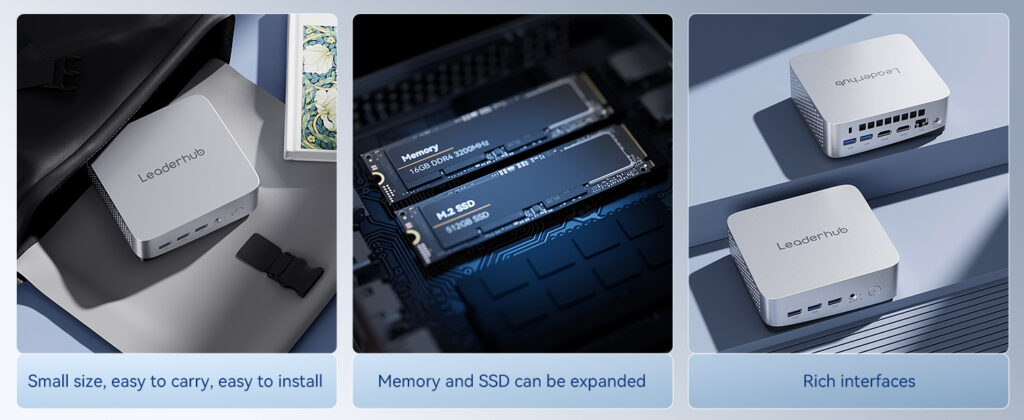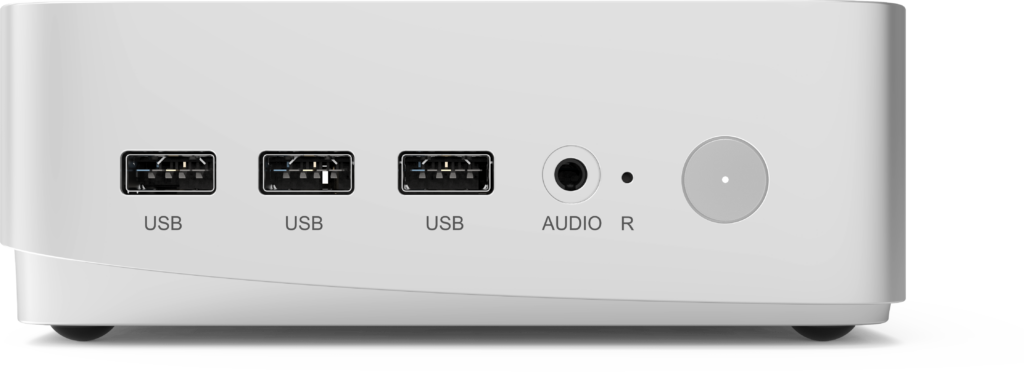
The global demand for compact computing is accelerating. Digital signage networks, hybrid meeting rooms, retail kiosks, classroom carts and edge-computing deployments all rely on small, power-efficient machines that can run around the clock. For businesses sourcing dozens or thousands of units, the real challenge is not finding a device with the right specifications — it is finding a mini PC supplier that can deliver consistent quality, stable pricing, genuine customization and dependable after-sales support. This guide walks procurement teams, system integrators, resellers and IT managers through every step of choosing a reliable mini PC supplier for wholesale, OEM and bulk purchasing.
Why Your Choice of Mini PC Supplier Matters More Than the Spec Sheet
Two mini PCs can share an identical processor, memory and storage configuration and still perform very differently after six months in the field. The difference comes down to thermal design, component grading, firmware quality and the manufacturer’s quality-control discipline. When you purchase one unit, a weak supplier is an inconvenience. When you purchase five hundred units for a nationwide rollout, a weak supplier becomes a serious business risk.
A reliable mini PC supplier protects your business in four ways:
- Consistency — every unit in a batch, and every batch across years, behaves the same way so your IT team can standardize images and support procedures.
- Continuity — stable component sourcing means the model you certify today will still be available for repeat orders in eighteen months.
- Compliance — proper CE, FCC, RoHS and other regional certifications keep your shipments clear of customs delays and legal exposure.
- Cost control — transparent pricing tiers, realistic lead times and a fair warranty policy keep your total cost of ownership predictable.
Wholesale, OEM, ODM and Bulk Buying: Which Sourcing Model Fits Your Business?
Before contacting any mini PC supplier, clarify the sourcing model you actually need. Each model carries different expectations around minimum order quantity (MOQ), customization depth, lead time and pricing. Understanding these differences will make your supplier conversations far more productive.
| Sourcing Model | What You Get | Typical MOQ | Best For |
|---|---|---|---|
| Wholesale | Standard, ready-made models at tiered volume pricing | 10–50 units | Resellers, e-commerce sellers, IT service providers |
| OEM | Existing hardware rebranded with your logo, packaging, BIOS splash screen and pre-installed software | 100–500 units | Brand owners, distributors building a private label |
| ODM | New or modified design: custom chassis, I/O layout, board-level changes | 500–1,000+ units | Signage vendors, kiosk makers, industrial solution providers |
| Bulk / Project Buying | Large one-time order of standard units for an internal deployment | 50–5,000 units | Schools, enterprises, government agencies, retail chains |
Many businesses start with a wholesale order of a proven model, validate it in a pilot, and then move to an OEM arrangement once volumes justify the branding investment. A good mini PC supplier should support this progression without forcing you to switch partners midway.
10 Criteria for Evaluating a Reliable Mini PC Supplier
1. Manufacturing Capability and Factory Ownership
Ask whether the supplier owns its production facility or outsources assembly to third parties. Factory-direct suppliers control quality at every stage and can respond faster to engineering change requests. Request a virtual or in-person factory audit, and ask for production-line photos, SMT capability and monthly output capacity.
2. Component Sourcing Transparency
A trustworthy supplier will tell you exactly which CPU generation, memory brand, SSD controller and Wi-Fi module are inside the device. Beware of vague listings such as “Intel processor” without a specific model number. Ask for a bill of materials for OEM projects and confirm whether components are sourced through authorized distribution channels.
3. Certifications and Regulatory Compliance
Mini PCs shipped internationally must carry the right marks for each destination market. Request copies of the actual certificates — not just logos on a product page — and verify certificate numbers where possible.
| Market | Key Certifications | Why It Matters |
|---|---|---|
| European Union / UK | CE, UKCA, RoHS, REACH, WEEE | Required for customs clearance and legal sale |
| United States / Canada | FCC, UL / ETL (power adapter), Energy Star (optional) | Electromagnetic and electrical safety compliance |
| Australia / New Zealand | RCM | Mandatory electrical safety and EMC mark |
| Global | ISO 9001 (factory), Windows / Intel partner status | Indicates mature quality systems and legitimate licensing |
4. Customization and OEM Services
Evaluate how deep the supplier’s customization goes. Entry-level OEM covers logo printing and packaging. More capable suppliers offer custom BIOS settings (auto power-on, watchdog timers, scheduled boot), pre-installed operating systems and applications, custom I/O configurations, VESA mounting brackets, and tailored firmware for signage or kiosk use. Ask for sample timelines and tooling costs up front.
5. Quality Control Process
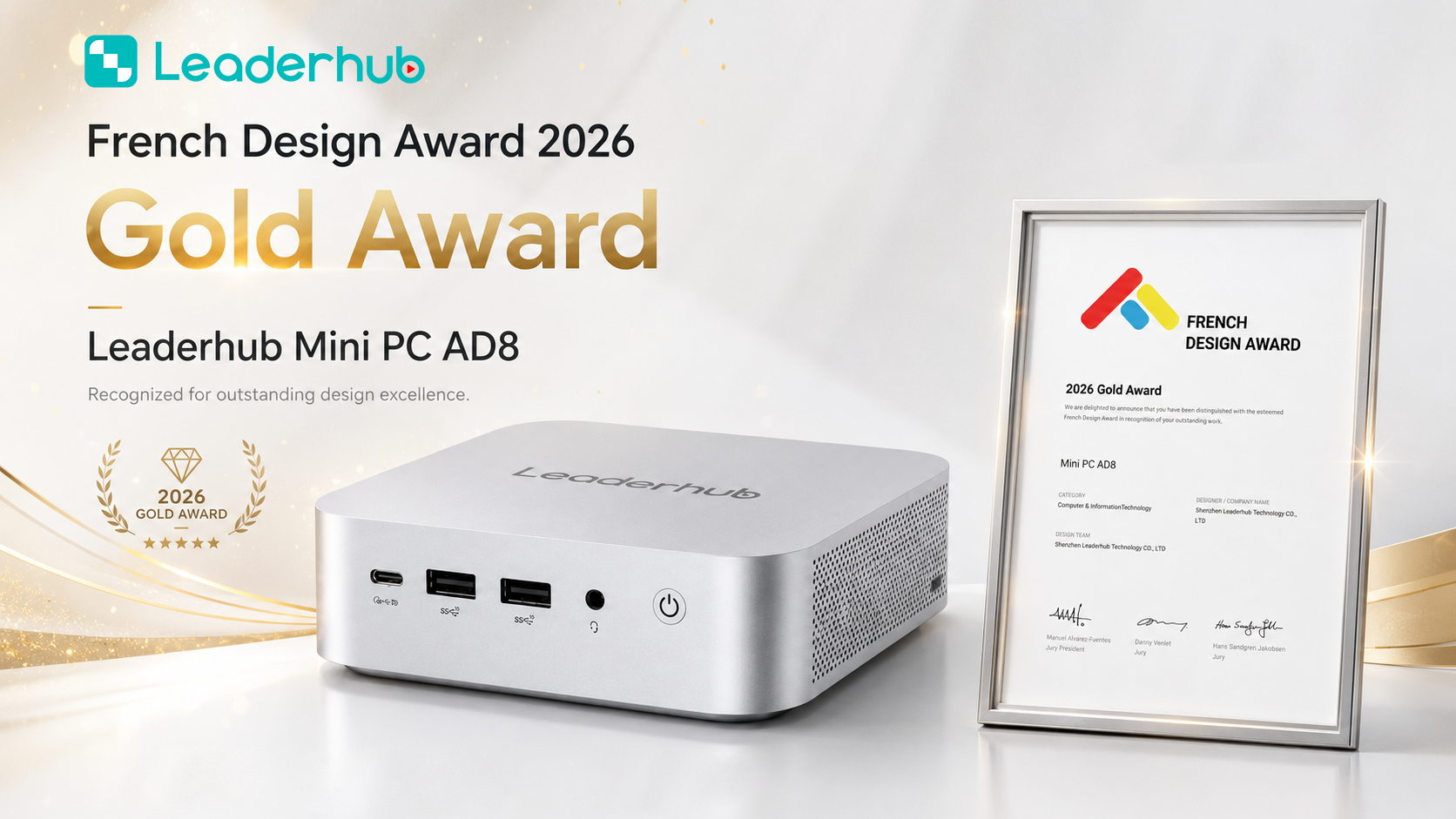
Ask the supplier to describe its testing workflow in detail. A mature process includes incoming component inspection, functional testing after assembly, burn-in or aging tests at elevated temperature, and a final outgoing quality check. Request the defect rate for the past twelve months and the acceptable quality limit (AQL) applied to each batch. Suppliers who cannot answer these questions are unlikely to control quality effectively.
6. Warranty, RMA and Spare Parts
Business buyers should expect at least a 12-month warranty, with 24 or 36 months available for project deals. Clarify who pays return shipping, whether advance replacement is offered, how long an RMA takes, and whether spare parts such as power adapters and fans can be ordered separately. A supplier with regional service partners or overseas warehouses can reduce downtime dramatically.
7. Product Lifecycle and Long-Term Availability
Consumer-grade mini PCs may be discontinued within a year. For business deployments, ask about the guaranteed lifecycle of the model and the end-of-life notification policy. Suppliers using Intel processors with long-life support, or who commit to form-factor-compatible successors, make fleet management far easier.
8. Communication and Project Management
Response time during the inquiry stage is a strong predictor of post-sale support. Note how quickly the supplier replies, whether an English-speaking account manager is assigned, and whether they proactively flag potential issues such as component shortages or shipping disruptions. Request a sample unit and observe the whole process from quotation to delivery.
9. Pricing Structure and Payment Terms
Compare quotations on a like-for-like basis including power adapter, operating system license, packaging and shipping terms (EXW, FOB, DDP). Ask for a volume price ladder and confirm how long quotes remain valid. Established suppliers typically accept a 30% deposit with balance before shipment, and may offer letter-of-credit or extended terms for repeat customers.
10. Reputation, References and Trade-Show Presence
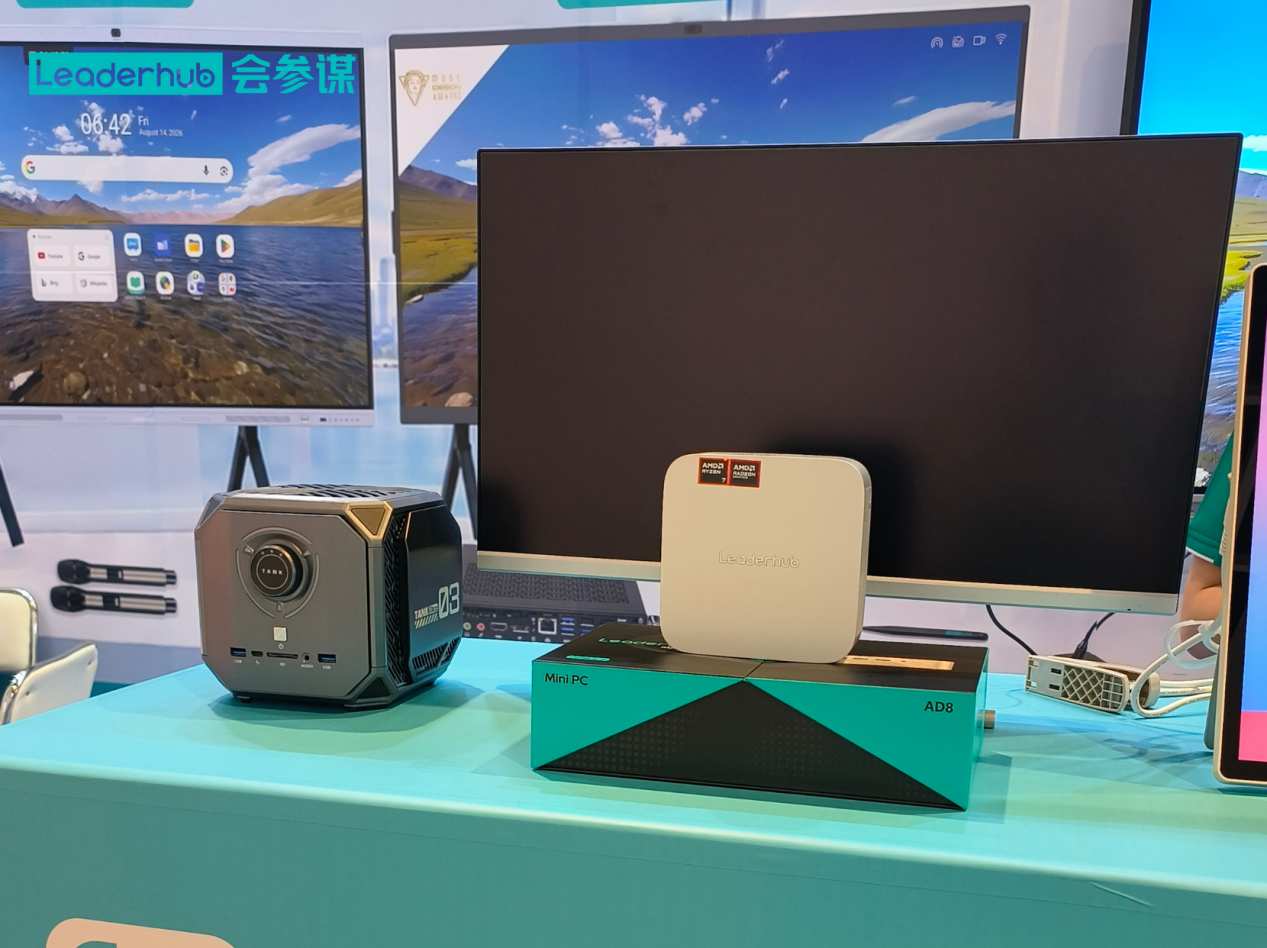
Check how long the company has operated, which markets it serves, and whether it exhibits at recognized industry events. Suppliers who appear regularly at shows such as CES Technology Innovation events or AV-industry gatherings organized by the AV Industry Standards and Resources body have invested in long-term relationships rather than one-off transactions. Ask for references from customers in your region or industry.
Red Flags That Signal an Unreliable Mini PC Supplier
- Prices dramatically below market average with no clear explanation of component grade.
- Refusal to provide a sample before a bulk order, or sample specifications that differ from production units.
- Certification logos displayed without downloadable certificates or verifiable numbers.
- No written warranty policy, or warranty terms that change after payment.
- Communication that moves to personal messaging apps and payment requests to personal bank accounts.
- Pre-installed operating systems without legitimate license keys.
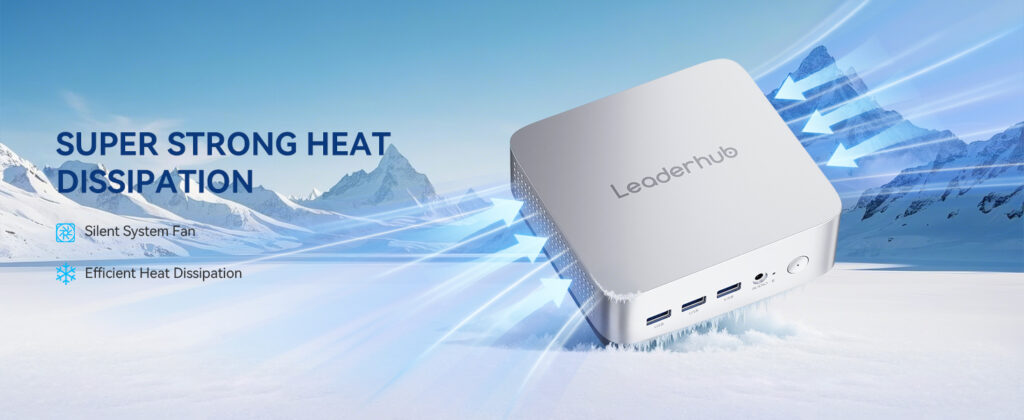
- Inability to explain thermal design, fan noise levels or sustained-load performance.
Essential Questions to Ask Before Placing a Bulk Order
- Do you own the factory, and can we schedule a video audit of the production line?
- What is the exact processor model, memory specification and SSD brand in this unit?
- Which certifications does this model hold, and can you send the certificates today?
- What is your defect rate over the past year, and what AQL do you apply?
- How long will this model remain in production, and how much notice will we receive before end of life?
- What customization options are available at my order volume, and what are the tooling and sample costs?
- What are the warranty terms, RMA turnaround time and spare-parts availability?
- What is the lead time for the first order and for repeat orders?
- Which Incoterms do you quote under, and can you arrange door-to-door delivery?
- Can you provide two references from business customers in my region?
Understanding MOQ, Pricing Tiers and Lead Times
Volume pricing for mini PCs typically follows a stepped curve. The table below illustrates a representative structure that procurement teams can use as a benchmark when comparing quotations. Actual figures will vary by configuration and market conditions.
| Order Volume | Typical Discount vs. Unit Price | Customization Available | Typical Lead Time |
|---|---|---|---|
| 1–9 units (sample) | Retail / sample price | None | 3–7 days |
| 10–99 units | 5–12% | Pre-installed OS, basic BIOS settings | 7–15 days |
| 100–499 units | 12–20% | Logo printing, custom packaging, software image | 20–30 days |
| 500–999 units | 20–28% | Custom I/O, BIOS branding, extended warranty | 30–45 days |
| 1,000+ units | Negotiated project pricing | Full ODM, chassis design, dedicated production line | 45–60 days |
Matching Mini PC Configurations to Business Use Cases
A capable mini PC supplier should offer a tiered range so that you can standardize on one vendor across different workloads. Below is how a typical three-tier lineup maps to common business scenarios.
| Tier | Example Configuration | Ideal Applications |
|---|---|---|
| Entry / Efficiency | LP1C Mini PC — Intel N100, 8GB RAM, 512GB SSD | Digital signage players, thin clients, classroom carts, front-desk terminals, light office work |
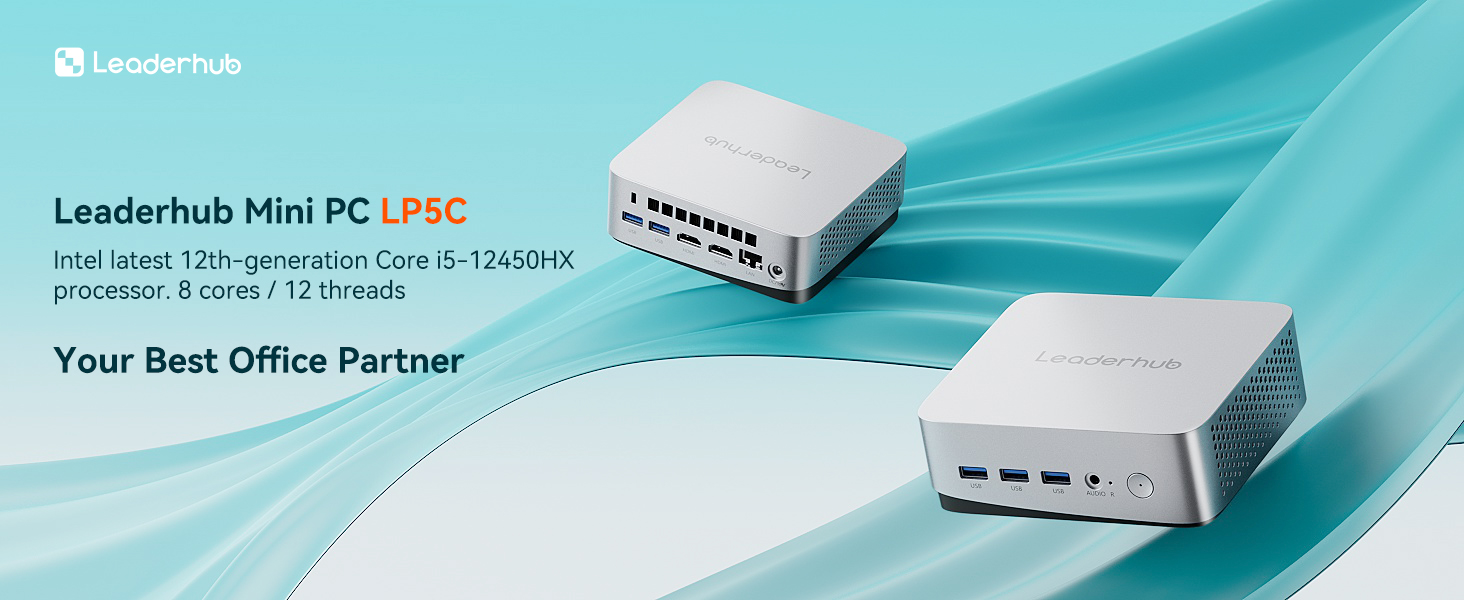
| Mainstream / Performance | LP5C Mini PC — Intel i5-12450HX, 16GB RAM, 512GB SSD | Meeting-room hubs, multi-display control rooms, knowledge-worker desktops, small-business servers |
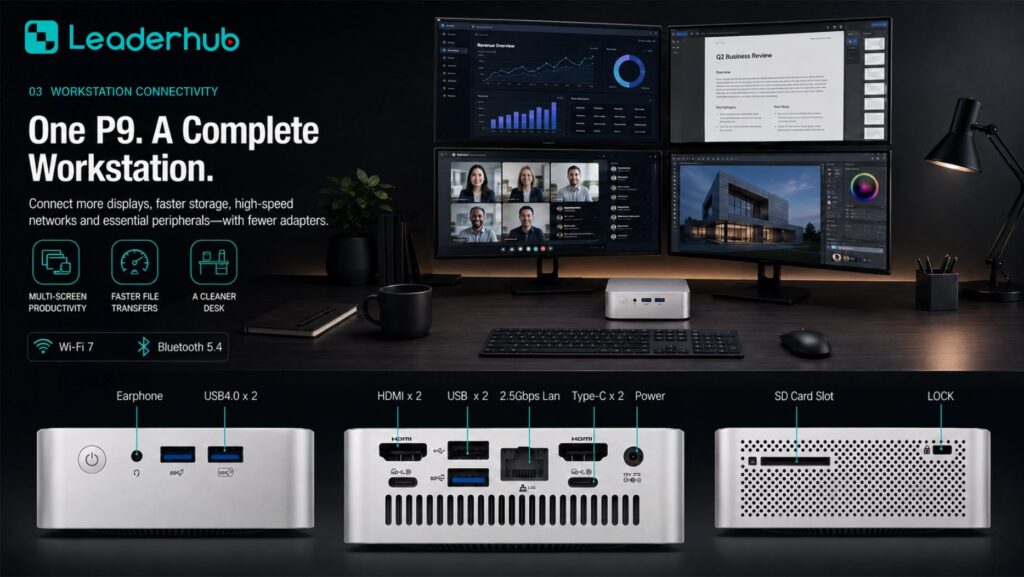
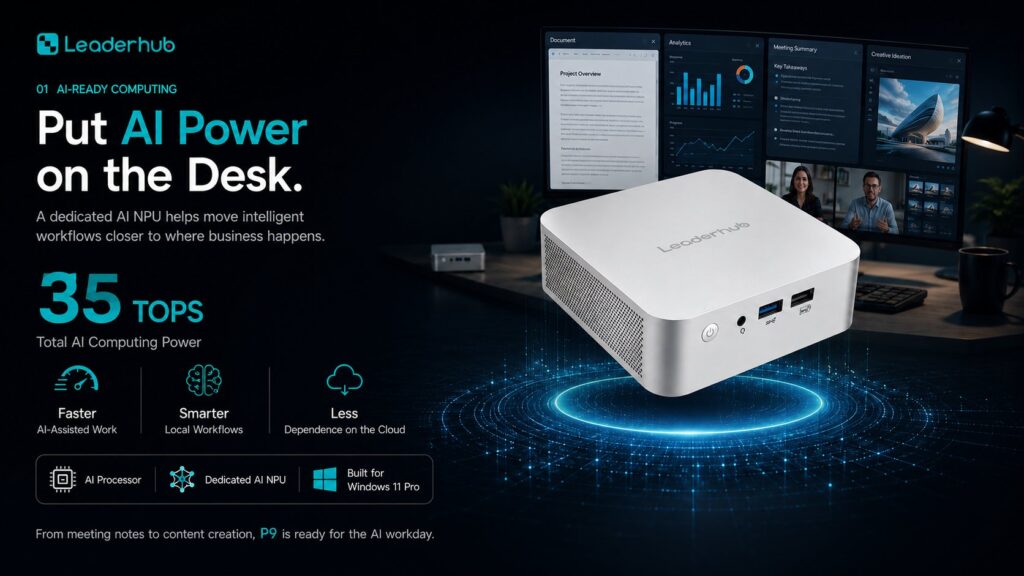
| Premium / Workstation | AD8 Mini PC — high-performance compact workstation | Design studios, video editing, edge AI inference, demanding multi-tasking environments |
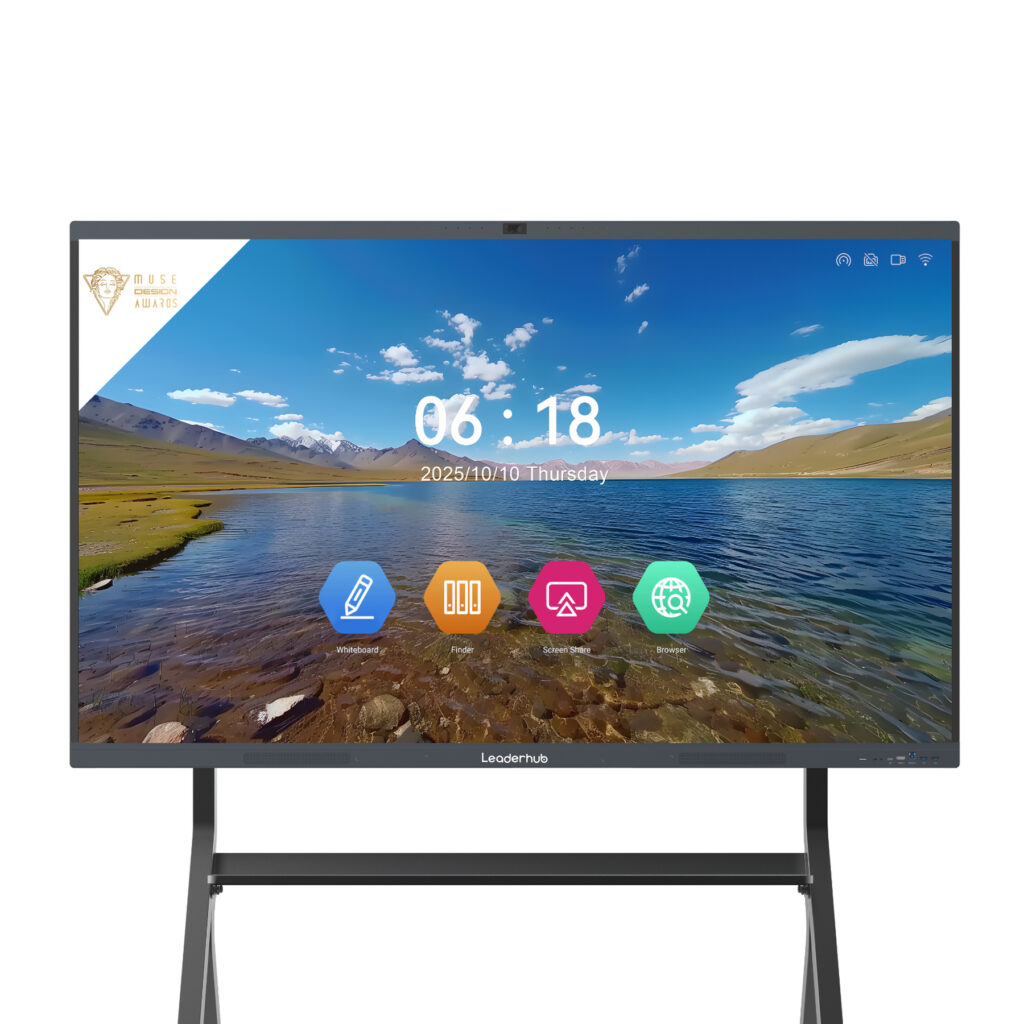
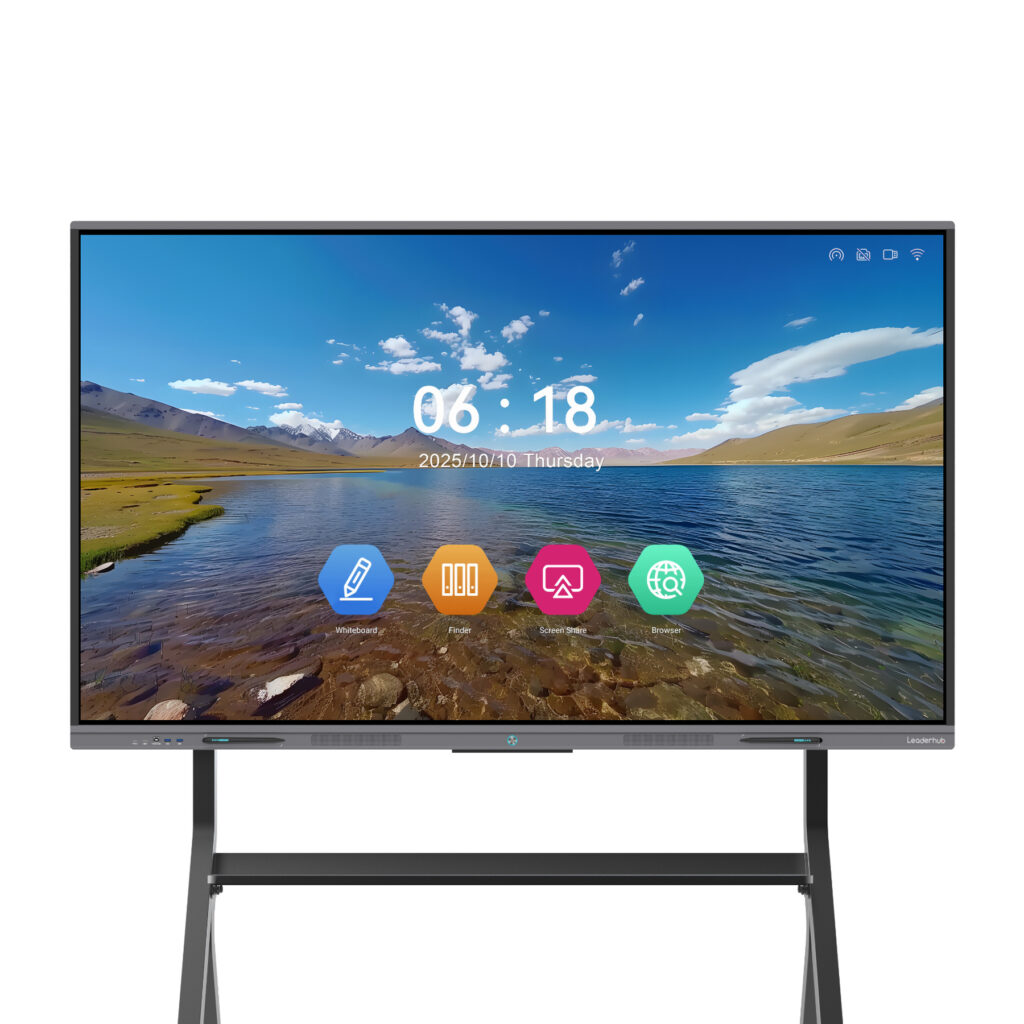
Pairing the right mini PC with an interactive display is a common requirement for meeting rooms and classrooms. Many buyers source both from the same partner to simplify warranty handling; browse the full mini PC product range alongside compatible interactive smart whiteboards to see how a bundled solution can work.
What a Factory-Direct Mini PC Supplier Looks Like in Practice
LeaderHub is a Shenzhen-based technology company with 16 years of experience in interactive displays and compact computing, serving customers in more than 82 countries across education, enterprise, finance and government sectors. Its mini PC line — spanning efficient N100 units, i5-class performance models and premium workstations — is produced alongside its award-winning smart whiteboards, which means business buyers can source complete meeting-room and classroom systems from one partner with unified OEM branding, consistent firmware and a single point of contact for after-sales support. Regular appearances at global electronics exhibitions give distributors and integrators the opportunity to test units hands-on and discuss customized projects face to face.
Step-by-Step Sourcing Process for Business Buyers
Step 1 — Define Requirements
Document the workload, number of displays, required ports, operating system, mounting method, operating hours and environmental conditions. Include target unit cost and the total deployment timeline.
Step 2 — Shortlist Three to Five Suppliers
Use the ten criteria above to filter candidates. Prioritize factory-direct suppliers with verifiable certifications and a visible track record.
Step 3 — Order Samples and Run a Pilot
Test samples under real conditions for at least two weeks. Measure thermals under sustained load, check boot times, verify Wi-Fi and display output stability, and confirm the device wakes reliably after power loss.
Step 4 — Negotiate Terms
Agree on pricing tiers, warranty length, RMA procedures, delivery schedule and penalties for late delivery. Put every commitment in a written contract or proforma invoice.
Step 5 — Pre-Shipment Inspection
For orders above 100 units, request a pre-shipment inspection report with photos, or commission a third-party inspection. Confirm the serial-number list matches the packing list.
Step 6 — Build the Long-Term Relationship
Share deployment feedback with the supplier, plan repeat orders in advance, and discuss roadmap models early so future purchases remain compatible with your existing fleet.
Frequently Asked Questions About Choosing a Mini PC Supplier
What is the difference between a mini PC supplier and a mini PC manufacturer?
A manufacturer designs and assembles the devices in its own facility. A supplier may be a manufacturer, a trading company or a distributor. For OEM and large bulk orders, working directly with the manufacturer usually offers better pricing, deeper customization and faster technical answers.
How many units do I need to order for OEM branding?
Most suppliers begin offering logo printing and custom packaging at around 100 units. Deeper modifications such as BIOS branding or custom I/O usually require 500 units or more to offset tooling and engineering costs.
Should I choose Windows or Linux for a bulk mini PC deployment?
It depends on your software stack. Windows remains standard for office and meeting-room use, while Linux is common in signage and kiosk projects to reduce licensing cost. A good supplier can pre-install either and provide legitimate license documentation.
How long should a business-grade mini PC last?
With proper thermal design and quality components, business mini PCs typically deliver five or more years of service. Ask your supplier about fan-free options, rated operating temperatures and expected mean time between failures for 24/7 applications.
Can I visit the factory before placing an order?
Reputable suppliers welcome factory visits or will arrange a live video tour. You can also meet many suppliers in person at major electronics exhibitions, which is an efficient way to compare several partners in one trip. Industry bodies such as the Consumer Technology Association publish event calendars and market data that help buyers plan sourcing trips.
Final Thoughts
Selecting a reliable mini PC supplier is a strategic decision that influences deployment success, support costs and brand reputation for years. Focus on verifiable manufacturing capability, transparent components, genuine certifications and a clearly documented warranty, then validate everything with a real-world pilot before committing to volume. Suppliers who communicate openly during the sampling stage are the ones most likely to stand behind their products after the invoice is paid.
If you are planning a wholesale, OEM or bulk mini PC project, request a quotation and sample units to start your evaluation, or explore the complete product catalog to compare configurations for your business.