Office real estate is expensive, IT budgets are tight, and employees expect computers that simply work every day without noise, heat, or downtime. That is exactly why the mini PC for corporate offices has become one of the fastest-growing categories in business hardware. A modern mini PC delivers desktop-class performance in a chassis small enough to hide behind a monitor, under a desk, or inside a meeting-room cabinet. This guide explains what to look for, how to match specifications to different office roles, and which models offer the best balance of reliability, performance, and value.
Why Corporate Offices Are Switching to Mini PCs
Traditional tower desktops were designed for an era when expansion slots mattered more than space. Today, most office workloads — email, spreadsheets, video calls, browser-based CRM and ERP systems — run comfortably on efficient mobile-class processors. Mini PCs take advantage of this shift and give facilities and IT teams several practical benefits:
- Space savings: A typical mini PC occupies less than 1 liter, freeing desk space and enabling clean hot-desking layouts.
- Lower power consumption: Many business mini PCs draw 10–35 W under normal load, cutting electricity costs across hundreds of seats.
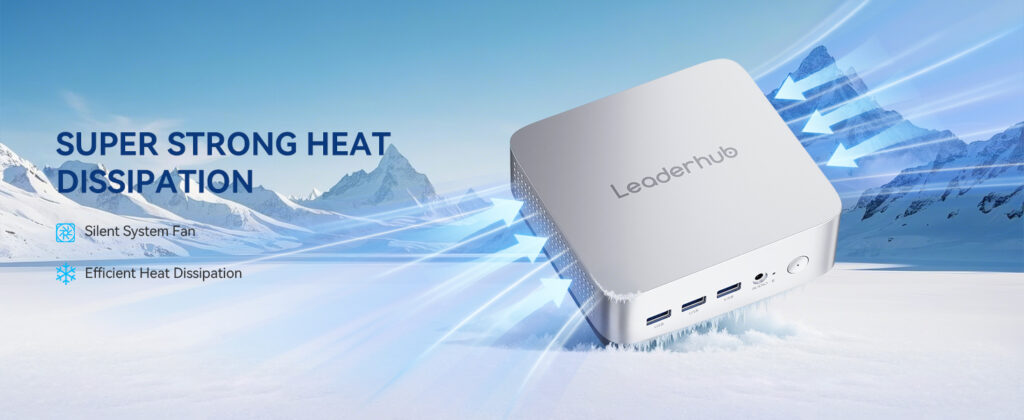
- Quiet operation: Low-noise cooling keeps open-plan offices and meeting rooms distraction-free.
- Simplified deployment: VESA mounting behind displays means fewer cables, faster setup, and easier replacement.
- Standardized fleet management: Ordering a single model line simplifies imaging, driver management, and spare-parts planning.
Industry bodies such as the AV industry standards and resources published by AVIXA increasingly highlight compact compute as a core building block of modern workplace and meeting-room design.
Key Factors When Choosing a Mini PC for Corporate Offices
Not every small computer is suitable for business use. Consumer-grade mini PCs may look similar, but corporate buyers should evaluate the following areas carefully before committing to a fleet purchase.
1. Processor Tier and Real-World Performance
Choose the processor based on the heaviest task the user performs daily, not the average task. Entry-level Intel N-series chips are ideal for front-desk, kiosk, and light office duties. Mid-range Intel Core i5 H-series processors handle multitasking, large spreadsheets, and HD video conferencing with ease. Premium-tier configurations are reserved for analysts, designers, and developers who run demanding applications.
2. Memory and Storage
For Windows 11 business environments, 8 GB RAM is the practical minimum and 16 GB is the recommended standard for knowledge workers. Always choose NVMe SSD storage — a 512 GB drive provides ample room for the OS, productivity suites, and local caches while keeping boot and application launch times short.
3. Connectivity and Ports
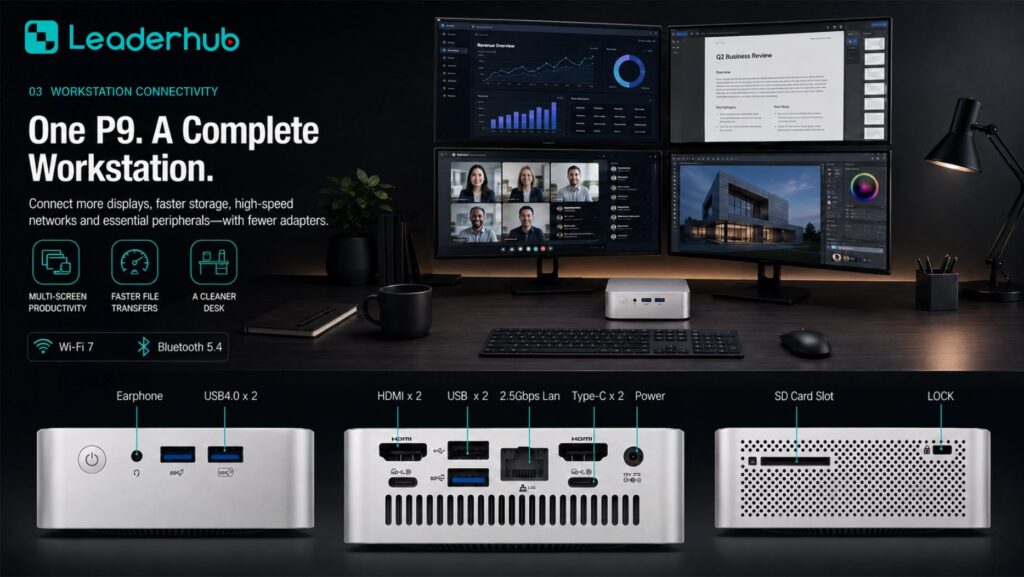
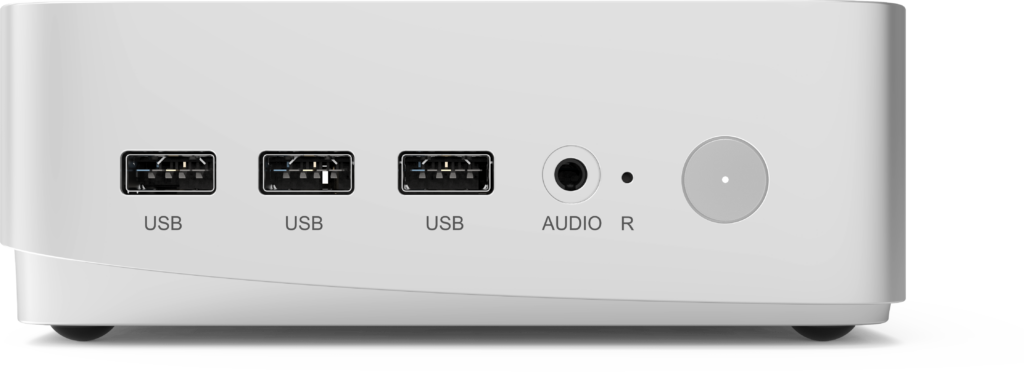
Office mini PCs should support at least two external displays, offer Gigabit or faster Ethernet for secure wired networking, and include a mix of USB-A and USB-C ports for peripherals. Wi-Fi 6 and Bluetooth 5 are valuable for flexible seating areas and wireless keyboards, headsets, and presentation tools.
4. Reliability and Thermal Design
Corporate devices often run eight to twelve hours a day, and some — such as reception displays and signage players — run 24/7. Look for metal chassis construction, well-engineered airflow, and stable power delivery. A device that throttles under sustained load will frustrate users and shorten component life.
5. Security and Manageability
TPM 2.0 support, BIOS-level password protection, and compatibility with standard endpoint management tools are essential for compliance-conscious organizations. Physical security features such as lock slots or secure VESA brackets help prevent theft in shared spaces.
| Office Role | Recommended CPU Tier | RAM / Storage | Typical Workload |
|---|---|---|---|
| Reception / Kiosk / Signage | Intel N100 class | 8 GB / 512 GB SSD | Visitor check-in, browser apps, media playback |
| General Knowledge Worker | Intel Core i5 H-series | 16 GB / 512 GB SSD | Office 365, video calls, CRM, multitasking |
| Analyst / Designer / Developer | Premium-tier processor | 16–32 GB / 512 GB–1 TB SSD | Data modelling, virtualization, creative software |
| Meeting Room Compute | Intel Core i5 class or higher | 16 GB / 512 GB SSD | Conferencing platforms, wireless casting, whiteboarding |
Best Mini PCs for Corporate Offices: Three Tiers Compared
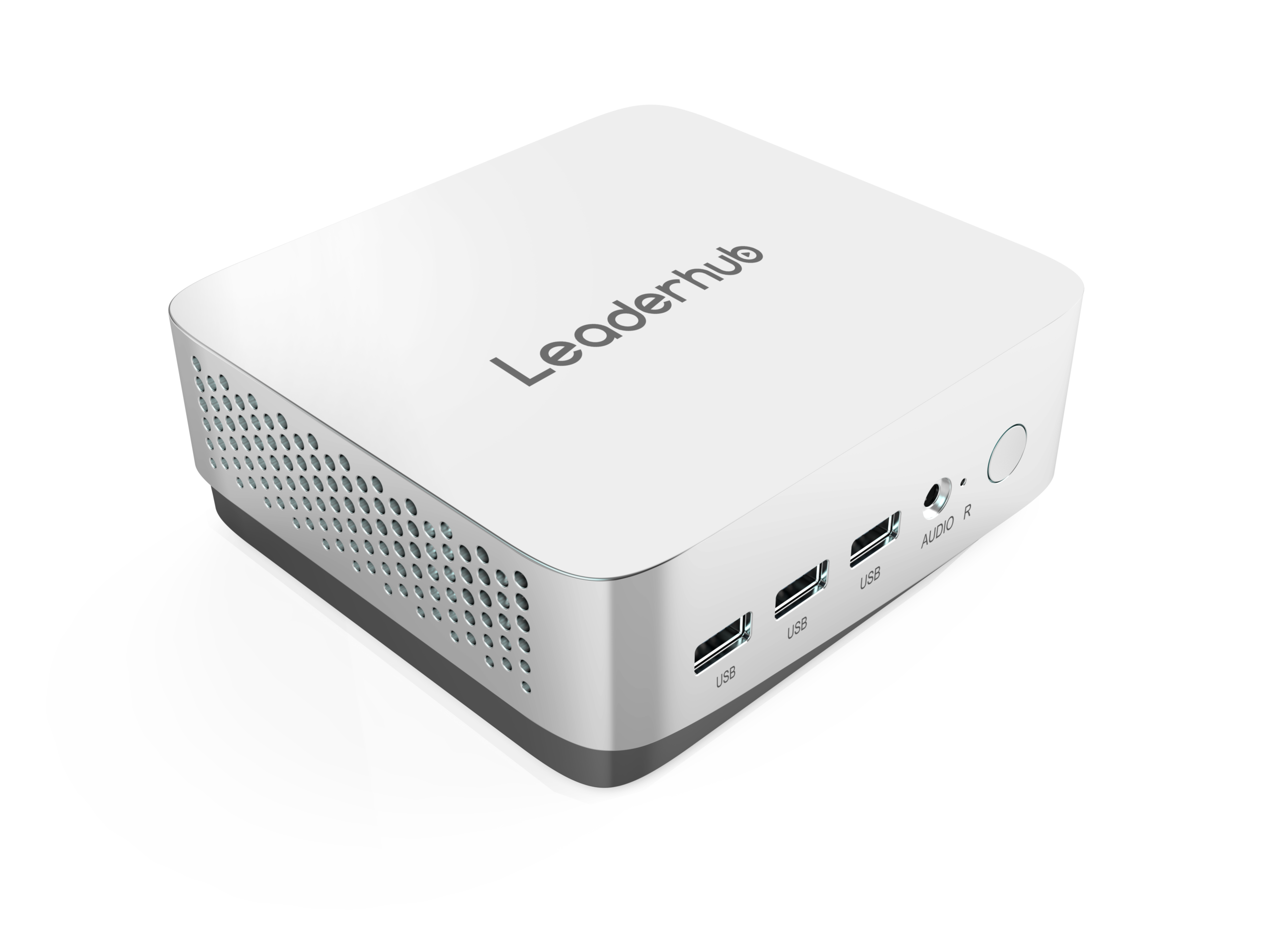
LeaderHub is a Shenzhen-based technology company with 16 years of interactive-display expertise, delivering smart whiteboards, mini PCs, and portable smart screens to 82 countries worldwide, with a strong focus on helping small and medium-sized enterprises access dependable business technology. Its business mini PC range is structured into three tiers so IT buyers can standardize on one brand while matching performance to each role.
| Model | Core Specification | Best For | Price |
|---|---|---|---|
| LeaderHub LP1C Mini PC | Intel N100, 8 GB RAM, 512 GB SSD | Reception desks, kiosks, signage, light admin | $399.00 |
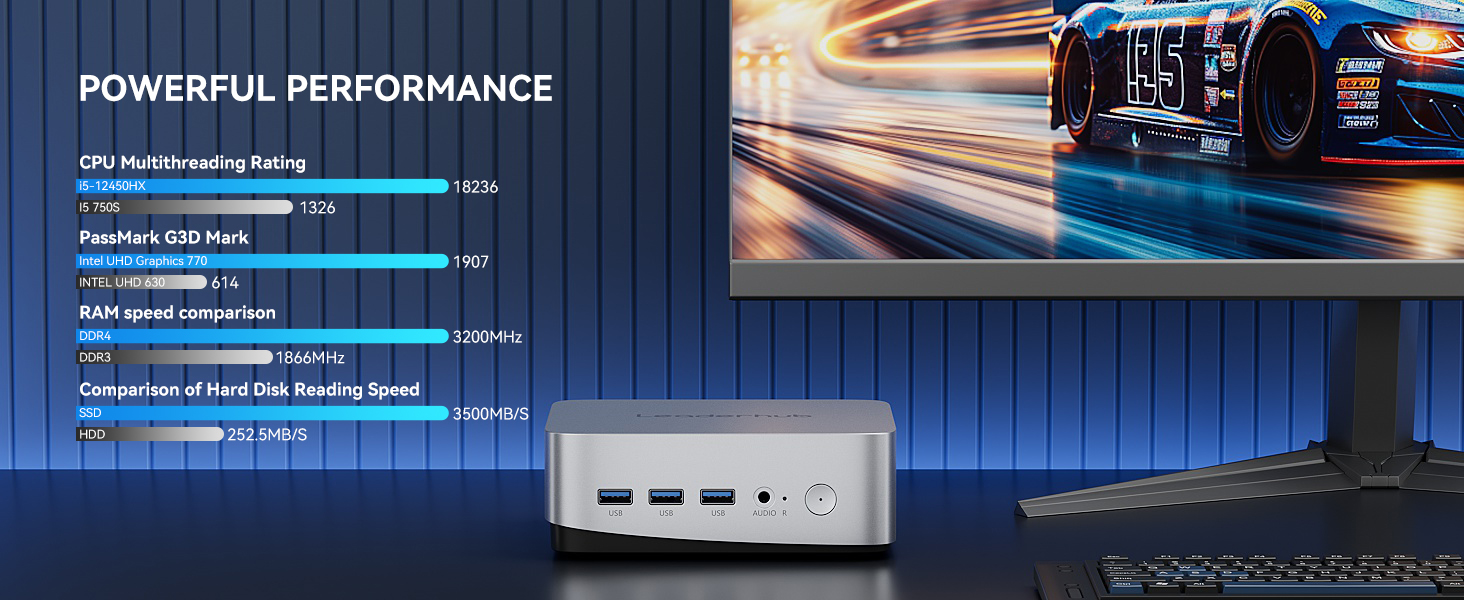
| LeaderHub LP5C Mini PC | Intel i5-12450HX, 16 GB RAM, 512 GB SSD | Knowledge workers, meeting rooms, finance teams | $799.00 |
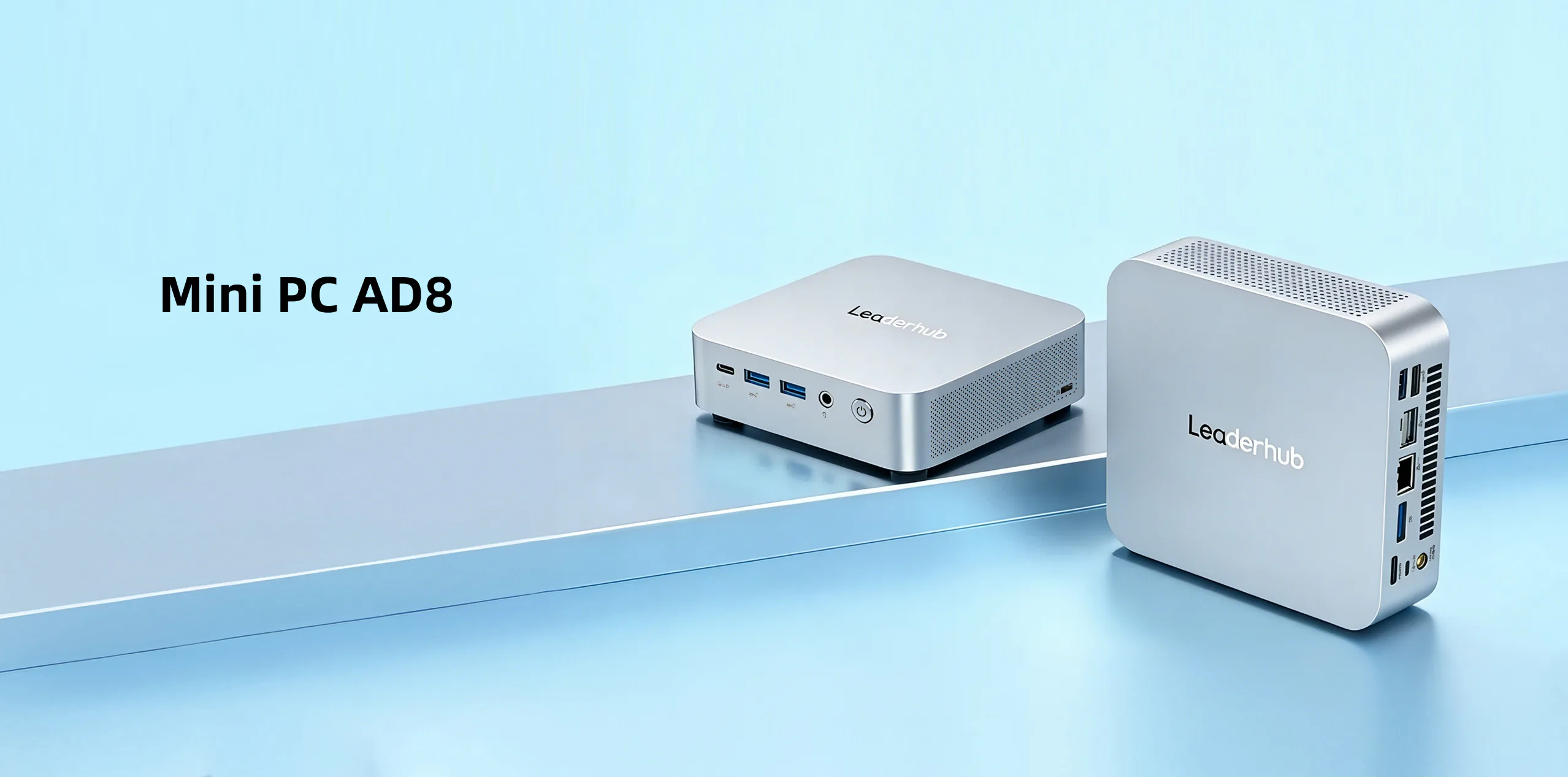
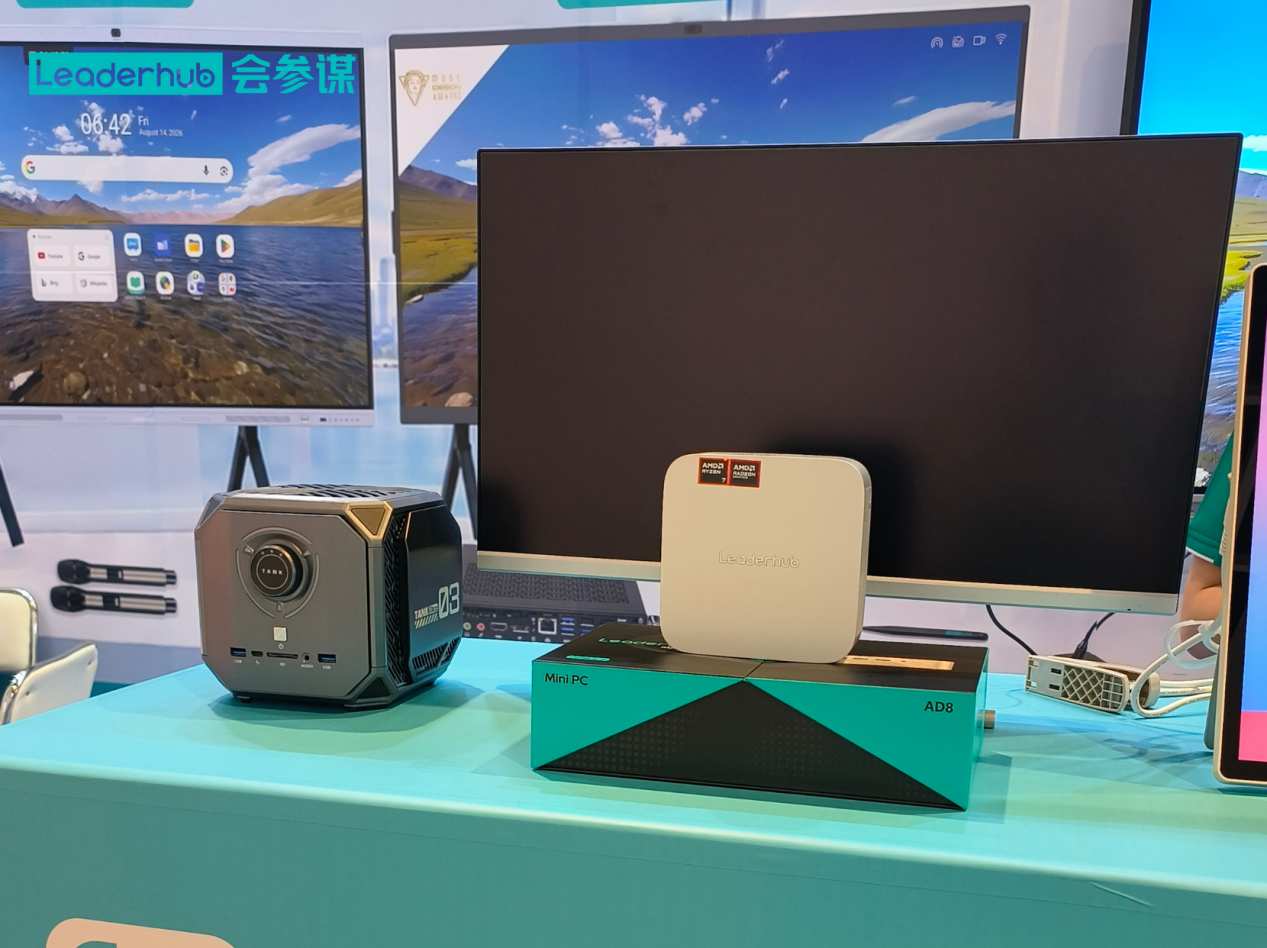
| LeaderHub AD8 Mini PC | Premium-tier configuration | Analysts, designers, developers, power users | $999.00 |
LP1C — The Efficient Entry Point
Built around the Intel N100 platform, the LP1C is designed for roles where low power draw, silent operation, and dependable uptime matter more than raw horsepower. It is an excellent choice for visitor management terminals, lobby displays, and administrative seats that primarily use browser-based tools.
LP5C — The Corporate Workhorse
The LP5C pairs an Intel i5-12450HX processor with 16 GB of RAM and a 512 GB SSD, giving it the headroom to run dozens of browser tabs, large Excel models, and HD video conferencing simultaneously. For most organizations, this is the sweet spot for a standard employee desktop — strong enough for years of service, yet compact and energy-efficient.
AD8 — Premium Performance in a Small Footprint
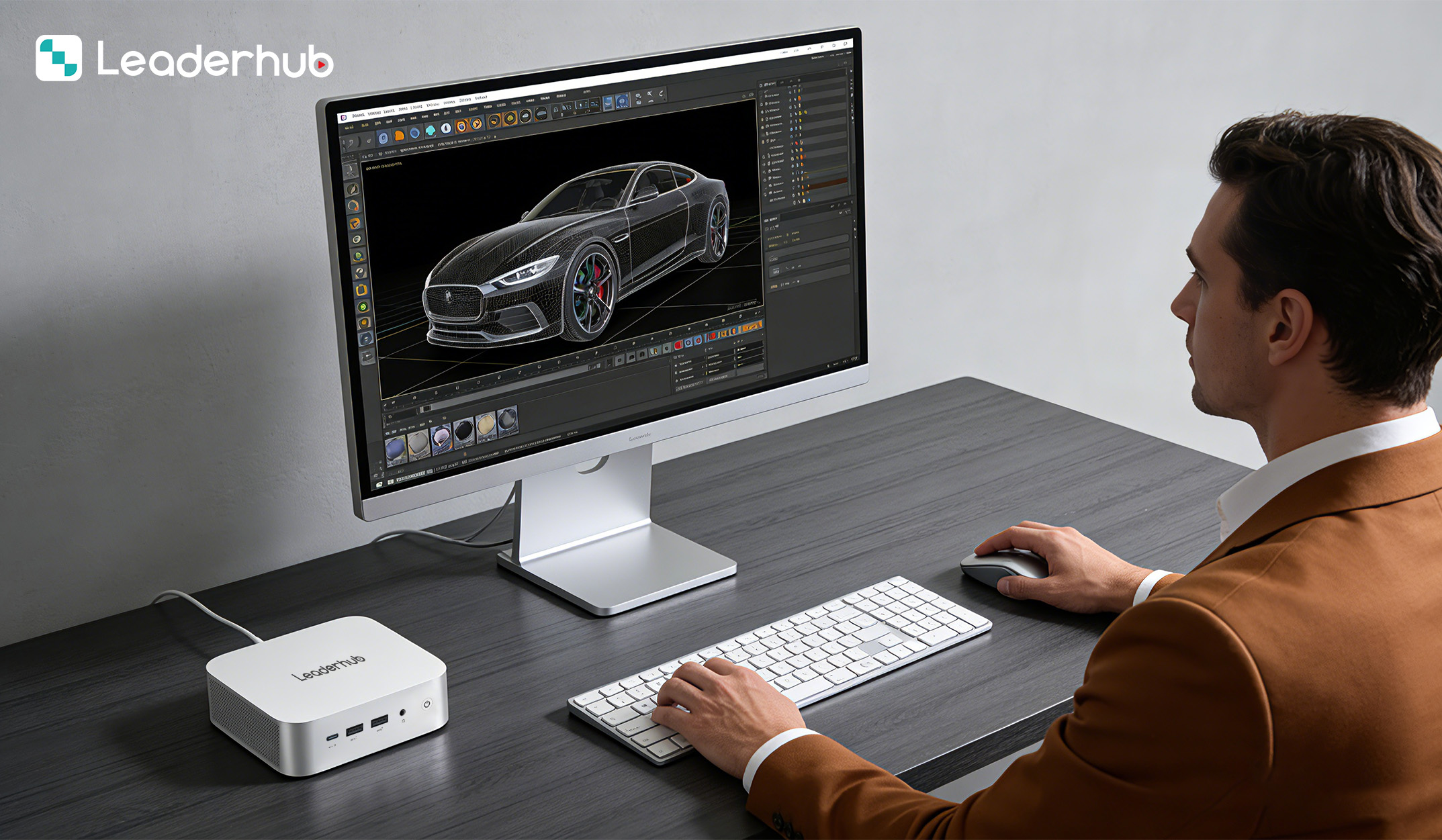
The AD8 sits at the top of the range for teams that need sustained performance under heavy workloads. It suits engineering, data, and creative departments that previously required bulky workstations, while still benefiting from the space and energy savings of a mini form factor.
Matching Mini PCs to Specific Office Scenarios
Open-Plan Desks and Hot-Desking
Mount the mini PC on the rear of the monitor with a VESA bracket, connect a single USB-C dock, and employees can sit down and work within seconds. This setup keeps desks clutter-free and makes it easy for facilities teams to reconfigure floor plans.
Meeting and Huddle Rooms
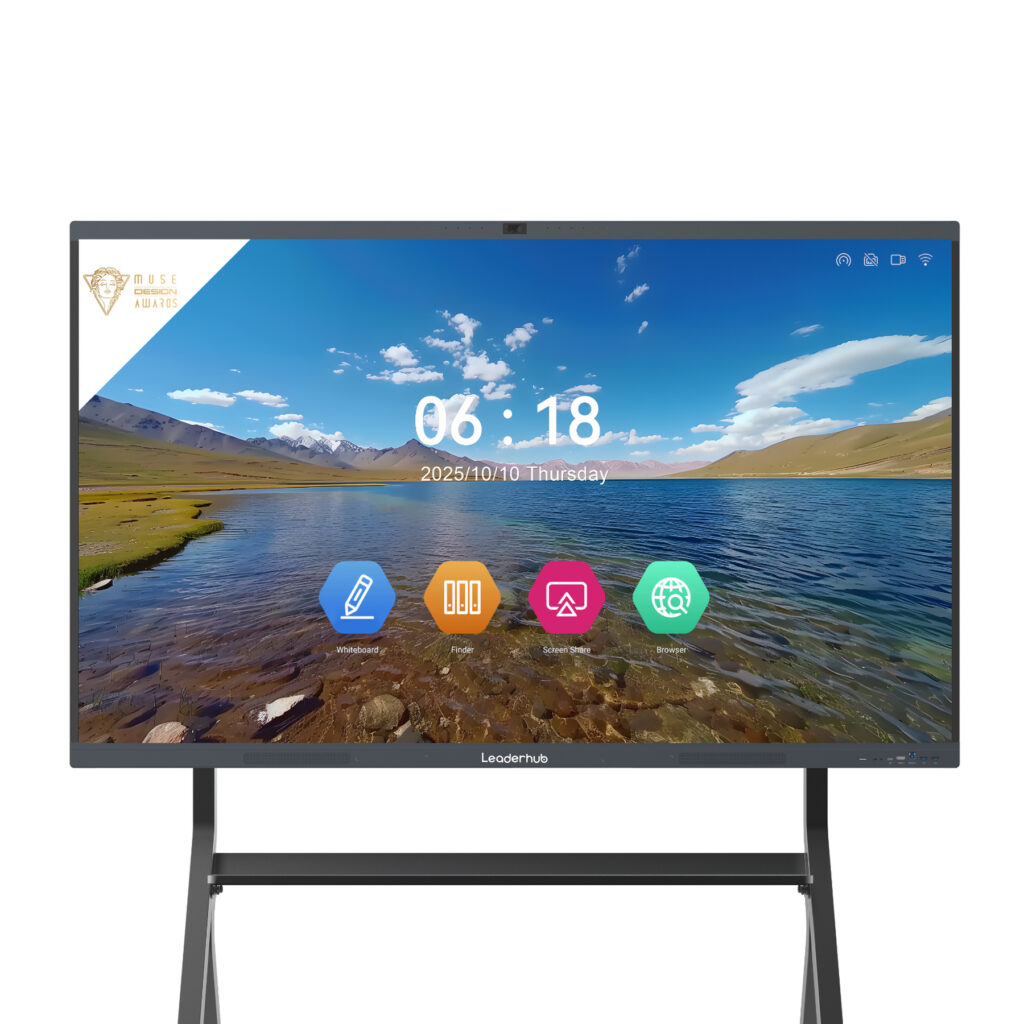
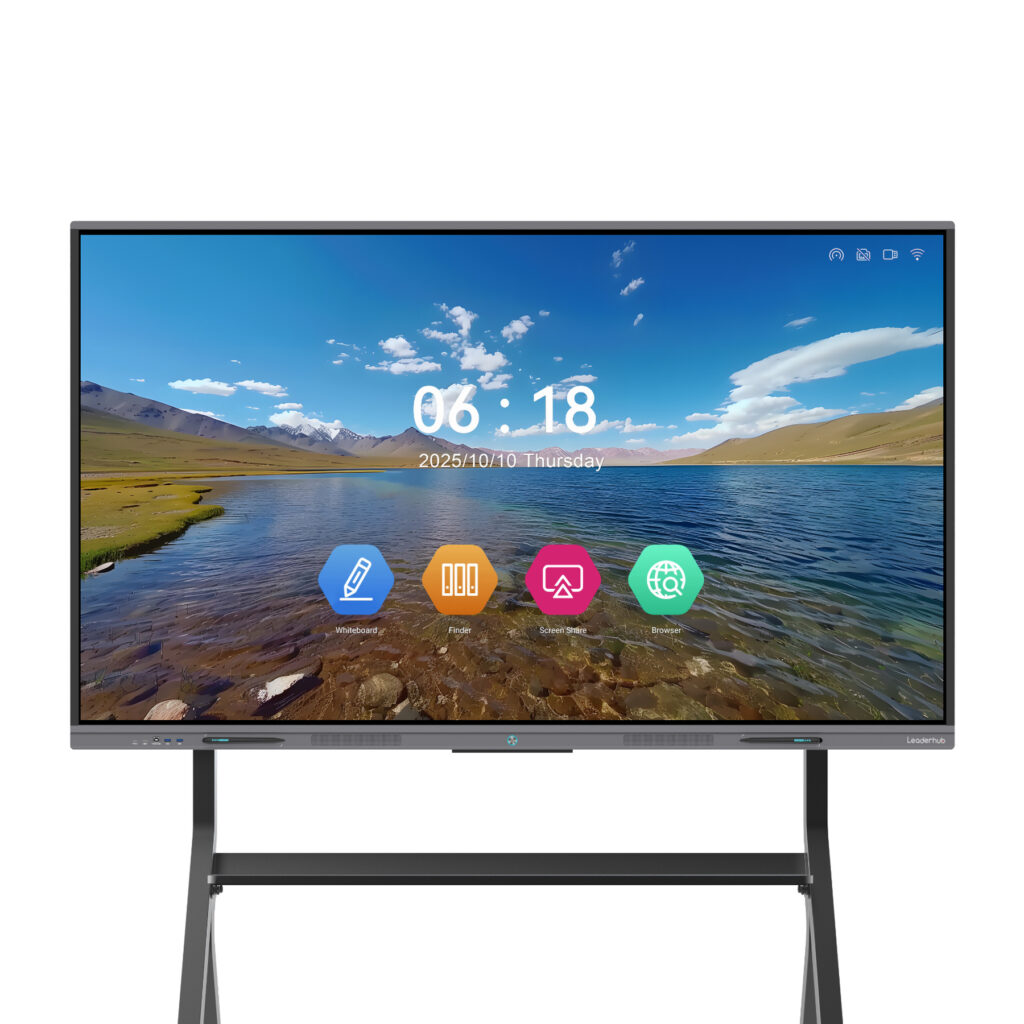
A mini PC paired with an interactive display turns any room into a fully capable collaboration space. Combining the LP5C with a 4K interactive smart whiteboard allows teams to run Teams or Zoom, annotate documents, and share wirelessly from laptops and phones — all from one compact, hidden device.
Reception Areas and Digital Signage
Entry-level mini PCs excel as always-on media players and check-in terminals. Their low heat output makes them safe to install inside enclosures or behind wall-mounted displays.
Branch Offices and Remote Sites
Lightweight, easy-to-ship mini PCs reduce logistics costs when equipping satellite offices. A standardized image can be pre-loaded, allowing staff to plug in and start working without on-site IT support.
Deployment Checklist for IT Teams
- Pilot before you scale. Deploy five to ten units across different roles for two to four weeks and gather user feedback.
- Standardize on a model line. Fewer SKUs mean simpler imaging, consistent drivers, and easier spare inventory.
- Plan the mounting strategy. Decide between VESA, under-desk, and in-cabinet installation before purchasing brackets and cables.
- Verify display and docking compatibility. Confirm that existing monitors, docks, and conferencing peripherals work with the chosen ports.
- Enable security features from day one. Activate TPM, set BIOS passwords, and enroll devices in your endpoint management platform.
- Schedule a refresh cycle. Budget for a four- to five-year lifecycle and track warranty terms per batch.
Frequently Asked Questions
Are mini PCs powerful enough to replace office desktops?
Yes. For the vast majority of corporate tasks, a mid-range mini PC such as the LP5C offers performance equal to or better than a three- to four-year-old tower desktop, with a fraction of the footprint and energy use.
Can a mini PC drive two or three monitors?
Most business-class mini PCs support at least dual displays through a combination of HDMI, DisplayPort, and USB-C outputs. Check the specific model to confirm the number and resolution of supported screens.
How long do mini PCs last in a corporate environment?
With solid-state storage, no moving parts beyond a small fan, and moderate thermal loads, a well-built mini PC typically delivers four to six years of reliable service.
Are mini PCs easy to upgrade?
Many models allow RAM and SSD upgrades, extending useful life. Confirm upgrade paths with the supplier before purchasing a large fleet.
Final Thoughts
Selecting the right mini PC for corporate offices comes down to matching performance tiers to real workloads, prioritizing reliability and manageability, and standardizing on a product line that scales from the reception desk to the engineering department. Entry, mid-range, and premium models like the LP1C, LP5C, and AD8 give buyers a clear path to equip an entire organization with quiet, efficient, space-saving computers. Explore the full range in the online product catalog, or contact the sales team for volume pricing and tailored deployment advice.