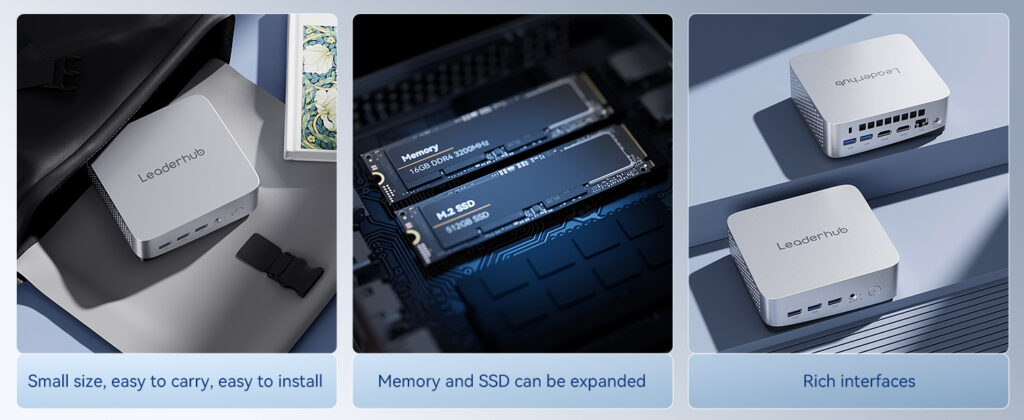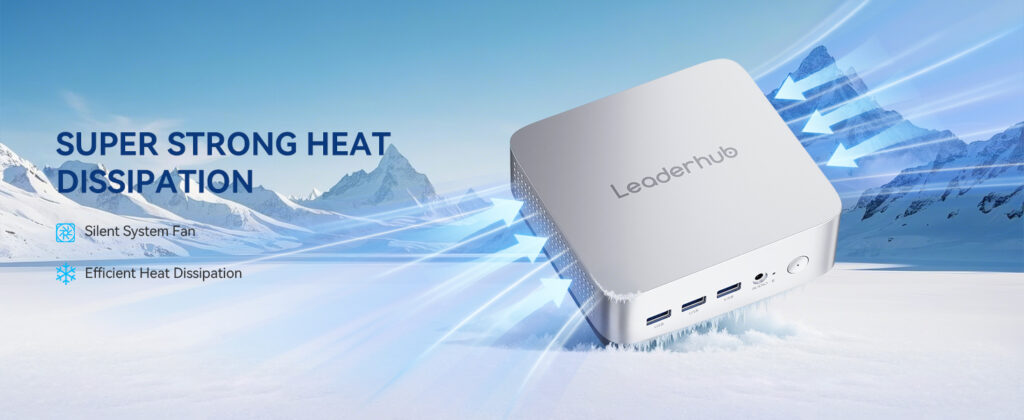
Sourcing mini PCs in bulk is no longer a niche purchasing task. Offices, schools, retailers, digital-signage operators and system integrators are replacing bulky towers with compact, energy-efficient machines — and the volume of orders means the mini PC distributor supplier you choose directly affects your margins, delivery schedule and after-sales workload. This guide walks procurement teams through every step of qualifying a wholesale partner, from understanding the supply chain to negotiating terms and spotting red flags.
Why the Right Mini PC Distributor Matters for Your Business
A mini PC looks simple on the outside, but a wholesale deal involves far more than a unit price. A reliable supplier gives you consistent hardware revisions, stable BIOS and driver support, clean documentation for customs, and a warranty process that actually works when a unit fails in the field. A poor one leaves you with mixed component batches, missing certifications and weeks of silence when you need an RMA.
For businesses, the stakes are practical:
- Deployment consistency — identical images and drivers across every unit reduce IT support time.
- Total cost of ownership — a slightly higher unit cost from a dependable source often beats a cheaper lot with a 5% failure rate.
- Compliance — CE, FCC, RoHS and energy-efficiency marks are mandatory in most markets and a sign of a serious manufacturer.
- Scalability — your supplier should be able to grow with you from a 50-unit pilot to a 2,000-unit rollout.
Distributor vs. Supplier vs. Manufacturer: Know Who You Are Buying From
The terms are often used interchangeably, but each role sits at a different point in the chain and offers different advantages. Understanding the difference helps you decide where to place your order.
| Partner Type | What They Do | Advantages | Trade-offs |
|---|---|---|---|
| Manufacturer / OEM | Designs and assembles the hardware in its own facility | Lowest pricing, full customization, direct engineering support | Higher MOQ, longer lead times for custom builds |
| Authorized Distributor | Holds regional stock and resells branded products | Fast delivery, local warranty handling, smaller orders accepted | Margin added, limited configuration options |
| Trading Supplier | Sources from multiple factories and consolidates orders | Wide catalogue, flexible mixed orders | Less control over quality, inconsistent batches |
| Factory-Direct Brand | Manufacturer that also sells and supports its own brand globally | Factory pricing plus brand-level warranty and documentation | Catalogue limited to its own product lines |
For most B2B buyers ordering 50 units or more, a factory-direct brand or manufacturer with export experience is the sweet spot: you get wholesale pricing without sacrificing accountability.
Seven Criteria for Evaluating a Mini PC Supplier
1. Manufacturing Capability and Product Range
Ask whether the supplier owns its production line or outsources assembly. Request a factory tour (in person or via video), photos of SMT lines and ageing/burn-in test rooms, and a list of current models. A healthy catalogue should cover entry-level processors such as the Intel N100 for kiosks and thin clients, mid-range chips like the i5-12450HX for office productivity, and higher-end configurations for AI inference or multi-display control rooms. The mini PC product line from a specialist vendor is a useful benchmark when comparing specs.
2. Certifications and Compliance Documents
Before any price discussion, request copies of:
- CE / UKCA for Europe and the UK
- FCC for North America
- RoHS and REACH for hazardous-substance control
- ISO 9001 quality-management certification for the factory
- Energy or safety marks required in your specific market (e.g., Energy Star, PSE, KC, BIS)
Verify certificate numbers with the issuing body. Industry groups such as the Consumer Technology Association publish useful standards references for hardware buyers.
3. Warranty, RMA and Spare-Parts Policy
A 12-month warranty is the industry baseline; 24 or 36 months signals confidence in component quality. More important than the length is the process: Who pays return shipping? Is advance replacement available? Are spare power adapters, fans and SSDs stocked for at least three years after end-of-life?
4. MOQ, Price Tiers and Payment Terms
Reputable suppliers publish clear quantity breaks (for example 50 / 200 / 500 / 1,000 units) and accept standard terms such as 30% deposit with balance before shipment, or L/C for larger orders. Be cautious of anyone demanding 100% prepayment on a first order with no sample stage.
5. OEM / ODM and Customization Options
Businesses frequently need custom BIOS logos, pre-installed OS images, specific RAM/SSD configurations, branded packaging or VESA-mount accessories. A supplier with real engineering capacity will quote tooling and lead time clearly rather than vaguely promising “anything is possible.”
6. Logistics, Lead Time and Export Experience
Confirm standard lead times for in-stock versus made-to-order units, available Incoterms (EXW, FOB, DDP), and whether the supplier has shipped to your country before. Experience with your local customs paperwork can save weeks.
7. Communication and Technical Support
Measure response time during the quotation stage — it rarely improves after you pay. A dedicated account manager plus direct access to a technical engineer for driver or BIOS questions is a strong positive sign.
Sample Wholesale Configurations and Use Cases
To illustrate what a well-structured mini PC range looks like for business buyers, the table below shows three representative configurations and where each fits.
| Model | Core Specs | Best For | Retail Reference |
|---|---|---|---|
| LP1C Mini PC | Intel N100, 8GB RAM, 512GB SSD | Digital signage, POS, thin clients, classrooms | $399 |
| LP5C Mini PC | Intel i5-12450HX, 16GB RAM, 512GB SSD | Office workstations, meeting rooms, light design work | $799 |
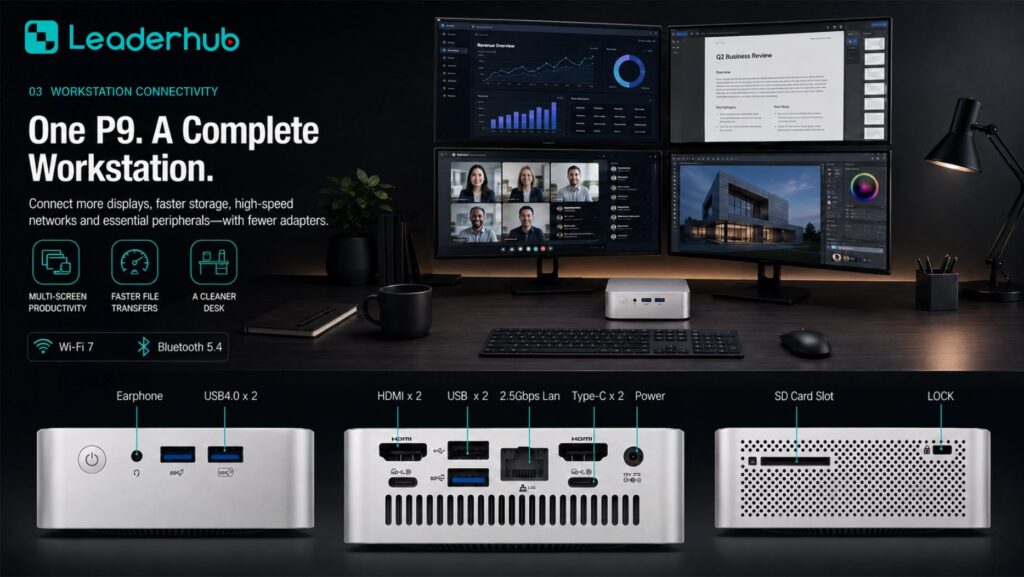
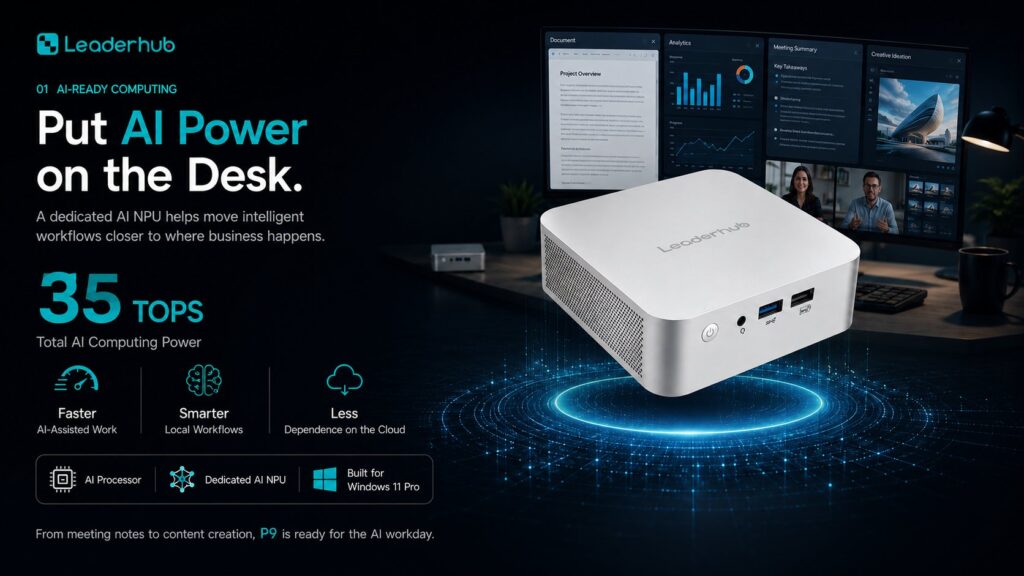
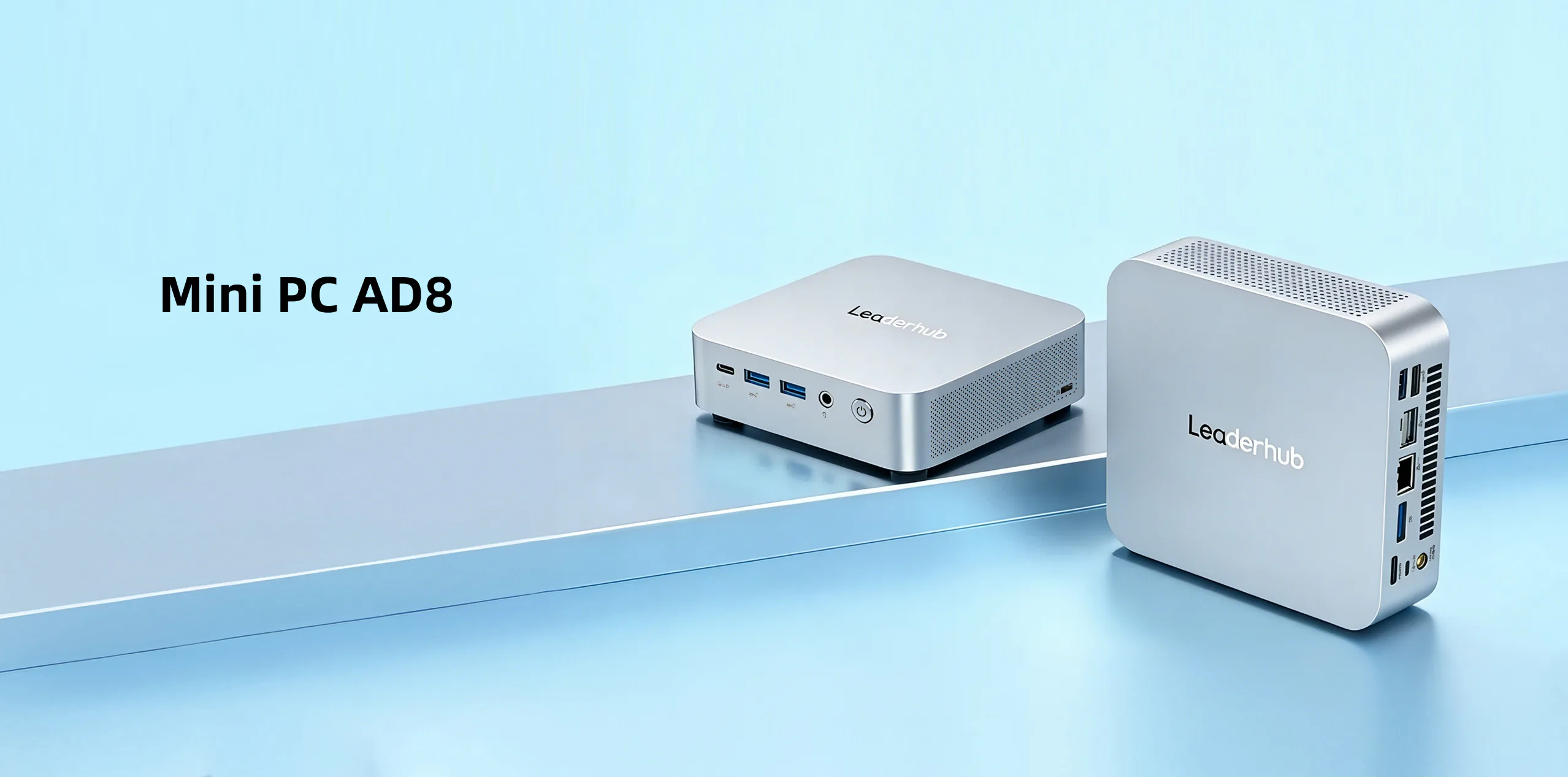
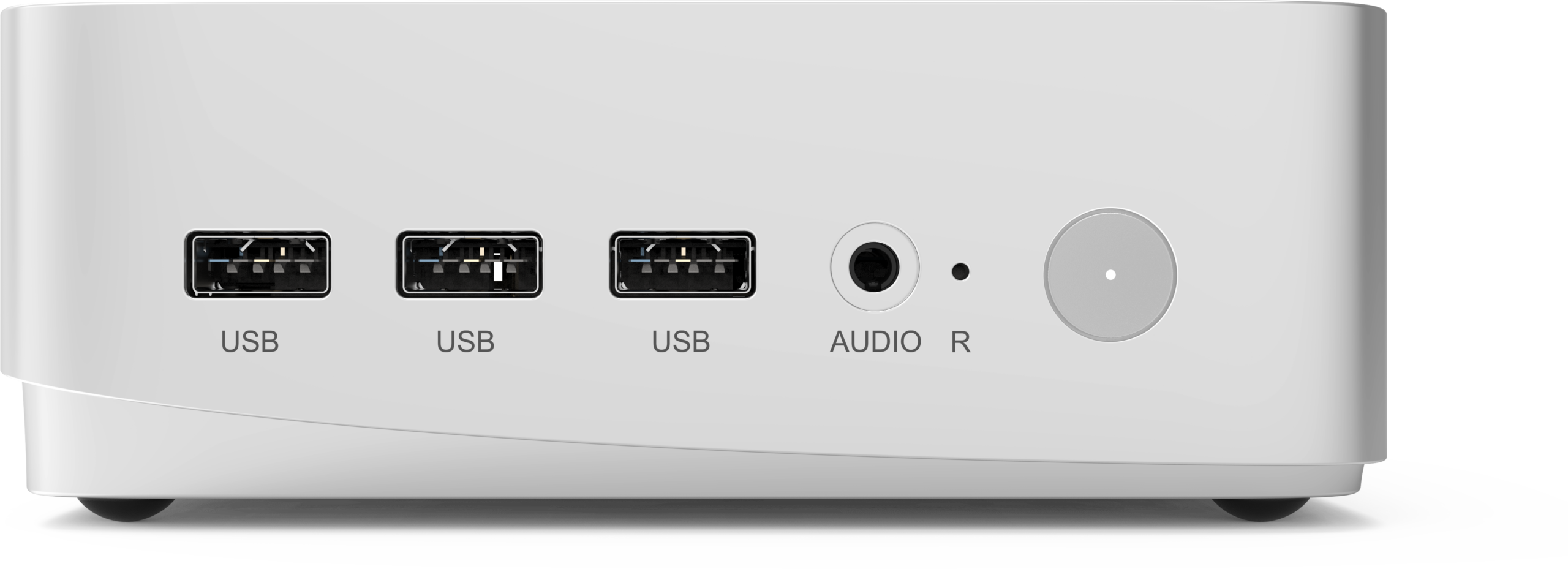
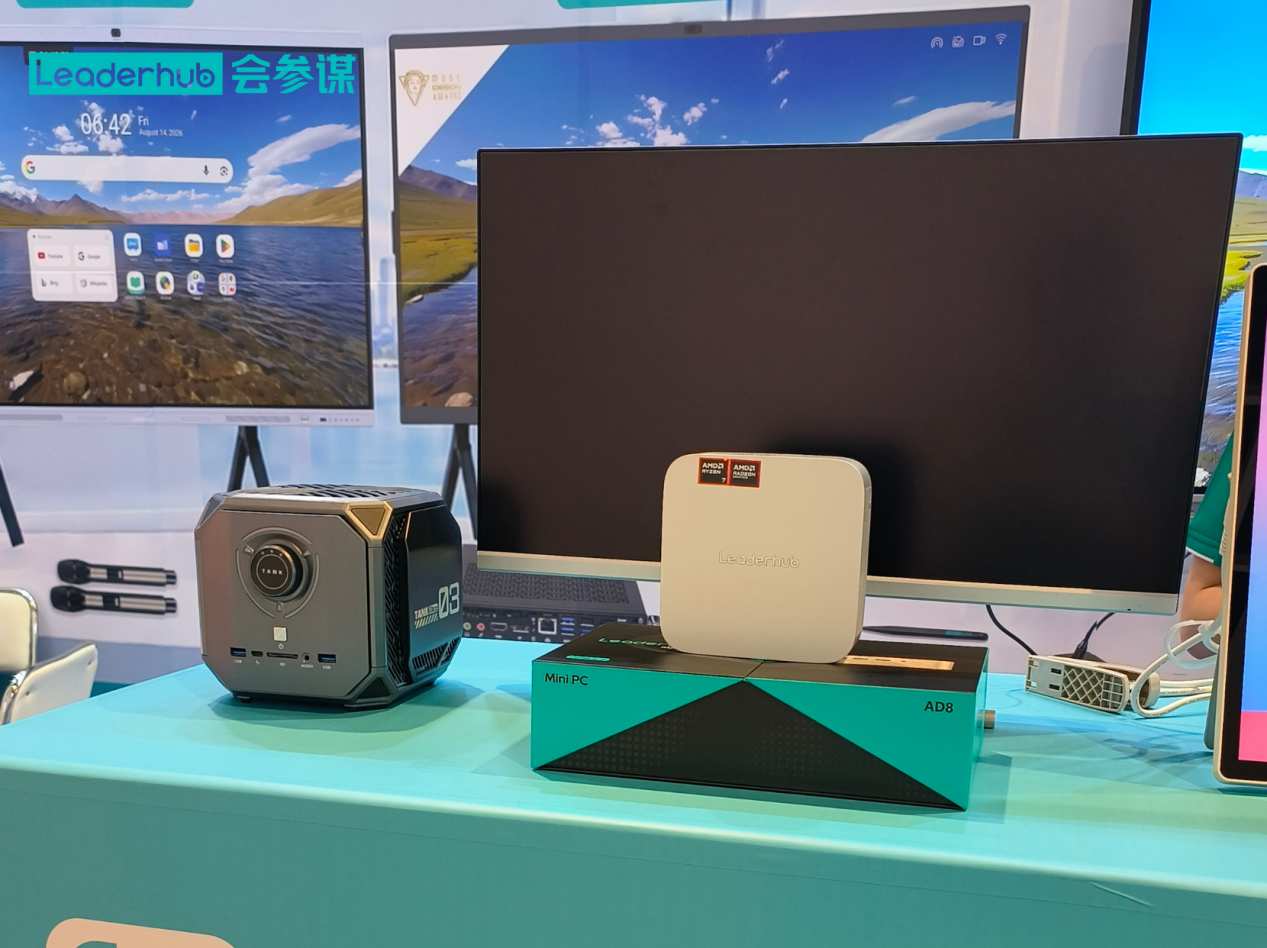
| AD8 Mini PC | High-performance platform for demanding workloads | AI applications, multi-display control, creative studios | $999 |
Wholesale pricing typically sits well below the retail references above, depending on quantity, configuration and shipping terms. These models come from LeaderHub, a Shenzhen-based manufacturer with 16 years in interactive display and computing hardware, serving business and education customers in 82 countries — a profile that matches the “factory-direct brand” category described earlier.
Wholesale Buying Checklist
Use this step-by-step sequence to keep your sourcing project on track:
- Define requirements — CPU tier, RAM/storage, ports (HDMI count, USB-C, LAN speed), OS, mounting, operating temperature and annual volume.
- Shortlist 3–5 suppliers — mix of manufacturers and distributors; check trade-show presence and company registration.
- Request documents — certifications, factory audit, product datasheets and warranty policy.
- Order samples — test under real workloads for at least two weeks; run thermal, network and multi-display tests.
- Negotiate terms — unit price per tier, payment schedule, Incoterms, lead time, packaging and labelling.
- Agree on QC — pre-shipment inspection (your own or third-party), AQL level and defect handling.
- Place a pilot order — 50–100 units before committing to full volume.
- Review and scale — evaluate failure rate, support responsiveness and delivery accuracy, then expand.
Red Flags When Vetting a Mini PC Supplier
- No verifiable factory address or refusal to do a video walkthrough.
- Certificates that cannot be matched to the issuing lab’s database.
- Prices far below market with no explanation — often refurbished or mixed-grade components.
- Vague answers about chipset generation, memory type or SSD brand.
- No written warranty terms or RMA procedure.
- Pressure to pay 100% upfront on a first order.
- Inconsistent branding, spelling or spec sheets across their sales materials.
Mini PCs in Education and Meeting Rooms: A Growing Wholesale Segment
One of the fastest-growing bulk-purchase channels is education and corporate collaboration, where mini PCs are paired with interactive smart whiteboards to run Windows applications, video-conferencing software and lesson content. Reports such as the OECD Digital Education Outlook highlight how institutions are standardizing on compact, manageable hardware, and AV professionals can reference AV industry standards and resources when designing integrated room systems.
When buying for these environments, prioritize:
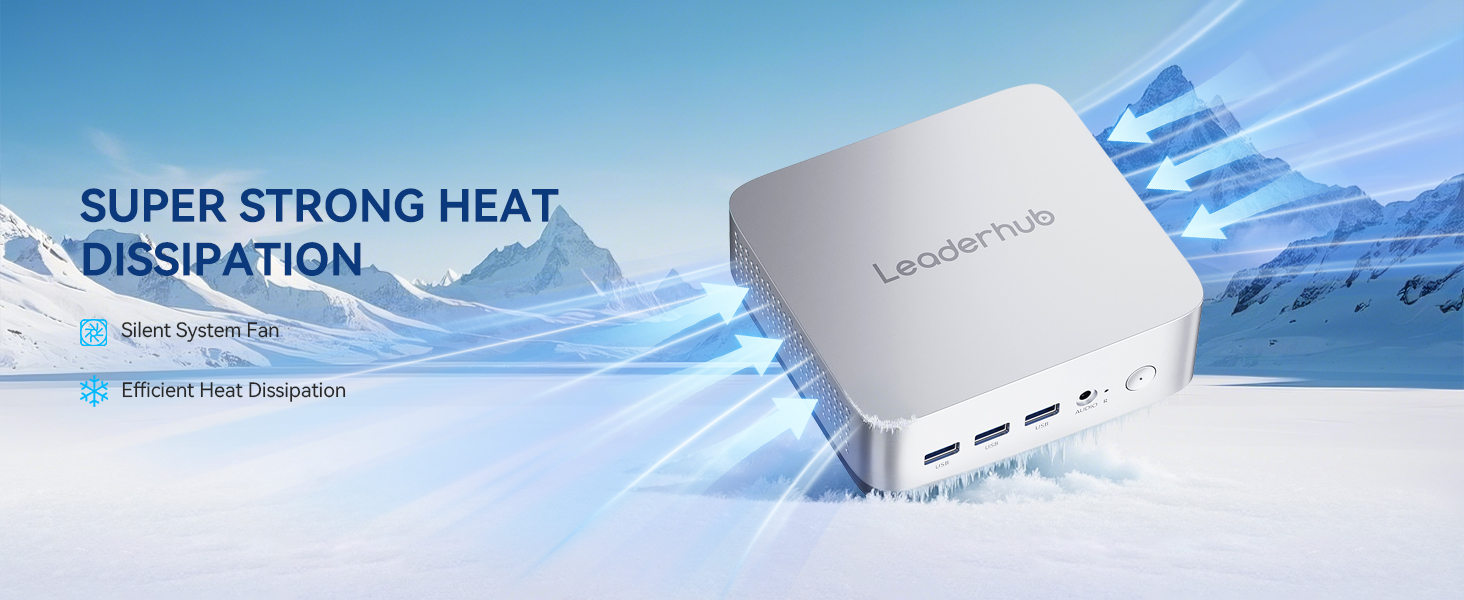
- Fanless or low-noise designs for classrooms and boardrooms.
- OPS or VESA compatibility so the unit mounts cleanly behind a display.
- Wake-on-LAN and remote management for centralized IT control.
- Dual-display or 4K output for presentation and signage use.
Key Questions to Ask Before Signing a Wholesale Agreement
| Topic | Question to Ask | What a Good Answer Looks Like |
|---|---|---|
| Component Sourcing | Which brands of RAM, SSD and power adapters do you use? | Named tier-one brands, with a change-notification policy |
| Product Lifecycle | How long will this model remain in production? | A stated roadmap of 2–3 years with end-of-life notice |
| Failure Rate | What is your field return rate over 12 months? | A specific figure, ideally under 1%, with data to back it |
| Software | Do you provide driver packages and BIOS updates? | A download portal or direct engineering contact |
| Exclusivity | Can we get territory protection as a distributor? | A clear policy tied to volume commitments |
Frequently Asked Questions
What is a typical MOQ for wholesale mini PCs?
Most manufacturers start at 50–100 units for standard configurations and 300–500 units for custom OEM builds. Distributors may accept orders as small as 10–20 units at a higher unit price.
Should I buy from a distributor in my country or directly from the factory?
If you need fast delivery, local warranty handling and small quantities, a regional distributor is convenient. If you are ordering at scale or need customization, going factory-direct usually delivers better pricing and engineering support.
How can I verify a supplier is genuine?
Check the business registration, request a live video factory tour, validate certification numbers, ask for references from existing B2B clients, and look for a track record at international trade shows.
What warranty should I expect on bulk mini PC orders?
Twelve months is standard; many quality manufacturers offer 24 months. Make sure the terms specify who covers return shipping and whether advance replacement is available.
Final Thoughts
Finding a reliable mini PC distributor supplier is less about chasing the lowest quote and more about building a partnership that protects your deployment from day one through year three. Verify manufacturing capability, insist on documentation, test samples thoroughly and start with a pilot order. When a supplier is transparent about components, pricing tiers and after-sales support, scaling your business becomes far more predictable.
Ready to discuss a wholesale project or request samples? Contact the sales team for volume pricing, OEM options and lead times, or browse the full product catalogue to compare configurations for your next rollout.