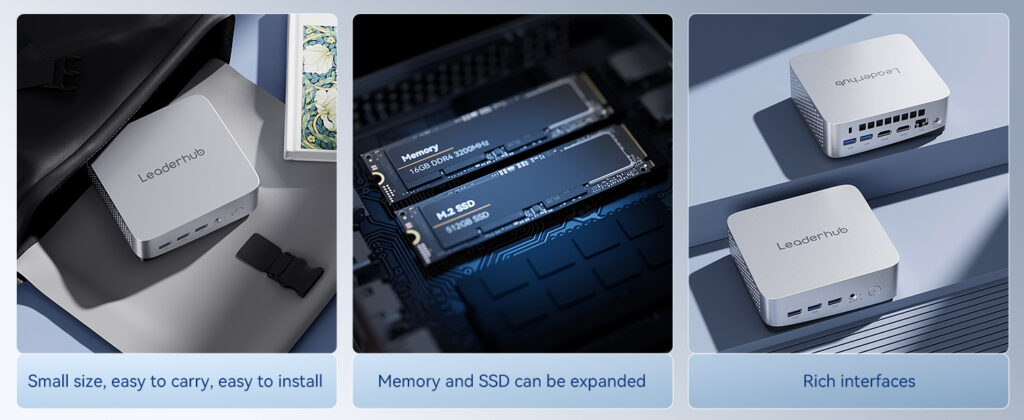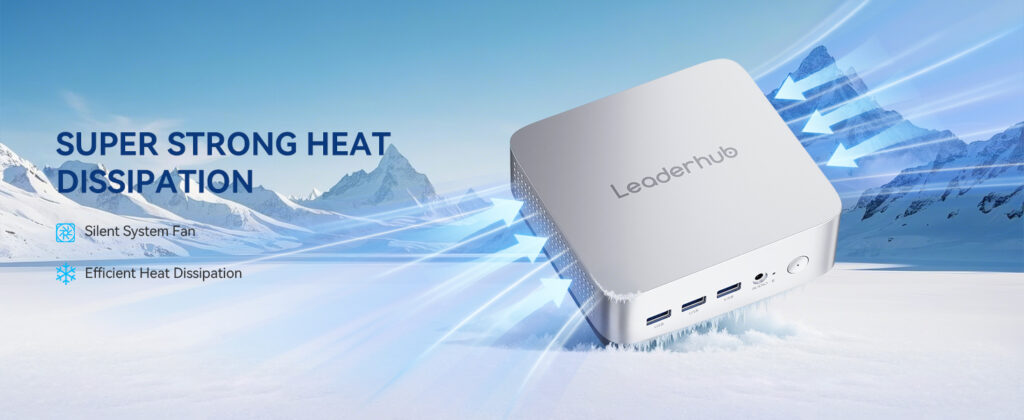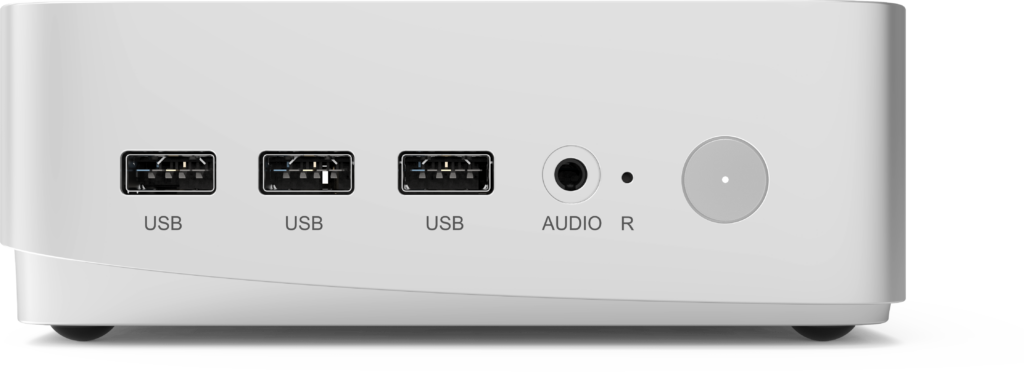
Government agencies, public schools, and community libraries share a common challenge: they must deliver reliable digital services to the public while working within tight budgets, strict security policies, and limited physical space. For years, bulky tower desktops were the default choice. Today, mini computers for public sector deployments are quickly replacing them — offering the same everyday performance in a fraction of the footprint, with lower energy bills and simpler security management.
This guide explains why compact PCs make sense for public institutions, what to look for when evaluating them, and which configurations fit typical government, education, and library use cases.
Why Public Sector Organizations Are Moving to Mini PCs
Public sector IT teams rarely replace hardware on a whim. The shift toward mini PCs is driven by measurable operational benefits that align with how government offices, schools, and libraries actually work:
- Lower total cost of ownership — a mini PC typically consumes between 10 W and 35 W under normal use, compared with 150 W or more for a traditional tower. Across hundreds of workstations, that difference shows up directly in annual utility budgets.
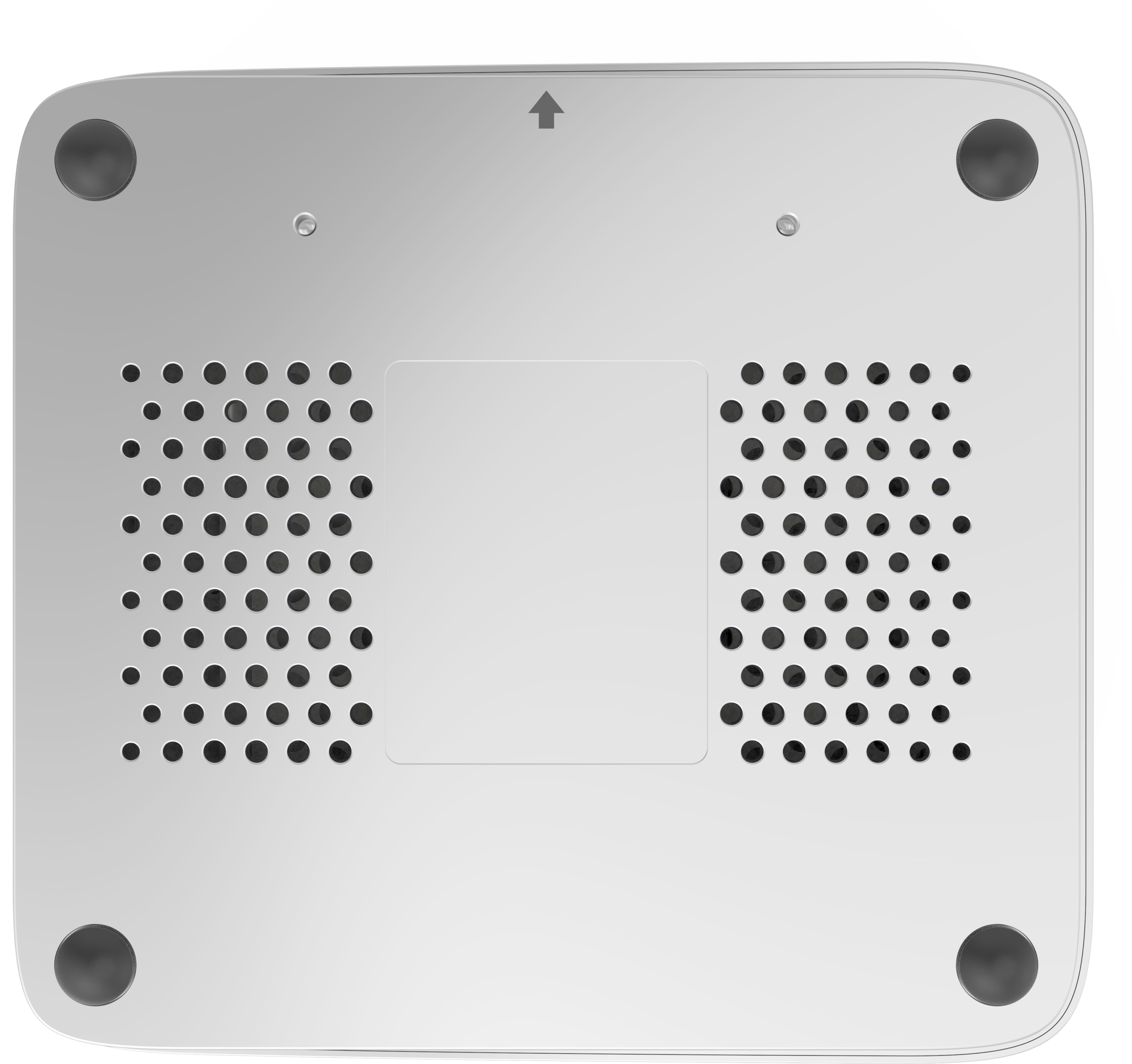
- Space efficiency — devices can be mounted behind monitors using a standard VESA bracket, freeing desk space in crowded classrooms, service counters, and reading rooms.
- Simplified security — fewer physical ports to manage, support for Trusted Platform Module (TPM) encryption, and easy integration with centralized device management.
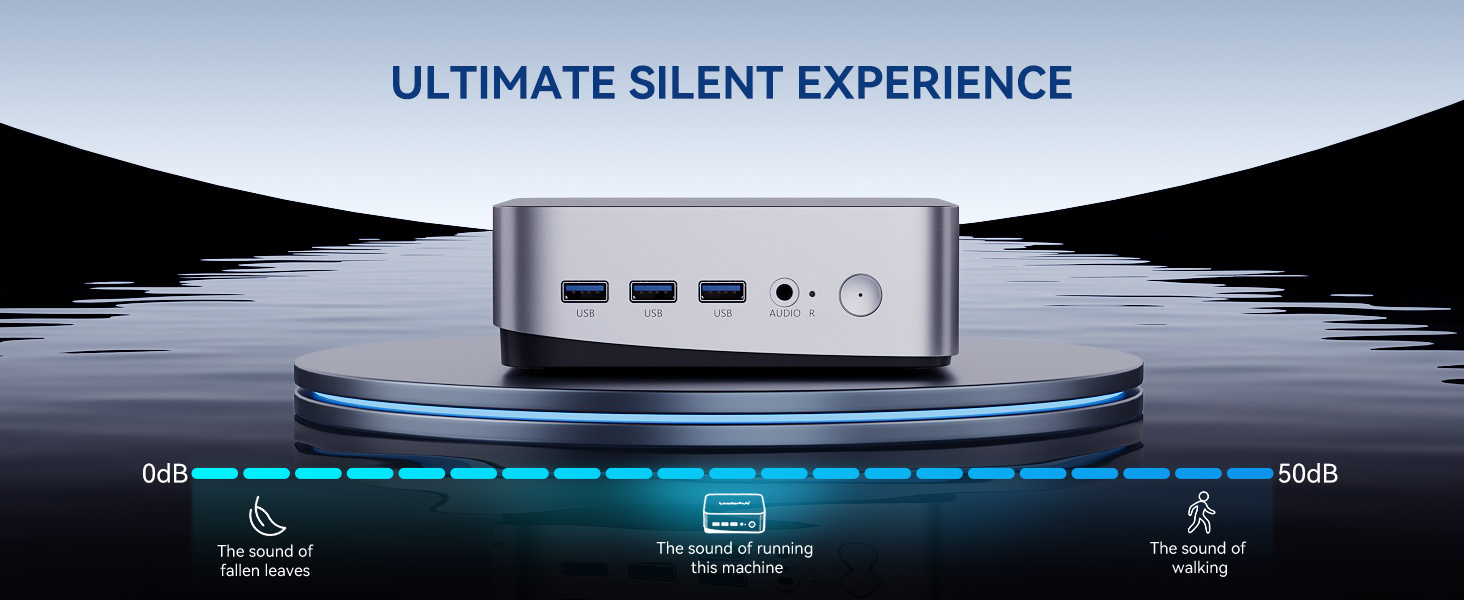
- Quiet operation — low-noise or fanless designs are ideal for libraries, exam halls, and council chambers where background noise is a concern.
- Standardized imaging — identical hardware across departments makes OS deployment, patching, and lifecycle replacement far more predictable.
International bodies have also emphasized that technology investments in public education must be cost-effective, scalable, and sustainable rather than simply novel. The UNESCO Technology in Education Report and the OECD Digital Education Outlook both highlight the importance of infrastructure that institutions can afford to maintain over the long term — a principle that favors compact, energy-efficient hardware.
Three Pillars of a Public Sector Mini PC: Secure, Compact, Cost-Effective
1. Security and Data Protection
Government and school networks hold sensitive citizen records, student data, and financial information. A mini PC intended for public use should support:
- Hardware-based encryption through TPM 2.0 for Windows BitLocker or equivalent disk encryption
- BIOS-level password protection and secure boot
- Kensington lock slots or VESA mounting to deter physical theft in open-access areas
- Compatibility with domain management, Group Policy, and remote device administration tools
- The ability to disable unused USB ports via firmware for public-facing kiosks
2. Compact Form Factor
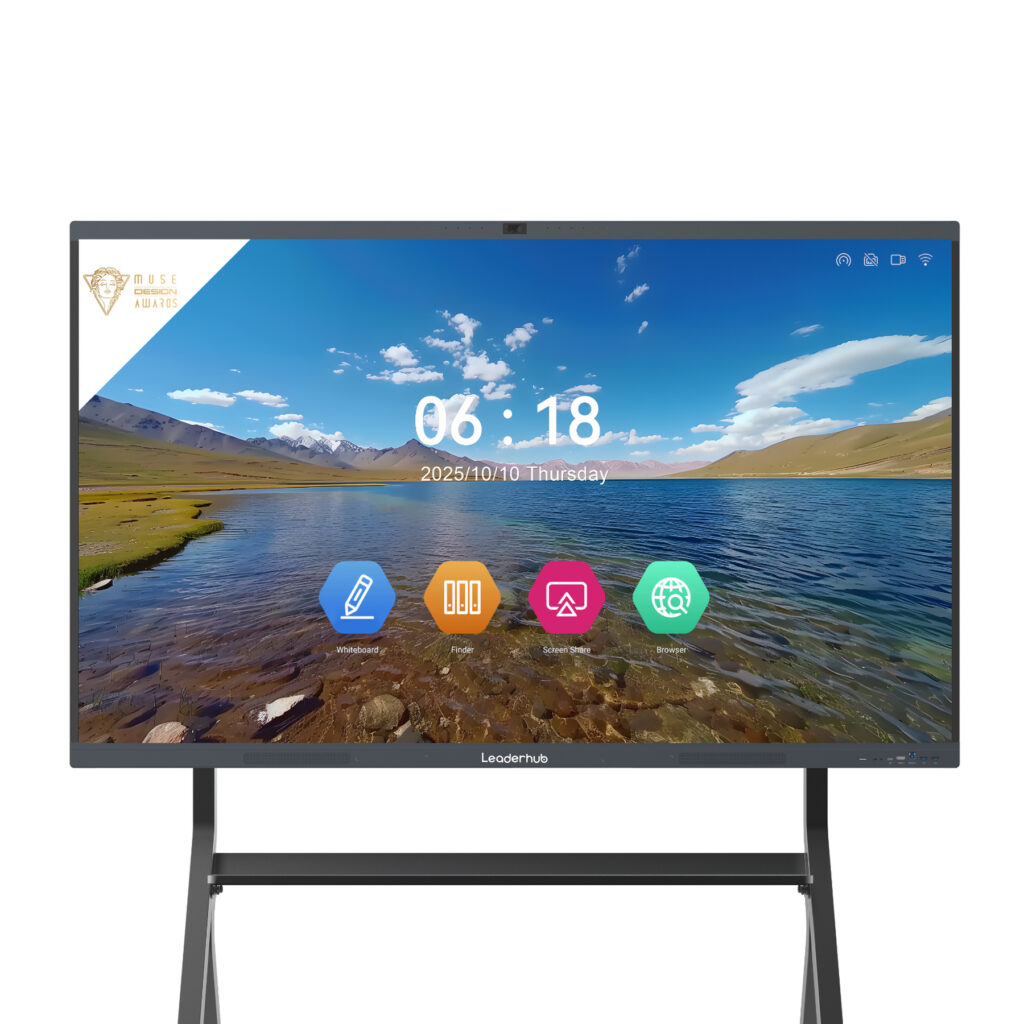
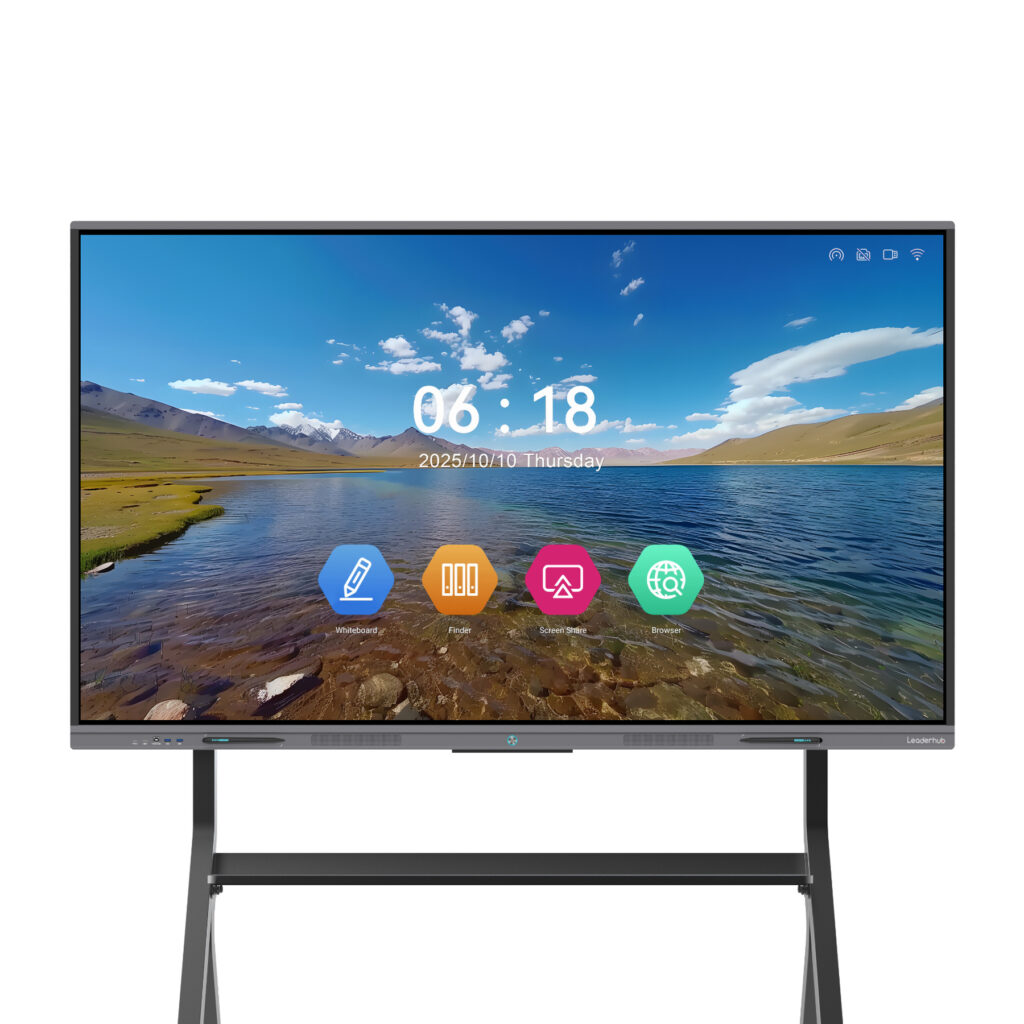
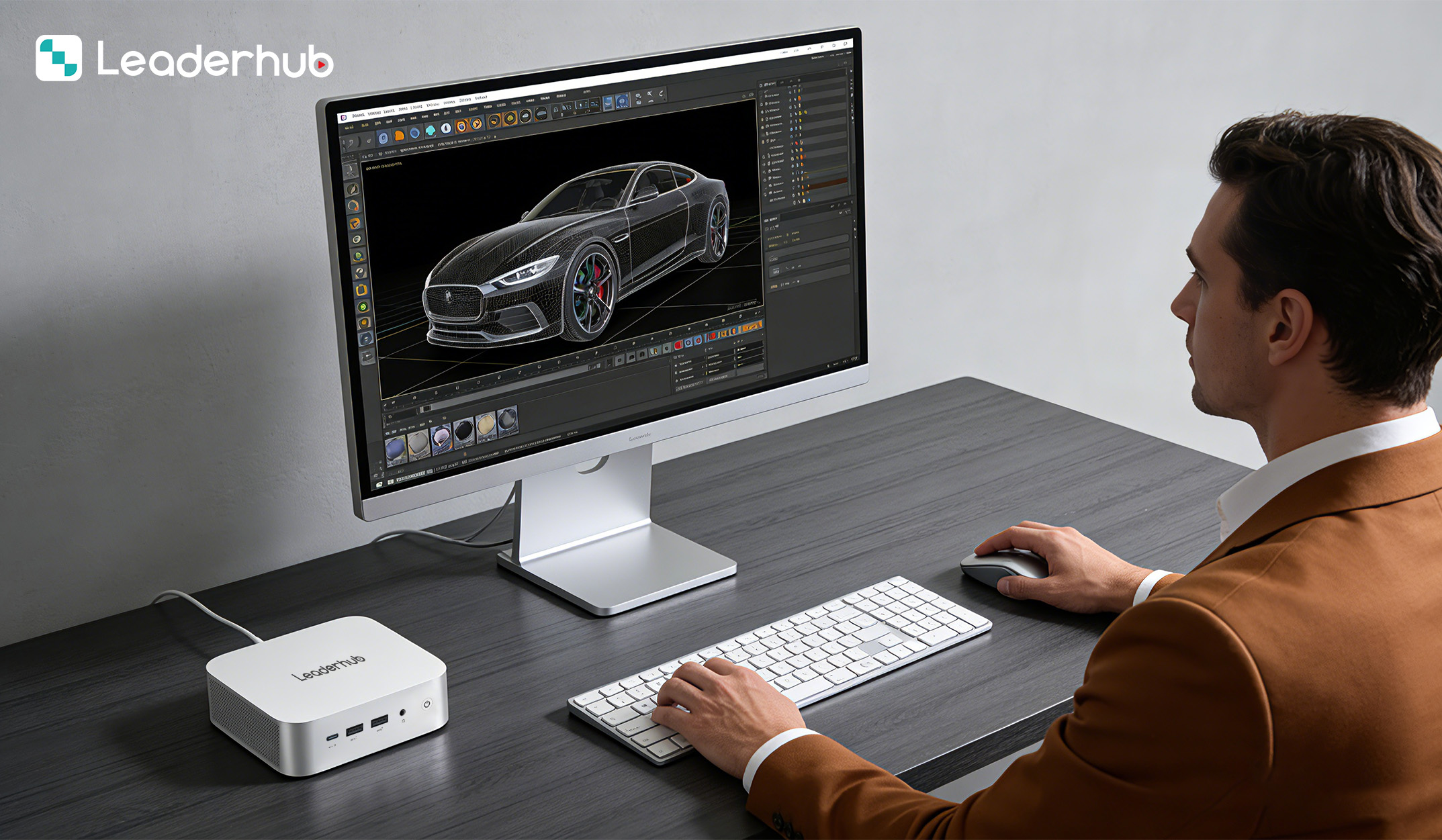
Most modern mini PCs occupy roughly the footprint of a paperback book. In practice this allows IT teams to hide the computer entirely behind a monitor or inside a lectern, which reduces cable clutter and tampering. For classrooms equipped with an interactive smart whiteboard, a mini PC can act as the dedicated teaching computer without taking up any additional floor or desk space.
3. Budget-Friendly Procurement
Public procurement typically evaluates hardware on a five-year total cost of ownership, not just the purchase price. Mini PCs score well on every line of that calculation: lower acquisition cost per seat, reduced electricity, less cooling demand, fewer moving parts to fail, and lower shipping and storage costs when ordering in volume.
Mini PC vs. Traditional Desktop vs. Thin Client
The following comparison outlines how mini PCs stack up against the two other hardware approaches commonly used in public institutions.
| Criteria | Mini PC | Tower Desktop | Thin Client |
|---|---|---|---|
| Typical power draw | 10–35 W | 120–250 W | 5–15 W |
| Footprint | Mountable behind monitor | Requires floor or desk space | Mountable behind monitor |
| Works offline | Yes — full local OS | Yes | No — depends on server |
| Backend infrastructure needed | None | None | VDI servers and licensing |
| Noise level | Very low | Moderate | Silent |
| Best suited for | Offices, classrooms, libraries, kiosks | GIS, CAD, heavy engineering | Large VDI estates with stable networks |
For most public sector workloads — office productivity, web-based citizen services, library catalog systems, and classroom teaching — a mini PC delivers the best balance of independence, performance, and cost.
Use Cases Across Government, Education, and Libraries
Government Offices and Citizen Service Centers
- Front-desk and counter workstations for permits, licensing, and records
- Digital signage and queue-management displays in waiting areas
- Back-office administration, email, document management, and video conferencing
- Council chamber and meeting room PCs driving large-format displays
Public Schools and Colleges
- Teacher stations connected to interactive flat panels for lesson delivery
- Computer labs where 20 to 40 identical units can be imaged and managed centrally
- Administrative offices, counseling rooms, and school reception desks
- Exam and testing rooms that require quiet, lockable hardware
Guidance from the EU action plan on Digital Equipment for Schools stresses that device access should be equitable and sustainable across all schools, not just well-funded ones. Affordable mini PCs help close that gap by lowering the per-seat cost of fully equipped learning spaces.
Public Libraries
- Patron internet terminals with locked-down profiles and session timers
- Online catalog (OPAC) lookup stations placed throughout the stacks
- Self-checkout and digital resource access points
- Makerspaces and community training rooms
Recommended Mini PC Configurations for Public Institutions
Not every seat in a public organization needs the same level of performance. A tiered approach lets procurement teams match hardware to role, keeping budgets under control without under-equipping staff who need more power.
| Model | Key Specifications | Ideal Public Sector Role | Price |
|---|---|---|---|
| LeaderHub LP1C Mini PC | Intel N100, 8GB RAM, 512GB SSD | Library catalog terminals, patron internet stations, digital signage, reception desks | $399.00 |
| LeaderHub LP5C Mini PC | Intel i5-12450HX, 16GB RAM, 512GB SSD | Teacher stations, government office staff, video conferencing, computer labs | $799.00 |
| LeaderHub AD8 Mini PC | Flagship-tier performance configuration | GIS and planning departments, multi-display control rooms, media production in schools | $999.00 |
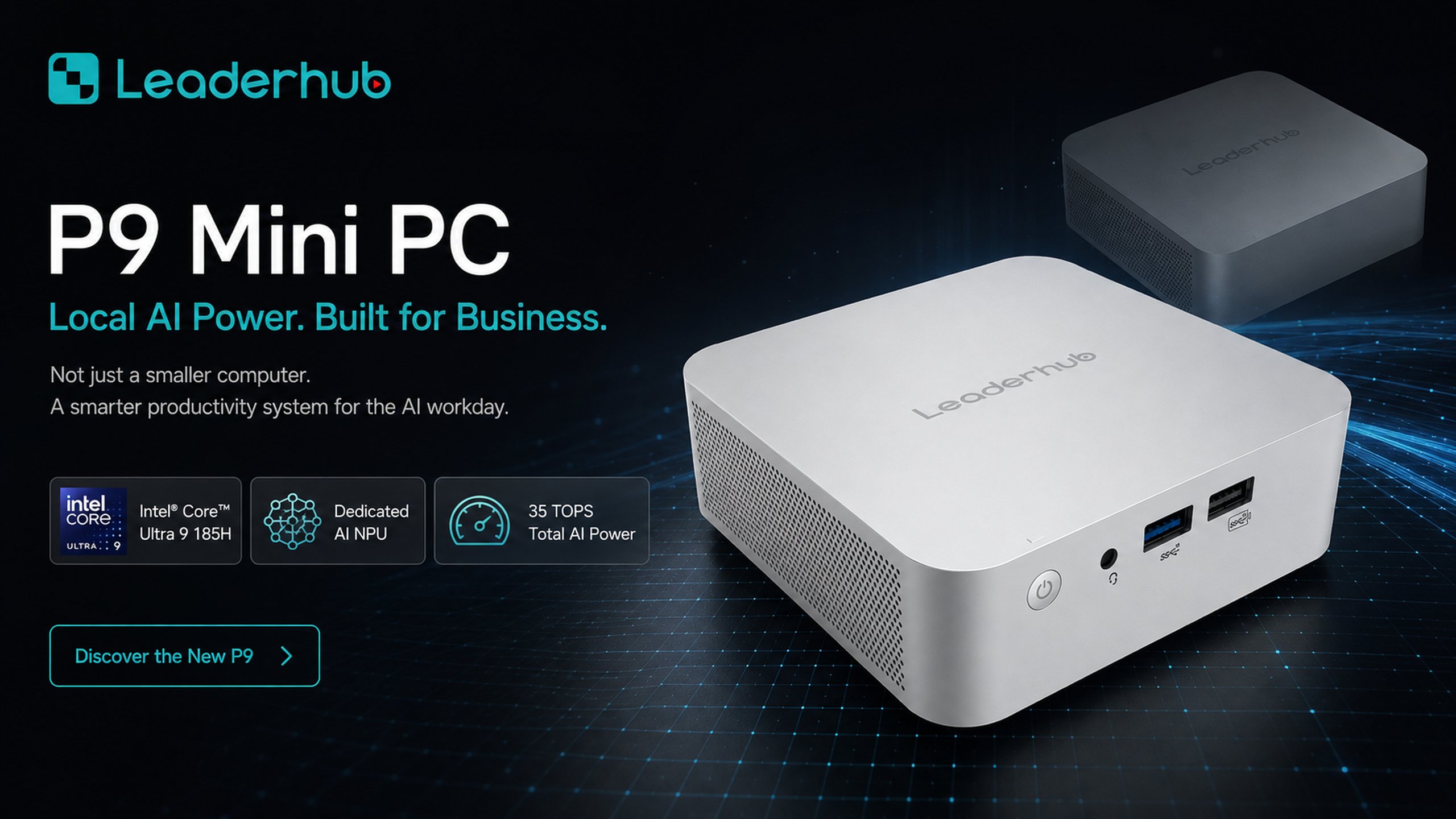
For a typical school, a practical mix might be an LP1C in each library kiosk, an LP5C at every teacher station, and a small number of AD8 units for the media lab and administrative data work. You can browse the full range on the mini PC product category page.
Public Sector Procurement Checklist
Before issuing a tender or purchase order for mini computers, IT and procurement teams should confirm the following:
- Security baseline — TPM 2.0, secure boot, and BIOS password support
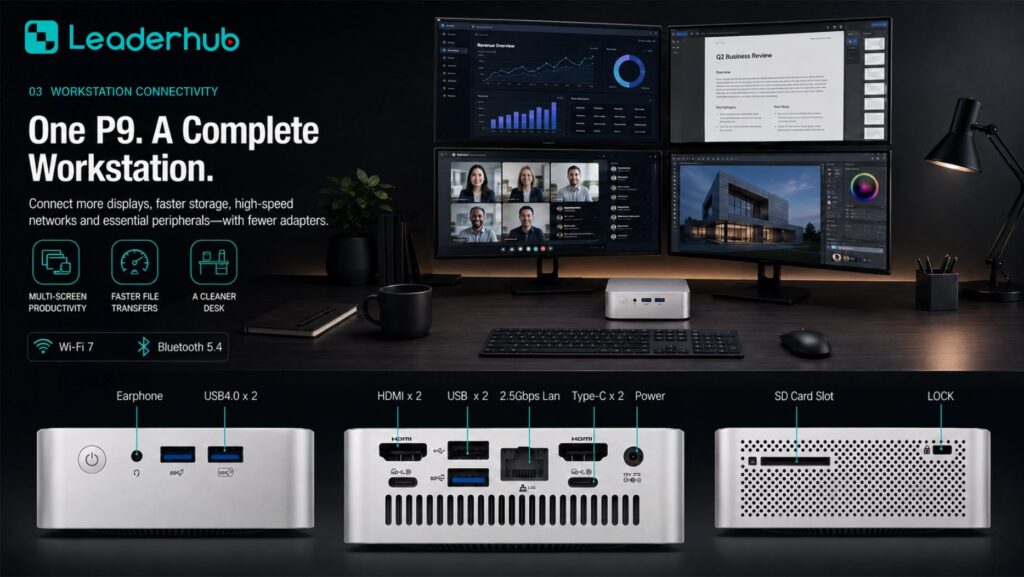
- Connectivity — sufficient USB ports, dual-display output (HDMI / DisplayPort / USB-C), Gigabit Ethernet, and Wi-Fi for flexible placement
- Mounting options — VESA bracket included or available for behind-monitor installation
- Operating system compatibility — verified support for your chosen Windows or Linux image and management tools
- Warranty and support — multi-year coverage and clear replacement terms for volume deployments
- Energy efficiency — documented power consumption to support sustainability reporting
- Scalability — consistent model availability so additional units purchased next year match the existing fleet
- Vendor stability — a manufacturer with an established track record and international distribution
Deployment Tips for IT Teams
Standardize on one or two models
Fewer hardware variants means fewer driver packages, simpler imaging, and easier spare-parts planning. Choose an entry-level and a mid-range model and apply them consistently across departments.
Pair mini PCs with interactive displays
In classrooms and meeting rooms, a mini PC mounted to the back of an interactive panel such as the L75ZM 75-inch interactive whiteboard creates a self-contained teaching or presentation station with no visible cables and no separate desktop tower to secure.
Lock down public-facing units
For library terminals and citizen kiosks, use kiosk-mode software, disable unused ports in BIOS, and physically secure the device with a lock slot or enclosed VESA mount.
Plan for the full lifecycle
Document purchase dates, warranty terms, and expected replacement cycles. Mini PCs with SSD storage and low thermal load commonly deliver five to seven years of reliable service when maintained properly.
Resources such as the World Bank Education Technology program offer additional frameworks for planning sustainable device rollouts in public education systems.
A Manufacturer Partner for Public Institutions
LeaderHub is a Shenzhen-based technology company with 16 years of experience in the interactive-display industry, delivering smart whiteboards, interactive flat panels, mini PCs, and portable smart screens to institutions in more than 82 countries. The company holds strategic partnerships across education, finance, and government sectors and has been recognized as the No.1 brand in its JD.com subcategory, an Annual Consumer Trustworthy Brand, and a Shenzhen Famous Brand. For public sector buyers, this means a single supplier capable of providing both the compact computing hardware and the interactive displays it connects to — along with OEM/ODM options for larger tenders.
Frequently Asked Questions
Are mini PCs powerful enough for government office work?
Yes. A mid-range unit with an Intel Core i5 processor and 16GB of RAM handles office suites, browser-based government systems, video conferencing, and multiple monitors with ease. Only specialized workloads such as GIS rendering or video editing require a higher-tier configuration.
How do mini PCs improve security in public spaces?
Their small size allows them to be mounted out of reach behind displays, they support hardware encryption through TPM, and unused ports can be disabled at the firmware level. Combined with centralized management, this reduces both physical and digital attack surfaces.
Can schools use mini PCs with existing interactive whiteboards?
Absolutely. Most interactive panels accept HDMI input and USB touch-back, so a mini PC can drive the display and receive touch input without any special adapters. Many panels also include a dedicated mounting point for a compact PC.
What is the typical energy saving compared with a tower desktop?
Replacing a 150 W tower with a 25 W mini PC across 200 seats running eight hours a day saves roughly 50,000 kWh per year — a meaningful reduction for both operating budgets and institutional sustainability targets.
Final Thoughts
Mini computers for public sector deployments are no longer a compromise. They offer the security features government IT demands, the compact design that crowded classrooms and libraries need, and the cost efficiency that public budgets require. By standardizing on a small number of well-chosen models and pairing them with interactive displays where appropriate, public institutions can modernize their digital infrastructure without overspending.
To discuss volume pricing, tender documentation, or customized configurations for your agency, school district, or library network, contact the LeaderHub team or explore the complete product range.