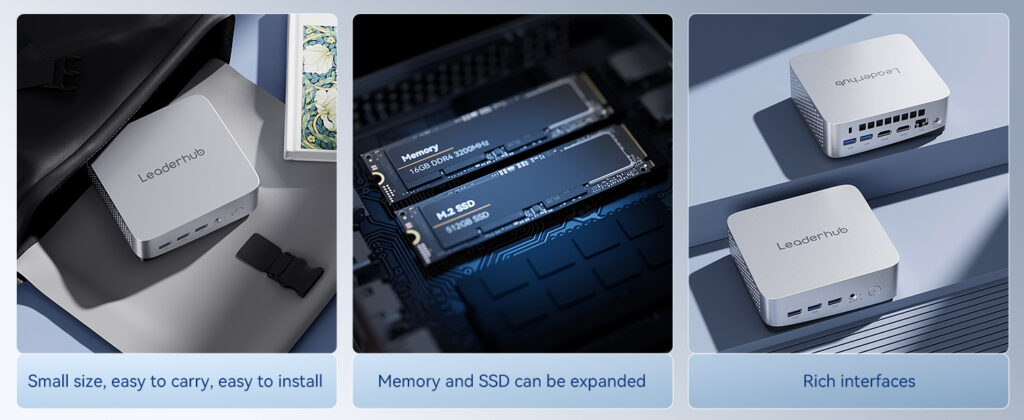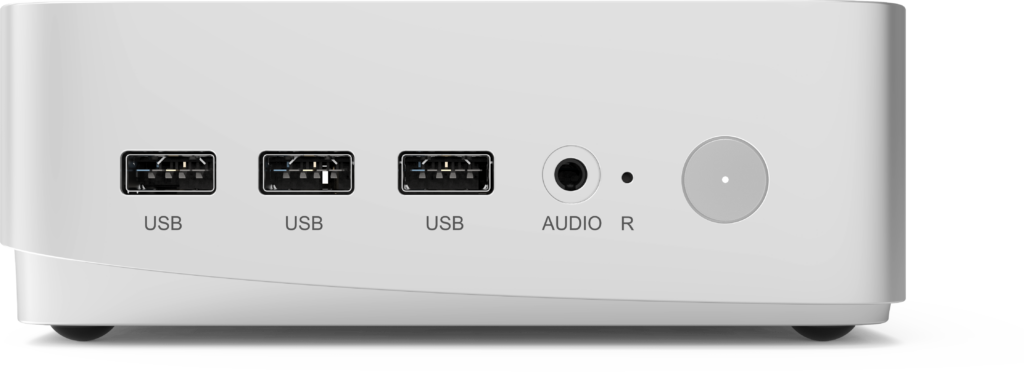
Buying mini PCs in bulk is very different from ordering a single unit for your home office. When you source dozens, hundreds, or thousands of units for digital signage, classrooms, call centers, or corporate deployments, the bulk mini PC supplier you choose directly affects your delivery timeline, total cost of ownership, and the long-term stability of every device in the field. This guide walks you through the criteria, questions, and warning signs that separate a reliable wholesale partner from a risky one.
Why Your Bulk Mini PC Supplier Choice Matters
Mini PCs have become the default compute platform for a wide range of commercial applications. Their small footprint, low power draw, and quiet operation make them ideal for environments where a traditional tower would be impractical. For businesses, system integrators, and resellers, the challenge is not finding a mini PC — it is finding a wholesale partner who can deliver consistent quality at scale.
A weak supplier relationship can create problems that compound over time:
- Inconsistent components between batches, making IT imaging and driver management a nightmare
- Missed shipping windows that stall project rollouts and contractual deadlines
- Unclear warranty terms that leave you absorbing replacement costs
- Limited firmware or BIOS support when you need custom boot settings or kiosk modes
On the other hand, a dependable bulk mini PC supplier becomes an extension of your operations team — forecasting demand with you, holding safety stock, and resolving hardware issues before they reach your end users.
Common Business Use Cases for Wholesale Mini PCs
Understanding your own deployment scenario helps you communicate clearly with potential suppliers. The most common bulk applications include:
Education and Training
Schools and training centers pair mini PCs with interactive displays and smart whiteboards to build complete classroom stations. Devices must be durable, easy to lock down, and simple to manage remotely. Organizations such as the World Bank Education Technology program highlight how procurement decisions shape long-term learning outcomes, which makes supplier reliability especially important for institutional buyers.
Corporate Offices and Meeting Rooms
Enterprises deploy mini PCs as the brain behind video conferencing systems, hot desks, and collaboration hubs. Consistency across hundreds of rooms is essential for IT support.
Digital Signage and Retail
Retail chains, hotels, and restaurants rely on mini PCs to drive menu boards, wayfinding kiosks, and promotional displays. These units often run 24/7, so thermal design and component quality are critical.
Industrial and Edge Computing
Factories and logistics hubs use mini PCs for data collection, machine vision, and local processing where cloud latency is unacceptable.
Key Criteria for Evaluating a Wholesale Mini PC Partner
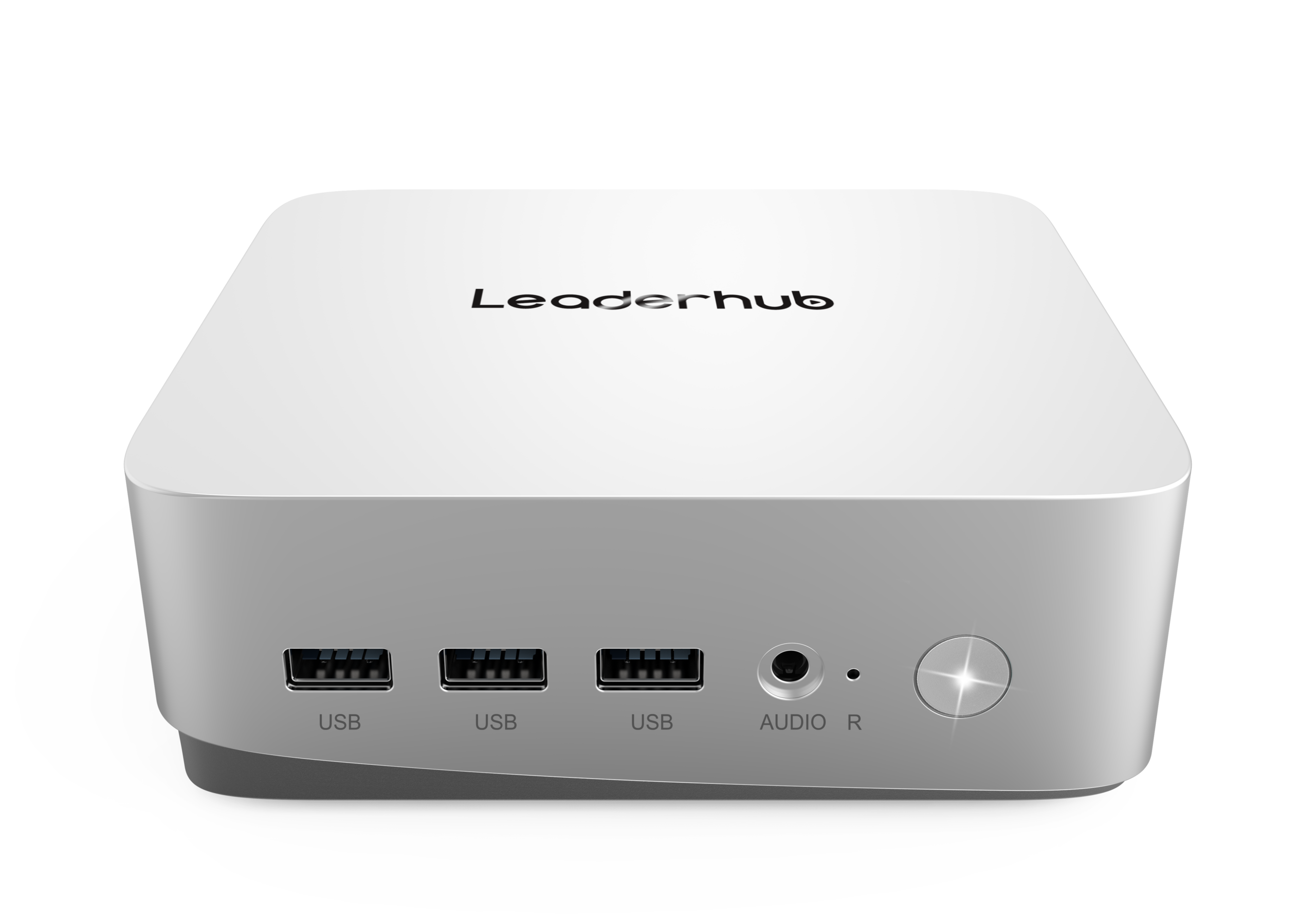
Use the following framework to assess every candidate on your shortlist. The strongest suppliers perform well across all categories, not just on price.
1. Manufacturing Capability and Supply Chain Control
Ask whether the supplier owns or directly controls its production line. Manufacturers with in-house engineering can adjust configurations, guarantee component sourcing, and respond quickly to quality issues. Trading companies that simply resell third-party units add a layer of uncertainty to every order.
2. Product Range and Performance Tiers
A good partner offers multiple performance levels so you can match hardware to each use case without juggling several vendors. Entry-level Intel N-series units suit signage and basic office tasks, while higher-tier Core i5 or i7 systems handle multitasking, video editing, and demanding business software.
3. Certifications and Compliance
Confirm that products carry the certifications required in your target markets — CE, FCC, RoHS, UKCA, and others depending on region. Lack of proper documentation can block customs clearance or expose you to liability.
4. Minimum Order Quantity and Pricing Structure
Reliable suppliers publish clear MOQ thresholds and tiered pricing. Be cautious of quotes that seem far below market average; they often hide refurbished components, outdated chipsets, or missing warranty coverage.
5. OEM/ODM and Customization Options
If you need custom branding, pre-installed software images, specific port layouts, or BIOS modifications for kiosk mode, verify that the supplier supports these services and ask for examples of previous projects.
6. After-Sales Support and Warranty
Clarify warranty duration, RMA procedures, spare parts availability, and response times. A supplier that provides remote diagnostics and advance replacement can save weeks of downtime.
| Evaluation Area | What to Verify | Why It Matters |
|---|---|---|
| Manufacturing | Own factory, QC process, years in operation | Batch consistency and faster issue resolution |
| Product Range | Entry, mid, and high-performance tiers | Single-vendor sourcing for mixed deployments |
| Certifications | CE, FCC, RoHS, regional marks | Smooth customs and legal compliance |
| MOQ & Pricing | Transparent tiers, payment terms, Incoterms | Accurate budgeting and cash-flow planning |
| Customization | Logo, BIOS, OS image, packaging | Faster deployment and brand consistency |
| After-Sales | Warranty length, RMA, spare parts | Lower total cost of ownership |
Matching Mini PC Specifications to Your Deployment
When you request a bulk quotation, be specific about the workload each unit will handle. The table below illustrates how different performance tiers map to typical business scenarios, using the current mini PC lineup as a reference.
| Model | Core Specs | Ideal Bulk Application | Reference Price |
|---|---|---|---|
| LP1C Mini PC | Intel N100, 8GB RAM, 512GB SSD | Digital signage, classroom stations, front-desk terminals | $399.00 |
| LP5C Mini PC | Intel i5-12450HX, 16GB RAM, 512GB SSD | Office workstations, meeting rooms, multitasking environments | $799.00 |
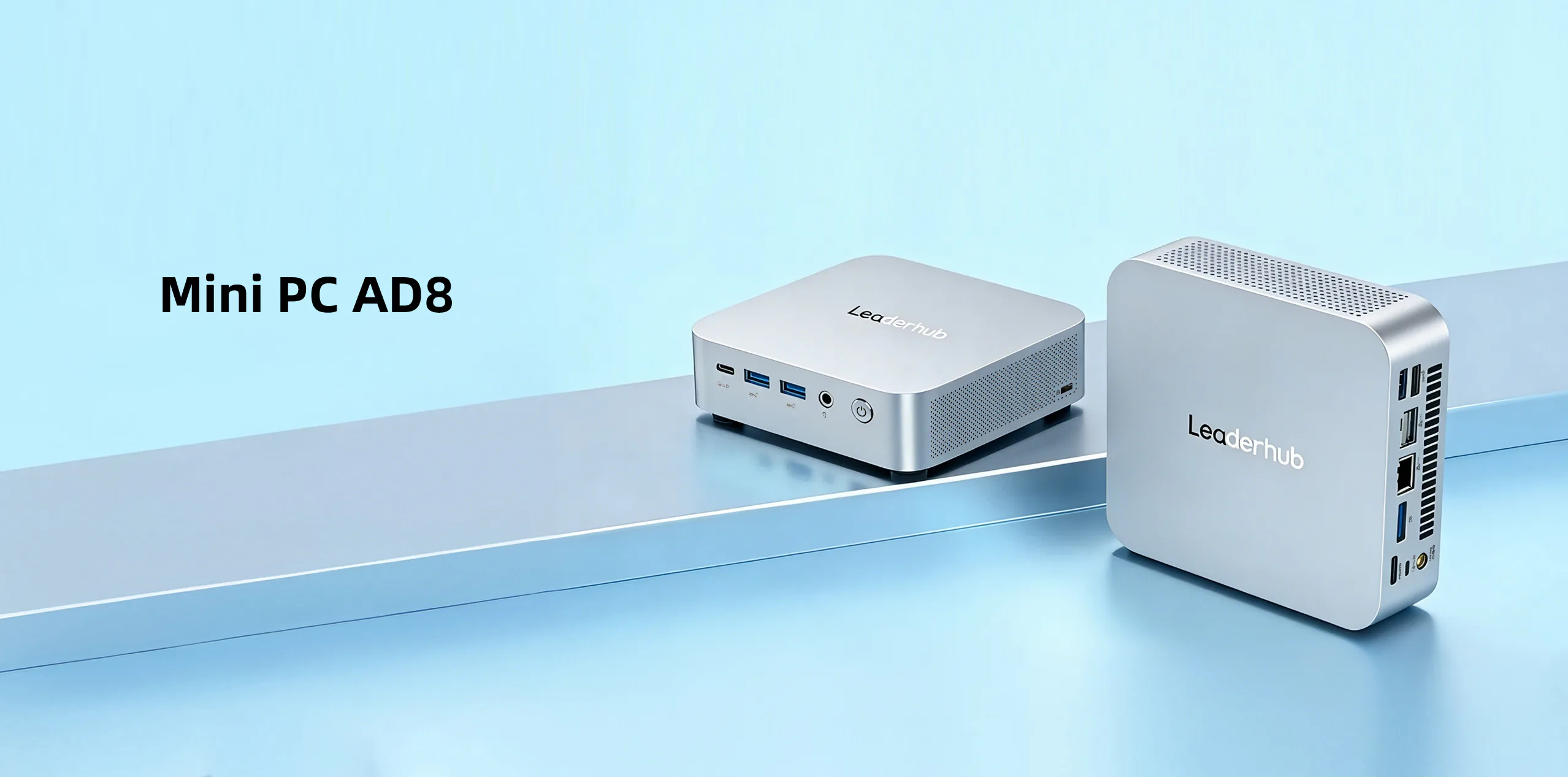
| AD8 Mini PC | High-performance configuration | Creative studios, data-intensive tasks, premium conference hubs | $999.00 |
Red Flags When Vetting a Bulk Mini PC Supplier
Experienced procurement teams learn to spot warning signs early. Watch out for the following:
- No physical samples offered. A legitimate supplier will send evaluation units before a bulk commitment.
- Vague component lists. If the quote says “SSD” without brand or model, expect inconsistency.
- Pressure to pay 100% upfront. Standard practice is a deposit with balance on shipment or inspection.
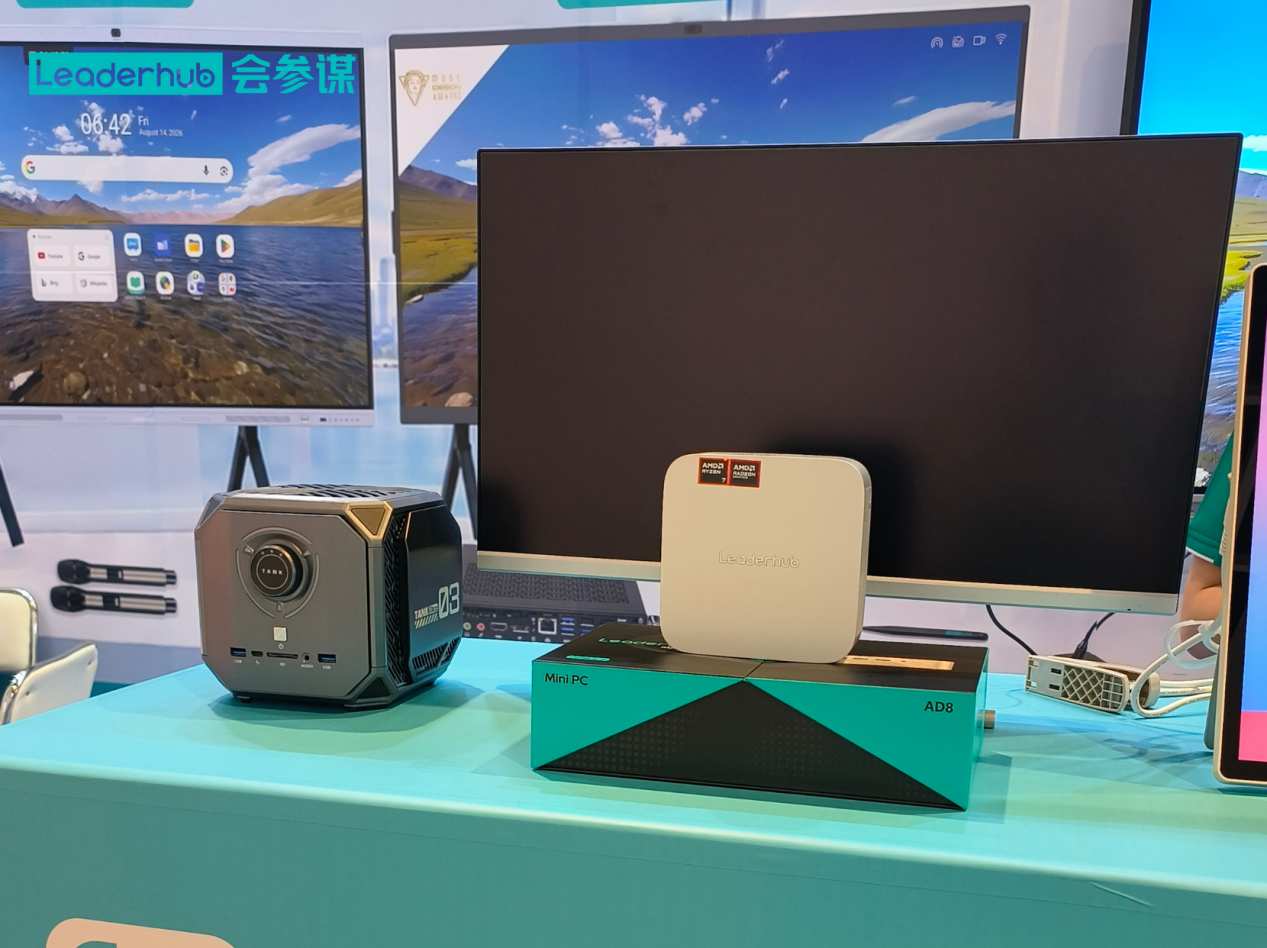
- No trade-show or exhibition presence. Reputable manufacturers regularly meet partners face to face at industry events.
- Unwillingness to share factory audits or certifications. Transparency is a hallmark of trustworthy partners.
- Extremely short company history with aggressive discounts. Stability over many years is a stronger signal than a one-time bargain.
Questions to Ask Before Signing a Wholesale Agreement
Bring this checklist to your supplier conversations:
- What is your typical lead time for 100, 500, and 1,000 units?
- Can you lock component specifications for the duration of our contract?
- Do you offer pre-installed operating systems and custom imaging?
- What is the failure rate of this model in the first 12 months?
- How do you handle RMA logistics for overseas customers?
- Can you bundle mini PCs with interactive displays or smart screens for a complete solution?
- Which Incoterms do you support, and do you have experience shipping to our region?
For AV-heavy deployments such as conference rooms and classrooms, it also helps to align your specifications with industry guidance from bodies like AVIXA, which publishes standards for professional audiovisual integration.
The Advantage of a Supplier That Offers Complete Solutions
Many bulk buyers are not just purchasing computers — they are building rooms, classrooms, or retail environments. A supplier that also manufactures interactive smart whiteboards and portable smart screens can deliver matched hardware that is tested to work together, reducing integration headaches and simplifying support.
This is where LeaderHub stands out as a bulk mini PC supplier. Based in Shenzhen with 16 years of interactive-display expertise since 2010, the company has delivered smart whiteboards, mini PCs, and portable smart screens to partners in more than 82 countries, earning the NO.1 position in its JD.com subcategory along with multiple industry awards. Its mission — AI Changes Life — reflects a commitment to making advanced hardware accessible to small and medium-sized enterprises, backed by OEM/ODM services and a presence at major global electronics exhibitions.
Steps to Launch a Successful Bulk Order
Step 1: Define Requirements
Document workload, OS preferences, connectivity needs, mounting options, and target quantity.
Step 2: Request Samples
Test two or three candidate models in real conditions for at least two weeks.
Step 3: Negotiate Terms
Confirm pricing tiers, payment schedule, warranty, and spare-parts commitments in writing.
Step 4: Pilot Deployment
Roll out a small batch, gather feedback from IT and end users, then scale with confidence.
Step 5: Build a Long-Term Relationship
Share forecasts so your supplier can plan inventory, and schedule regular reviews to keep specifications current.
Frequently Asked Questions
What is a typical MOQ for a bulk mini PC order?
MOQs vary by supplier and model, but many manufacturers start wholesale pricing at 50 to 100 units, with deeper discounts at 500 and above. Always ask for a tiered quotation.
Should I choose a manufacturer or a distributor?
Direct manufacturers generally offer better pricing, customization, and component control. Distributors may provide faster local delivery for smaller quantities. For large, repeat orders, a direct manufacturing partner is usually the stronger choice.
Can mini PCs be pre-configured before shipping?
Yes. Reliable suppliers can pre-install operating systems, apply custom BIOS settings, add your branding, and package units for direct deployment.
How do I verify supplier reliability from overseas?
Request certifications, ask for client references, evaluate samples, and when possible meet the team at an international electronics exhibition.
Start Your Wholesale Mini PC Project
Choosing the right bulk mini PC supplier is an investment in operational stability for years to come. Prioritize manufacturing control, transparent pricing, certification compliance, and genuine after-sales support — and favor partners who can supply the full ecosystem of displays and compute hardware your project needs.
Ready to discuss volume pricing, OEM options, or a pilot program? Contact the team for a tailored quotation, or explore the full product range to find the right configuration for your business.