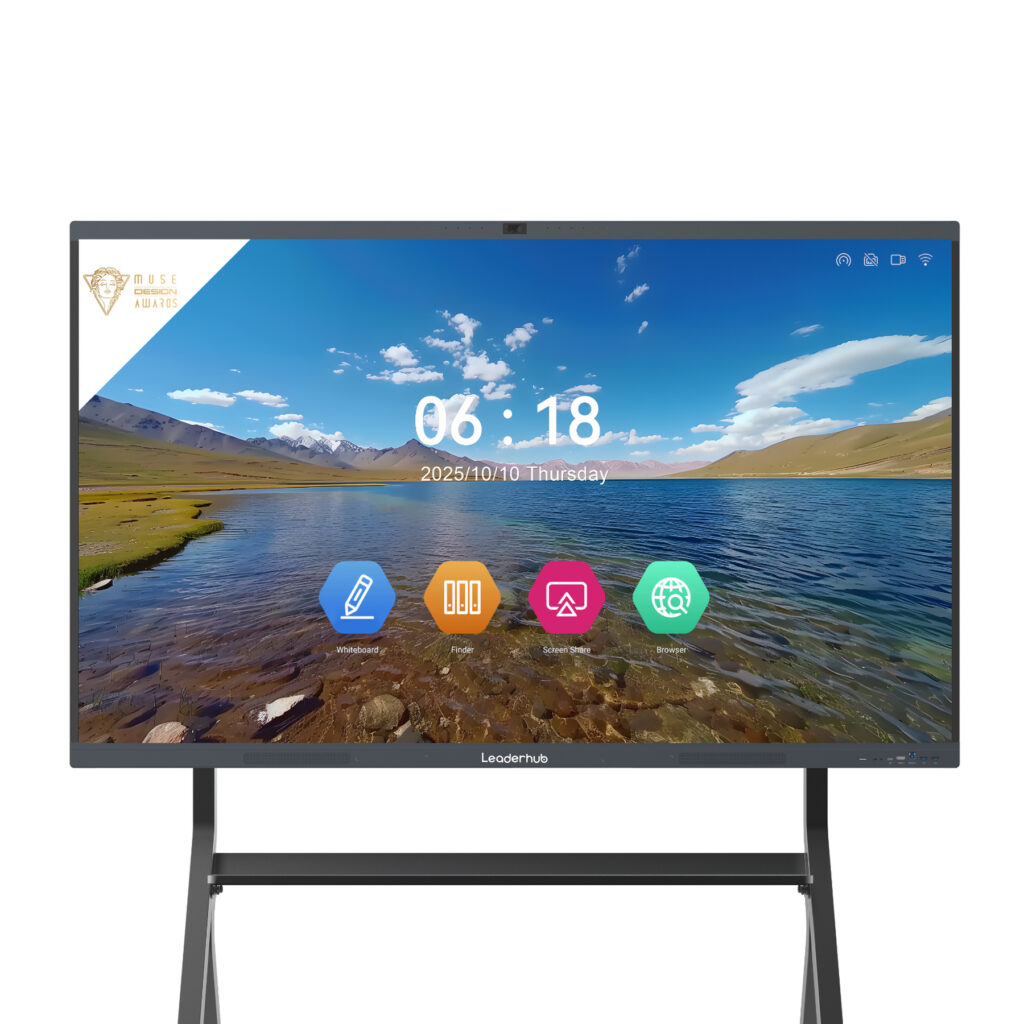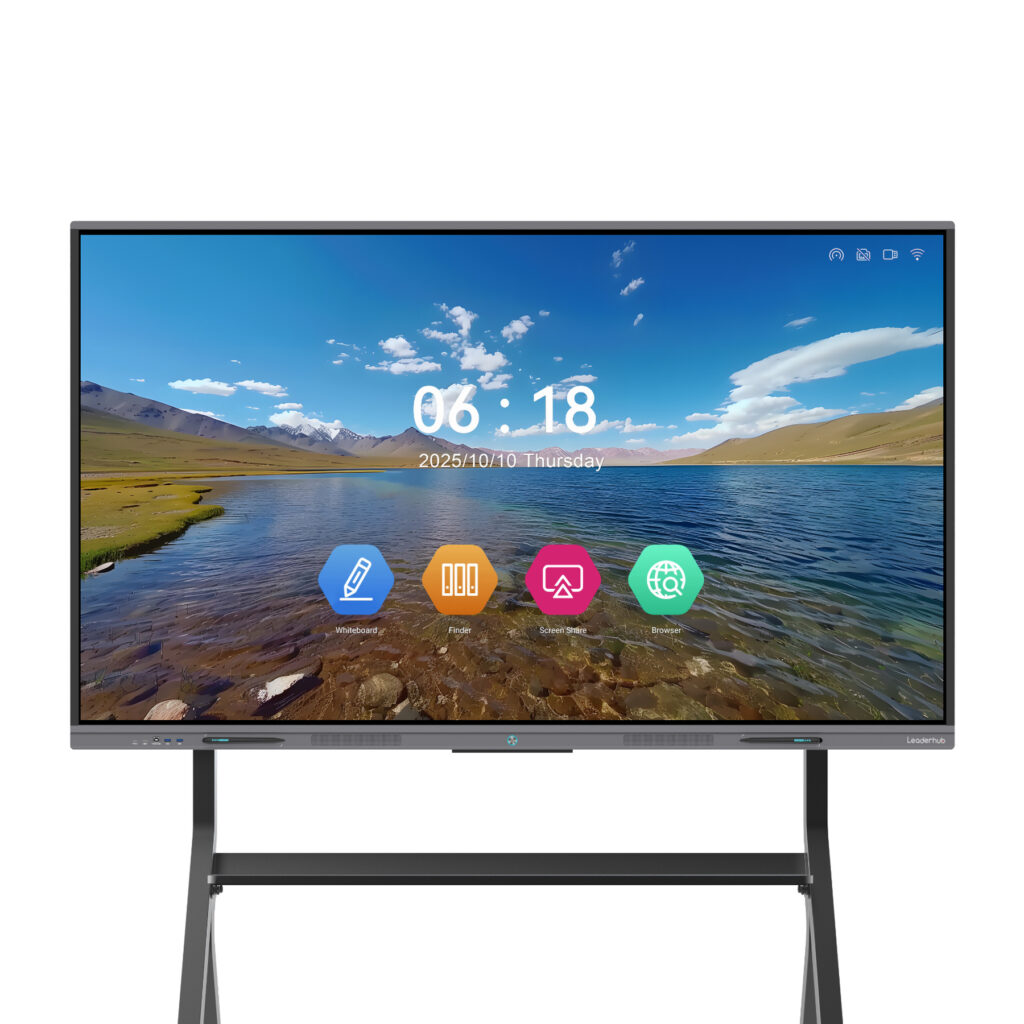
Choosing the right smart board for a commercial installation is rarely about finding the cheapest screen. It is about matching display size, touch performance, connectivity and long-term support to the way your teams actually work. This smart board price comparison for commercial installations breaks down real-world costs, the features that move the price up or down, and the best options for offices, meeting rooms, training centers and public-facing business spaces.
Why Commercial Smart Board Pricing Varies So Much
Two interactive displays with the same screen size can differ in price by thousands of dollars. The gap usually comes from panel grade, built-in computing power, software licensing, mounting hardware and the installation labor itself. For business buyers, understanding where the money goes is the first step toward building an accurate budget.
- Panel size and resolution — moving from 65″ to 86″ or 110″ raises both hardware and freight costs.
- Touch technology — infrared touch is the commercial standard; capacitive touch adds precision at a higher price.
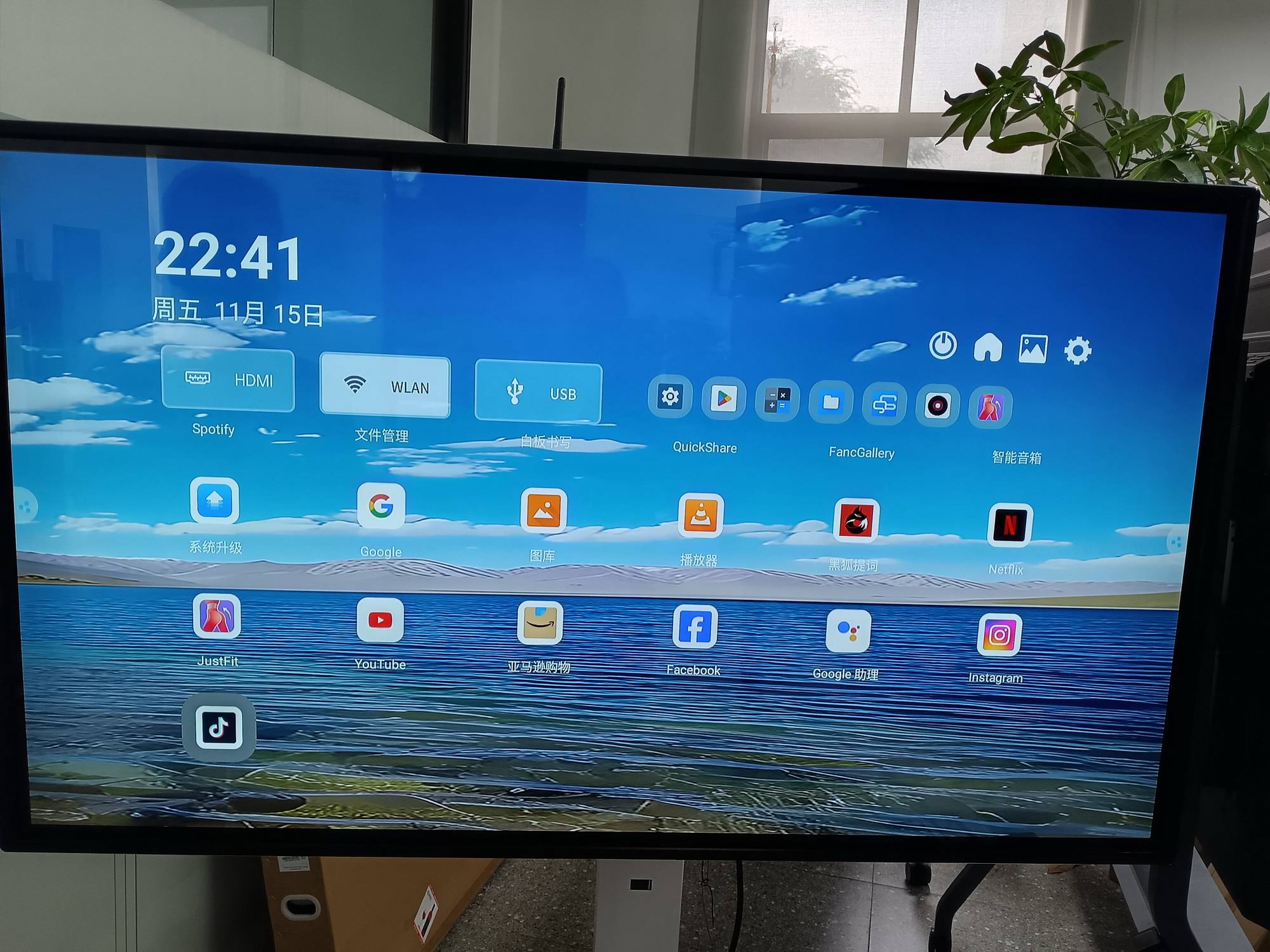
- Built-in OS and modules — Android-only boards cost less than boards bundled with an OPS or mini PC running Windows.
- Mounting and mobility — fixed wall mounts are cheapest, while motorized stands and rotating frames add to the total.
- Software and warranty — subscription whiteboarding software and extended on-site warranties can add 10–25% over five years.
Smart Board Price Ranges by Commercial Tier
The table below summarizes typical price tiers found across the commercial interactive display market in 2026. Prices reflect the display unit only; installation and accessories are covered in a later section.
| Tier | Typical Size | Price Range (USD) | Best For |
|---|---|---|---|
| Entry Commercial | 55″–65″ | $1,000 – $1,800 | Huddle rooms, small offices, reception displays |
| Mid-Range Commercial | 75″ | $1,400 – $3,500 | Standard meeting rooms, training rooms |
| Premium Commercial | 86″ | $1,700 – $6,000 | Boardrooms, large conference spaces |
| Large-Format / Flagship | 98″–110″ | $7,000 – $15,000+ | Auditoriums, executive suites, showrooms |
| Mobile / Portable Smart Screens | 24″–55″ | $700 – $2,500 | Flexible workspaces, pop-up events, retail |
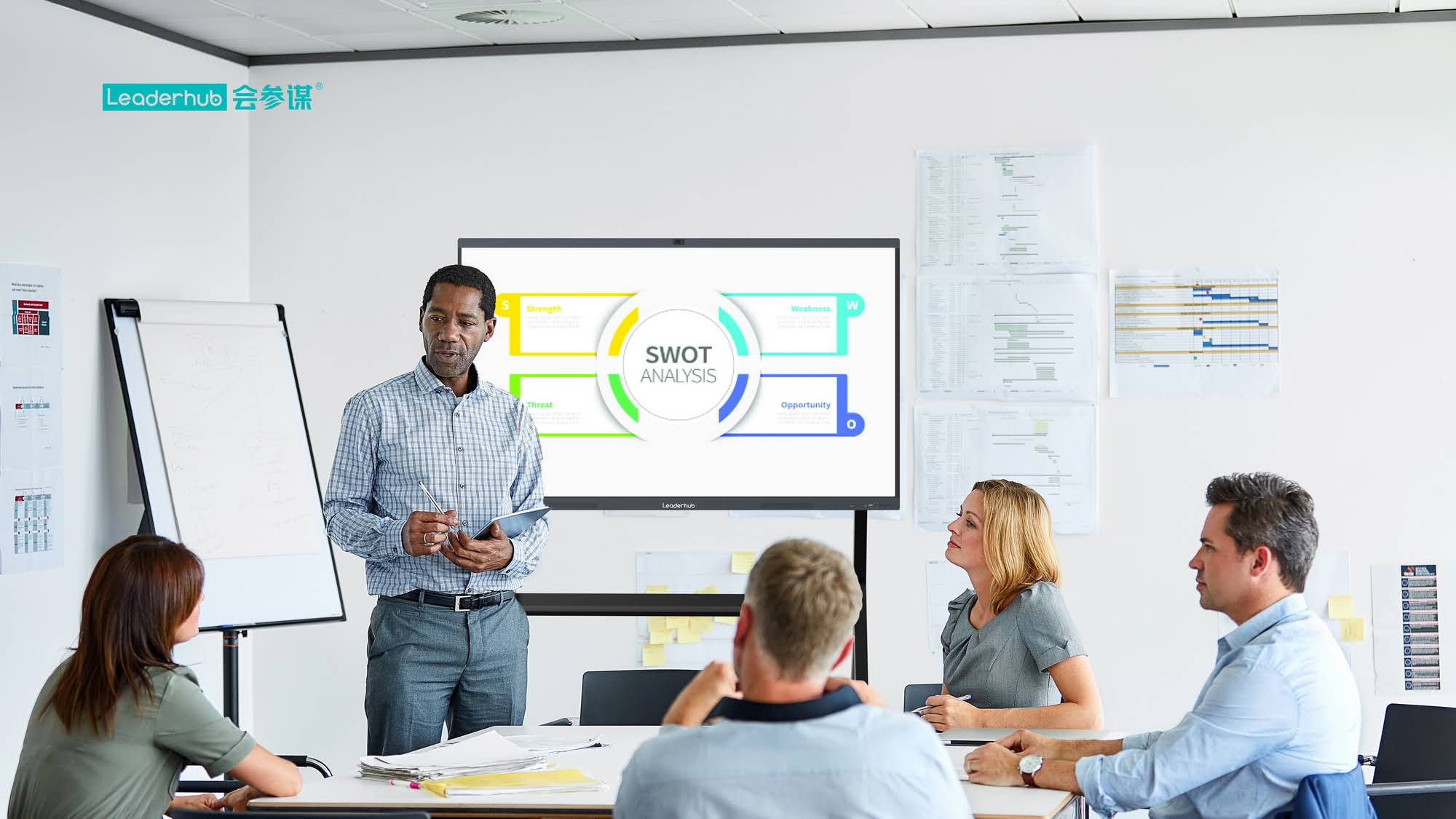
Leaderhub Smart Board Price Comparison for Business Buyers
To make this comparison concrete, here is how a current commercial product lineup prices out across sizes and series. Leaderhub is a Shenzhen-based manufacturer with 16 years of interactive-display expertise, serving business and education customers in 82 countries, and its range offers a useful benchmark for cost-conscious commercial projects.
| Model | Size | Price | Commercial Use Case |
|---|---|---|---|
| L65ZM Interactive Whiteboard | 65″ 4K | $1,099 | Budget huddle rooms |
| L65HM Smart Whiteboard | 65″ 4K | $1,299 | Small offices, rotatable conference hub |
| L75ZM Interactive Whiteboard | 75″ 4K | $1,399 | Standard meeting rooms |
| L75HM Smart Whiteboard | 75″ 4K | $1,599 | Training rooms, hybrid meetings |
| L86ZM Interactive Whiteboard | 86″ 4K | $1,699 | Large conference rooms on a budget |
| L75H Pro Interactive Flat Panel | 75″ 4K | $2,399.40 | Premium boardrooms |
| U55Pro Mobile Interactive Flat Panel | 55″ 4K | $2,499 | Mobile, multi-room deployments |
| L86HM Smart Whiteboard | 86″ 4K | $3,199 | Executive boardrooms |
| L110H Interactive Flat Panel | 110″ 4K | $7,999 | Auditoriums, showrooms, large halls |
The pattern is clear: the ZM series delivers the lowest cost per inch for businesses outfitting many rooms at once, while the HM series adds a rotatable design that suits portrait-mode document review and video calls. The HM Series design has been recognized as a Leaderhub HM Series award winner for its conference hub concept.
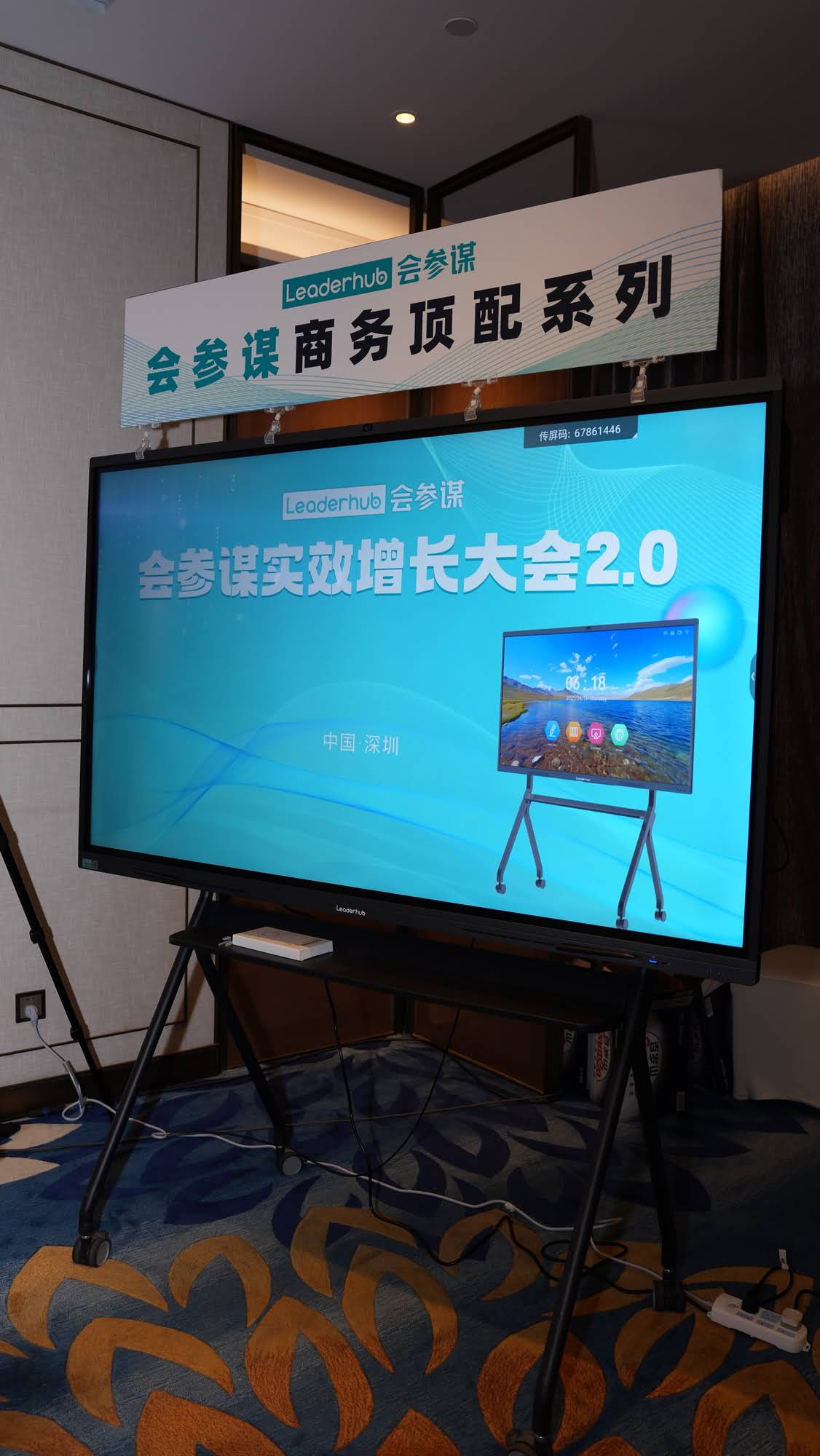
Total Cost of a Commercial Smart Board Installation
The display is typically 60–75% of the project total. The remaining budget goes to mounting, computing, cabling and labor. Below is a realistic breakdown for a single 75″ meeting room installation.
Typical Installation Cost Breakdown (75″ Room)
| Cost Item | Low Estimate | High Estimate |
|---|---|---|
| 75″ interactive display | $1,399 | $3,500 |
| Wall mount or mobile stand | $80 | $600 |
| Mini PC / OPS module (Windows) | $399 | $999 |
| Cabling, power, network drop | $100 | $500 |
| Professional installation labor | $150 | $800 |
| Camera, microphone, speakers | $0 (built-in) | $1,200 |
| Estimated total per room | $2,128 | $7,599 |
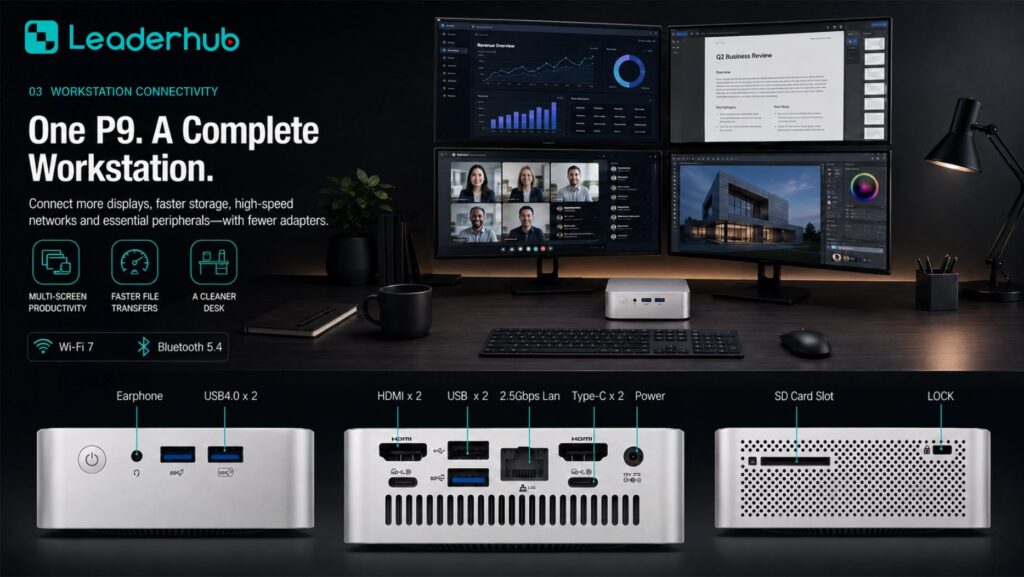
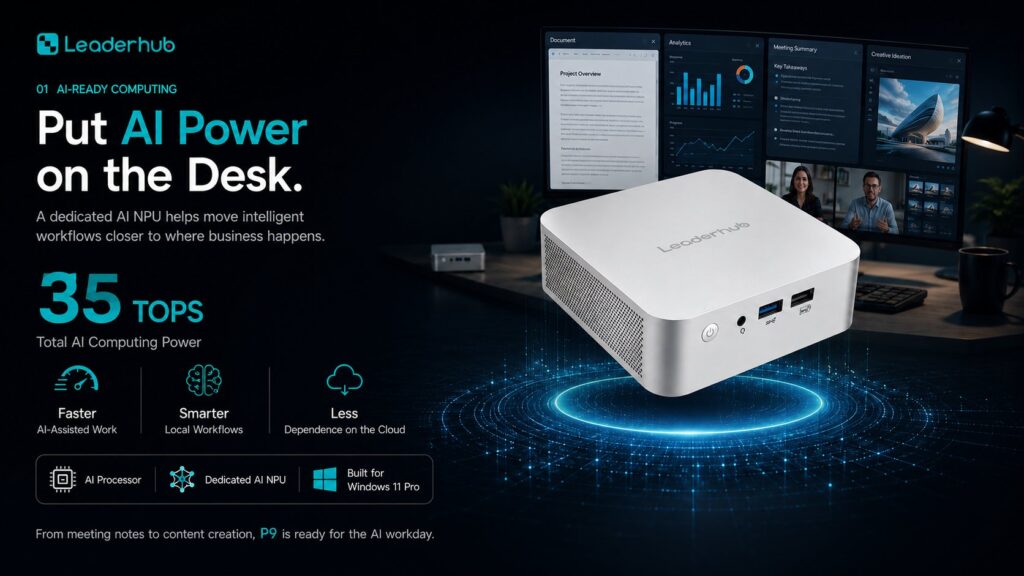
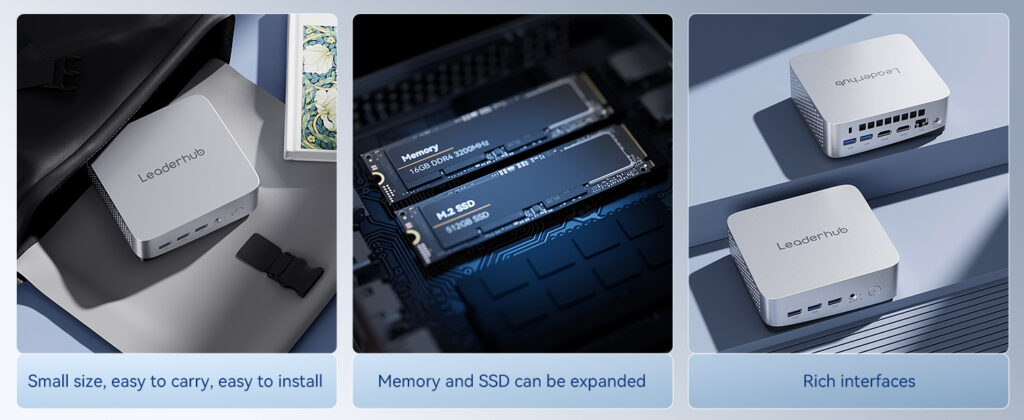
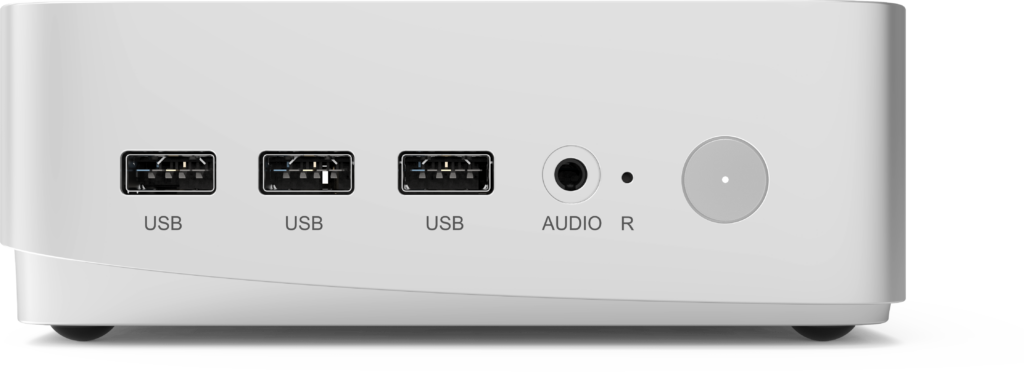
For organizations that want full Windows compatibility with corporate software, pairing an Android-based board with a compact computer is often cheaper than buying a premium panel with an OPS slot. The mini PC range starts at $399 for an Intel N100 unit and rises to $799 for an i5-class machine suited to heavy multitasking.
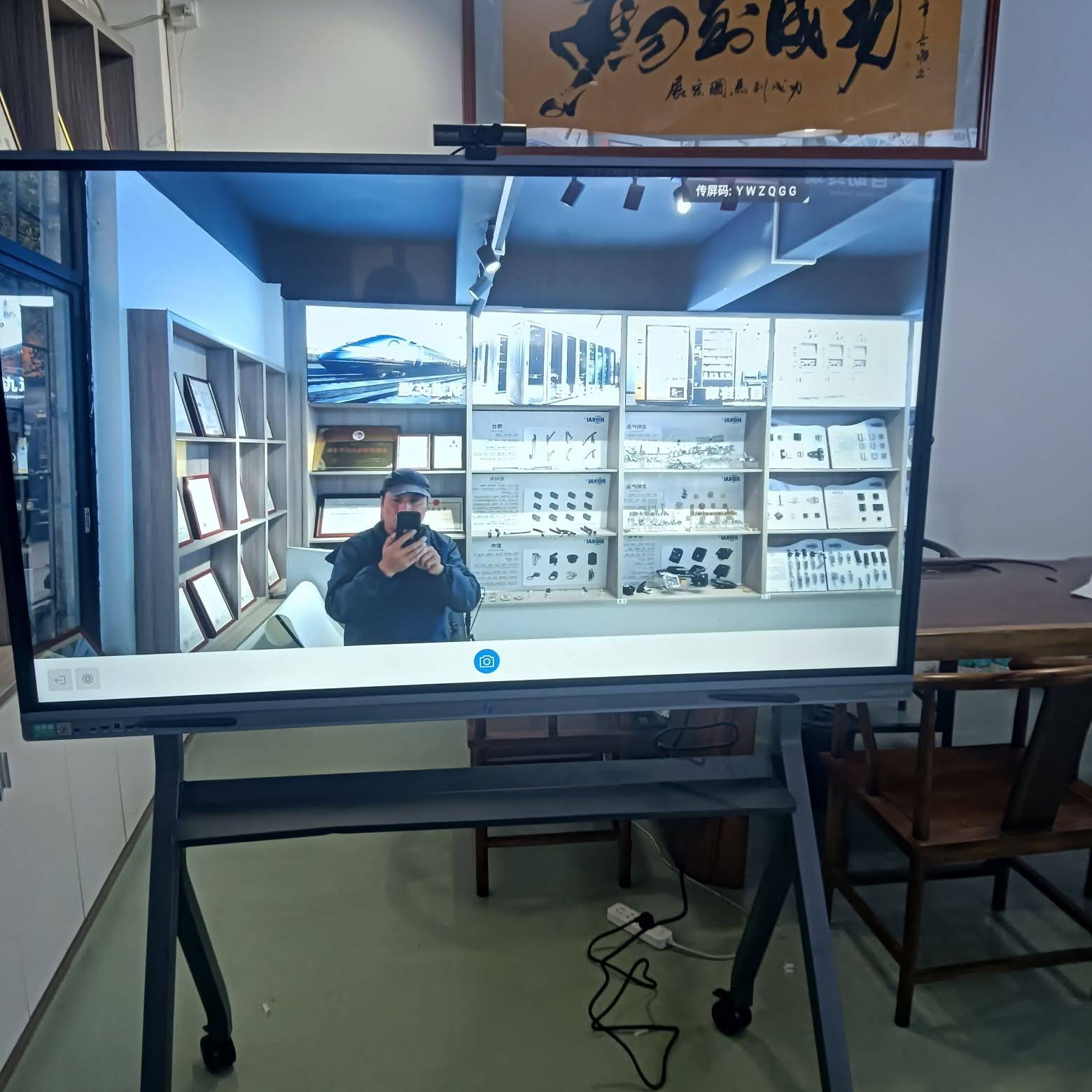
Key Features That Justify a Higher Price in Commercial Settings
Not every feature matters equally for business use. The following capabilities tend to deliver measurable returns in meeting rooms and training spaces, and are worth paying extra for.
1. 4K Resolution and Anti-Glare Glass
Commercial rooms often have large windows and overhead lighting. Anti-glare tempered glass keeps spreadsheets and architectural drawings legible from the back of the room, and 4K ensures small text remains sharp on 86″ and larger panels.
2. Multi-Touch and Low-Latency Writing
Look for at least 20-point touch and sub-10ms pen latency. These specifications allow several participants to annotate simultaneously during brainstorming sessions without the lag that frustrates users.
3. Wireless Screen Sharing
Built-in support for AirPlay, Miracast and Google Cast removes the need for dongles and adapters, which are among the most common points of failure in meeting rooms.
4. Built-In Camera and Microphone Array
For hybrid teams, an integrated 4K camera with auto-framing and a far-field microphone array can replace $800–$1,500 of separate conferencing hardware.
5. Rotation and Mobility
Rotatable and mobile designs let one display serve multiple purposes — landscape for presentations, portrait for document review or digital signage in a lobby. Mobile units such as the rotating smart screens with built-in batteries can also move between rooms during the day, lowering the number of displays a business needs to buy.
Feature Priority Checklist for Commercial Buyers
- Confirm the screen size suits the room: roughly 65″ for up to 6 people, 75″ for 8–12, 86″ for 12–20.
- Verify compatibility with your conferencing platform (Teams, Zoom, Google Meet).
- Check whether an OPS slot, mini PC or Android-only setup fits your IT policy.
- Ask about remote device management for multi-site rollouts.
- Compare warranty length and on-site service coverage, not just the sticker price.
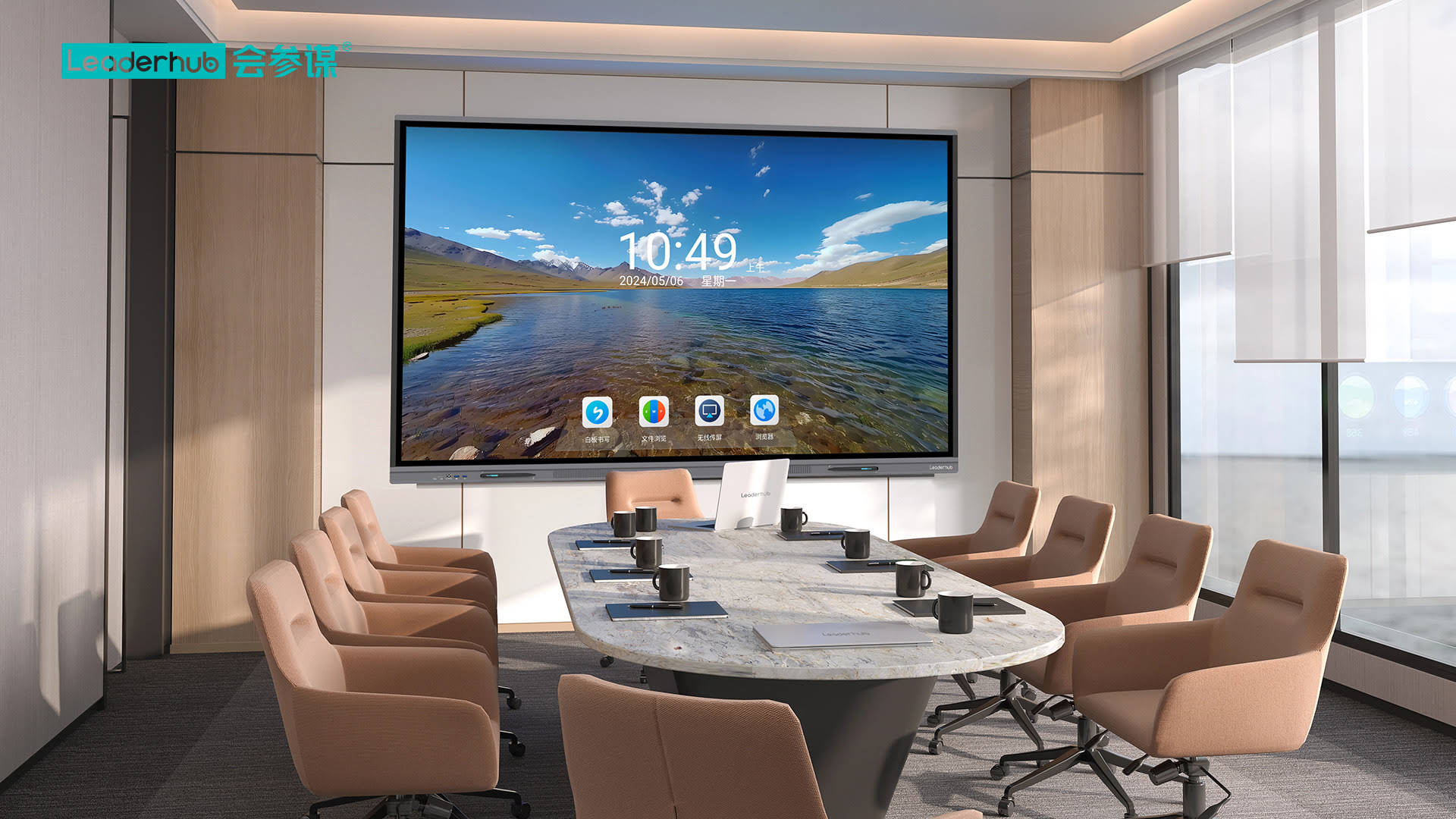
Best Smart Board Options by Business Scenario
Small Businesses and Startups
A 65″ panel such as the L65ZM at $1,099 covers most needs for teams under ten people. Pair it with a $399 mini PC for a complete Windows-based meeting room under $1,600 before installation.
Corporate Offices with Multiple Meeting Rooms
Standardizing on a single 75″ model simplifies training and support. Volume purchases of ZM or HM series boards reduce per-room costs significantly, and a consistent interface across rooms shortens employee onboarding.
Training Centers and Corporate Academies
Trainers benefit from the 86″ size and rotatable HM design for presenting long documents or process flows. Research compiled in the OECD Digital Education Outlook highlights how interactive technology supports engagement when paired with well-designed instruction — a principle that applies equally to workplace learning.
Retail, Showrooms and Hospitality
Mobile and battery-powered screens, including the U55Pro and the 24.5″ U24M handheld smart screen, allow staff to present products on the floor or at events without fixed installation costs.
Executive Suites and Auditoriums
Large-format 110″ panels replace projector-and-screen setups with brighter images, no lamp replacements and full touch interactivity, which typically pays back the higher upfront cost within three to five years of reduced maintenance.
Smart Board vs. Projector vs. Standard TV: A Commercial Cost View
| Factor | Interactive Smart Board | Projector + Screen | Standard Commercial TV |
|---|---|---|---|
| Upfront cost (75″ class) | $1,400 – $3,500 | $900 – $2,500 | $700 – $1,500 |
| Touch interactivity | Yes, built in | Only with add-on module | No |
| 5-year maintenance | Minimal | Lamps, filters, alignment | Minimal |
| Ambient light performance | Excellent | Poor to fair | Good |
| Built-in conferencing | Often included | No | No |
How to Reduce Smart Board Installation Costs Without Compromising Quality
- Buy direct from the manufacturer — cutting out distribution layers can lower unit prices by 15–30% on multi-room projects.
- Standardize sizes across rooms to negotiate volume pricing and simplify spare parts.
- Choose Android-plus-mini-PC instead of premium OPS-equipped panels when you need Windows.
- Use existing network and power infrastructure where possible to cut electrician fees.
- Plan for mobility — one battery-powered screen shared between two or three small rooms can replace multiple fixed installs.
- Request OEM/ODM options for large deployments to tailor features and avoid paying for unused extras.
Industry resources such as AV Industry Standards and Resources from AVIXA provide useful guidance on room design, viewing distances and installation best practices that help businesses avoid costly rework.
Frequently Asked Questions About Commercial Smart Board Pricing
What is a reasonable budget for a smart board in a standard meeting room?
Most businesses spend between $2,000 and $4,500 per room including a 75″ display, mounting, a compute module and professional installation. Budget-conscious buyers can complete a functional room for under $2,200.
Is an 86″ smart board worth the extra cost over a 75″?
If the room seats more than 12 people or the farthest viewer sits over 5 meters away, the 86″ size noticeably improves readability. For smaller rooms, a 75″ panel delivers better value.
Do smart boards require ongoing subscription fees?
Many boards include free native whiteboarding and screen-sharing software. Subscription costs arise mainly from third-party collaboration platforms or cloud device-management tools, so confirm what is bundled before purchase.
How long does a commercial smart board last?
Commercial-grade panels are rated for 30,000–50,000 hours of operation, which translates to roughly 8–12 years of typical office use.
Can one supplier provide displays, computers and mobile screens together?
Yes. Sourcing the full solution from a single manufacturer simplifies support and often lowers overall cost. You can explore the complete product range or contact the team for a project quote tailored to your installation.
Final Thoughts on Smart Board Price Comparison for Commercial Installations
The most cost-effective commercial smart board is the one that matches your room size, user count and IT environment without paying for features you will not use. Entry-level 65″ boards from around $1,099 handle small teams well, 75″ and 86″ panels between $1,399 and $3,199 serve most corporate meeting and training rooms, and large-format 110″ displays make sense for executive and public-facing spaces. Factor in mounting, compute and installation, compare warranty terms, and you will arrive at a deployment that delivers reliable collaboration for years to come.