Preparing smart board public procurement documentation is one of the most demanding tasks facing school districts, universities, ministries and municipal IT teams today. Unlike buying a single device for an office, a public tender for interactive displays must satisfy procurement law, demonstrate value for money, define measurable technical specifications and survive audit scrutiny years after the contract is signed. This guide walks you through every document you need, the technical requirements worth including, a practical checklist, and tender tips that help both buyers and bidders avoid the most common mistakes.
Why Smart Board Procurement Documentation Matters
Public bodies spend significant budgets on interactive flat panels, and global policy bodies increasingly expect those purchases to be evidence-based. The UNESCO Technology in Education Report stresses that technology should be adopted on the terms of learners and teachers, not vendors, while the OECD Digital Education Outlook highlights the importance of interoperability, data governance and long-term support. Good procurement documentation translates those principles into enforceable contract terms.
Well-prepared documentation delivers four concrete benefits:
- Legal compliance – meets national procurement thresholds, EU directives, or local tendering rules.
- Fair competition – allows multiple manufacturers to bid on equal terms, which typically lowers unit prices by 15–30%.
- Fewer disputes – clear specifications reduce challenges from unsuccessful bidders.
- Lifecycle value – warranty, training and spare-parts terms are locked in before delivery.
Core Components of a Smart Board Tender Package
Most public procurement frameworks, whether in Europe, North America, the Middle East, Africa or Asia-Pacific, require a similar set of documents. The table below summarises what a complete smart board tender package normally contains.
| Document | Purpose | Prepared By |
|---|---|---|
| Invitation to Tender (ITT) / RFP | Formal notice, timeline, submission rules | Procurement office |
| Technical Specification | Minimum and desirable product requirements | IT / education technology team |
| Bill of Quantities (BoQ) | Unit counts per site, mounts, accessories | Facilities / project manager |
| Evaluation Criteria & Scoring Matrix | Weighting for price, quality, service | Evaluation committee |
| Draft Contract & SLA | Delivery, warranty, penalties, payment terms | Legal department |
| Bidder Qualification Forms | Financial standing, references, certifications | Procurement office |
| Compliance Statement Template | Line-by-line “comply / partially comply / deviate” | Technical team |
Technical Requirements to Include in the Specification
The technical specification is the heart of your smart board public procurement documentation. It should be performance-based rather than brand-based, so that any capable manufacturer can respond. The following sections outline the parameters evaluators most commonly need.
Display and Touch Performance
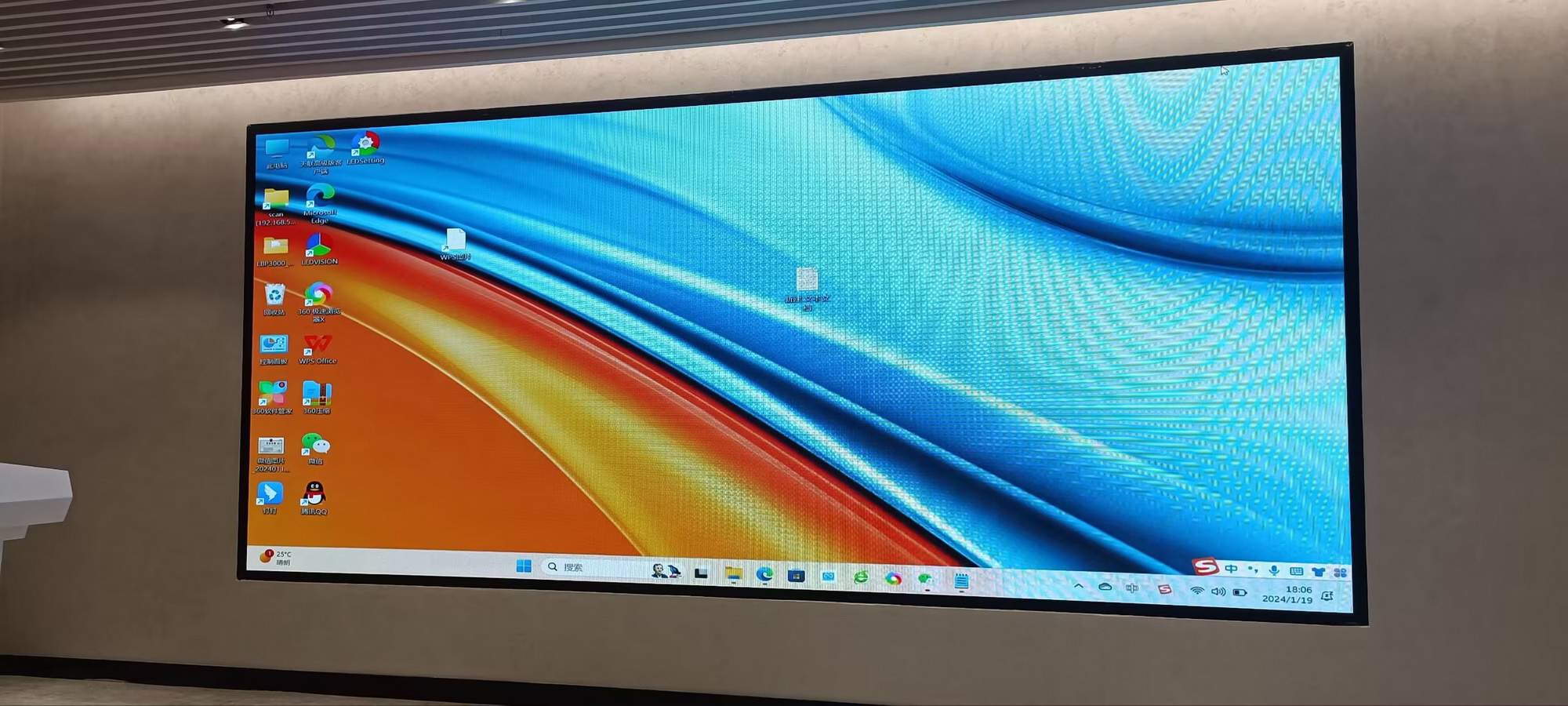
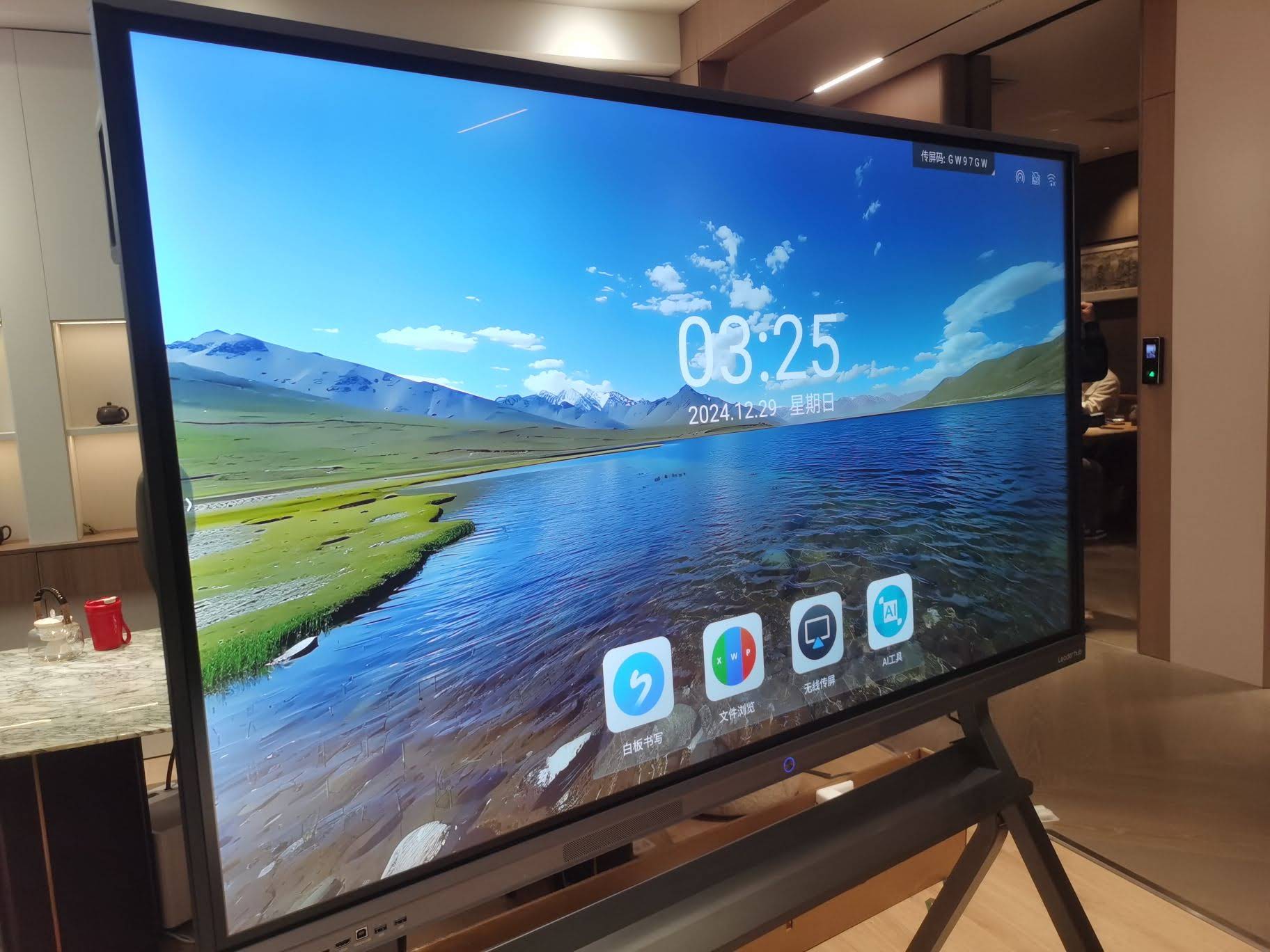
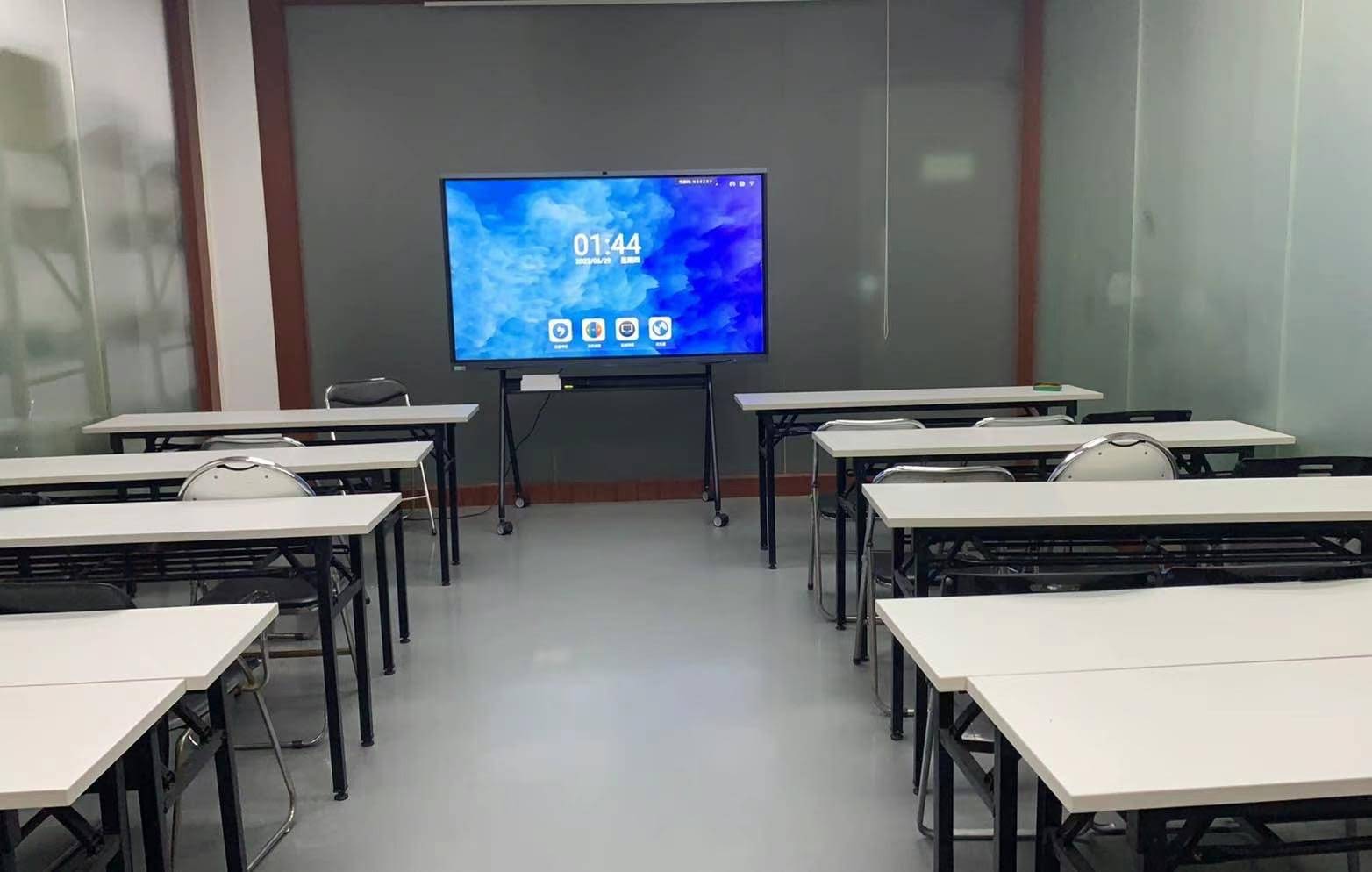
- Screen size: typically 65″ for small classrooms, 75″ for standard rooms, 86″ for large halls or lecture theatres.
- Resolution: 4K UHD (3840 × 2160) as the minimum standard.
- Brightness and contrast: at least 350–400 nits with anti-glare glass for daylight rooms.
- Touch points: 20-point or higher multi-touch, with palm rejection and support for passive pens.
- Glass: tempered safety glass of 4 mm or thicker, Mohs hardness 7 or above.
Computing, Connectivity and Software
- Embedded Android system with a defined minimum RAM and storage, plus an optional slot-in OPS PC or external mini PC.
- HDMI, USB-C with power delivery, USB 3.0, RJ45, Wi-Fi 6 and Bluetooth.
- Wireless screen sharing for Windows, macOS, iOS and Android devices.
- Built-in whiteboarding software with cloud export, plus compatibility with the institution’s existing LMS or video-conferencing platform.
- Remote device management (RDM) for firmware updates and asset tracking across sites.
Safety, Compliance and Sustainability
Public buyers are accountable for safety and environmental standards. Require bidders to submit valid certificates such as CE, FCC, RoHS, UKCA or the relevant regional marks, along with energy consumption data. The Digital Equipment for Schools guidance from the European Commission is a useful reference when drafting sustainability and accessibility clauses.
Sample Specification Table for Classroom and Meeting Room Lots
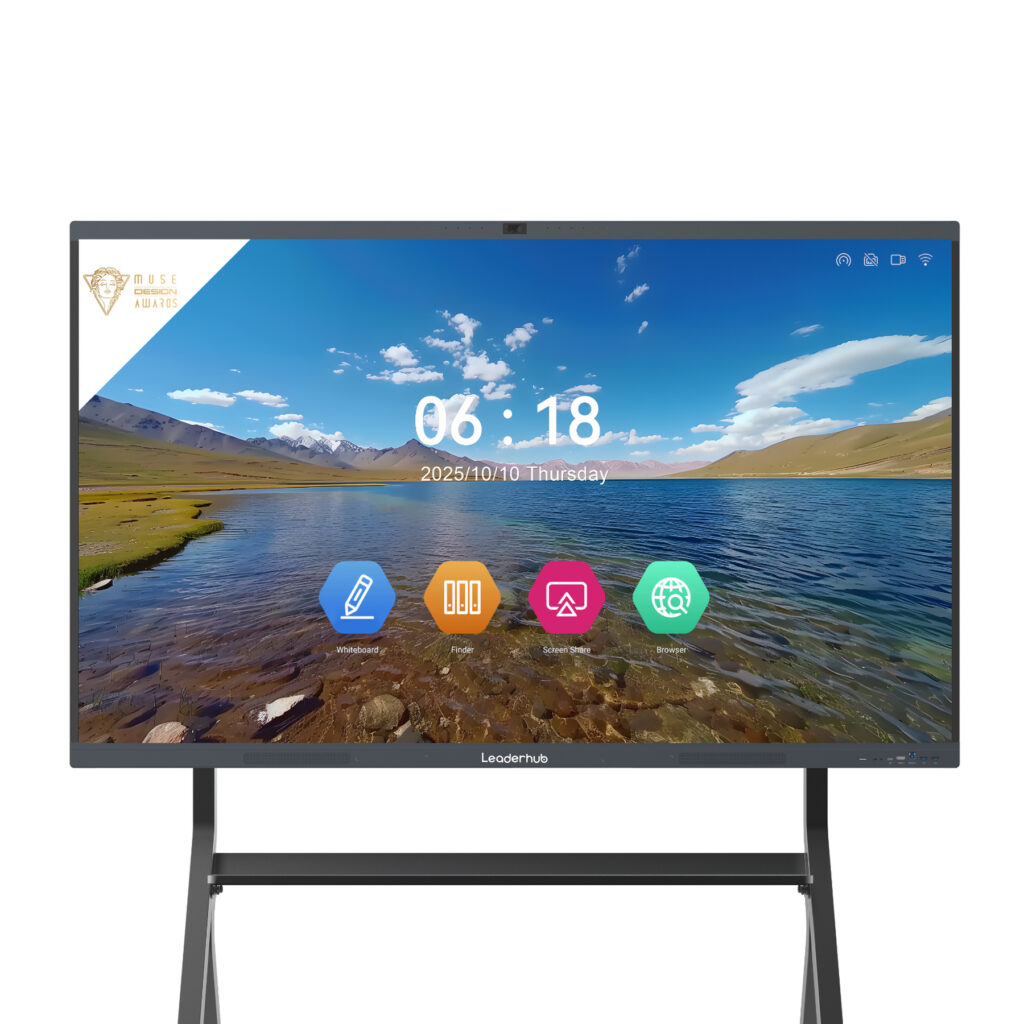
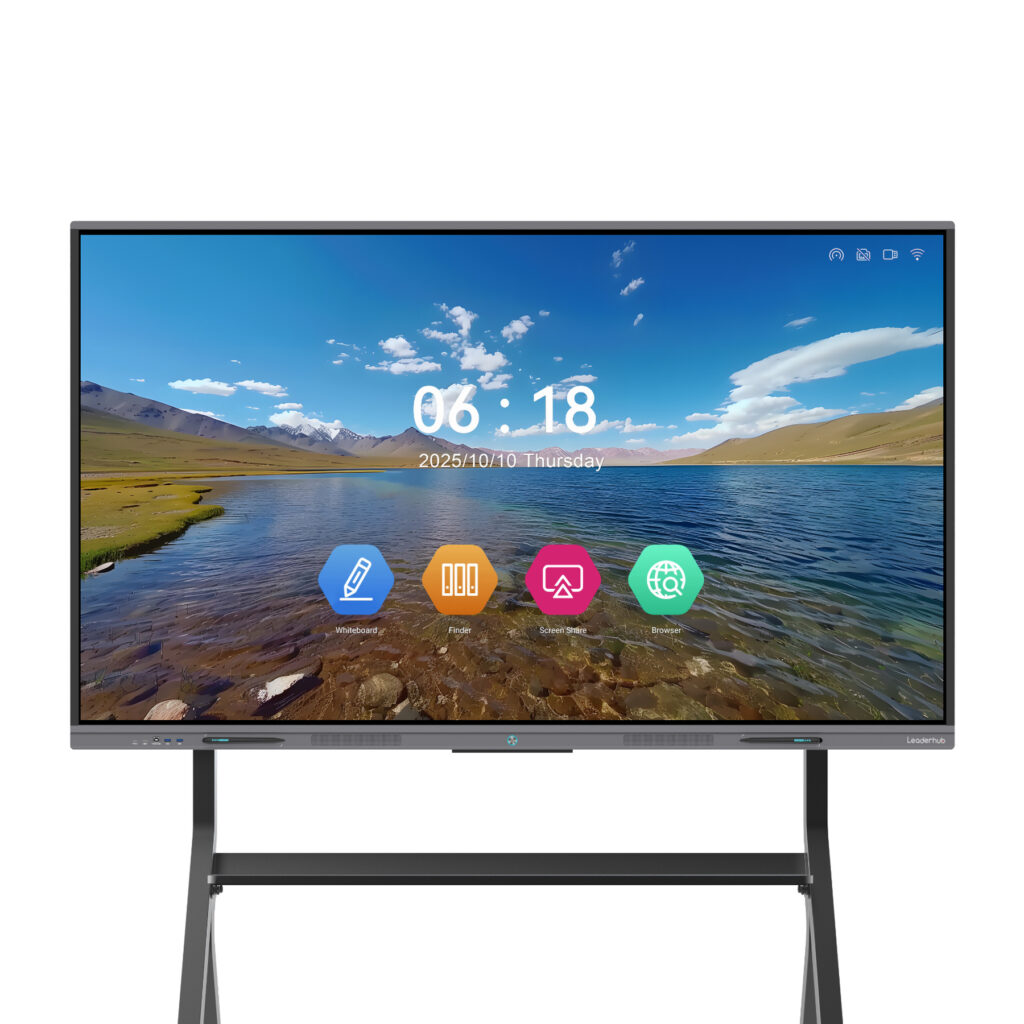
Many tenders are split into lots so that a single contract can cover different room types. Below is an example of how to structure the technical requirements per lot, using Leaderhub’s current line-up as a reference point for realistic market pricing.
| Lot | Typical Room | Minimum Spec | Reference Model | Indicative Price |
|---|---|---|---|---|
| Lot 1 | Small classroom / huddle room | 65″ 4K, 20-point touch | Leaderhub L65ZM | From $1,099 |
| Lot 2 | Standard classroom / meeting room | 75″ 4K, Android + OPS option | Leaderhub L75HM | From $1,599 |
| Lot 3 | Lecture hall / boardroom | 86″ 4K, high brightness | Leaderhub L86ZM | From $1,699 |
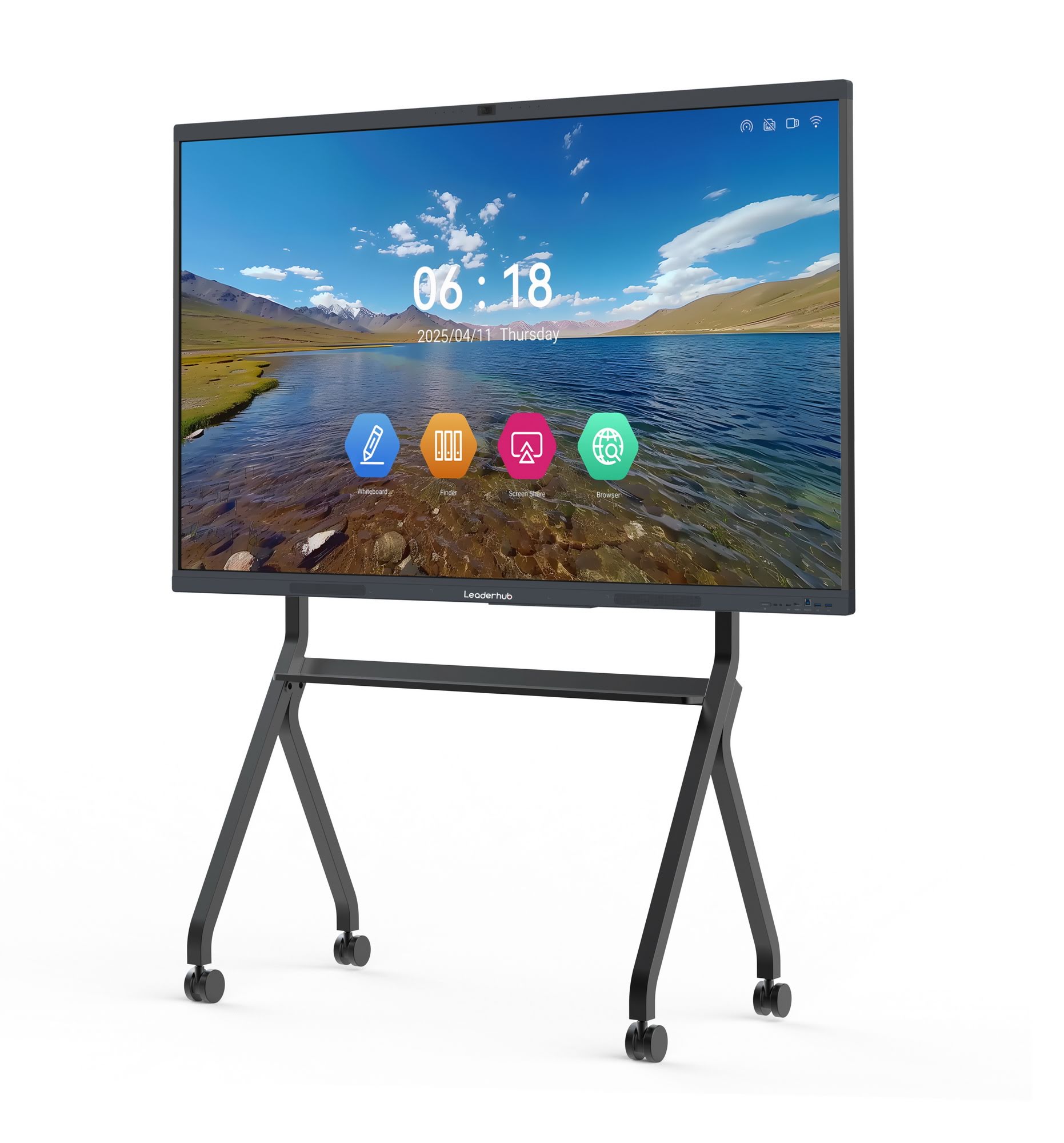
| Lot 4 | Mobile / shared spaces | 55″ 4K on mobile stand | Leaderhub U55Pro | From $2,499 |
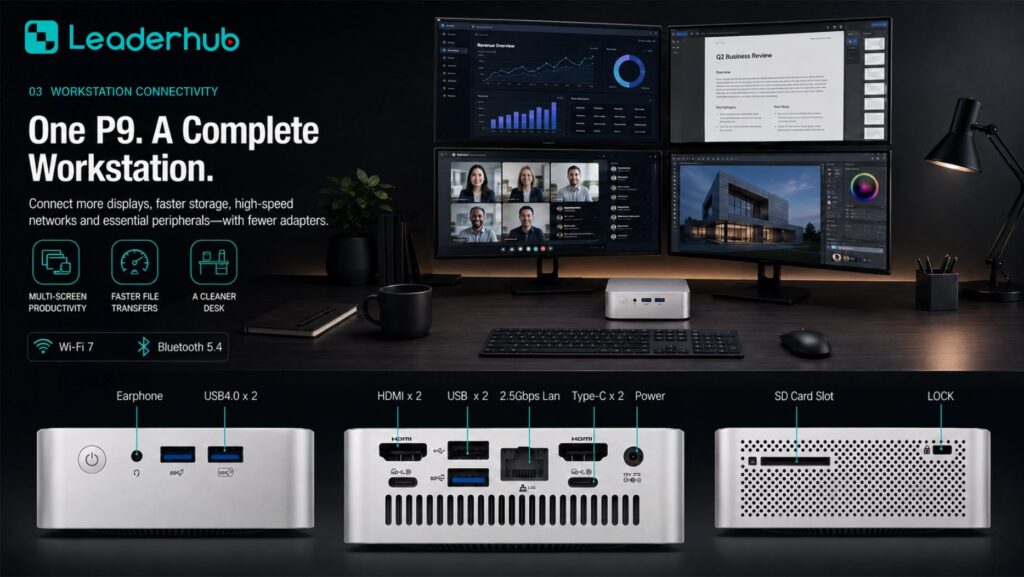
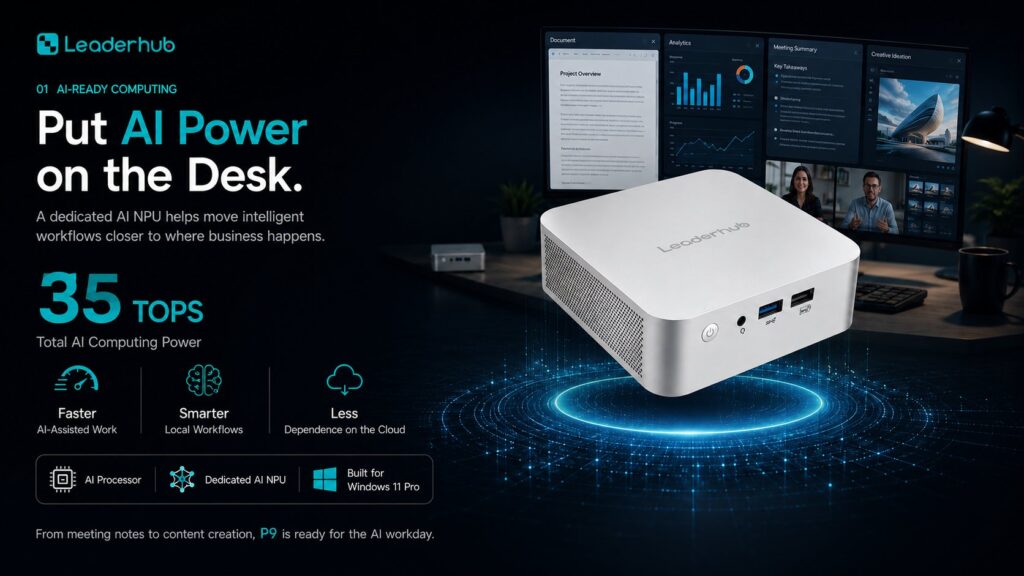
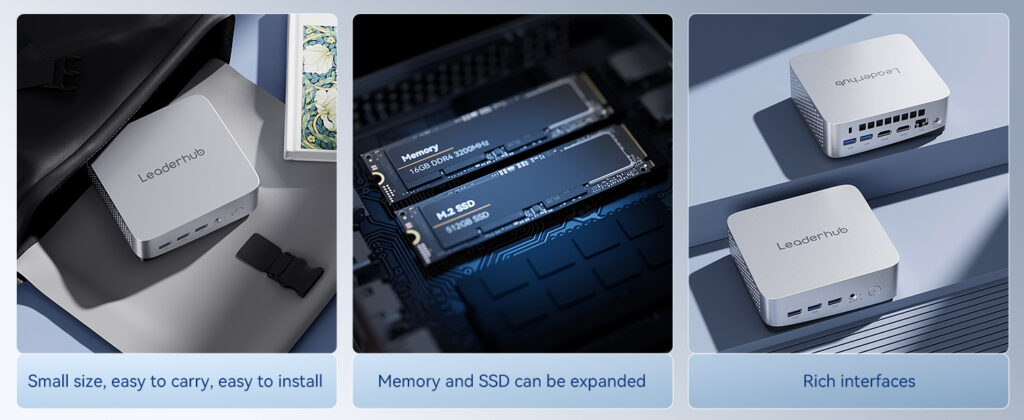
| Lot 5 | Compute module for panels | Intel N100 or above, 8GB / 512GB | Leaderhub LP1C Mini PC | From $399 |
Always state in the tender that reference models are indicative only and that equivalents meeting the stated performance will be accepted. This protects you against challenges based on restrictive specifications.
Smart Board Procurement Documentation Checklist
Use this checklist before publishing your tender notice. Each item corresponds to a frequent cause of delay, clarification requests or formal complaint.
Pre-Tender Preparation
- Conduct a needs assessment with teachers, facility managers and IT staff – the Choosing Technology in Education framework offers four practical questions to guide this step.
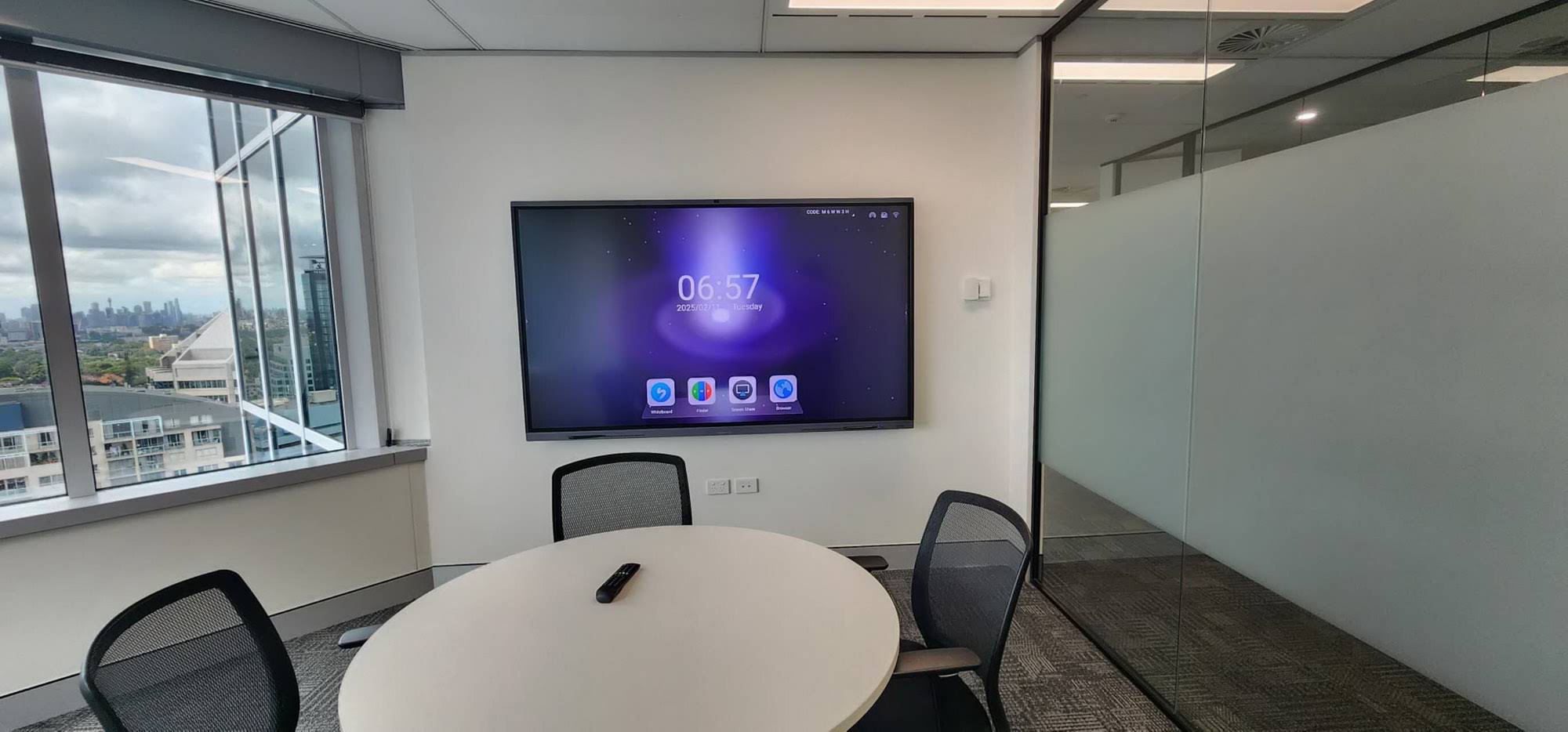
- Audit existing rooms: wall structure, power sockets, network points, ambient light and sightlines.
- Confirm the budget source and whether multi-year framework agreements are permitted.
- Run a market consultation or request for information (RFI) to validate that your specification is achievable by at least three suppliers.
- Decide on lot structure, award criteria and the balance between price and quality (commonly 60/40 or 50/50).
Documents to Publish
- Tender notice with clear deadlines, submission format and language requirements.
- Full technical specification with mandatory versus desirable items clearly labelled.
- Bill of quantities broken down by site and delivery phase.
- Installation scope: wall mounts or mobile stands, cable management, old-equipment removal, commissioning tests.
- Training requirements for teachers, administrators and technical staff.
- Warranty and service level agreement – minimum 3 years on-site is standard in most education tenders, with 5 years increasingly common.
- Data protection and cybersecurity requirements aligned with GDPR or local equivalents.
- Evaluation methodology, including whether live demonstrations or sample units will be requested.
Documents to Request from Bidders
- Company registration, tax compliance and financial statements for the last two to three years.
- At least three references for comparable public-sector or education deployments.
- Manufacturer authorisation letter if the bidder is a reseller or integrator.
- Product datasheets, safety certificates and test reports.
- Completed compliance matrix with evidence for every “comply” claim.
- Project implementation plan with named personnel and a realistic delivery schedule.
- Spare-parts availability commitment, typically 5–7 years after end of production.
Evaluation Criteria: Building a Defensible Scoring Matrix
A transparent scoring matrix protects the evaluation committee and signals to bidders what truly matters. The weighting below reflects a typical education or municipal tender; adjust it to your context.
| Criterion | Suggested Weight | What Evaluators Look For |
|---|---|---|
| Total cost of ownership | 40–50% | Unit price, installation, training, warranty extensions, energy use |
| Technical compliance | 20–25% | Mandatory items met, performance beyond minimum, certification evidence |
| Service and support | 15–20% | Response times, local presence, remote management, spare parts |
| Implementation plan | 10% | Phasing, risk management, minimal disruption to teaching |
| Sustainability and social value | 5–10% | Packaging, recycling scheme, repairability, accessibility features |
Tender Tips for Buyers
Write Outcomes, Not Brand Names
Specify “a minimum of 20 simultaneous touch points with pen and finger differentiation” instead of naming a product. Outcome-based language widens the field and keeps you compliant with fair-competition rules.
Separate Mandatory from Desirable
Mark each requirement as M (mandatory, pass/fail) or D (desirable, scored). Too many mandatory items can disqualify good suppliers over minor details; too few leave you exposed to low-quality offers.
Include a Demonstration Stage
For contracts above a certain value, request sample units for hands-on testing by teachers. The Choosing an Interactive Display for K-12 guidance shows how districts use pilot classrooms to validate touch latency, software usability and durability before district-wide rollout.
Plan for Lifecycle Support
Interactive panels typically serve 7–10 years. Require firmware update commitments, remote management tools and clearly priced warranty extensions so that the second half of the device’s life is as well supported as the first.
Tender Tips for Suppliers and Integrators
If you are responding to a smart board tender, the quality of your documentation often matters as much as the product itself. Evaluators have limited time and score what they can verify.
- Mirror the structure of the RFP. Answer every clause in the same order and numbering the buyer used.
- Attach evidence for every claim. Datasheets, certificates and reference letters should be cross-referenced to the compliance matrix.
- Price transparently. Break down hardware, mounts, installation, training and multi-year support so the buyer can calculate total cost of ownership easily.
- Show public-sector experience. Case studies from schools, universities or government agencies carry more weight than corporate references.
- Offer OEM/ODM flexibility where permitted. Some ministries prefer locally branded or customised units; stating this capability can be a differentiator.
Working directly with an experienced manufacturer simplifies many of these steps. Leaderhub, a Shenzhen-based interactive display company with 16 years of industry experience and deliveries to more than 82 countries, supports public-sector bidders with complete technical documentation, certification files, and customised configurations across its smart whiteboard range and mini PC line, making it easier to assemble a compliant and competitive tender response.
Common Mistakes in Smart Board Public Procurement Documentation
| Mistake | Consequence | How to Avoid It |
|---|---|---|
| Copying a vendor’s datasheet into the spec | Bid challenges, single-supplier outcome | Use performance ranges and “or equivalent” wording |
| Ignoring installation scope | Hidden costs, delayed commissioning | Include site surveys and mounting requirements in the BoQ |
| No teacher training clause | Low adoption, panels used as plain projectors | Specify onboarding hours and follow-up sessions |
| Vague warranty terms | Disputes over response time and parts | Define on-site vs. return-to-base, response hours, loan units |
| Lowest-price-only award | Poor durability, higher lifecycle cost | Apply a weighted quality/price scoring model |
Aligning Your Tender with International Guidance
Procurement officers who reference recognised frameworks strengthen the credibility of their documentation. The UK Education Technology Guidance provides practical standards for connectivity and classroom devices, the Effective Technology Use in Schools conditions from ISTE help define training and leadership requirements, and the World Bank Education Technology resources are especially useful for ministries in developing markets planning large-scale rollouts.
Frequently Asked Questions
How long should a smart board tender remain open?
Most frameworks require 30–35 days for open procedures above national thresholds. For complex multi-site projects, 45 days gives bidders enough time to conduct site visits and prepare accurate pricing.
Should we tender for panels and installation separately?
Combining supply and installation in one contract usually reduces coordination risk and gives you a single accountable party. Separate contracts make sense only when an in-house facilities team already handles AV installations.
What warranty period is realistic?
Three years on-site is the market norm, and many manufacturers can offer five years at a modest premium. Ask for pricing on both so the evaluation committee can compare lifecycle value.
Can we request a specific operating system?
Yes, provided the requirement is justified by compatibility with existing systems. Requiring Android with an optional Windows OPS or external mini PC keeps the field open while meeting most institutional needs.
Final Thoughts
Strong smart board public procurement documentation is built on three pillars: a needs-driven technical specification, a transparent evaluation framework, and contract terms that cover the full lifecycle of the equipment. Buyers who invest time in these documents receive more competitive bids and fewer post-award problems; suppliers who respond with complete, well-evidenced submissions win more consistently. Whether you are equipping ten classrooms or a thousand, use the checklist above as your baseline, adapt the weightings to local rules, and consult experienced manufacturers early to ensure your requirements are both ambitious and achievable.