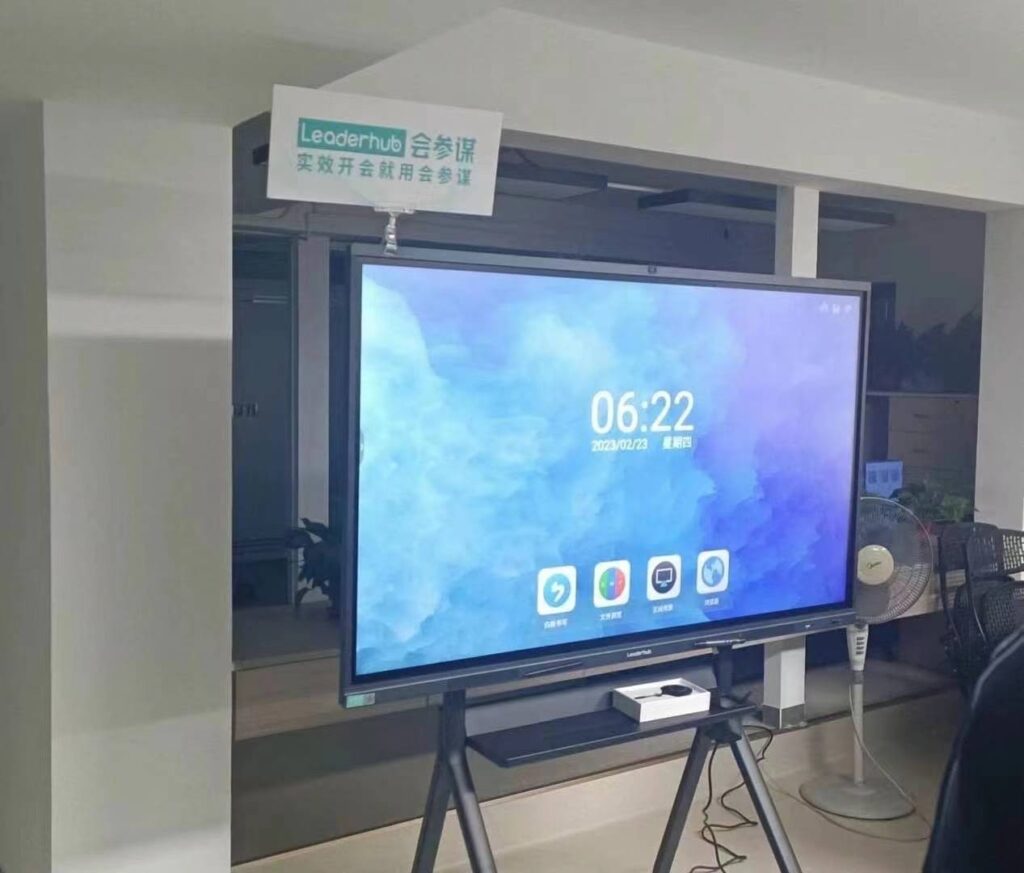
Choosing the right interactive whiteboard for kindergarten classrooms is one of the most important technology decisions early childhood educators and school administrators will make. Unlike whiteboards designed for high school or corporate use, kindergarten classrooms demand a unique combination of durability, safety, simplicity, and engaging visual design. Young learners aged 3-6 interact with technology very differently than older students — they touch screens with whole hands, tap repeatedly, and respond best to bright colors, sounds, and instant feedback.
Having worked with hundreds of preschools and kindergartens across 82 countries, we’ve compiled this comprehensive guide based on real classroom feedback, teacher interviews, and product testing data to help you make an informed purchasing decision.
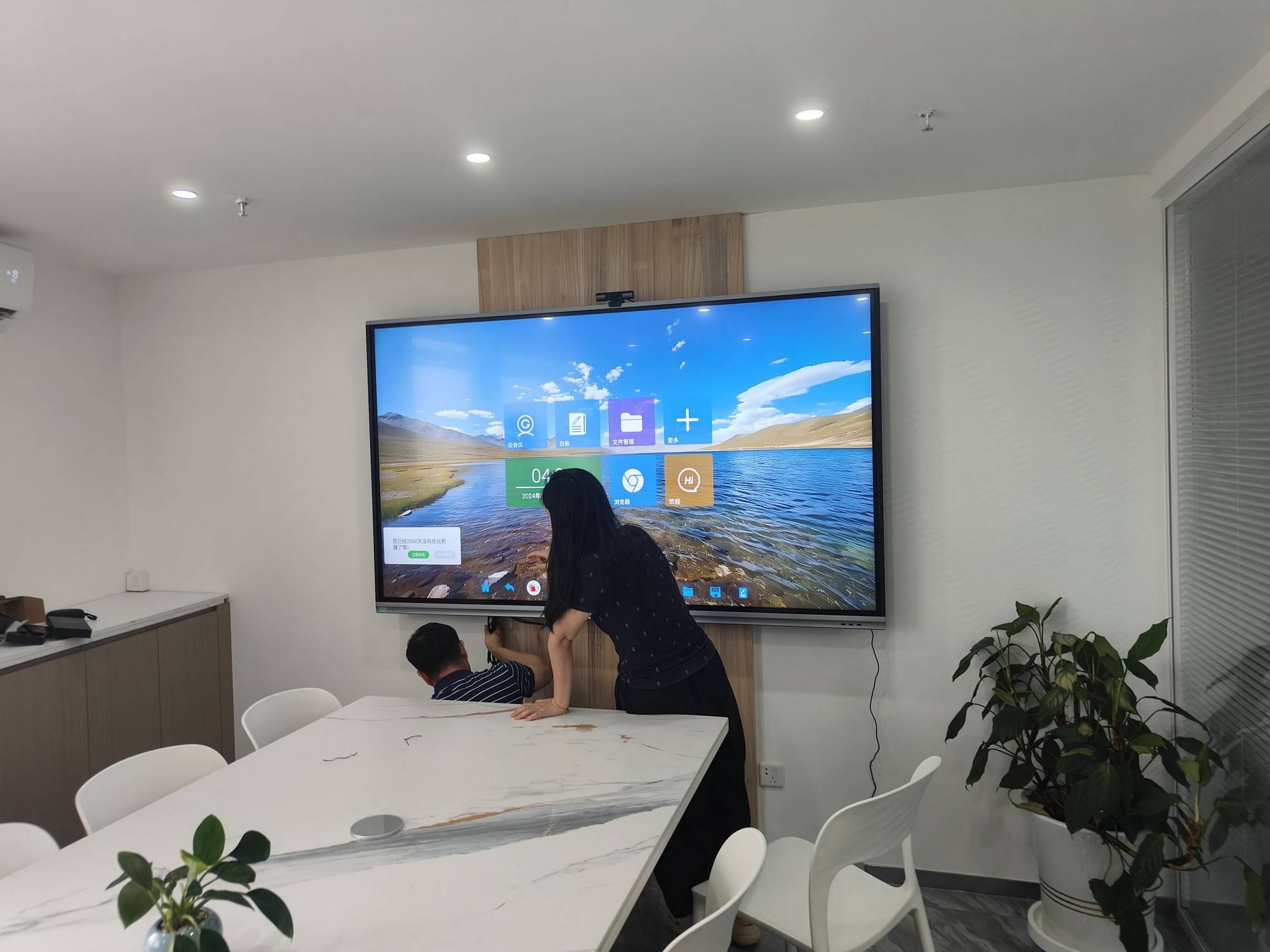
Why Interactive Whiteboards Matter in Early Childhood Education
Research from early childhood education studies consistently shows that visual and tactile learning tools significantly improve engagement and knowledge retention in young children. According to a 2023 report by the Education Technology Research Association, classrooms using interactive displays saw a 34% increase in student participation during group activities compared to traditional whiteboards.
For kindergarten teachers, an interactive smart whiteboard is not just a teaching tool — it’s a gateway to storytelling, phonics practice, drawing, music, and collaborative games that keep 4 and 5-year-olds engaged for longer periods than static materials ever could.
Key Factors to Consider When Selecting a Kindergarten Whiteboard
1. Screen Size and Classroom Layout
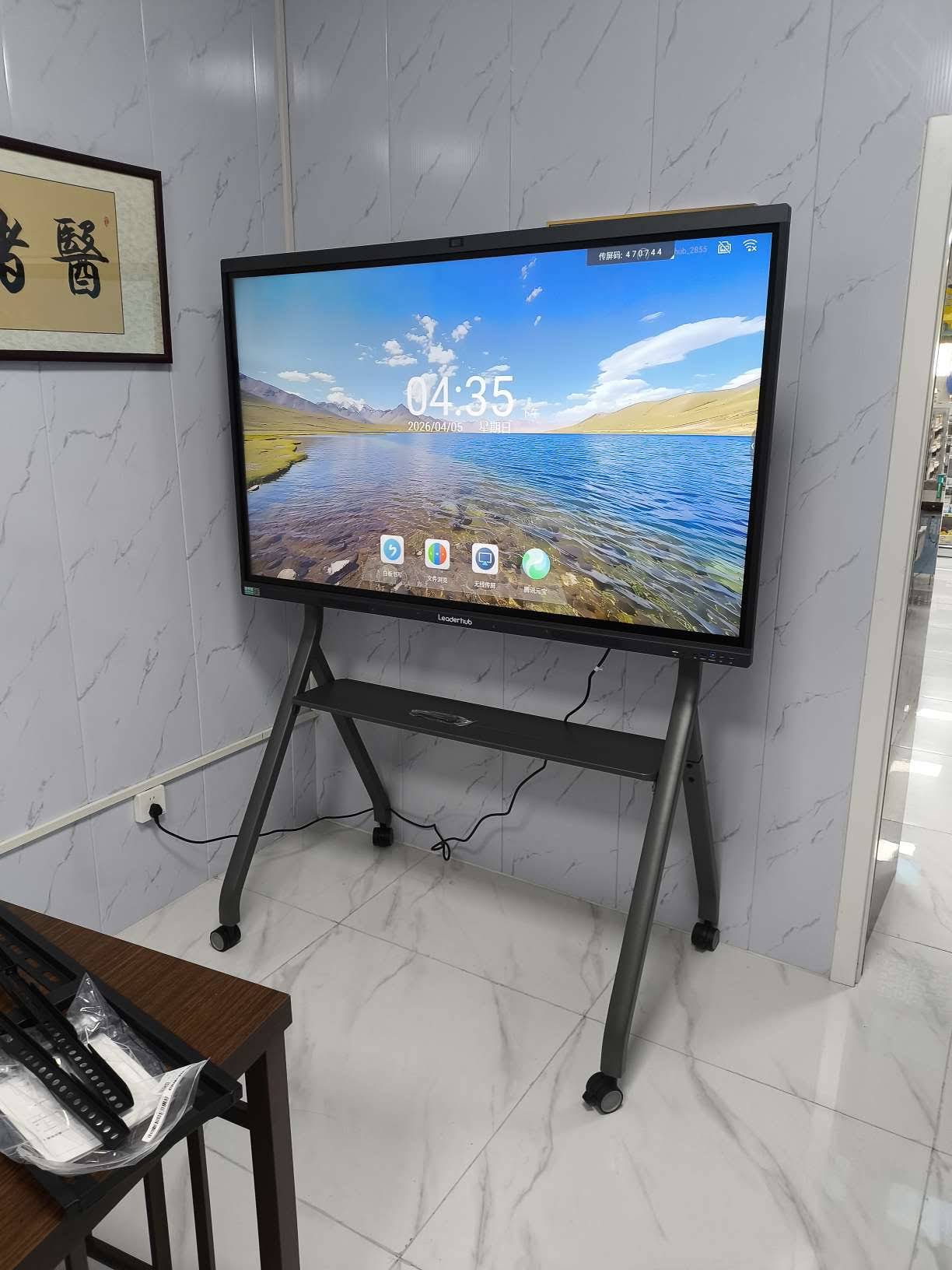
Kindergarten classrooms typically have smaller student groups seated on the floor or in low chairs, meaning screen height and viewing angle matter more than in standard classrooms. A 65-inch to 75-inch display is generally ideal for groups of 15-25 young children, allowing every child to see content clearly without straining their necks.
- 65″ displays — best for smaller classrooms or reading corners
- 75″ displays — ideal for standard kindergarten class sizes
- 86″ displays — suited for larger multipurpose rooms or shared learning spaces
2. Touch Sensitivity and Durability
Young children often press screens with fists, palms, or multiple fingers at once — sometimes simultaneously with classmates. A quality whiteboard must support multi-touch technology (ideally 20-point or higher touch recognition) and use scratch-resistant, anti-glare tempered glass to withstand daily wear from sticky fingers, crayons, and accidental bumps.
3. Simple, Intuitive Software Interface
Teachers in kindergarten settings are often juggling multiple responsibilities simultaneously — they don’t have time to navigate complex menus. Look for whiteboards with pre-loaded educational apps, drag-and-drop lesson tools, and a simplified home screen designed specifically for early learners.
4. Safety Certifications and Eye Protection
Since young children spend extended time looking directly at screens, blue-light reduction and flicker-free display technology are essential to protect developing eyesight. Always verify that the whiteboard carries recognized safety certifications such as CE, FCC, or RoHS compliance.
5. Audio Quality and Built-In Speakers
Music, phonics, and storytelling are core parts of kindergarten curriculums. A whiteboard with clear, built-in stereo speakers eliminates the need for additional audio equipment and keeps the classroom setup simple and clutter-free.
Comparing Popular Interactive Whiteboard Options for Kindergarten
| Model | Screen Size | Best For | Price |
|---|---|---|---|
| LeaderHub L65HM | 65″ 4K | Small kindergarten classrooms | $1,299.00 |
| LeaderHub L75HM | 75″ 4K | Standard-sized classrooms | $1,599.00 |
| LeaderHub L65ZM | 65″ 4K | Budget-friendly option | $1,099.00 |
| LeaderHub U55Pro | 55″ Mobile | Multi-room flexibility | $2,499.00 |
Real Classroom Experience: What Kindergarten Teachers Say
In a recent case study conducted at a bilingual kindergarten in Southeast Asia, teachers reported that switching from a traditional projector setup to a 75-inch interactive flat panel reduced lesson preparation time by nearly 40%, since digital storybooks, drawing games, and phonics apps could all be accessed instantly from one device.
One lead teacher shared: “The biggest difference we noticed was attention span. Children who used to lose focus after 10 minutes with a plain whiteboard now stay engaged for 20-25 minutes because the screen responds to their touch immediately with colors and sounds.”
Budget Considerations for Schools and Preschools
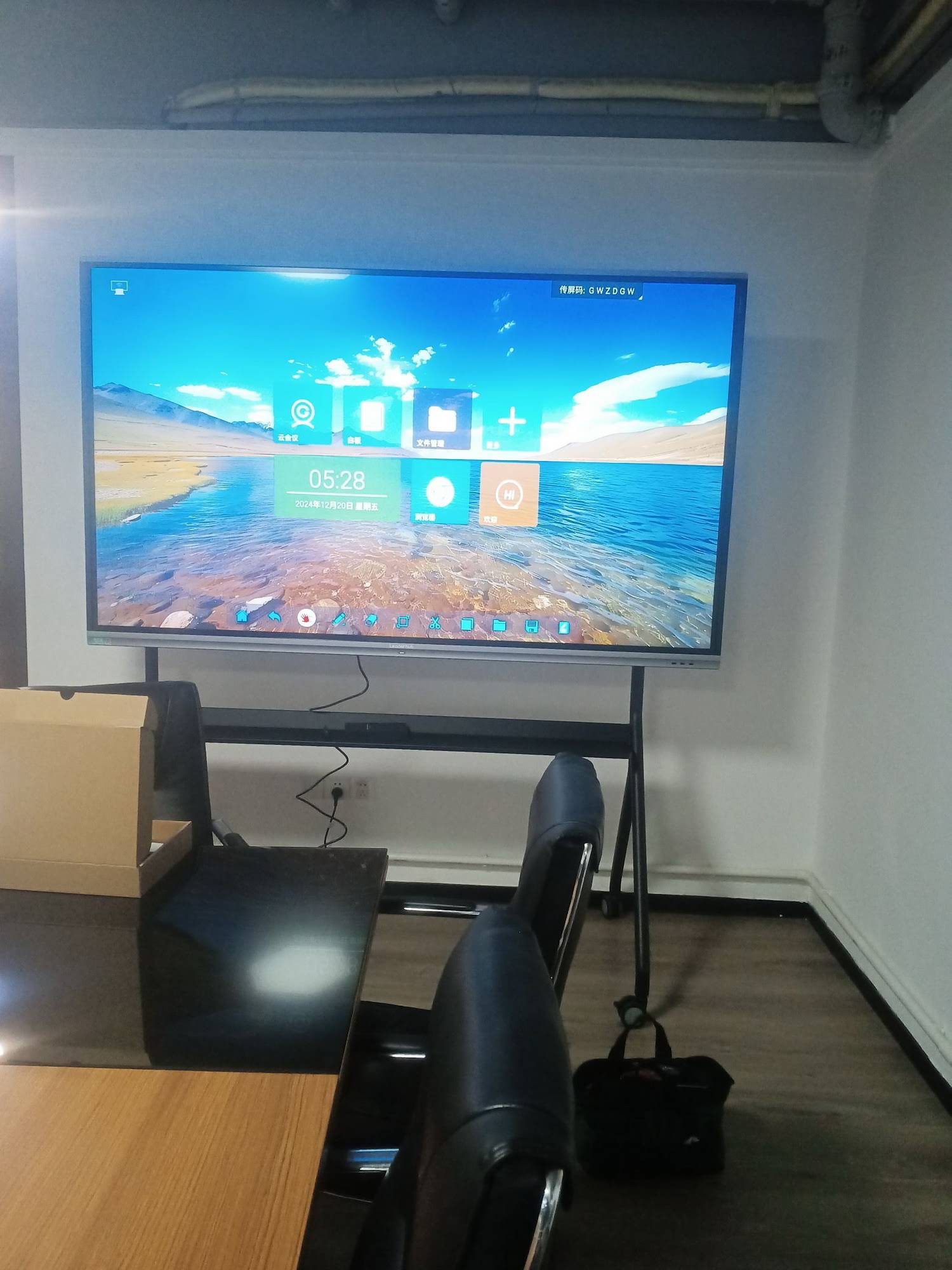
Budget is always a practical concern for educational institutions, especially public kindergartens and non-profit early learning centers. Here’s a general breakdown of what to expect:
- Entry-level options ($1,000-$1,500): Suitable for single classrooms with basic multi-touch needs
- Mid-range options ($1,500-$2,500): Better processing power, enhanced touch accuracy, portable stands available
- Premium options ($3,000+): Larger screens, advanced AI features, ideal for shared or multipurpose spaces
Many schools also explore leasing programs or bulk purchasing discounts when equipping multiple classrooms simultaneously, which can significantly reduce per-unit costs.
Installation and Ongoing Support
Beyond the hardware itself, consider the level of technical support and warranty coverage offered by the manufacturer. Kindergarten environments experience higher wear and tear than typical office settings, so a minimum 3-year warranty with accessible customer service is strongly recommended.
As a company with 16 years of experience serving educational institutions in 82 countries, LeaderHub has developed installation guidelines specifically tailored to early childhood classrooms, ensuring mounting height, cable management, and safety compliance meet local education standards.
Frequently Overlooked Features Worth Prioritizing
| Feature | Why It Matters for Kindergarten |
|---|---|
| Rounded edge design | Prevents injury from accidental collisions |
| Anti-fingerprint coating | Easier daily cleaning after messy activities |
| Pre-loaded early learning apps | Reduces setup time for non-technical staff |
| Adjustable mounting height | Accommodates different age groups within the same school |
Final Recommendations
When selecting the best interactive whiteboard for kindergarten classrooms, prioritize touch responsiveness, screen safety features, and ease of use over simply choosing the largest or most expensive model available. A well-matched 65-inch or 75-inch display with reliable multi-touch technology will typically serve most kindergarten classrooms effectively for 5-7 years with proper care.
Schools looking for detailed specifications and side-by-side comparisons can explore the full range of smart whiteboards designed specifically with education environments in mind, including models built for durability, safety, and simplified classroom management.
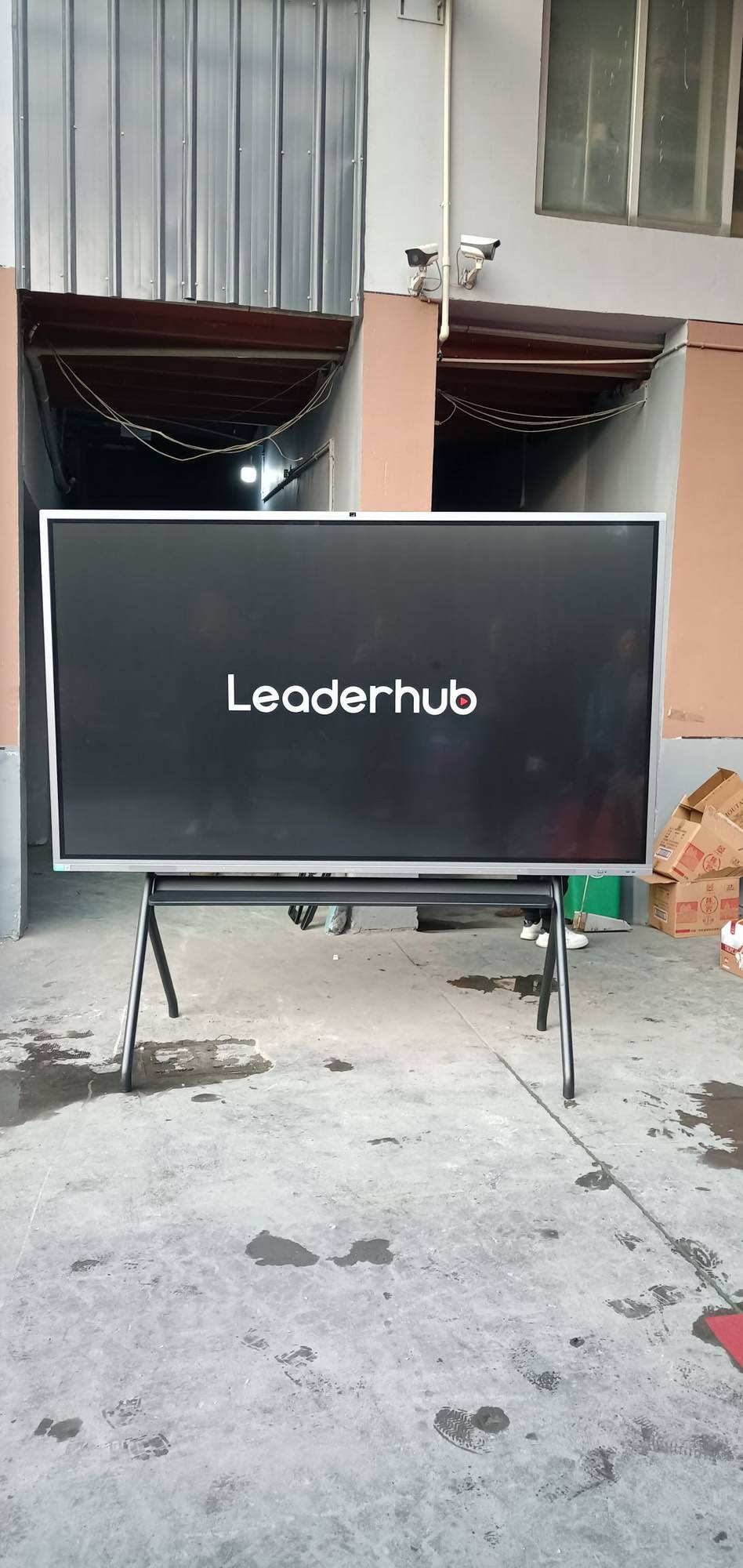
About LeaderHub
LeaderHub is a Shenzhen-based technology company with 16 years of professional experience in the interactive panel industry, delivering smart whiteboards, interactive flat panels, mini PCs, and portable smart screens to education, enterprise, and creative professionals across 82 countries worldwide. Our commitment to combining hardware innovation with AI has made us a trusted partner for schools and kindergartens seeking reliable, safe, and engaging classroom technology solutions.
Conclusion
Investing in the right interactive whiteboard transforms how kindergarten teachers deliver lessons and how young children experience learning. By focusing on screen size, touch technology, safety certifications, and ease of use, educators can create classrooms that are both engaging and developmentally appropriate. Take time to test different models, request demonstrations, and consult with other kindergarten educators before making your final decision — the right choice will support learning outcomes for years to come.