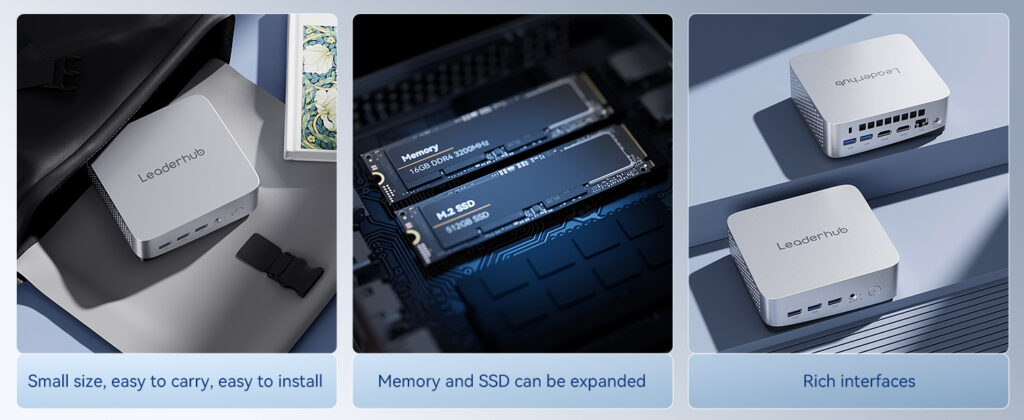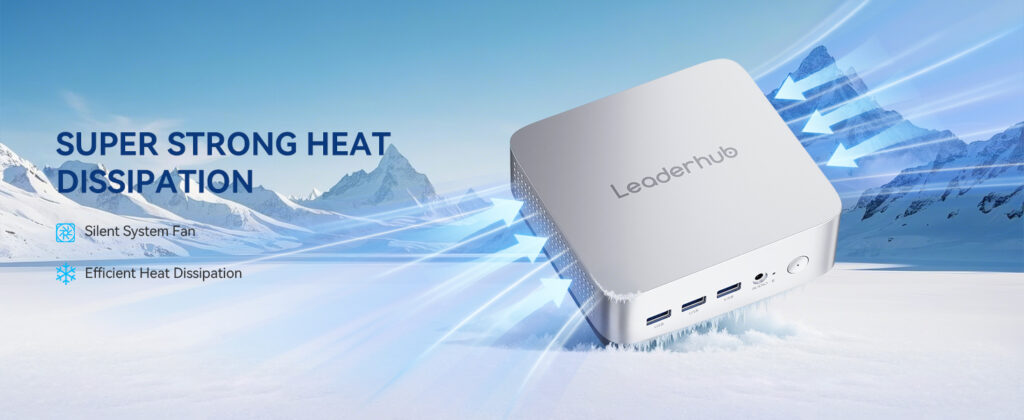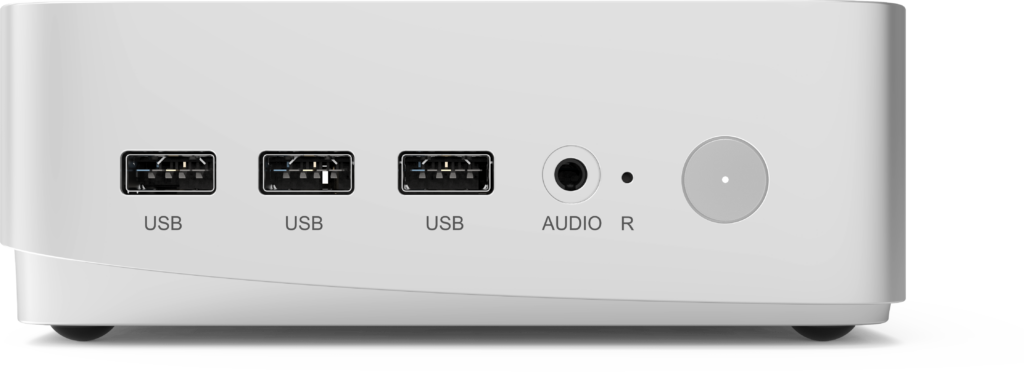
Public-sector IT teams are under constant pressure to do more with less: tighter budgets, stricter security mandates, aging desktop fleets, and growing expectations from citizens and staff alike. That is why government mini PC procurement has become one of the fastest-growing categories in public technology tenders. Compact computers now deliver the performance of a traditional tower in a fraction of the space, consume far less energy, and simplify large-scale deployment across offices, service counters, courtrooms, classrooms, and control rooms.
This guide walks procurement officers, IT managers, and evaluation committees through the full process — from defining requirements and comparing specifications to meeting compliance obligations and calculating total cost of ownership. Whether you are refreshing 50 workstations in a municipal office or planning a nationwide rollout, the framework below will help you make a defensible, future-proof purchasing decision.
Why Government Agencies Are Switching to Mini PCs
Traditional desktop towers were designed for an era of local storage and heavy peripheral use. Today, most public-sector workloads run on cloud-hosted applications, web portals, document management systems, and video conferencing platforms. A mini PC handles these tasks with ease while offering several advantages that matter specifically to public institutions:
- Lower energy consumption — many mini PCs draw 10–35 W under typical load versus 100–200 W for a tower, directly supporting sustainability targets and green-procurement policies.
- Space efficiency — VESA mounting behind monitors frees up desk space in crowded service halls and shared workstations.
- Simplified logistics — smaller boxes reduce shipping, storage, and installation costs across hundreds of sites.
- Standardized imaging — identical hardware across departments speeds up OS deployment and reduces help-desk tickets.
- Extended refresh cycles — modern low-power processors handle office workloads for 5–7 years, lowering lifetime cost per seat.
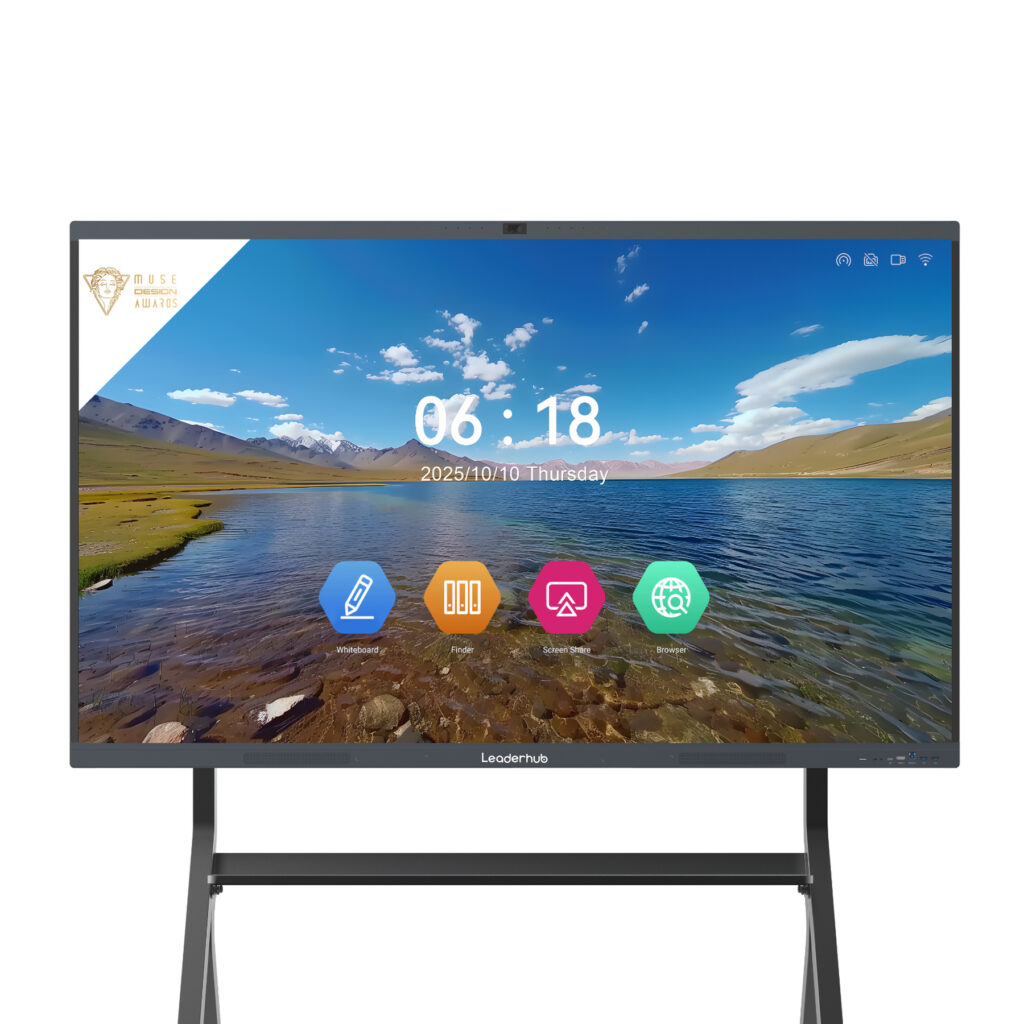
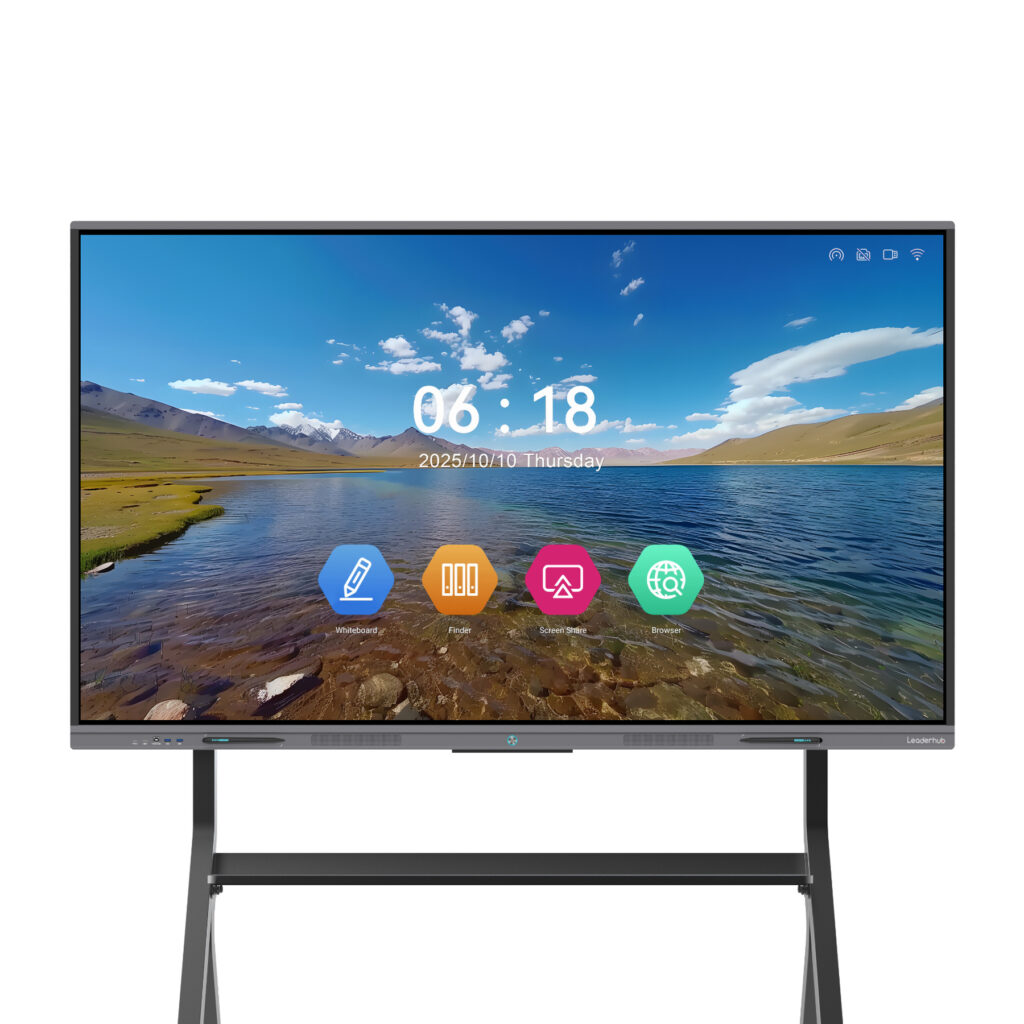
For agencies that also run meeting rooms or training centers, a mini PC pairs naturally with an interactive smart whiteboard, turning any conference room into a fully equipped collaboration space without a dedicated AV rack.
Step 1: Define Your Procurement Requirements
Most failed tenders trace back to vague or copy-pasted specifications. Before drafting an RFP or RFQ, bring together stakeholders from IT, security, facilities, finance, and the end-user departments to answer the following questions.
Who will use the devices, and for what?
Segment your user base into workload tiers. A front-desk clerk processing permit applications has very different needs from a GIS analyst or a video-surveillance operator. Typical tiers include:
- Task workers — web apps, email, office suites, PDF handling, single or dual displays.
- Knowledge workers — multitasking across many browser tabs, video calls, spreadsheets with large datasets, dual or triple displays.
- Power users — CAD/GIS, data analysis, light media editing, virtualization, or local AI inference.
- Dedicated appliances — digital signage, kiosks, conference-room hosts, queue-management systems, and monitoring stations running 24/7.
Where will the devices be installed?
Office environments are forgiving, but public counters, vehicle depots, archives, and unmanned sites may require fanless designs, wider operating temperature ranges, dust resistance, or secure mounting with lockable brackets. Note any physical security requirements such as Kensington lock slots or chassis intrusion detection.
What is the expected service life?
State the intended refresh cycle explicitly. A five-year horizon justifies investing in a stronger processor and more RAM today rather than facing early obsolescence. Also specify the minimum warranty term, on-site service expectations, and spare-parts availability period.
Step 2: Key Technical Specifications to Evaluate
Once requirements are clear, translate them into measurable specifications. The table below summarizes the parameters that appear most often in public-sector mini PC tenders and offers practical baseline guidance.
| Specification | Task Worker Baseline | Knowledge / Power User | Why It Matters |
|---|---|---|---|
| Processor | Intel N-series (e.g. N100) or equivalent | Intel Core i5/i7 H-series or AMD Ryzen 5/7 | Determines multitasking headroom and service life |
| Memory | 8 GB | 16–32 GB, upgradeable | Browser-heavy workloads and endpoint security agents consume RAM |
| Storage | 256–512 GB NVMe SSD | 512 GB–1 TB NVMe, second slot preferred | SSD speed cuts boot and login time; capacity supports local caching |
| Security Hardware | TPM 2.0, Secure Boot | TPM 2.0, Secure Boot, BIOS password, intrusion detection | Required for Windows 11, disk encryption, and zero-trust policies |
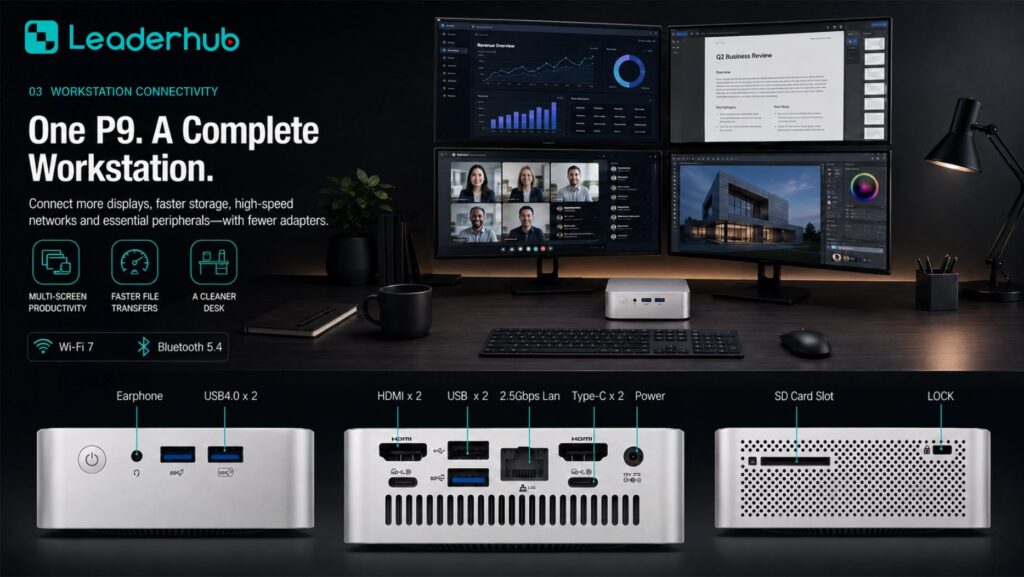
| Display Outputs | 2 × (HDMI / DisplayPort) | 3–4 × 4K outputs incl. USB-C Alt Mode | Multi-monitor setups boost productivity in case-management roles |
| Networking | 1 GbE, Wi-Fi 6 | 2.5 GbE (dual LAN for isolated networks), Wi-Fi 6E, Bluetooth 5.x | Wired ports are essential for secure or air-gapped segments |
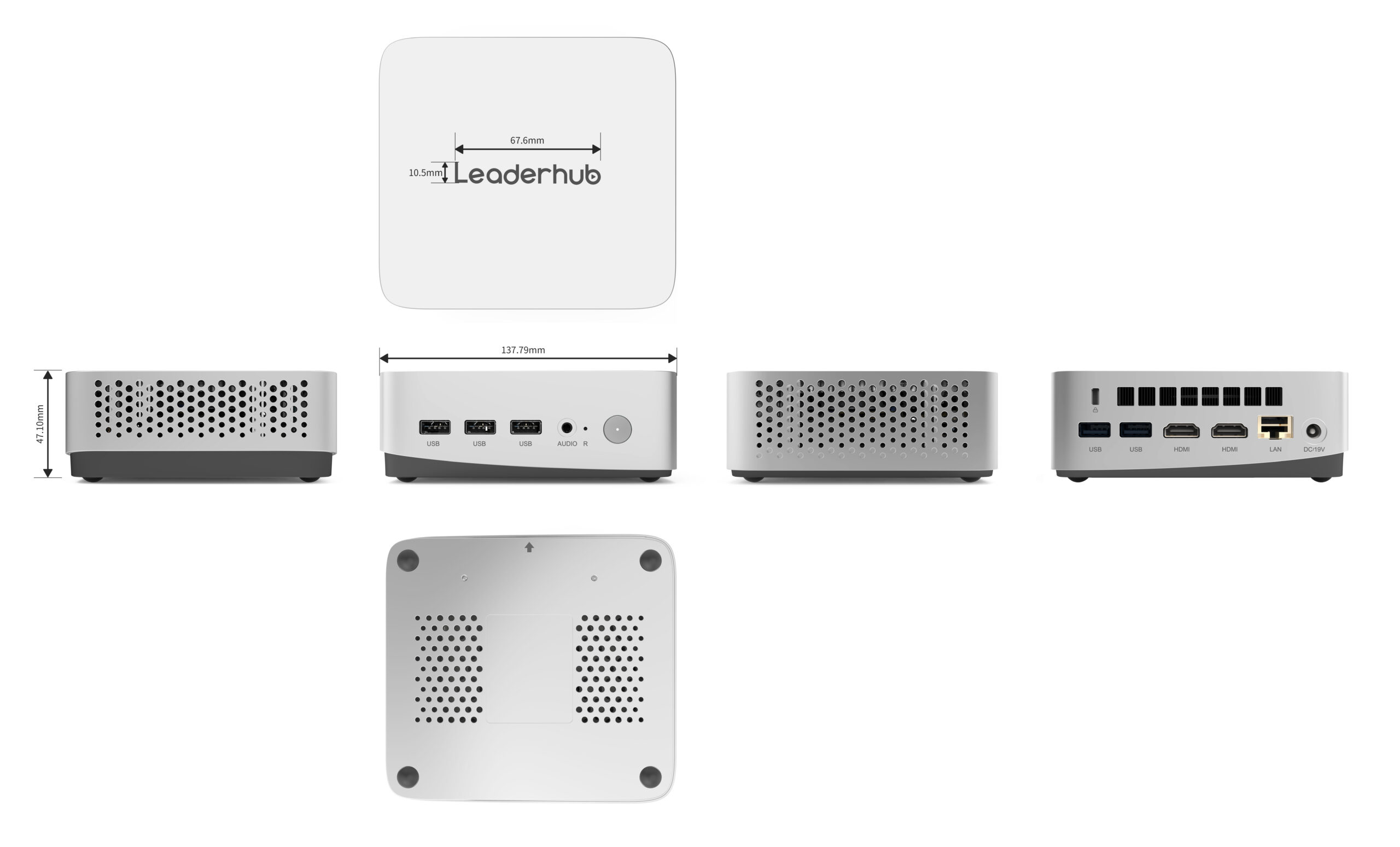
| Ports | 4+ USB-A, 1 USB-C, audio jack | 6+ USB incl. USB4/Thunderbolt, serial if legacy devices exist | Card readers, signature pads, and scanners need stable USB connectivity |
| Mounting | VESA 75/100 bracket included | VESA + lockable bracket, under-desk option | Reduces theft risk and keeps public counters tidy |
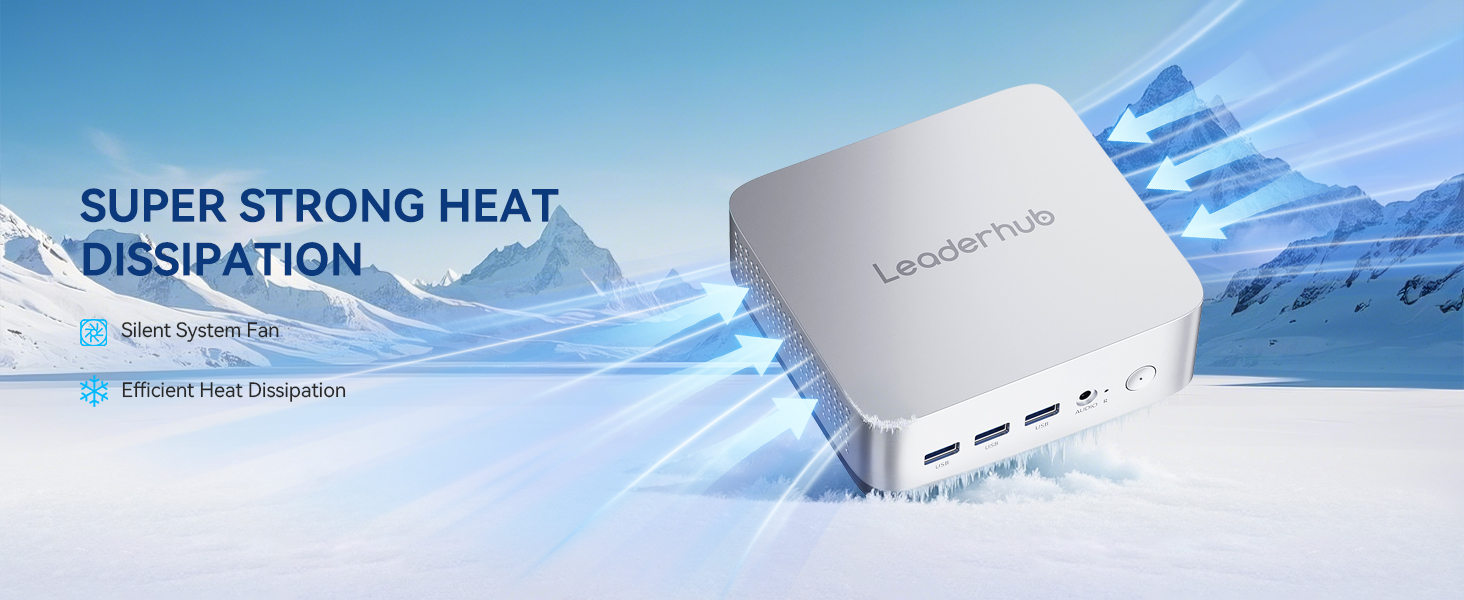
| Acoustics & Thermals | Fanless or < 30 dB | Active cooling rated for sustained load, < 35 dB | Quiet operation matters in courtrooms, libraries, and open offices |
A note on “or equivalent” language
Most public procurement rules prohibit specifying a single brand or model. Define performance through objective benchmarks (for example, a minimum PassMark CPU score or a required number of simultaneous 4K display outputs) rather than naming a chip. This widens competition, lowers prices, and protects your tender from challenge.
Step 3: Understand the Compliance Landscape
Compliance is where mini PC procurement differs most from consumer purchasing. Requirements vary by country and by the sensitivity of the data handled, but the following categories appear in nearly every public-sector tender. Always ask bidders to supply written evidence — certificates, test reports, or declarations of conformity — rather than accepting a checkbox.
| Compliance Area | Common Standards & Regulations | What to Request from Vendors |
|---|---|---|
| Product Safety & EMC | CE, FCC Part 15, UKCA, IEC 62368-1, RCM (Australia) | Declaration of conformity and accredited lab test reports |
| Environmental | RoHS, REACH, WEEE, ENERGY STAR, EPEAT, TCO Certified | Registration numbers, power-consumption data, take-back program details |
| Hardware Security | TPM 2.0, UEFI Secure Boot, FIPS 140-2/140-3 (where cryptographic modules are in scope) | Specification sheet, firmware update policy, vulnerability disclosure process |
| Supply-Chain & Origin | Trade Agreements Act (TAA), Buy American Act, NDAA Section 889 (US); national-origin rules in EU/UK frameworks | Country-of-origin statement, component source disclosure, signed certifications |
| Data Protection | GDPR, UK Data Protection Act, national privacy laws; secure wipe standards (NIST 800-88) | Secure-erase capability, drive encryption support, end-of-life sanitization procedure |
| Accessibility | Section 508 / VPAT (US), EN 301 549 (EU), WCAG for bundled software | Accessibility conformance report for hardware controls and pre-installed software |
| Vendor Qualification | ISO 9001, ISO 14001, ISO 27001; anti-corruption and labor-standard declarations | Valid certificates, financial standing references, prior public-sector deliveries |
Software and licensing compliance
Specify whether devices must ship with a licensed operating system (for example Windows 11 Pro for domain joining and BitLocker) or arrive bare-metal for your own image. Confirm that the manufacturer provides signed drivers and BIOS updates for the full service life. Where devices will run on Linux-based government distributions, ask for a compatibility statement covering the chipset, Wi-Fi module, and graphics.
Documentation is a deliverable
Treat compliance paperwork as a contractual deliverable with its own acceptance milestone. Missing certificates discovered after delivery can block payment, trigger audits, or force a re-tender — all far more expensive than verifying upfront.
Step 4: Choose the Right Buying Route
Governments rarely buy hardware the way consumers do. Depending on jurisdiction and order value, you will typically use one of the following channels:
- Framework agreements and cooperative contracts — pre-negotiated catalogs (such as national purchasing schedules or regional consortium contracts) that allow call-offs without a new competition. Fastest route for standard configurations.
- Open tender / RFP — mandatory above thresholds; best when you need custom configurations, extended warranties, or bundled services like imaging and asset tagging.
- Request for quotation (RFQ) — suitable for smaller lots or pilot batches below formal thresholds.
- Direct manufacturer or OEM/ODM engagement — valuable for large national programs where custom branding, firmware lockdown, or specific port configurations are required. Factory-direct supply also shortens lead times and improves price transparency.
Build a weighted evaluation matrix
Avoid lowest-price-wins outcomes that deliver underpowered devices. A balanced scoring model commonly used by public agencies looks like this:
| Evaluation Criterion | Suggested Weight | How to Score |
|---|---|---|
| Technical compliance with mandatory specs | Pass / Fail gate | Any failed mandatory item eliminates the bid |
| Total cost of ownership (5 years) | 35% | Purchase price + energy + support + disposal |
| Performance above baseline | 20% | Benchmark scores, RAM/storage headroom, upgradeability |
| Warranty, SLA and local support | 20% | Response time, on-site coverage, spare-parts commitment |
| Sustainability and certifications | 15% | Energy rating, recyclability, take-back program |
| Vendor track record | 10% | References, years in business, delivery capacity |
Step 5: Calculate Total Cost of Ownership
Purchase price is often less than half of what a workstation costs over its life. A realistic TCO model for a mini PC fleet should include:
- Acquisition — unit price, OS license, mounting kit, peripherals, shipping, and import duties.
- Deployment — imaging, asset tagging, installation labor, and user migration time.
- Energy — a tower drawing 120 W for 2,000 hours per year costs several times more to power than a 25 W mini PC; multiply by fleet size and years in service.
- Support — warranty extensions, help-desk effort, failure rates, and downtime cost for public-facing services.
- End of life — certified data wiping, WEEE-compliant recycling or resale value.
Many agencies find that energy savings alone offset 15–25% of the purchase price over five years, before counting reduced desk space and lower failure rates from fewer moving parts.
Matching Mini PC Configurations to Government Use Cases
To illustrate how specification tiers translate into real products, the table below maps typical public-sector roles to three configurations from the LeaderHub mini PC range. Use it as a reference point when drafting your own equivalence criteria.
| Use Case | Reference Model | Core Configuration | Indicative Price |
|---|---|---|---|
| Service counters, kiosks, digital signage, libraries, basic administration | LeaderHub LP1C Mini PC | Intel N100, 8 GB RAM, 512 GB SSD, low power draw | $399 |
| Case workers, finance, HR, multi-monitor knowledge work, video conferencing | LeaderHub LP5C Mini PC | Intel Core i5-12450HX, 16 GB RAM, 512 GB SSD | $799 |
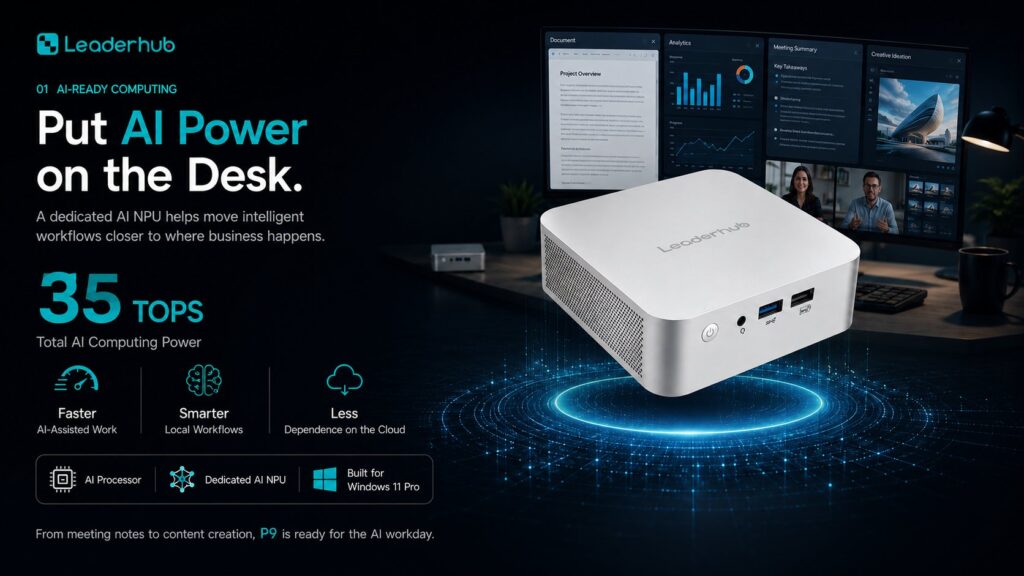
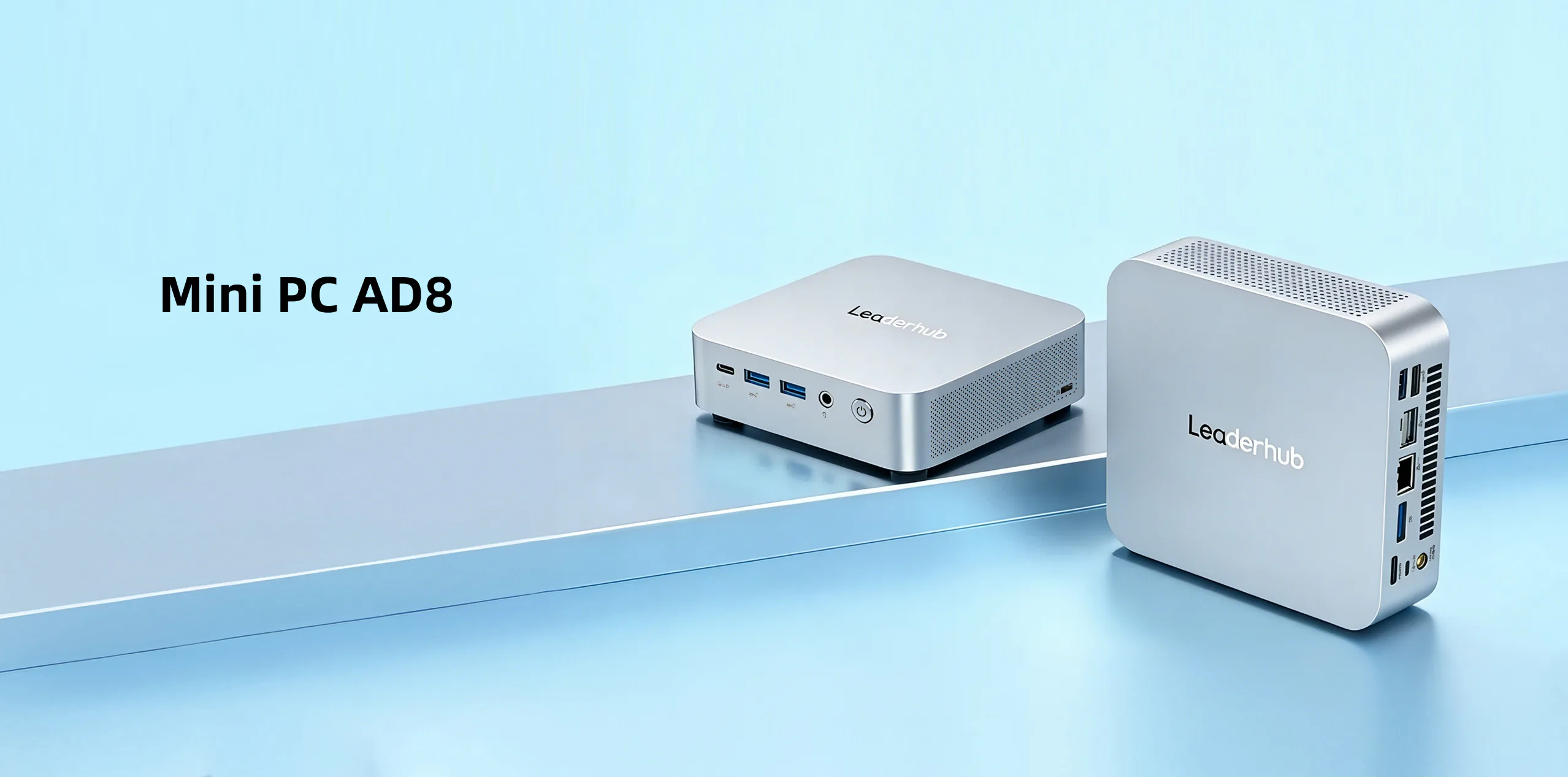
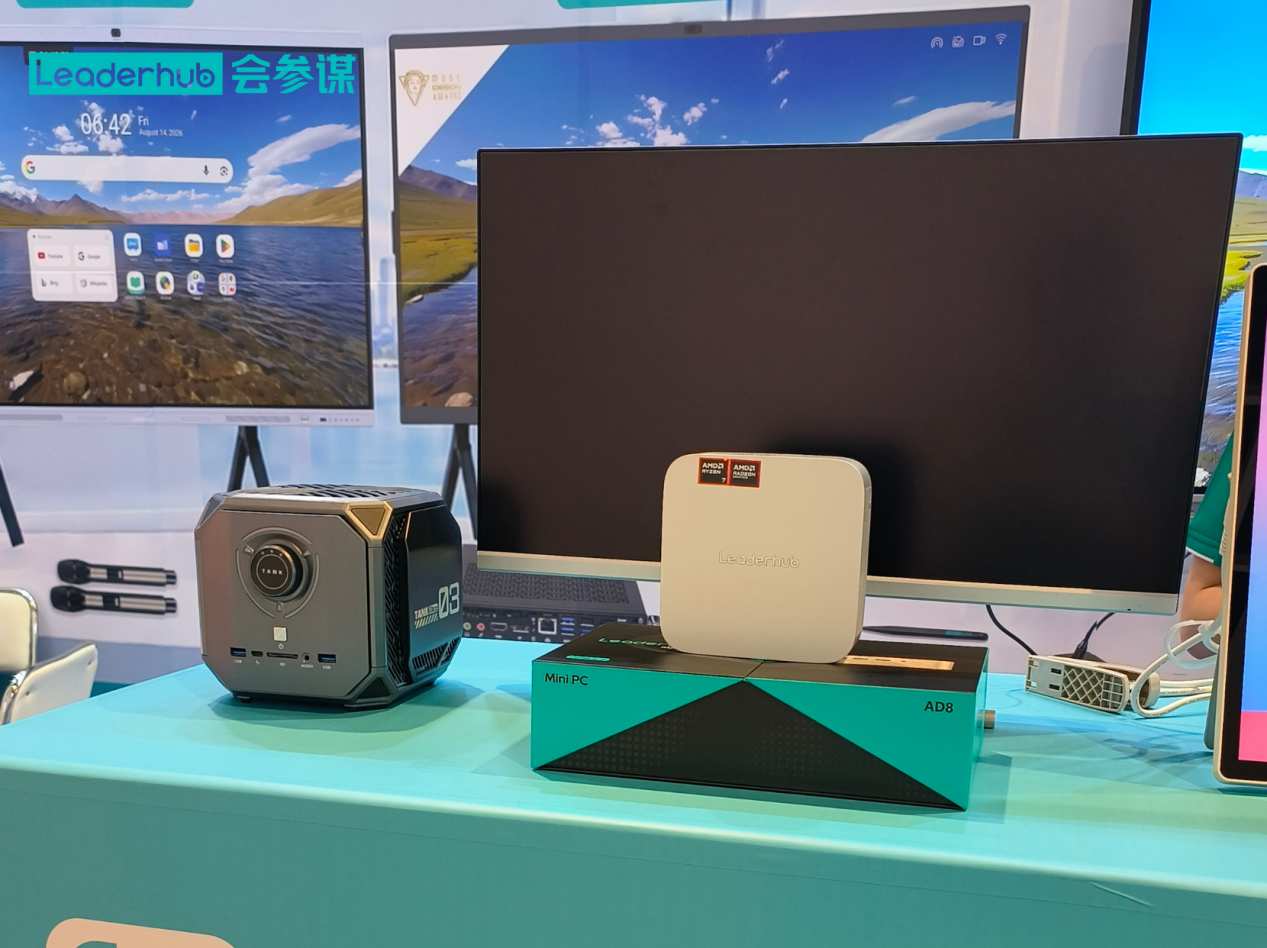
| GIS, analytics, control rooms, AI-assisted workflows, conference-room hosts | LeaderHub AD8 Mini PC | High-performance platform for demanding multitasking and compute | $999 |
Pilot before you scale
Request sample units for a 30-day pilot with real users in each workload tier. Measure boot time, application responsiveness, thermal behavior under sustained load, and compatibility with your endpoint-management and security stack. A small pilot is the cheapest insurance against a large-scale mismatch.
Vendor Evaluation Checklist
Use this checklist during bid clarification meetings or site visits:
- Does the manufacturer control its own production, or resell third-party units with limited firmware support?
- How many years of BIOS, driver, and security updates are guaranteed in writing?
- Is there a published vulnerability disclosure and patch process?
- Can the vendor supply identical configurations for the full contract term, or will components change mid-rollout?
- What is the demonstrated delivery capacity per month, and what are the lead times for repeat call-offs?
- Are local or regional service partners in place for on-site repair?
- Does the vendor offer custom imaging, asset tagging, and BIOS pre-configuration?
- Has the vendor delivered to comparable public-sector or enterprise customers, and can references be contacted?
Common Mistakes in Government Mini PC Procurement
- Specifying 8 GB RAM for knowledge workers — endpoint protection, browser tabs, and collaboration tools now routinely consume 10 GB or more.
- Ignoring display-output count — a two-output device cannot support the three-monitor setups that case-management teams increasingly request.
- Overlooking sustained performance — some ultra-compact designs throttle heavily after a few minutes; insist on sustained-load test data.
- Treating compliance as a checkbox — unverified claims about TPM, energy ratings, or origin create legal and audit risk.
- Forgetting mounting and cabling — brackets, locks, and USB-C docks should be part of the bill of materials, not an afterthought.
- Buying consumer SKUs — retail models change components without notice, breaking standardized images across the fleet.
Frequently Asked Questions
Are mini PCs powerful enough to replace desktop towers in government offices?
For the vast majority of administrative, customer-service, and knowledge-work roles, yes. Modern Intel Core H-series and AMD Ryzen mini PCs deliver desktop-class performance. Only specialized workloads such as heavy 3D rendering or multi-GPU analytics still justify a full tower.
What security features should be mandatory in a public-sector mini PC tender?
At minimum: TPM 2.0, UEFI Secure Boot, BIOS/firmware password protection, support for full-disk encryption, and a documented firmware update policy. Agencies handling classified or sensitive personal data may add FIPS-validated cryptography and physical intrusion detection.
How do we write specifications without naming a brand?
Define outcomes: minimum benchmark scores, number and type of display outputs, memory capacity and upgradeability, storage type and capacity, required certifications, and warranty terms. Add “or equivalent” language and describe how equivalence will be assessed.
Can mini PCs be used for meeting rooms and training facilities?
Absolutely. A mini PC mounted behind an interactive display or connected to a 75-inch interactive flat panel creates a complete collaboration hub for briefings, council sessions, and staff training, with centralized management from IT.
What warranty period is typical for government contracts?
Three years is the common baseline, with many agencies requiring options to extend to five years and next-business-day on-site service for mission-critical locations.
Final Recommendations
Successful government mini PC procurement rests on three pillars: clear, outcome-based specifications; verified compliance documentation; and a total-cost-of-ownership mindset that values energy efficiency, longevity, and support as much as sticker price. Involve end users early, pilot before scaling, and choose a manufacturer that can guarantee consistent configurations and firmware support for the full contract term.
LeaderHub is a Shenzhen-based technology company with 16 years of experience in interactive displays and mini PCs, serving education, enterprise, and government partners in 82 countries, and offers OEM/ODM options, factory-direct supply, and customized configurations for public-sector programs. If you are preparing a tender or need sample units and compliance documentation for evaluation, contact the LeaderHub team to discuss your requirements, or browse the complete product catalog to compare specifications side by side. For broader industry context on technology standards and procurement trends, the Consumer Technology Association publishes useful resources for public-sector buyers.