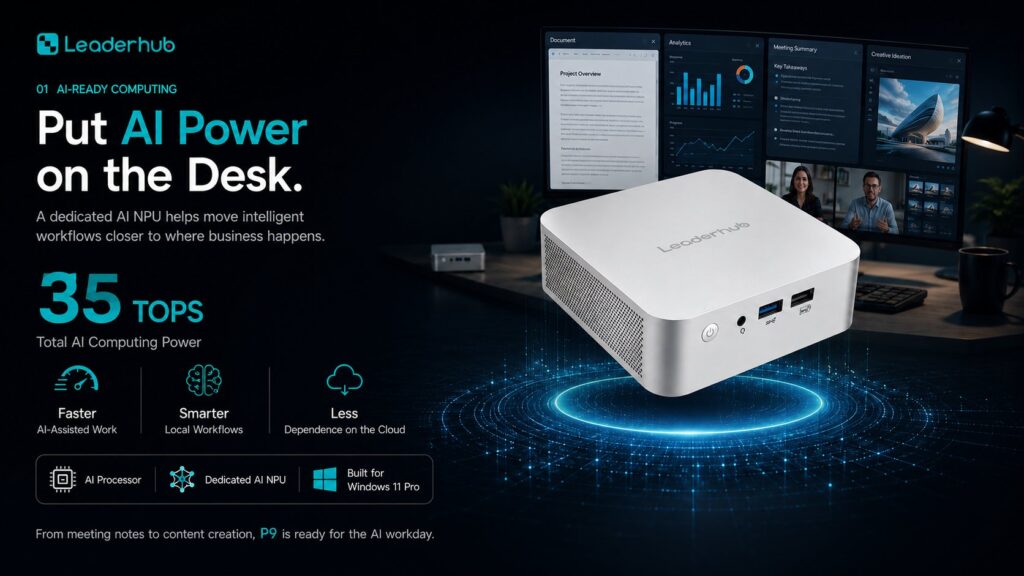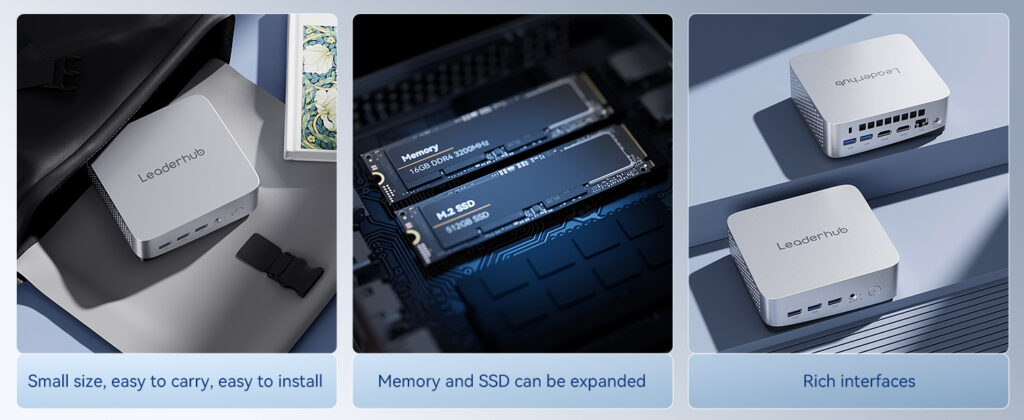
Equipping an entire school with desktop computers used to mean bulky towers, tangled cables, high electricity bills and years of maintenance headaches. Today, a bulk mini PC for schools deployment solves most of those problems at once. Mini computers are compact, quiet, energy‑efficient and powerful enough to run everything from literacy apps in primary classrooms to coding, CAD and video projects in secondary computer labs. This guide explains how school IT teams, procurement officers and district administrators can choose the right mini PCs when buying in volume — covering performance tiers, connectivity, total cost of ownership, security and the questions to ask every supplier before signing a purchase order.
Why Schools Are Switching from Towers to Mini PCs
A classroom is not an office. Space is tight, students are hard on equipment, budgets are fixed years in advance and a single IT technician may be responsible for hundreds of devices across multiple buildings. Mini PCs fit this reality far better than traditional desktops or even laptops, which is why they have become the default choice for new computer labs, library terminals, teacher podiums and digital‑signage endpoints.
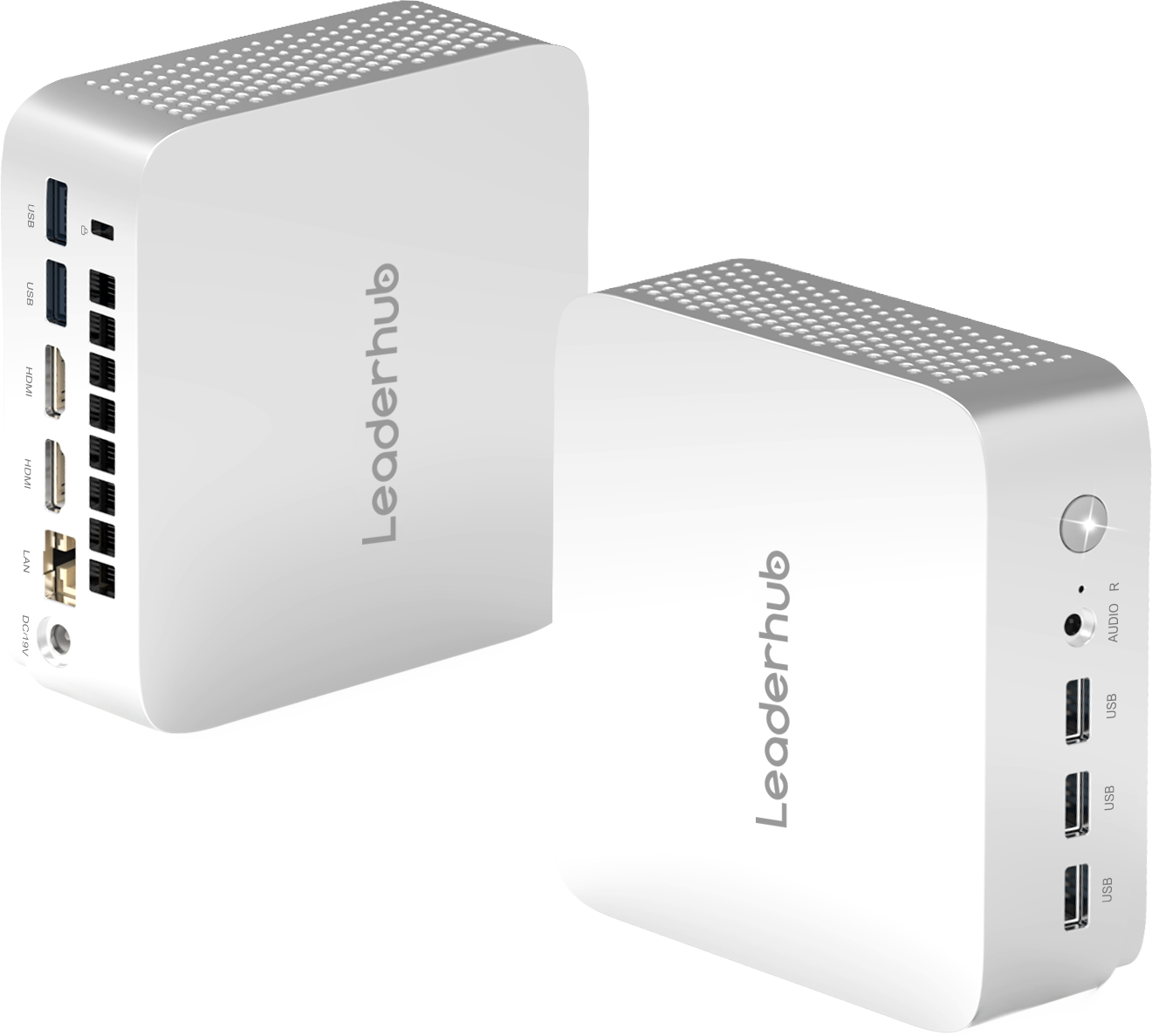
- Space saving: A mini PC typically occupies less than a litre of volume and can be mounted behind a monitor or under a desk, freeing the entire work surface for students.
- Lower energy consumption: Efficient mobile‑class processors draw a fraction of the power of a tower, which matters when 30 units run eight hours a day in one lab.
- Quiet operation: Passive or low‑RPM cooling keeps classrooms free of fan noise so teachers do not compete with the equipment.
- Harder to tamper with: No open side panels, fewer removable parts and the option to lock the unit to a VESA mount reduce theft and accidental damage.
- Simpler fleet management: Identical units purchased in one batch mean one driver image, one BIOS version and predictable spare‑part stocking.
- Longer refresh cycles: Modern mini PCs with SSD storage and current‑generation CPUs comfortably last a five‑ to six‑year refresh cycle for standard classroom workloads.
International research supports the move toward well‑planned device infrastructure rather than ad‑hoc purchasing. The UNESCO Technology in Education Report stresses that technology delivers learning gains only when it is reliable, equitable and aligned with teaching goals — exactly the outcomes a standardized mini PC fleet makes achievable.
Key Factors When Buying Mini PCs in Bulk for Schools
Bulk procurement amplifies every decision. A specification that is slightly under‑powered or a port that is missing becomes a problem repeated across hundreds of seats. Work through the following criteria before you request quotations.
1. Processor and Performance Tier
Not every seat in a school needs the same horsepower. Segmenting your order into two or three performance tiers usually lowers total spend without compromising the experience in demanding labs. The table below outlines the typical tiers schools adopt.
| Performance Tier | Typical CPU Class | Best For | Example Model |
|---|---|---|---|
| Entry / General Classroom | Intel N100 or equivalent efficiency core | Web‑based learning platforms, Office suites, typing, library catalogues, digital signage | LeaderHub LP1C Mini PC (N100, 8GB RAM, 512GB SSD) |
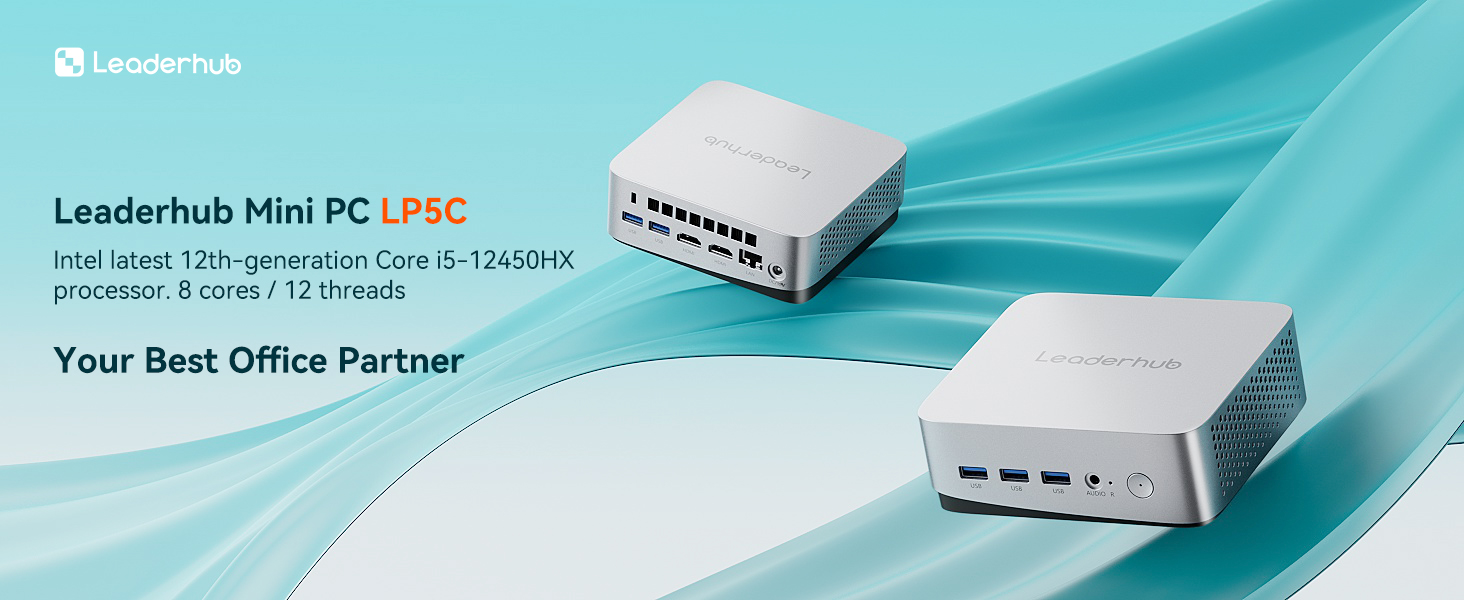
| Mainstream / Computer Lab | Intel Core i5 H‑series | Programming, multimedia editing, multi‑tab research, light 3D and design software | LeaderHub LP5C Mini PC (i5‑12450HX, 16GB RAM, 512GB SSD) |
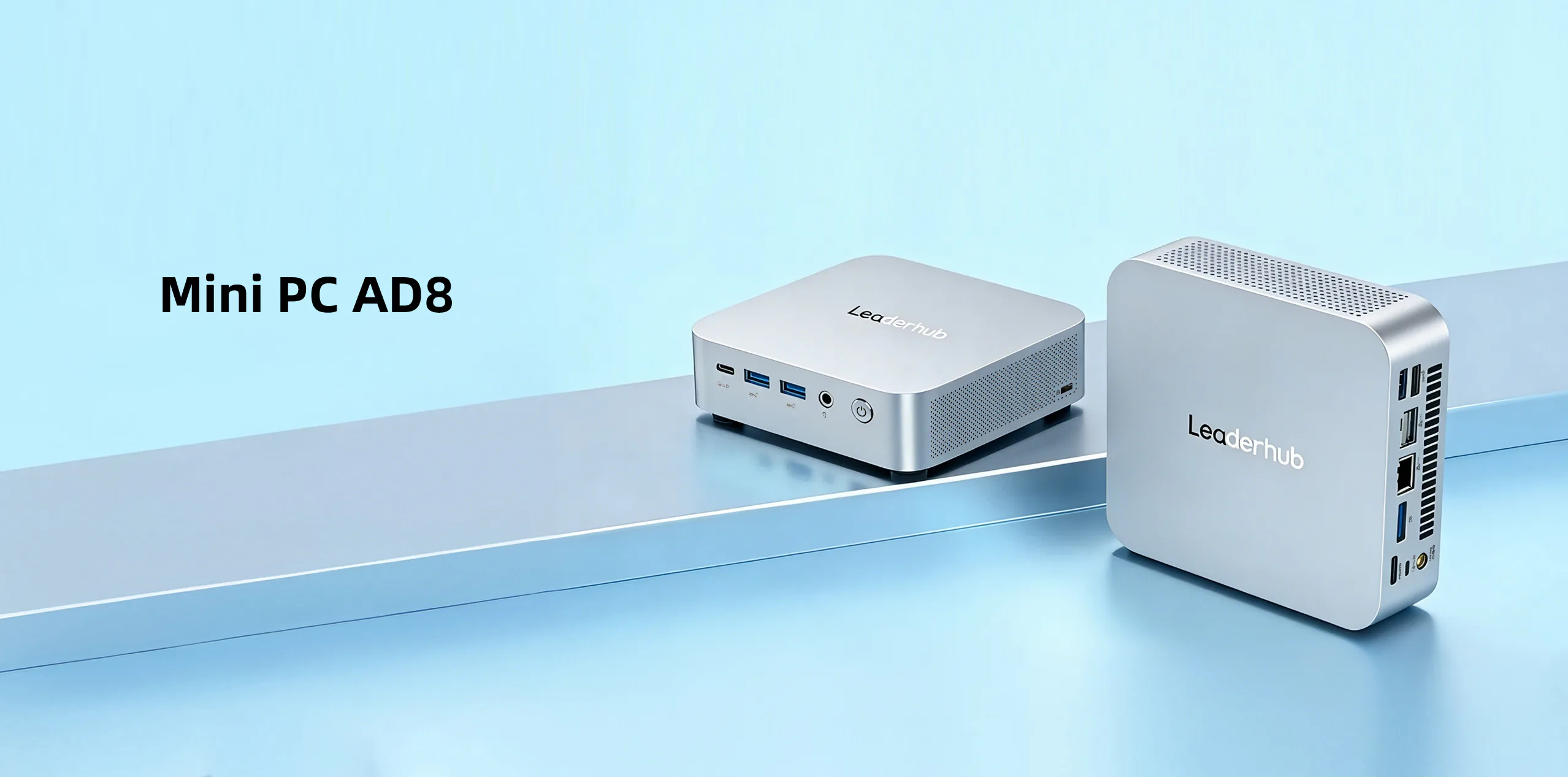
| Advanced / STEM & Media Lab | High‑performance multi‑core platform | Video production, CAD, simulation, AI and data‑science coursework, teacher workstations | LeaderHub AD8 Mini PC |
2. Memory and Storage
For bulk school deployments, 8GB RAM and a 256–512GB SSD is the practical minimum; 16GB is strongly recommended for any lab where students keep multiple browser tabs, an IDE and a video call open simultaneously. Always insist on solid‑state storage — mechanical drives fail far more often in student environments and slow down boot times across the whole lab. Ask whether RAM and SSD are user‑upgradeable so the fleet can be extended rather than replaced mid‑cycle.
3. Connectivity and Ports
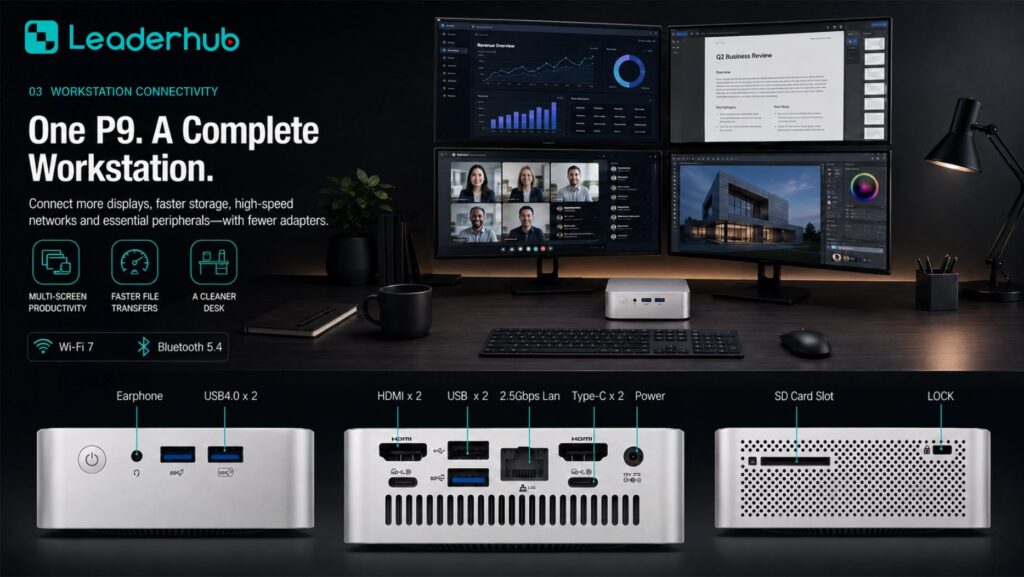
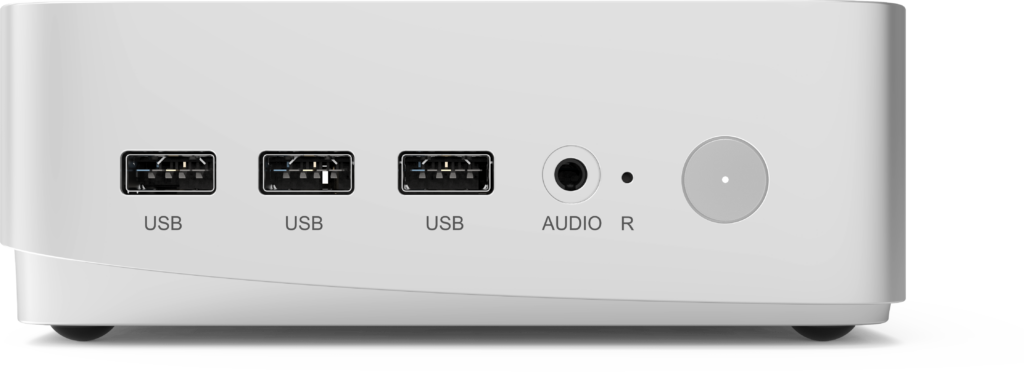
Count the peripherals a student seat actually uses: keyboard, mouse, headset, sometimes a webcam, document camera or USB drive. Then verify the mini PC offers enough of the right ports without hubs. A sensible checklist includes:
- At least four USB‑A ports plus one USB‑C for modern accessories
- HDMI and/or DisplayPort for dual‑monitor labs or connection to an interactive display
- Gigabit Ethernet for stable imaging, exams and large file transfers
- Wi‑Fi 6 and Bluetooth for flexible rooms where cabling is impractical
- A 3.5mm audio jack for headsets used in language and music lessons
4. Energy Efficiency and Thermal Design
Electricity is a recurring cost that procurement teams often overlook. Efficiency‑class mini PCs idle at only a few watts and rarely exceed 15–35W under load, compared to 100W or more for a conventional tower. Multiply the difference across a 30‑seat lab running a full school year and the savings become meaningful. Equally important is thermal behaviour: a unit that throttles in a warm, unventilated classroom will frustrate students. Look for all‑metal chassis designs that dissipate heat passively and allow stable performance in rooms without air conditioning.
5. Mounting, Footprint and Cable Management
A VESA‑compatible mini PC can be attached directly to the back of a monitor, leaving desks clear and keeping the device away from spills, feet and curious hands. For teacher stations, mounting the mini PC behind a smart whiteboard turns the panel into a full Windows workstation. Confirm the supplier includes brackets in the bulk order rather than selling them as a separate line item.
6. Security, Manageability and Durability
Schools handle minors’ data and must comply with local privacy regulations, so hardware‑level security matters. Prioritise models with a TPM 2.0 module for disk encryption and secure boot, Kensington lock support, and a BIOS that supports remote management and Wake‑on‑LAN so technicians can patch devices overnight. Guidance such as the Child Protection in Digital Education framework reminds schools that device choice is part of a wider safeguarding responsibility, not just an IT line item.
Matching Mini PC Configurations to School Use Cases
The most cost‑effective bulk order is rarely a single SKU. Below is a practical allocation model many schools use when planning a campus‑wide refresh.
| School Scenario | Daily Workload | Recommended Configuration | Key Priority |
|---|---|---|---|
| Primary classrooms | Reading apps, maths games, video playback | N100 / 8GB / 512GB SSD | Low cost, silent, durable |
| General computer lab | Office tasks, research, online assessments | N100 or Core i5 / 8–16GB / 512GB SSD | Uniform imaging, Ethernet |
| ICT & coding lab | IDEs, Python, web development, virtual machines | Core i5 H‑series / 16GB / 512GB SSD | Multi‑core performance |
| Media, design & STEM lab | Video editing, CAD, 3D printing, AI projects | High‑performance platform / 16GB+ / 1TB SSD | Graphics and storage headroom |
| Teacher podium / smart board | Lesson delivery, annotation, screen sharing | Core i5 / 16GB, VESA‑mounted behind panel | Dual display output, Wi‑Fi 6 |
| Library, reception & signage | Catalogue search, kiosks, notice screens | N100 / 8GB / 256–512GB SSD | 24/7 reliability, low power |
Calculating Total Cost of Ownership for a Bulk Mini PC Order
The unit price on a quotation is only the beginning. A realistic budget for a bulk mini PC for schools program should account for the entire lifecycle, typically five years. Use the following framework when comparing suppliers.
| Cost Component | What to Include | How Mini PCs Reduce It |
|---|---|---|
| Hardware acquisition | Unit price, volume discount, mounting brackets, cables | Entry models start around US$399; tiered ordering avoids over‑specifying |
| Software & licensing | OS, classroom management, antivirus, MDM | Pre‑installed Windows and standard images cut setup labour |
| Energy | Annual kWh × local tariff × number of units | Low‑wattage CPUs can cut desktop power use by 60–80% |
| Maintenance & repairs | Technician hours, spare parts, downtime | Fewer moving parts, sealed chassis, SSD reliability |
| Warranty & support | Coverage length, advance replacement, onsite options | Negotiate extended coverage as part of the bulk contract |
| End‑of‑life | Data wiping, recycling, residual value | Compact units are easier and cheaper to store, resell or recycle |
The OECD Digital Education Outlook highlights that sustainable digital infrastructure depends as much on maintenance and teacher support as on initial investment — a reminder to budget for the whole lifecycle, not only the purchase order.
Bulk Procurement Checklist: Questions to Ask Every Supplier
Before approving a volume purchase, confirm the following with each manufacturer or distributor. A supplier who answers all of these clearly is far less likely to create problems after delivery.
- Volume pricing tiers: What are the price breaks at 50, 100, 300 and 500+ units, and are they valid for staggered deliveries over the academic year?
- Configuration consistency: Will every unit in the batch ship with identical components, or could motherboard, SSD or Wi‑Fi module revisions change mid‑order?
- Pre‑imaging and customisation: Can the factory pre‑install the school’s OS image, BIOS settings, asset tags or a custom logo?
- Warranty terms: How long is coverage, what is the RMA turnaround, and is advance replacement available for classroom‑critical seats?
- Spare parts: Are power adapters, brackets and SSDs available as spares for the full lifecycle?
- Certifications: Does the product carry CE, FCC, RoHS and relevant energy certifications required by your region?
- Pilot program: Will the supplier provide evaluation units for a one‑classroom trial before the full rollout?
- Logistics: What are shipping lead times, packaging options for palletised delivery, and import documentation support?
- Ecosystem compatibility: Do the mini PCs integrate cleanly with the school’s interactive displays, projectors and classroom‑management software?
Teams that want a structured framework for evaluating school technology can also consult the Effective Technology Use in Schools essential conditions published by ISTE, which cover leadership, infrastructure and ongoing professional learning.
Pairing Mini PCs with Interactive Displays for a Complete Classroom
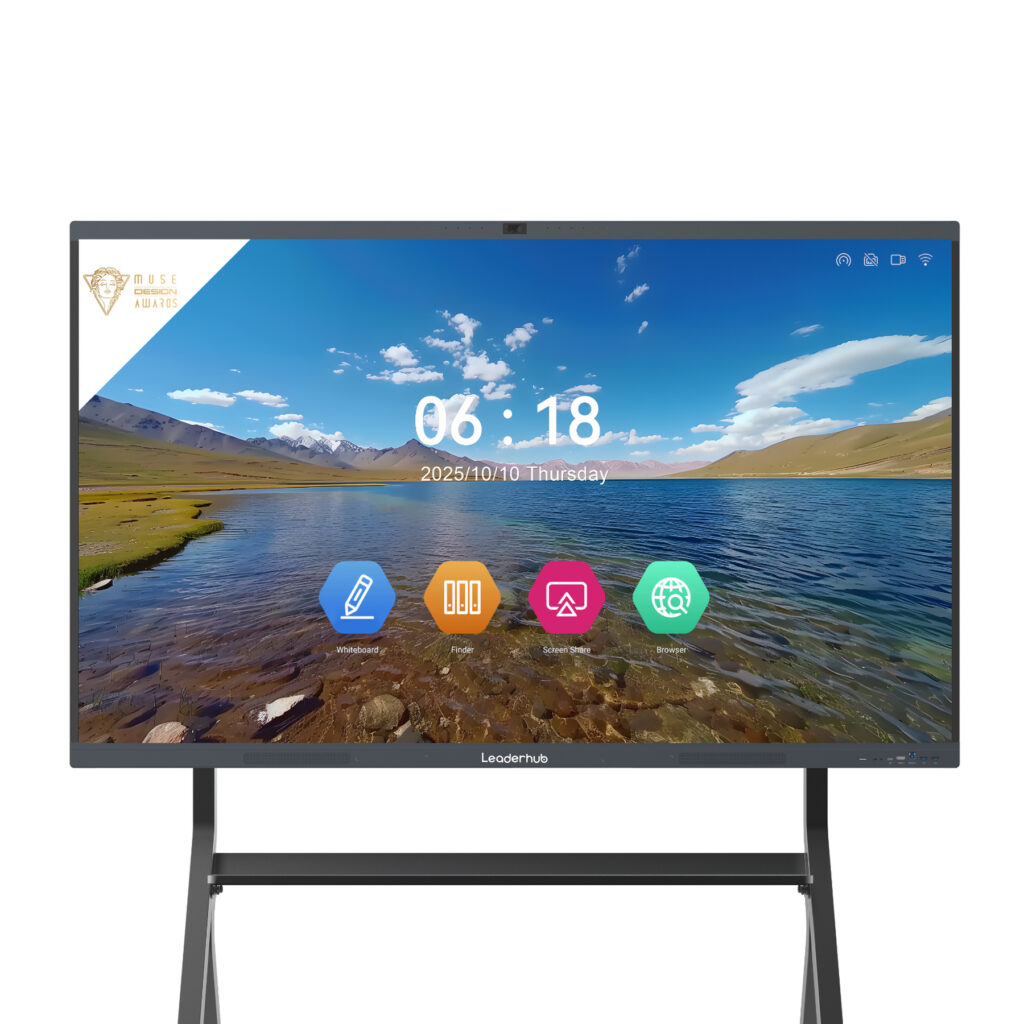
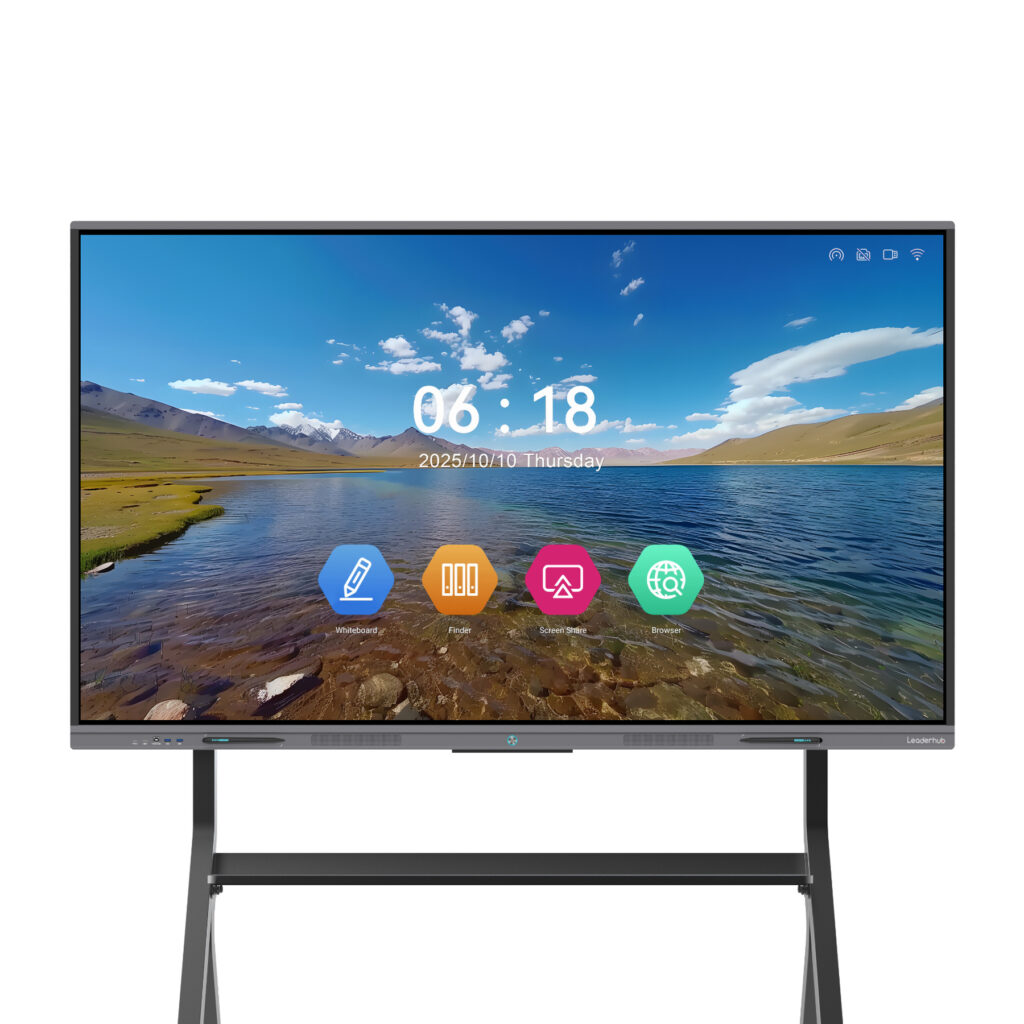
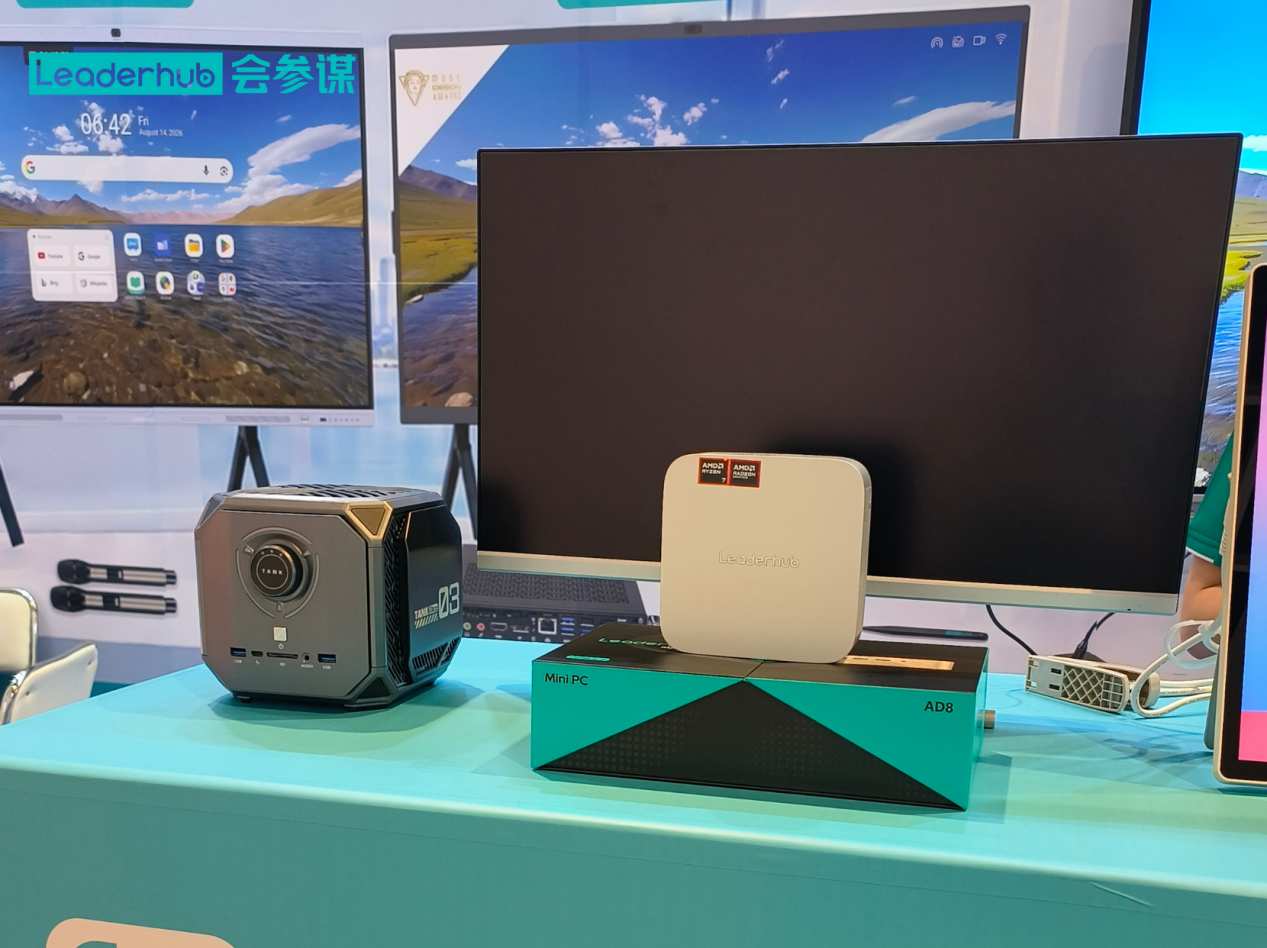
A mini PC on its own is a workstation; a mini PC connected to a large interactive touchscreen becomes a teaching hub. Many schools now order both together so the front‑of‑class display, the teacher workstation and the student lab share a single supplier, warranty and support contact. A Core i5 mini PC mounted behind a 75‑inch 4K interactive whiteboard gives teachers full Windows functionality — annotation, screen recording, video conferencing and access to the school network — without a separate laptop or cable clutter.
- Teacher podium: Mini PC + interactive flat panel for lesson delivery and hybrid teaching
- Student seats: Entry or mainstream mini PCs + standard monitors, all VESA‑mounted
- Breakout and library spaces: Portable or rotating smart screens for small‑group collaboration
Browse the full range of smart whiteboards for classrooms to see which panel sizes match your room dimensions and viewing distances.
Why Schools Choose LeaderHub for Bulk Mini PC Orders
LeaderHub is a Shenzhen‑based technology company with 16 years of experience in interactive display and computing hardware, serving education, enterprise and government customers in more than 82 countries. Because the company designs smart whiteboards, portable smart screens and mini PCs under one roof, schools can source an entire classroom ecosystem from a single partner — with factory pre‑configuration, OEM/ODM options for large districts, volume pricing and consistent after‑sales support across every product line. Explore the complete LeaderHub mini PC collection or request a bulk quotation tailored to your seat count and performance tiers.
Frequently Asked Questions About Bulk Mini PCs for Schools
How many mini PCs qualify as a bulk order?
Most manufacturers begin offering volume pricing at around 20–50 units, with deeper discounts at 100, 300 and 500+. Districts consolidating orders across several schools generally secure the best terms.
Are mini PCs powerful enough for a secondary school computer lab?
Yes. A Core i5 H‑series mini PC with 16GB RAM handles programming environments, Adobe‑class creative software and multi‑tab research comfortably. Reserve higher‑end platforms for dedicated video, CAD or AI labs.
Should schools choose Windows or another operating system?
Windows remains the most common choice because of software compatibility and existing management tools, but the hardware itself is OS‑agnostic. Confirm driver availability if you plan to deploy Linux images.
How long do mini PCs last in a school environment?
With SSD storage, passive or low‑speed cooling and a sealed chassis, a well‑specified mini PC typically supports a five‑ to six‑year refresh cycle — longer if RAM and storage can be upgraded.
Can mini PCs be pre‑configured before delivery?
Reputable suppliers offer factory imaging, BIOS presets, asset tagging and custom branding for bulk education orders, dramatically reducing deployment time for school IT teams.
What is the first step in a bulk mini PC project?
Start with a seat‑by‑seat audit of workloads and rooms, define two or three performance tiers, run a one‑classroom pilot, then issue a volume tender with a clear warranty and support specification.
Choosing the right bulk mini PC for schools is ultimately about matching performance to real classroom needs, planning for the full lifecycle and partnering with a supplier who understands education deployments. Get those three elements right and a compact, quiet mini PC fleet will serve students and teachers reliably for years. Ready to plan your rollout? Visit the LeaderHub online store to compare models or contact the team for a customised education quotation.