
Smart Board for Laptop Interactive Display for Work and Study
Transform your daily workflow and learning experiences. Connect your laptop seamlessly to LeaderHub’s advanced interactive flat panels to collaborate, present, and teach with powerful 4K touch capability.
Why Connect a Smart Board for Laptop to Your Workspace?
High-Performance Interaction Features
LeaderHub bridges the gap between hardware power and intuitive software collaboration.
4K UHD Visual Clarity
Experience ultra-high-definition resolution that renders text, diagrams, and presentations with crisp, professional detail.
20-Point Multi-Touch
Enable fluid group collaboration. Multiple participants can write, erase, and move elements on the screen simultaneously.
Plug-and-Play Type-C
Transmit video, audio, touch control signals, and power delivery back to your laptop using a single, robust Type-C connection.
Product Specifications Comparison
| Model Series | Screen Sizes Available | Touch Technology | Key Features | Ideal Applications |
|---|---|---|---|---|
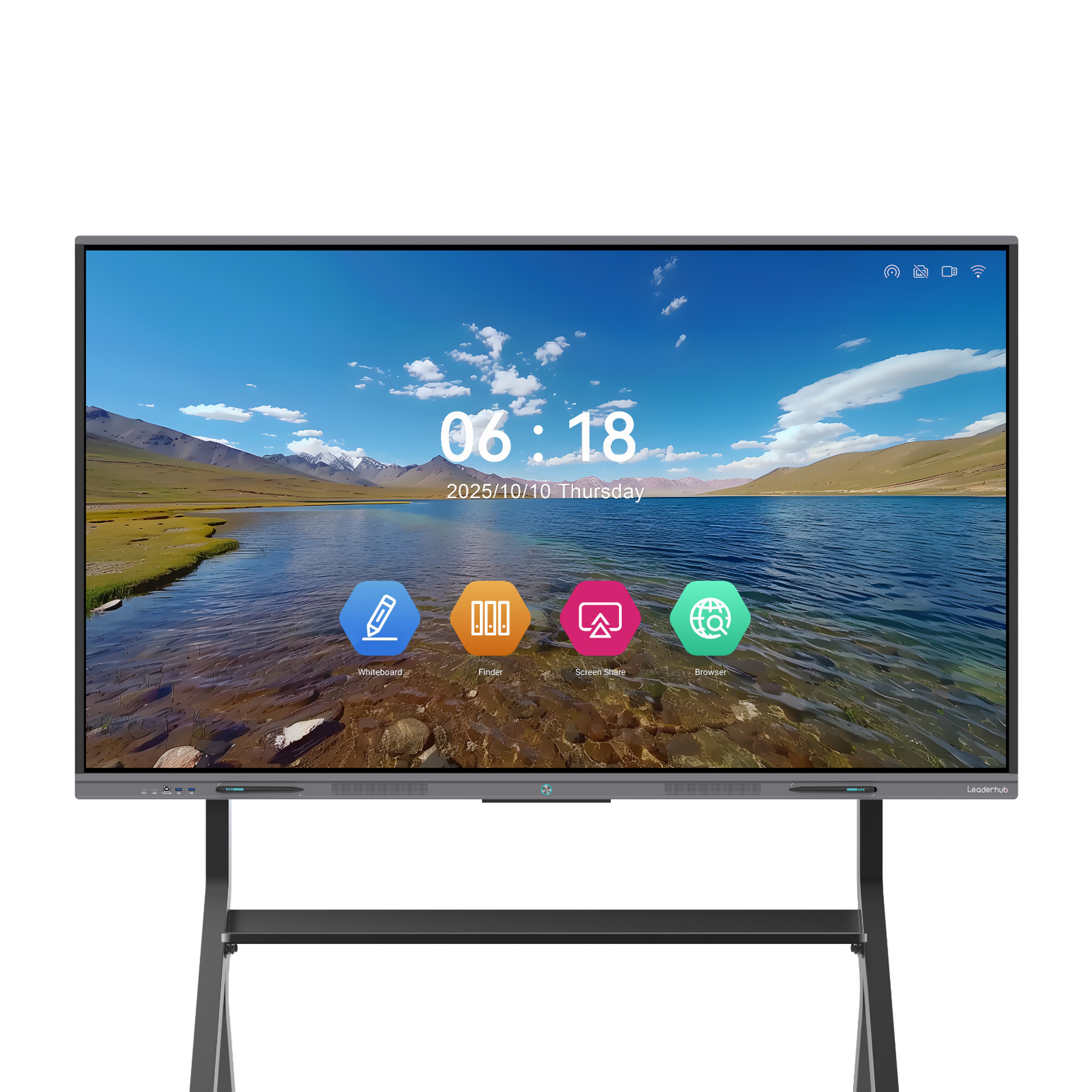
| LeaderHub L-HM Series | 65″, 75″, 86″ | 20-Point Infrared Touch | 4K Display, High-Precision Writing, Built-in Camera/Mic Option | Corporate Boardrooms & Hybrid Meetings |
| LeaderHub L-ZM Series | 65″, 75″, 86″ | 20-Point Infrared Touch | 4K Smart Panel, Budget-Friendly, Rich Connectivity Ports | K-12 Classrooms & Training Centers |
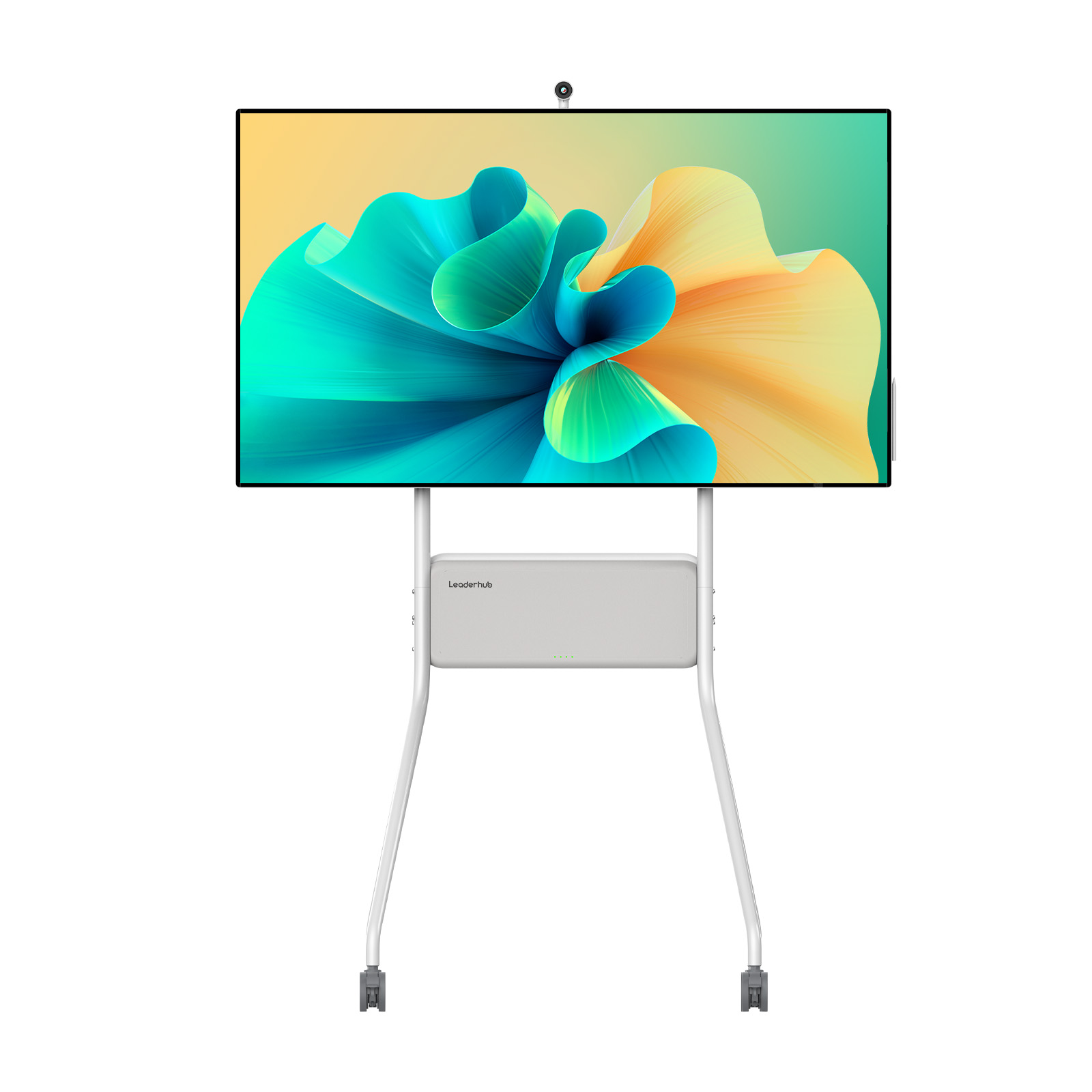
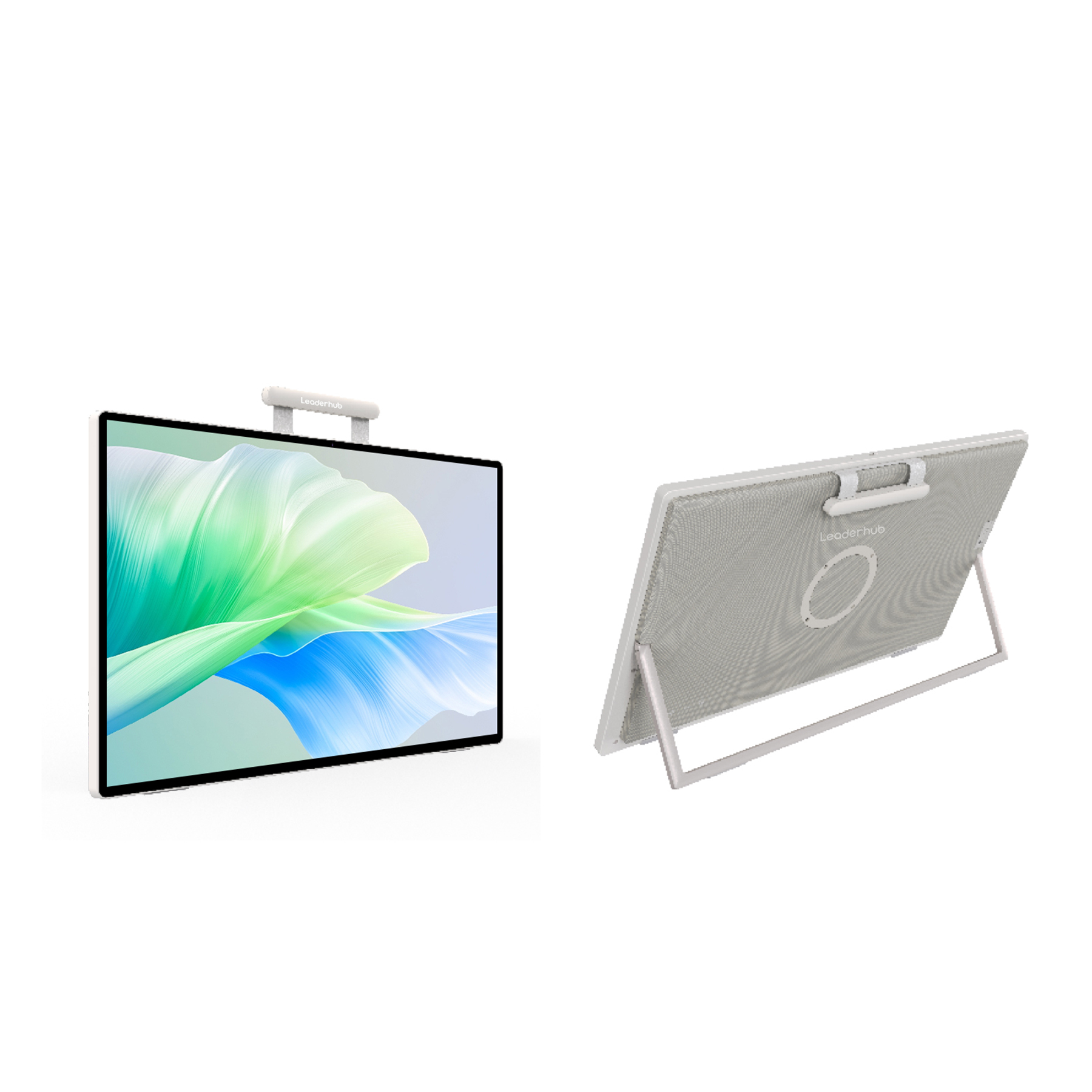
| LeaderHub U-Pro Series | 55″ | Capacitive / Infrared Touch | Mobile Stand Integrated, Built-in Battery Support, Slim Design | Agile Workspaces & Portable Presentations |
Empowering Workplaces and Educational Spaces
Whether you need to boost project management efficiency in corporate boardrooms or foster visual engagement in academic classrooms, our smart board integration delivers outstanding results.
1. Smart Board for Laptop in Corporate Workspaces
Corporate environments require agile solutions that minimize setup times and maximize participant engagement. By linking your work laptop to a LeaderHub display, you enhance every phase of business development:
- Interactive Presentations: Navigate slide decks, zoom in on complex financial models, and highlight core data points directly on the screen.
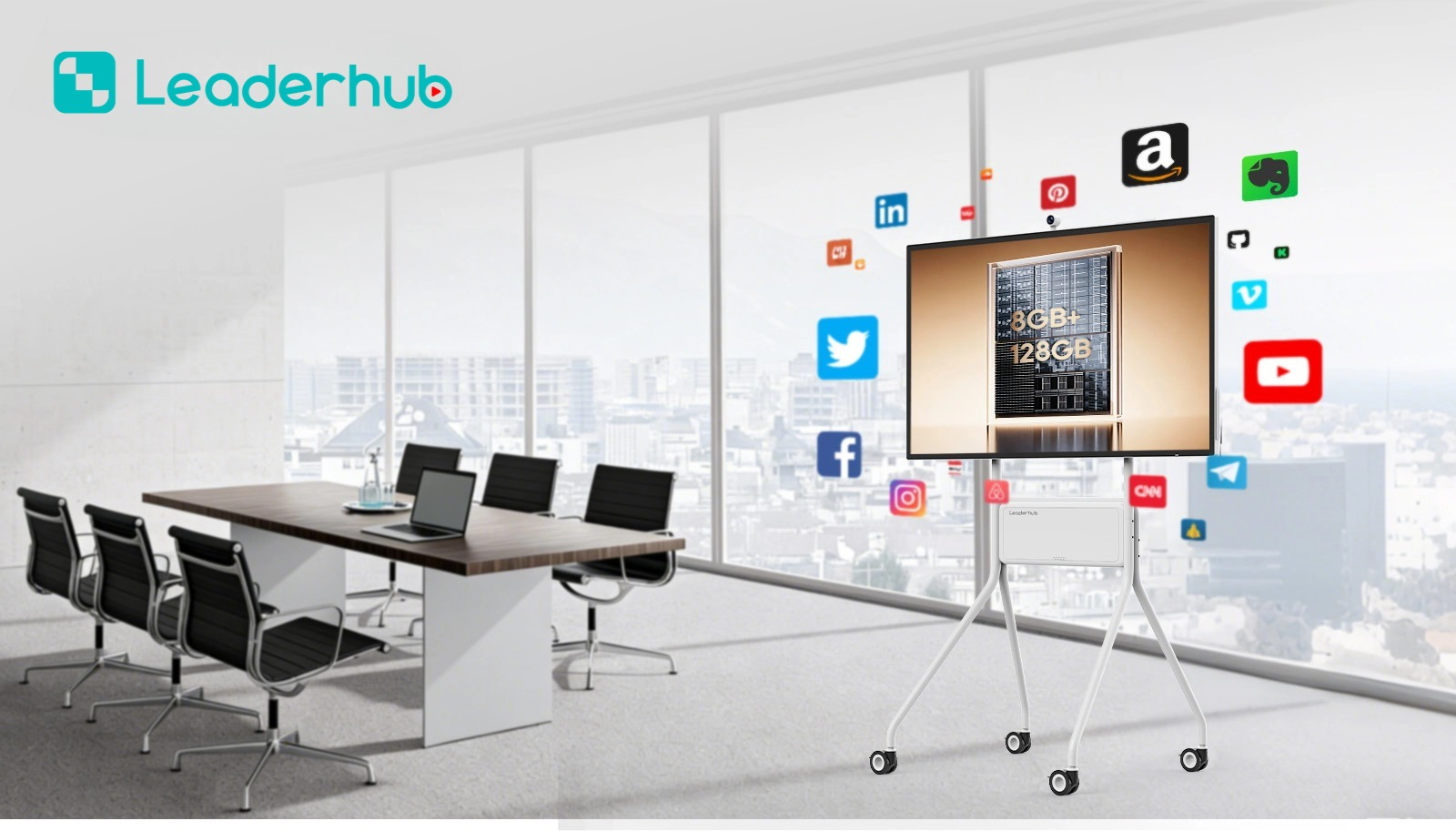
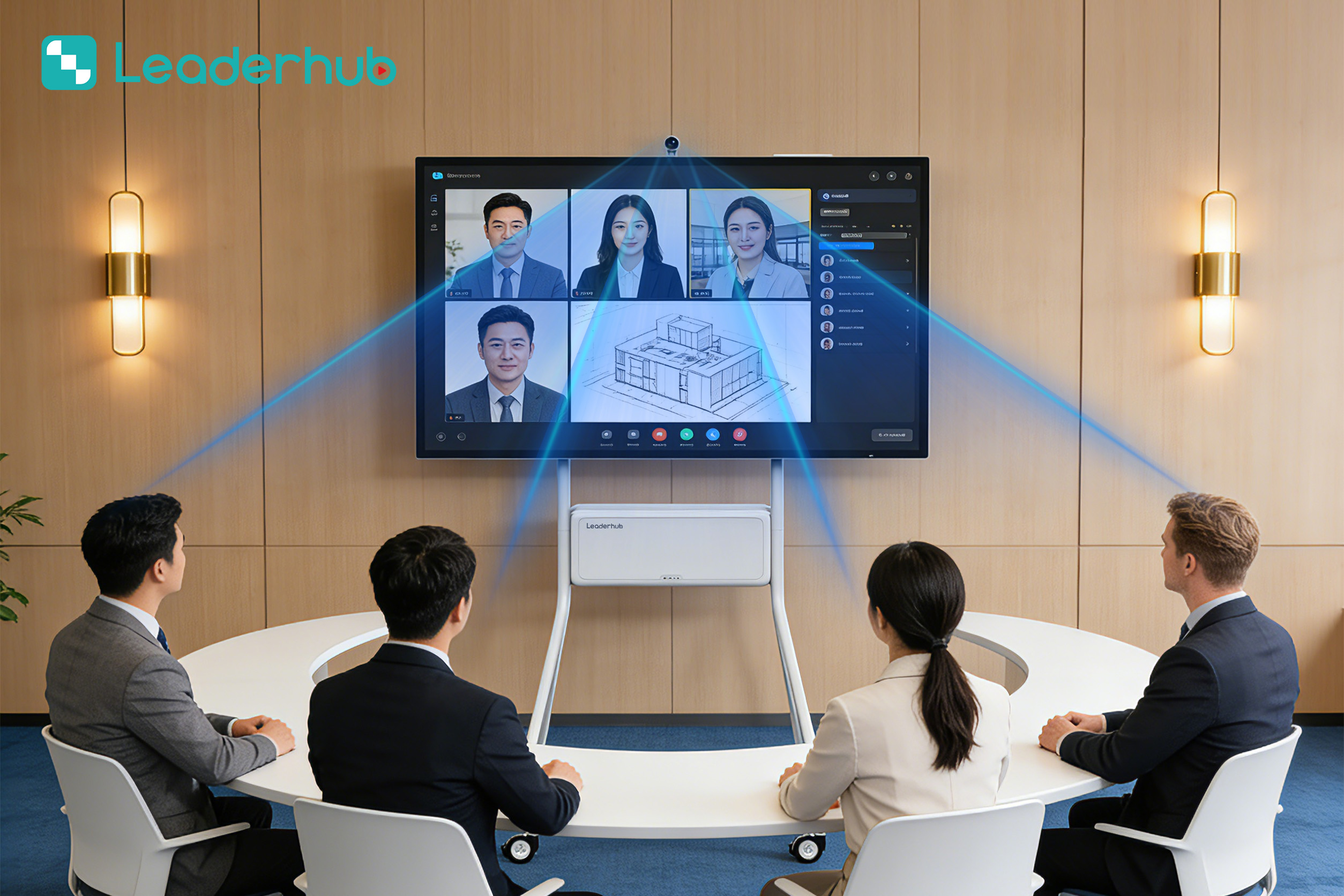
- Hybrid Collaboration: Integrate video conferencing tools (Zoom, Microsoft Teams) running on your laptop with the hardware camera and microphone arrays of the smart board.
- Real-time Annotation: Draw over live spreadsheets, design mockups, or project roadmaps and save the annotated files directly back to your laptop.
2. Interactive Displays for Modern Classrooms & Study
Traditional teaching methods can struggle to retain student attention. LeaderHub interactive panels transform classrooms into active learning hubs, making abstract concepts visually accessible:
- Dynamic Lesson Delivery: Teachers can connect their laptops to run educational software, interactive simulations, and multi-media lectures.
- Flipped Classroom Model: Students can plug in their own laptops to present group projects, solve problems on the board, and collaborate on shared digital workspaces.
- Seamless File Sharing: Instantly share lesson notes, diagrams, and video resources via QR codes generated directly on the board.

Featured LeaderHub Interactive Displays
Select the ideal smart board or accessory to pair with your laptop and elevate your productivity.

About LeaderHub
AI Changes Life

LeaderHub is a Shenzhen-based technology leader with 16 years of professional expertise in the interactive panel industry. We specialize in smart whiteboards, interactive flat panels, mini PCs, and portable smart screens—delivering innovative solutions to education, enterprise, and creative professionals in 82 countries worldwide.
We are committed to helping more small and medium-sized enterprises access premium collaborative technology. By combining hardware innovation with artificial intelligence, we continuously optimize business interaction efficiency, making every meeting and class more effective, creative, and convenient.
Our Mission
AI Changes Life. We believe artificial intelligence and interactive technology can transform how people work, learn, and collaborate—and every LeaderHub product is engineered to make that transformation accessible and affordable.
Our Vision
To become a world-class, effective smartboard and screen full-solutions service provider—delivering complete interactive technology ecosystems to businesses and institutions around the globe.
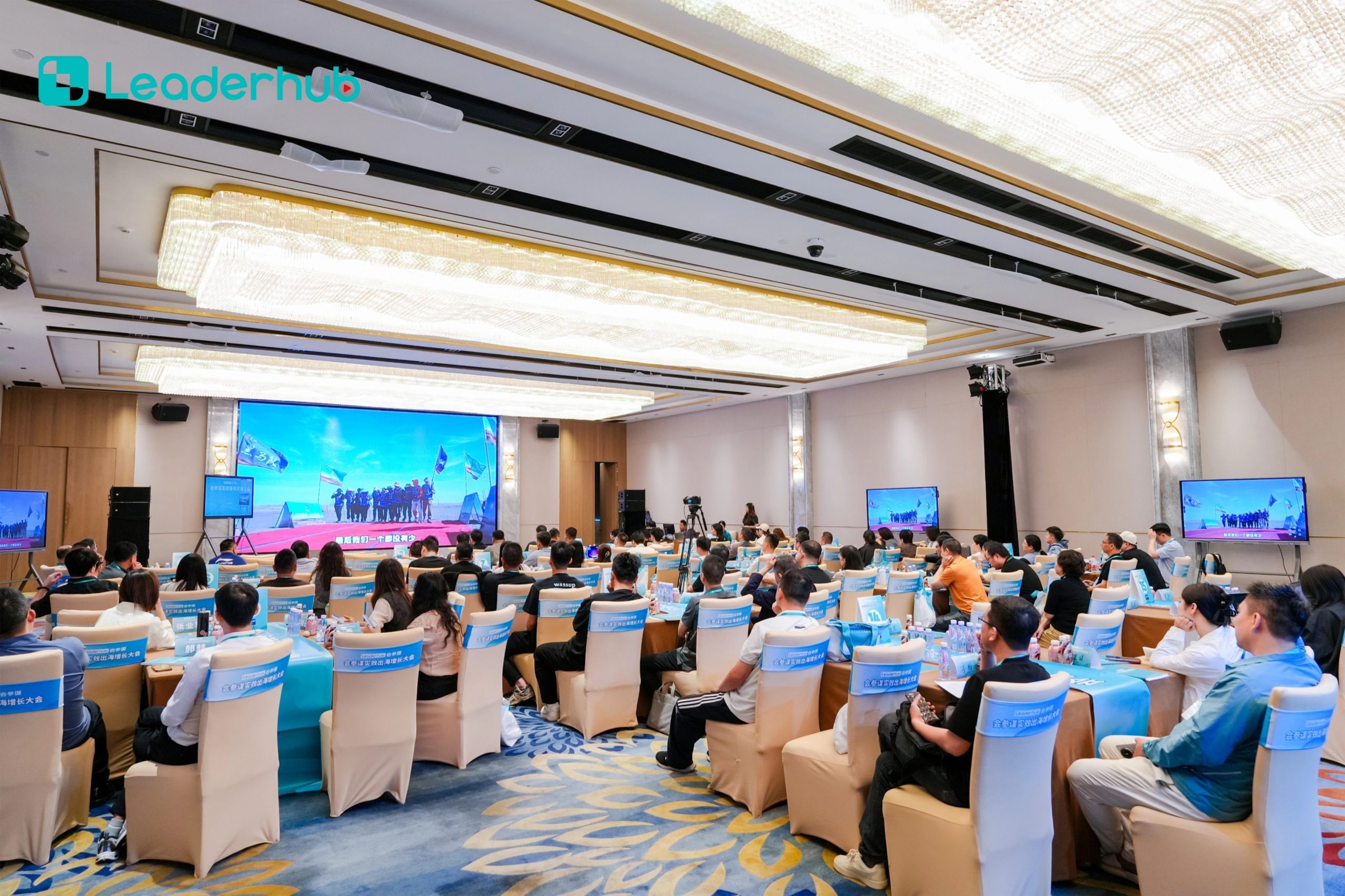
LeaderHub Global Electronics Exhibitions
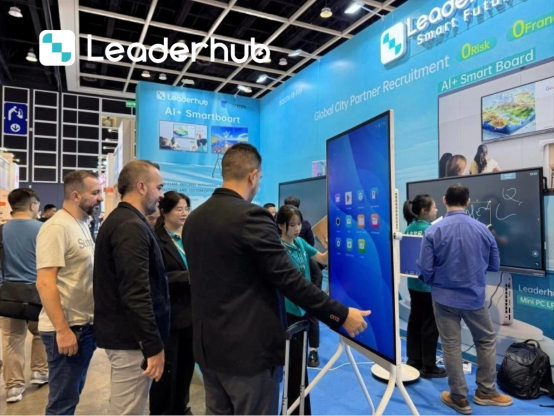
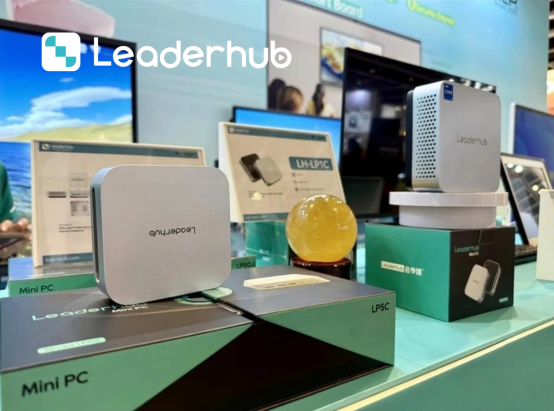
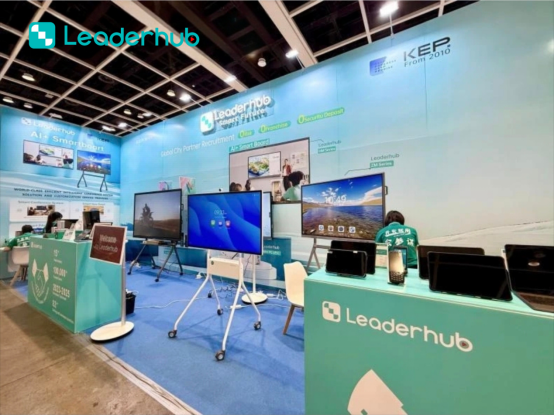
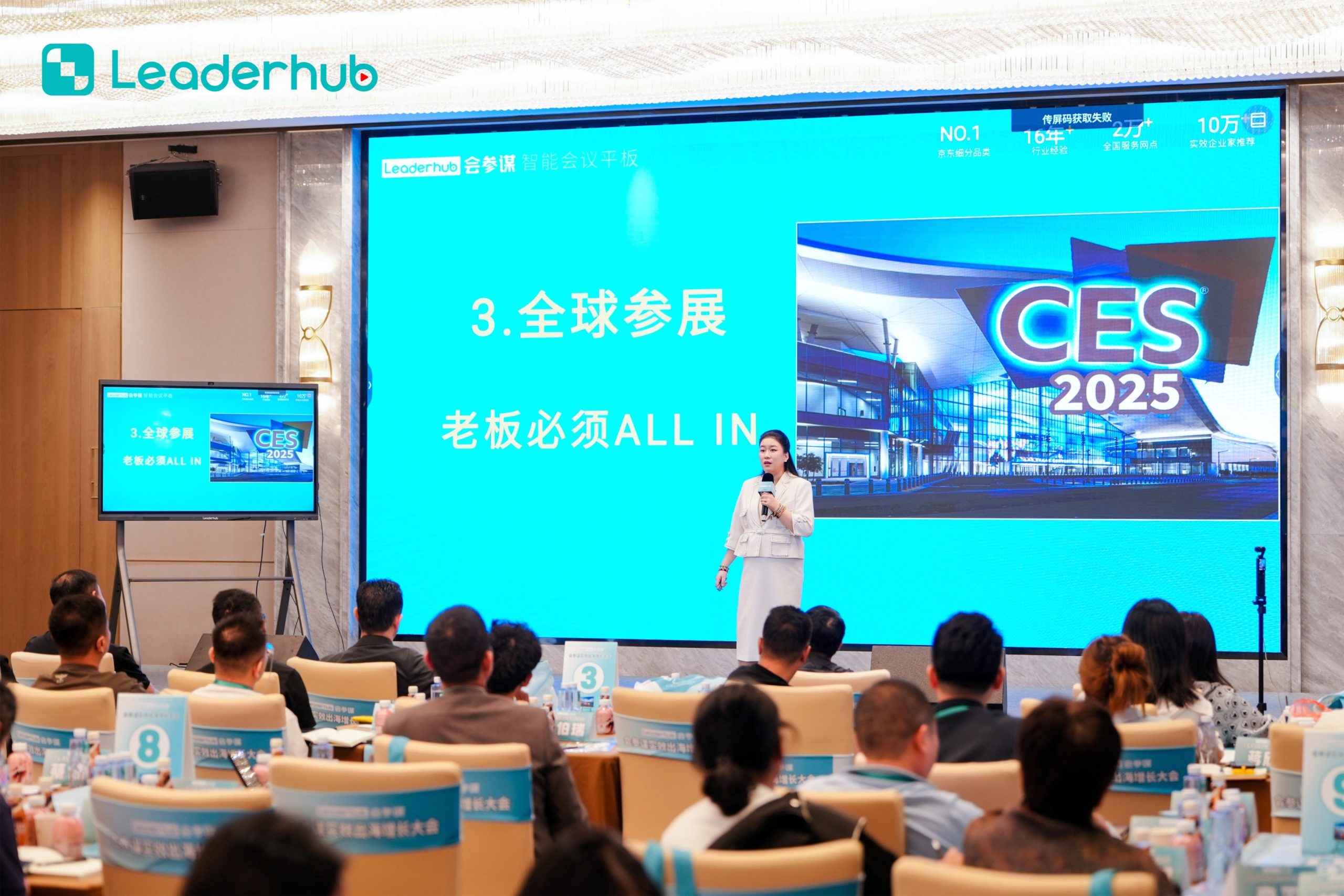
We actively participate in major electronics and technology exhibitions around the world, connecting with distributors, system integrators, education providers, and business partners.



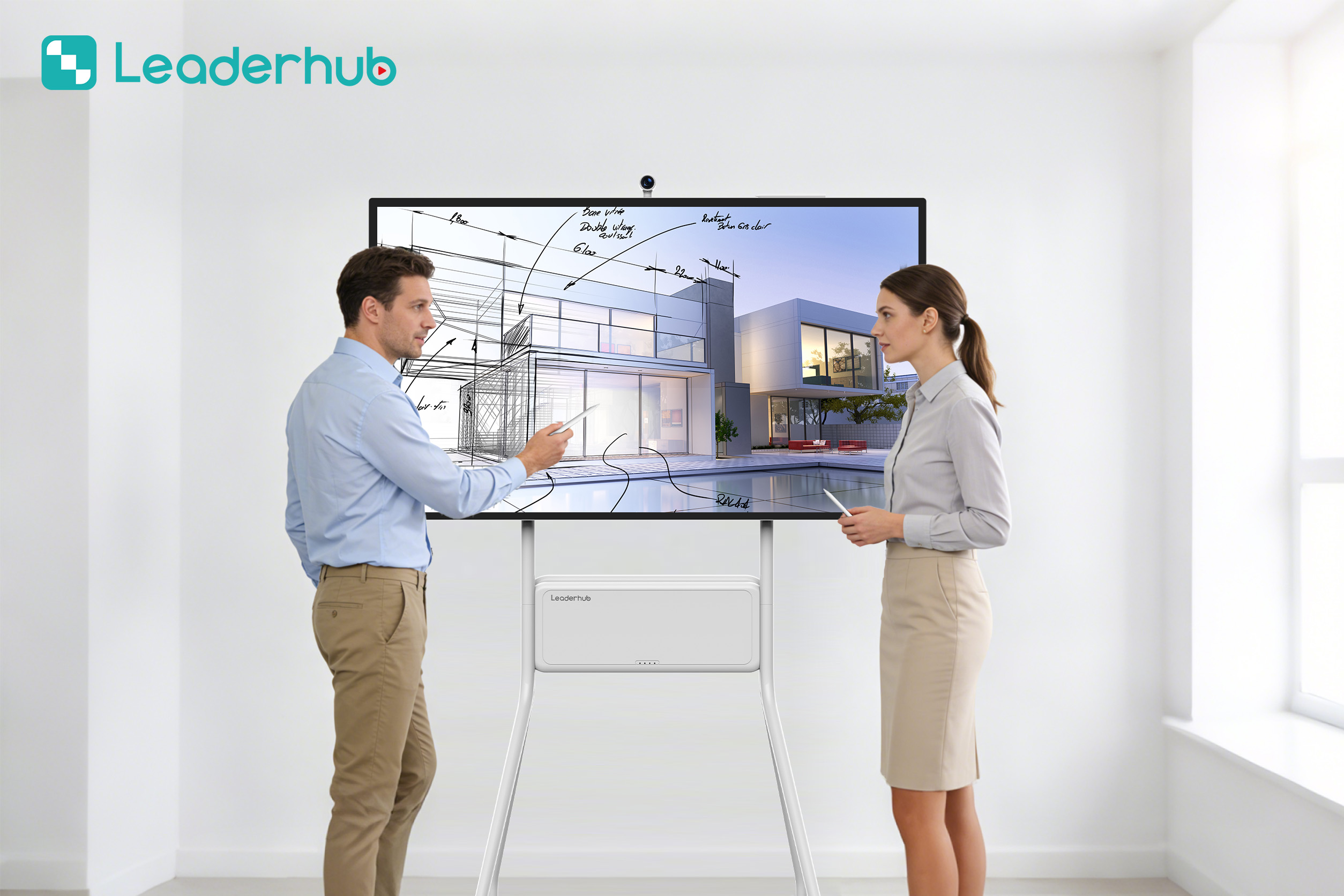
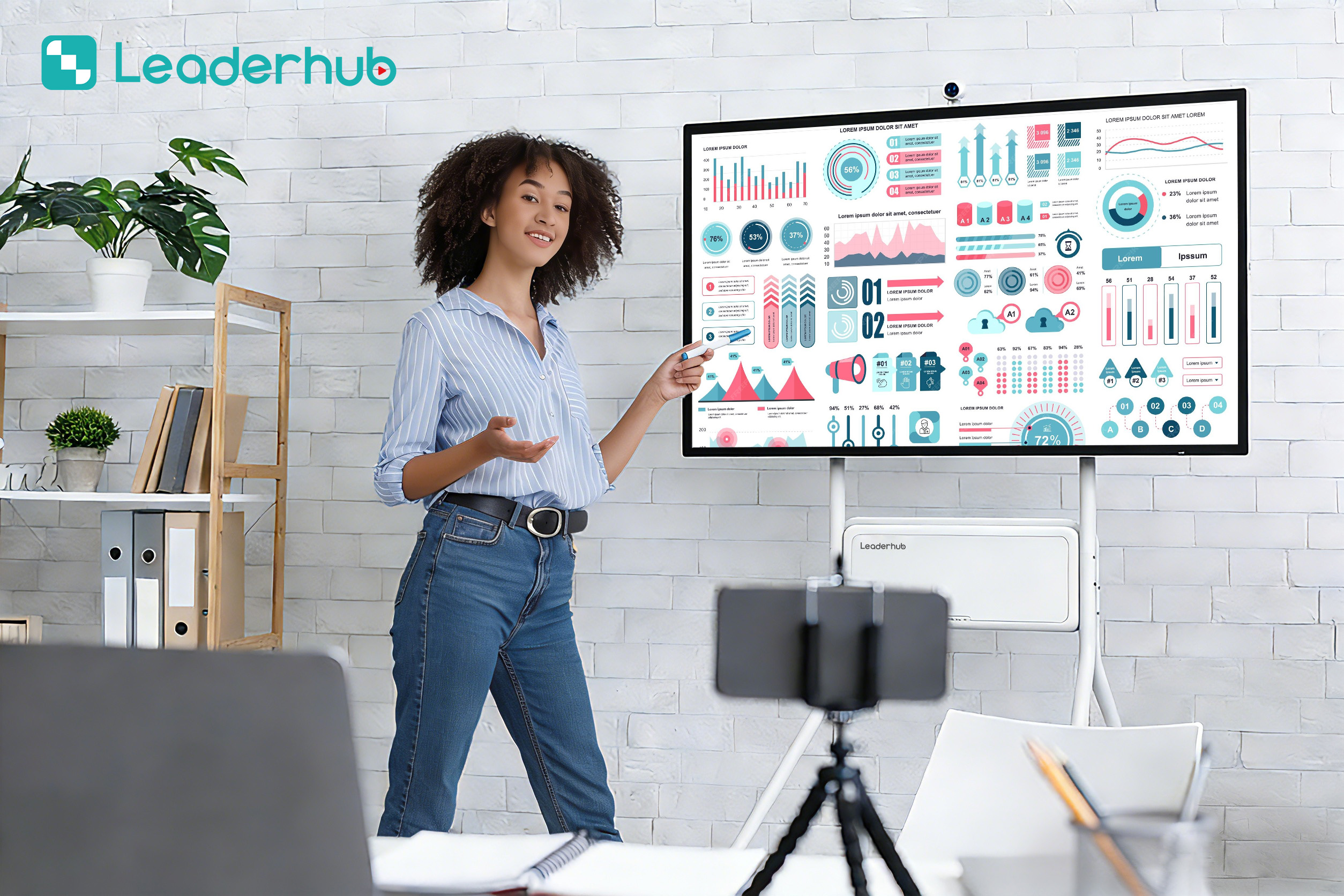
Applications & Demonstrations
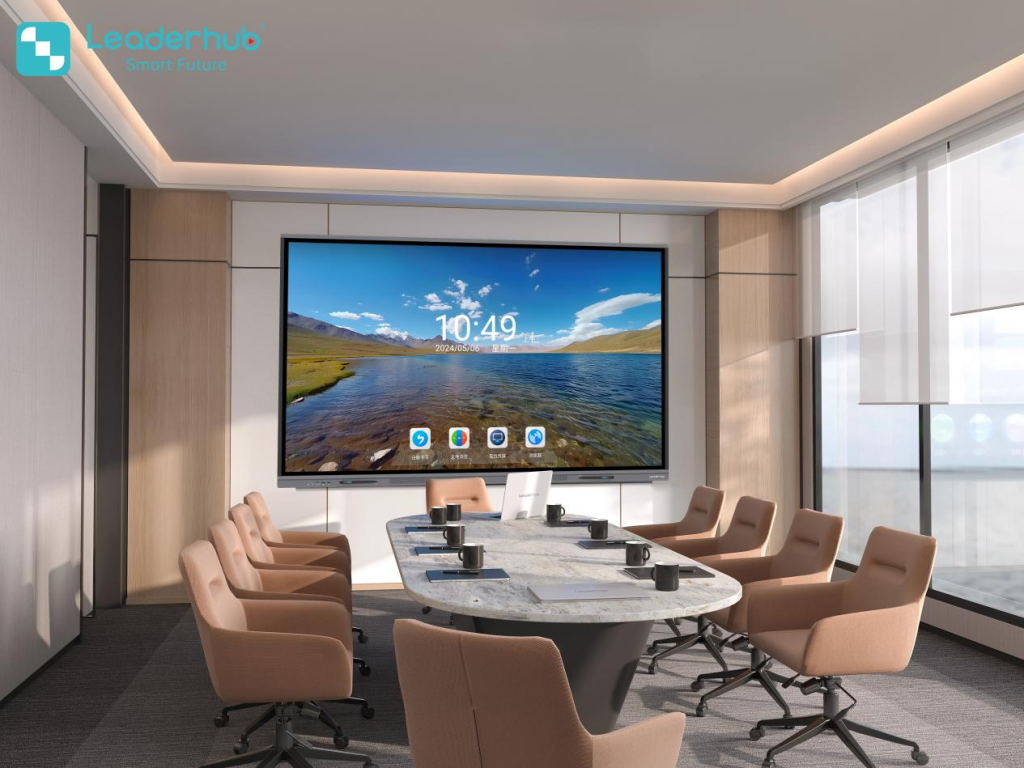
Discover real-world scenarios showcasing how our smart boards integrate into classrooms, conference halls, and home offices.
Frequently Asked Questions
Everything you need to know about setting up and using a smart board for your laptop.
How do I connect my laptop to a LeaderHub smart board?
Connecting your laptop is simple. You can use a single USB-C cable which transmits video, audio, touch controls, and charges your laptop simultaneously. Alternatively, you can connect via HDMI for video/audio and a USB-A to USB-B cable for touch transmission, or use wireless casting software built directly into the display.
Is macOS supported on LeaderHub interactive displays?
Yes, LeaderHub panels are fully compatible with macOS, Windows, and ChromeOS. When you connect your MacBook via USB-C or HDMI/USB touch, you will have native touch control over your macOS environment, allowing you to run Mac-specific software on the large screen.
Do I need a built-in PC (OPS) if I use my laptop?
While you can run everything directly from your laptop, having an optional OPS (Open Pluggable Specification) Mini PC installed on the smart board allows you to run a dual-OS system (Android + Windows) without needing to plug in your laptop every time. This is highly useful for shared corporate meeting rooms.
How does the 20-point touch technology benefit team collaboration?
20-point multi-touch allows up to 20 unique contact points simultaneously. This means multiple team members or students can write, erase, or drag files on the interactive screen at the same time without lag, fostering true hands-on collaboration.
Ready to Upgrade Your Work and Study Spaces?
Get in touch with our team today to find the perfect smart board solution for your laptop connection needs.
