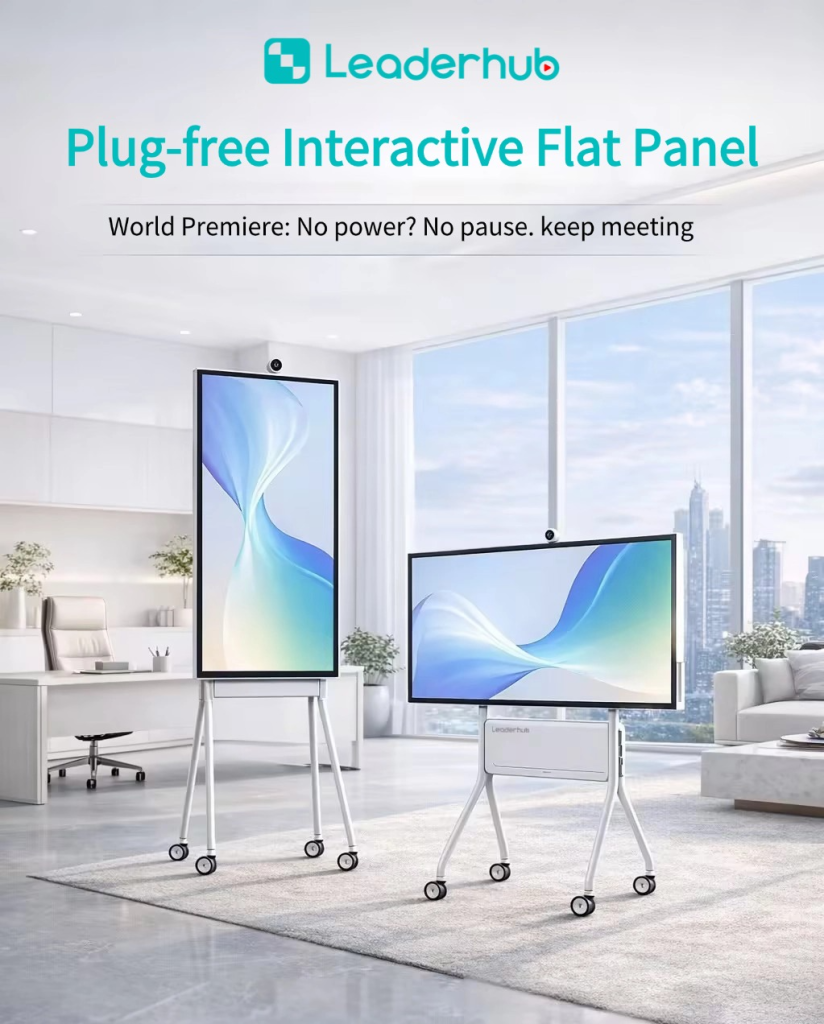
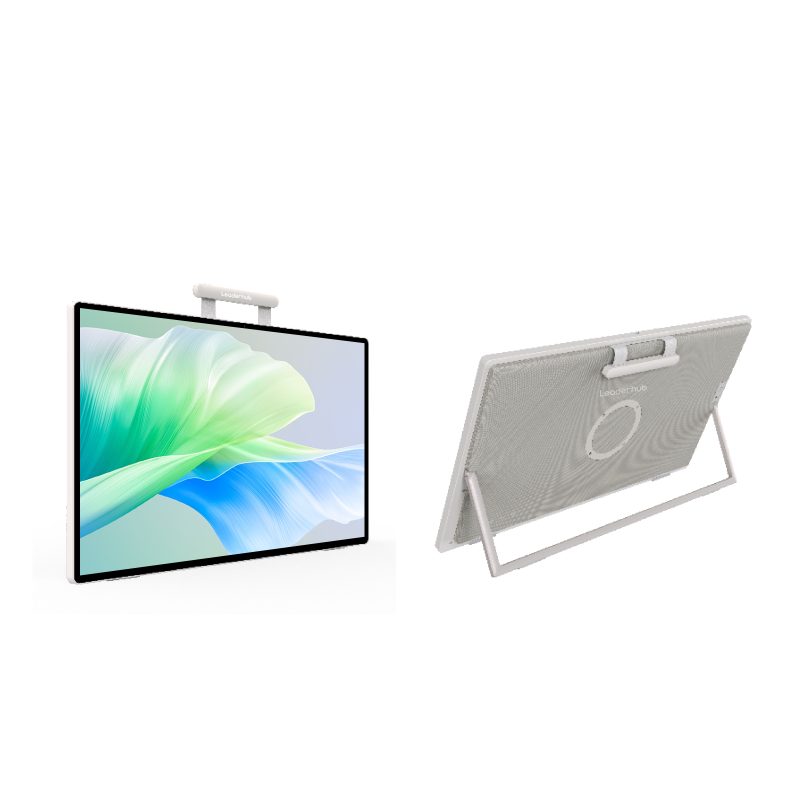
A smart board is an interactive display device that combines a large touchscreen, built-in computer software, and wireless connectivity to replace traditional whiteboards and projectors. Unlike static boards, a smart board allows users to write, draw, annotate, drag, zoom, and collaborate in real time — all through touch or stylus input. Whether mounted in a classroom, a corporate boardroom, or a training facility, smart boards have become the backbone of modern interactive communication.
According to a report by MarketsandMarkets, the global interactive whiteboard market was valued at USD 2.8 billion in 2023 and is projected to reach USD 5.1 billion by 2028, growing at a CAGR of 12.6%. This surge is driven by accelerating digital transformation in education and enterprise sectors, making it the right time to understand exactly what a smart board is and how it can work for you.
Core Definition: What Makes a Board “Smart”?
A smart board earns its name by integrating three foundational elements that traditional display tools simply cannot offer:
- Interactive touch capability — multi-point touch recognition enabling natural gesture input like pinch-to-zoom, swipe, and tap
- Connected computing — an embedded Android or Windows OS, or seamless PC connection, enabling app execution directly on screen
- Real-time collaboration — screen sharing, wireless casting, video conferencing, and cloud-synced annotation tools
These three pillars transform a flat panel into a living workspace where content is dynamic, participants are engaged, and information flows without friction. The industry also refers to these devices as interactive flat panels (IFPs), interactive whiteboards (IWBs), or smart displays — all variations on the same core concept.
Key Features of a Modern Smart Board
Not all smart boards are built the same. When evaluating options, the following features define quality and long-term value:
1. Display Resolution and Panel Quality
The baseline for any serious smart board today is a 4K UHD resolution (3840×2160). Higher pixel density ensures text, charts, and video content remain razor-sharp regardless of viewing distance. Premium models use IPS panels with wide color gamut coverage (typically 90%+ NTSC), ensuring accurate color rendering in both bright and dim environments.
2. Multi-Touch Sensitivity
Modern smart boards support 20-point or more simultaneous touch, allowing multiple users to interact with the screen at the same time. IR (infrared), capacitive, and acoustic pulse recognition (APR) are the three dominant touch technologies, each with trade-offs in accuracy, durability, and cost.
3. Built-in Operating System
Most enterprise-grade smart boards run Android (typically Android 11 or 13) with optional Windows compatibility. This enables direct installation of productivity apps — including Microsoft Teams, Zoom, Google Classroom, and whiteboard tools — without an external PC.
4. Wireless Screen Mirroring
Support for protocols like Miracast, Airplay, and proprietary casting solutions allows any device in the room to project its screen wirelessly. This is critical for hybrid meetings where both in-room and remote participants need seamless visual access.
5. Built-in Audio System
Integrated array microphones and speaker systems eliminate the need for external audio hardware. High-quality smart boards include AI-powered noise cancellation and echo suppression — a must-have for video conferencing reliability.
6. Connectivity Ports
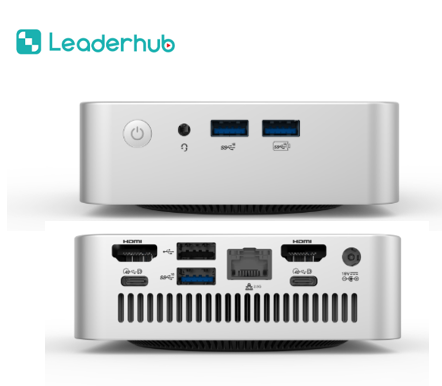
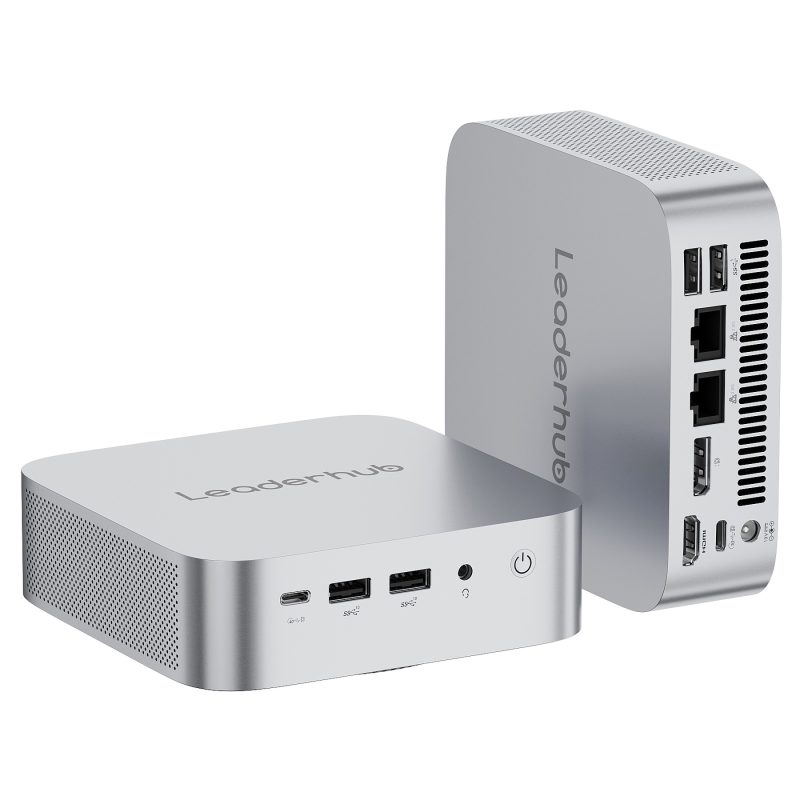
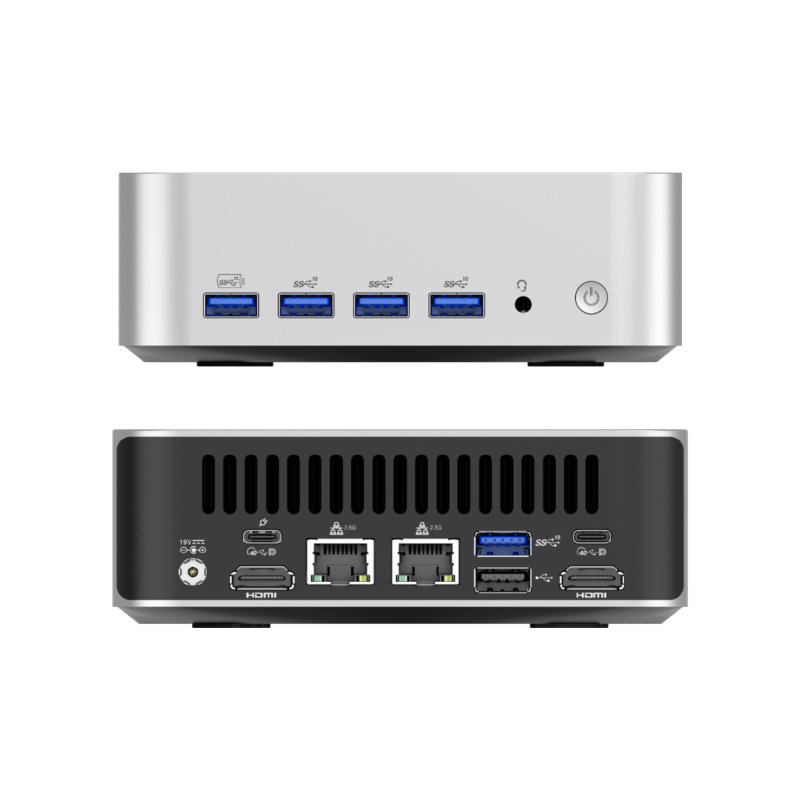
Comprehensive I/O options — USB-A, USB-C with power delivery, HDMI in/out, ethernet, and OPS (Open Pluggable Specification) slots for PC module upgrades — future-proof the investment and maximize compatibility with existing infrastructure.
Smart Board Benefits: Why Organizations Are Investing
The adoption of smart boards is not simply a technology upgrade — it is a measurable shift in how people learn, meet, and collaborate. Research from Promethean’s annual State of Technology in Education report found that 83% of teachers who use interactive displays report increased student engagement. Here is what drives that result across sectors:
In Education
- Teachers can pull live web content, annotate over videos, and save lesson notes instantly for sharing with students
- Visual and kinesthetic learners benefit from hands-on screen interaction
- Remote and hybrid classrooms become fully participatory with screen-sharing and video integration
- Gamified learning elements and quiz integrations (like Kahoot or Nearpod) increase retention rates
In Enterprise and Corporate Settings
- Meeting efficiency improves when all participants — local and remote — can annotate shared documents simultaneously
- Whiteboarding sessions are captured digitally and distributed automatically, eliminating the “who took notes” problem
- Video conferencing tools run natively, removing the cable clutter and setup friction of legacy conference room tech
- Sales and training teams use smart boards for dynamic presentations that respond to audience questions in real time
For Creative and Design Teams
- High-precision stylus input supports sketching, wireframing, and design reviews at scale
- Infinite canvas whiteboard apps allow brainstorming without physical size limitations
- Direct connection to design software enables review sessions without secondary monitors or adapters
Smart Board vs. Traditional Projector vs. Standard TV: A Comparison
Understanding where smart boards outperform legacy alternatives helps clarify the investment case. The differences are most apparent across three dimensions: interactivity, image quality, and total cost of ownership.
Traditional projectors require a separate computer, periodic bulb replacements (average bulb lifespan: 3,000–5,000 hours), and careful room darkening. They offer zero touch capability and degrade in image quality over time. Standard commercial TVs offer excellent display quality but lack touch input, whiteboard software, or conferencing integrations — making them passive display devices only.
A smart board consolidates projection, computing, audio, and collaboration tools into a single panel with a lifespan exceeding 50,000 hours (LED backlight), no consumables, and a flat learning curve. While the upfront cost is higher, total cost of ownership over a five-year period typically favors smart boards when factoring in bulb replacement, IT support overhead, and peripheral device costs.
Industry analysts at IDC note that organizations replacing projector setups with smart interactive panels report an average 30–40% reduction in meeting setup time and a measurable increase in remote participant satisfaction scores.
Classroom Uses of Smart Boards: Practical Applications
The classroom remains the largest deployment environment for smart boards globally. Here are the most impactful real-world applications educators rely on:
| Application | How It Works | Benefit |
|---|---|---|
| Live Annotation | Write over PDFs, websites, or videos in real time | Contextual learning without switching tools |
| Student Screen Share | Students cast their device to the main board | Peer learning and presentation practice |
| Interactive Quizzes | Run polling and quiz apps directly on screen | Instant feedback and formative assessment |
| Saved Lesson Notes | Export whiteboard content to PDF or cloud storage | Accessible review material for all students |
| Remote Class Integration | Full-screen video conferencing with shared whiteboard | Hybrid learning without quality compromise |
Why Choose LeaderHub for Your Smart Board Needs
LeaderHub, a Shenzhen-based technology company with 16 years of professional experience in the interactive panel industry, has become one of the most trusted names in smart board manufacturing. Serving customers in 82 countries across education, enterprise, and government sectors, LeaderHub’s product lineup covers smart whiteboards, interactive flat panels, mini PCs, and portable smart screens.
What sets LeaderHub apart from commodity panel manufacturers comes down to four measurable factors:
- Technology depth — Hardware innovation paired with AI integration optimizes business-interaction efficiency at the firmware level, not just through third-party apps
- Proven recognition — Ranked #1 in JD.com’s interactive panel subcategory, recipient of the Annual Most Invested-Value Brand award, and holder of the LeaderHub Good Design Award
- Accessibility commitment — The mission to help small and medium enterprises access best-in-class technology means pricing and support structures that work at scale without enterprise-only contracts
- Verified customer satisfaction — Real user reviews consistently rate LeaderHub panels 5/5 for touch sensitivity, display clarity, and ease of deployment
How to Choose the Right Smart Board: A Buyer’s Checklist
Before purchasing, align the spec sheet against your actual deployment context. Here is a practical evaluation checklist:
- Screen size — 65″ is standard for classrooms up to 30 students; 75″–86″ suits larger rooms or conference halls; 55″ works for small meeting rooms
- Resolution — 4K is the minimum acceptable standard for 2024 and beyond; avoid 1080p panels for primary display use
- Operating system — Android 11+ for simplicity; Windows-compatible OPS slot for organizations requiring full PC capability
- Touch points — 10-point is acceptable; 20-point enables true multi-user collaboration
- Connectivity — Confirm USB-C, HDMI 2.0, and ethernet are present; Wi-Fi 6 support is increasingly important
- Software ecosystem — Ensure compatibility with your existing tools (Teams, Zoom, Google Workspace, LMS platforms)
- Warranty and support — Look for minimum 3-year hardware warranty with accessible technical support channels
Smart Board Sizes and Specifications: What the Industry Standards Say
The Interactive Display Industry Association (IDIA) classifies smart boards into three primary tiers by application:
Education tier (65″–86″): Optimized for high ambient light environments, with anti-glare coatings and reinforced touch glass rated for 10+ million touches. Brightness typically ranges from 350–450 nits.
Enterprise tier (55″–75″): Balanced specs prioritizing video conferencing quality, with built-in 4K cameras, AI-powered noise cancellation mics, and one-touch meeting room startup. Brightness from 400–500 nits.
Premium tier (86″–110″): Ultra-high brightness (500+ nits), mini-LED or OLED panel options, and modular OPS computing for maximum customization. Designed for auditoriums, lobbies, and large-format collaboration spaces.
The Role of AI in Next-Generation Smart Boards
Artificial intelligence is no longer a premium add-on in the smart board space — it is becoming a baseline expectation. Current AI capabilities integrated into leading smart board platforms include:
- AI handwriting recognition — Converts freehand notes into clean digital text in real time
- Auto-framing cameras — Speaker tracking and group framing that adjusts automatically during video calls
- Noise cancellation algorithms — Filters background noise from microphone input without hardware upgrades
- Smart content suggestions — Contextual app and resource recommendations based on active session content
- Meeting summaries — AI-generated transcripts and action item lists exported automatically at session end
These capabilities align with the broader AI-driven interactive technology trend that research firm Gartner identified as one of the top ten strategic technology trends for workplace productivity through 2026.
Installation and Setup: What to Expect
One of the most common concerns for organizations considering smart boards is installation complexity. In practice, modern smart boards are designed for minimal IT overhead:
- Wall-mount installation typically takes 2–4 hours with standard VESA-compatible brackets included
- Mobile floor stands offer no-drill flexibility for rooms used by multiple departments
- Network configuration requires only Wi-Fi credentials or an ethernet connection — no dedicated server infrastructure
- Most enterprise-grade units ship with pre-installed collaboration apps, ready to use within minutes of powering on
For large-scale rollouts (50+ units), vendors including LeaderHub offer MDM (Mobile Device Management) compatibility, enabling centralized configuration, app updates, and remote diagnostics across an entire fleet.
FAQ: Common Questions About Smart Boards
What is the difference between a smart board and an interactive whiteboard?
The terms are often used interchangeably, but technically an interactive whiteboard (IWB) originally referred to projection-based systems where a projector beams an image onto a touch-sensitive surface. A smart board (or interactive flat panel) is a self-contained LCD/LED display with built-in touch capability — no projector required. Modern usage increasingly favors “smart board” to describe all interactive display categories.
Do smart boards require a computer to function?
No. Most current smart boards include a built-in Android OS that runs apps natively — including browsers, whiteboard tools, and video conferencing platforms. An external PC can be connected via HDMI or USB-C for additional computing power, but it is not required for core functionality.
How long do smart boards last?
LED-backlit smart boards have a rated panel lifespan of 50,000 hours, equivalent to approximately 17 years of use at 8 hours per day. Touch surface durability is typically rated for 10–50 million touch activations depending on technology type.
Are smart boards compatible with Google Classroom and Microsoft Teams?
Yes. Major smart board platforms support both Google Workspace for Education and Microsoft 365/Teams natively. Apps can be downloaded directly from the Google Play Store (on Android-based units) or run via browser interface.
What screen size should I choose for a classroom?
The general rule is 1 inch of screen diagonal per 1–1.5 feet of viewing distance. For a standard 30-foot deep classroom, a 75″–86″ panel is recommended. Smaller rooms (under 20 feet) can be served effectively by a 65″ unit.
Can multiple students interact with a smart board at the same time?
Yes — panels with 10-point or 20-point multi-touch support allow multiple students to write, draw, or interact simultaneously. This is especially valuable for collaborative exercises and group problem-solving activities.
What is the average cost of a smart board?
Pricing varies widely by size and specification. Entry-level 65″ education panels typically start around USD 800–1,200. Mid-range 75″ enterprise units with AI features range from USD 1,500–3,000. Premium 86″+ models with advanced computing modules can exceed USD 5,000. Total cost of ownership, including reduced peripheral and maintenance costs, often makes mid-range smart boards more economical than projector-based setups within 3–4 years.
Is a smart board good for small businesses?
Absolutely. Small businesses benefit significantly from the all-in-one nature of smart boards — eliminating separate projectors, video conferencing hardware, and audio equipment. The productivity gains from faster meeting setup and better remote collaboration are proportionally higher for smaller teams where every minute counts.
Smart Board Trends to Watch in 2025 and Beyond
The smart board market is evolving rapidly. Key trends shaping the next product generation include:
- AI copilots embedded in whiteboard software — Generative AI that suggests content, summarizes sessions, and drafts follow-up documents
- Cloud-native session management — Meeting content automatically synced to team workspaces (Notion, SharePoint, Confluence) without manual export
- Biometric and facial recognition integration — Auto-login and personalized workspace loading when a recognized user approaches the board
- Modular hardware upgrades — OPS-slot computing modules that extend product life without full panel replacement
- Sustainability focus — Lower power consumption profiles and recyclable materials as corporate ESG commitments tighten procurement criteria
For organizations evaluating interactive panel solutions today, investing in a platform with a clear AI and software roadmap — not just strong current-gen hardware — is the decision that will determine long-term ROI.
Smart boards have moved well past novelty status. They are now foundational infrastructure for any learning or working environment that takes engagement, efficiency, and collaboration seriously. Understanding what they are, what they offer, and how to evaluate them is the first step toward making a technology decision that will pay dividends for years to come.