
Smart Board for Projector Interactive Display for Classrooms
Revolutionize your educational environment. Combine the expansive display power of projection technology with state-of-the-art interactive capabilities to foster collaborative, engaging, and highly visual learning experiences.
What is a Smart Board for Projector Setup?
The convergence of large-scale projection and precise digital interactivity
A smart board for projector system is an interactive display configuration that transforms a standard classroom projection into a fully responsive digital workspace. By utilizing an interactive whiteboard surface paired with a short-throw or ultra-short-throw projector, educators can control computer applications directly from the board using a finger or specialized stylus.
Unlike traditional non-interactive projection screens, a projector-based smart board features built-in touch sensors—typically infrared, optical, or electromagnetic. These sensors track user input in real-time, sending coordinates to a connected computer or Mini PC, which instantly updates the projected image.
Today’s classrooms demand dynamic media, instant internet access, and collaborative writing spaces. Integrating an interactive display for classrooms ensures that lessons are not just viewed, but actively experienced by students and teachers alike.

Key Benefits of Classroom Projection Smart Boards
Why educational institutions worldwide choose interactive projection displays
Cost-Effective Large Canvas
Achieve display sizes of 100 inches or more at a fraction of the cost of large-format LED panels. Ideal for maximizing budget efficiency in multi-classroom deployments.
Diffuse Reflection for Eye Safety
Projectors use diffuse light reflection rather than direct backlighting. This significantly reduces blue light exposure and eye strain for students during long school hours.
Multi-Touch Collaboration
Supports multi-user interaction, allowing multiple students to write, draw, and solve problems simultaneously on the board, enhancing teamwork and classroom engagement.
Interactive Projection vs. Flat Panel Displays
A detailed breakdown to help you choose the right classroom display ecosystem
| Feature / Parameter | Projector + Smart Board Setup | LeaderHub Interactive Flat Panel (IFP) |
|---|---|---|
| Typical Display Size | 80″ to 120″ (Highly scalable based on projection distance) | 55″, 65″, 75″, 86″, up to 110″ (Fixed screen sizes) |
| Light Emission Mode | Diffuse Reflection (Softer light, highly eye-friendly) | Direct Backlight (Brighter display, crisp colors under strong light) |
| Cost per Inch | Extremely low for displays larger than 85 inches | Higher initial investment for very large sizes (86″+) |
| Interactive Precision | Excellent with regular calibration; supports finger/stylus | Ultra-precise 4K touch, zero lag, no calibration required |
| Maintenance & Lifespan | Requires occasional projector lamp replacement & dust cleaning | Virtually maintenance-free; LED lifespan up to 50,000 hours |
| Installation Complexity | Requires mounting both board and projector, plus alignment | Simple wall mount or mobile stand integration |
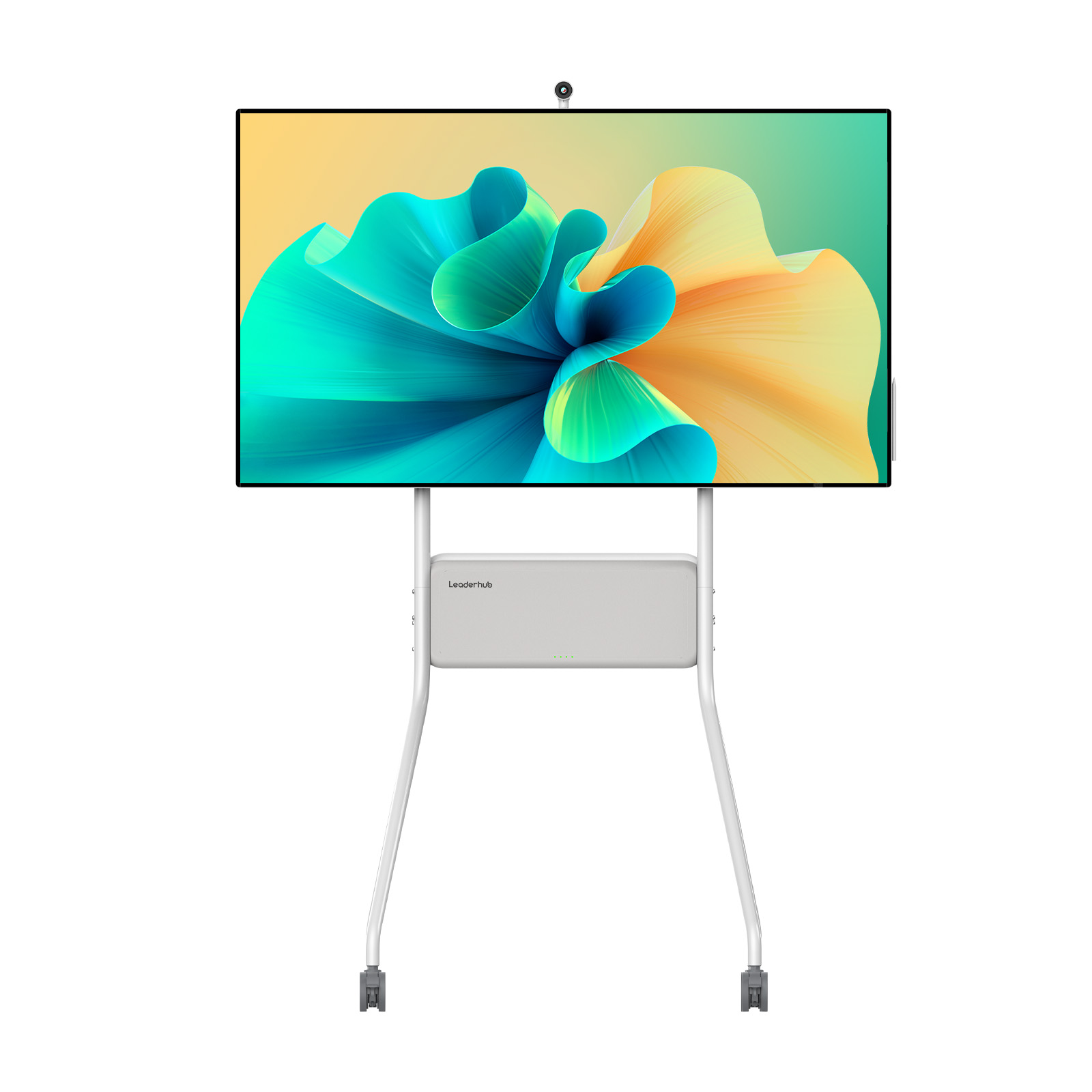
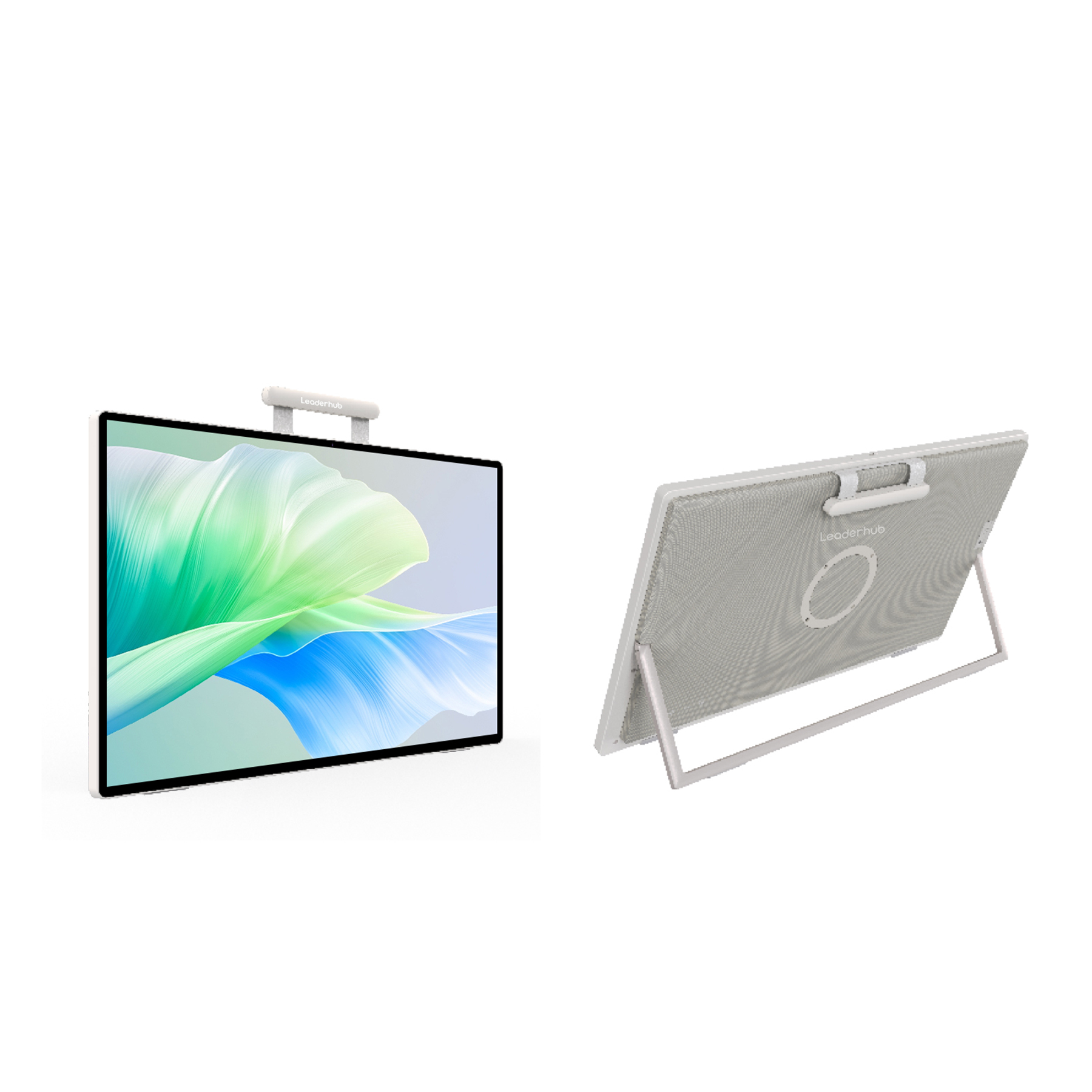
Premium Interactive Solutions from LeaderHub
Explore our range of high-performance smartboards and essential accessories

About LeaderHub
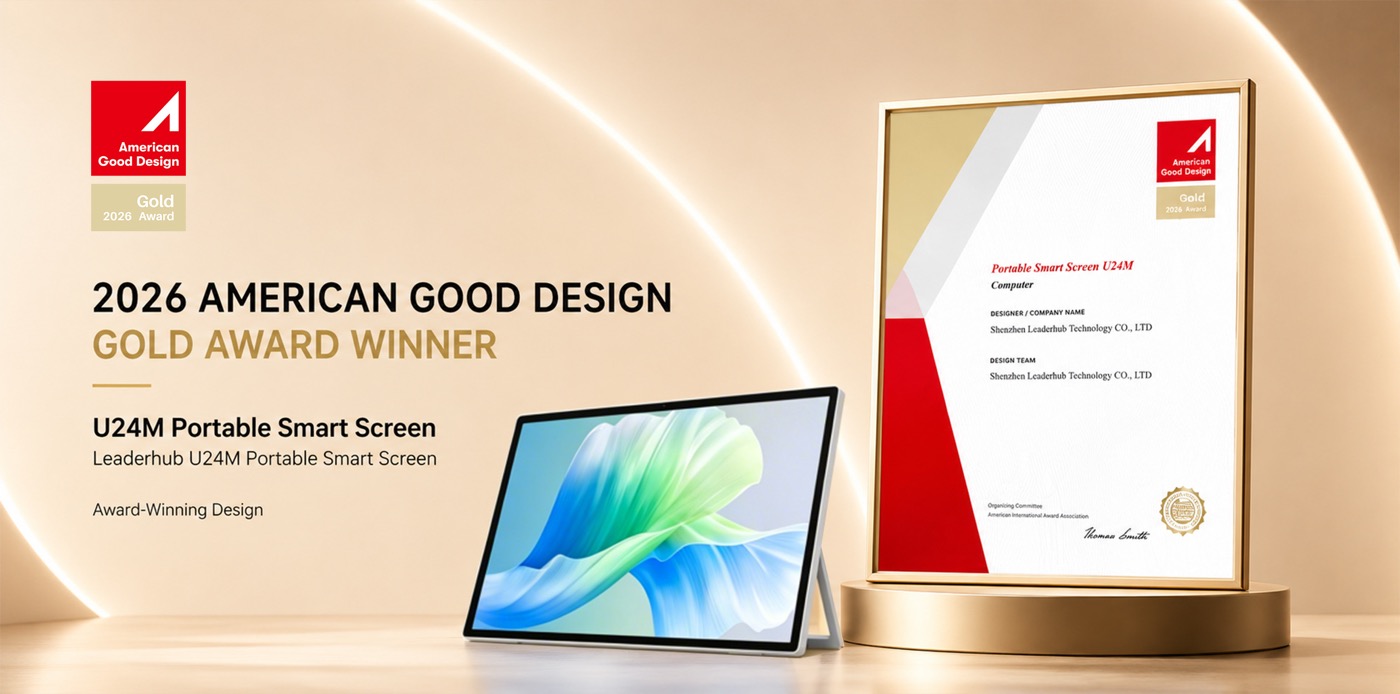
LeaderHub is a Shenzhen-based technology pioneer with 16 years of professional expertise in the interactive display industry. Specializing in smart whiteboards, interactive flat panels, high-performance mini PCs, and portable smart screens, we deliver cutting-edge visual collaboration solutions to classrooms and corporate environments across 82 countries worldwide.
Setting Up Your Smart Board for Projector
Four simple steps to transform your projection surface into an interactive digital hub
Mount the Board
Securely install the interactive whiteboard onto the classroom wall or a heavy-duty mobile stand at an ergonomic height for both teachers and students.
Position Projector
Mount your short-throw projector. Adjust focus, zoom, and keystone settings to ensure the projected image aligns perfectly with the active borders of the smart board.
Connect the Host
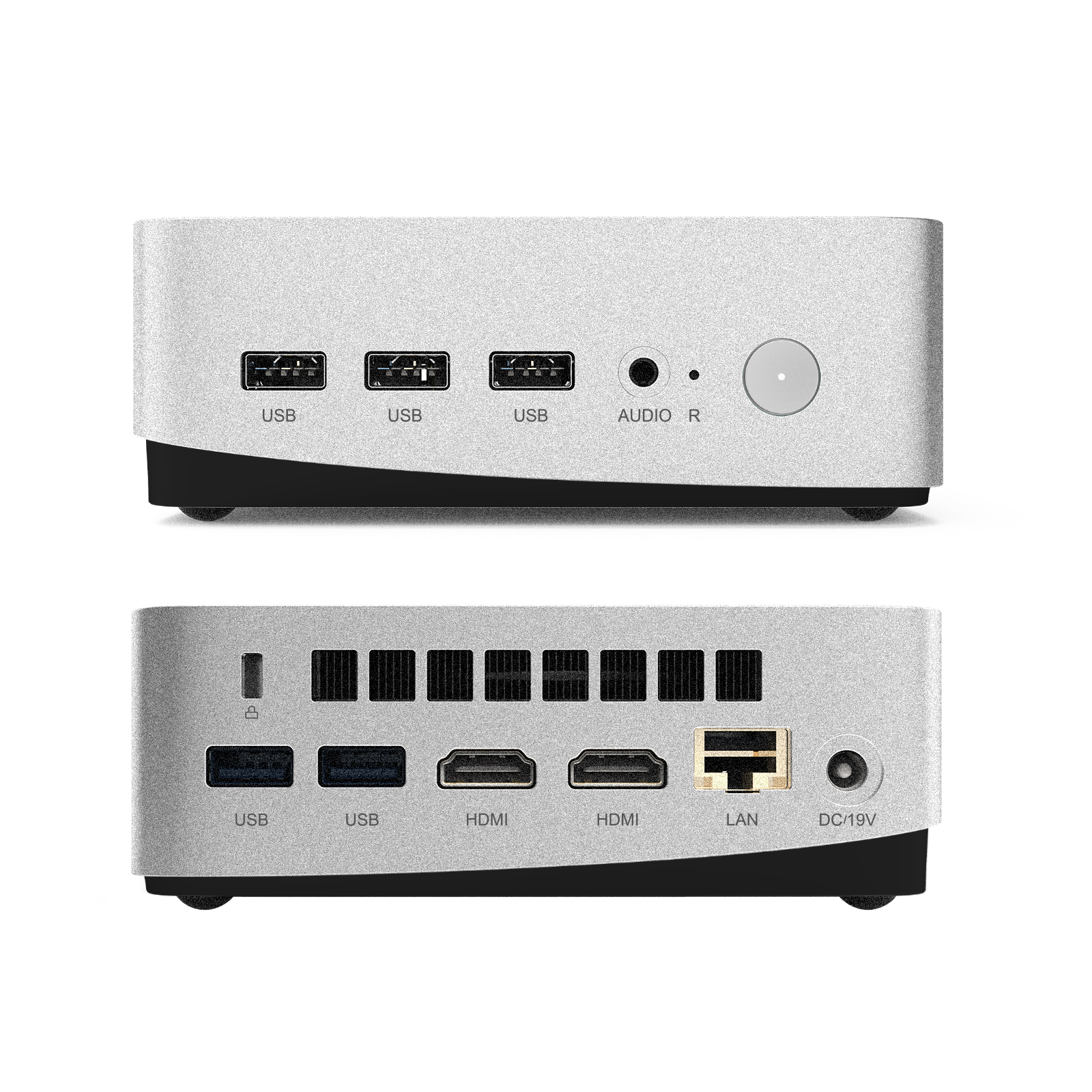
Connect the smart board’s USB receiver and the projector’s HDMI cable to your classroom computer or a dedicated LeaderHub Mini PC (such as the LP5C model).
Calibrate & Play
Run the calibration software provided with your interactive whiteboard. Tap the target points on the screen to align the touch tracking system with the projected display.
Global Exhibitions & Classroom Applications
Discover how LeaderHub smart boards and interactive displays support modern educational environments
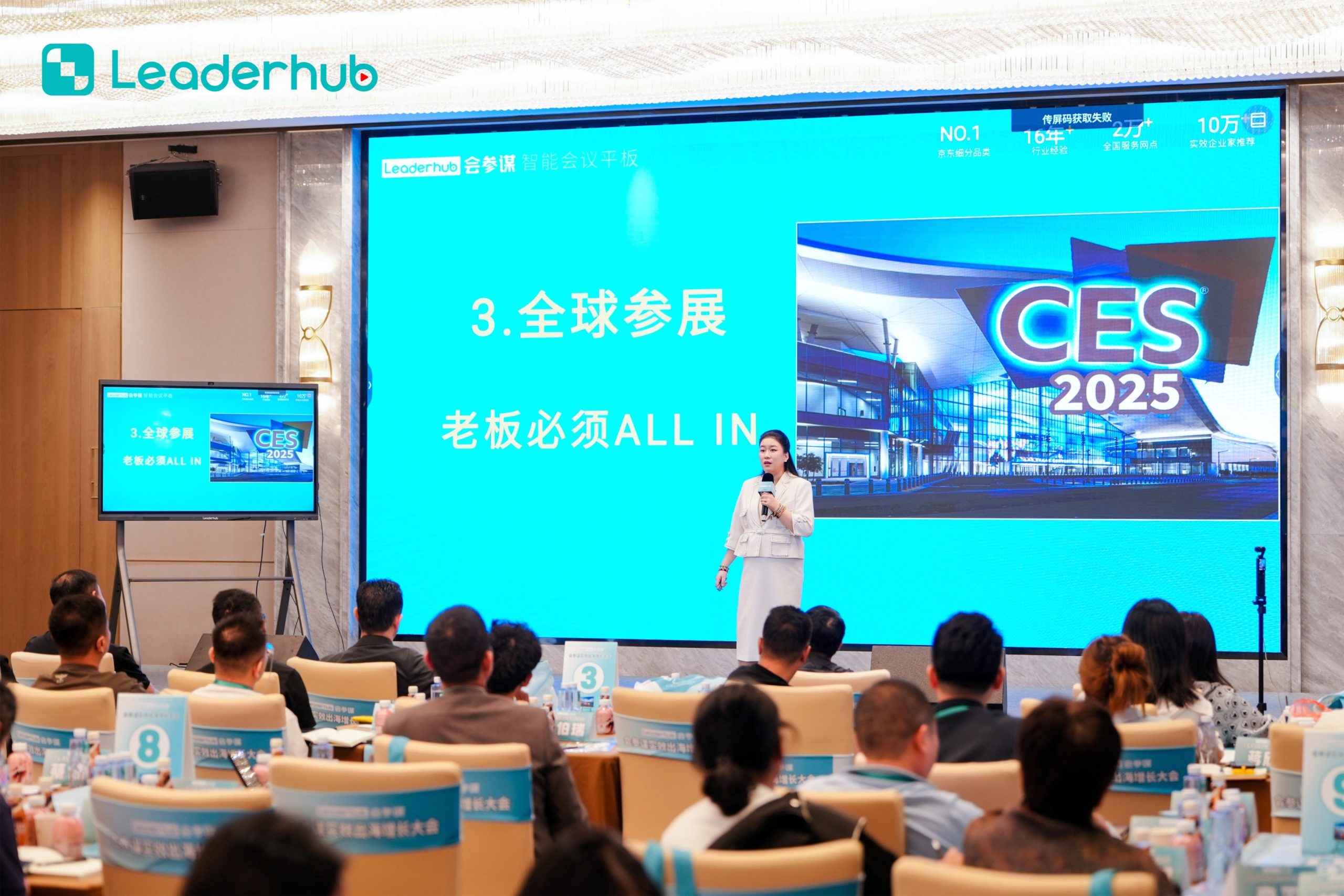
Smart Board in Action
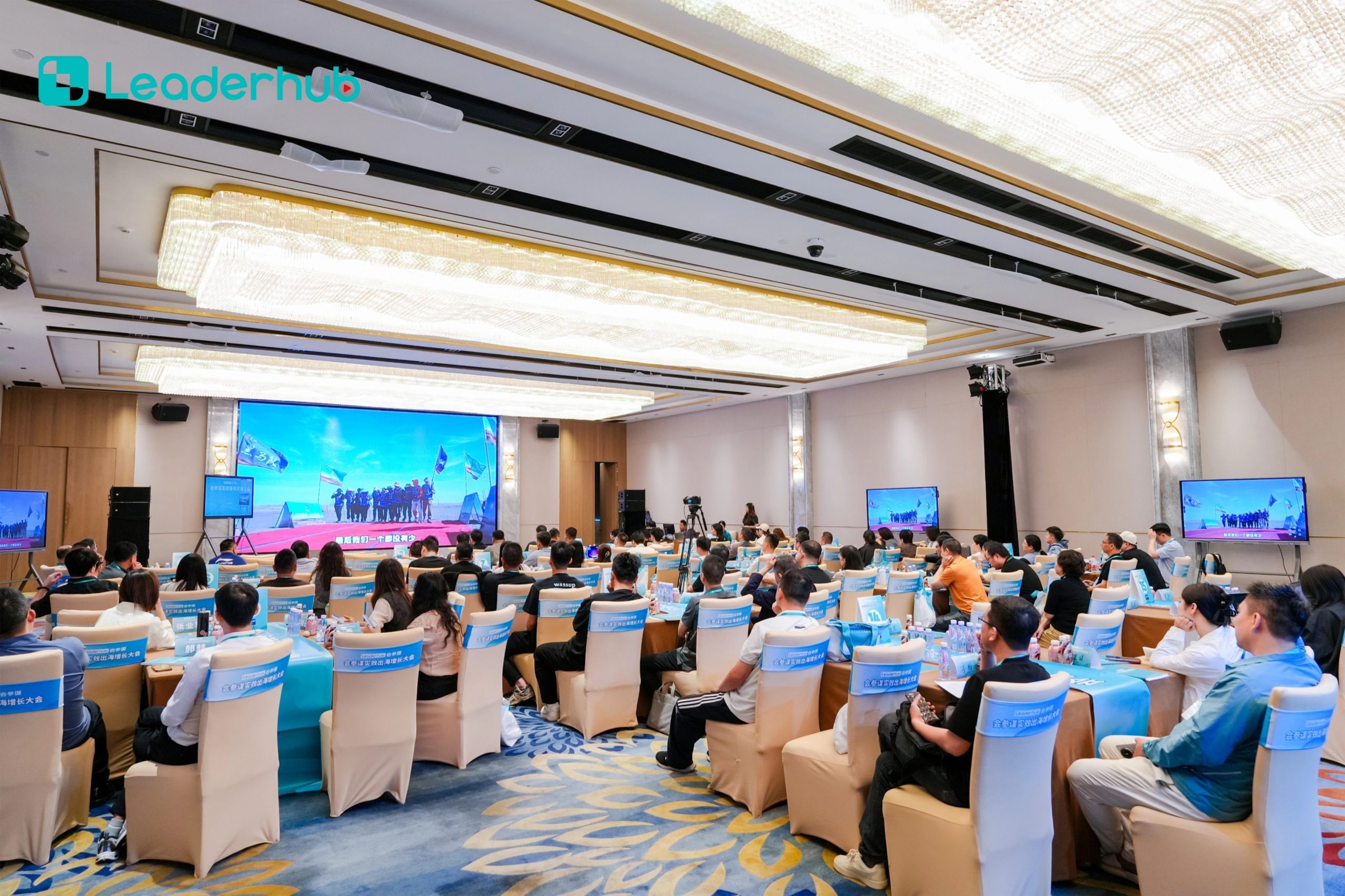
Interactive Display Demonstration

Global Electronics Exhibition

Smart Board Exhibition

Interactive Display Exhibition
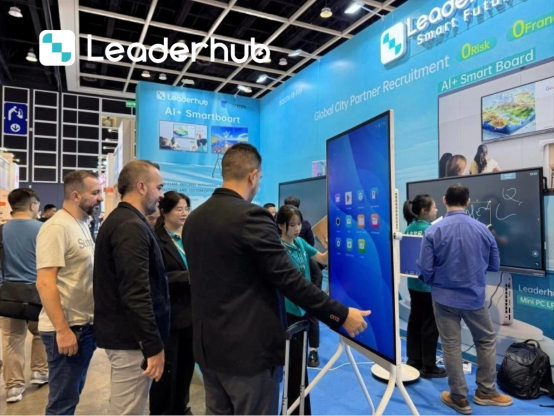
Smart Board Trade Show
Frequently Asked Questions
Everything you need to know about interactive smart boards for projectors
Q: Can I use any projector with an interactive smart board?
Yes, most interactive smart boards are compatible with standard, short-throw, or ultra-short-throw projectors. The projector’s primary role is to display the computer’s image onto the board, while the smart board itself handles the touch tracking. However, ultra-short-throw projectors are highly recommended to minimize shadows cast by teachers standing in front of the board.
Q: Does a projector-based smart board require special software?
The basic touch functionality acts plug-and-play like a standard mouse. However, to leverage advanced features such as handwriting recognition, gesture controls, and educational whiteboard tools, you will need to install the drivers and whiteboard software provided by the manufacturer on your connected PC or Mini PC.
Q: How does the eye-safety of a projector setup compare to an Interactive Flat Panel?
Projectors utilize diffuse reflection, meaning the light bounces off the screen surface before entering the eye. This is structurally similar to reading a book and is much gentler on the eyes than looking directly at a backlit LED panel (Interactive Flat Panel), making it highly suitable for classrooms with young children.
Q: What kind of computer is recommended to run a classroom smart board?
A reliable, compact computer is essential for smooth touch performance. Dedicated mini PCs, such as the LeaderHub LP5C or LP1C, are ideal because they can be mounted directly behind the board or projector, saving space while providing the necessary processing power to run educational software, media, and calibration tools seamlessly.
Ready to Upgrade the Way You Meet, Teach, and Create?
Partner with LeaderHub to deploy state-of-the-art interactive displays and smart boards tailored to your institution’s specific needs.