
Best Smart Board for iPad Wireless Touch Display for Teaching and Work
Unlock the ultimate collaboration experience. Seamlessly mirror your iPad, interact with precision touchback control, and transform your classrooms and meeting rooms with LeaderHub’s advanced 4K interactive smart boards.
Why Modern Workspaces Need a Smart Board for iPad
In today’s highly dynamic educational and corporate environments, the iPad has become the go-to tool for teachers, creators, and executives. However, presenting directly from a compact tablet screen often limits collaborative potential. That is where a dedicated smart board for ipad steps in, bridging the gap between personal productivity and group collaboration.
By pairing your iPad with a high-performance wireless touch display, you can project high-resolution lesson plans, design mockups, or financial spreadsheets onto a large 4K screen. What makes this integration revolutionary is two-way wireless touch control (touchback). You don’t just mirror your screen; you can actively control your iPad directly from the smart board, sketching, swiping, and editing in real-time.
LeaderHub’s interactive flat panels are designed to optimize this workflow. With robust support for AirPlay, EShare, and multi-screen casting, educators and professionals can transition from individual planning to interactive group sessions instantly, boosting engagement and productivity.
Key Features of the Perfect Smart Board for iPad
4K Ultra-HD Display
Experience crystal-clear visuals that match the high-density Retina display of your iPad. Every detail, annotation, and diagram is rendered with absolute clarity.
Wireless Screen Mirroring
Cast your iPad effortlessly using built-in AirPlay or specialized casting applications. No messy cables, dongles, or adapters required on your desk.
Two-Way Touchback Control
Interact with your iPad directly from the large smart board touchscreen. Open apps, swipe pages, and write notes with zero latency and high precision.
Multi-OS Compatibility
Beyond iPadOS, easily switch between Android, Windows, and macOS ecosystems, ensuring your smart board remains the versatile center of your setup.
Top-Rated Smart Boards & Accessories for iPad Integration

HM Series vs. ZM Series vs. Rotating Screens
| Product Series | Available Sizes | Core Target Use Case | iPad Connectivity | Touchback Support | Price Range |
|---|---|---|---|---|---|
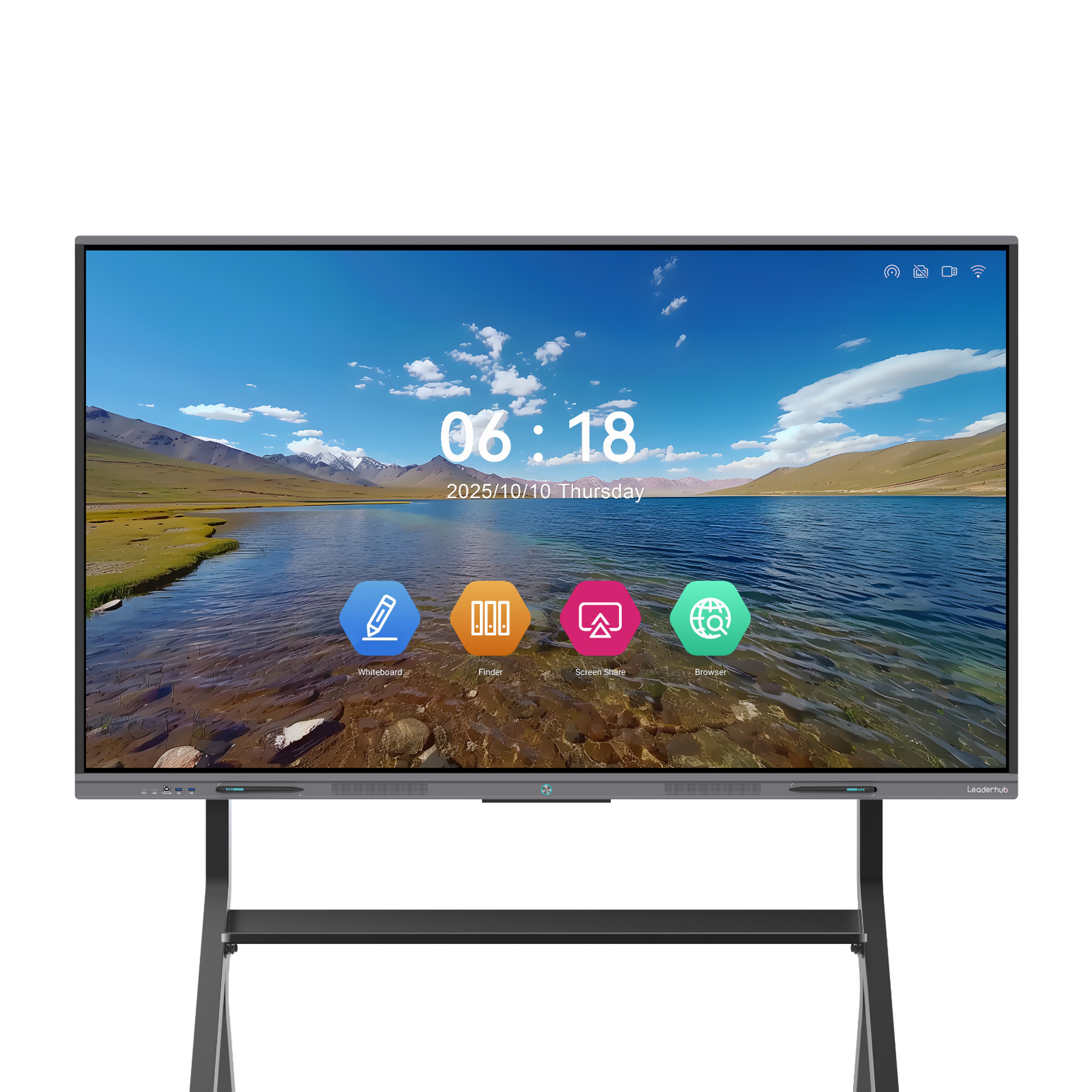
| HM Series (e.g., L65HM, L75HM, L86HM) | 65″, 75″, 86″ | Enterprise Meetings, High-end Classrooms | AirPlay, EShare, HDMI + Touch USB | Full Wireless Touchback | $1299.00 – $3199.00 |
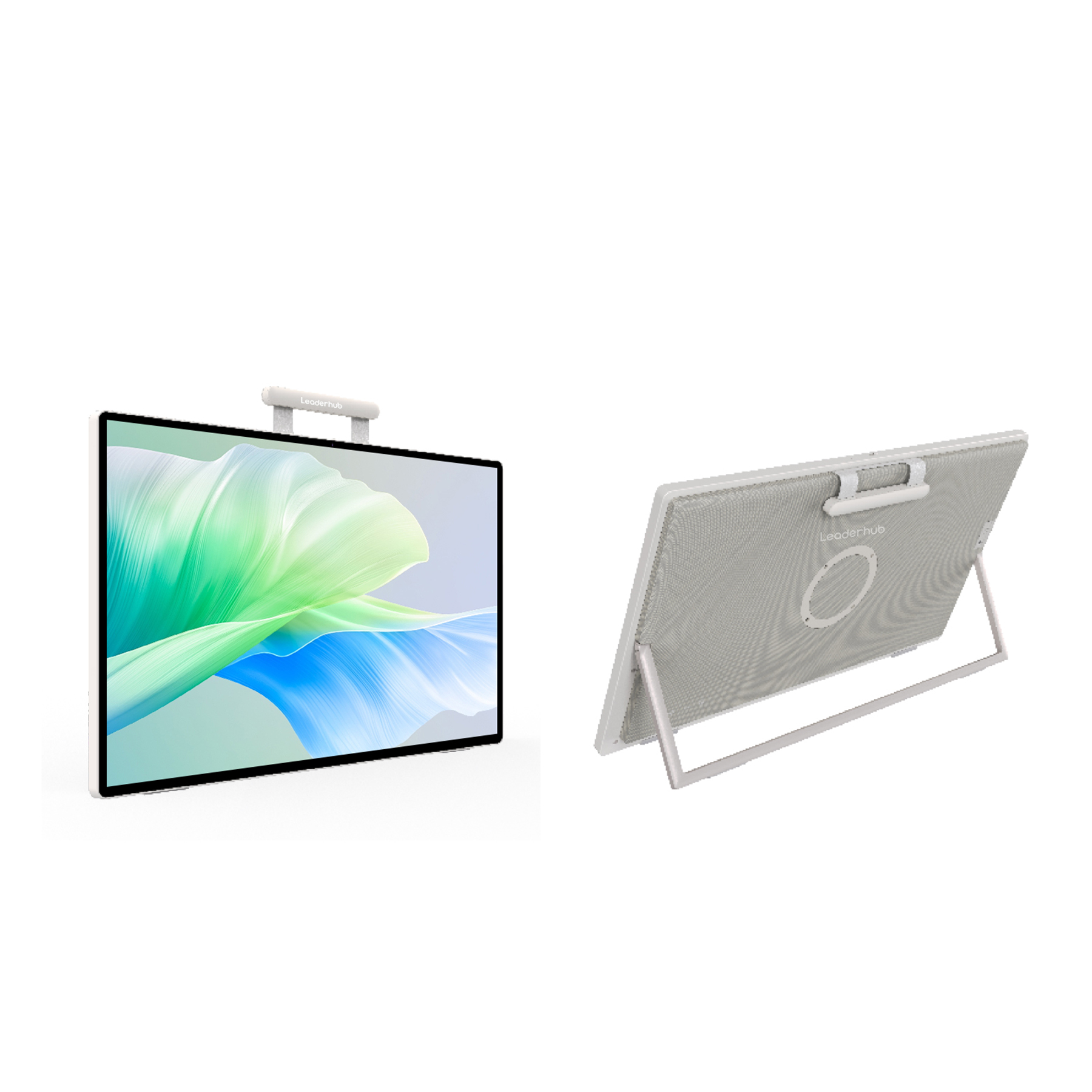
| ZM Series (e.g., L65ZM, L75ZM, L86ZM) | 65″, 75″, 86″ | SME Meeting Rooms, Standard Education | AirPlay, EShare, HDMI | Wireless Mirroring | $1099.00 – $1699.00 |
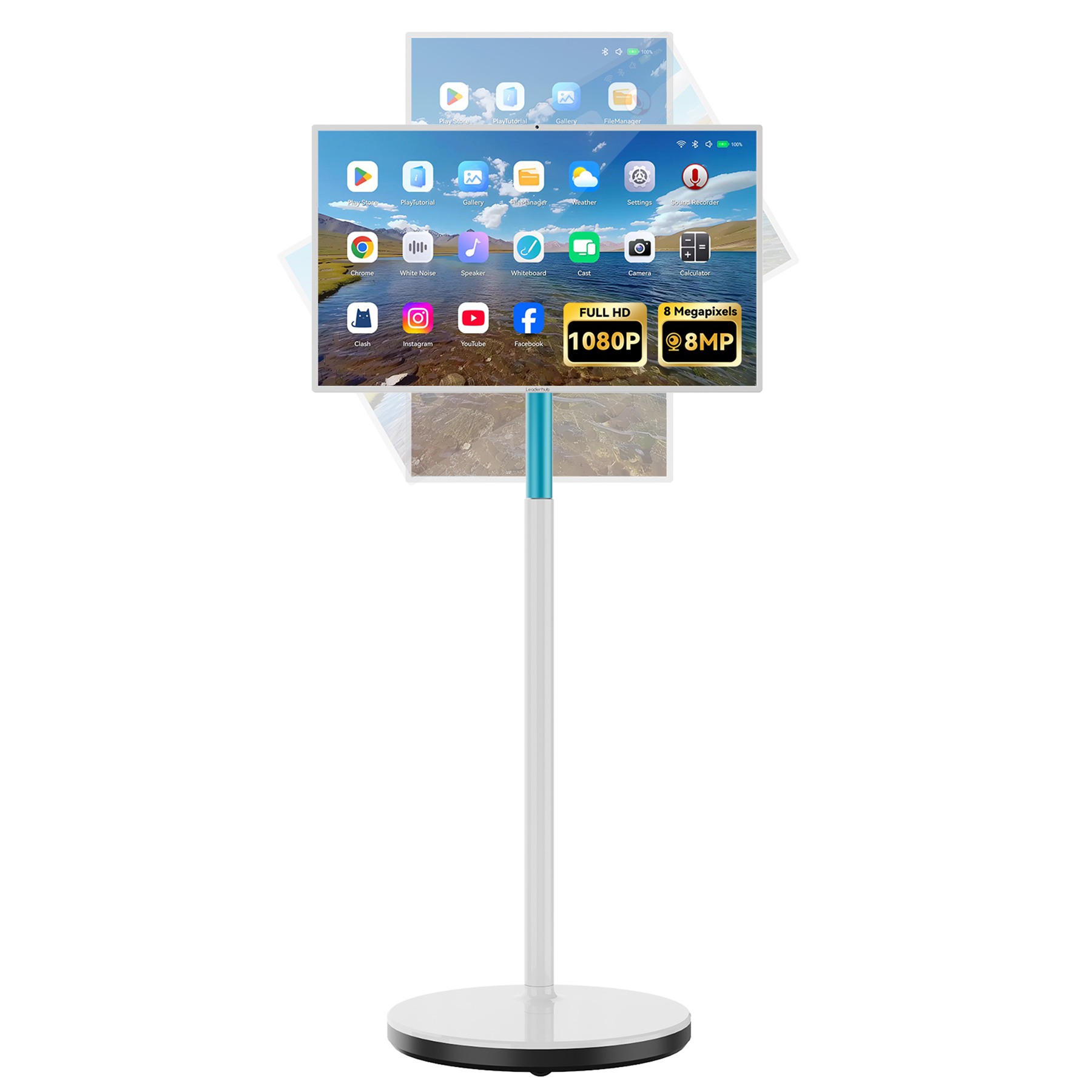
| Rotating Screens (e.g., U24M, L277M) | 24.5″, 27″ | Personal Workspaces, Mobile Teaching | Screen Mirroring, Type-C Direct Link | Full Touch Support | $699.00 – $899.00 |
How to Connect Your iPad to a LeaderHub Smart Board
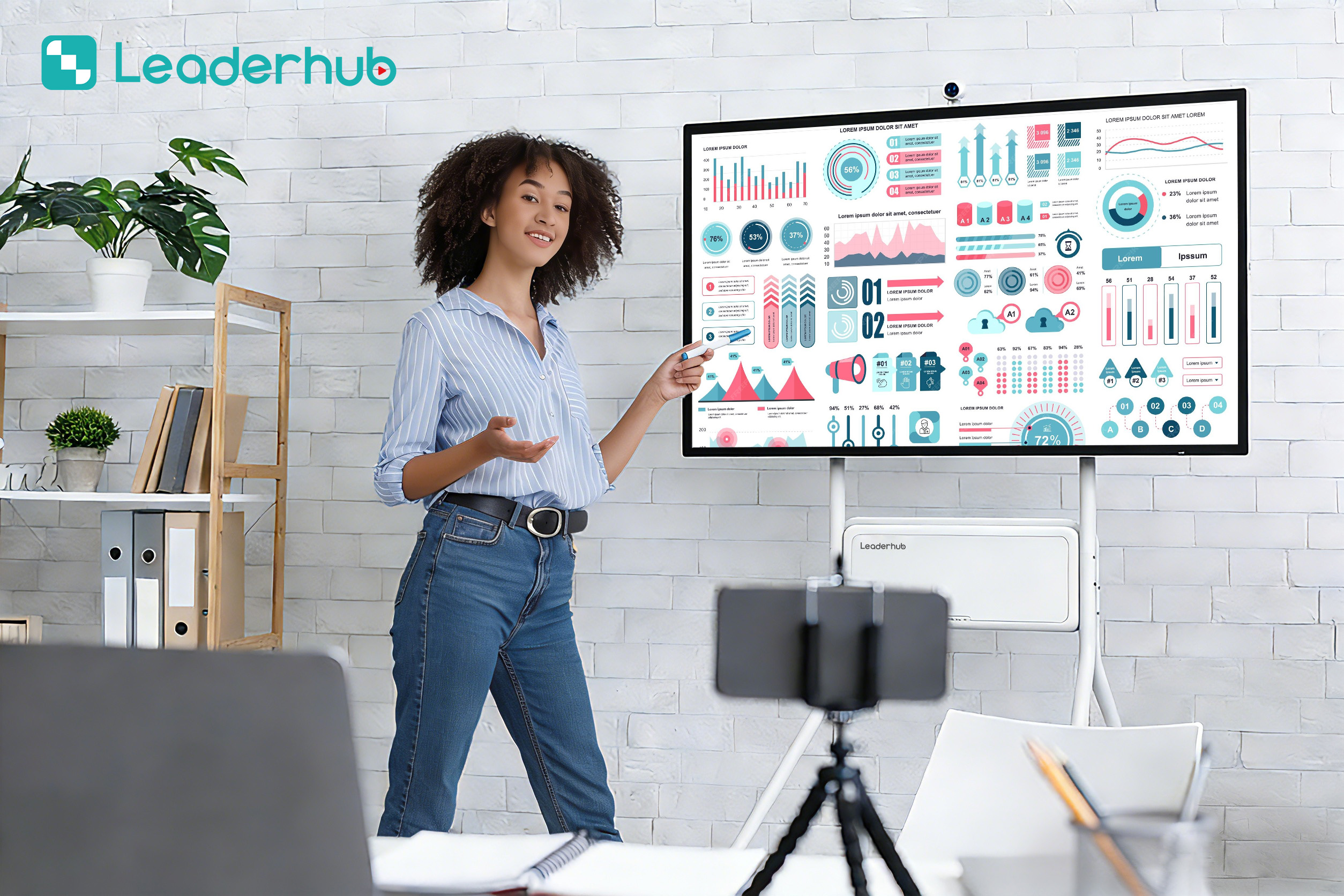
Achieve Wireless Freedom in Minutes
-
1
Connect to the Same Wi-Fi Network
Ensure both your iPad and the LeaderHub smart board are connected to the same local wireless network to enable seamless discovery.
-
2
Activate Screen Mirroring (AirPlay)
Swipe down from the top-right corner of your iPad to open the Control Center, tap “Screen Mirroring,” and select your LeaderHub display.
-
3
Enable Two-Way Touch Control
For full touchback support, utilize the pre-installed EShare application. Download EShare on your iPad, scan the QR code on the display, and activate the desktop sync options.
Designed for Modern Classrooms & Hybrid Workspaces
Empowering Interactive Education
In classrooms, the combination of an iPad and a LeaderHub smart board allows teachers to move freely around the room while managing the display. This interactive ecosystem makes learning dynamic and highly engaging:
- Untethered Teaching: Walk around the room, interact with students, and write on your iPad while it mirrors live to the main board.
- Direct Annotation: Annotate over digital textbooks, PDF slides, or educational apps, with all marks appearing instantly on the big screen.
- Student Interaction: Allow students to cast their work from their own iPads, encouraging collaborative problem-solving.
Streamlining Corporate Collaboration
For business meetings, brainstorming sessions, and presentations, the iPad and smart board integration transforms ideas into actionable strategies:
- Interactive Presentations: Conduct slide decks directly from the board, using touchback controls to navigate and highlight key points.
- Real-time Brainstorming: Use mind-mapping apps on your iPad and expand them on the 4K smart board for the entire team to see and edit.
- Video Conferencing Integration: Pair the setup with cameras and microphones to host hybrid Zoom or Microsoft Teams meetings with ease.
AI Changes Life — Interactive Display Pioneers
16 Years of Interactive Display Expertise
LeaderHub is a Shenzhen-based technology leader specializing in smart whiteboards, interactive flat panels, mini PCs, and portable smart screens. We are dedicated to delivering state-of-the-art visual collaboration tools to education, enterprise, and creative professionals globally.
Our commitment lies in making high-end interactive technology accessible and affordable for small and medium-sized enterprises. By combining advanced hardware with intelligent AI systems, we optimize meeting efficiency and classroom engagement.

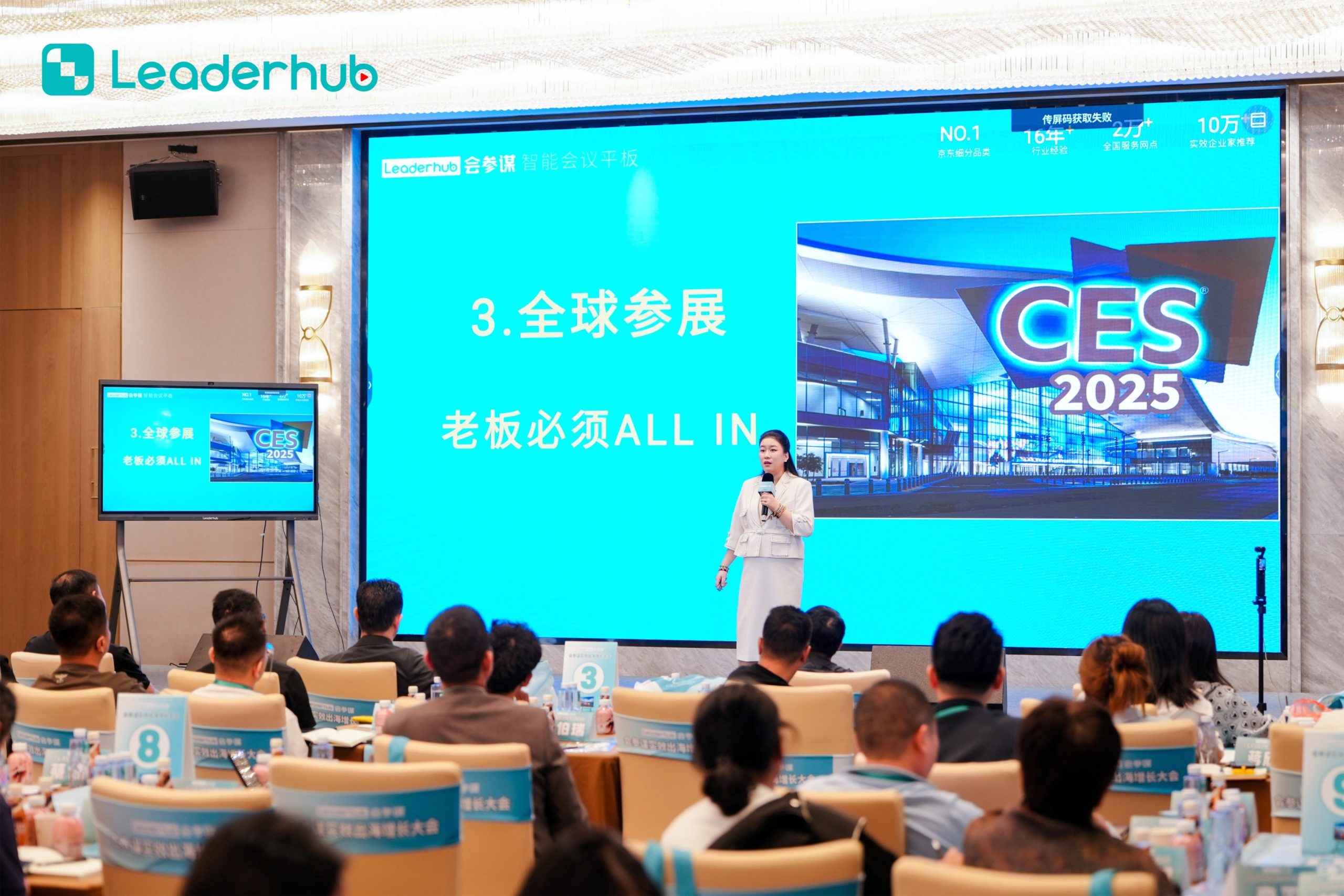
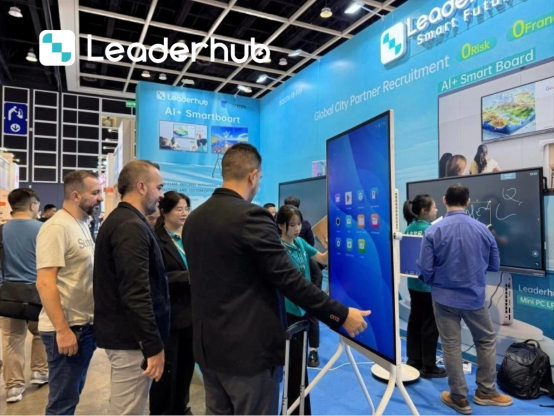
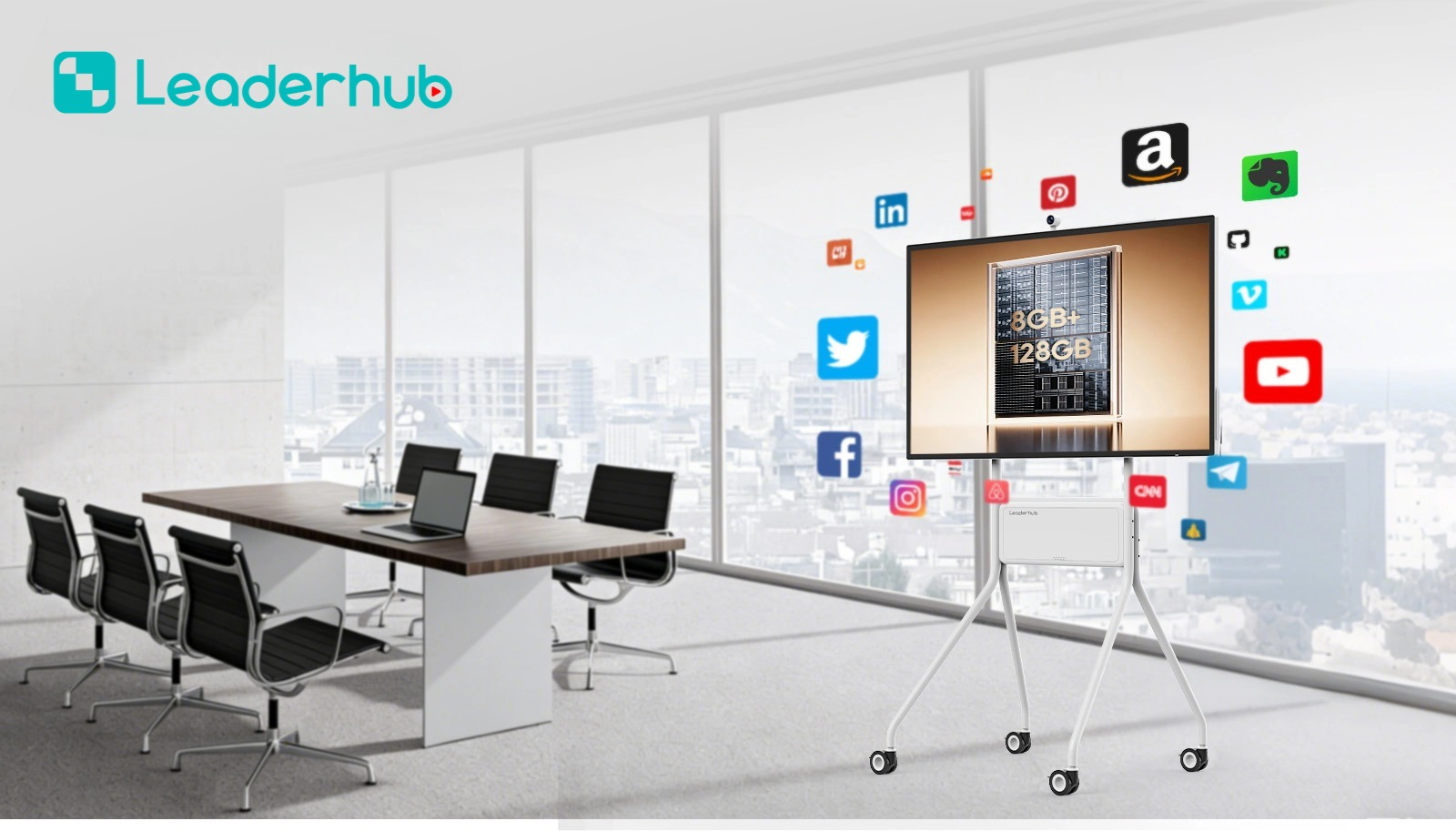
LeaderHub at Global Exhibitions & Real-World Scenarios




Frequently Asked Questions About Smart Boards for iPad
Ready to Transform the Way You Meet, Teach, and Collaborate?
Upgrade your space with the industry’s leading interactive displays. Explore our full range of smart boards and find the perfect match for your iPad ecosystem today.
