
Smart Board for Classroom Teaching to Boost Engagement and Learning
Empower educators and inspire students with LeaderHub’s advanced interactive displays. Seamlessly combining 4K touch technology, AI-driven tools, and multi-device collaboration to turn traditional lessons into immersive, active learning experiences.
Transforming Classrooms with Interactive Technology
The traditional classroom model, centered around static chalkboards and passive listening, is rapidly evolving. Today, educators face the constant challenge of maintaining student attention in a highly digitalized world. Implementing a high-quality smart board for classroom teaching has emerged as one of the most effective strategies to bridge this gap, transforming passive content consumption into active, collaborative participation.
Interactive flat panels do not simply replace the blackboard; they redefine the boundaries of the learning environment. By combining high-definition visual assets, real-time digital annotation, and instant internet access, teachers can construct multi-sensory lessons that cater to visual, auditory, and kinesthetic learners alike.
How Smart Boards Boost Classroom Learning
Active Student Collaboration
Multi-touch technology allows multiple students to write, draw, and solve problems simultaneously on a single screen, fostering teamwork and peer-to-peer learning.
Rich Multimedia Integration
Easily display 4K videos, interactive maps, 3D simulations, and web-based applications. Visual aids help simplify complex subjects like science and geometry.
AI-Powered Teaching Tools
Leverage integrated AI software for real-time handwriting recognition, instant translations, and smart shape generation to streamline classroom instruction.
Explore LeaderHub Interactive Solutions

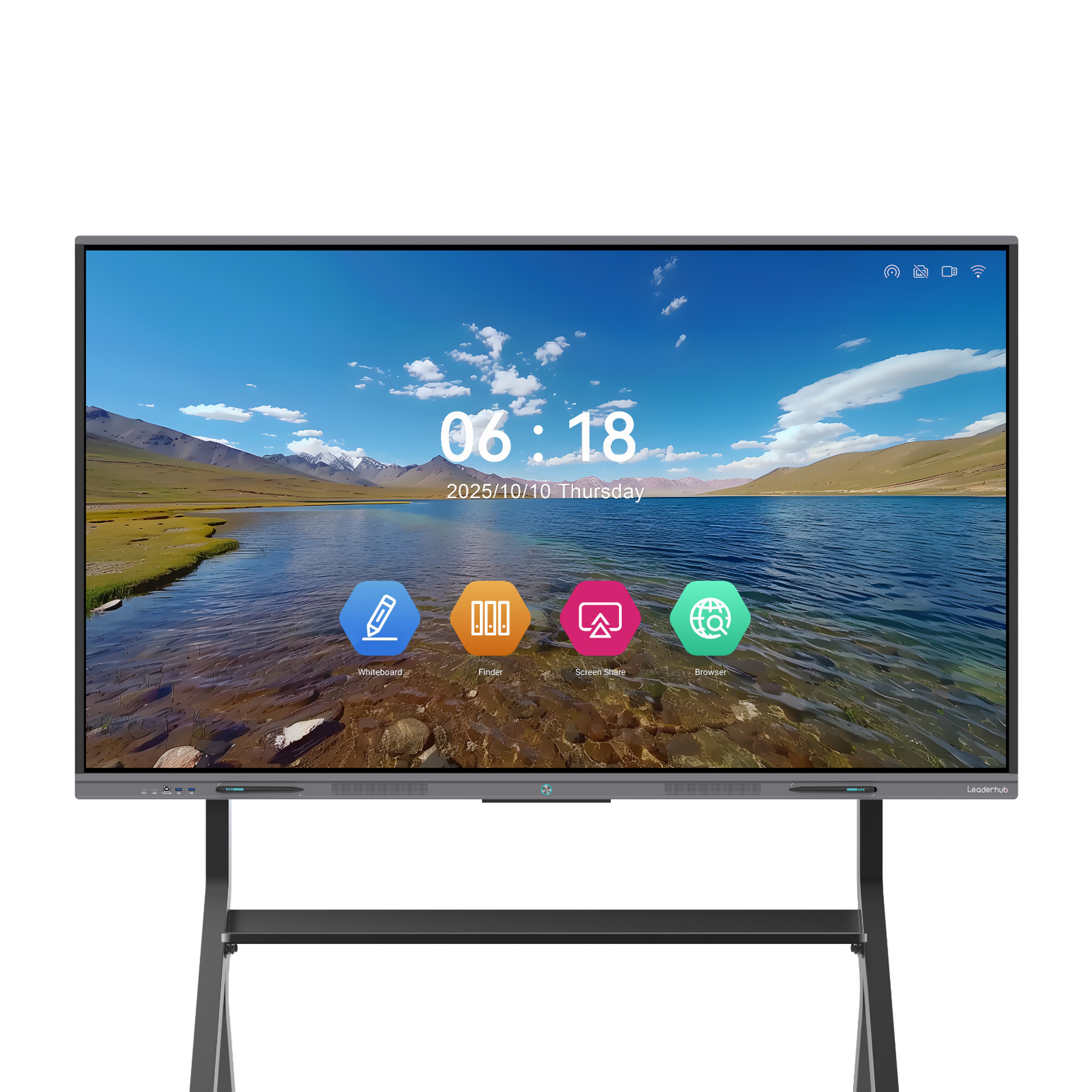
HM Series vs. ZM Series Specifications
| Feature Spec | HM Series (High-End Whiteboard) | ZM Series (Standard Smart Panel) |
|---|---|---|
| Display Resolution | 4K UHD (3840 x 2160) with Anti-Glare Glass | 4K UHD (3840 x 2160) |
| Touch Technology | 20-Point Infrared Touch, Zero-Bonding | 20-Point Infrared Touch |
| Operating System | Android & Windows Dual OS Support | Android OS (Windows optional via OPS) |
| Writing Latency | < 6ms (Ultra-smooth writing experience) | < 8ms |
| Audio / Camera | Integrated high-fidelity speakers & mic array | Stereo speakers (external mic/camera supported) |
| Connectivity | HDMI, USB-C (Full-featured), RJ45, Wi-Fi 6 | HDMI, USB, RJ45, Wi-Fi |
Choosing the right smart board for classroom teaching depends on your specific spatial requirements and pedagogical goals. The HM Series offers zero-bonding technology, which eliminates the air gap between the LCD panel and the glass, providing an incredibly natural writing experience akin to pen on paper. This model is perfect for classrooms emphasizing detailed diagrams and annotation.
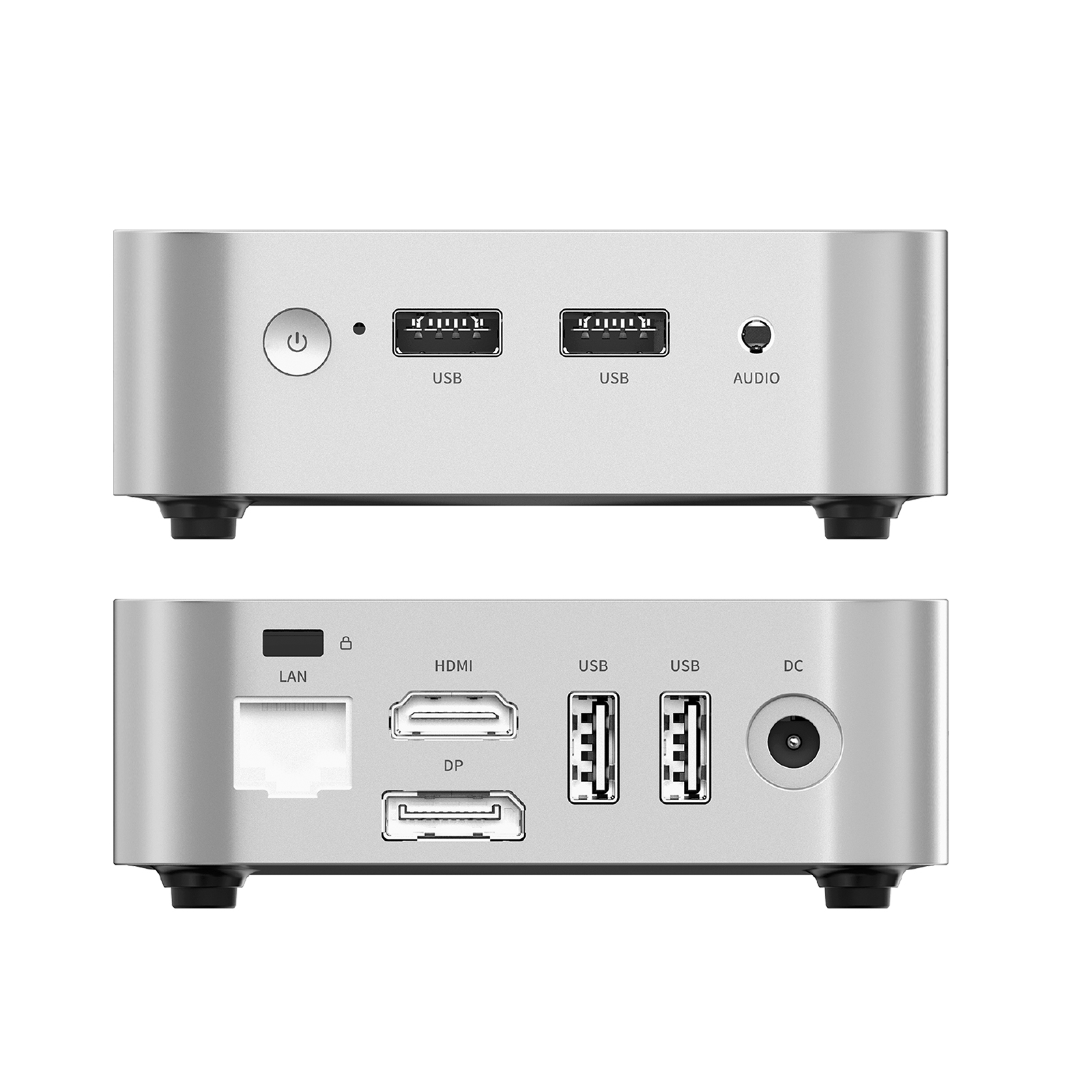
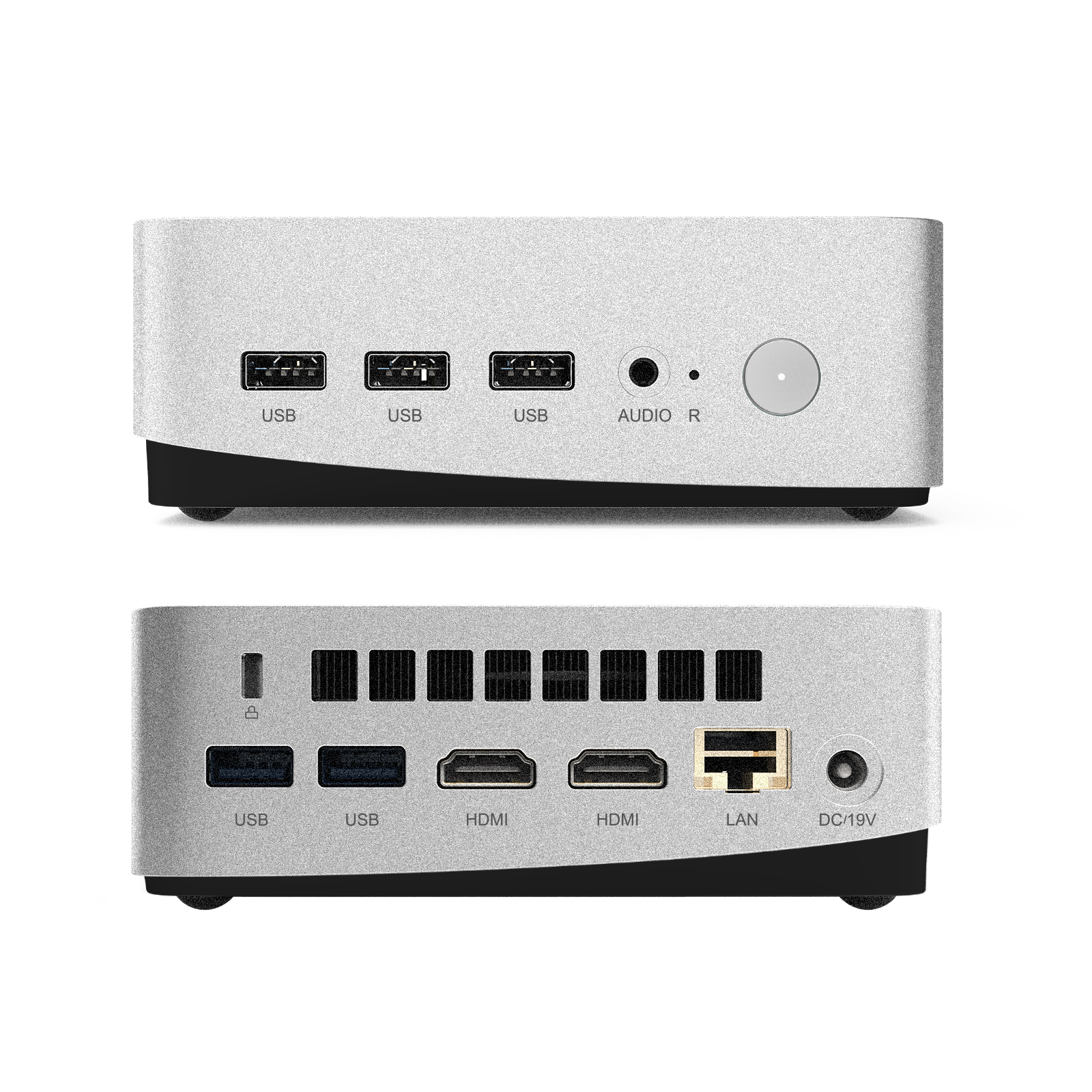
The ZM Series offers a highly cost-effective yet robust solution, bringing 4K interactive display technology to schools looking to upgrade multiple classrooms within a managed budget. Both series seamlessly integrate with LeaderHub’s optional high-performance Mini PCs to run complex education software natively on Windows.
Complete Your Interactive Classroom Ecosystem
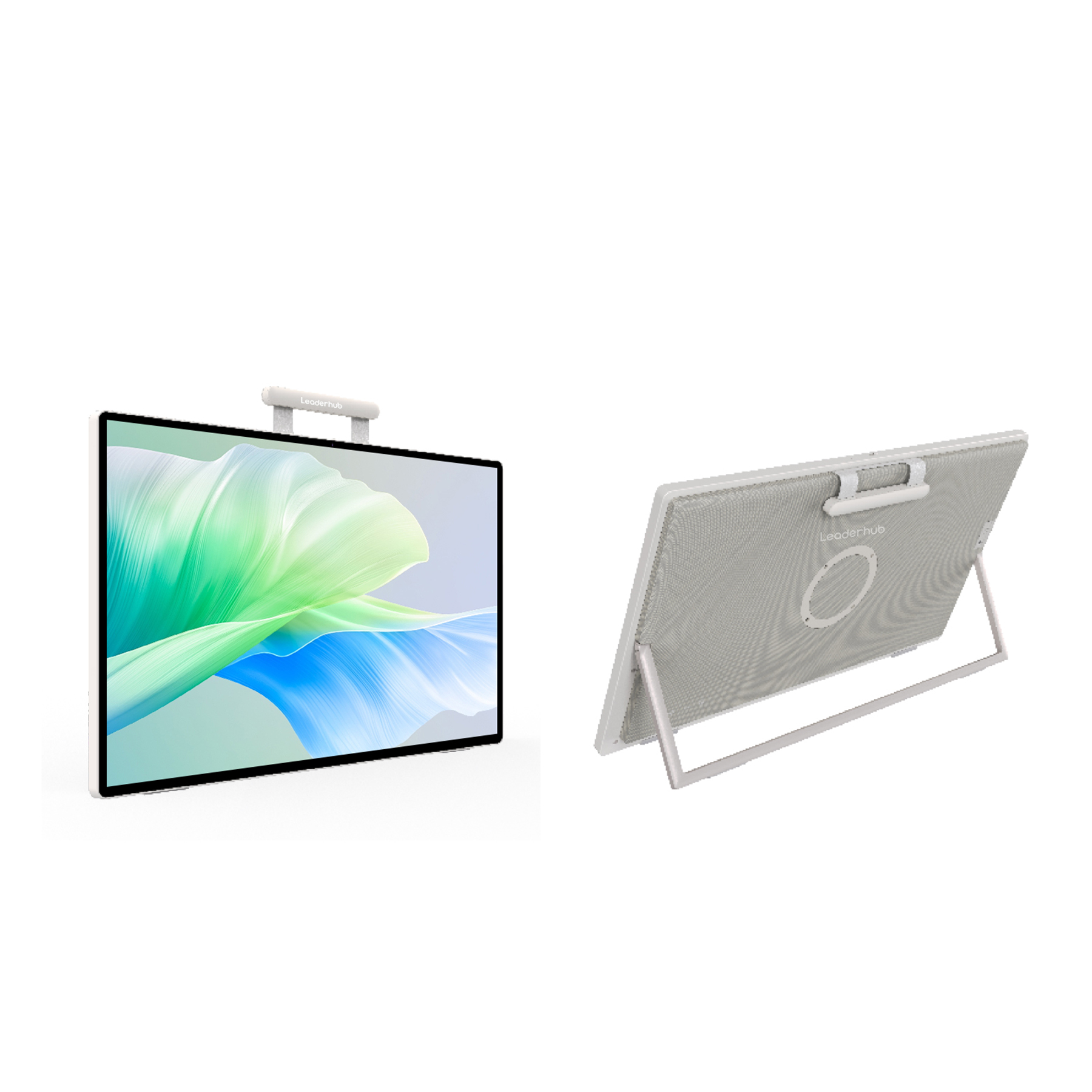
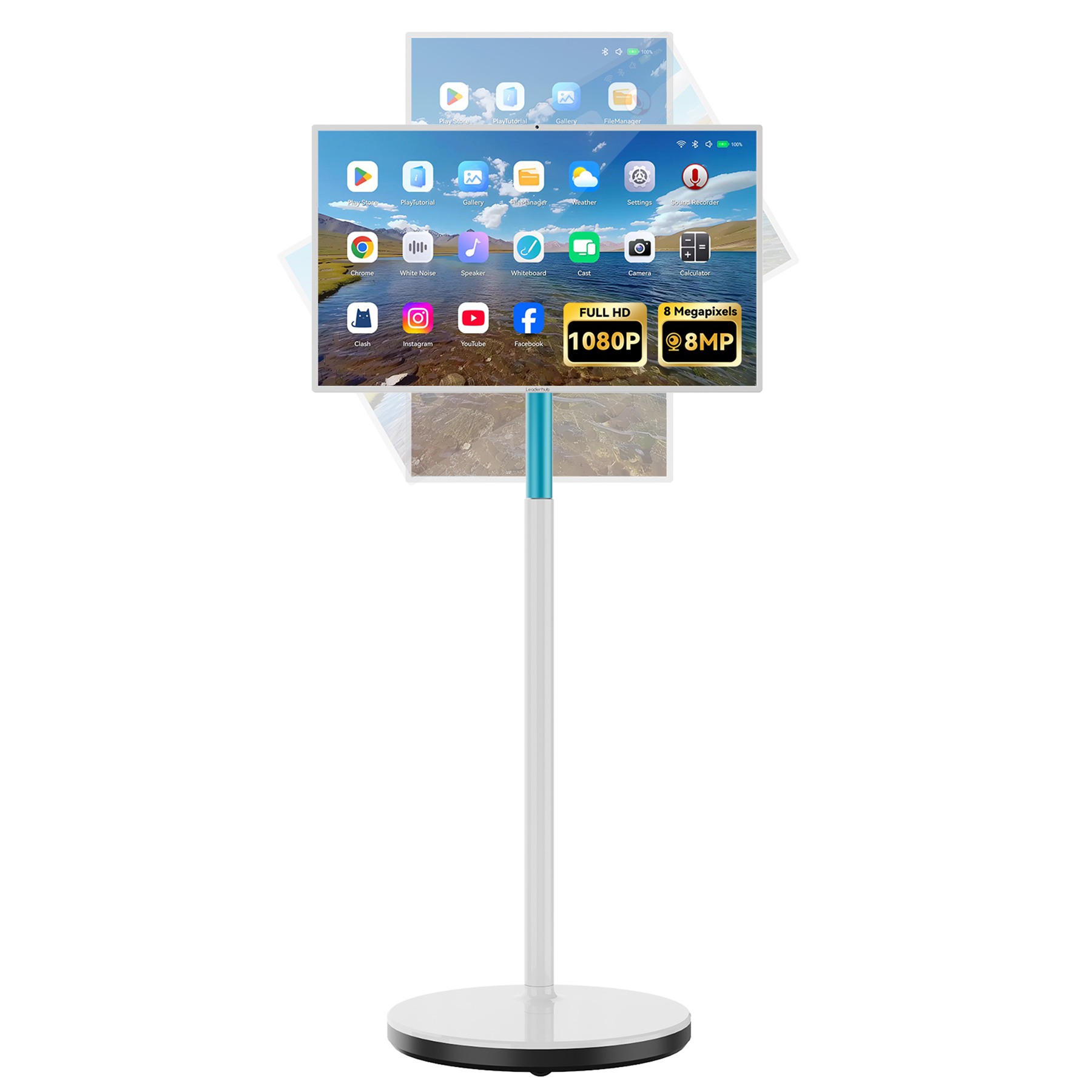
Smart Board Applications & Global Exhibitions

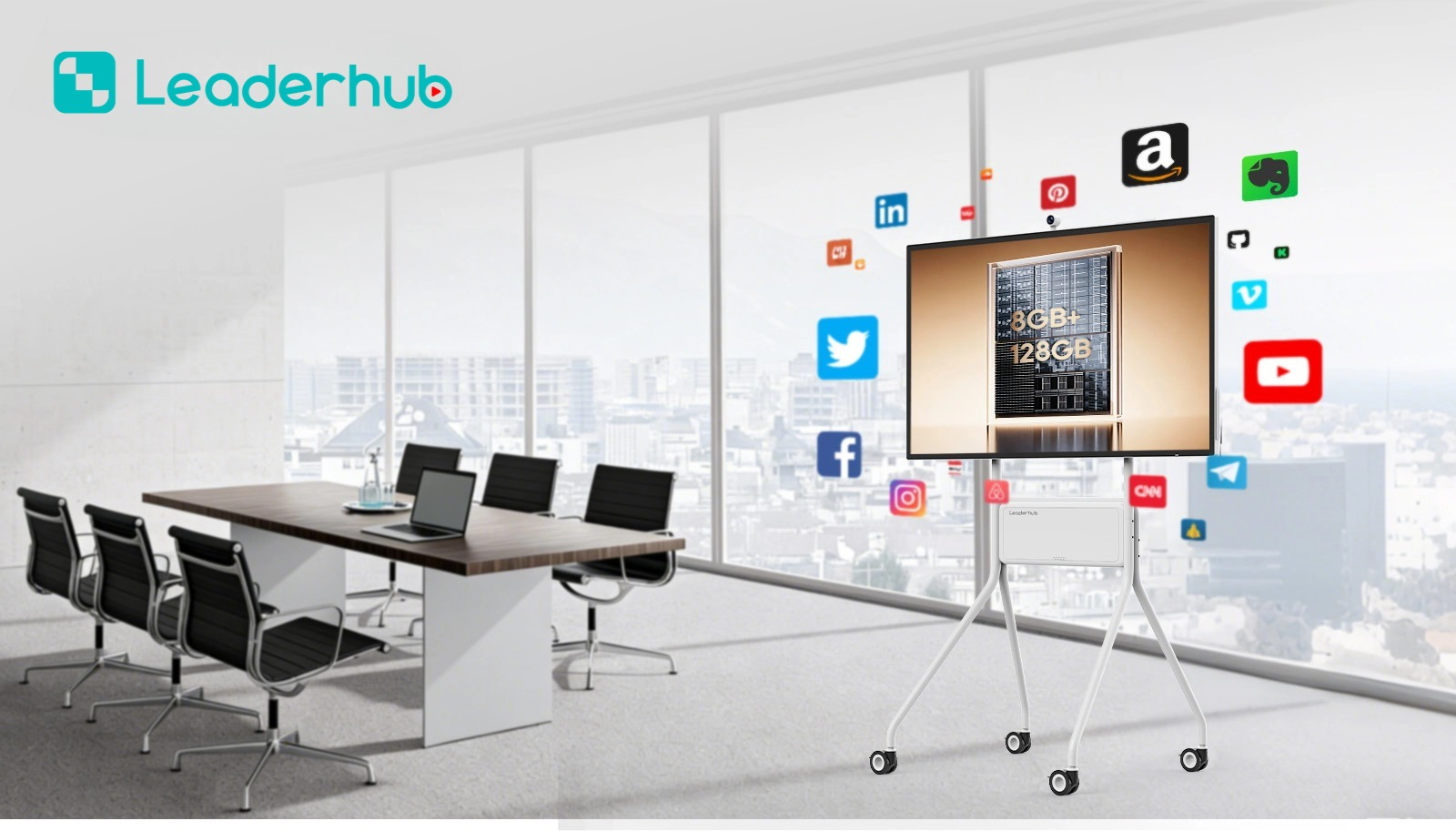
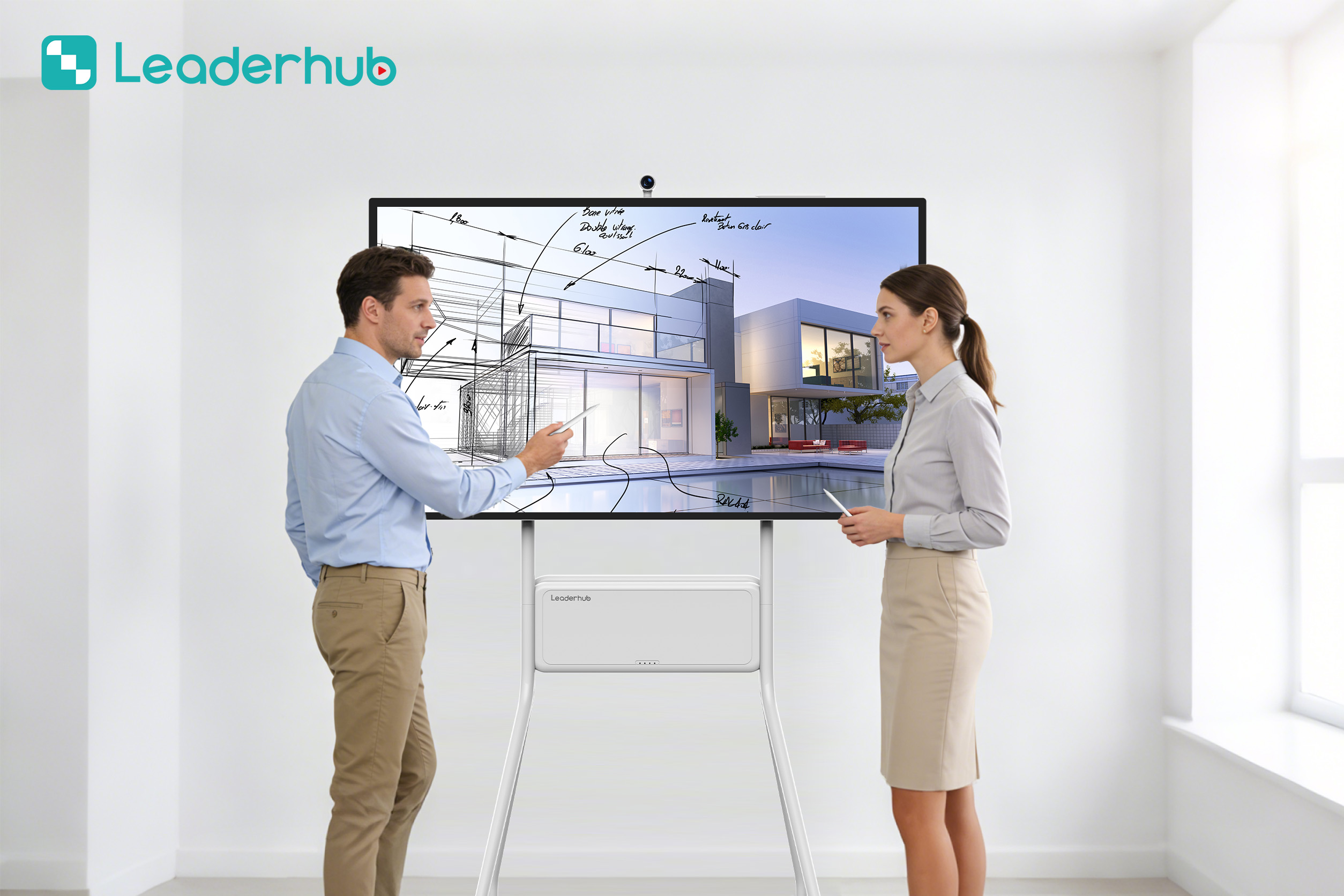
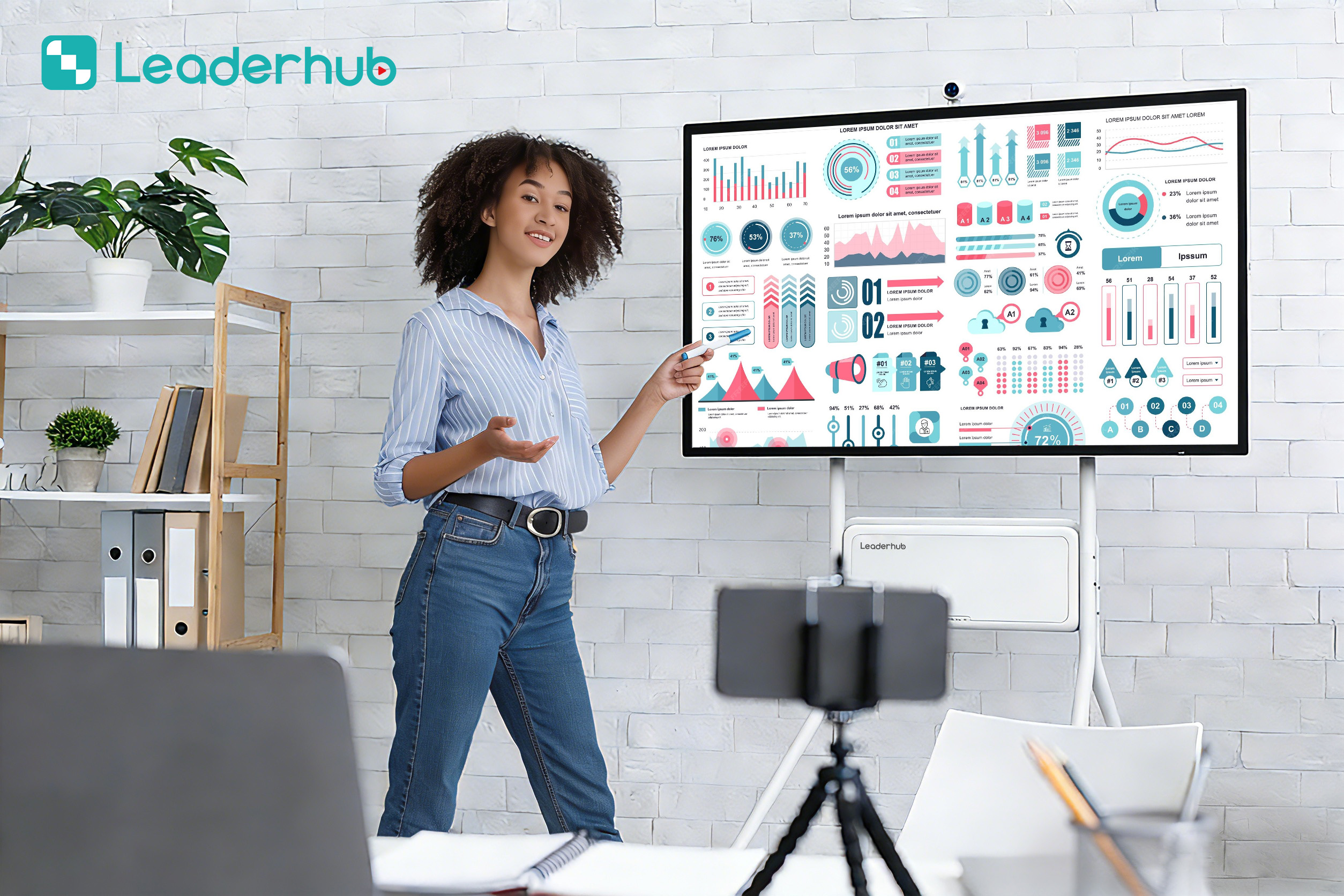



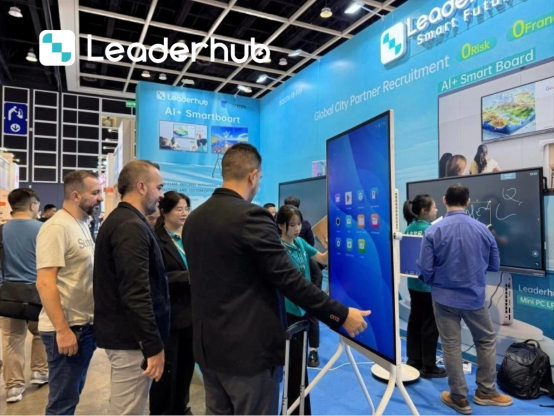
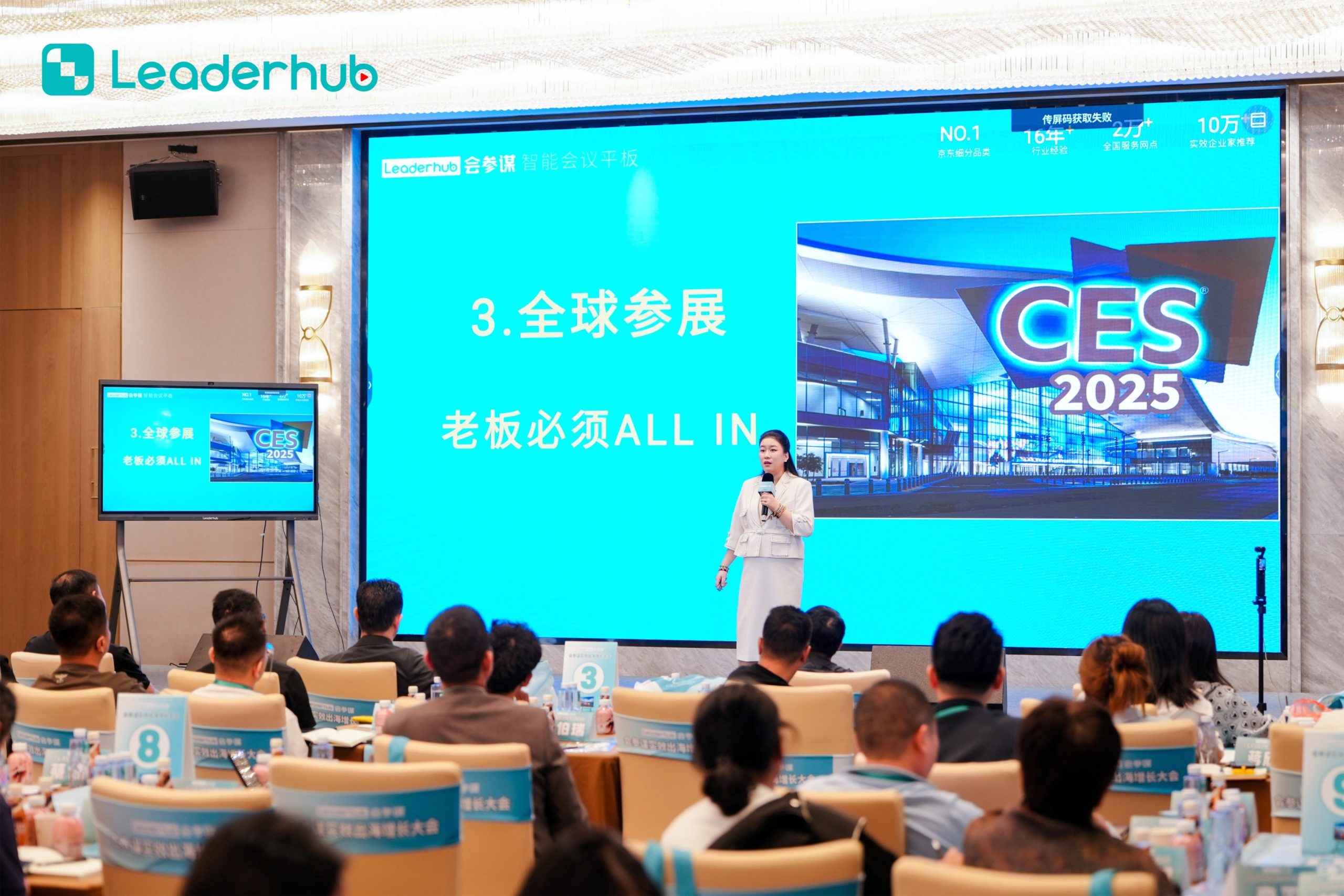
LeaderHub actively showcases its latest interactive panel advancements at major technology and electronics exhibitions worldwide. Our live demonstrations highlight the real-world applications of smart boards in both school classrooms and corporate boardrooms. Educators and system integrators can witness firsthand the seamless integration of our hardware with advanced learning management systems (LMS) and collaborative platforms.
Maximizing Educational Outcomes: Strategies for Educators
Integrating a smart board for classroom teaching is only the first step; understanding how to optimize its features to boost student engagement and improve learning outcomes is where the true value lies. The modern classroom requires a pedagogical shift from teacher-centered lecturing to student-centered collaboration. Below, we explore key strategies and practical applications for educators to unlock the full potential of LeaderHub interactive flat panels.
1. Gamification of Lessons
Gamification is one of the most effective ways to capture and maintain student interest. With a smart board, teachers can turn ordinary quizzes into interactive game shows. By utilizing educational software, teachers can design competitive trivia, drag-and-drop matching games, and interactive puzzles that students solve directly on the screen. The tactile feedback of touching the screen and moving objects physically creates a highly memorable learning experience, reinforcing key concepts in real-time.
2. Real-Time Annotation and Interactive Feedback
Unlike old-fashioned projectors that project static images, interactive flat panels allow educators to write directly over any displayed content. Whether it is a PDF of a historical document, a complex mathematical equation, or a live webpage, teachers can highlight key terms, sketch diagrams, and save the annotated files directly to the cloud. These annotated notes can then be shared instantly with students who are studying remotely or reviewing for examinations, ensuring no student falls behind.
Did You Know?
LeaderHub’s HM and ZM Series support seamless cloud saving. Teachers can generate a QR code directly on the smart board at the end of a class. Students can scan this QR code with their mobile devices or tablets to download the entire lesson’s handwritten notes, drawings, and annotations instantly.
3. Enhancing STEM Education with 3D Simulations
Science, Technology, Engineering, and Mathematics (STEM) subjects often present abstract concepts that are difficult to visualize. Using a 4K UHD smart board, teachers can run complex interactive simulations. For instance, chemistry teachers can display 3D molecular structures that students can rotate and manipulate with simple hand gestures. Biology classes can perform virtual dissections, and physics teachers can simulate gravitational forces, making abstract theories tangible and easier to grasp.
4. Supporting Hybrid and Remote Learning Environments
The modern educational landscape demands flexibility. LeaderHub smart boards are designed to bridge the gap between in-person and remote students. With built-in compatibility for major video conferencing applications and dual OS capabilities (Android and Windows), teachers can lead hybrid classes effortlessly. Remote students can view the digital whiteboard in real-time, participate in discussions, and even annotate the board remotely, ensuring an inclusive learning environment for everyone.
5. Encouraging Student Presentations and Peer Learning
One of the primary benefits of an interactive flat panel is its ability to support multi-device screen mirroring. Students can share their work from their personal tablets, laptops, or mobile phones directly to the smart board without the hassle of connecting cables. This feature encourages student-led presentations and peer review sessions. A student can solve a problem on their tablet and cast it to the main screen, allowing the teacher to provide constructive feedback that benefits the entire class.
AI Changes Life: Empowering Classrooms Globally
LeaderHub is a Shenzhen-based technology pioneer with 16 years of professional expertise in the interactive panel industry. We specialize in smart whiteboards, interactive flat panels, mini PCs, and portable smart screens, delivering innovative solutions to education, enterprise, and creative professionals in 82 countries worldwide.
We are committed to making advanced technology accessible and affordable. By combining hardware innovation with artificial intelligence, we continuously optimize classroom interaction efficiency, making every lesson more effective, engaging, and convenient.

Smart Board for Classroom Teaching FAQ
What makes a smart board different from a standard TV or projector?
Unlike standard TVs or projectors which only display content, a smart board features touch sensitivity, allowing users to write, draw, and interact with the screen directly. They also come with integrated operating systems (Android/Windows) and classroom software designed specifically to support dynamic teaching and group collaboration.
Can I connect my personal laptop or tablet to the LeaderHub smart board?
Yes, LeaderHub smart boards support multiple connectivity options, including HDMI, USB-C, and wireless screen mirroring. You can easily cast your Windows laptop, MacBook, iPad, or Android tablet directly to the display without needing complicated cables or drivers.
Do LeaderHub interactive panels support dual operating systems?
Absolutely. Our smart boards come standard with Android OS, but they feature an OPS slot that allows you to install a high-performance Mini PC (like our LP1C or LP5C models). This enables a dual-OS environment where you can switch between Android and Windows with a single tap.
What is zero-bonding technology, and why is it beneficial?
Zero-bonding technology eliminates the air gap between the touch glass and the LCD display panel. This reduces light reflection, improves viewing angles, and provides an exceptionally natural writing experience with zero latency or offset between the pen tip and the digital ink.
