
Smart Board for Classroom:
How to Use It for Engaging Lessons
Transform traditional teaching methods into collaborative, interactive, and immersive learning experiences using state-of-the-art smart board technology.
Why Smart Boards are Redefining Education
The days of chalk dust and dry-erase markers are rapidly fading. In today’s digital-first world, a smart board for classroom setups has evolved from a luxury presentation tool into an indispensable teaching assistant. Educators worldwide are seeking active, dynamic ways to capture students’ attention, and learning how to use these interactive displays effectively is the key to unlocking their potential.
Smart boards bridge the gap between abstract concepts and visual understanding. By combining high-definition multi-touch screens, integrated audio-visual capabilities, and instant web connectivity, they transform passive listening into active participation.
Whether you are teaching elementary math, high school biology, or complex university-level programming, understanding the core features of your interactive display will dramatically improve retention rates and make lesson delivery both efficient and enjoyable.

How to Use Your Smart Board for Engaging Lessons
1. Real-time Interactive Annotation
Move away from static PowerPoint slides. Use the smart board’s overlay pen tool to draw, highlight, and write notes directly over live websites, PDFs, or educational videos. This keeps students visually locked into the focal points of the lesson.
2. Gamified Learning & Quizzes
Integrate educational game platforms like Kahoot, Quizlet, or internal interactive games. Have students come up to the board to drag and drop elements, solve puzzles, or participate in team-based trivia challenges to boost retention.
3. Virtual Field Trips
Bring the world into the classroom. Use Google Earth, virtual museum tours, and 3D space simulations on the large 4K display. Students can touch the screen to rotate models, zoom in on geographic landmarks, and explore historical sites.
4. Multi-Student Collaboration
Utilize the multi-point touchscreen capability. Divide the screen into multiple writing zones using built-in software, allowing 2 to 4 students to solve problems side-by-side. This fosters peer learning and builds social collaboration skills.
5. Dynamic Multimedia Mixing
Inject energy into your curriculum by seamlessly switching between educational videos, audio clips, interactive diagrams, and live digital whiteboards. This keeps sensory stimulation high and prevents student fatigue.
6. Cloud Saving & Easy Sharing
Never lose a brainstorm session again. Save your annotated lessons directly to cloud storage (Google Drive, OneDrive) and share them instantly via QR code or email. Absent students can keep up with the curriculum without missing a beat.
Traditional Blackboard vs. Interactive Smart Board
| Feature / Parameter | Traditional Blackboard | Interactive Smart Board (LeaderHub) |
|---|---|---|
| Media Capabilities | Static chalk drawings, physical charts only | 4K Video playback, 3D models, audio, live web search |
| Interaction Method | One-way writing by the teacher | Multi-touch (up to 40 points), interactive pen, remote screen casting |
| Lesson Preparation | Erased daily, must be rewritten from scratch | Cloud saving, pre-loaded templates, instant lesson retrieval |
| Collaboration & Sharing | None (students must manually copy notes) | Direct QR code scan to download notes as PDF/Image |
| Integration & Performance | Standalone physical board | Built-in Mini PC (Windows/Android dual system), AI software suite |
Recommended Smart Boards for Modern Classrooms

LeaderHub L65HM Interactive Smart Whiteboard — 65″ 4K Touchscreen
LeaderHub L75HM Interactive Smart Whiteboard — 75″ 4K Touchscreen
LeaderHub L86HM Interactive Smart Whiteboard — 86″ 4K Touchscreen
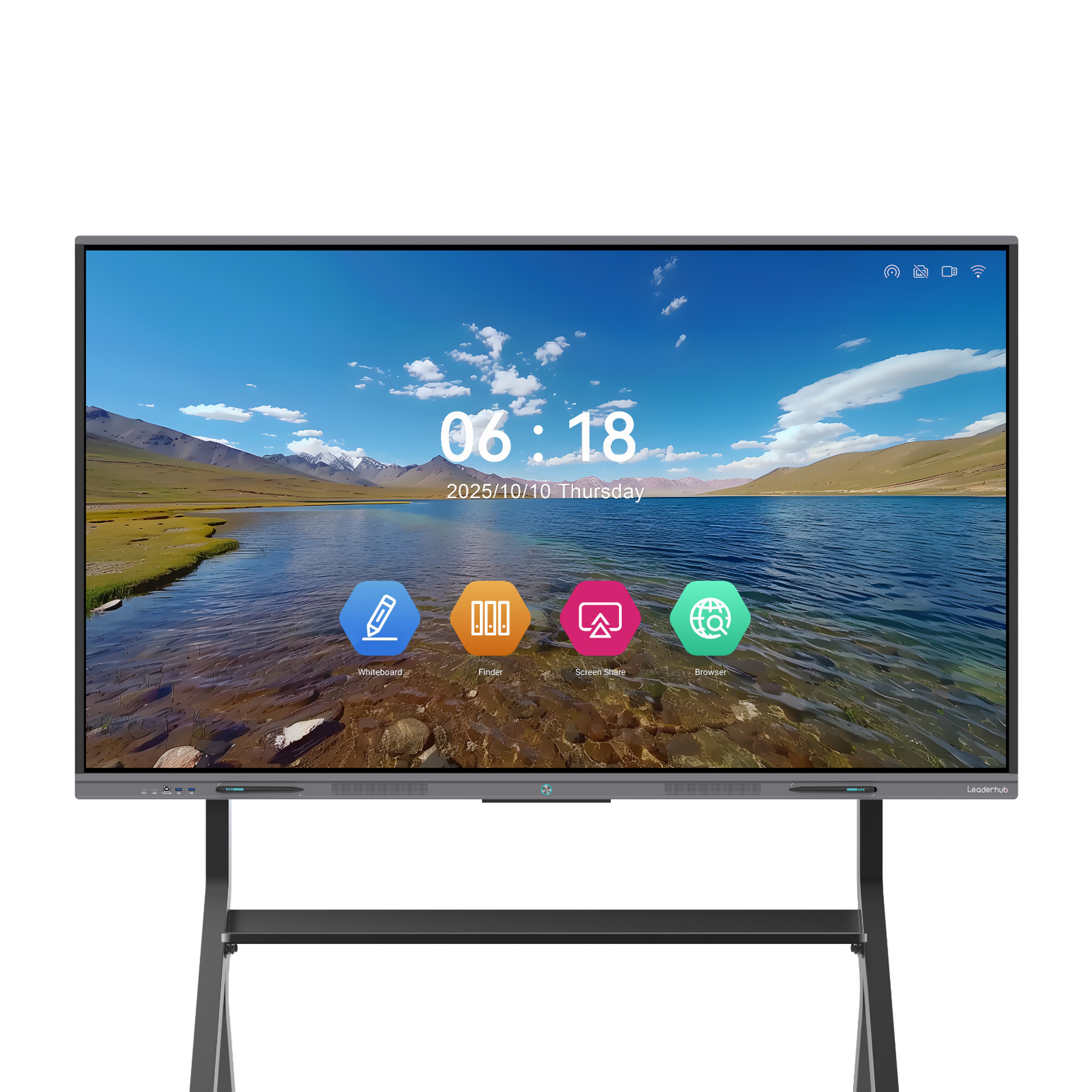
LeaderHub L65ZM Interactive Whiteboard — 65″ 4K Smart Panel
LeaderHub L75ZM Interactive Whiteboard — 75″ 4K Smart Panel
LeaderHub L86ZM Interactive Whiteboard — 86″ 4K Smart Panel
About LeaderHub & Our Mission
AI Changes Life
LeaderHub is a Shenzhen-based technology company with 16 years of professional experience in the interactive panel industry. We specialize in smart whiteboards, interactive flat panels, mini PCs, and portable smart screens—delivering innovative solutions to education, enterprise, and creative professionals in 82 countries worldwide.
We believe artificial intelligence and interactive technology can transform how people work, learn, and collaborate. Every LeaderHub product is engineered to make that transformation accessible, affordable, and highly efficient.

Advanced Techniques: How to Use Smart Boards Effectively
1 Flipped Classroom Integration
A flipped classroom model relies heavily on interactive tech. Teachers can record their lessons or screen-share their smart board writing processes, sending them to students before the class. During the physical session, the smart board for classroom is used strictly for student presentations, collaborative problem-solving, and Q&A sessions.
Using the screen casting features of LeaderHub Smartboards, students can cast their mobile screens or laptop screens to the main panel instantly, allowing them to present their homework or research projects to their classmates without transferring files via USB.
2 Creating Dynamic Visual Organizers
Visual aids make abstract concepts concrete. Use the smart board to construct interactive mind maps, flowcharts, and Venn diagrams. Instead of drawing them yourself, have students drag key terms, images, or definitions into the correct categories.
- Venn Diagrams: Drag and drop characteristics of different ecosystems, historical figures, or mathematical sets.
- Flowcharts: Map out the steps of a scientific experiment or the timeline of historical events.
- Mind Mapping: Connect main ideas to supporting details during brainstorming sessions.
3 Leveraging Dual Operating Systems (Windows & Android)
Modern classrooms demand flexibility. LeaderHub interactive flat panels offer seamless switching between Android and Windows (via OPS Mini PC modules). This dual-system integration allows teachers to access Android education apps while running heavy Windows-based simulation software simultaneously.
For instance, you can use the Android interface for quick whiteboard sketches and instant QR code sharing, then switch to Windows to run complex engineering simulations, 3D CAD modeling, or comprehensive school management databases.
Smart Board Applications in Real Classrooms
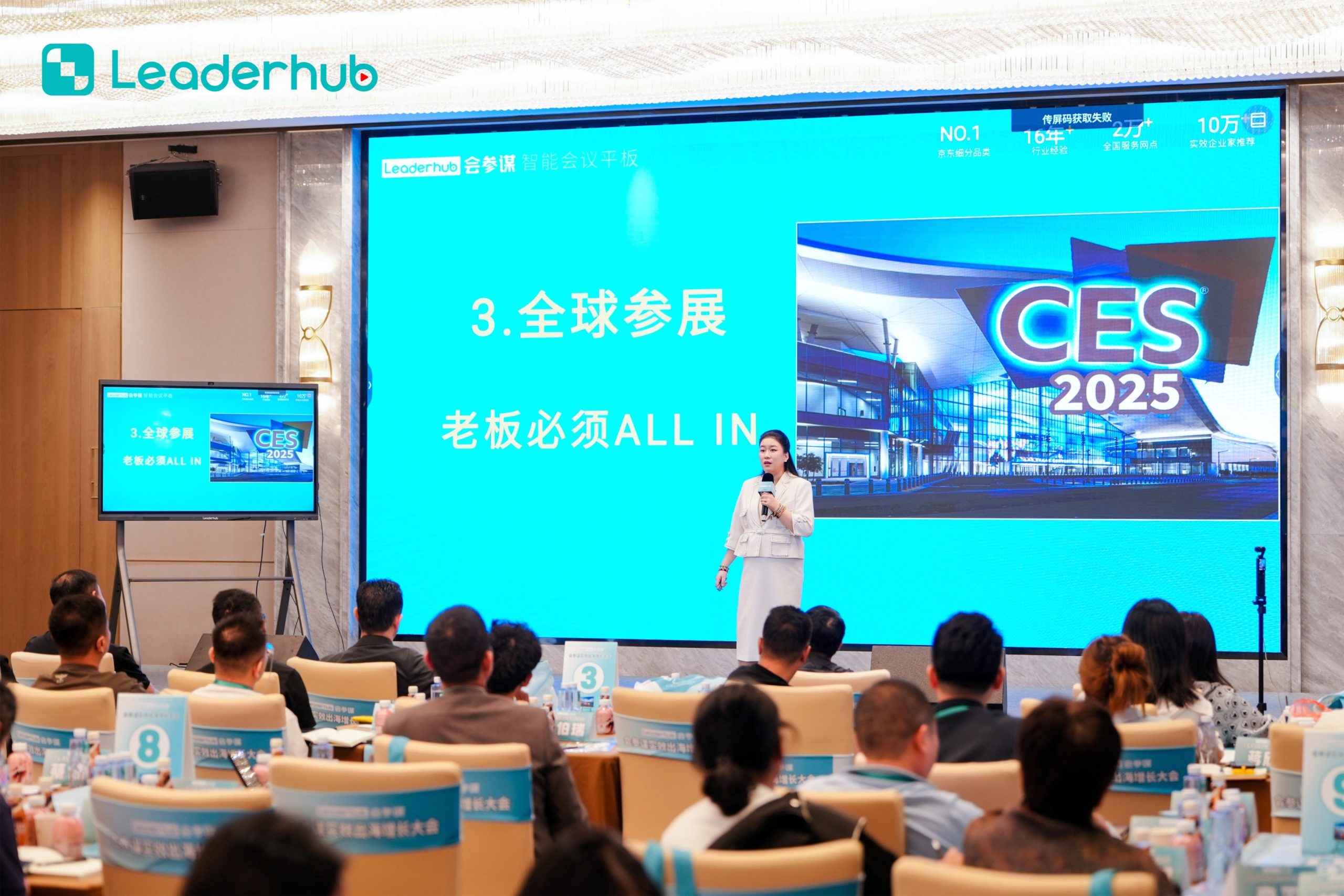
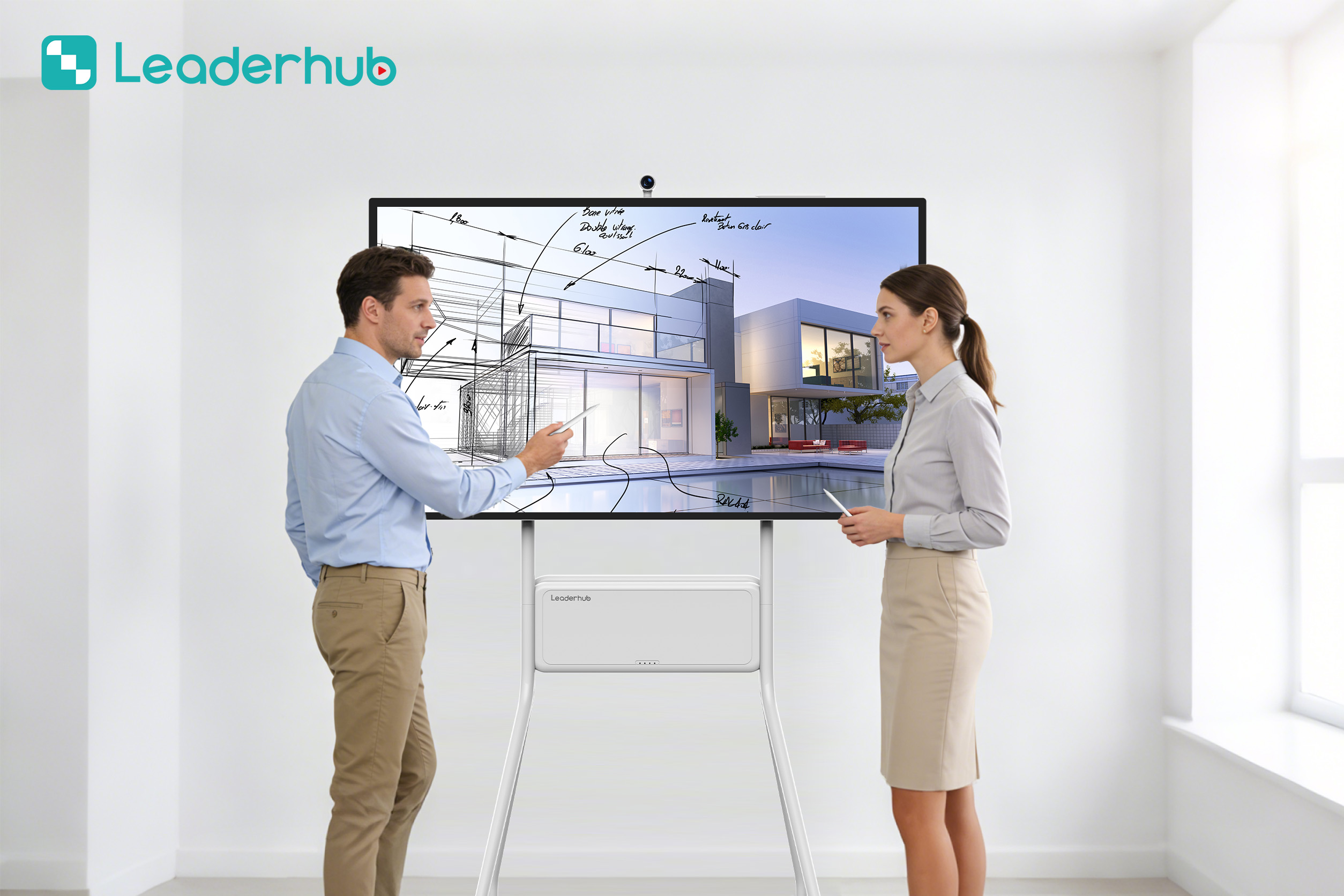
Smart Board in Action
Experience interactive technology designed for modern education and business environments.
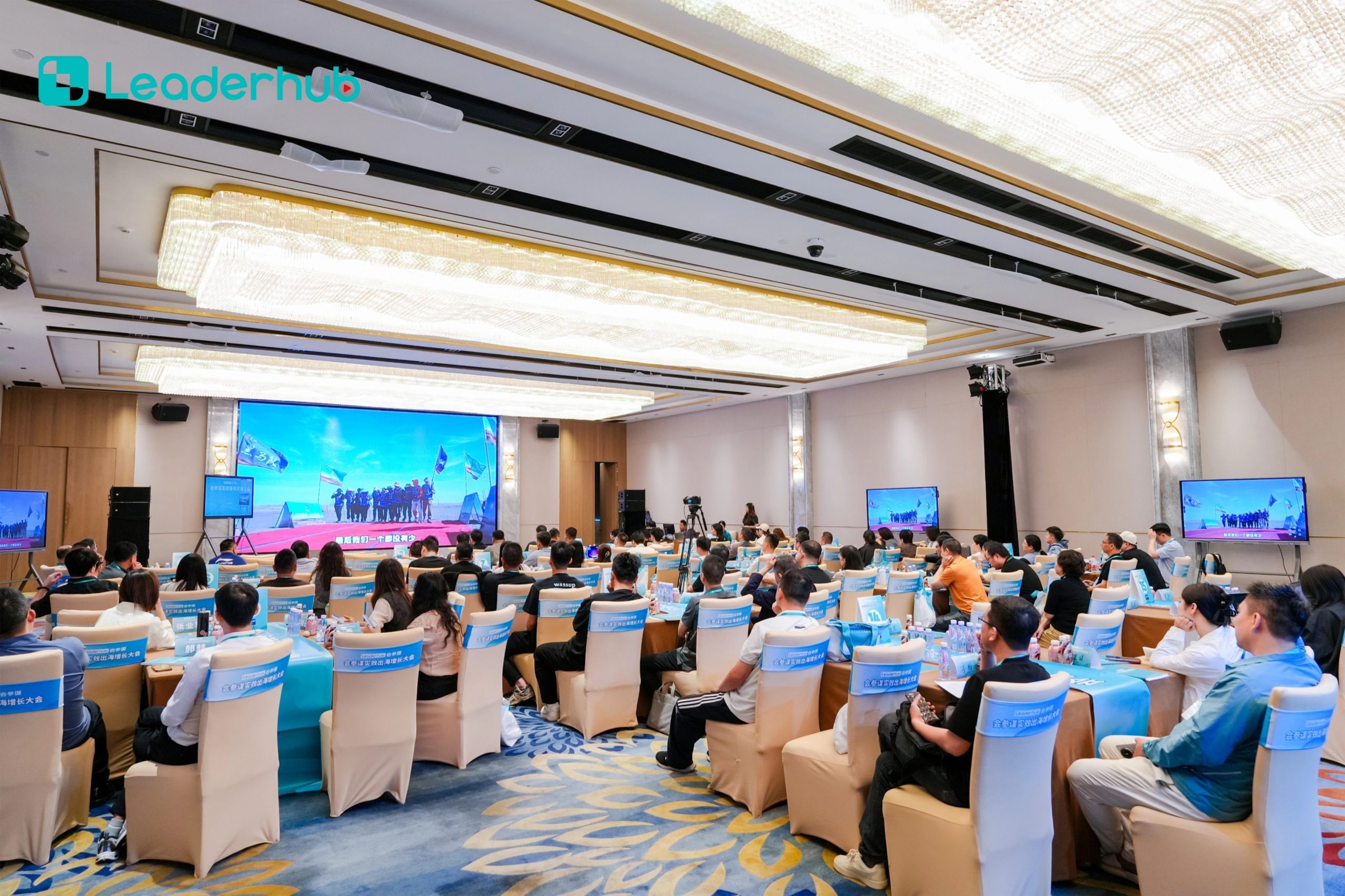
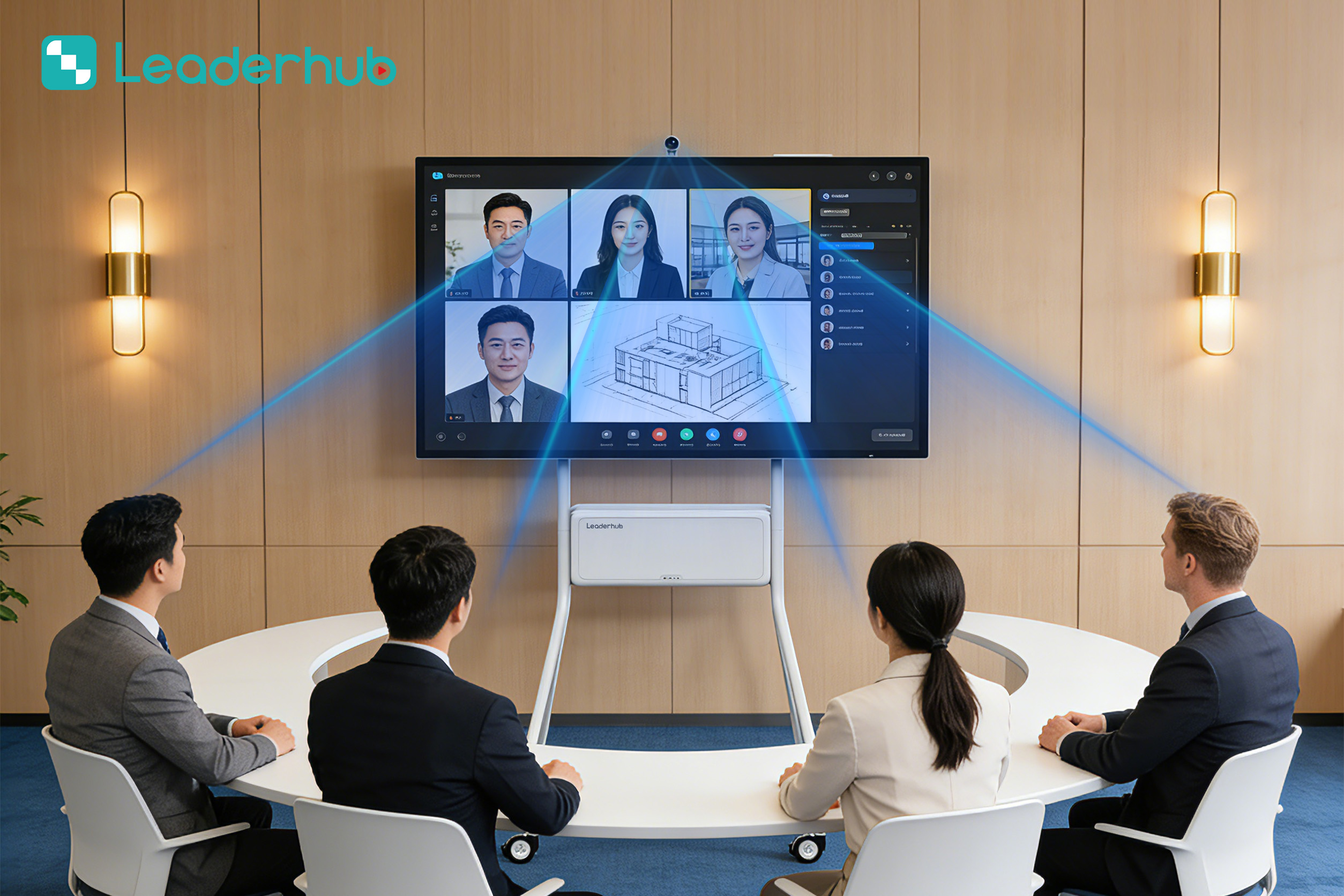
Interactive Display Demonstration
Explore intuitive touch interaction and smart collaboration features.
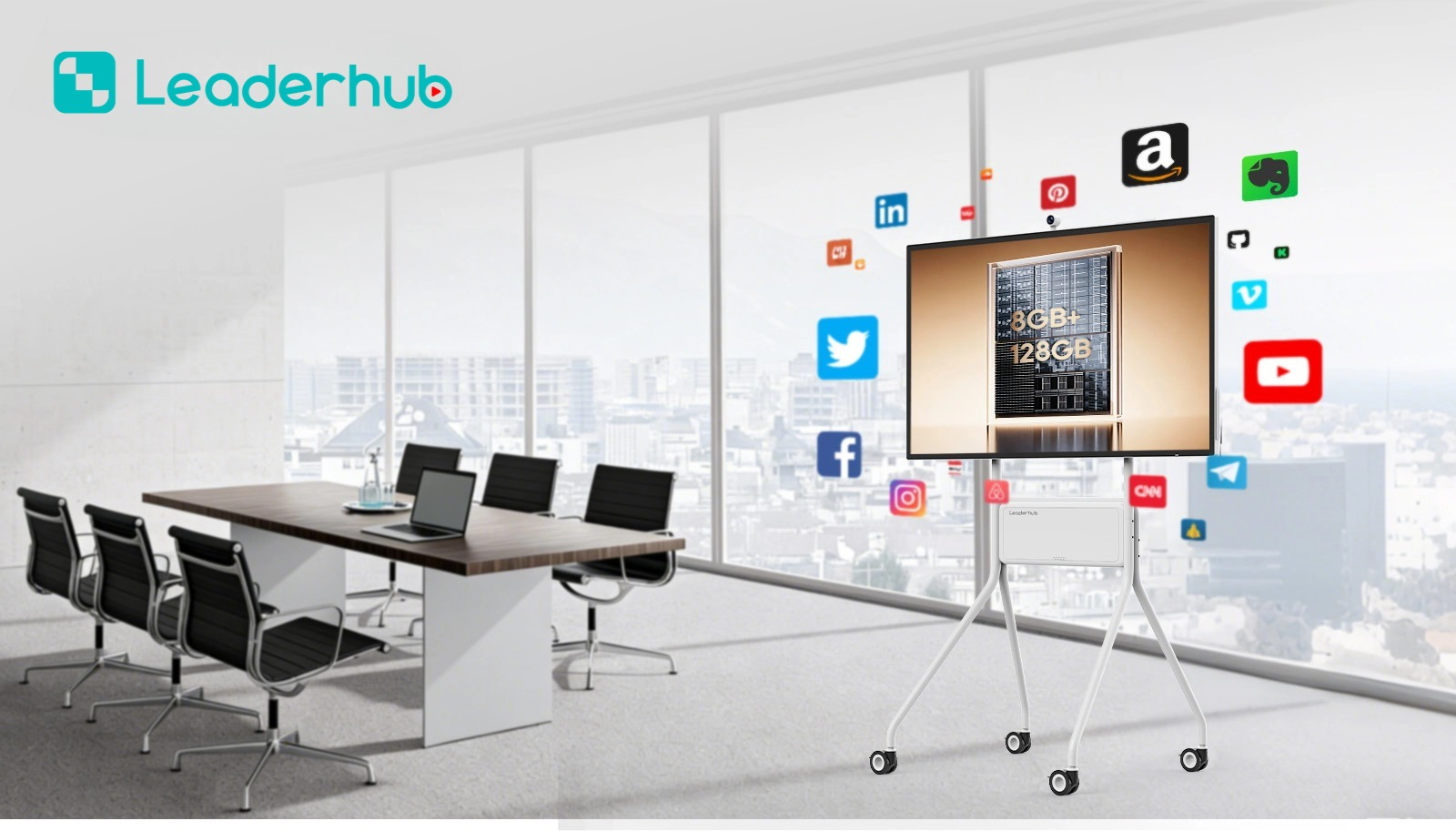

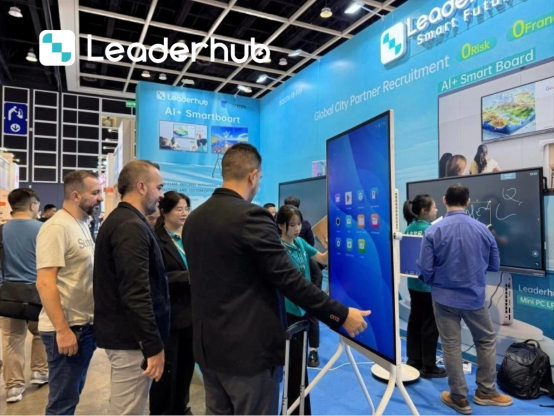
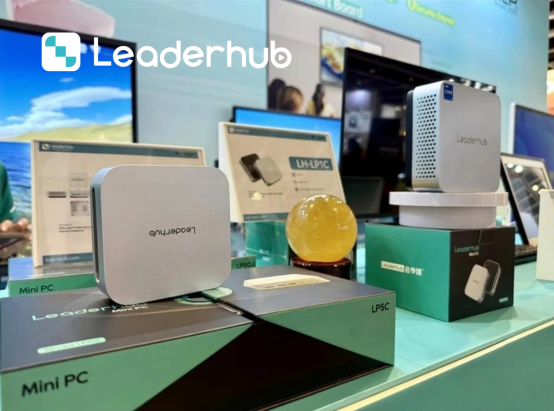
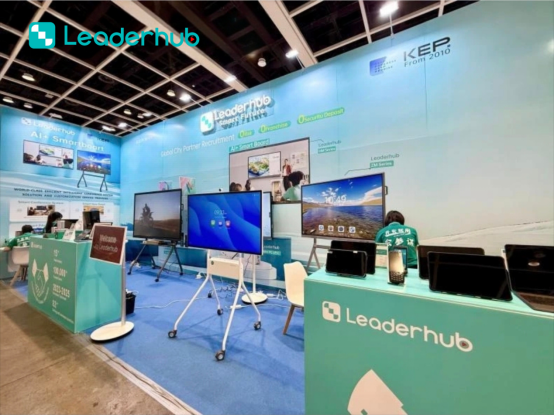
Meet LeaderHub at Global Electronics Exhibitions
LeaderHub actively participates in major electronics and technology exhibitions around the world, connecting with distributors, system integrators, education providers, and business partners.
At each exhibition, we showcase our latest smart boards, interactive flat panel displays, portable smart screens, and smart collaboration solutions. Visitors can experience our products firsthand, explore OEM/ODM opportunities, and discuss customized solutions for education, business, and commercial applications.
Looking for a reliable smart board manufacturer? Meet us at the next global electronics exhibition and discover new opportunities for partnership.


Ready to Upgrade the Way You Meet, Teach, and Create?
Unlock the full potential of your classroom or meeting space with LeaderHub’s advanced interactive smart boards and touchscreens.
