
How the 2000s Changed Classrooms Forever
At the turn of the millennium, classrooms around the globe were on the cusp of a technological renaissance. The traditional green chalkboards and dusty whiteboards that had dominated education for generations began to make way for a groundbreaking innovation: the interactive whiteboard. Most commonly referred to by the brand name “SMART Board,” the smart board for classroom 2000s became the ultimate symbol of modern, forward-thinking education.
During this decade, schools transitioned rapidly from static, teacher-centric lectures to dynamic, interactive learning environments. Early smart boards allowed teachers to project computer screens onto a touch-sensitive surface, opening up a world of digital possibilities. While these early models required complex calibration, heavy ceiling-mounted projectors, and thick bundles of VGA and USB cables, they laid the essential foundation for today’s wireless, AI-driven interactive flat panels.
To understand the massive leap forward represented by modern solutions like LeaderHub’s 4K smart screens, we must first analyze the unique features, practical uses, and profound benefits that defined the original 2000s smart board era.

Key Features of the 2000s Smart Board
While primitive compared to today’s touchscreens, the smart board for classroom 2000s incorporated several cutting-edge hardware and software components that felt futuristic at the time.
Resistive Touch Technology
Unlike modern capacitive screens, 2000s boards used resistive technology. The surface consisted of two flexible sheets separated by a tiny gap. Pressure from a finger or plastic stylus brought the sheets into contact, registering the coordinates of the touch.
The Active Pen Tray
A hallmark of the 2000s setup was the physical pen tray. It used optical sensors to detect when a plastic pen or eraser was lifted. The system then assigned that tool’s function (e.g., black ink, blue ink, or eraser) to the next touch on the board.
Manual Calibration (Orienting)
Because the board relied on an external projector, any slight movement of the hardware caused misalignment. Teachers had to routinely press a button and touch a series of targets (usually 9 or 12 points) to sync the digital cursor with the physical touch.
Notebook Software Integration
The hardware was paired with proprietary suite software. This allowed teachers to create multi-page presentations, drag-and-drop elements, reveal hidden text, and import clip art. It was the precursor to modern interactive cloud software.
Wired Computer Control
The board acted as a giant mouse. A USB cable transmitted touch data back to the teacher’s desktop or laptop computer, while a VGA cable sent the video feed from the computer to the projector, which then beamed the image onto the board.
Multimedia Playback
For the first time, teachers could play educational videos, CD-ROM programs, and early web animations directly on the board, controlling them with a touch rather than standing behind a computer desk.
How Teachers and Students Used the Technology
1. Interactive Presentations & Live Annotations
Before the 2000s, slideshows were static. With the introduction of the smart board, teachers could open a presentation and write notes directly over the slides using digital ink. They could circle key terms, draw arrows to connect ideas, and highlight important quotes in real-time.
This capability transformed passive lectures into active discussions. Students could watch their teacher solve math equations step-by-step on the screen, or label parts of a cell during a biology class.

2. Gamified Learning & Student Interaction
The 2000s saw the birth of interactive educational games. Programs like Jeopardy templates, spelling challenges, and math puzzles were designed specifically for smart boards. Students were called up to the front of the room to physically drag words into sentences, tap correct answers, or spin digital wheels.
This hands-on interaction was highly effective for younger learners, turning standard drills into exciting, competitive classroom activities that boosted participation rates.
3. Digital Note Saving & Sharing
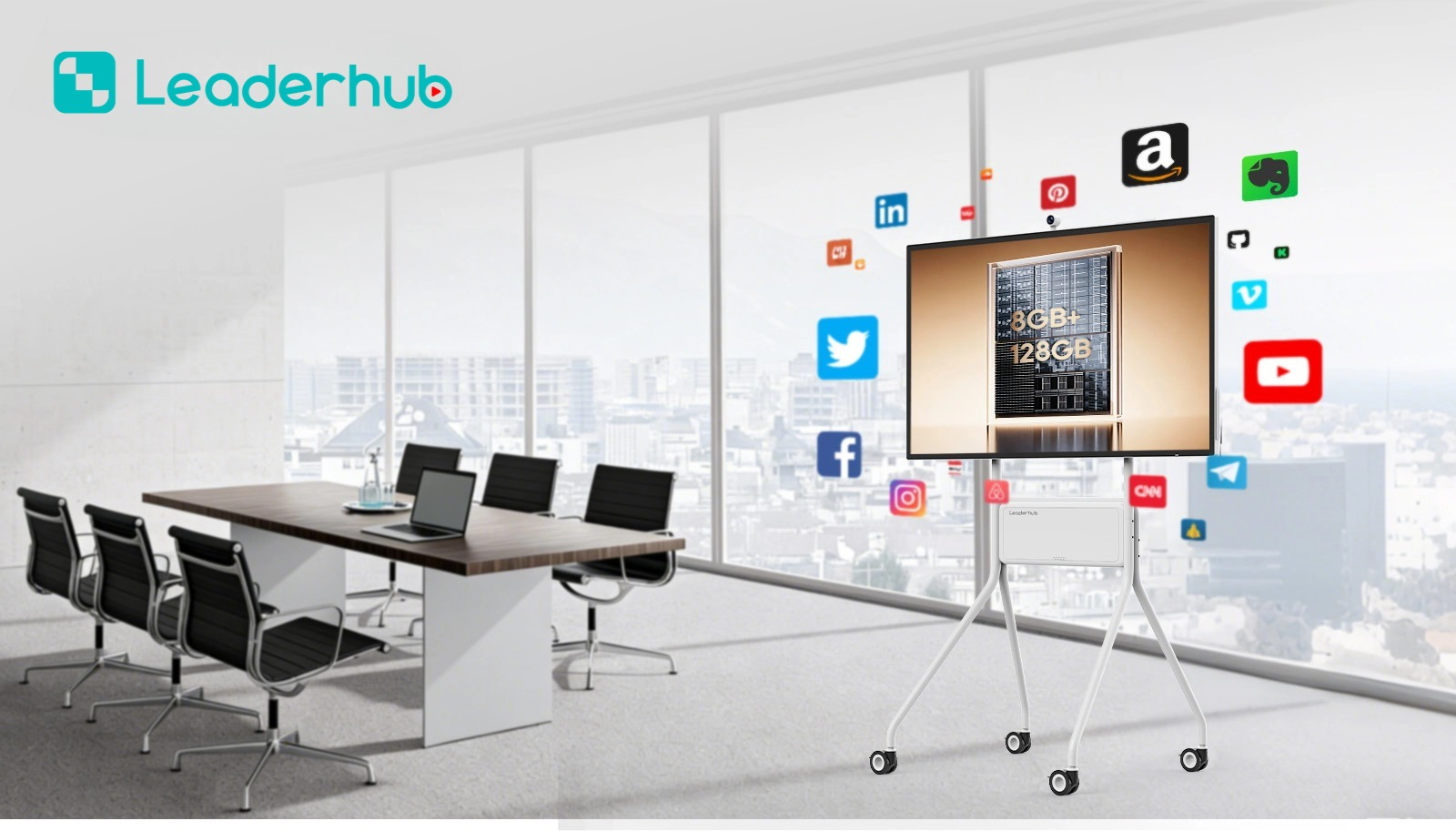
One of the most practical uses of the smart board in the 2000s was the ability to save everything written on the screen. Instead of students frantically copying notes before the teacher erased the blackboard, the entire lesson could be saved as a PDF or proprietary file.
These saved files could be printed out for students who were absent, or uploaded to early virtual learning environments (VLEs) like Moodle, establishing the early foundations of modern blended learning.
The Major Benefits of 2000s Smart Boards
Despite the technological limitations of the era, the introduction of smart boards yielded immediate positive outcomes for schools.
Enhanced Student Engagement
The visual and interactive nature of the screen naturally drew students’ attention. Instead of staring at a textbook, they watched dynamic animations and videos, leading to better focus and retention of complex subjects.
Support for Diverse Learning Styles
Smart boards accommodated visual learners (through diagrams and videos), auditory learners (through multimedia sound), and kinesthetic learners (who could physically interact with the board), making lessons more inclusive.
Increased Teaching Efficiency
Teachers could prepare lessons in advance on their computers and load them instantly. This cut down on class preparation time during school hours, eliminating the need to rewrite notes on a board between class periods.
Reduced Paper Waste
By projecting worksheets, reading materials, and quizzes directly onto the board, schools began to reduce their reliance on photocopied handouts, representing an early step toward eco-friendly classrooms.
The Technological Bottlenecks of the 2000s
While revolutionary for their time, first-generation smart boards came with a unique set of frustrations that teachers from that era remember vividly. These limitations eventually drove the industry to innovate away from projector-based systems.
- The “Shadow Effect”: Because the projector was mounted on the ceiling or placed on a table in front of the board, teachers blocked the light beam whenever they stood in front of the board, casting large shadows over the content.
- Calibration Drift: If a student bumped the projector or the board vibrated, the alignment would drift. Teachers had to stop their lessons to recalibrate the screen coordinates multiple times a week.
- High Cost of Ownership: Projector bulbs had limited lifespans (typically 2,000 to 3,000 hours) and were incredibly expensive to replace, costing schools hundreds of dollars per room annually.
- Poor Visibility in Bright Rooms: Early projectors struggled with ambient light. Teachers often had to close the blinds and dim the classroom lights just so students in the back could read the screen.
2000s Projector Boards vs. Modern AI Interactive Panels
See how interactive classroom technology has evolved over the last two decades from clunky projector setups to sleek, intelligent flat panels.
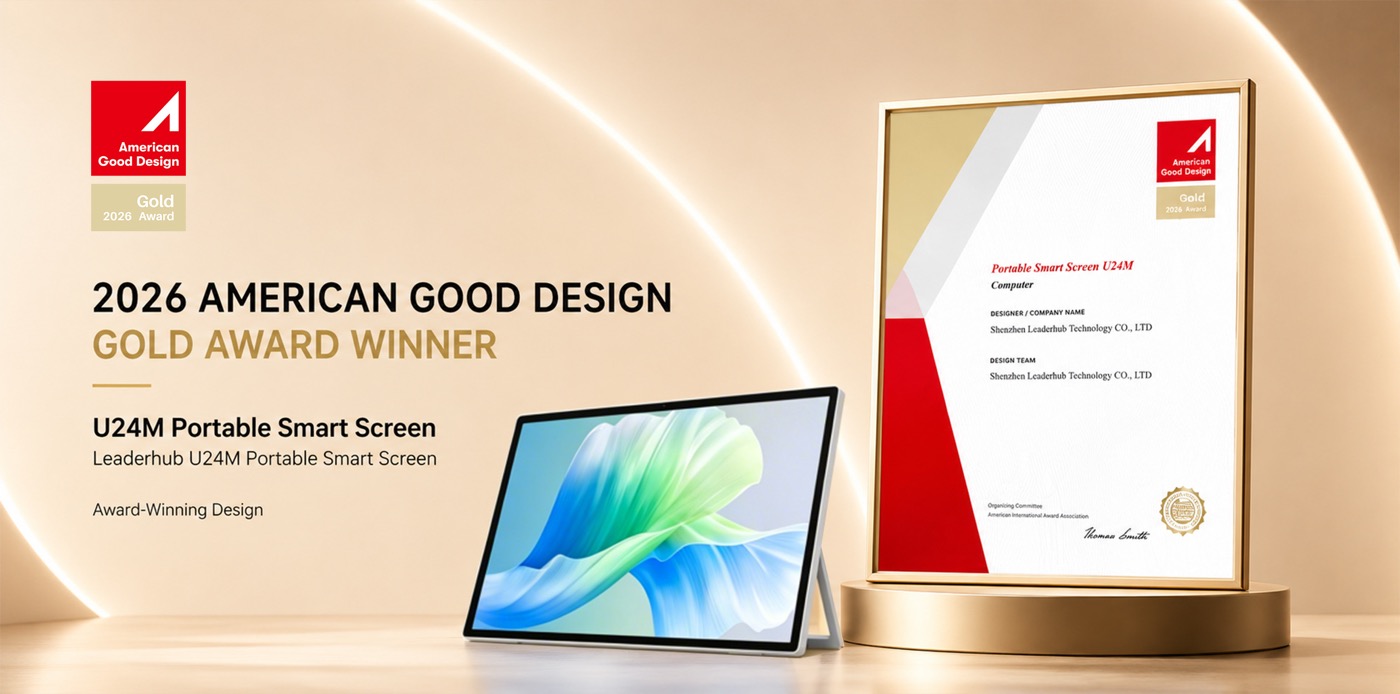
| Feature | 2000s Smart Board Setup | Modern AI Smart Board (LeaderHub) |
|---|---|---|
| Display Technology | Projector beamed onto a resistive white board (Low resolution, SVGA/XGA). | Integrated LED Backlit LCD Panel (4K UHD Resolution with anti-glare glass). |
| Touch & Interaction | Single-touch only. Slow response time. Required plastic stylus or fingernail. | Multi-touch (up to 20/40 touch points). Zero-bonding tech for instant, natural pen-on-paper feel. |
| Calibration | Required frequent manual calibration (“orienting”) due to physical shifts. | Zero calibration required. Factory-sealed and permanently accurate. |
| Connectivity | Tangled VGA, USB, and audio cables connected to an external PC. | Wireless screen sharing (AirPlay, Miracast, Chromecast), HDMI, USB-C, built-in Wi-Fi. |
| Operating System | Dependent on host computer’s OS (Windows XP/7, MacOS). | Dual OS (Built-in Android + optional Windows OPS Slot) operating independently. |
| AI Capabilities | None. Software relied entirely on manual teacher inputs. | AI handwriting-to-text, AI shape recognition, smart voice control, and cloud collaboration. |
AI Changes Life: Driving the Evolution of Smartboards
LeaderHub is a Shenzhen-based technology leader with 16 years of professional experience in the interactive panel industry. Since 2010, we have specialized in bridging the gap between old-school classroom technology and the future of collaborative education.
Today, LeaderHub delivers state-of-the-art interactive flat panels, mini PCs, and smart screens to 82 countries worldwide. We are committed to making cutting-edge interactive hardware and AI-driven classroom ecosystems accessible and affordable for educational institutions, training centers, and growing businesses globally.
Explore Modern LeaderHub Interactive Panels
Upgrade your learning or meeting space with our premium, high-resolution 4K interactive flat panels.

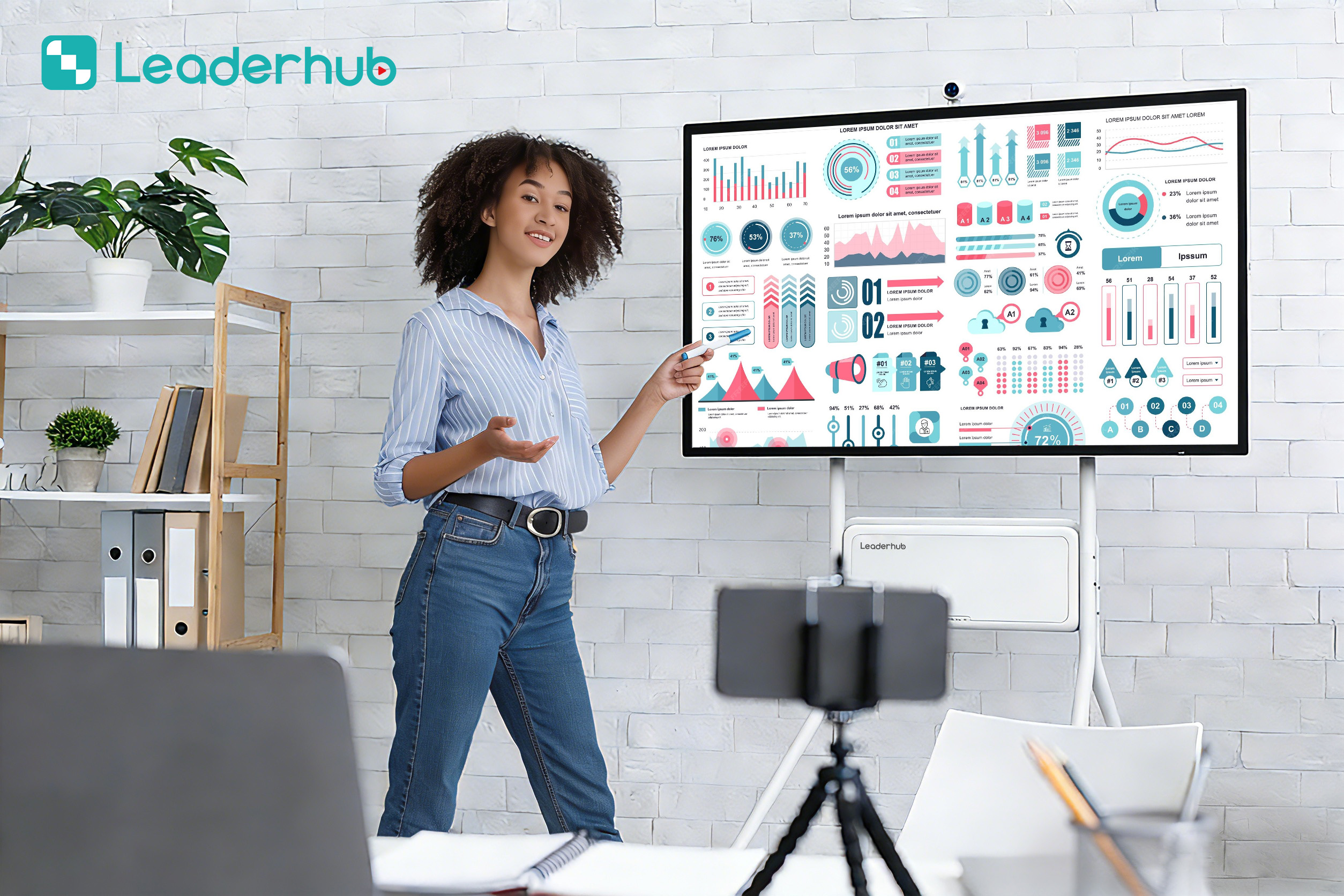
Smart Board Applications & Demonstrations
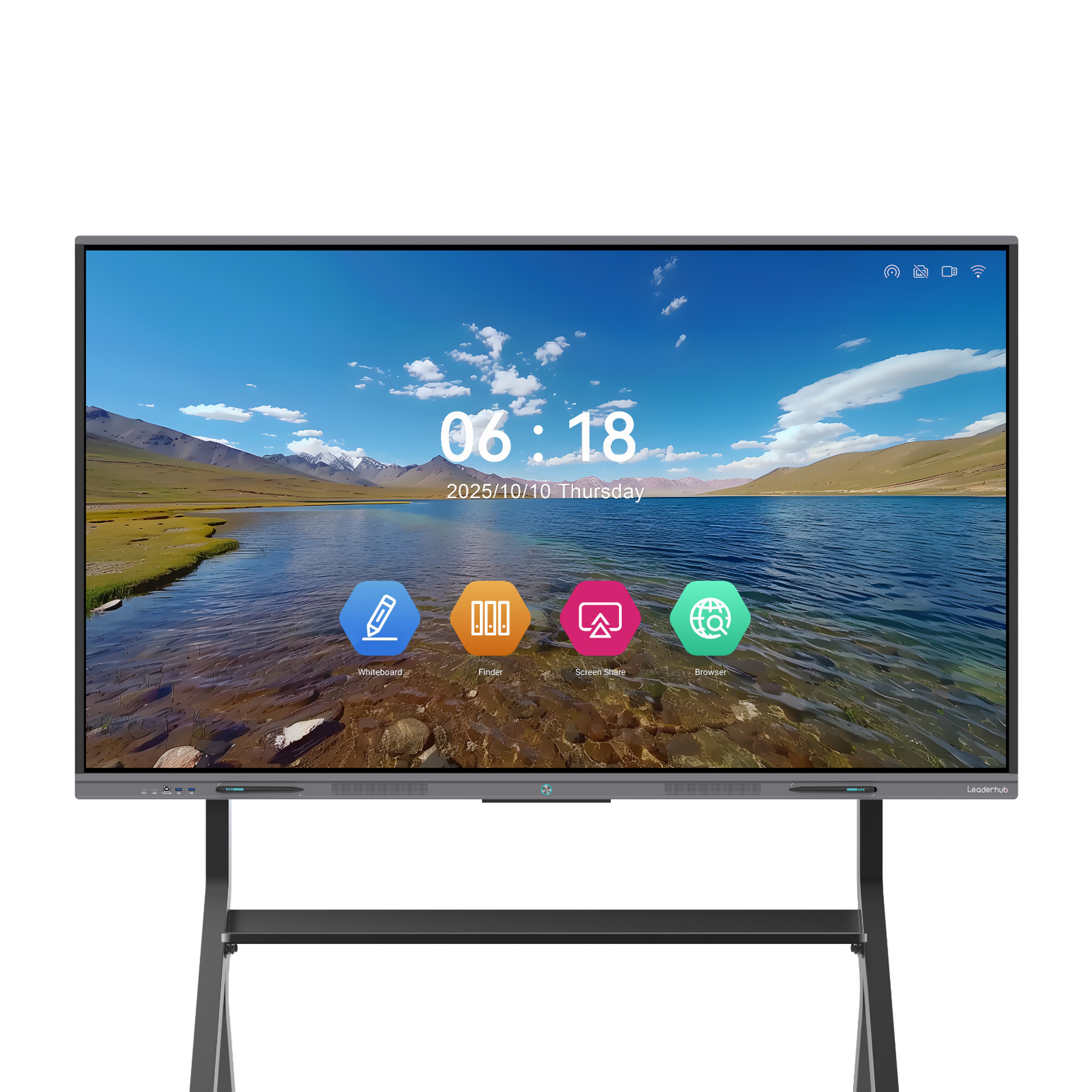
Explore how modern interactive flat panels are deployed in forward-thinking schools and corporate boardrooms today.
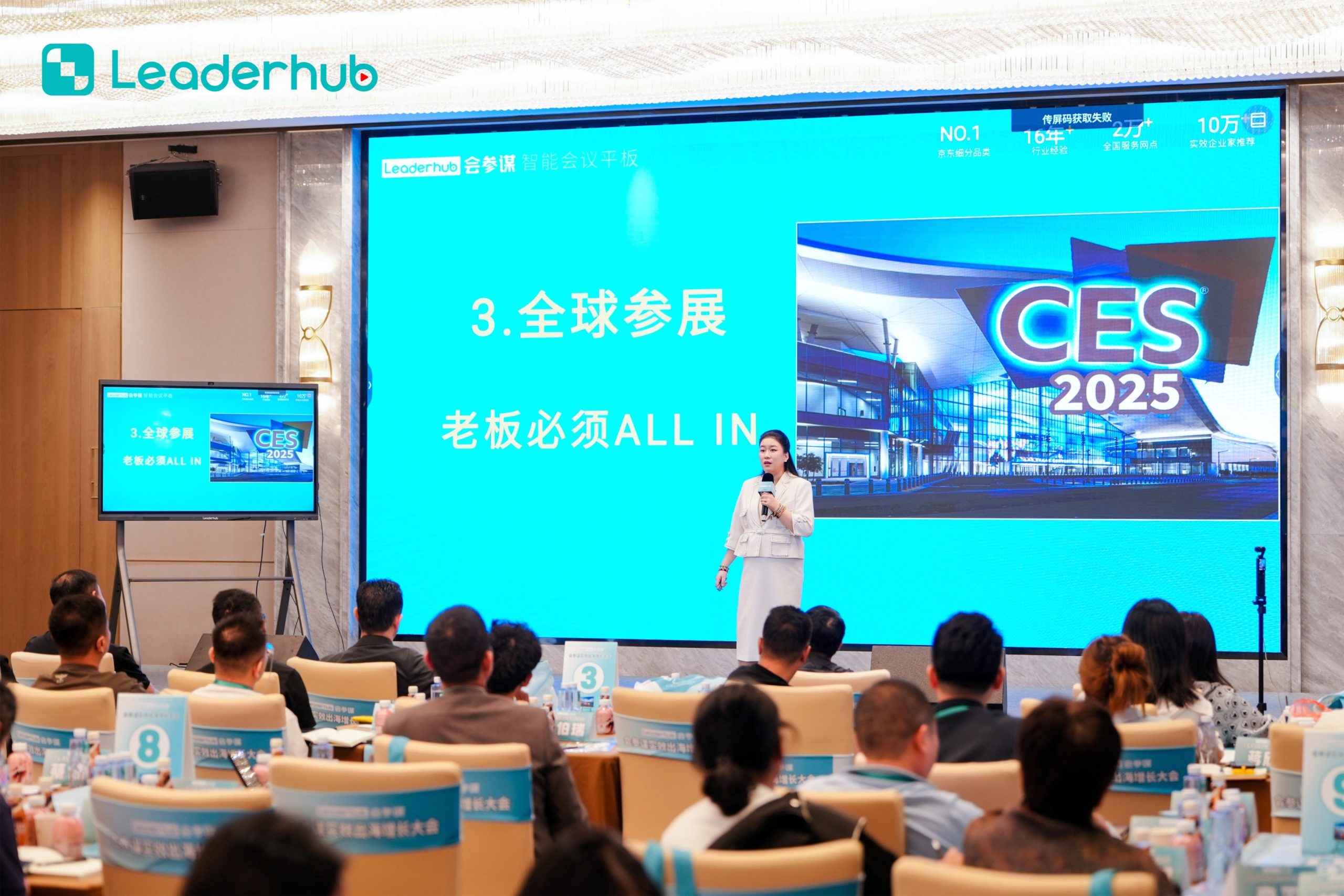
Smart Board in Action
Experience interactive technology designed for modern education and business environments.
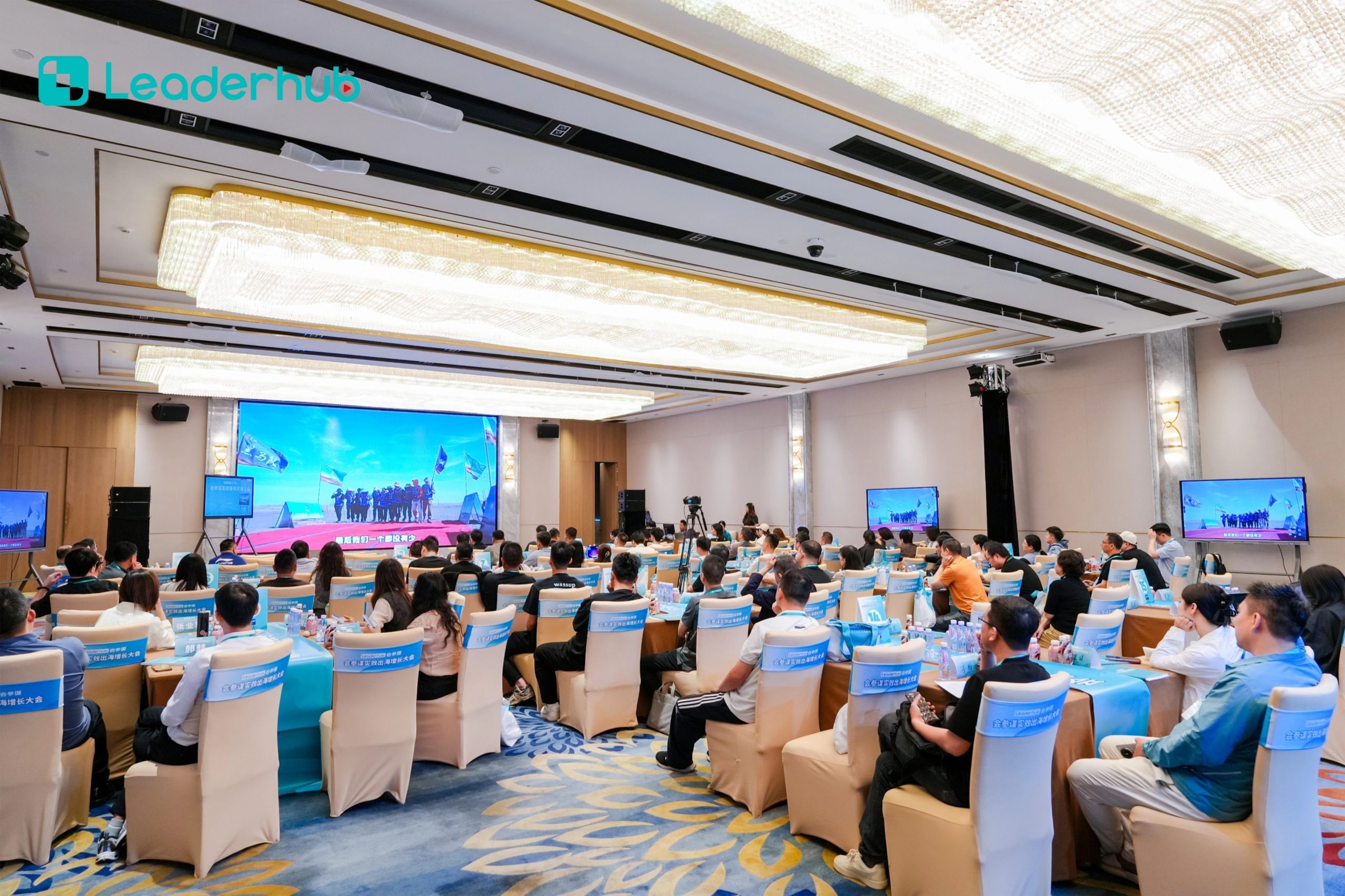
Interactive Display Demonstration
Explore intuitive touch interaction and smart collaboration features.
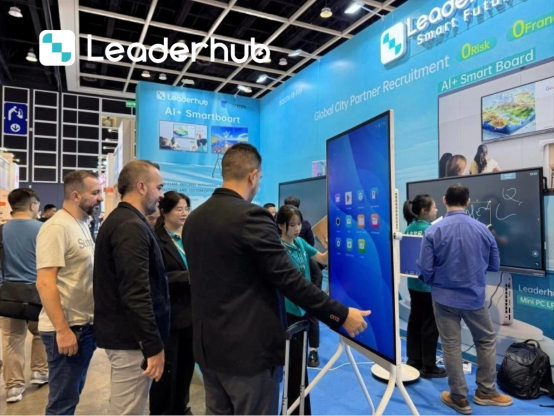
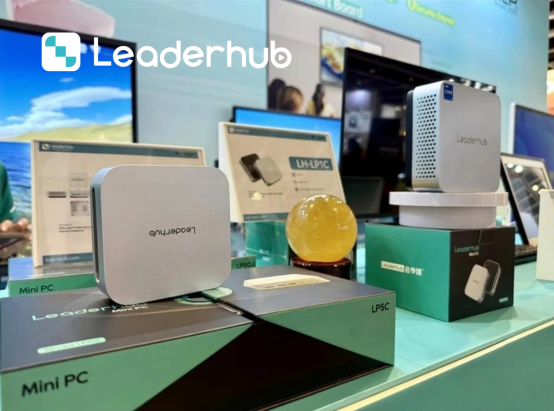
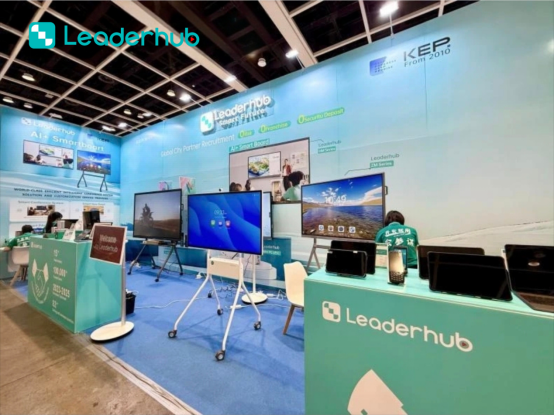
Meet LeaderHub at Global Electronics Exhibitions
We actively participate in major global electronics and educational technology trade shows. These exhibitions allow us to connect directly with school boards, system integrators, and distributors to demonstrate how our modern AI-driven solutions solve the historic paint points of early 2000s hardware.
Looking for a reliable smart board manufacturer? Meet us at our next trade show or contact our Shenzhen headquarters to discuss custom OEM/ODM solutions tailored to your region’s educational guidelines.



Ready to Upgrade Your Classroom or Collaboration Space?
Say goodbye to dusty screens, calibration headaches, and shadow casting. Step into the future of interactive learning with LeaderHub’s AI-integrated 4K displays.
