
Best Smart Board for Homeschool Learning and Interactive Teaching
Empower your home classroom with cutting-edge 4K interactive flat panels, AI whiteboard software, and versatile multi-touch displays engineered for engaging, futuristic education.
Transforming Home Education with Digital Precision
Why modern educators and parents are switching from chalkboards to AI interactive screens.
The homeschooling landscape has undergone a dramatic transformation. What once relied on static textbooks, printed worksheets, and dusty dry-erase whiteboards has evolved into a dynamic ecosystem driven by digital exploration, interactive simulations, and real-time visual collaboration. Selecting the best smart board for homeschool setups is no longer a luxury reserved for top-tier private academies—it has become a foundational tool for parents who seek to deliver modern, immersive learning at home.
A high-performance smart board for homeschool environments bridges the gap between digital content and tactile learning. Children can physically touch, annotate, drag, rotate 3D models, and solve math equations directly on a high-definition display. Whether teaching complex STEM subjects, practicing handwriting, hosting virtual field trips, or conducting online tutoring sessions via Zoom or Microsoft Teams, interactive panels convert passive screen time into proactive, multi-sensory education.
In this comprehensive guide, we examine the essential criteria for choosing an interactive display tailored specifically to home learning spaces. We will explore how LeaderHub’s advanced interactive flat panels and portable screens empower parents, tutors, and micro-schools to build a futuristic digital classroom without compromising space, safety, or budget.
Key Features to Look for in a Homeschool Smart Board
Must-have specifications for seamless home instruction and long-term durability.
Ultra HD 4K Resolution & Anti-Glare
Homeschool rooms often mix natural window light and artificial lamps. A 4K anti-glare tempered glass screen guarantees clear visibility from any angle while safeguarding small eyes against glare and flicker.
High-Precision 20-Point Touch
Multiple children can work on the board simultaneously. Zero-gap writing technology delivers smooth palm-rejection stylus input, making handwriting practice feel as natural as traditional pen on paper.
Dual OS (Android & Windows OPS)
Effortlessly switch between Android educational apps and full Windows software. Adding an OPS slot PC like the LeaderHub LP1C Mini PC converts the board into a powerful desktop PC.
Wireless Screen Mirroring
Stream lessons wirelessly from iPads, Android tablets, MacBooks, or Windows laptops. Share assignments instantly across up to 4 screens at once for quick feedback and interactive grading.
Integrated Camera & Mic Array
Built-in 4K cameras and noise-canceling microphone arrays make online tutoring, hybrid co-op classes, and remote family presentations crystal clear without cluttering your home with extra wires.
Flexible Mounting & Mobility
Not every home has a dedicated media room. Wall-mount your panel or attach it to a heavy-duty mobile floor stand or opt for rotating screens like the L277M to move between rooms easily.
Top Recommended LeaderHub Smart Boards for Homeschooling
Compare models crafted for versatile residential learning environments.
| Product Preview | Model & Specification | Best For | Key Feature | Price | Action |
|---|---|---|---|---|---|
|
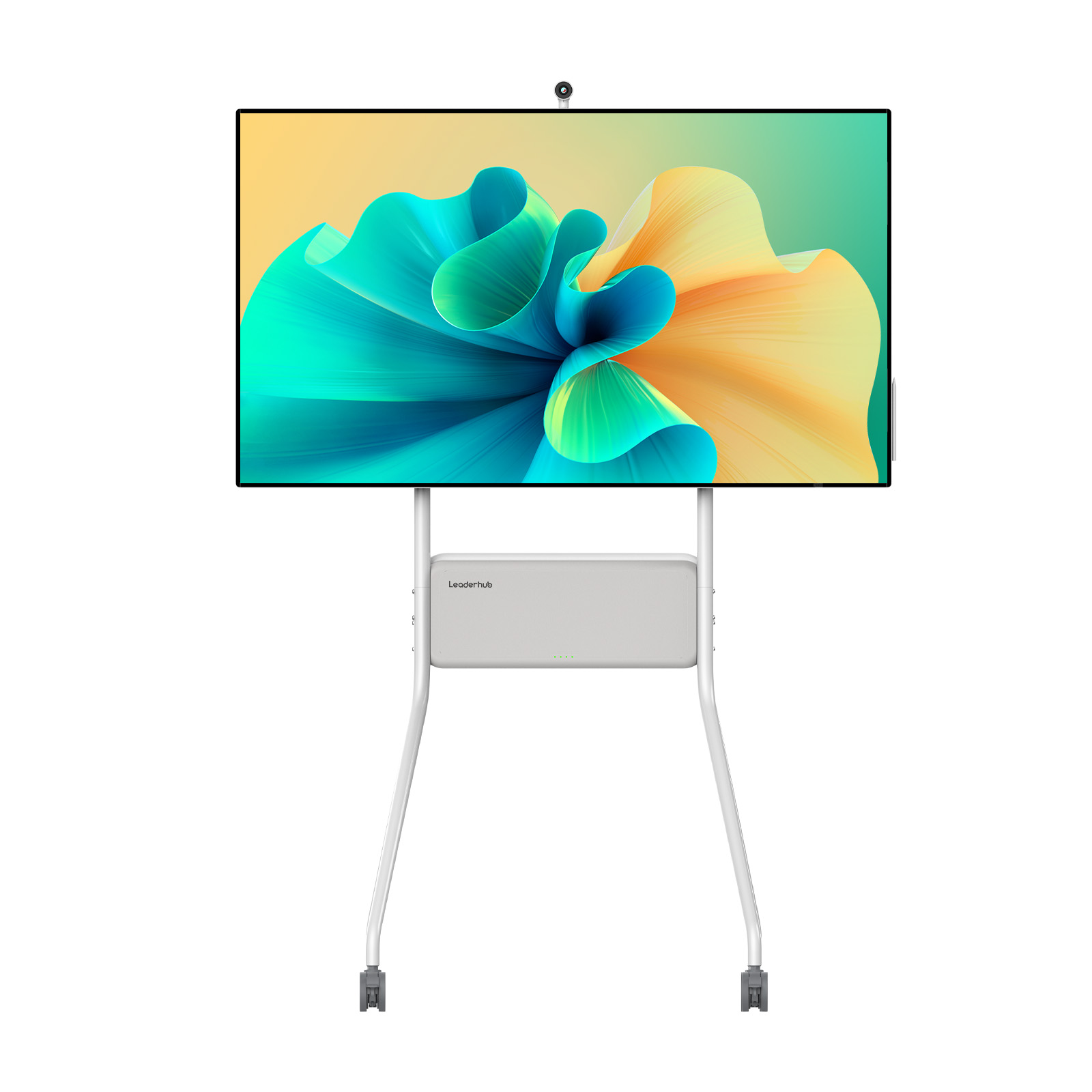
LeaderHub U55Pro (55″ 4K Mobile) | Small Homeschool Rooms & Portable Use | Mobile Stand, 4K Touch, Anti-Glare | $2,499.00 | View Specs |

|
LeaderHub L65HM (65″ 4K Touch) | Standard Home Classrooms & Micro-Schools | Dual Camera, 20-Point Multi-Touch, AI Board | $1,299.00 | View Specs |
|
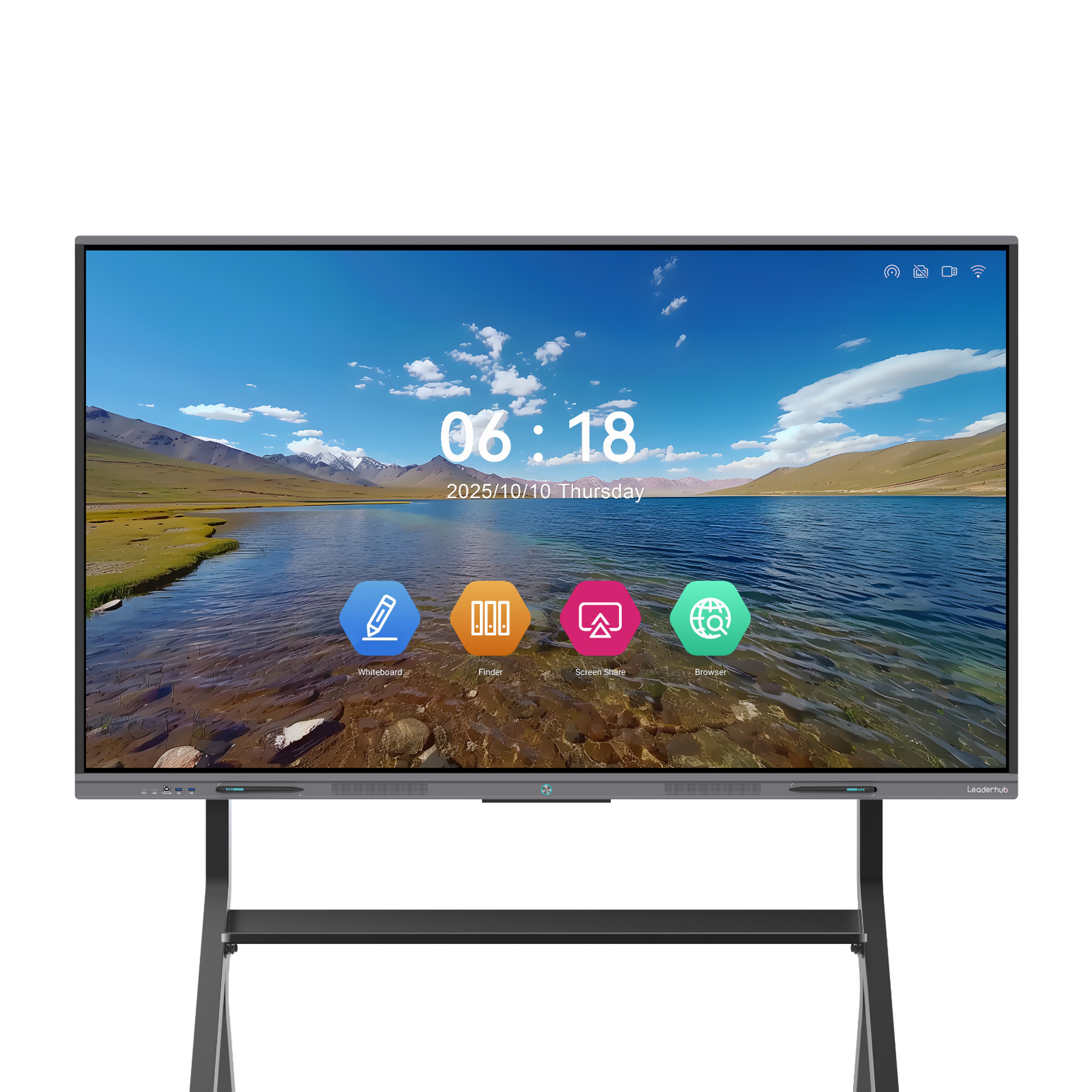
LeaderHub L75ZM (75″ 4K Panel) | Multi-Child Homes & Homeschool Co-ops | Expansive 75″ Canvas, Ultra-Smooth Pen Response | $1,399.00 | View Specs |
|
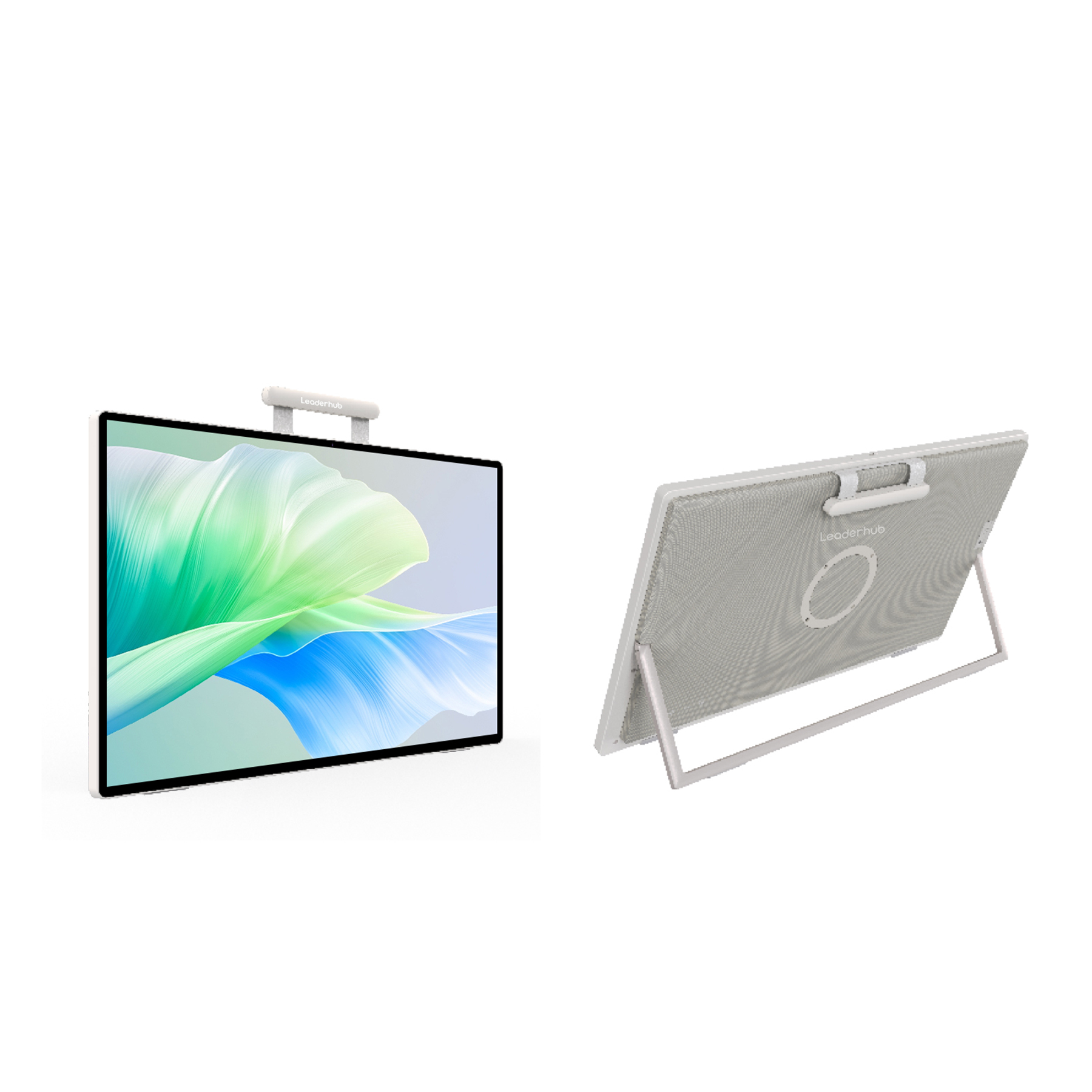
LeaderHub U24M (24.5″ Handheld) | Individual Tutoring & Desktop Study | Android 14, Built-in Battery, Portable Touch Screen | $699.00 | View Specs |
LeaderHub U55Pro 55″ Mobile Display
Ideal for homes where space flexibility is key. Features a integrated rolling stand, 4K screen, and smooth whiteboard suite.
LeaderHub L65HM 65″ Interactive Panel
Our top-rated 65-inch smart board for homeschool teaching. Includes seamless pen writing, app integration, and wireless cast.
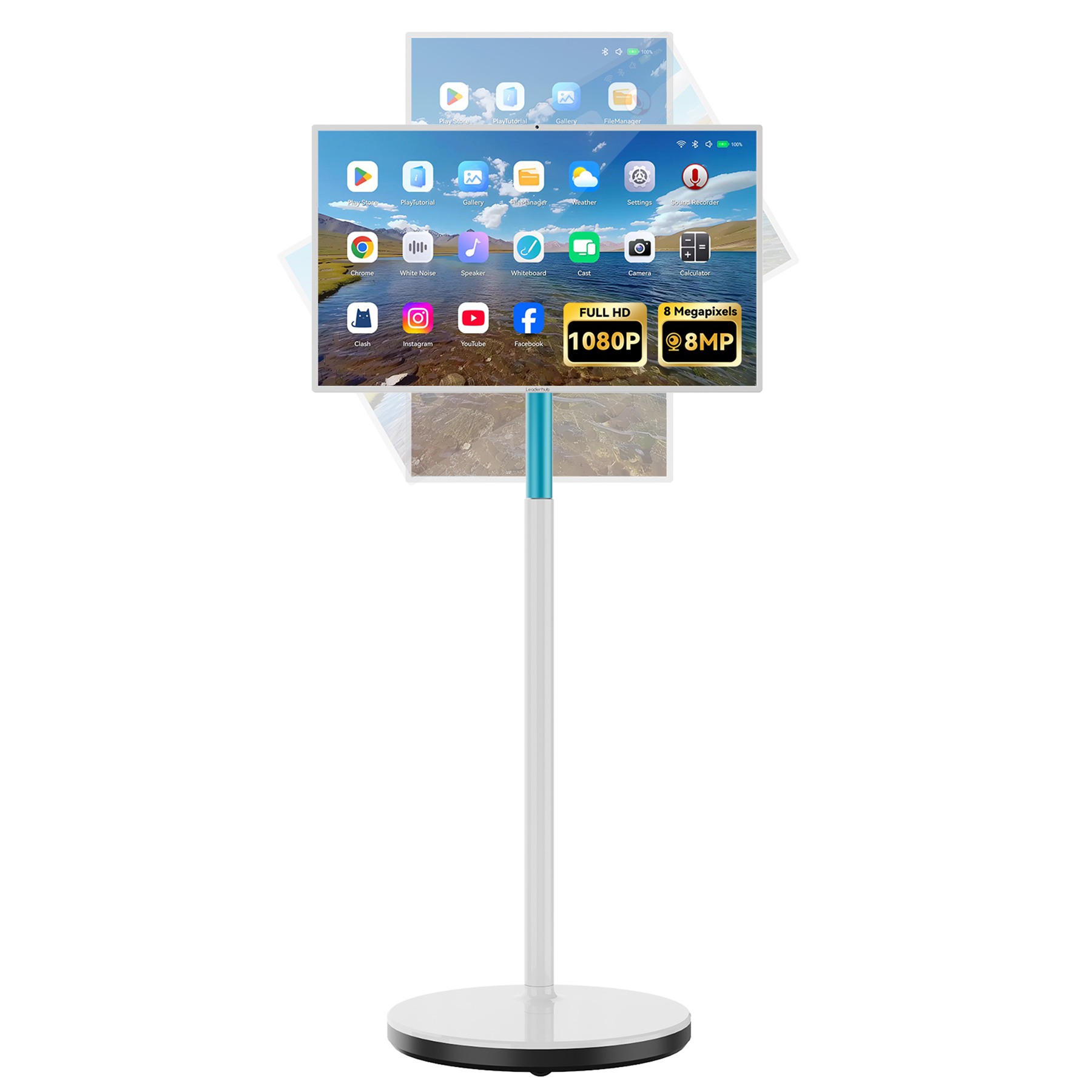
LeaderHub L277M 27″ Rotating Screen
Combines a mobile stand with portrait and landscape rotation. Built-in battery lets students learn in any room or outdoor patio.
Interactive Teaching Across Every Subject
How an AI-powered smart board elevates daily lessons into experiential journeys.
STEM & Interactive Math Simulations
Math and science often feel abstract on paper. With a smart board for homeschool environments, parents can run interactive PhET science simulations, manipulate 3D geometry models, and display step-by-step calculus equations with color-coded annotations.
Using touch gestures, kids can zoom into cellular structures, simulate chemical reactions without mess, or plot algebraic graphs in real time. Dual-pen technology allows parent and child to solve complex equations side by side on a split canvas.
Interactive Geography & Virtual Field Trips
Bring the world directly into your study room. Interactive displays make geography, history, and social studies come alive through 4K Earth exploration apps, virtual museum walk-throughs, and interactive map layers.
Instead of merely reading about ancient Rome, students can take 360-degree virtual tours of the Colosseum, sketch trade routes directly onto historical maps, and save their annotated research notes instantly as PDFs for future review.

Digital Art, Handwriting & Language Arts
Early learners benefit immensely from tactile letter-tracing and phonics practice. High-sensitivity stylus input mimics real brush and pencil textures, enabling digital painting without messy paint cleanup.
In language arts, teachers and students can analyze literature excerpts together, mark up sentence structures using bright digital highlighters, and play interactive vocabulary games that turn spelling practice into a fun, competitive event.

How to Setup an Interactive Homeschool Classroom
Four easy steps to integrate smart technology into your home learning environment.
Choose the Right Screen Size
Measure your available wall space or room floor area. For smaller study nooks, a 55″ display like the LeaderHub U55Pro or 27″ L277M is ideal. For larger dedicated classrooms or multi-student setups, choose 65″ or 75″.
Mount or Mobile Stand Selection
Decide whether a heavy-duty wall mount or a rolling mobile cart fits your lifestyle better. Mobile stands let you move the smart board between the living room, playroom, or home office with ease.
Configure Software & Dual OS
Install key learning tools such as Google Classroom, Khan Academy, Duolingo, and Zoom. Plug in a slot-in LeaderHub Mini PC for native Windows 11 access to desktop software.
Organize Digital Lessons
Establish cloud folder shortcuts (Google Drive / OneDrive) right on the whiteboard interface. Easily export daily whiteboard session notes directly to your child’s laptop or tablet via QR code scans.
Why Trust LeaderHub Interactive Displays?
16 years of innovation delivering educational and business tech across 82 countries worldwide.
AI Changes Life — Empowering Homeschool Families
LeaderHub is a global technology pioneer headquartered in Shenzhen with 16 years of expertise in interactive display panels, smart whiteboards, mini PCs, and rotating displays. Guided by our mission—“AI Changes Life”—we engineered accessible interactive technology that empowers both traditional schools and home educators.
Our commitment to rigorous safety, glare protection, zero-gap touch precision, and long-lasting build quality ensures your homeschool setup remains productive and future-proof for years to come.

Frequently Asked Questions
Answers to common questions regarding smart boards for home education.
Is a smart board suitable for a normal residential home?
Absolutely! LeaderHub designs versatile sizes starting from 24.5″ handheld screens and 55″ displays up to 86″ panels. A 55-inch display on a mobile cart fits perfectly inside standard home offices, playrooms, or living space corners without requiring heavy renovation.
Can I run popular homeschooling apps like Zoom, Khan Academy, or Google Classroom?
Yes. LeaderHub smart whiteboards run on Android with options for dual-OS Windows PC expansion. You can download educational apps directly or project lessons wirelessly from your iPad, MacBook, or Windows tablet in seconds.
How does eye protection work on LeaderHub interactive displays?
Our displays feature anti-glare tempered glass, low blue-light emission technology, and flicker-free backlighting. This ensures your children can read, draw, and interact comfortably for hours without suffering from visual strain common with standard screens.
Do I need an active subscription or mandatory software fees?
No mandatory monthly subscriptions are required. LeaderHub smart boards include built-in whiteboarding tools, screen recording, gesture controls, and wireless casting features right out of the box.
What is the difference between a 55″ smart panel and a rotating handheld screen?
A 55″ or 65″ interactive panel (such as the LeaderHub L65HM) is built for group wall/stand presentations. Portable rotating screens like the LeaderHub L277M feature internal rechargeable batteries and screen pivoting for 1-on-1 tutoring or individual study freedom.
Ready to Build the Ultimate Interactive Homeschool Classroom?
Explore LeaderHub’s full range of 4K smart whiteboards, portable screens, and Mini PCs designed to make every lesson engaging, interactive, and joyful.
